A podcast producer opens your email, spends eight seconds looking for a headshot, a bio and a topic list, and either replies or moves on. That is the real test of an author media kit. If you want to see what works, the best author media kit examples share one trait: they answer every question a host has before the host has to ask. Below, you will see what book bloggers and podcast hosts request most, how to lay it out, and how to turn it into a page-turning file with Flipbooks AI that you can send as a single link.
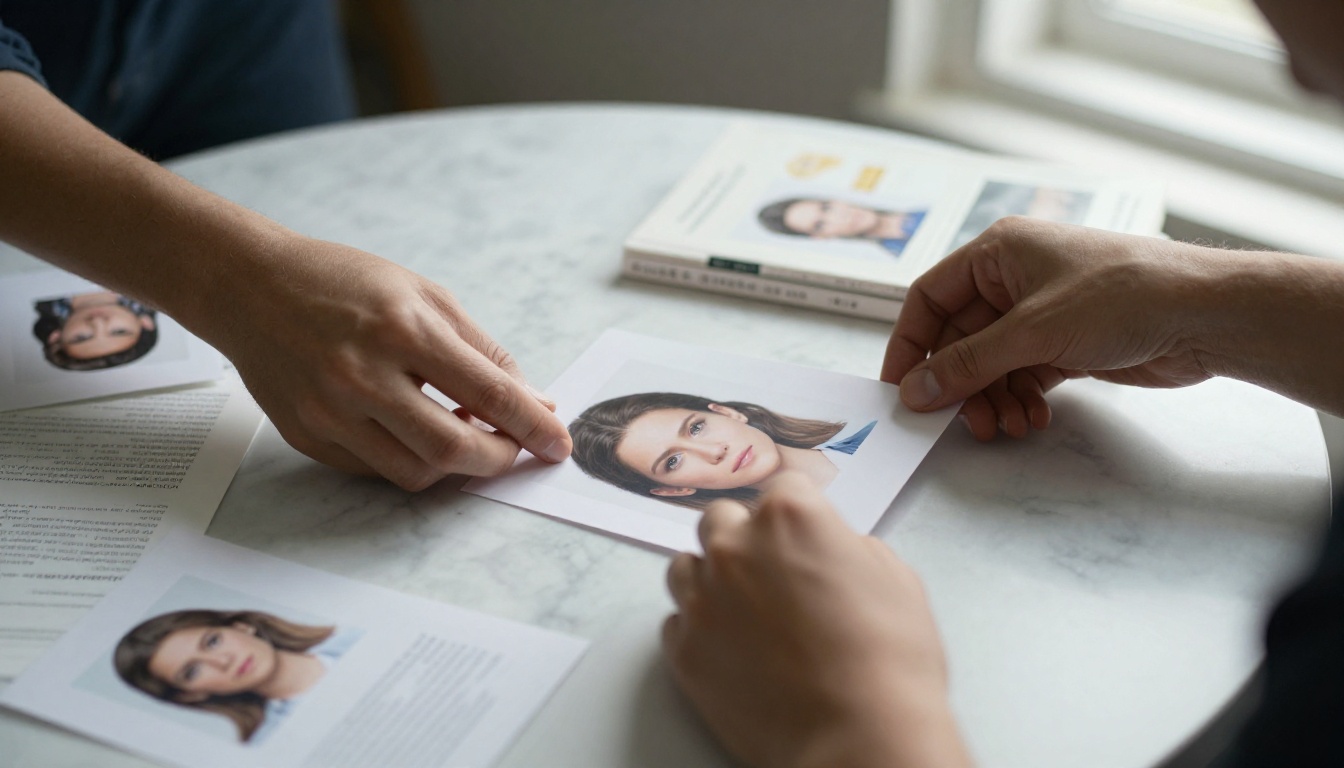
An author media kit (also called a press kit or one-sheet package) is a short, organized bundle of facts, images and talking points. Its job is simple: save the host time. It is not a sales brochure and it is not your whole website.
Think of it as the document a busy person forwards to a co-host with the note, "This one looks good." Everything inside should be ready to copy, paste and publish.
Media Kit vs. Press Release
A press release announces news. A media kit supports many pitches over months. You will update the kit each time a new book, award or appearance lands, while a press release is written once for one event.
Who Actually Reads It
Three groups open your kit most often:
- Podcast hosts and producers who need a bio, topics and booking details.
- Book bloggers and reviewers who want the blurb, review copy options and cover art.
- Event organizers and librarians who check speaking fees, formats and tech needs.
💡 Pro tip: Write the kit for the person who will introduce you on air. If the intro is easy to read aloud, you are halfway to a yes.
The Pieces Hosts Ask For Most
After reviewing common requests from review blogs, interview shows and bookstore events, the same items appear again and again. Here is the short list, ranked by how often they are requested.
| Element | Requested by | Ideal length or format |
|---|
| Short bio (read-aloud ready) | Podcasts, events | 75 to 100 words |
| Long bio | Bloggers, press | 250 to 300 words |
| High-resolution headshot | Everyone | 3000 px wide, two options |
| Book jacket image and blurb | Bloggers, retailers | Front image plus 120-word blurb |
| Suggested interview questions | Podcasts | 8 to 10 questions |
| Topic or talking points list | Podcasts, events | 5 topics, one line each |
| Review copy details | Bloggers | Formats, ISBN, how to request |
| Links and handles | Everyone | Website, newsletter, socials |
| Past appearances and quotes | Producers | 3 to 5 highlights |
The Short Bio
Hosts read this one aloud. Open with your credential or the result you deliver, then name your book, then add one human detail. Keep sentences short enough to say in one breath.
Example: "Maria Ortega is a former ER nurse turned novelist. Her debut thriller, Night Shift, follows a triage nurse who discovers a pattern in the patients who never come back. She lives in Tucson with two rescue greyhounds."
The Headshot
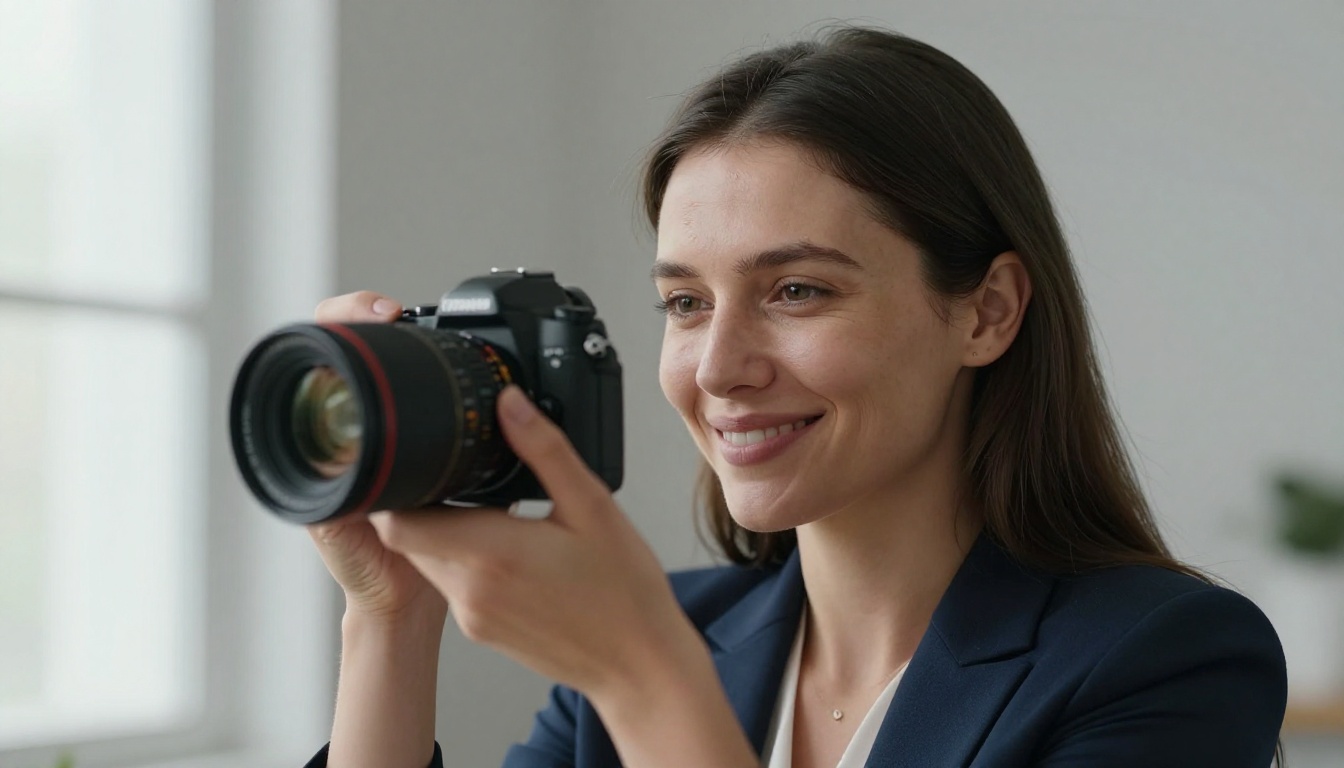
Provide two: one formal, one relaxed. Both should be sharp, with good natural light and a plain background. Hosts often pick the one that matches their show's tone.
Book Details and Review Copy Info
Bloggers want to know quickly: genre, page count, release date, formats, content notes and how to request a copy. A tiny line such as "Digital ARC available on request" removes friction and often earns the first reply.
No single layout fits every book. These three examples show how the same pieces change shape depending on the audience.
Example 1: The Nonfiction Expert
A business author's kit leans on credentials and takeaways. Page one is a bio with a clear promise. Page two lists five talking points framed as questions, such as "Why do most side hustles stall at month four?" Page three shows proof: client results, speaking history and two short testimonials.
Podcast hosts love this format because the questions double as an episode outline.
Example 2: The Novelist
A fiction kit sells mood. Use the jacket image, a gripping 120-word blurb, a pull quote from an early reader and a short "behind the book" note on how the story began. Add reading group questions if the book suits book clubs.
Book bloggers respond to this because they can borrow lines for their own posts.
Example 3: The Children's Author
Here the visuals lead. Include sample spreads, a classroom activity idea, school visit formats and pricing. Librarians and teachers need the logistics: group size, run time and tech requirements.
Side-by-Side Comparison
| Feature | Nonfiction expert | Novelist | Children's author |
|---|
| Lead element | Credentials | Blurb and mood | Sample spreads |
| Best proof | Results and testimonials | Early reader quotes | School and library feedback |
| Podcast hook | Question-based topics | Story origin | Creative process |
| Blogger hook | Excerpt chapter | Review copy offer | Activity sheet |
| Typical length | 4 to 6 pages | 4 to 5 pages | 6 to 8 pages |
✅ Best practice: Keep the kit under eight pages. A host who finds everything in under a minute will remember you as easy to work with.
What Podcast Hosts Want Inside
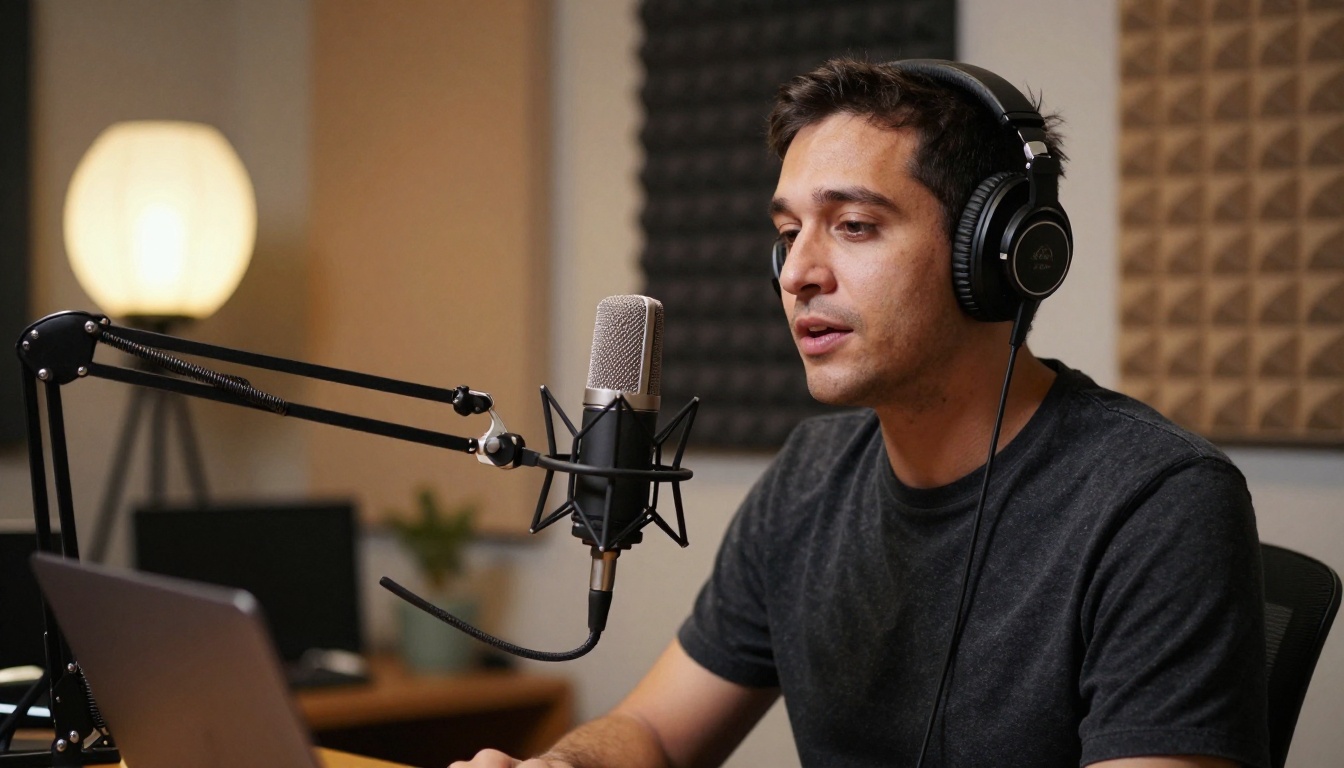
Podcasts have their own needs, and most authors miss them. A host is building an episode, not reading a catalog.
Interview Questions That Sound Natural
Offer 8 to 10 questions, mixing easy openers with deeper ones. Include at least two that tie to current conversations, since timely angles get booked faster.
- What made you write this book now?
- What is the biggest myth people believe about your topic?
- What surprised you during research?
- What is one thing a listener can do today?
- What would you tell your younger self?
Audio and Booking Logistics
State your time zone, availability windows, preferred recording setup and whether you can record video. Mention that you will share the episode with your newsletter. Hosts value guests who help with promotion.
A Ready-to-Use Audience Offer
Give listeners something small: a free chapter, a checklist or a discount code. Hosts like offers that make their audience feel rewarded, and you gain subscribers.
⚠️ Warning: Never attach a 40 MB PDF to a pitch email. Large files get blocked or ignored. Send a link instead.
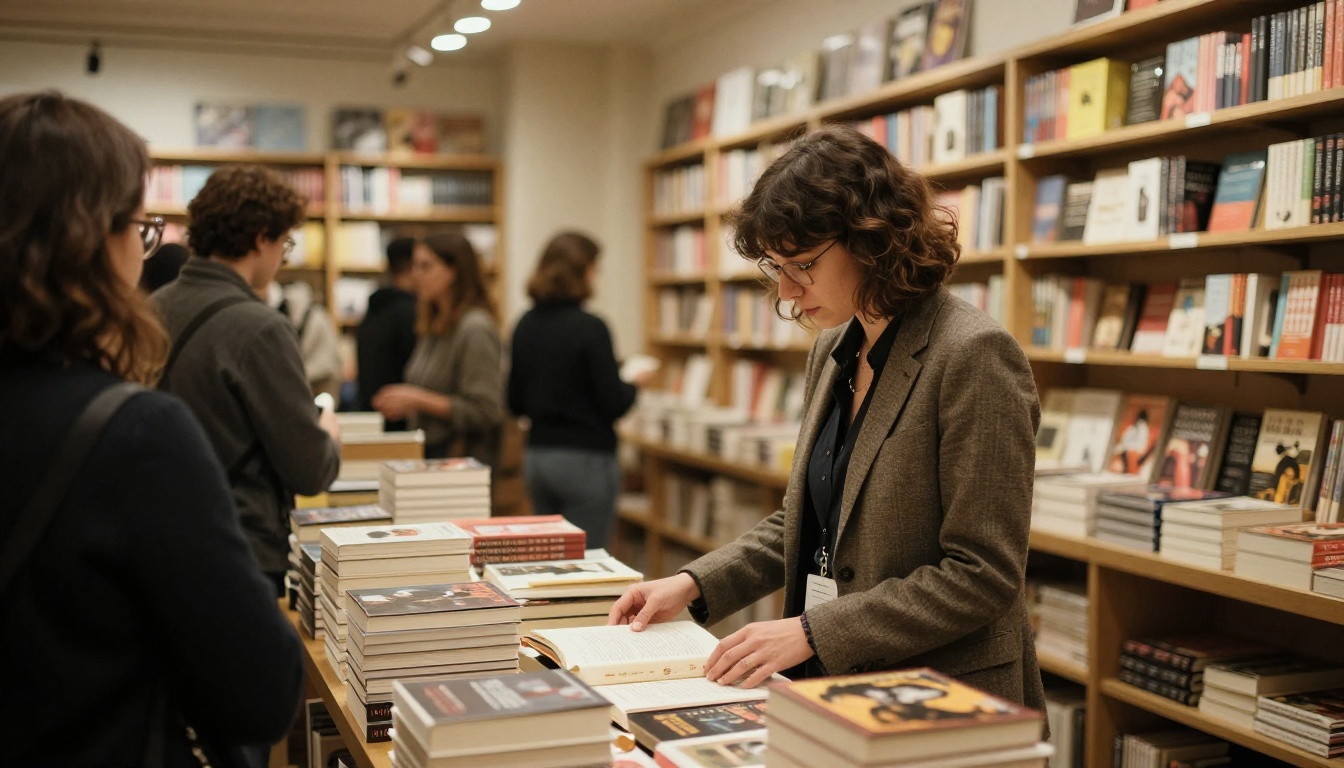
What Book Bloggers Want Inside
Bloggers operate differently. They are readers first, so they respond to genuine fit and respect for their time.
Review Policy Clarity
Say plainly what you offer: an ebook, an audiobook code or a print copy. Mention your timeline and that you welcome honest reviews. Bloggers trust authors who do not demand five stars.
Shareable Assets
Provide graphics sized for social posts, a quote card, and a short author Q&A they can paste into a post. Fewer edits for them means more posts about you.
Content Notes and Comparisons
Many bloggers ask for "read-alikes." A line like "Fans of Gone Girl and The Silent Patient will find a similar slow-burn tension" helps them place your book in seconds.
| Request | Blogger value | Where to put it |
|---|
| Read-alike titles | Fast shelf placement | Page with the blurb |
| Content notes | Reader trust | Under book details |
| Social graphics | Ready-made posts | Final page or download link |
| Author Q&A | Free content | Mid-kit page |
| Review copy form link | Quick action | Last line of every page |
Why a Flipbook Beats a Plain PDF
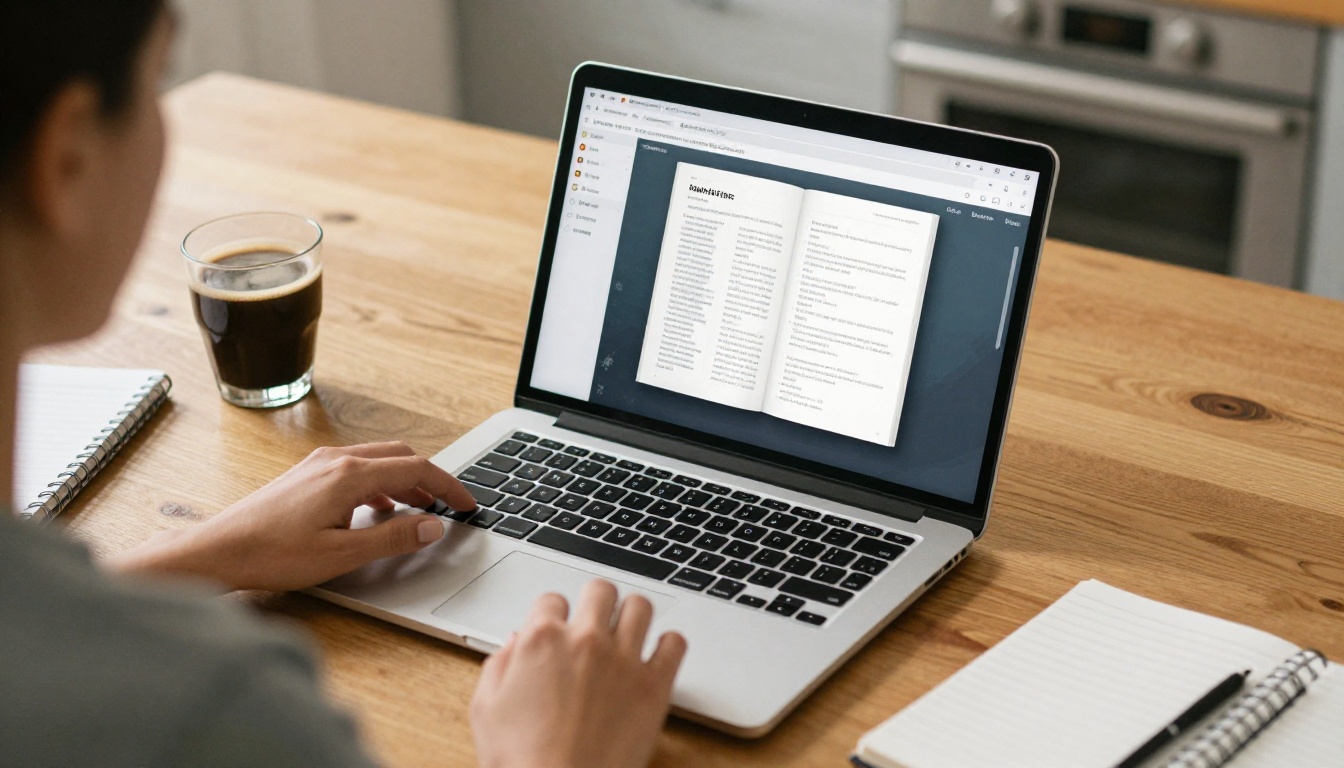
Most authors still send a PDF. It works, but it has real drawbacks: heavy files, awkward scrolling on phones and no insight into whether anyone opened it. A flipbook solves all three.
What Changes for the Reader
A flipbook loads as a link, turns pages smoothly and adapts to any screen. Embedded audio lets a host hear your voice before booking, and clickable buttons send them straight to your review copy form.
What Changes for You
You can update one link instead of re-sending files. With the Professional plan, analytics show how many people opened the kit and which pages held attention, and lead capture can collect emails from interested hosts.
| Feature | Plain PDF | Flipbooks AI flipbook |
|---|
| Delivery | Heavy attachment | Single shareable link |
| Mobile reading | Pinch and zoom | Responsive pages |
| Audio and video | Not supported | Embedded clips |
| Updates | Re-send every time | Edit once, link stays |
| Open tracking | None | Analytics available |
| Privacy | None | Password protection |
| Watermarks | n/a | None, ever |
Related Tools Worth a Look
If your kit leans on visuals, the Press Kit Designer fits well. For a gallery of sample spreads or author photos, try the Digital Portfolio Creator. If you also want to give readers a free chapter, the Interactive E-Book Publisher turns your manuscript excerpt into a flipbook.
Here is a step-by-step walkthrough you can finish in an afternoon.
Step 1: Build the Pages
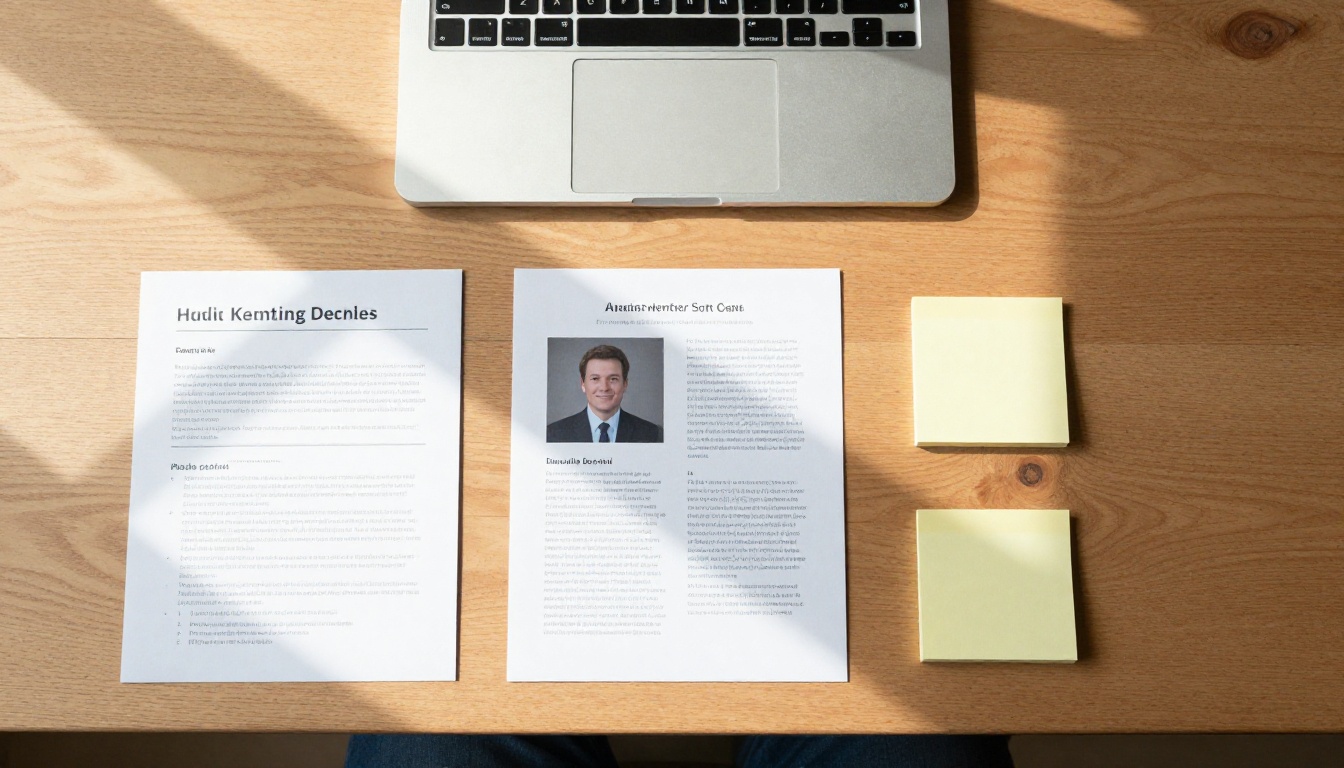
Design your pages in any tool you like (a word processor, Canva or a layout app) and export them as a PDF. Use one idea per page: bio, book, topics, questions, proof, contact.
Step 2: Upload and Convert
Create an account and upload your PDF. The PDF to Flipbook Converter turns each page into a turnable spread in seconds.
Step 3: Customize the Look
Match your branding: choose background colors, pick the page-turn effect and add your logo. Embed a 30-second audio greeting or a short reading clip so hosts hear your voice.
Step 4: Choose How to Share
You have three options:
- Direct link for email pitches and social messages.
- Embed code to place the kit on your author site via the Embed Flipbook on Website tool.
- Password protection for unreleased titles or review copy details.
Step 5: Track and Follow Up
With the Professional plan, check analytics a few days after sending. If a host opened the kit three times but did not reply, a friendly nudge often lands well. Offline downloads let hosts keep a copy for later.
💡 Pro tip: Put your kit link in your email signature. Every message becomes a quiet pitch.
Common Mistakes That Sink a Pitch
Even strong authors lose bookings to avoidable errors. Watch for these:
- Burying the contact info. Put it on every page footer.
- Writing bios in first person. Hosts need third person to read aloud.
- Stale links. Test every link monthly.
- Too many topics. Five focused topics beat fifteen vague ones.
- Low-quality images. A blurry headshot signals a careless author.
A Quick Pre-Send Checklist
- Does the short bio take under 30 seconds to read aloud?
- Are two headshots available in high resolution?
- Do interview questions match the show's style?
- Is the review copy request one click away?
- Does the link open correctly on a phone?
Send It and Book the Next Interview
A strong kit does not guarantee a yes, but it removes every reason for a host to hesitate. Keep it short, keep it current and make it easy to share. The authors who book the most shows are rarely the loudest; they are the most prepared.

Ready to build yours? Get started for free on Flipbooks AI, browse all flipbook tools to find the right layout, or compare pricing plans to see which one adds analytics and lead capture. When you are set, pick your plan and publish your first author media kit today.



