A trade buyer rarely reads your catalog. They scan it, hunting for five or six facts that decide whether you stay on the shortlist or get closed in a tab. If those facts are missing from a page, they do not email you to ask. They move to the next supplier. This B2B catalog checklist lists exactly what buyers expect on every page, and shows how to publish it as an interactive flipbook with Flipbooks AI so it stays accurate and easy to share.
Whether you run a factory, a distribution business or a small wholesale brand, the same logic applies: a catalog is a decision tool, not a brochure. Let's build it page by page.
Why Buyers Judge Pages in Seconds
Retail shoppers browse for inspiration. Trade buyers browse for elimination. A purchasing manager may compare 15 suppliers for one product line, so each page is tested against a mental list: Does it fit my spec? Can I afford the margin? Can you ship on time? Do you meet our compliance rules?

💡 Pro tip: Imagine the buyer must forward one page to their boss for approval. Could that single page stand alone? If not, it is missing something.
What Buyers Actually Want
Across industries, trade buyers ask for the same things:
- Exact specifications they can compare to their requirements
- Transparent pricing logic, even if final quotes are negotiated
- Minimum order quantities and pack sizes
- Lead times and stock status
- Proof of compliance such as certifications and test standards
- A fast way to order or request a quote
Where Most Catalogs Fail
The usual problems are old prices, missing dimensions, photos that hide scale, and ordering instructions buried on the last page. Each one adds friction, and friction costs you quotes.
The Page by Page B2B Catalog Checklist
Use the table below as a master audit. Every product page should pass each row.
| Element | What Buyers Expect | Common Mistake |
|---|
| Product name and SKU | Consistent naming, unique code per variant | Different names across pages |
| Clean photo | White or neutral background, true color, scale reference | Lifestyle shot only |
| Specifications | Dimensions, weight, material, capacity, tolerances | Marketing language instead of numbers |
| Pricing | Unit price or tiered breaks, currency, validity date | "Contact us" on everything |
| MOQ and pack size | Units per carton, pallet and minimum order | Hidden in terms |
| Lead time | In stock, days to ship, or production time | No estimate at all |
| Compliance | Certifications, standards, country of origin | Logos with no certificate numbers |
| Ordering path | Email, form link or order code | Generic homepage address |
The Product Name and SKU Rule
Buyers copy SKUs into purchase orders. Use one SKU format everywhere and place it in the same spot on every page. Variants (color, size, voltage) deserve their own codes, because an unclear SKU leads to wrong shipments and returned goods.
The Photo Rule
Show the product on a clean background first, then add context images. A buyer sizing a fitting wants to see the thread, not a smiling model. Include one scale reference such as a hand, a ruler or a standard object.

Specs That Close Deals
Specifications are the heart of any B2B page. If a buyer must call you to learn the diameter of a bolt, you have already lost ground.
Use Tables, Not Paragraphs
A short spec table beats a descriptive paragraph every time. Here is an example for a fictional stainless steel valve:
| Attribute | Value |
|---|
| Material | 316 stainless steel |
| Connection | 1/2 inch BSP female |
| Max pressure | 40 bar |
| Temperature range | -20 to 180 C |
| Weight | 0.42 kg |
| Certification | CE, ISO 9001 manufacturing |
Units and Standards
Show both metric and imperial when you sell across borders. State the testing standard behind any claim, for example "tested to ISO 4414" instead of "high durability." Numbers are believable. Adjectives are not.
⚠️ Warning: Never round specs in your favor. A buyer who finds a 2 mm discrepancy will question every other number in the document.

Compatibility and Alternatives
Add a line for compatible parts, replacement models and accessories. Buyers who find a spare part on the same page often add it to the order, which lifts average order value without extra selling.
Pricing, MOQs and Terms
Pricing is where B2B catalogs differ most from consumer ones. You may not want to publish every price, but you must give buyers enough to calculate.
Tiered Price Breaks
Volume tiers show buyers the reward for ordering more. A simple structure works:
| Quantity | Unit Price | Savings |
|---|
| 50 to 99 | $12.00 | Base price |
| 100 to 499 | $10.80 | 10% |
| 500 to 999 | $9.90 | 17.5% |
| 1,000 and up | Request quote | Custom |
Minimums and Pack Sizes
State the MOQ, the carton quantity and the pallet quantity. Buyers plan freight around these numbers, and a surprise minimum is one of the fastest ways to end a conversation.
Terms in Plain Sight
Put payment terms, Incoterms, currency and price validity on a dedicated terms page and repeat the validity date in the footer of every product page. Something like "Prices valid through December 31" prevents disputes.

✅ Best practice: If you cannot publish prices, publish a price range or a "from" price. It filters out unqualified inquiries while still giving serious buyers a reference.
Logistics and Compliance Details
Once a buyer likes the product and price, the next questions are practical: When will it arrive, and is it legal to sell?
Lead Times and Stock
Show stock status per item: in stock, ships in 5 days, or made to order in 4 weeks. Even an honest "6 to 8 weeks" is better than silence, because buyers plan around dates.
Shipping Data
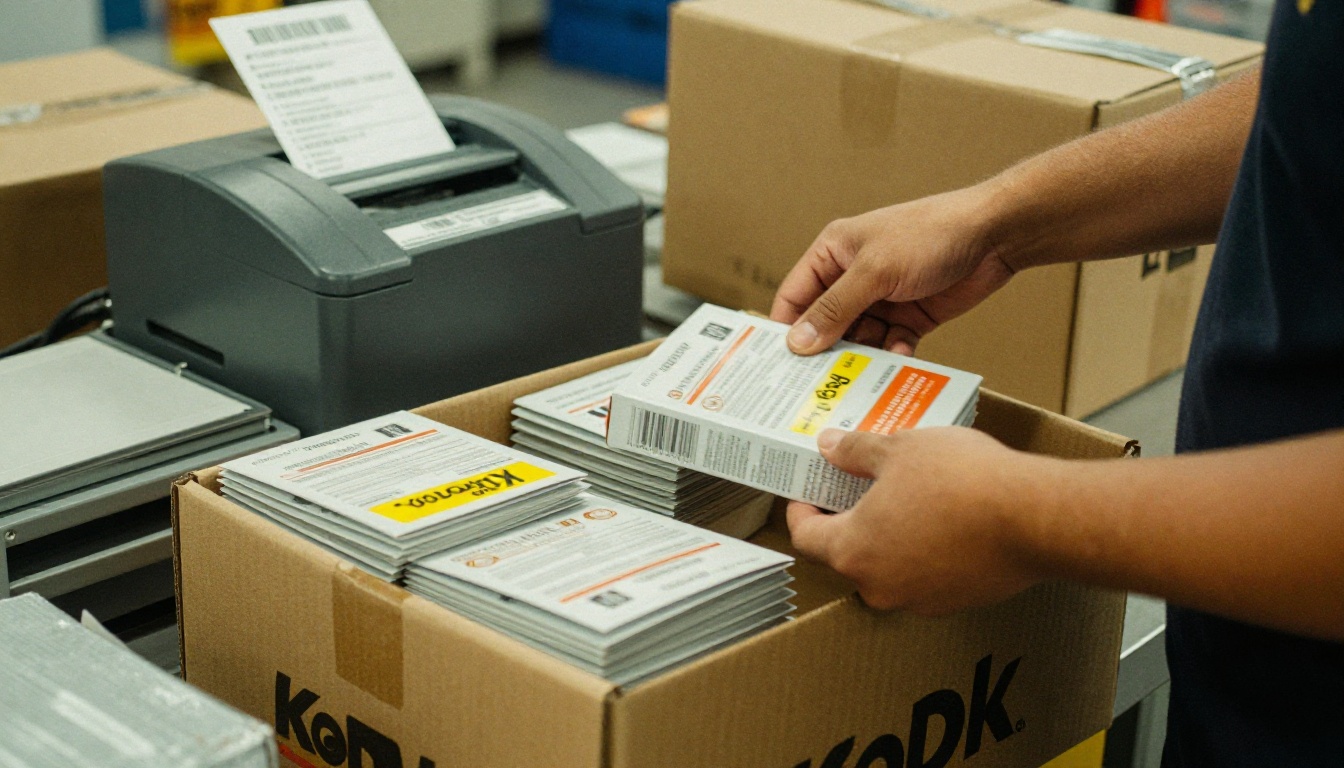
Include carton dimensions, gross weight, HS codes and country of origin. Importers need these for customs paperwork, and offering them upfront saves a round of emails.
Certifications That Matter
List certificate numbers, not just logos. Typical examples:
- CE or UKCA marking for sale in Europe and the UK
- RoHS and REACH for electronic or chemical content
- ISO 9001 for quality management
- FDA or food contact declarations where relevant
- Safety data sheets for materials that require them
Link each certificate to a downloadable PDF so procurement teams can file it immediately.
Navigation and Design That Helps Buyers
A great page can still fail if the document around it is hard to use.
Structure the Catalog Like a Buyer Thinks
Group products by application or category, not by your internal production order. Add a table of contents, running section headers and an index of SKUs at the back. Buyers searching by part number should find it in under ten seconds.
Mobile Reading Matters
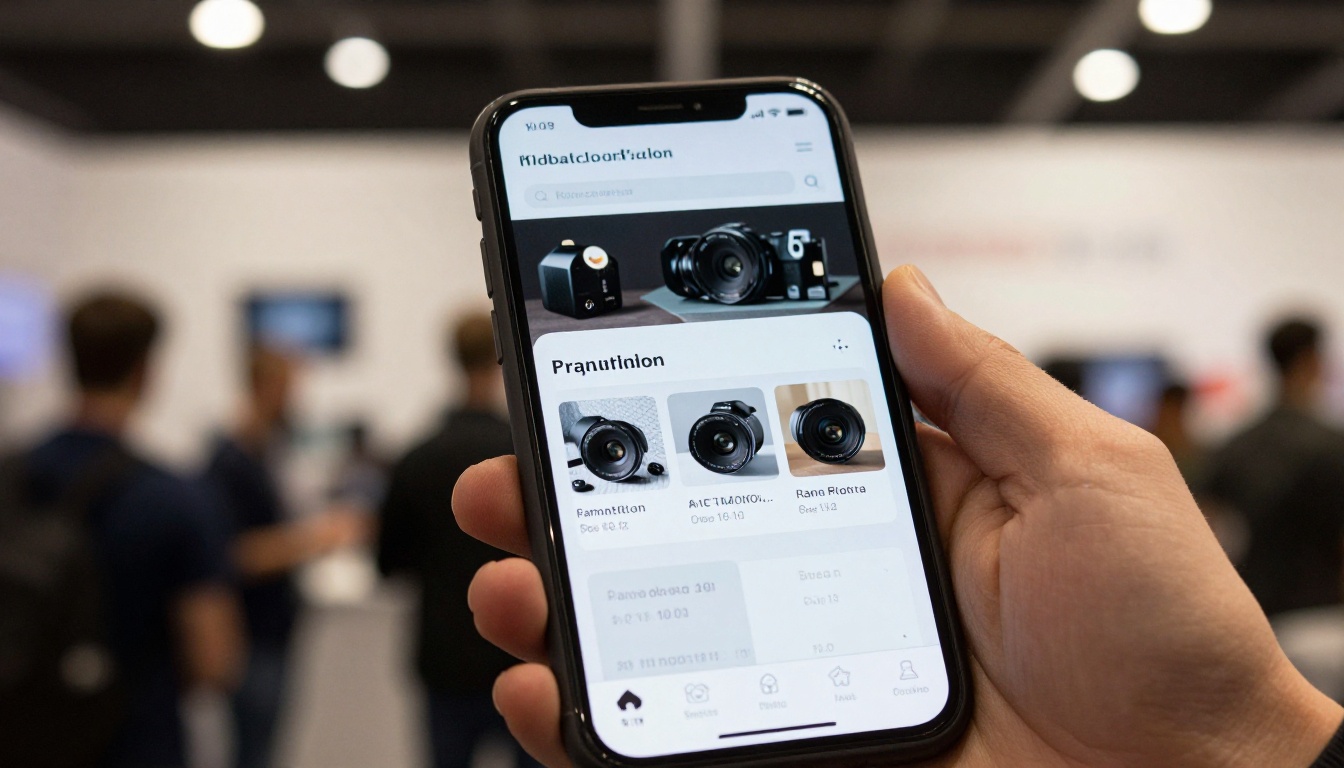
Many buyers open catalogs on a phone between meetings or on a trade show floor. Tiny tables in a static PDF force them to pinch and scroll. A responsive digital format fixes that.
Print vs PDF vs Flipbook
| Format | Strength | Weakness |
|---|
| Printed catalog | Great for trade shows and sales visits | Outdated quickly, costly to reprint |
| Static PDF | Easy to email | Heavy, hard on phones, no tracking |
| Interactive flipbook | Responsive, linkable, trackable, instantly updated | Needs a short setup |
Real World Examples
A Fastener Manufacturer
A mid sized fastener maker restructured each page to show a spec table, a price tier box and a compliance strip. Inquiries became more specific, because buyers arrived already knowing the thread size and finish they needed. The sales team stopped answering basic questions and started quoting.
A Furniture Wholesaler
A wholesaler of commercial furniture added carton dimensions, assembly time and lead time to every page. Interior designers could plan deliveries without calling, and repeat orders rose because the catalog worked as a reorder sheet.

💡 Pro tip: Ask two existing customers to mark up a printed copy with a pen. Wherever they circle or write a question mark, a fact is missing.
How to Create a B2B Catalog Flipbook with Flipbooks AI
Once your pages pass the checklist, publish them in a format buyers can actually use. Here is the process with Flipbooks AI.
- Get started. Create an account in a minute.
- Upload your PDF. Drop in your catalog and let the PDF to Flipbook Converter turn it into a page flipping flipbook. For a faster start, the Product Catalog generator and the Digital Catalog Maker are built for this use case.
- Customize it. Add your logo, brand colors and page effects. You can also embed product videos and audio, such as a short demo of a machine in operation.
- Add price protection. Use password protection so wholesale pricing is visible only to approved accounts.
- Share it. Send a direct link, or use the Embed Flipbook on Website option to place the catalog on your trade portal.
- Track results. On the Professional plan, analytics and lead generation show which pages buyers read and who they are. See the pricing plans for details.
You also get offline downloads for buyers with poor connectivity, mobile responsive layouts, custom branding and no watermarks, ever. The Standard plan and above include unlimited flipbooks, so you can publish a separate catalog for each region or product line.

Keep One Source of Truth
Update the PDF, replace it in your flipbook, and every shared link shows the new version. No more emailing "please disregard the previous catalog."
A Quick Pre Send Audit
Before you share any catalog, run this list:
Three Common Mistakes
- Hiding the ordering path. Put it in the footer of every page.
- Mixing marketing copy with specs. Keep a clear visual split.
- Letting versions drift. Name each edition and date it.
Ready to Publish Yours?
A buyer friendly catalog is built from small, repeatable decisions: the same spec table, the same price box, the same ordering line on every page. Do that consistently and your catalog starts working as a quiet salesperson that never takes a day off.
Ready to turn your PDF into an interactive catalog? Get started for free on Flipbooks AI. Browse all flipbook tools and templates to find the right fit, or compare pricing plans to see which one suits your sales team. When you are ready to go live, choose your plan here.



