Every August the same scene plays out: parents arrive with a crumpled supply list, a child who has outgrown last year's blazer, and about twenty minutes of patience. If your shop hands them a printed price sheet that was outdated by Tuesday, you lose the sale to whoever shows a clean, searchable catalogue on a phone. These back to school catalogue ideas for stationery and uniform shops are built for exactly that moment. Everything here can be built as a page-turning digital catalogue with Flipbooks AI, shared by link, and updated without a print run.
💡 Quick win: Send the catalogue link to parents in July, not August. Shops that publish early capture the "I want to get this done" shoppers before the crowds arrive.
Why Catalogues Win in August
Back to school is the most predictable buying season a stationery or uniform retailer has. The dates are fixed, the lists are fixed, and the budget is already set aside. What is not fixed is where the parent spends it. A catalogue gives you the chance to be the answer before they open a search engine.
The Parent's Real Problem
Parents rarely want inspiration. They want certainty: which items are required, which are optional, how much it will cost, and whether the right size is in stock. A good catalogue answers all four questions on the first spread.
Why Digital Beats Printed
A printed catalogue is frozen the day it leaves the press. A digital one changes when your stock changes. Compare the two:
| Factor | Printed Catalogue | Digital Flipbook |
|---|
| Cost per update | Full reprint | Replace the PDF |
| Sharing | Handed out in store | Link, QR code, email, social |
| Price changes | Stickers and corrections | Live within minutes |
| Reaches out-of-town parents | Only by post | Instantly |
| Tracks interest | No | Yes, with analytics |

Page Layout Ideas That Sell
Most shop catalogues fail because they are organized the way the shop thinks, by supplier or aisle. Parents think by child, grade and list. Build around that.
Start With a Grade Finder
Open with a one-page index: Reception, Grade 1 to 3, Grade 4 to 6, Middle School, High School. Each grade links to its own section. Inside a flipbook, those links jump straight to the right page, so a parent of a seven year old never sees high school calculators.
Use a Checklist Spread
Give every grade a spread that mirrors the school's official supply list, with a price beside each line and a total at the bottom. Parents love ticking things off. It also lets you display your good, better, best options without feeling pushy.
Separate Required From Optional
Mark required items with a bold label and optional extras with italics. Optional items are where your margin lives: fancy pencil cases, scented erasers, premium backpacks, spare socks.
Put Uniform Sizing on a Single Page
Uniform returns are expensive. A clear size chart with measurement instructions, photographed on a real garment, prevents the most common mistakes. Add a note on how much room to leave for growth.
⚠️ Warning: Never publish a uniform page without the school's exact colour names. "Navy" can mean four different shades, and parents will blame you for the mismatch.

Bundle Ideas Parents Actually Buy
Bundles do two jobs: they save the parent time and they raise your average basket. The trick is to build them around the school's list, not around what you want to clear from the back room.
The Grade Starter Kit
Package everything on a grade's list into a single page with one price and a small discount. Name it clearly, such as "Grade 3 Complete Kit"-style labels are easy to understand, but keep wording simple: "Grade 3 Supply Kit".
The Uniform Bundle
Group blazer, two shirts, tie, trousers or skirt and a PE kit. Show the total saving against buying separately in a small table.
The Second Child Discount
Siblings are common. A line such as "Buying for two children? Ask about our family rate" turns a single sale into a relationship.
Here is a sample bundle table you can adapt:
| Bundle | Typical Contents | Suggested Saving | Best Placed |
|---|
| Grade Starter Kit | Notebooks, pencils, ruler, glue, folders | 8 to 12% | Start of each grade section |
| Uniform Essentials | Shirts, trousers or skirt, tie, socks | 10% | Opening uniform spread |
| Backpack Combo | Backpack, pencil case, water bottle | 10 to 15% | Mid catalogue feature page |
| Teacher Gift Set | Pens, notepad, card | 5% | Closing page |
| Sibling Pack | Any two kits | Flat family rate | Last page before ordering |

Photography That Builds Trust
Stock images of smiling strangers rarely convince anyone. Photos of your shelves, your garments and your products tell parents the stock is real.
Shoot Uniforms on Real Children
If you have permission from families, photograph the uniform on a child standing naturally. Parents want to see how a blazer sits on shoulders, not how it hangs on a hanger. Use soft side light and a plain wall.
Flat Lays for Stationery
Arrange supplies from above on a neutral surface. Group by colour for a tidy look, and keep props to a minimum. One pencil case, one notebook stack, one ruler. Clean beats busy.
Show the Shop Itself
A single photo of your front window or your shelves helps local parents recognise you. It reinforces that you are a real neighbourhood business, not an anonymous web store.

How to Build It With Flipbooks AI
Here is the practical part. If you can export a PDF from any design or word processing tool, you can publish a flipbook. The PDF to Flipbook Converter handles the conversion, and the Product Catalog tool suits stationery ranges well.
Step by Step Tutorial
- Create your account. Visit Flipbooks AI and sign up.
- Prepare your PDF. Lay out each grade as its own section. Use real photos and clear price lines. Keep file size reasonable so pages load quickly on a phone.
- Upload and convert. Drop the PDF into the converter. Your pages turn into a flipbook with realistic page effects in a few moments.
- Apply your branding. Add your shop logo, choose colours that match your signage, and pick a background that does not compete with the products.
- Add links and media. Link the grade finder to its sections. Embed a short video of your uniform fitting service or an audio greeting if you like.
- Set sharing options. Copy the direct link, generate a QR code for the shop door, or use the Embed Flipbook on Website option to place it on your homepage.
- Protect private pricing. If you offer special school or wholesale rates, use password protection for that edition only.
- Track results. Check analytics to see which pages parents open most, then adjust next season.
✅ Best practice: Keep one public edition and one password protected edition for schools and teachers. It lets you quote institutional pricing without exposing it.
What Each Plan Offers
Features such as analytics and lead generation sit in the Professional plan. See the full pricing plans before you decide.
| Need | What to Use | Why It Helps |
|---|
| Remove branding clutter | No watermarks, ever | Looks like your own catalogue |
| Many seasonal editions | Unlimited flipbooks (Standard and above) | One per school, one per season |
| School only pricing | Password protection | Keeps wholesale rates private |
| See what parents read | Analytics (Professional) | Stock the right sizes next year |
| Collect orders and contacts | Lead generation (Professional) | Build a mailing list |
| Shoppers with poor signal | Offline downloads | Browse in car parks and queues |
Real Shop Scenarios
Examples help more than theory, so here are three situations you can copy.
The Corner Stationery Shop
A small shop with six hundred products cannot print a catalogue for every grade. Instead, it publishes one flipbook with a grade finder, shares the link in the school's parent group, and prints a QR code for the shop door. Parents browse at home, then arrive with a screenshot of what they want. Queue time drops, and the owner prepares orders ahead of arrival.
The Dedicated Uniform Supplier
A supplier serving three schools builds one flipbook per school, each with that school's colours, crest and exact item codes. Each edition lives behind its own link, and the school office pastes it into the new family welcome pack. No parent buys the wrong tie again.
The Mixed Shop
A shop that sells both stationery and uniforms can split the catalogue into two clear halves: "What your child wears" and "What your child carries". A single closing page presents the combined family bundle. Browse the Digital Catalog Maker for a quick layout starting point.

A great catalogue still needs readers. Follow a simple calendar and the work pays off.
A Six Week Calendar
| Week | Task | Channel |
|---|
| 6 weeks before | Collect official school lists | Schools, parent groups |
| 5 weeks before | Photograph products and uniforms | In shop |
| 4 weeks before | Build and publish the flipbook | Flipbooks AI |
| 3 weeks before | Share the link and QR code | Email, social, shop door |
| 2 weeks before | Post a reminder with a limited bundle offer | Social, newsletter |
| 1 week before | Update stock and sizes | Replace the PDF |
| Opening week | Share a "last chance for sizes" note | Messaging apps |
Where to Share the Link
- School newsletters and parent chat groups, where lists already circulate.
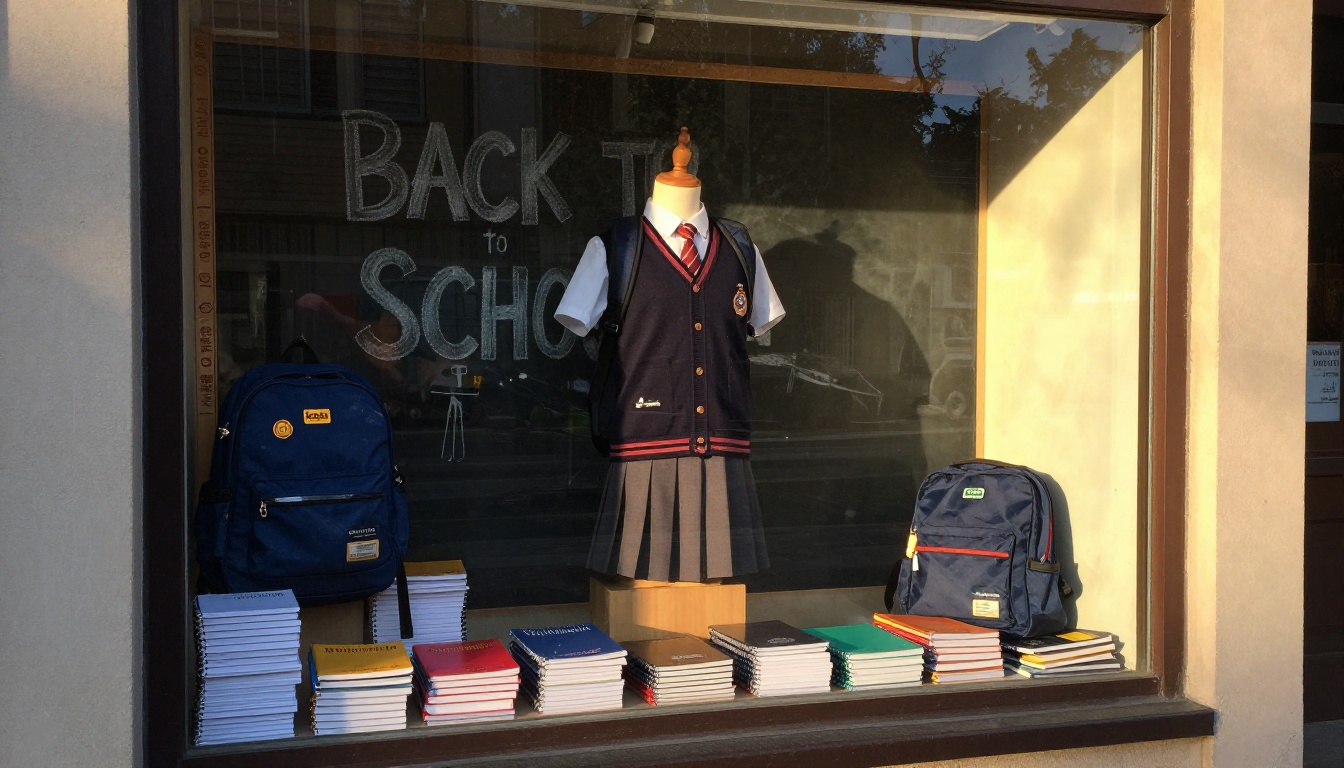
- Your shop window and counter, using a printed QR code.
- Receipts and bags, so every purchase promotes the next.
- Your website, embedded on the homepage so no visitor misses it.
- Email and messaging apps, with a short note and a single clear link.
If a school runs its own newsletter, the School Newsletter Creator can help you propose a co-branded edition that both of you share.
Mistakes to Avoid
Even good catalogues stumble on the same few problems. Check yours against this list.
Three Common Errors
- Too many pages. Parents give you a few minutes. Keep each grade to two or three spreads.
- Missing prices. "Ask in store" sends shoppers to competitors who list the number.
- Outdated stock. Replace the PDF the moment sizes sell out, or you will frustrate customers.
Small Details That Matter
- Use large, readable type for prices.
- Keep one clear call to action per page.
- Test the flipbook on an old phone before publishing.
- Add a contact number on every spread, not only the last.
💡 Pro tip: Ask three parents to find one item in your catalogue without help. If they cannot do it in under thirty seconds, simplify the navigation.

Work With Schools and Teachers
Schools are your best distribution channel. A single message from the school office reaches every family at once.
Offer Schools a Private Edition
Create a password protected edition with school pricing, teacher discounts and bulk classroom packs. Share the password with staff only. The Course Material Publisher is a handy reference if you also supply workbooks or course materials.
Ask for the Official List Early
Schools publish lists late and change them often. Build a friendly relationship with the office so you receive the final list the day it is approved. Then you can publish in hours while competitors are still typing.

Ready to Publish Yours?
You do not need a designer, a print budget or a developer. You need a clear structure, honest photos and a link parents can open in one tap. Get started for free on Flipbooks AI, browse all flipbook tools to find the right template, or compare pricing plans to pick the edition limit that fits your shop. When you are ready to publish seasonal editions every year, create your account and choose a plan today.



