A good catalog used to take a designer, a week, and a budget most small brands did not have. Now an AI catalog generator can turn a folder of product photos into a polished layout before your coffee gets cold. The catch is that the tools are not equal. Some give you a pretty template and charge for every export. Others give you real automation but lock the good parts behind a paywall. This ranking compares the best AI catalog generators, including Canva, Venngage and several free options, and shows where a tool like Flipbooks AI fits once your PDF is ready to be shared.

What Makes a Catalog Generator Good
Before ranking anything, it helps to agree on what you are shopping for. A catalog is not a poster or a slide deck. It has repeating product blocks, prices, SKUs, and a structure people can skim fast. A generator that handles a single hero page well but falls apart at page 24 is not much use.
Layout Automation
The best tools let you build one product block and repeat it across dozens of pages. Look for data import from a spreadsheet, auto-flowing grids, and consistent spacing. If you have to drag every photo by hand, the "AI" label is mostly marketing.
AI Writing and Image Help
Useful AI features are specific. Product description drafts, background cleanup, color matching to your logo, and auto-resizing across pages all save real hours. Generic "magic design" buttons that produce one random layout are less helpful.
Export and Sharing
A catalog that only exports as a flat PDF is hard to track and hard to update. Sharing options matter as much as design. Can you send a link, embed it on a website, or protect it with a password? Can you replace a price without resending an attachment?
💡 Pro tip: Write down your three must-haves before you open any tool. A restaurant supplier needs fast price updates. A fashion label needs beautiful image handling. Different needs, different winners.
The Quick Comparison Table
Here is the short version. Details on each tool follow below.
| Tool | Best For | AI Features | Free Plan | Sharing Style |
|---|
| Canva | Brand-heavy catalogs with lots of photos | Magic design, text help, background tools | Yes, with limits on premium assets | PDF, link, some web publishing |
| Venngage | Business catalogs, price lists, infographic style | AI layout and writing help | Yes, with export limits | PDF and link, paid for more |
| Adobe Express | Quick multi-page layouts | Generative fill, text effects | Yes | PDF and link |
| Marq (Lucidpress) | Teams that need brand control | Template locking, data merge | Limited trial | PDF, link, print |
| Google Slides | Zero-cost basic catalogs | Limited | Yes | PDF and link |
| Flipbooks AI | Turning a finished PDF into an interactive flipbook | PDF conversion, page effects | See pricing | Link, embed, password |
Notice that the last row is not a design tool at all. It is the step after design, and it is where many catalogs quietly lose value. More on that later.
Canva: The Familiar Default
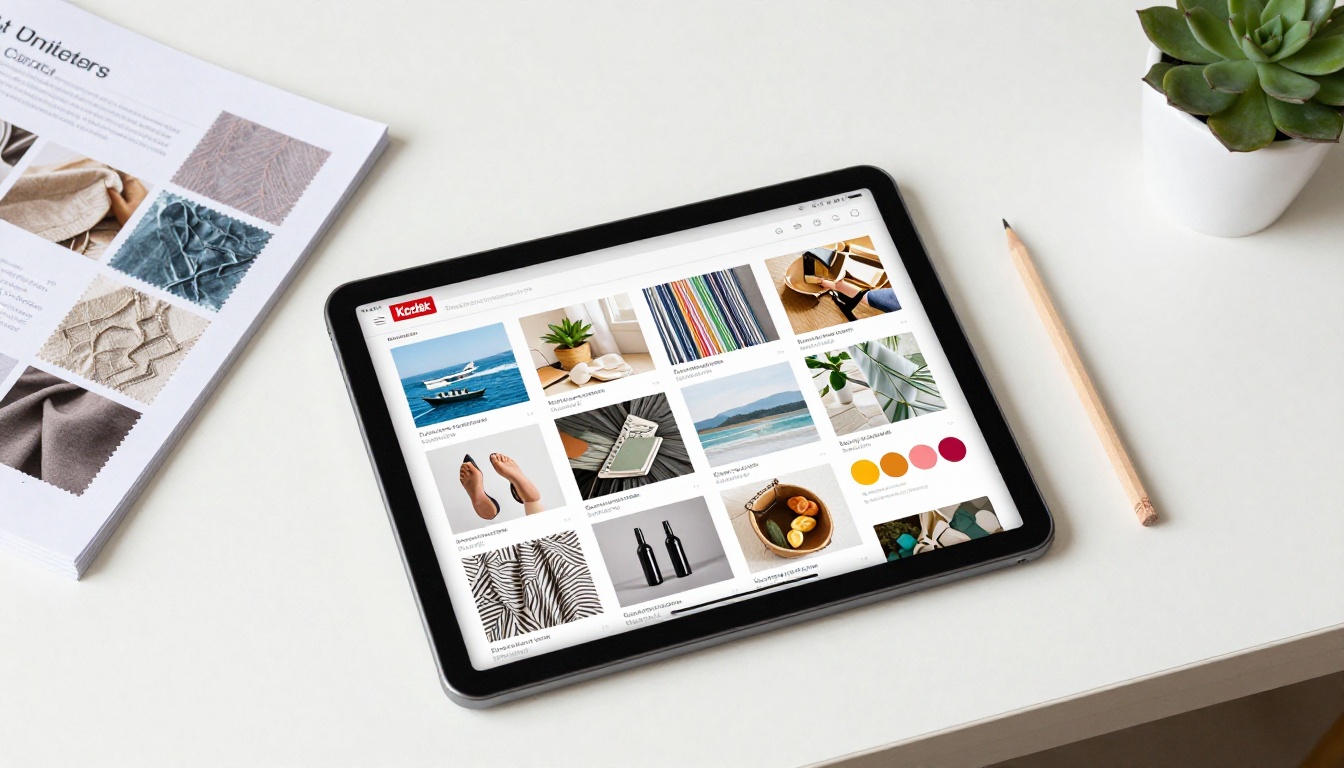
Canva is the tool most people already have open. That familiarity is its real advantage. You can start from a catalog template, drop in photos, and have a presentable draft in an hour.
Where Canva Shines
Image handling is excellent. Cropping, background removal on paid tiers, brand kits with saved colors and fonts, and a huge template library make it a strong pick for lifestyle products. A candle maker, a boutique, or a ceramics studio can get a warm, photo-led catalog without design training.
Where Canva Falls Short
Repeating product data is clumsy. Bulk creation exists, but it feels like a workaround when you have 300 SKUs. Many premium elements also carry a paywall, so a "free" catalog can quietly become a paid one the moment you choose the nicer template. Exports are mainly PDF, which means every update creates a new file to send around.
Best for: small product lines, brand-first catalogs, and anyone who wants a design they can tweak by eye.
Venngage: Structured and Business Friendly
Venngage grew up around infographics and business documents, and it shows. Its catalog and price list templates lean toward clean tables, icons, and clear hierarchy. If your products need specs, sizes, or comparison blocks, that structure helps.
Strengths
The layouts feel organized without effort. AI assistance can draft text and suggest layouts, and the editor makes it easy to place charts or spec tables beside a product photo. For B2B catalogs, such as industrial parts or wholesale goods, that clarity is valuable.
Limits to Watch
The free plan is workable for experimenting, but export restrictions can stop you right when the catalog is ready. Check what you can download before you invest an afternoon building pages. Photography-led brands may find the template look a bit corporate.
| Question | Canva | Venngage |
|---|
| Photo-led lifestyle catalog | Stronger | Good |
| Spec-heavy B2B catalog | Good | Stronger |
| Bulk product data | Possible, clunky | Possible, template based |
| Free export of finished file | Generally easier | Often restricted |
| Learning curve | Very low | Low |
⚠️ Warning: Free plans change often. Always test an export of a two-page sample before committing to a full build.
Free Picks Worth Your Time
Not everyone has a software budget. Several free options can produce a clean catalog if you accept a few trade-offs.

Adobe Express
The free tier includes templates, basic generative tools, and multi-page documents. It suits quick catalogs where you want a bit more polish than a slide deck offers. Some assets sit behind the premium tier.
Google Slides and Docs
Plain, but dependable. You can set a custom page size, build a product block once, and duplicate it. There is no real AI layout help, yet for a simple price list it costs nothing and everyone can open it. Pair it with a PDF export and you are done.
Free Tiers of Marq and Similar Tools
Template-locking tools such as Marq are built for teams, so free access is usually a trial. They are worth a look if several people edit the same catalog and brand consistency matters more than cost.
A Free Workflow That Actually Works
Many people combine tools instead of hunting for one perfect app:
- Build the layout in Canva, Adobe Express, or Slides.
- Export a high quality PDF.
- Convert that PDF into a shareable flipbook with the PDF to Flipbook Converter.
- Share one link and update the file when prices change.
How to Choose for Your Business
Features matter less than fit. Here is how different sellers usually decide.

Match the Tool to the Catalog Type
| Catalog Type | Priority | Good Starting Point |
|---|
| Fashion or lookbook | Big photos, mood | Canva, then a Fashion Catalog flipbook |
| Furniture | Variants, dimensions | Venngage plus a Furniture Catalog flipbook |
| Wholesale and B2B | Specs, price tiers | Venngage or Marq |
| Small handmade shop | Low cost, warm look | Canva free or Adobe Express |
| Price list only | Speed, easy edits | Google Slides or Docs |
Real World Examples
A ceramics maker photographs 40 pieces on a linen backdrop, builds a 20 page catalog in Canva, and sends a single link to gift shops. A furniture dealer needs dimensions and finish options on every page, so a spec-friendly layout in Venngage saves hours. A small restaurant supplier keeps prices in a spreadsheet and republishes a clean PDF every Monday.
Questions That Settle the Decision
- How many products will you list, and how often do prices change?
- Do you need a polished brand look or just clear information?
- Will buyers read on phones, in print, or both?
- Does anyone else need to edit the file?
- Do you need to see who opened the catalog?
If the last question matters to you, a flat PDF will frustrate you. That brings us to the step most rankings skip.
Why the PDF Is Not the Finish Line
Every generator above exports a PDF, and a PDF is fine for printing. For sending to customers, it has real problems. Files get large and bounce from inboxes. Old versions float around forever. You never learn whether anyone opened page three. And on a phone, a PDF means pinching and zooming.

What a Flipbook Adds
A flipbook takes the same PDF and gives it page-turn motion, a mobile friendly viewer, and a shareable link. Because the link stays the same, you can swap in a new PDF and every recipient sees the latest prices.
| Feature | Plain PDF | Flipbook |
|---|
| Mobile reading | Pinch and zoom | Responsive viewer |
| Updating prices | Resend the file | Replace behind one link |
| Password protection | Manual and weak | Built in |
| Website embed | Download link only | Embeddable viewer |
| Reader tracking | None | Analytics on the Professional plan |
| Watermarks | n/a | None on Flipbooks AI |
Where Flipbooks AI Fits
Flipbooks AI does not replace Canva or Venngage. It sits behind them. Design in whichever tool you like, then publish. For teams that skip design software entirely, the Digital Catalog Maker and the Product Catalog Generator turn an existing file into something shareable.
How to Publish a Catalog with Flipbooks AI
Here is the step by step version once your PDF is exported.

Step by Step
- Start an account. Create an account and open the dashboard.
- Upload the PDF. Drag in your exported catalog. The page conversion runs automatically and keeps text sharp.
- Customize. Add your logo, pick background colors that match your brand, choose a page-turn effect, and embed product videos or audio if you have them.
- Set sharing. Copy a direct link, grab an embed code for your website with the Embed Flipbook on Website tool, or add password protection for wholesale-only catalogs.
- Track and update. On the Professional plan, use analytics and lead generation to see who is reading. Offline downloads are available when a buyer needs the file without a connection.
✅ Best practice: Export at the final page size and keep images under a sensible resolution. Crisp pages and fast loading beat huge files every time.
What You Get
- No watermarks, ever
- Unlimited flipbooks on the Standard plan and above
- Mobile responsive display
- Custom branding
- Video and audio embedding
Compare the tiers on the pricing page to see which plan fits your volume.
Common Mistakes to Avoid

Three Slipups
- Choosing a template before checking exports. A beautiful design is worthless if the free plan blocks the download.
- Cramming too many products per page. White space sells. Aim for four to six items on a page at most.
- Sending a heavy attachment. Large PDFs get filtered or ignored. Send a link.
A Simple Pre-Send Checklist
- Check every price against your spreadsheet.
- Confirm product photos are sharp on a phone screen.
- Test links and the table of contents.
- Share the link with one colleague on a different device.
- Keep the source file so updates take minutes.
Final Ranking and Next Steps
Here is the verdict, based on who each tool serves best.

| Rank | Tool | Verdict |
|---|
| 1 | Canva | Best overall for photo-led catalogs and beginners |
| 2 | Venngage | Best for structured, spec-heavy business catalogs |
| 3 | Adobe Express | Best free alternative with more polish |
| 4 | Google Slides | Best for no-cost price lists |
| 5 | Marq | Best for teams that need brand control |
| Finishing step | Flipbooks AI | Best way to share, embed, and track the finished PDF |
Pick one design tool, build a short sample, and test the export. Then publish it properly. Ready to try? Get started for free on Flipbooks AI, browse all flipbook tools, or compare pricing plans to find the right fit for your catalog.



