Every time a price changes, a paper menu becomes a small expense: a designer's fee, a print run, and a few weeks of staff apologizing for crossed-out numbers. If your margins are thin, that adds up fast. The good news is that AI menu makers now do the layout, the wording and the updates for a fraction of that cost, and a few of them are nearly free. Tools like Flipbooks AI turn a plain PDF into a page-turning digital menu you can share with a link or a QR code, so this ranking looks at what each option really costs you in money and in time.
Before comparing software, it helps to know the baseline you are trying to beat.
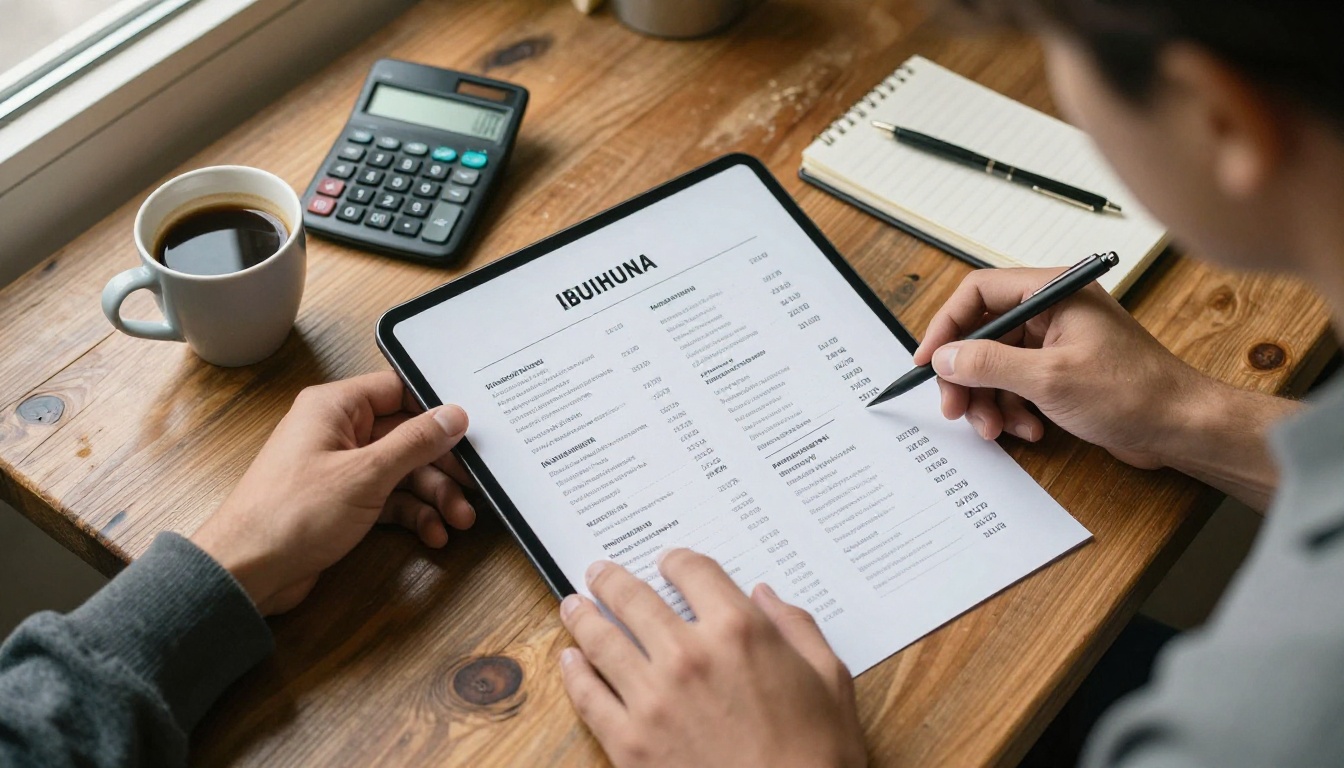
The Hidden Line Items
Most owners count only the print invoice. The real number includes more:
- Design time: your own hours or a freelancer's fee for each revision
- Print runs: laminated menus for every table, plus spares
- Waste: old menus thrown away after a single price change
- Errors: a wrong price on a printed page either costs you margin or an awkward argument with a guest
💡 Pro tip: Write down how many times your menu changed in the last twelve months. Seasonal dishes, supplier price jumps and sold-out items all count. That number is your real reprint rate.
A Simple Break-Even Check
If you reprint four times a year, a low monthly subscription often costs less than a single print run. If your menu almost never changes, a free tool is enough. The table below shows where each approach tends to land.
| Approach | Upfront cost | Cost per update | Best for |
|---|
| Freelance designer plus print | High | High | Fine dining with fixed menus |
| DIY in a word processor | Free | Your time | Very small, stable menus |
| Free design app templates | Free or low | Low | Cafes with frequent tweaks |
| AI menu or flipbook maker | Low monthly fee | Almost zero | Any menu that changes often |
I scored each option on the things a cash-strapped owner actually feels.
The Five Criteria
- Real monthly cost, including what you must pay to remove watermarks
- Speed: how long it takes to go from a blank page to a live menu
- Update friction: can a busy manager fix a price in two minutes?
- Guest experience: does it read well on a phone?
- Ownership: can you export or keep your files if you leave?
⚠️ Warning: Always check current pricing on each vendor's own site. Plans, free tiers and limits change often, and the figures you see in old reviews may be out of date.
What We Did Not Count
Flashy AI features that you will not use did not earn points. A tool that writes dish descriptions is nice, but if it cannot fix a price quickly it loses to a simpler one.
The 2027 Ranking
Here is how the main categories compare for a small restaurant.
1. Flipbooks AI: Best for Updates and Sharing
Flipbooks AI takes the menu you already have, as a PDF, and converts it into an interactive flipbook with realistic page turns. You never need to start from scratch. Fix a price in your original file, upload again, and the same link keeps working.
What stands out for a tight budget:
- No watermarks, ever, which matters when guests see your menu on their phone
- Mobile-responsive design, so it reads cleanly on any screen
- Custom branding with your colors and logo
- Password protection for private menus such as catering or event packages
- Embed on your website with a short code snippet
You can build one with the Restaurant Menu Creator or the Menu Flipbook Designer. Compare pricing plans before you commit.
2. Canva: Best for Free Design
Canva's free templates and its AI layout helpers are a popular starting point. You get a professional look quickly and can export a PDF to print or share. The trade-off is that the file is static: every change means re-exporting, and some premium elements sit behind a paid plan.
3. Adobe Express: Best for Brand Consistency
Adobe Express suits owners who already use other Adobe products. Its templates and quick resize tools help you adapt one design for a table card, an Instagram story and a window poster. It is a design tool first, so you still need somewhere to host the finished menu.
4. Word Processor Templates: Best for Zero Cost
A document template costs nothing and every manager can edit it. It looks plain, though, and it will not wow anyone. Use it as a fallback or as the source file that you then convert into a flipbook.
5. Basic QR Menu Generators: Best for Speed
These tools make a QR code that points to a PDF or a web page. They are the fastest option to set up. The weak point is the reading experience, since a raw PDF on a small screen means pinching and zooming.
Side-by-Side Comparison
Features at a Glance
| Feature | Flipbooks AI | Canva | Adobe Express | Word template | QR generator |
|---|
| Starts from your existing PDF | Yes | No | No | No | Yes |
| Page-turn reading experience | Yes | No | No | No | No |
| Fix a price without a new link | Yes | Re-export | Re-export | Re-export | Depends |
| Watermark-free output | Yes | Depends on plan | Depends on plan | Yes | Depends |
| Embed on a website | Yes | Limited | Limited | No | No |
| Password protection | Yes | No | No | No | No |
✅ Best practice: Use one design tool and one publishing tool. Design the menu wherever you are fastest, then publish it somewhere that keeps the link stable.
Which Restaurant Needs What
| Restaurant type | Menu changes | Best fit |
|---|
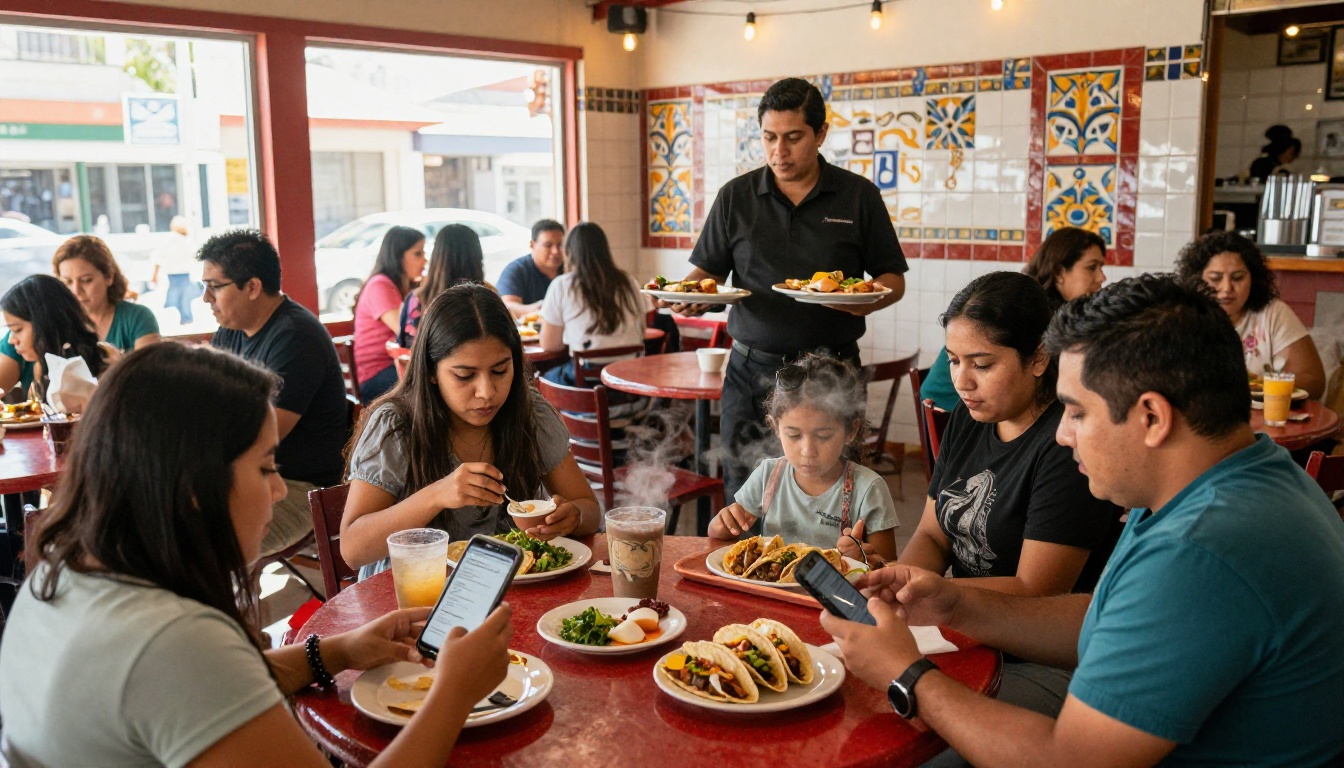
| Family taqueria | Weekly specials | Flipbook plus QR on each table |
| Bakery cafe | Seasonal | Design app plus flipbook link |
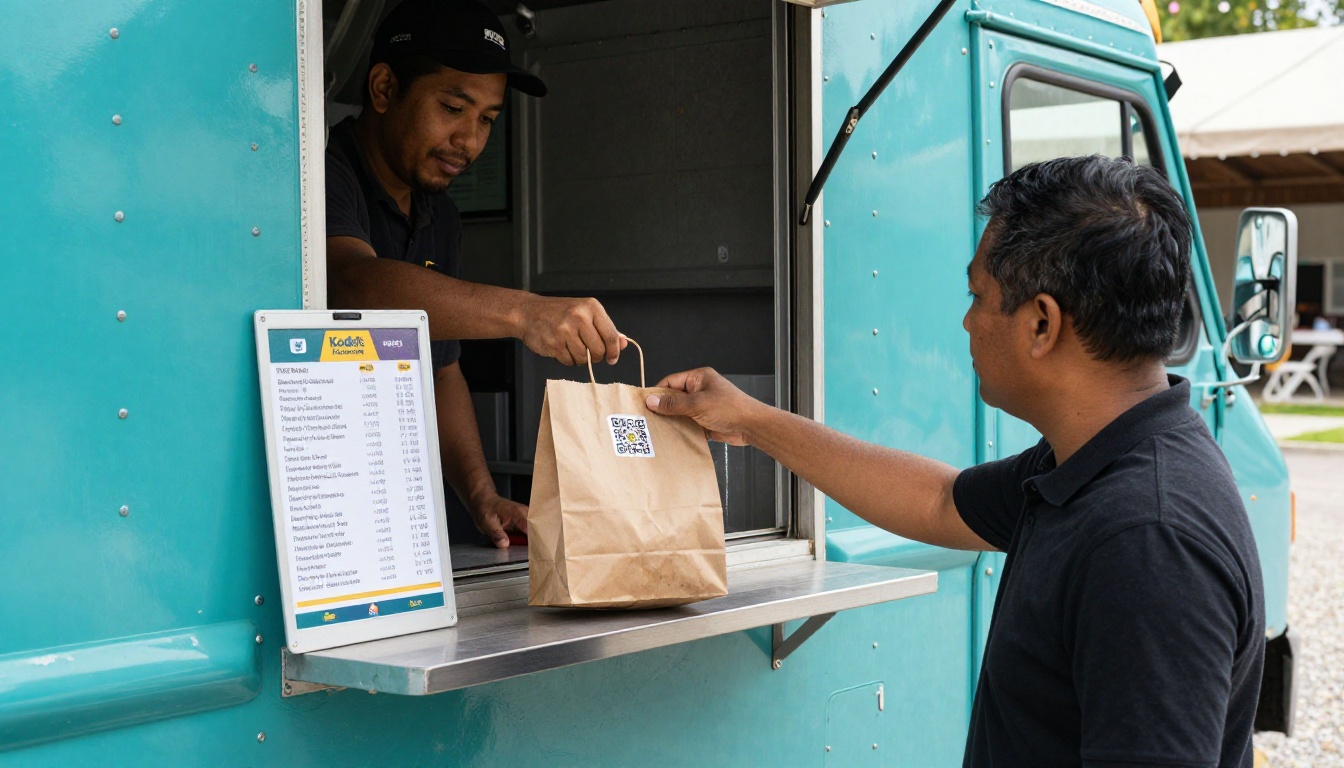
| Food truck | Daily | QR sticker on the window pointing to a flipbook |
| Catering business | Per client | Password-protected flipbook |
Real Examples From Small Kitchens
The Food Truck With a Daily Special
A truck changes one or two dishes every day. Reprinting is out of the question. The owner keeps a single QR sticker on the window and updates the file each morning. Customers always scan the same code and always see today's offer.
The Cafe With Seasonal Drinks
A bakery cafe swaps its drink list four times a year. It designs the new page in a free template, exports a PDF, and uploads it. The old guests still use the old QR code, and nobody notices anything changed except the menu.
The Taqueria With a Price Jump
When avocado prices spike, a taqueria needs to raise two items in an afternoon. With a digital menu, the manager fixes two numbers and re-publishes before dinner. With paper, those two numbers would have meant a reprint of forty laminated copies.
💡 Pro tip: Keep a short "price change log" in a notebook. When your supplier costs shift, you can update every digital menu in one sitting instead of finding mistakes one table at a time.
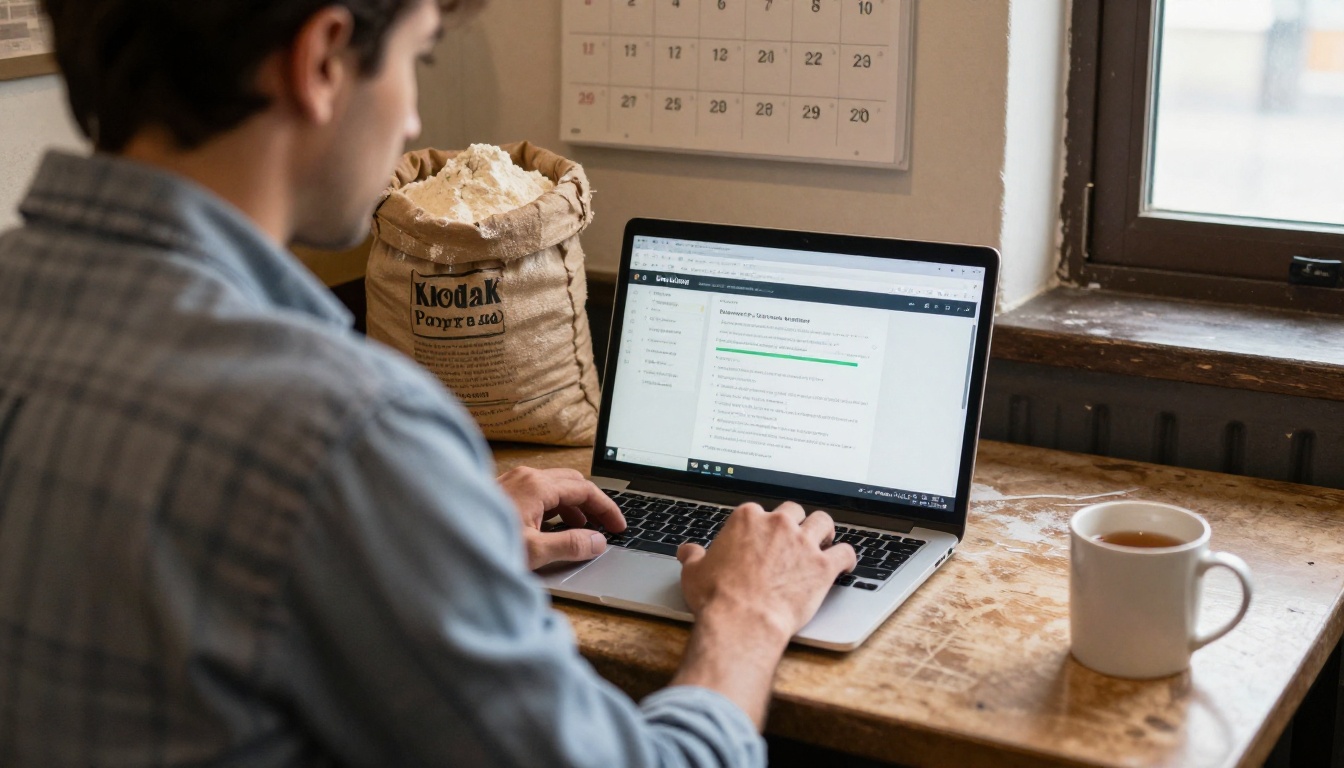
This tutorial assumes you already have your menu as a PDF, even a rough one.
Step by Step Setup
- Create an account. Get started on Flipbooks AI and sign in.
- Upload your PDF. Drag your menu file into the converter. The PDF to Flipbook Converter turns each page into a flippable spread within moments.
- Customize the look. Add your logo, choose background colors that match your dining room, and pick the page-turn effect you like.
- Add multimedia. Embed a short video of your kitchen or an audio welcome if it fits your brand.
- Choose how to share. Copy the direct link, print a QR code for the tables, or embed the flipbook on your website.
- Set privacy if needed. Use password protection for catering menus or private events.
- Check analytics. On the Professional plan, you can see how many guests open your menu and use lead generation to collect contacts. See the plan details.
Tips for a Better Result
- Export your PDF at a readable size, with fonts large enough for a phone
- Keep prices aligned in one column so guests can scan them quickly
- Allow offline downloads if your venue has weak cell signal
- Test the QR code on both an iPhone and an Android before printing it
⚠️ Warning: Do not print a QR code smaller than about 2 cm, and always test it from a normal reading distance. Tiny codes in dim lighting are the most common reason guests give up and ask for a paper menu.
Shoot With a Phone
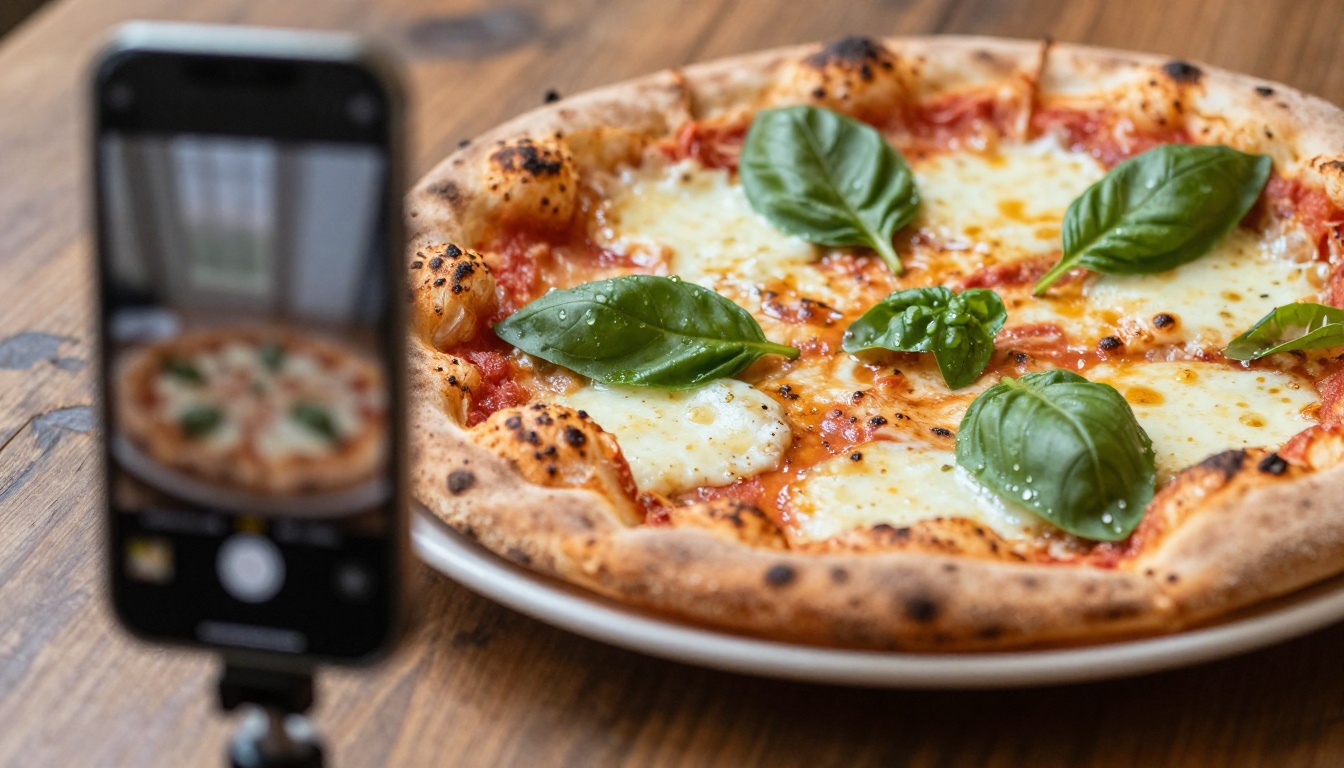
You do not need a studio. A phone, a window and a plain table are enough. Shoot your best three or four dishes, because photos on every single item clutter a menu and slow it down.
Use Natural Light
Place the dish near a window, turn off overhead lights and keep the camera slightly above the plate. Steam, fresh herbs and a clean rim do more than any filter.
Let AI Handle the Rest
Many design tools now offer AI editing for cropping, brightening and removing distractions. Use those to polish what you already shot rather than inventing dishes that do not look like the real plate. Guests notice the gap.
Mistakes That Waste Money
Paying for Features You Never Use
A long list of AI tools sounds attractive, but a small kitchen needs three things: easy edits, a clean mobile layout and a stable link. Anything beyond that should be a bonus, not a reason to upgrade.
Changing the Link Every Time
If every update creates a new URL, you must reprint every QR code. Choose a tool where the link stays the same when the content changes.
Ignoring Mobile Readers
Most guests will open your menu on a phone. If you only check it on a laptop, you will miss cramped text and awkward zooming. Always test with your own phone first.
Skipping the Data
Even a basic view count tells you whether guests actually open the menu. If nobody does, the problem is placement, not design. Move the QR code to eye level and add a short prompt like "Scan to order".
If You Have an Hour
Export your current menu to a PDF, upload it to a flipbook tool, print one QR code and tape it to a table. You will learn more from one real guest scanning it than from another week of planning.
If You Have an Afternoon
Redesign the menu in a free template, shorten descriptions, add photos of your top dishes and publish it as a flipbook. Then ask two regular guests for honest feedback.
If You Have a Real Budget
Spend it on one good set of photos and a plan that removes watermarks and unlocks analytics. Those two investments change how the menu feels more than any extra template pack.
| Your situation | First move | Typical time |
|---|
| No budget, no design skills | Word template, then convert to a flipbook | 1 hour |
| Small budget, frequent changes | Design app plus flipbook link | 3 hours |
| Growing chain of two or three sites | Branded flipbook per site with analytics | 1 day |
A good menu on a tight budget is not about the fanciest AI. It is about a layout that guests can read, a link that never breaks and updates that take minutes instead of weeks.
Ready to put this into practice? Create your first flipbook on Flipbooks AI, browse the full list of flipbook tools, or see which pricing plan fits your restaurant. If you are building a recipe collection or a price list next, try the Recipe Book Flipbook and the Digital Price List Generator.



