Writing a newsletter used to eat an entire afternoon: the copy, the layout, the image hunt, the endless resizing for mobile. AI newsletter generators now handle most of that in minutes, and the choice has never been wider. This ranking compares the tools worth your time, from Visme and Piktochart to Canva, Beehiiv, Mailchimp and Brevo, and shows how a platform like Flipbooks AI fits in when you want your newsletter to live beyond the inbox.
I sorted the tools by what actually matters when you hit "send": design quality, writing assistance, ease of use, and how well the finished piece can be shared. Let's get into it.
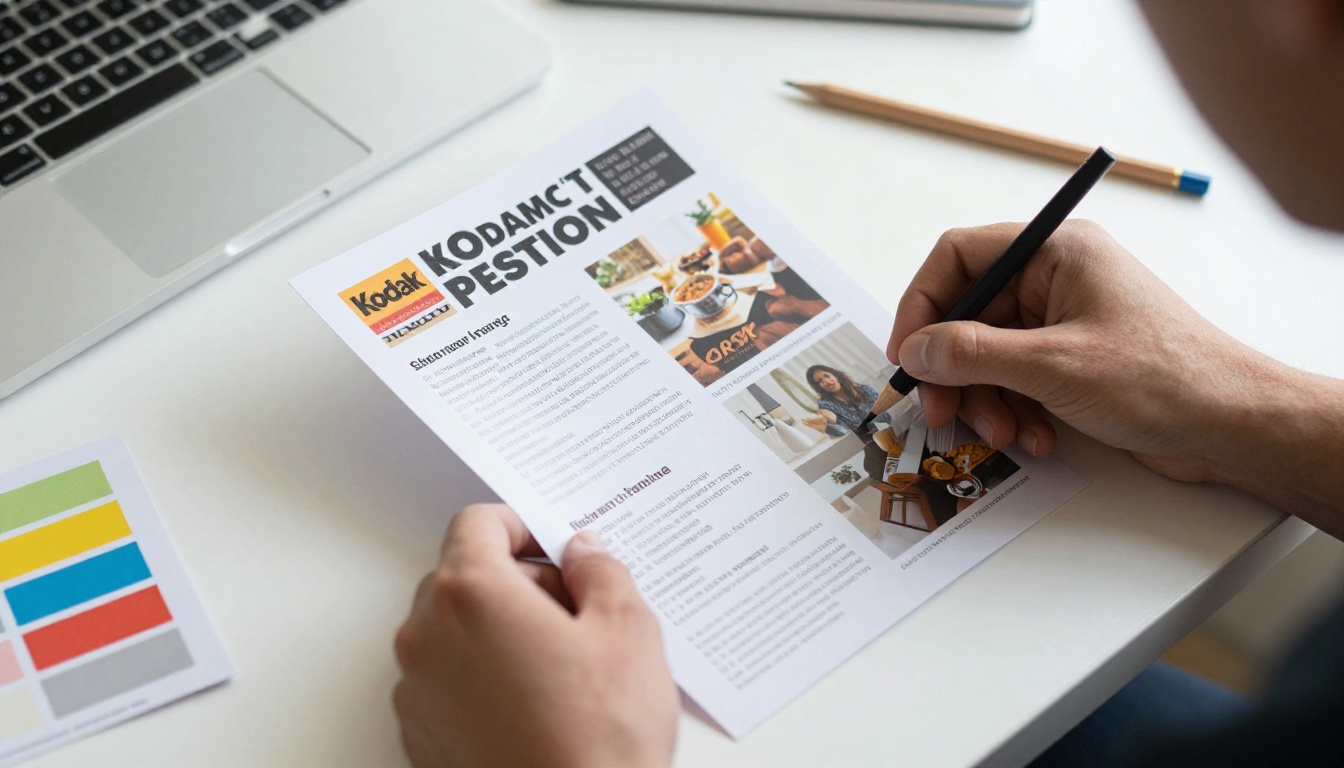
What an AI Newsletter Generator Does
An AI newsletter generator takes a prompt, a topic or a pasted draft and returns a formatted newsletter. Most tools offer some mix of the following:
- Draft writing: headlines, intros, section copy and subject lines.
- Layout building: the tool places text, images and buttons in a template that matches your brand.
- Image suggestions: stock photos or AI-generated visuals matched to your topic.
- Tone adjustment: rewrite a paragraph as friendly, formal or punchy.
- Export or send: push the result to an email service, a web page or a PDF.
The big split is between design-first tools (Visme, Piktochart, Canva) and email-first tools (Mailchimp, Brevo, Beehiiv). Design-first tools give you gorgeous layouts but need a separate sending service. Email-first tools handle delivery and lists but have simpler designs.
💡 Pro tip: Decide whether your newsletter is mostly words or mostly visuals before you compare tools. It narrows the field fast.
Quick Comparison Table
Here is the short version before the deeper breakdowns.
| Tool | Best For | AI Writing Help | Design Control | Sends Email Itself |
|---|
| Visme | Branded, data-rich newsletters | Yes | Very high | Limited, mostly export |
| Piktochart | Visual, infographic-style issues | Yes | High | No, export or share link |
| Canva | Fast, polished designs | Yes (Magic tools) | High | No, export or link |
| Beehiiv | Growing a subscriber audience | Yes | Medium | Yes |
| Mailchimp | Small business email lists | Yes | Medium | Yes |
| Brevo | Budget-friendly sending | Yes | Medium | Yes |
| Flodesk | Elegant, minimal layouts | Limited | High | Yes |
Features and plan limits change often, so always confirm details on each vendor's own pricing page before you commit.
1. Visme
Visme is the strongest all-round pick when your newsletter needs to look like it came from a design studio. Its AI assistant drafts copy and builds a layout from a prompt, and the editor gives you tight control over fonts, colors and brand kits.
Where it shines:
- Charts, tables and data widgets that update cleanly.
- Brand kit support so every issue matches your identity.
- Strong template library for corporate and educational use.
- Interactive elements such as hover effects and links.
Where it falls short: the editor has more buttons than a beginner needs, and sending to a large list usually means exporting to another service.
Best for: marketing teams, consultants and anyone sending reports or data-heavy updates.
2. Piktochart
Piktochart grew from infographics, and it shows. Its AI features generate a visual layout from your text, which suits newsletters that explain a process, summarize research or share statistics.
Where it shines:
- Visual storytelling with icons, charts and illustrated blocks.
- Easy to turn a text-heavy update into something skimmable.
- A friendly editor that nonprofits and schools tend to like.
Where it falls short: it is less suited to a plain, text-first letter, and you will need a separate tool to deliver the final piece to subscribers.
Best for: nonprofits, educators and teams that explain complex topics.

3. Canva
Canva is the most approachable option on this list. Its AI tools write short copy, suggest layouts and generate images, and the template catalog is enormous.
Where it shines:
- Fast results for non-designers.
- Huge library of fonts, photos and elements.
- Team sharing and brand folders.
Where it falls short: newsletters exported as images or PDFs can be awkward on mobile, and there is no native subscriber management.
Best for: solo creators and small teams who want something good-looking today.
4. Beehiiv
Beehiiv is built around audience growth. The AI writing assistant helps you outline and edit, and the platform includes referral programs, a web archive and a monetization toolkit.
Where it shines:
- Subscriber growth features baked in.
- Clean reading experience with a public archive.
- Solid analytics on opens and clicks.
Where it falls short: layouts are simpler than Visme or Piktochart, so heavy design work is limited.
Best for: writers and publishers building a paid or free audience.
5. Mailchimp
Mailchimp remains a familiar name for small businesses. Its AI features suggest subject lines, draft copy and propose layouts based on past campaigns.
Where it shines:
- Mature list management and automation.
- Integrations with stores and CRMs.
- Reliable deliverability.
Where it falls short: the interface can feel crowded, and costs rise as your list grows.
Best for: shops, local businesses and teams with existing customer lists.

6. Brevo
Brevo combines email, SMS and simple automation at a price that suits tight budgets. Its AI helper drafts subject lines and body copy.
Where it shines:
- Generous sending approach for small lists.
- Transactional and marketing email in one place.
- Straightforward drag-and-drop builder.
Where it falls short: templates look more utilitarian than polished.
Best for: startups and agencies that care about cost per send.
7. Flodesk
Flodesk targets creators and boutique brands who want elegant, minimal emails. AI assistance is lighter here, but the design taste is hard to beat.
Best for: photographers, coaches and lifestyle brands.
Match the tool to the job, not the hype. This table maps common situations to a starting point.
| Your Situation | Start With | Why |
|---|
| Monthly data report for clients | Visme | Charts and brand kits |
| School or nonprofit update | Piktochart | Visual explanations |
| Weekly creator letter | Beehiiv | Audience growth tools |
| Product promos for a store | Mailchimp | Integrations and automation |
| Lowest cost per send | Brevo | Pricing structure |
| Quick one-off design | Canva | Speed and templates |
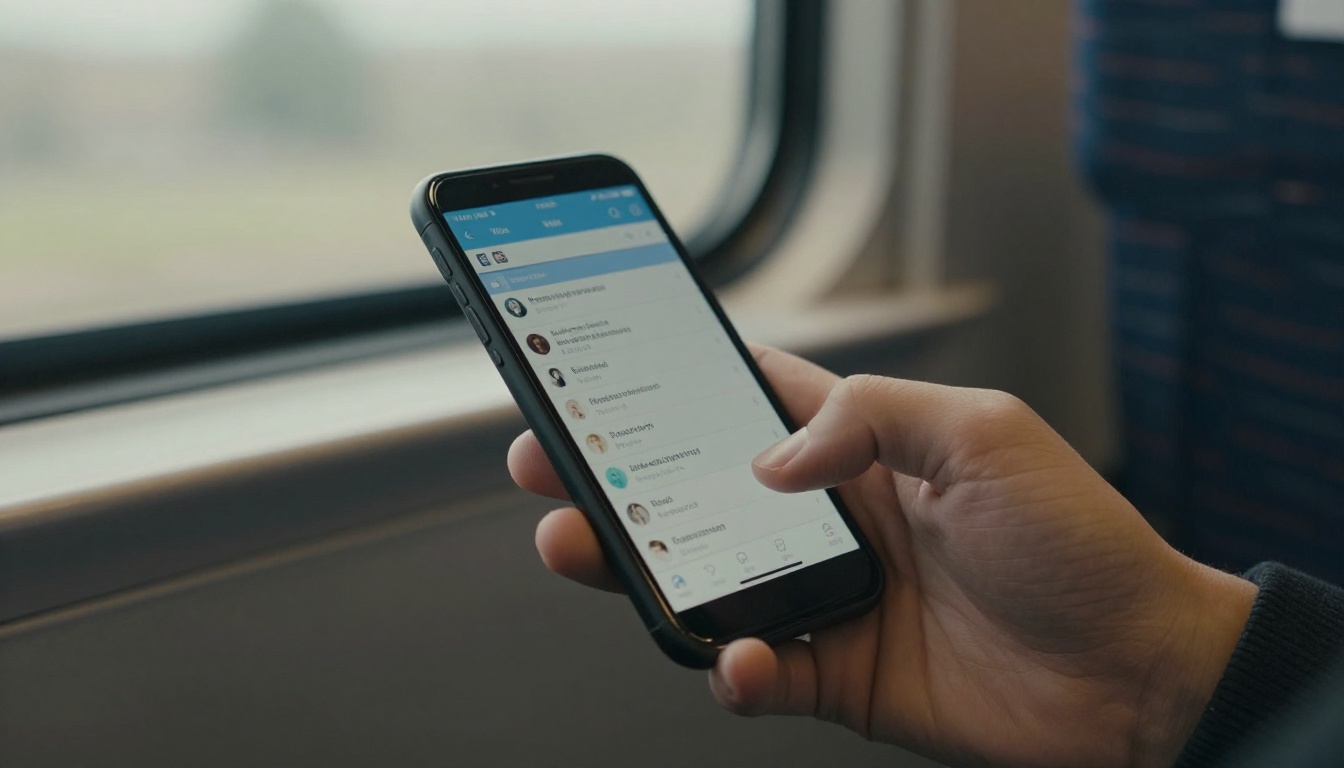
Check Mobile First
More than half of email opens happen on phones in most industries. Preview every issue on a small screen. A beautiful desktop layout that forces pinching and zooming will lose readers fast.
Test the AI Before You Pay
Paste the same prompt into two or three tools and compare the drafts. Look at tone, accuracy and how much editing you need. The tool that saves you the most rewriting wins, not the one with the longest feature list.
⚠️ Warning: AI drafts can invent facts, dates and statistics. Verify every number and quote before publishing.
A Simple Workflow That Works
Whatever tool you choose, this five-step routine keeps quality high and time low.
- Set one goal per issue. A single call to action beats five competing links.
- Prompt with specifics. Give the AI your audience, tone, topic and length.
- Edit like a human. Cut generic phrases, add a personal story or a real example.
- Design for scanning. Short paragraphs, clear headings, one main image.
- Preview and test. Send yourself a test on phone and desktop.

Build a Content Calendar
Plan four to six issues at a time. A calendar helps you reuse research, space out promotions and avoid last-minute scrambling. Even a simple notebook page works.
Write Better Prompts
Weak prompt: "Write a newsletter about marketing."
Strong prompt: "Write a 300-word newsletter for freelance designers about pricing projects. Friendly tone, one practical example, one call to action to reply with questions."
The second prompt gives the AI boundaries, so the draft needs far less cleanup.
Real-World Examples
Here is how different teams put these tools to work.
- A boutique hotel builds a seasonal update in Visme with room photos, a price table and a booking button, then shares it as a web page.
- A school uses Piktochart to turn a term summary into a visual one-pager parents can read in two minutes.
- A freelance writer drafts weekly essays with Beehiiv's assistant and edits them by hand.
- A local bakery schedules promotions in Mailchimp tied to its online store.
- An agency sends client reports through Brevo to keep costs predictable.

Why Inbox-Only Newsletters Fall Short
Email has limits. Messages get clipped, images are blocked, and old issues vanish into archives nobody searches. Design-first tools like Visme and Piktochart also produce beautiful files that are awkward to distribute.
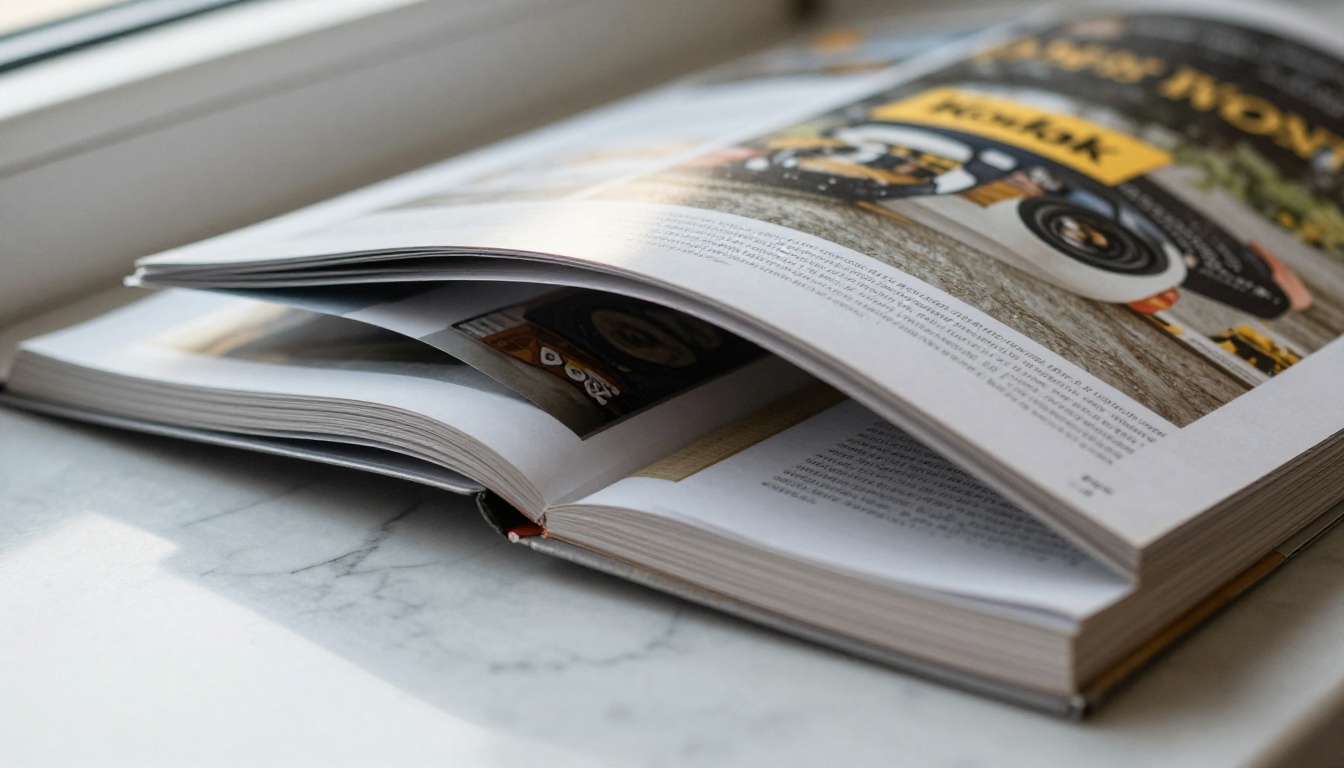
That is where a flipbook comes in. Turning your newsletter into a page-turning digital publication gives it a permanent home with a shareable link. You can post it on social media, embed it on your website, or add it to a customer portal.
| Format | Strength | Weakness |
|---|
| Plain email | Direct delivery | Clipped, hard to archive |
| PDF attachment | Keeps layout | Heavy, easy to ignore |
| Web archive page | Searchable | Limited design |
| Flipbook | Rich, shareable, trackable | Needs a separate publishing step |
How to Create a Newsletter Flipbook with Flipbooks AI
Once your design is done in Visme, Piktochart, Canva or any other tool, export it as a PDF and publish it. The Newsletter Flipbook Publisher is built for exactly this.
Step 1: Create Your Account
Head to Flipbooks AI and sign up. You can try the platform before choosing a plan, and you can compare options on the pricing page.
Step 2: Upload Your PDF
Drag your exported newsletter into the uploader. The PDF to Flipbook Converter turns each page into a smooth, page-turning view in seconds. Links inside your original design stay clickable.
Step 3: Customize the Look
- Add your custom branding and logo.
- Choose background colors that match your newsletter.
- Pick page-turn effects and sound.
- Embed videos and audio for a richer issue.
There are no watermarks, so the result looks like yours.
Step 4: Share It
- Copy a direct link for your email or social posts.
- Use the embed code to place it on your site.
- Turn on password protection for private or members-only issues.
- Let readers download it for offline viewing.
Step 5: Track Results
On the Professional plan you get analytics and lead generation, so you can see who opened the issue and capture contact details. Check the pricing plans for the full feature list. Standard plans and above include unlimited flipbooks.
✅ Best practice: Send a short email teaser with a link to the flipbook instead of attaching a heavy file. Open rates stay healthy and readers get the full design.
For other publication styles, browse the Magazine Flipbook Creator or the School Newsletter Creator.

Common Mistakes to Avoid
- Publishing raw AI text. Readers can smell generic copy. Add your voice.
- Overstuffing the layout. Three colors and two fonts are usually plenty.
- Ignoring subject lines. Test two versions and keep the winner.
- Skipping accessibility. Use readable font sizes and descriptive link text.
- Never cleaning your list. Remove inactive subscribers to protect deliverability.
- Sending without a goal. Every issue needs one clear action.
Final Verdict Table
| Priority | Top Pick |
|---|
| Best design control | Visme |
| Best visual storytelling | Piktochart |
| Easiest for beginners | Canva |
| Best for audience growth | Beehiiv |
| Best for store owners | Mailchimp |
| Best budget sender | Brevo |
| Best for elegant minimal emails | Flodesk |
If I had to choose one starting combo, I would pair Visme or Piktochart for design with a sending tool such as Beehiiv, Mailchimp or Brevo, then publish a flipbook edition for sharing.

Ready to Publish Your Next Issue?
Pick a generator, draft your first issue this week, and give it a lasting home. Get started for free on Flipbooks AI, browse all flipbook tools to find the right fit, or compare pricing plans to choose what works for you.



