You have 11,000 photos on your phone, a toddler who will not nap, and a promise to yourself that this is the year you finally make the family album. The best AI photo book creators for busy parents exist precisely for this moment: they pick the good shots, build the layout, and hand you a finished book while your coffee is still warm. Some print a hardcover, others, like Flipbooks AI, turn your photos into a page-turning digital album you can share with grandparents in minutes.
This ranking is built around one question: which option gets a real parent from "camera roll chaos" to "done" in the least time and with the least regret?
Why Parents Never Finish Photo Books
Ask ten parents if they have a photo book in progress and nine will wince. The problem is rarely taste. It is time and decision fatigue.
Here is what usually goes wrong:
- Too many photos. Parents shoot burst after burst of the same smile, so picking one takes longer than taking it.
- Blank page paralysis. A 40 page canvas feels like a project, not a pastime.
- Fragmented storage. Pictures live across two phones, a cloud account and a grandparent's email thread.
- Surprise costs. Shipping, extra pages and upgrades turn a $30 book into $80 at checkout.
AI tackles the first two directly, and a good platform quietly solves the other two.
💡 Pro tip: Decide the book's purpose before you open any tool. "First year of Mia's life" gives the AI a clear boundary. "All photos from 2025" gives you a headache.
The Real Time Cost of Manual Albums
A manual photo book often eats six to ten hours spread across weeks. Most of that time is sorting, not designing. AI tools collapse sorting into a few minutes by grouping similar frames, flagging blurry shots and favoring faces with open eyes.
What AI Actually Does Well
| Task | Manual effort | AI effort |
|---|
| Removing duplicates | 1 to 2 hours | Under 2 minutes |
| Picking best shot of a burst | 30 to 60 minutes | Seconds |
| Chronological grouping | 1 hour | Automatic |
| Page layout | 3 to 5 hours | 1 to 3 minutes |
| Caption drafts | 1 hour | A few minutes |
Rather than naming a winner by brand loyalty, we scored five types of AI photo book creators on what matters to a parent with no spare evening. Each category is weighted the same way a tired parent would weigh it.
- Speed to a finished book (30%)
- Quality of automatic layout (25%)
- Total cost including shipping (20%)
- Ease of sharing with family (15%)
- Editing flexibility (10%)
The Five Options, Ranked
1. Digital Flipbook Builders (Best for Speed and Sharing)
A digital flipbook builder takes your photos or a PDF and produces an animated, page-turning album that opens in any browser. No printing, no shipping, no waiting.
This is where Flipbooks AI fits. You upload a PDF of your layout, or a set of exported photo pages, and it converts them into a realistic flipbook with page-turn effects. There are no watermarks, the result is mobile responsive, and you can add password protection so only family can open it.
Best for: Parents who want to share an album with grandparents across three time zones tonight, not three weeks from now.
Watch out for: It is a digital product first. If you want a shelf-worthy hardcover, pair it with a print service.
2. Auto Layout Print Services
These services scan your camera roll, pick a "best of" selection and generate a full print-ready book in a few taps. They are the closest thing to a one-button album.
Best for: Parents who want a physical book and are happy to accept the AI's first draft with light edits.
Watch out for: Shipping fees and extra page charges. Check the final price before the checkout screen.
3. Phone App Quick Books
Phone apps build a short book (often 20 to 30 pages) directly from your gallery in under five minutes. They shine for monthly or seasonal albums.
Best for: Recurring, low-effort albums: "Summer 2026," "School play," "Baby's first month."
Watch out for: Limited design freedom and fewer paper options.
4. Subscription Photo Book Plans
Some services send a small book every month or quarter, built automatically from the photos you favorited. You set it once and it keeps working.
Best for: Parents who know they will never sit down to make a book and want one to simply appear.
Watch out for: Recurring charges that quietly add up.
5. Drag and Drop Design Platforms with AI Assist
These are the most flexible. You get templates, fonts and an AI helper that suggests layouts, but you still make plenty of choices.
Best for: Parents with a free weekend who care about every spread.
Watch out for: The time sink is real. They rank last here only because speed is the priority.
Side by Side Comparison
| Rank | Type | Time to finish | Output | Typical cost | Sharing |
|---|
| 1 | Digital flipbook builder | 15 to 25 min | Online flipbook | Low, no shipping | Link, embed, password |
| 2 | Auto layout print service | 20 to 40 min | Hardcover or softcover | Medium to high | Ship to one address |
| 3 | Phone app quick book | 5 to 15 min | Short print book | Low to medium | Ship or share preview |
| 4 | Subscription plan | Minutes per month | Recurring small books | Recurring | Ship |
| 5 | Drag and drop platform | 2 to 6 hours | Fully custom book | Medium | Varies |
✅ Best practice: The strongest setup for busy parents is a hybrid. Build the album digitally first, share it instantly, then order a print copy only for the grandparents who want one.

What to Look for Before You Choose
Speed of the First Draft
If a tool cannot show you a full draft within ten minutes, it is not built for your schedule. Test with 50 photos before committing a whole year.
Smart Photo Selection
Look for features that detect closed eyes, blur and near duplicates. This single feature saves more time than any template library.
Honest Pricing
Add up the book, the extra pages, the shipping and the tax. Then compare. A digital album with no shipping often wins on cost alone.
Privacy for Kids' Photos
You are uploading your children's faces. Prefer tools that offer password protection, private links and clear deletion options. Never publish a family album to a public gallery by default.
Mobile Friendliness
Many parents edit on a phone in short bursts: standing in line, waiting at school pickup. Check that both the creator and the finished album work well on a small screen.

How to Build a Family Flipbook in 20 Minutes
Here is a real workflow for the digital route. It assumes you have a layout as a PDF, which most auto layout tools and design apps can export.
- Pick one theme and one date range. Example: "Leo's first year."
- Select photos fast. Let your phone's favorites or an AI sorter shortlist 40 to 60 images.
- Create a PDF. Export the spreads from your layout tool as a single PDF.
- Get started. Create a free profile at Flipbooks AI, then open the PDF to Flipbook Converter.
- Upload and convert. Drop the PDF in and the page-turn flipbook is generated automatically.
- Customize. Choose a background color, add your child's name as a title, and pick a page effect. You can also embed a short video clip or a lullaby audio track.
- Set sharing options. Copy a direct link, grab an embed code for a family site, or lock it with a password.
- Send it. Drop the link into the family group chat.
For picture-heavy albums, the Wedding Album Flipbook tool works nicely for milestone events, and the Photography Portfolio layout suits big, full-bleed images.
💡 Pro tip: Name each export with the year and theme, such as "Leo-Year-One-2026." You will thank yourself when you make volume two.
Advanced Sharing Without the Stress
On the Professional plan, you also get analytics to see who opened the album, plus offline downloads so grandparents with poor internet can still enjoy it. The Standard plan and above includes unlimited flipbooks, handy when you make one per child, per year.
| Feature | Why parents care |
|---|
| No watermarks | The album looks like yours, not an ad |
| Password protection | Keeps kids' photos private |
| Embed videos and audio | Add the first giggle or a bedtime song |
| Mobile responsive | Opens smoothly on any phone |
| Offline downloads | Works on a plane or at the cabin |

Real Parent Scenarios
The New Mom With No Free Hands
Priya has a four month old and exactly 15 minutes during nap time. She uses an auto layout service to generate the draft, exports a PDF, and builds a flipbook for the grandparents overseas. The physical book can wait until the baby sleeps through the night.
The Dad Who Edits on the Train
Marcus commutes 40 minutes each way. He shortlists photos on his phone, arranges them on a laptop during the ride, and shares the finished flipbook link before he reaches the office.
The Family With Three Kids and One Calendar
Instead of one giant album, Ana makes a short monthly flipbook. Twelve small projects feel lighter than one huge one, and every grandparent gets a link each month.
Tips to Finish Faster
- Cap the book at 30 pages. Smaller is finished.
- Use one photo per spread for your best shots, and grids only for fun clutter.
- Write captions last. Photos often explain themselves.
- Set a timer. A 25 minute sprint beats an open ended weekend.
- Delete as you go. Every rejected photo is one less decision tomorrow.
⚠️ Warning: Do not wait for the "perfect" cover photo. Choose a good one and move on. You can edit later, and a done album beats a perfect idea.
Gifts, Printing and the Grandparent Factor
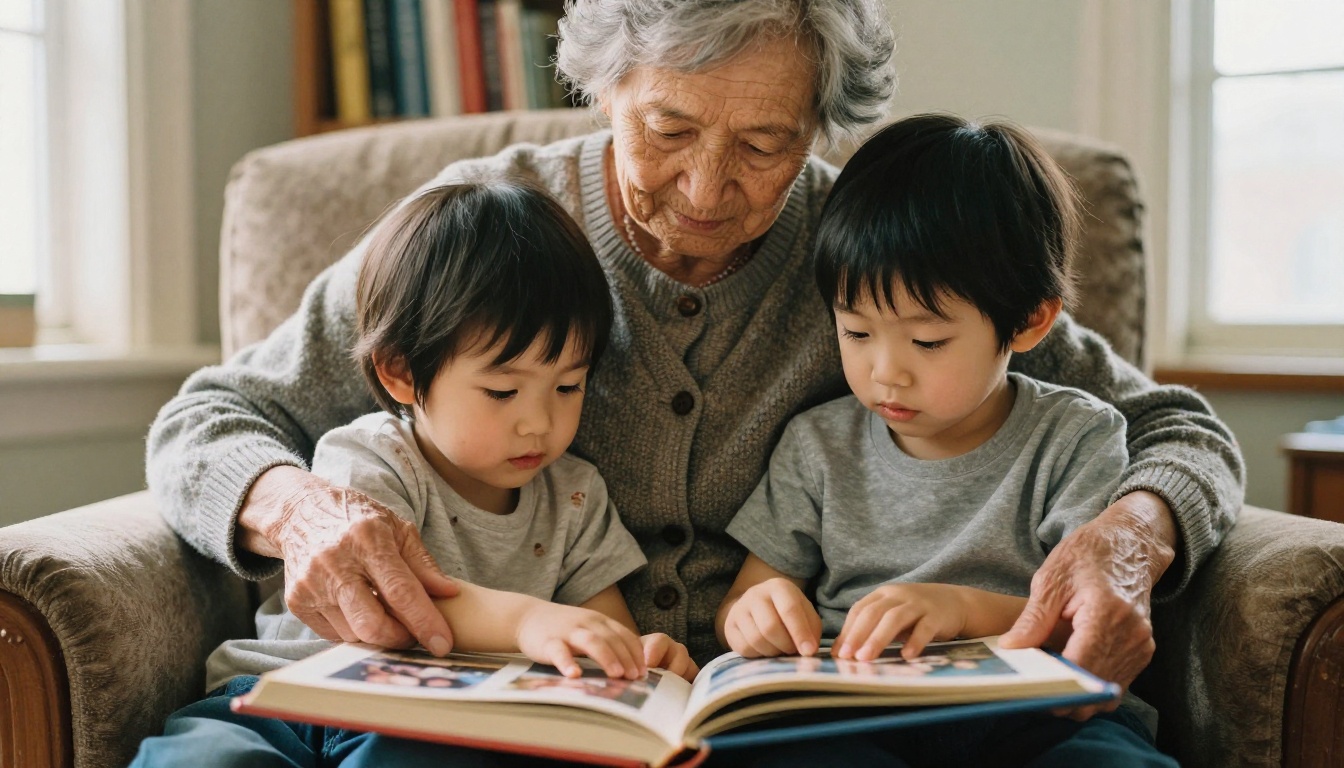
Grandparents often love a physical book, but they also love getting something today. A flipbook link delivers the instant joy, and a printed copy can follow for the holidays.
If you plan to print, keep these details in mind:
| Detail | Recommendation |
|---|
| Page count | 24 to 40 pages for a first book |
| Image resolution | Use original files, not messaging app copies |
| Paper | Matte for portraits, glossy for landscapes |
| Order timing | Place holiday orders at least three weeks early |

Which Option Fits Your Week
If you only remember one thing, remember this: speed wins. The best AI photo book creator is the one you actually finish a book with.
- Need to share tonight? Choose a digital flipbook builder.
- Want a hardcover with minimal fuss? Pick an auto layout print service.
- Want something every month? Try a subscription or phone app.
- Have a free weekend and strong opinions? Go with a drag and drop platform.
Ready to turn your camera roll into something the whole family can flip through? Get started for free on Flipbooks AI, browse all flipbook tools, or compare pricing plans to choose what works for you. Your next family album can be done before the kids wake up.