It is 11:40 p.m. and a guest is texting you for the third time: where is the spare towel, how does the shower work, what is the Wi-Fi password again? Every host knows this night. A good welcome book ends it. The question is which format deserves your time, and this list ranks the best Airbnb welcome book apps and templates for hosts so you can pick one and finish it this week. If you want a polished, page-turning version that works on any phone, Flipbooks AI is one of the options we rank below.
💡 Quick answer: For most hosts, a digital welcome book that opens from a QR code beats a printed binder, because you can fix a typo once and every guest sees the update instantly.
Why Hosts Need a Welcome Book
A welcome book is a single place for everything a guest would otherwise ask you. Done well, it reduces messages, protects your reviews, and makes a rental feel cared for.

What Guests Actually Look For
Guests rarely read a long document. They scan for answers. Across most short-term rentals the same topics come up again and again:
- Wi-Fi name and password, ideally at the very top
- Check-in and check-out steps, including lockbox or smart lock codes
- How things work: thermostat, TV remote, coffee machine, washer
- House rules, quiet hours and parking
- Local picks: breakfast, groceries, pharmacies, late-night food
- Emergency contacts and what to do if something breaks
The Hidden Payoff in Reviews
Reviews often drop a star because of small friction, not big failures. A guest who cannot find the heating control feels ignored even when the home is spotless. A clear welcome book removes that friction before it becomes a comment.
✅ Best practice: Put the five most asked questions on page one. Everything else can live deeper in the book.
Types of Welcome Books Compared
Before ranking tools, it helps to see the formats side by side. Each one trades effort for polish and flexibility.
| Format | Setup effort | Easy to update | Looks polished | Best for |
|---|
| Printed binder | Medium | No, reprint needed | Medium | Single cozy cabin |
| Google Doc or Notion page | Low | Yes | Low to medium | Hosts starting out |
| Canva or design template | Medium | Medium | High | Brand-conscious hosts |
| Dedicated guidebook app | Low to medium | Yes | Medium to high | Multi-property hosts |
| PDF turned into a flipbook | Medium | Yes, re-upload | Very high | Premium and boutique stays |
The pattern is clear: the more often your house details change, the more a digital format pays off.
Here is the ranking. It weighs ease of setup, how pleasant the result feels on a phone, how simple updates are, and how well it scales across several listings. Pricing changes often, so check each vendor's own page before you commit.
1. Flipbooks AI for Polished Page-Turning Books
Flipbooks AI turns a PDF into a mobile-friendly flipbook with realistic page turns. You design the pages anywhere you like, upload the file, and share a link or QR code. It has no watermarks, supports custom branding, and lets you password protect the book so only booked guests can open it.
- Strengths: premium look, works on every phone, embed on your own site, password protection
- Weaknesses: you design the pages yourself or start from a template
- Best for: boutique rentals, villas, and hosts who want the book to feel like part of the stay
2. Airbnb's Built-In Guidebooks
Airbnb lets hosts add guidebooks with local recommendations right inside the platform. It costs nothing and guests already know where to find it.
- Strengths: free, native, no extra link to share
- Weaknesses: limited layout control, focused on local tips more than house manuals
- Best for: adding neighborhood picks in minutes
3. Dedicated Guidebook Apps
Several property management and guest experience platforms include digital guidebook builders, such as Hostfully and TouchStay. They usually offer room-by-room sections, maps, and automated sending to guests, often as part of a subscription.
- Strengths: built for hosts, easy sections, sending tied to bookings
- Weaknesses: monthly fees add up, design is more standardized
- Best for: hosts managing many listings who want automation
4. Canva Templates
Canva is popular because its welcome book templates look good with little effort. You can export a PDF, print it, or turn it into a flipbook afterward.
- Strengths: huge template library, easy drag and drop
- Weaknesses: a static PDF feels flat on a phone, and updates mean re-exporting
- Best for: hosts who want a designed, printable binder insert
5. Notion or Google Docs Pages
These are the fastest free route. Write the content, publish a link, and you are done. Formatting is plain, but speed is unmatched.
- Strengths: free, instant edits, simple sharing
- Weaknesses: basic look, no page-turn feel, links can be forwarded freely
- Best for: a first version you can improve later
⚠️ Watch out: Public links can be shared beyond your guests. If your book contains door codes, use a password or keep the codes out and send them separately.
Feature Comparison at a Glance
This table sums up the five options on the points hosts care about most.
| Tool | Cost style | Mobile feel | Branding control | Password option | Multi-property |
|---|
| Flipbooks AI | Free start, paid plans | Excellent | High | Yes | Unlimited on higher plans |
| Airbnb Guidebooks | Free | Good | Low | Not needed, in-app | Per listing |
| Guidebook apps | Subscription | Good | Medium | Often | Yes |
| Canva template | Free or paid | Fair as PDF | High | No | Manual |
| Notion or Docs | Free | Fair | Low | Limited | Manual |
Templates and Sections That Work
Whatever tool you pick, the structure matters more than the software. A tidy template saves hours.
A Proven Section Order
Use this order and you will rarely need to rewrite it:
- Welcome page: a short, warm note with your name and a photo
- Wi-Fi and quick facts: password, address, host phone number
- Arrival and departure: entry steps and check-out chores
- Using the home: appliances, heating, cooling, TV
- House rules: noise, smoking, guests, trash days
- Local favorites: five places, not fifty
- Help and emergencies: who to call and when
Write Like a Friendly Neighbor
Skip the legal tone. Compare these two lines:
| Cold version | Friendly version |
|---|
| Guests must refrain from noise after 10 p.m. | Our neighbors love early mornings, so please keep it quiet after 10 p.m. |
| Do not operate the oven unattended. | The oven runs hot, so keep an eye on it while it is on. |
| Garbage must be placed outside Tuesday. | Trash goes to the curb on Tuesday evening. Bins are by the side gate. |
Explaining the reason behind a rule gets better cooperation than the rule alone.
Photos Beat Paragraphs
A photo of the thermostat with an arrow saves a full paragraph. Take clear pictures of the things guests struggle with: the shower handle, the washer dial, the fireplace switch, the trash bins.
How to Create a Welcome Book with Flipbooks AI
If you want the premium route, this takes under an hour once your content is ready. The PDF to Flipbook Converter does the heavy lifting.
Step 1: Build Your PDF
Design the pages in Canva, Google Docs, or any tool you like. Use a landscape or portrait layout, big readable text, and one topic per page. Aim for 8 to 15 pages.
Step 2: Upload and Convert
- Create your account at Flipbooks AI.
- Click the upload button and choose your PDF.
- Wait a few seconds while the pages become a flipbook with realistic page turns.
Step 3: Customize the Look
Add your brand colors, a logo, and background styling so the book matches your listing. You can also embed a short video tour of the home or an audio welcome message, since videos and audio can be embedded in your pages. For similar projects see the Hotel Brochure Designer and the Digital Catalog Maker for layout ideas.
Step 4: Share It Safely
- Direct link: paste it into your booking confirmation message
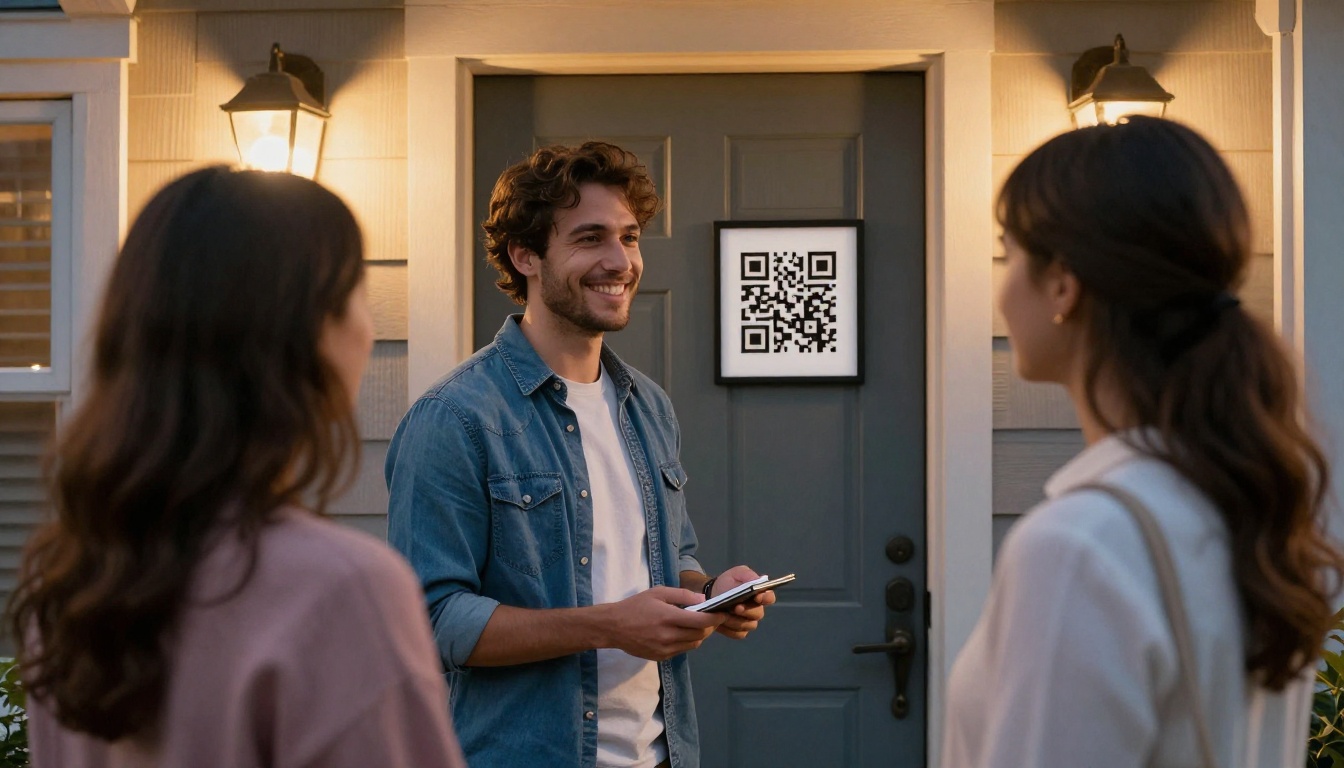
- QR code: print it on a small frame near the entrance
- Embed code: place the book on your own listing site with the Embed Flipbook on Website tool
- Password protection: share the password only after booking, which keeps door details private
Step 5: Track and Improve
On the Professional plan you get analytics that show how often the book is opened, and offline downloads so guests can read without a signal in remote cabins. Compare pricing plans to see which one fits your number of listings.
💡 Pro tip: Offline access matters more than you think. Rural rentals and basements often have weak reception exactly when a guest needs the Wi-Fi password.
Real Host Scenarios
Seeing the choices in action makes the decision easier.
The Single Cabin Owner
A host with one mountain cabin needs the basics: Wi-Fi, wood stove instructions, and bear-safe trash rules. A Notion page or Airbnb guidebook is plenty. If the cabin is a premium weekend retreat, a short flipbook with photos of the stove adds a pleasant touch.
The Three-Unit City Host
This host answers the same questions across three apartments. A guidebook app with automated sending saves real time, and a shared neighborhood section can be reused for all units.
The Boutique Villa Owner
Here the book is part of the brand. A designed PDF turned into a flipbook with a password, a welcome video, and a QR code on a framed card feels like a hotel welcome. Guests often mention it in reviews.
| Host type | Recommended setup | Why |
|---|
| One cabin | Notion plus Airbnb guidebook | Fast and free |
| Three units | Guidebook app | Automation and reuse |
| Boutique villa | Flipbook with branding | Premium feel |
| Seasonal host | Canva PDF plus QR code | Cheap and printable |
Mistakes That Hurt Your Welcome Book
Even a beautiful book fails if it makes one of these errors.
Too Long to Read
Guests skim. If your book runs 40 pages, nobody finds the Wi-Fi password. Keep it short and put a contents page up front.
Out-of-Date Information
A closed restaurant or a changed door code causes more frustration than having no book at all. Set a calendar reminder to review it every season. This is where digital formats win, since one edit updates everything.
Sharing Private Details Openly
Never place a public link with your alarm code on social media or a listing description. Use password protection or send sensitive codes separately in the booking chat.
Ignoring Phones
Most guests will read on a phone. Test your book on a small screen. Tiny text, wide tables and desktop-only layouts get ignored.
Local Tips That Guests Love
Your neighborhood knowledge is the part no template can supply. Add a short, opinionated list and your book becomes memorable.

- One great breakfast spot and the best time to arrive
- The nearest grocery store with opening hours
- A scenic walk with an approximate time
- A rainy day plan: museum, cafe, or cinema
- One hidden gem only locals know
Try a small table so it scans easily:
| Need | Your pick | Distance |
|---|
| Coffee | Corner bakery | 3 min walk |
| Groceries | Neighborhood market | 8 min walk |
| Dinner | Family-run bistro | 10 min walk |
| Pharmacy | Main street | 6 min walk |
Hosts who love maps and itineraries can also look at the Travel Guide Flipbook tool for a more detailed local section, and browse all flipbook tools for other formats.
Which Option Should You Pick?
Choose by effort and goal:
- Want it done today for free? Airbnb guidebooks or a Notion page.
- Managing many listings? A dedicated guidebook app.
- Love design and printing? Canva templates.
- Want a premium, branded, protected experience? A flipbook built with Flipbooks AI.
Many hosts combine two: the native Airbnb guidebook for local tips, plus a flipbook for the house manual and brand feel.

Ready to Build Yours?
Pick a format, write your first seven sections, add photos, and share it with your next guest. Ready to create your first flipbook? Get started for free on Flipbooks AI, browse tools and templates for your property type, or compare pricing plans to find the right fit for the number of listings you run.



