Every year the same scene repeats: a 120-page PDF lands in your inbox, nobody wants to open it, and the numbers you spent months compiling get skimmed in thirty seconds. The right annual report software fixes that by turning static pages into something readers actually finish. This comparison puts Foleon, Ceros, Flipsnack and Flipbooks AI side by side, with honest notes on who each tool suits best.
Before the tool-by-tool breakdown, a quick note on method. We looked at what matters when a report has to ship on a deadline: how fast you get from PDF to publication, how much design control you keep, what readers see on a phone, and what the bill looks like at the end of the year. Prices and plan names change often, so always confirm current figures on each vendor's site.
What Annual Report Software Does
Annual report software takes your financial results, strategy notes, and photography and publishes them as a web-friendly experience instead of a flat file. Most tools fall into one of three camps: page-turning flipbooks, scrolling interactive microsites, or full design studios with animation.

Three Main Categories
- Flipbook publishers convert an existing PDF into a page-turning reader. Fast, familiar, and cheap.
- Interactive content platforms build scrolling, embedded, multimedia reports from scratch. Powerful, but slower and pricier.
- Design-first studios let designers animate every element. Impressive, with a steep learning curve for non-designers.
Why PDFs Alone Fall Short
A PDF cannot track who read page 14, cannot embed a CEO video, and renders poorly on small screens. Investors, donors, and employees now read on phones between meetings. If your report does not adapt, it simply does not get read.
💡 Pro tip: Check your own web analytics before choosing. If more than half your audience arrives on mobile, responsive layout should outrank every other feature on your list.
Every platform was scored on the same six criteria so the comparison stays fair. None of them is the best at everything, which is exactly why the criteria matter more than the brand names.
Six Scoring Criteria
- Speed to publish: hours from finished PDF or draft to live link.
- Design control: layout, branding, fonts, and animation freedom.
- Reader experience: mobile behavior, load time, and navigation.
- Analytics: page-level reading data and lead capture.
- Sharing and security: embeds, direct links, password protection.
- Total cost: annual price for a team that publishes a few reports a year.
What We Ignored
Marketing claims about "AI-powered" features were set aside unless the feature saves real production time. A tool that auto-generates a table of contents is useful. A tool that adds a chatbot nobody asked for is noise.
Foleon: Built for Content Teams
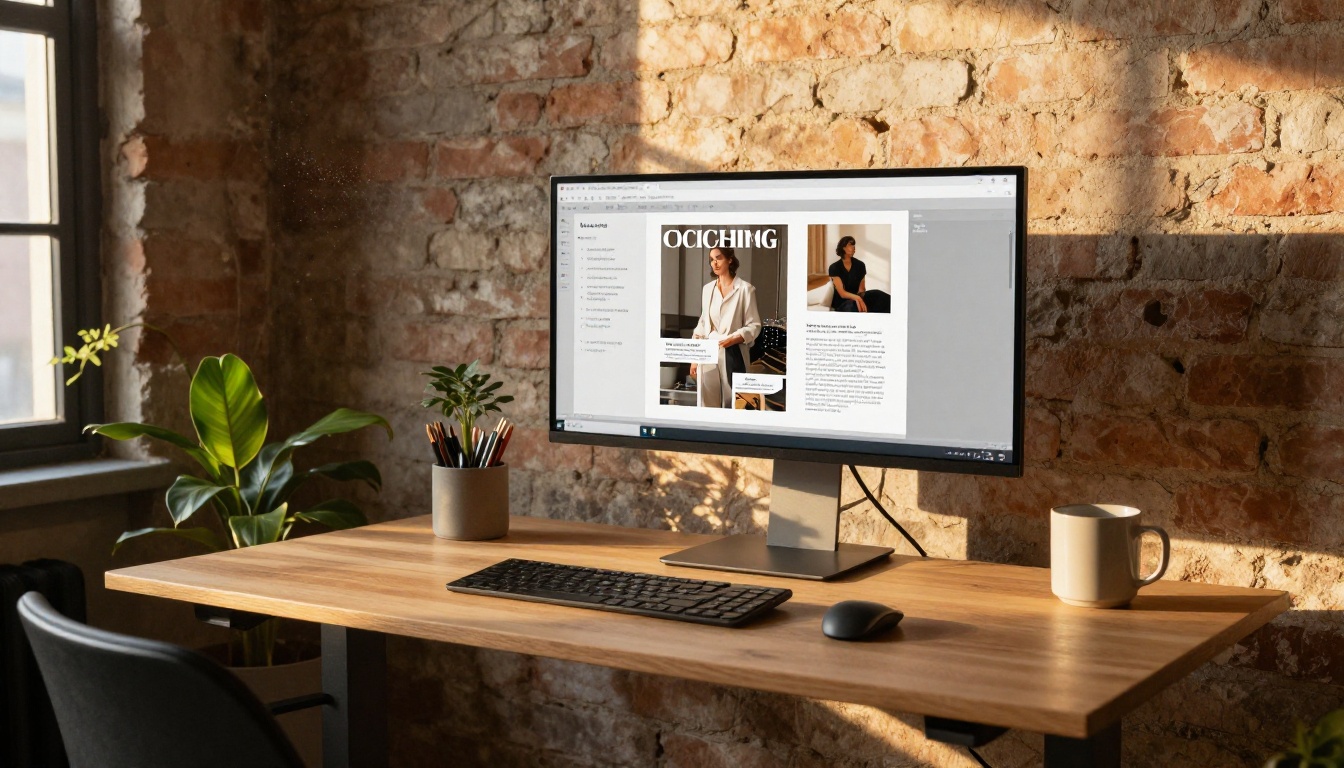
Foleon positions itself as a content experience platform. You build reports from modular blocks in a browser editor, and the result is a responsive, scrolling microsite rather than a page-turner.
Where Foleon Wins
- Reusable templates and brand kits that keep dozens of contributors consistent.
- Strong responsive behavior, so a report reads cleanly on any screen.
- Team workflows with roles, approvals, and shared asset libraries.
- Built-in analytics and integrations with marketing stacks.
Where It Falls Short
Foleon is priced for organizations with a content team and a content budget. Smaller nonprofits and mid-sized companies often find the entry cost hard to justify for one report a year. Onboarding also takes real time, since you are rebuilding the report in blocks rather than uploading it.
Ceros: Designer Freedom
Ceros is a canvas-style studio. Think of it as an animation and layout tool where designers place elements freely, add motion, and publish interactive experiences without writing code.
Where Ceros Wins
- Pixel-level control over layout, parallax, and scroll-triggered animation.
- Impressive showcase pieces that can win design awards and press attention.
- Interactive data visualizations that react to hover and click.
Where It Falls Short
That freedom costs time. A designer is practically required, and the production cycle is measured in weeks, not hours. If your finance team assembles the report in Word and InDesign, expect a rebuild. Pricing is also quote-based and aimed at larger enterprises.
⚠️ Watch out: Heavily animated reports can load slowly on older phones. Test on a mid-range Android device before you announce the launch.
Flipsnack: The Familiar Flipbook
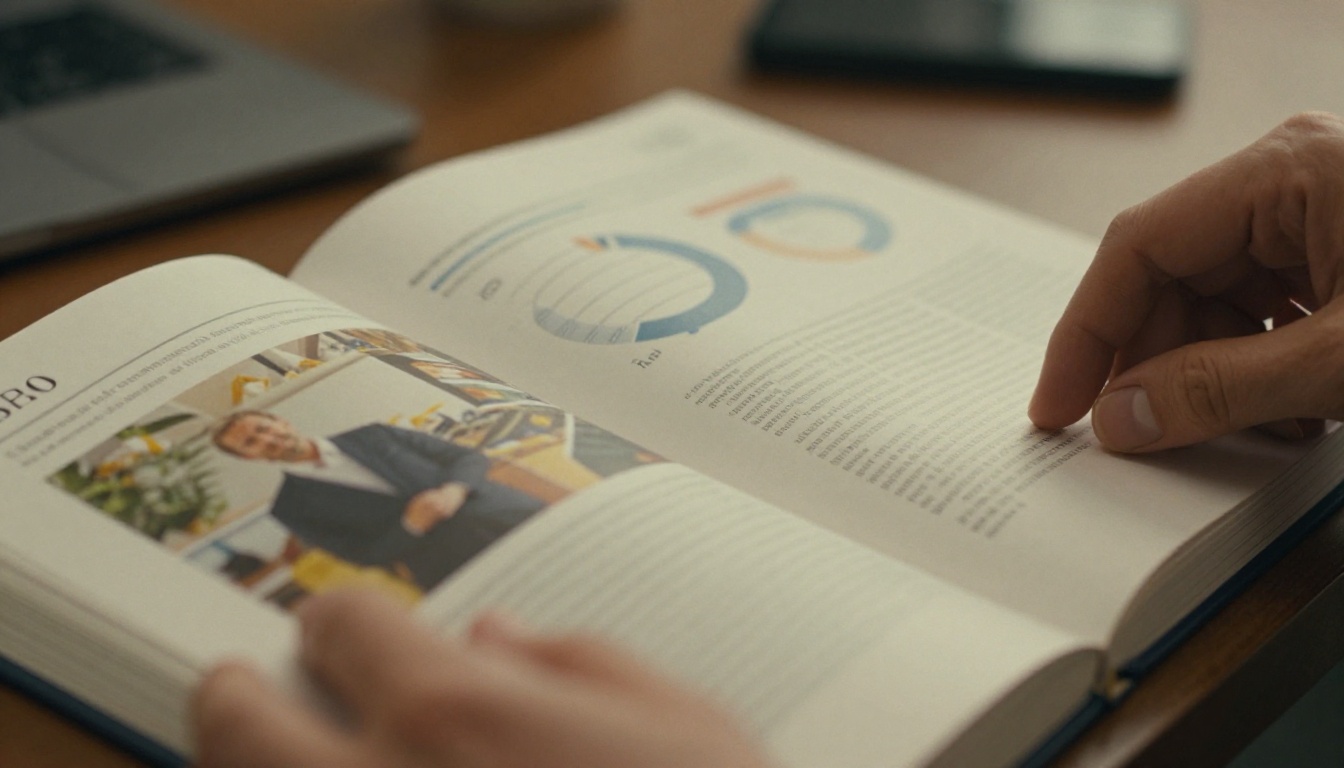
Flipsnack is one of the best-known flipbook makers. You upload a PDF, apply branding, and publish a page-turning version with a shareable link or embed code.
Where Flipsnack Wins
- Quick conversion from PDF with a short setup.
- A design editor for building simple layouts inside the platform.
- Team plans with collaboration and brand folders.
- Embeds that work on most websites.
Where It Falls Short
Lower tiers can limit watermarks, privacy options, and the number of active publications, so check the plan details before you commit a report to it. Analytics and lead capture generally sit on higher tiers.
Flipbooks AI: Fast and Watermark Free
Flipbooks AI takes the flipbook approach and focuses on speed and clean output. Upload your PDF, and the platform converts it into a responsive, page-turning reader with no watermarks. It suits teams whose report is already designed and approved and just needs a better home online.

Where Flipbooks AI Wins
- No watermarks, ever, which matters for investor-facing documents.
- Password protection for board packs and pre-release drafts.
- Embedded video and audio, so a CEO message can sit right inside the report.
- Offline downloads and custom branding.
- Analytics and lead generation on the Professional plan. See the full pricing plans.
Where It Falls Short
It is not a block-based microsite builder. If you want scroll-triggered animation across a custom canvas, a design-first studio will give you more freedom. For teams that start from a finished PDF, that trade is usually welcome.
Side-by-Side Comparison Tables
Numbers and checkmarks beat paragraphs when you are presenting options to a budget holder. These two tables summarize how the platforms line up. Treat the pricing column as a rough band, not a quote.
Feature Comparison
| Feature | Foleon | Ceros | Flipsnack | Flipbooks AI |
|---|
| Starts from existing PDF | Partial | No | Yes | Yes |
| Page-turn reader | No | No | Yes | Yes |
| Scrolling microsite | Yes | Yes | Limited | No |
| Advanced animation control | Medium | High | Low | Low |
| Password protection | Yes | Yes | Plan dependent | Yes |
| Watermark free | Yes | Yes | Plan dependent | Yes |
| Embedded video and audio | Yes | Yes | Yes | Yes |
| Page-level analytics | Yes | Yes | Plan dependent | Professional plan |
Cost and Effort Comparison
| Tool | Typical Buyer | Production Time | Pricing Style |
|---|
| Foleon | Content teams, mid to large firms | Days to weeks | Quote based |
| Ceros | Enterprise brand and design teams | Weeks | Quote based |
| Flipsnack | Small to mid-sized teams | Hours to days | Published monthly tiers |
| Flipbooks AI | Teams with a finished PDF | Minutes to hours | Published plans |
✅ Best practice: Ask every vendor for a trial using your actual report, not their demo file. Real charts and long tables expose rendering problems fast.
The honest answer depends on three things: who builds the report, how long you have, and how much interactivity your audience expects.

Pick Foleon If
You have a content team, a regular publishing calendar, and multiple contributors who need guardrails. The modular editor pays off when you publish reports, whitepapers, and ebooks all year.
Pick Ceros If
The annual report is a brand statement. A skilled designer, a generous timeline, and an appetite for motion will produce something memorable.
Pick Flipsnack If
You want a familiar flipbook workflow and a platform that also handles catalogs and magazines. Compare plan limits carefully against your needs.
Pick Flipbooks AI If
Your PDF is done, your deadline is close, and you want a clean, watermark-free reader with sharing controls. It also suits specific formats, such as the Annual Report Creator, the Corporate Report Maker, and the Non-Profit Annual Report template.
Real-World Scenarios
Abstract comparisons only go so far. Here is how the choice plays out for three typical organizations.

A Regional Nonprofit
A five-person communications team has a designed PDF, a two-week deadline, and donors who read on phones. A flipbook tool wins: upload, brand it, share a link in the donor email. A full microsite build would eat the entire budget.
A Listed Mid-Cap Company
Investor relations needs a polished, secure report and a separate digital highlights page. A hybrid works well: publish the full report as a protected flipbook for analysts and let the content team build a scrolling summary in a block-based platform.
A Design Agency's Own Report
An agency wants its report to double as a portfolio piece. Here a canvas studio earns its price, because the report itself is the sales pitch.
💡 Pro tip: Whatever you choose, keep a downloadable PDF alongside the interactive version. Some auditors and regulators still ask for a fixed, archivable file.
Publish with Flipbooks AI
If the flipbook route fits, the process is short. This walkthrough shows how a finished report goes live.

Step-by-Step Setup
- Create an account. Sign up at Flipbooks AI and open the dashboard.
- Upload your PDF. Drag in the final file. The PDF to Flipbook Converter turns each page into a responsive spread in moments.
- Apply your branding. Set logo, colors, background, and page effects to match your identity.
- Add multimedia. Drop a CEO video or an audio summary onto the relevant pages.
- Set privacy. Add a password for board-only drafts, or leave the link public for donors.
- Share. Copy the direct link or use the Embed Flipbook on Website option to place it on your investor page.
Tracking Results
On the Professional plan you can see which pages get read and capture leads from interested readers. Offline downloads let stakeholders keep a copy for flights and board retreats. For a broader look at formats, browse all flipbook tools.
Common Mistakes to Avoid
Even the right tool fails when the process around it is weak. These mistakes show up again and again.

Choosing by Demo Alone
Demo files are polished to perfection. Your 90-page document with dense tables and footnotes is not. Test with the real thing.
Ignoring Mobile Reading
Open the finished report on a phone before launch. Tiny fonts in page-turn readers and oversized animation in microsites are the two most common complaints.
Forgetting the Timeline
Build time varies enormously between categories, as the cost table shows. Work backward from your publication date and subtract at least a week for review.
Skipping Access Rules
Decide early who sees what. A pre-release draft sent as a public link is a classic and avoidable mistake.

Choose and Publish Today
The best annual report software is the one your team can actually finish a report in. Foleon suits organized content teams, Ceros rewards design ambition, Flipsnack offers a familiar flipbook workflow, and Flipbooks AI delivers the fastest route from finished PDF to a clean, secure, watermark-free reader.
Ready to try it on your own report? Get started for free on Flipbooks AI, compare pricing plans to see what fits your budget, or browse every tool and template to find the format that matches your next publication.



