You are sitting across from a buyer, the product page spins, and the signal bar drops to nothing. That moment has cost reps more orders than any price objection. The best apps for sales reps to show catalogs offline solve it by keeping every page, photo and price list stored on the device, ready to open in a basement showroom, a warehouse or a moving train. In this ranking we compare the options reps actually use, starting with Flipbooks AI, and show you how to pick the one that fits your territory.
Why Offline Catalogs Matter in the Field
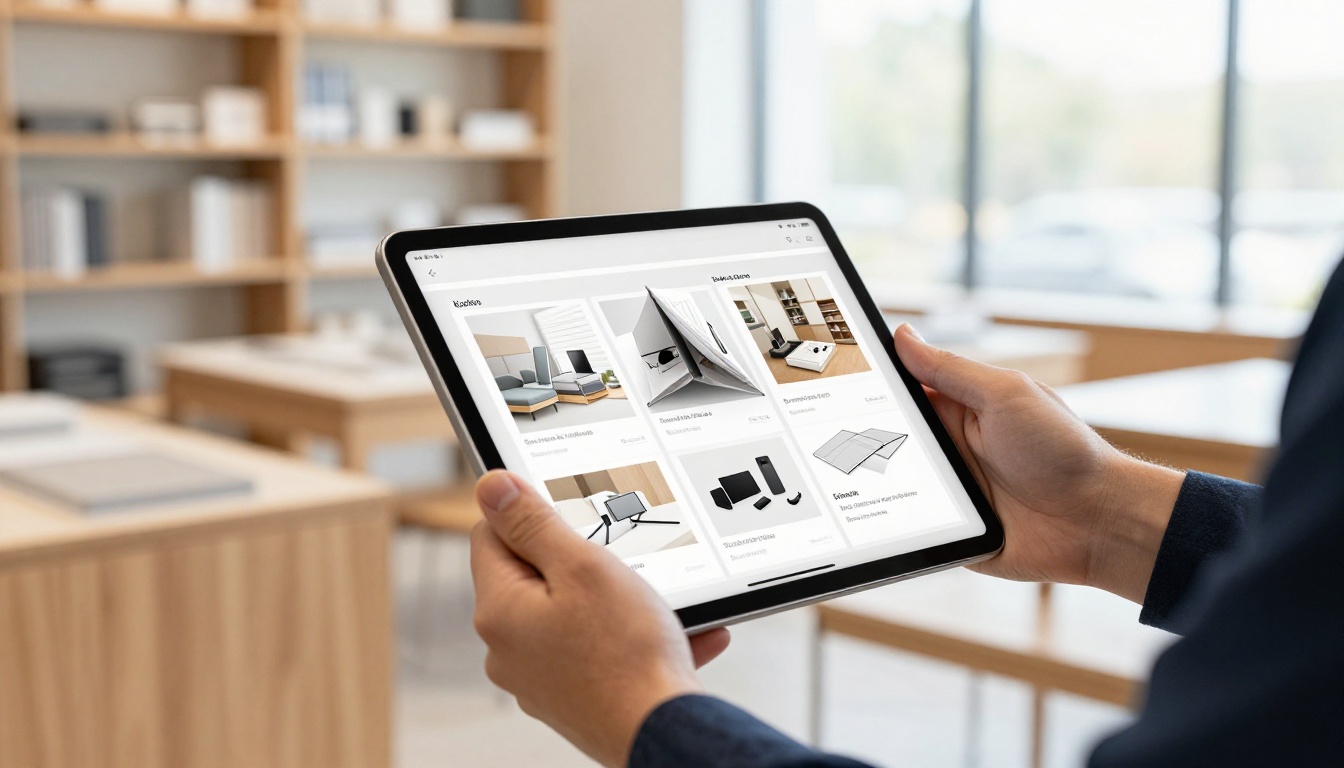
Field sales happens where Wi-Fi does not. Rural routes, factory floors, hotel conference rooms and trade show halls all have patchy connections. A rep who can open the catalog in two seconds, with no spinner, looks prepared. A rep who apologizes for the network looks like a risk.
The Real Cost of a Loading Spinner
Think about what a failed load does in a live meeting:
- It breaks the conversation rhythm right when the buyer is interested.
- It forces you to promise a follow-up email, and many of those never convert.
- It signals that your company cannot support a rep in the field.
- It pushes buyers toward the competitor who handed them a printed sheet.
💡 Pro tip: Time yourself opening your catalog in airplane mode. If it takes more than three seconds, your current setup is costing you meetings.
Paper Still Has Fans, but It Has Limits
Printed catalogs feel real in the hand, yet they are heavy, expensive to reprint and out of date the day a price changes. Digital offline catalogs keep the page-turning feel while letting you update products centrally.
| Format | Weight in bag | Update speed | Cost per update | Works offline |
|---|
| Printed catalog | Heavy | Weeks | High reprint cost | Yes |
| Plain PDF in email | None | Instant | Free | Only if downloaded |
| Cloud web catalog | None | Instant | Low | No |
| Offline flipbook or app | None | Instant sync | Low | Yes, after download |

What a Good Offline App Needs
Not every app that claims offline support survives a real day on the road. Before you compare names, set the bar.
Reliable Downloads and Storage
The app must store the whole catalog on the device, including images and any embedded media, not just the first few pages. Check how it behaves when storage is low and whether it resumes an interrupted download.
Fast Page Rendering
Large product photos on a 200 page PDF can stutter on older tablets. Look for apps that optimize pages for mobile and keep scrolling smooth.
Sync When You Reconnect
Prices and stock change. A good app quietly refreshes the catalog when the device sees a connection, so reps always carry the latest version without thinking about it.
Security and Access Control
If your catalog contains wholesale prices, you may want password protection or limited sharing. Losing a tablet should not expose your price list to the world.
Capture Leads and Track Views
The best tools also tell you which pages a buyer lingered on, and let you record contact details right in the meeting. We cover this under the Professional plan options below.
The Best Apps, Ranked
The ranking below weighs offline reliability, presentation quality, how fast a non-technical team can set it up, and what a rep gets after the meeting. Features and plans change often, so confirm details on each vendor's site before you commit.
1. Flipbooks AI
Flipbooks AI turns a PDF into a page-turning flipbook that reps can download for offline viewing. There are no watermarks, branding is customizable, and the same flipbook works on phones, tablets and laptops through a responsive layout. You can share by direct link, embed it on a site, or lock it behind a password. Teams that want view tracking and lead capture can look at the Professional plan.
Best for: teams that want a polished, branded catalog without hiring a designer or developer.
2. Adobe Acrobat Reader
The familiar standby. Open a PDF, mark it available offline, and you are set. Reading is dependable, though the experience is a plain document, not a flipbook, and heavy files can feel slow on older devices.
Best for: reps who already live in PDFs and need basic reliability.
3. Dropbox or Google Drive Offline Files
Both let you flag files for offline use. They are great for storing many documents, but the catalog is still a raw file. There is no page-turning effect, no view analytics for the buyer interaction and no lead capture.
Best for: a shared library of spec sheets and price lists.
4. PDF Reader Apps Like GoodReader or PDF Expert
These dedicated readers handle very large files and offer annotation. Reps can mark up a quote during a visit. They are strong tools for reading, less so for branded presentation.
Best for: reps who annotate documents during meetings.
5. Dedicated Sales Enablement Platforms
Larger platforms such as Showpad or Highspot bundle content management, analytics and CRM links. They are powerful, but they usually come with enterprise pricing and a longer rollout, which can be heavy for small teams.
Best for: large organizations with an operations team to run the platform.
Side by Side Comparison
| App | Page-turn feel | Offline download | Branding | Lead capture | Setup effort |
|---|
| Flipbooks AI | Yes | Yes | Custom | Professional plan | Low |
| Adobe Acrobat Reader | No | Yes | None | No | Very low |
| Dropbox / Google Drive | No | Yes | None | No | Very low |
| GoodReader / PDF Expert | No | Yes | None | No | Low |
| Sales enablement platforms | Varies | Yes | Varies | Yes | High |
✅ Best practice: Pick the tool your least technical rep can use in under ten minutes. Adoption beats feature count every time.

How to Build an Offline Catalog with Flipbooks AI
If a flipbook fits your needs, here is the workflow. It takes about fifteen minutes for a first catalog.
Step 1: Create Your Account
Head to Flipbooks AI and sign up. Check the pricing page to see which plan includes unlimited flipbooks and which includes analytics.
Step 2: Upload and Convert Your PDF
Use the PDF to Flipbook Converter. Drop in your existing catalog and the platform converts each page into a flip-ready layout. If you do not have a PDF yet, the Digital Catalog Maker and Product Catalog tools are a good starting point.

Step 3: Customize the Look
- Add your logo and brand colors.
- Choose the page effect and background.
- Embed product videos or audio where a demo helps.
- Add clickable links from product photos to order forms.
Step 4: Choose Sharing Options
You can send a direct link, embed the flipbook on your website, or protect it with a password for wholesale buyers. Match the choice to the audience: public links for general leads, passwords for price-sensitive accounts.
Step 5: Download for Offline Use
Before a trip, open the flipbook on your tablet while connected and use the offline download option. Then switch to airplane mode and open it once to confirm everything loads, photos included. Do this check every time the catalog changes.
Step 6: Turn On Analytics and Leads
On the Professional plan, enable analytics and lead generation to see which products get attention and who asked for a follow-up. Reps can review this at the end of the day instead of guessing.
⚠️ Warning: Offline downloads are a snapshot. If marketing updates prices on Monday, make sure reps reconnect and refresh before the next visit.
Real-World Scenarios for Reps
Tools only matter when they fit a real day. Here are four situations where offline access decides the outcome.
The Boutique Visit
A fashion rep visits independent shops in small towns. Reception is poor inside old stone buildings. With an offline lookbook, built with the Fashion Catalog tool or the Interactive Lookbook Designer, the rep flips through the new season on a tablet while the owner touches the samples.
The Trade Show Booth
Convention center Wi-Fi is famous for failing at peak hours. A rep with an offline catalog keeps pitching while the booth next door waits for a page to load. Pair it with the Sales Presentation format for a scripted walk-through.

The Warehouse and Factory Floor
Industrial buyers often meet in steel buildings where signals vanish. Here a rugged, battery-friendly tablet and an offline catalog beat a phone hotspot. Remember to charge the device and carry a spare cable.
The Long Commute
Trains and flights are prime prep time. Reps can rehearse the pitch, bookmark the best sellers and prepare quotes without a connection. A Digital Price List next to the catalog speeds up quoting.
Picking the Right App for Your Team
Use this quick matrix to match the situation with a tool category.
| Your situation | Best fit | Why |
|---|
| Small team, branded catalog | Flipbooks AI | Fast setup, offline downloads, no watermark |
| Mostly internal documents | Drive or Dropbox | Simple storage and sharing |
| Heavy annotation of quotes | PDF Expert or GoodReader | Markup tools |
| Large enterprise with CRM | Sales enablement platform | Deep integrations |
| Zero budget, one PDF | Acrobat Reader | Free and familiar |
Questions to Ask Before You Buy
- Does it load fully in airplane mode, images included?
- Can reps update the catalog without calling IT?
- Is there a way to protect wholesale prices?
- What happens to the catalog if a rep leaves the company?
- Does the price scale sensibly as the team grows?

Common Mistakes to Avoid
Even the right app fails when the rollout is sloppy.
Skipping the Airplane Mode Test
Many reps assume a catalog is offline because it opened once. Cached pages are not the same as a full download. Always test with the connection off.
Letting Catalogs Go Stale
An outdated price in front of a buyer is worse than no catalog. Set a weekly reminder to refresh, or agree on a version date printed on the first page.
Oversized Files
A 400 MB PDF will frustrate a rep on an older tablet. Compress photos and split very large catalogs into product lines, such as a separate flipbook for each category.
Ignoring Battery and Storage
A great app on a dead tablet helps nobody. Carry a power bank and keep at least a few gigabytes free.
Forgetting the Follow-Up
The meeting ends, but the sale does not. Send the buyer the same flipbook link right away so they can revisit it later. With analytics enabled, you can see whether they did.
Ready to Go Offline?
The signal will keep dropping, but your catalog does not have to. Start by listing your three most common meeting locations, test your current setup there in airplane mode, and swap out whatever fails.
If you want a branded, page-turning catalog that works without a connection, get started for free on Flipbooks AI. Browse all flipbook tools and templates to find the right format for your product line, or compare pricing plans to see which tier adds analytics and lead capture for your team. When you are ready to upgrade, the account to pricing flow takes you straight to the plans.