A shoebox of prints is lovely, but nobody can press play on it. A digital photo album with music fixes that: the pages turn, a song sets the mood, and a relative on the other side of the world sees your wedding or your trip the way you meant it to be seen. This ranking looks at the best apps to make a digital photo album with music, including page-turning options like Flipbooks AI, so you can pick the one that matches how you actually plan to share your photos.
What Makes a Good Music Album App
Not every photo app handles audio well. Some let you drop in one song and nothing else. Others give you per-page control but lock the result inside their own ecosystem. Before looking at names, decide what you care about most.
Here are the criteria used for this ranking:
- Audio control: Can you choose your own track, loop it, fade it, or change it per page?
- Album feel: Does it behave like a book with pages, or like a video slideshow?
- Sharing: Can someone open it from a simple link without installing anything?
- Privacy: Can you protect a private family album with a password?
- Ownership: Can you export, download or embed the album elsewhere?
- Cost: Is the free tier useful, and are there watermarks?
💡 Pro tip: Decide the format first. A slideshow video is best for TV and social media. A flipbook album is best for browsing at your own pace, like a real book.
Slideshow Video vs Flipbook Album
These two formats get mixed up constantly, yet they feel completely different to the viewer.
| Format | Viewer control | Best for | Weak spot |
|---|
| Slideshow video | Press play and watch | TV nights, social posts | Cannot skip or linger on a page |
| Flipbook album | Turn pages at your own speed | Weddings, trips, portfolios | Needs a link or embed to share |
| Native phone memories | Automatic and quick | Quick throwback clips | Little control over layout |
| Printed photo book | Physical, tactile | Gifts | No music at all |
A slideshow is a movie. A flipbook is a book that happens to play a soundtrack. If you want people to pause on the photo of grandma laughing, the flipbook wins.
Top Apps Ranked
The list below is ordered by how well each option balances music, page feel, sharing and price. Plans and prices change often, so check each app's current pricing before you commit.
1. Flipbooks AI
Best for people who want a real page-turning album with background audio and a shareable link. You upload a PDF of your photo pages, and the platform converts it into an interactive flipbook. You can embed videos and audio, add custom branding, and share by link or embed code. There are no watermarks, and private albums can be locked behind a password. Check the pricing plans for what each tier unlocks.
- ✅ Page-flip effect that feels like a physical book
- ✅ Audio and video embedding
- ✅ Password protection for family-only albums
- ✅ Mobile-responsive viewing
- ✅ Offline downloads and analytics on higher plans
2. Canva
Best for design-first people. Canva offers photo book layouts, a huge audio library, and simple animation. You can export a video with music or share a presentation link. It shines when you want styled collages and text overlays. The trade-off is that the finished piece is closer to a slide deck than a book.
3. Google Photos
Best for speed. It can generate memory slideshows from your library with a soundtrack. You pick from suggested tracks, and sharing is easy through links. You get little control over page layout, though, and the music choices are limited.
4. Apple Photos
Best for iPhone and Mac owners. The Memories feature builds a movie with a song matched to the mood, and you can swap the track or adjust the length. It is quick and polished, but the output lives mostly inside the Apple ecosystem.
5. Adobe Express
Best for social-ready videos. You can combine photos, motion and licensed music tracks in a clean editor. It suits a short birthday video more than a 60-page wedding album.
6. Animoto-style video makers
Best for non-designers who want templates. You drop in photos, pick a theme and a song, and the tool builds the video. It is fast, but customization is narrower than in a flipbook or a design tool.
Side by Side Comparison
| App | Format | Music control | Easy link sharing | Password option |
|---|
| Flipbooks AI | Page-turning flipbook | Embedded audio | Yes | Yes |
| Canva | Design or video | Large music library | Yes | Depends on plan |
| Google Photos | Auto slideshow | Suggested tracks | Yes | Limited |
| Apple Photos | Memory movie | Swap or adjust track | Within Apple tools | No |
| Adobe Express | Short video | Licensed library | Yes | Depends on plan |
| Video template makers | Template video | One main track | Yes | Depends on plan |
⚠️ Watch out: Free tiers often add watermarks or cap video length. Test one album before you invest hours in a long project.
Which App Fits Which Situation
The right pick depends on the occasion, not on a universal winner.
- Wedding album: A flipbook keeps the pages in order and lets guests linger. See the Wedding Album Flipbook tool.
- Quick birthday clip: Apple Photos or Google Photos will get you there in minutes.
- Styled anniversary gift: Canva gives the most design freedom.
- Photographer's showcase: Try the Photography Portfolio option for a book-like presentation.
- Travel diary: A flipbook with a calm track suits long trips. The Travel Guide Flipbook tool works well for this.
A Real Example: The Wedding Album
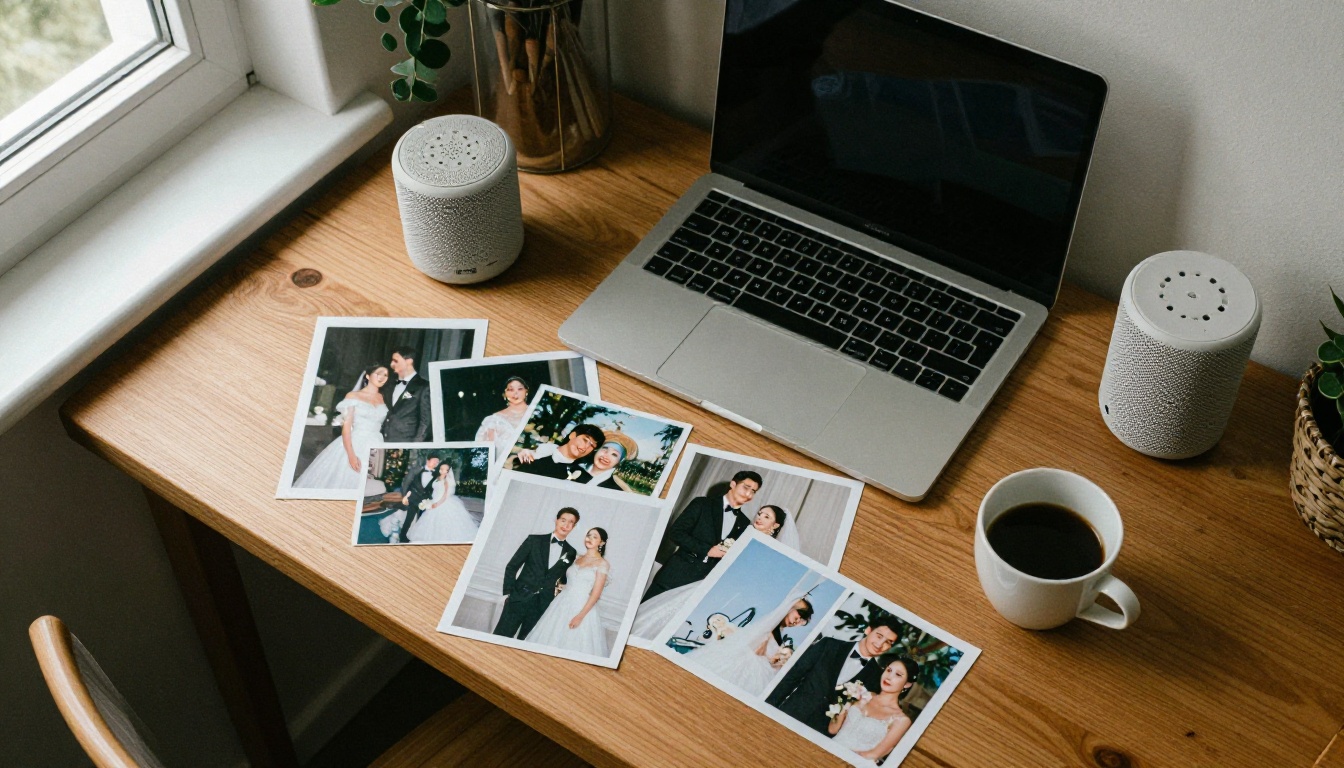
Picture a couple who wants to send their wedding photos to 80 guests. A video would force everyone to watch in the order the editor chose. A flipbook lets the aunt who missed the toast jump straight to those pages, while a soft instrumental plays underneath. The couple also locks it with a password so it stays between friends and family.
A Real Example: The Family Trip
A parent exports 40 photos from a summer road trip, lays them out as a PDF with captions, and adds a playlist-style track. The kids flip through on a tablet, the grandparents open it on a phone, and nobody needs to install anything.
How to Create a Music Album with Flipbooks AI
Here is a practical walkthrough for the page-turning route. It takes less time than most people expect.
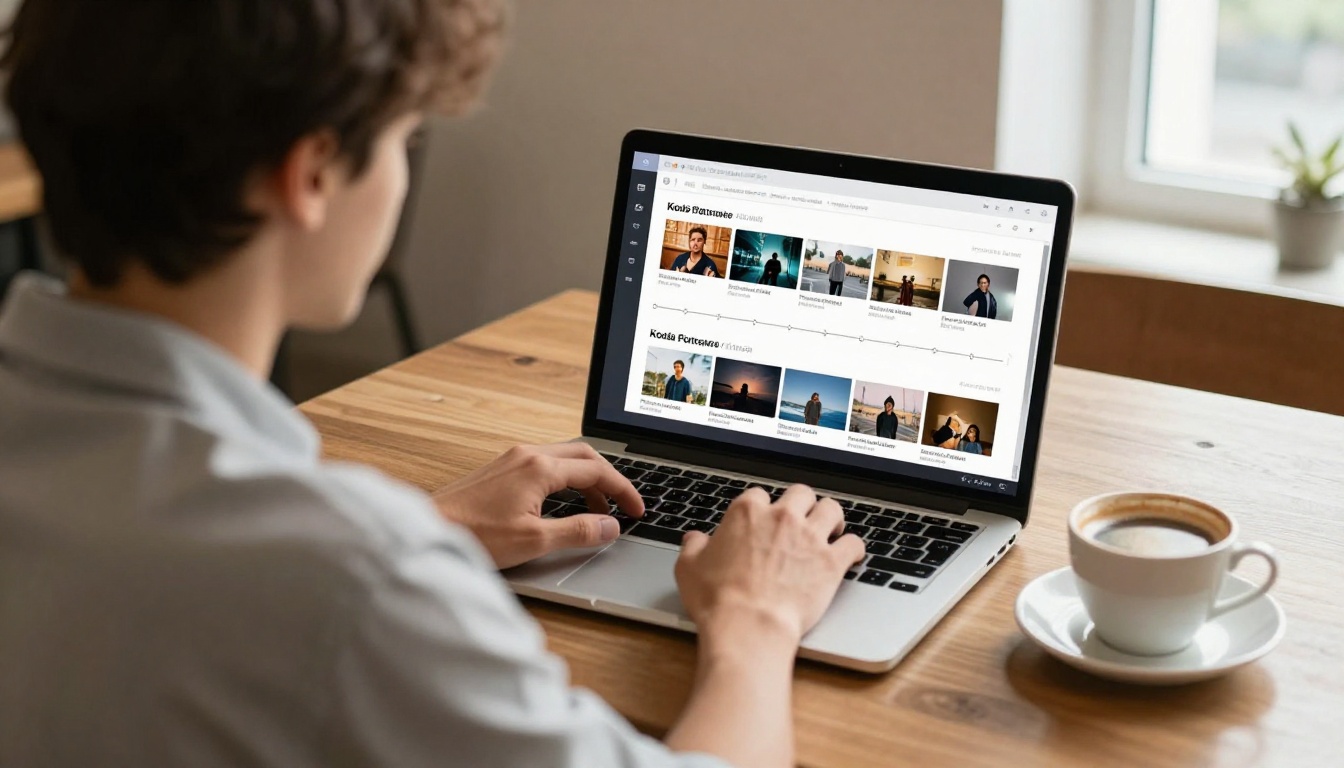
- Prepare your pages. Build the album in any layout tool you like and export it as a PDF. One photo per page works well, or a small collage with a caption.
- Sign up. Create an account on Flipbooks AI.
- Upload the PDF. The PDF to Flipbook Converter turns your file into an interactive book with a realistic page-flip effect.
- Add the music. Embed your audio so it plays while viewers browse. Choose a track you have the right to use, such as your own recording or a royalty-free file.
- Customize the look. Set background colors, add your branding, and tweak the page effects so the album matches the mood of the photos.
- Choose how to share. Copy the direct link, or use the embed option to place the album on a website or family blog.
- Protect it. Turn on password protection if the album is private.
- Check the numbers. On the Professional plan, analytics show how many people opened your album, which is handy for a portfolio or event.
✅ Best practice: Keep the audio file small and the track instrumental. Lyrics compete with the captions you wrote.
Picking the Right Music
The soundtrack decides whether the album feels warm or awkward. A few rules help.
Match the Pace
Slow acoustic or piano pieces suit weddings and anniversaries. Upbeat tracks fit travel and birthdays. If your album has 50 pages and a three-minute song, loop it or choose a longer piece so the music does not stop halfway.
Respect Copyright
Private sharing is lower risk than public posting, but licensing still matters. Safe options include:
- Your own recordings, such as a toast or a family song
- Royalty-free libraries
- Tracks you purchased with a license that allows this use
Keep the Volume Gentle
Background means background. A quiet bed of sound lets people read captions and enjoy faces.
| Occasion | Mood | Suggested style |
|---|
| Wedding | Romantic | Soft piano or strings |
| Baby's first year | Tender | Gentle acoustic or lullaby |
| Road trip | Energetic | Light indie or folk |
| Memorial | Calm | Slow instrumental |
| Anniversary | Warm | Easy jazz or acoustic |
Common Mistakes to Avoid
Most disappointing albums share the same few problems.
Too Many Photos
Fifty near-identical shots tire people out. Pick the best 20 to 40.
Music That Fights the Photos
A heavy beat on a quiet memorial album feels wrong. Match the song to the story.
Forgetting Older Viewers
Grandparents may not install anything. Choose a format that opens from a simple link in a browser, which is where a flipbook or a shared page helps.
Skipping Captions
A photo without a date or a name loses meaning in ten years. Add short captions while the details are fresh.
Ignoring Privacy
Family photos, especially of children, deserve care. Use a password or a private link rather than public posting.
Quick Decision Checklist
Answer these five questions and the right app usually becomes obvious.
- Do viewers need to browse at their own pace? Choose a flipbook.
- Do you only need a short clip for social media? Choose a video maker.
- Do you want heavy design control? Choose Canva.
- Are you already inside Apple or Google? Use their built-in memory tools for speed.
- Must the album stay private? Pick a tool with password protection.
💡 Pro tip: Nothing stops you from combining tools. Design the pages in Canva, export a PDF, and publish it as a flipbook with audio for the best of both.
Ready to Build Yours
You do not need a design degree to turn a camera roll into something people will actually open. Pick the format that fits your viewers, choose music that supports the story, and test the link on a phone before you send it.
If you want the page-turning feel, get started for free on Flipbooks AI and upload your first album today. Browse all flipbook tools to find a layout that fits weddings, portfolios or travel diaries, and compare the pricing plans to see which tier suits your needs. When you are ready to publish, upgrade through your account and share your album with the people who matter.
Whichever app you choose, the goal stays the same: give your photos a soundtrack and give your people a reason to press play.



