Your Instagram feed holds years of trips, birthdays, sunsets and half-forgotten brunches, and all of it sits behind a scroll that nobody will ever reach. The fix is simple: pick the best apps to turn Instagram photos into a printed book, and give those memories a spine, a weight and a place on the coffee table. If you also want a version you can send by link in seconds, a digital page-turning edition built with Flipbooks AI pairs nicely with any printed copy.
This ranking compares the most popular options by print quality, ease of import, layout freedom and value. It also walks through the export steps, the common mistakes that ruin a photo book, and a quick way to build a shareable digital twin.
Why Print Your Instagram Photos
Phones hold thousands of images, yet people rarely look at them twice. A printed book changes that behavior. It sits in the open, guests pick it up, and a child can flip through it without a login or a battery.
There is also a practical reason. Platforms change rules, accounts get locked, and storage plans lapse. A physical book is a backup that does not depend on any subscription.
Feeds Disappear, Books Stay
Instagram is built for the present moment. Older posts sink fast, and the algorithm never surfaces the quiet ones you love most. A book lets you decide the order, the pacing and the story.
Gifts That Feel Personal
A printed book of shared moments beats most store-bought presents. Anniversaries, grandparent gifts, graduation keepsakes and wedding thank-yous all work well.
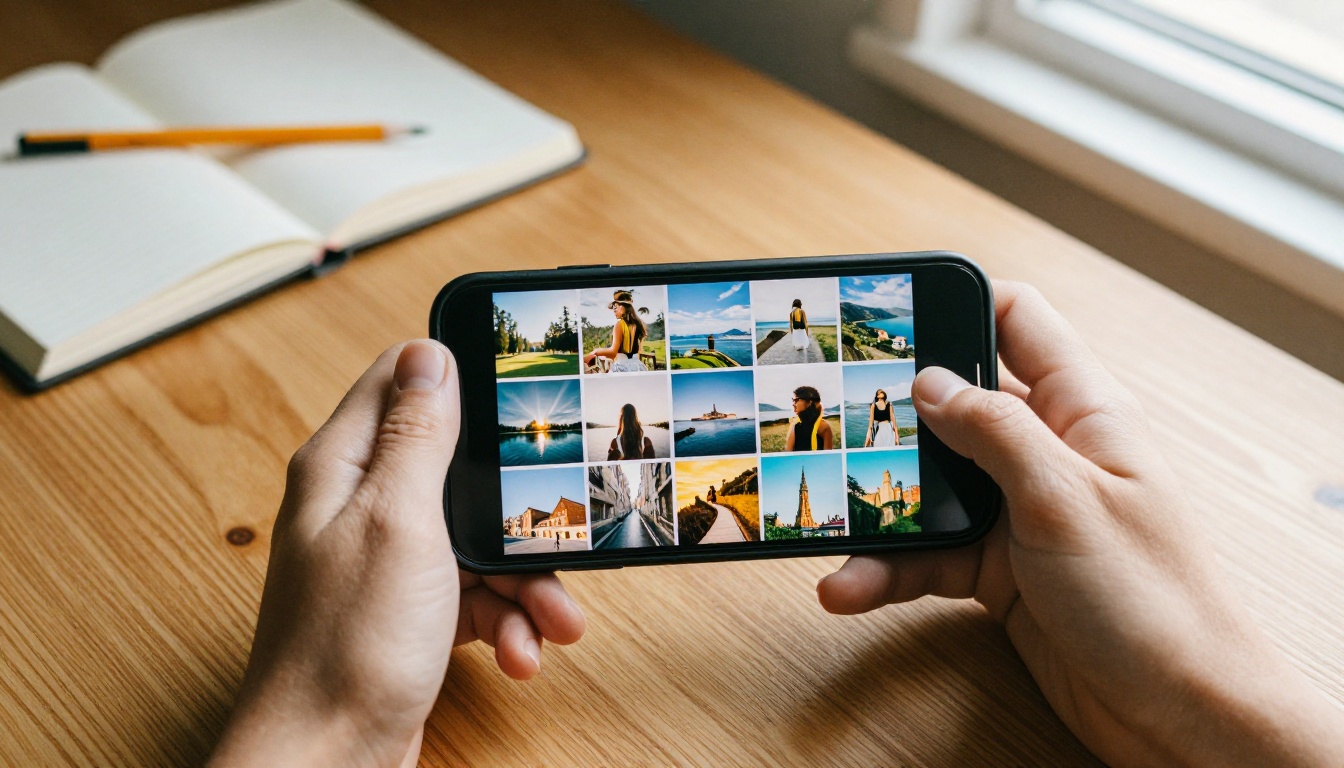
What to Look for in an App
Before comparing names, decide what matters most to you. Not every app suits every project.
- Direct Instagram import: connects to your account or accepts your data export.
- Print quality: paper weight, color accuracy and binding type.
- Layout control: automatic templates versus drag and drop pages.
- Square crops: Instagram photos are often 1:1 or 4:5, so the layout should respect that.
- Caption support: the ability to keep your original captions and dates.
- Shipping and turnaround: especially important for gifts with a deadline.
- Price transparency: per-page fees can add up fast.
💡 Pro tip: Resolution matters more than people expect. Photos downloaded from the feed are compressed. Use your original files or the full-quality data download whenever you can.
Resolution Basics
For a crisp 6x6 inch print, aim for at least 1200 pixels on the short side. Anything smaller looks soft on glossy paper. Most apps show a low-resolution warning, so do not ignore it.
The Best Apps, Ranked
Below is a quick snapshot before we go deeper into each pick. Prices and features change often, so always confirm current details on each service before ordering.
| Rank | App | Best For | Instagram Import | Layout Control |
|---|
| 1 | Chatbooks | Automatic, hands-off books | Direct account link | Low to medium |
| 2 | Mixbook | Fully custom designs | Direct import | High |
| 3 | Shutterfly | Gifts and seasonal offers | Direct import | Medium |
| 4 | Artifact Uprising | Premium, minimalist look | Direct import | Medium |
| 5 | Social Print Studio | Square prints and small books | Direct import | Medium |
| 6 | Blurb | Creators wanting retail-grade books | Upload or export | High |
| 7 | Flipbooks AI (digital) | Shareable online edition | Upload as PDF | Medium |
1. Chatbooks: Best for Zero Effort
Chatbooks pulls photos straight from your Instagram account and builds a book with minimal input. You choose a date range or hashtag, and the app lays out the pages for you.
Strengths:
- Fast setup, often finished in minutes.
- Subscription options that create a new book on a schedule.
- Keeps captions and dates easy to include.
Trade-offs:
- Fewer layout choices than design-first tools.
- Subscription billing needs attention so you do not print books you no longer want.
2. Mixbook: Best for Custom Design
Mixbook gives you a full editor with drag and drop pages, backgrounds, stickers and text. If you care about spreads that feel designed rather than generated, this is a strong pick.
Strengths:
- Large template library.
- Fine control over crops, spacing and captions.
- Good fit for weddings, trips and yearly recaps.
Trade-offs:
- It takes more time than an automatic builder.
- Frequent promotions mean list prices rarely tell the whole story.
3. Shutterfly: Best for Gifts
Shutterfly is familiar, widely available and strong on gift-ready options. It handles Instagram imports well and offers many sizes and finishes.
Strengths:
- Wide range of formats and add-ons.
- Regular discount events.
- Reliable shipping options.
Trade-offs:
- Cheaper tiers can feel standard compared with boutique printers.
- Upsells during checkout can inflate the total.
4. Artifact Uprising: Best for Premium Feel
Artifact Uprising leans into a muted, editorial look. Heavy paper, clean typography and thoughtful binding make it a favorite for fine photography and keepsake albums.
Strengths:
- Excellent paper and binding quality.
- Simple, uncluttered layouts.
- Great for portrait, wedding and travel series.
Trade-offs:
- Higher price per page.
- Less playful than design-heavy competitors.
5. Social Print Studio: Best for Square Formats
Social Print Studio was built around social media imagery, so square layouts feel native. Small books and prints suit casual gifts and quick desk keepsakes.
Strengths:
- Square-first design.
- Affordable small formats.
- Quick, simple ordering flow.
Trade-offs:
- Fewer large-format options.
- Less control over complex spreads.
6. Blurb: Best for Creators
Blurb targets people who treat a book as a real publication: photographers, illustrators and small brands. You can export your Instagram data, build the layout, and order retail-grade copies.
Strengths:
- Professional paper and binding choices.
- Strong tools for sequencing and typography.
- Option to sell copies through its bookstore.
Trade-offs:
- Steeper learning curve.
- The import step is manual compared with direct-link apps.
7. Flipbooks AI: Best Digital Companion
A printed book is perfect for the shelf, but it cannot be sent to a cousin overseas. Convert your layout PDF into an online flipbook with Flipbooks AI and share a single link. It works as a free-to-try companion to any of the print apps above, and the PDF to Flipbook Converter does the heavy lifting.
Side-by-Side Comparison
This second table focuses on practical buying factors.
| Factor | Chatbooks | Mixbook | Shutterfly | Artifact Uprising | Blurb |
|---|
| Setup time | Very short | Medium | Short | Medium | Longer |
| Print finish | Good | Good | Good | Excellent | Excellent |
| Customization | Light | Deep | Moderate | Moderate | Deep |
| Square photo friendly | Yes | Yes | Yes | Yes | Yes |
| Good for gifts | Yes | Yes | Yes | Yes | Sometimes |
| Subscription option | Yes | No | No | No | No |
✅ Best practice: Order one small test book before committing to a large run. Color and crop surprises are much cheaper to fix on a six-page sample.
How to Export Your Instagram Photos
Some apps connect directly. Others need a file download. Here is the dependable route for a full-quality export.
- Open Instagram and go to Settings, then Accounts Center.
- Choose Your information and permissions, then Download your information.
- Select your account, pick Some of your information, and tick Posts.
- Choose a date range and request the file in a high-quality media format.
- Wait for the email notice, then download the archive on a computer.
- Unzip it and sort the media into folders by trip, year or theme.

⚠️ Warning: Menu names move around after app updates. If a step looks different, search the Instagram help center for the current wording.
Pick the Strongest 40 to 80 Photos
Most photo books work best between 24 and 80 pages. Scroll your archive and shortlist images that tell a story: wide scenes, close details, people, then quiet moments. Remove near-duplicates ruthlessly.
Layout Choices That Make a Difference
A good book has rhythm. Mix full-page images with grids, and leave breathing room.
- One hero image per spread: pair it with two or three smaller shots.
- Consistent margins: crooked or tight borders look careless once printed.
- Chronological or thematic order: choose one and stick with it.
- Short captions: a line of text is more charming than a paragraph.
- Filter consistency: heavy presets can clash on paper. Tone them down.
Think About Binding
Layflat binding shows spreads without a gutter, which suits panoramic shots. Standard binding is cheaper and more familiar. Softbacks are light and easy to post.
Common Mistakes to Avoid
Many disappointing books fail for the same handful of reasons.
- Low resolution files: feed downloads can look soft when printed.
- Cropping faces at the page edge: keep important details inside the safe zone.
- Skipping the proof: always review every page preview.
- Overcrowding pages: six photos on a small square rarely work.
- Ordering at the last minute: holiday shipping windows can be tight.
The Real Cost of Printing
Costs usually combine a base price, per-page charges, shipping and tax. A short softback may cost very little, while a thick layflat can cost several times more. Check current pricing on each site, since discounts change constantly.
| Book Type | Typical Pages | Relative Cost | Best Use |
|---|
| Mini softback | 20 to 30 | Low | Casual keepsake |
| Standard hardback | 30 to 60 | Medium | Family archive |
| Layflat premium | 40 to 80 | High | Wedding or portfolio |
Real-World Examples
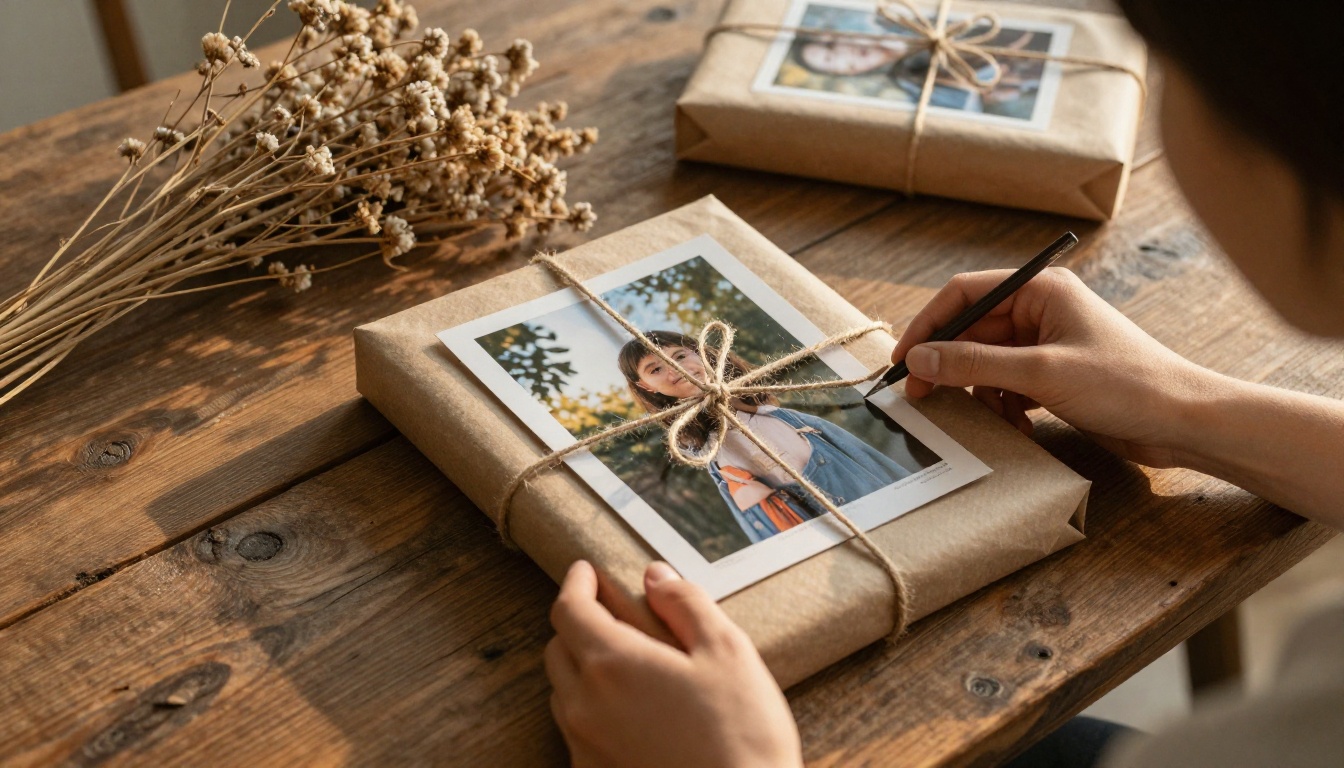
A traveler assembles a yearly book from Instagram trips, ordering a single copy for the shelf and sending a link to relatives.
A couple builds an anniversary book from posts they tagged together, adding short captions with dates.
A small business owner turns product shots from the feed into a lookbook for trade shows, then shares a digital version online with the Interactive Lookbook Designer.
A photographer exports a curated series and prints a limited run for clients using a retail-grade service.
Build a Shareable Digital Version
Printed books are wonderful, but a digital edition adds reach. Here is how to create one with Flipbooks AI.
- Export your finished book layout as a PDF from your chosen print app.
- Visit Flipbooks AI and create a free account.
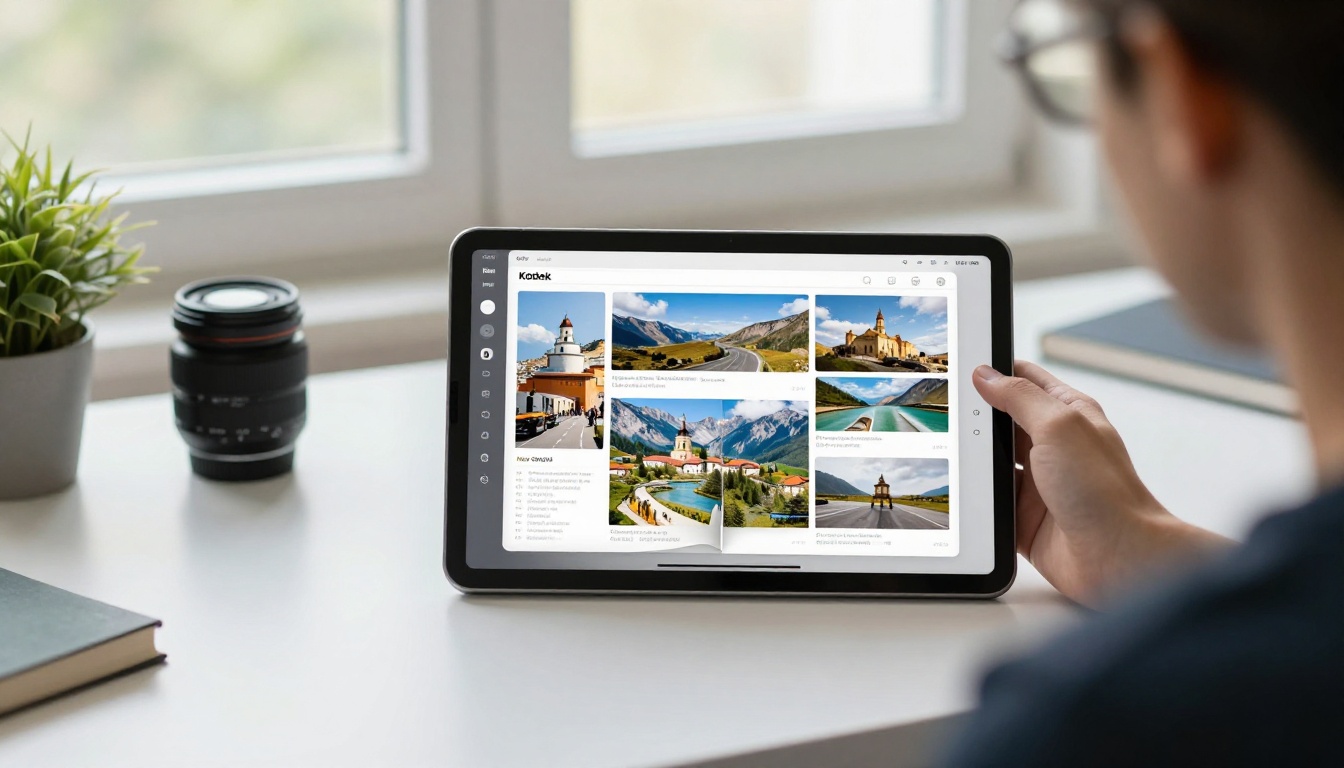
- Upload the PDF. The platform converts each page into a turning page flipbook.
- Customize colors, branding and background to match the book's mood.
- Add music or video clips to bring older photos to life.
- Copy the share link or use the Embed Flipbook on Website option for a blog.
- Turn on password protection if the book is for family only.
Flipbooks AI offers no watermarks, mobile-responsive viewing and offline downloads. Professional plans add analytics so you can see how many people opened the book. Compare options on the pricing page.
💡 Pro tip: Photographers can also try the Photography Portfolio tool to present a curated Instagram series online.
Print or Digital: Which Wins
You do not have to choose. The table below shows where each format shines.
| Need | Printed Book | Digital Flipbook |
|---|
| Shelf display | Excellent | Not applicable |
| Instant sharing | Slow | Immediate |
| Works without power | Yes | No |
| Updates after publishing | Reprint needed | Easy to replace |
| Cost per extra viewer | High | Near zero |
| Analytics | None | Available on Professional plans |
For most people, a single printed copy plus a link to the digital edition covers every situation. The printed version becomes the heirloom, while the online one travels.
Final Checklist Before You Order
- Confirm every image is high resolution.
- Check spelling in every caption.
- Review cropping on faces and horizons.
- Pick the right binding and paper for the book's purpose.
- Order a sample if the run is large.
- Allow extra time for shipping.
- Save the PDF so you can build a digital edition later.
Ready to Print and Share
The best choice depends on your goal. Pick Chatbooks for speed, Mixbook for design freedom, Artifact Uprising or Blurb for premium quality, and Shutterfly or Social Print Studio for gifts and square formats. Whichever app you choose, keep the PDF.
Ready to share your book with everyone you love? Get started for free on Flipbooks AI, browse all flipbook tools, or compare pricing plans to pick what fits.



