Nobody warns you how fast the first year disappears. One week your baby is curled up on your chest, and the next they are pulling themselves up on the coffee table. Photos pile up on your phone, milestones blur together, and the paper baby book in the nursery still has a blank first page. That is exactly why baby book apps exist. This article compares Qeepsake, Tinybeans and several other options on the things parents actually care about: price, privacy, effort and what you can do with the memories later. At the end, you will also see how to turn any collection of photos into a shareable keepsake with Flipbooks AI.
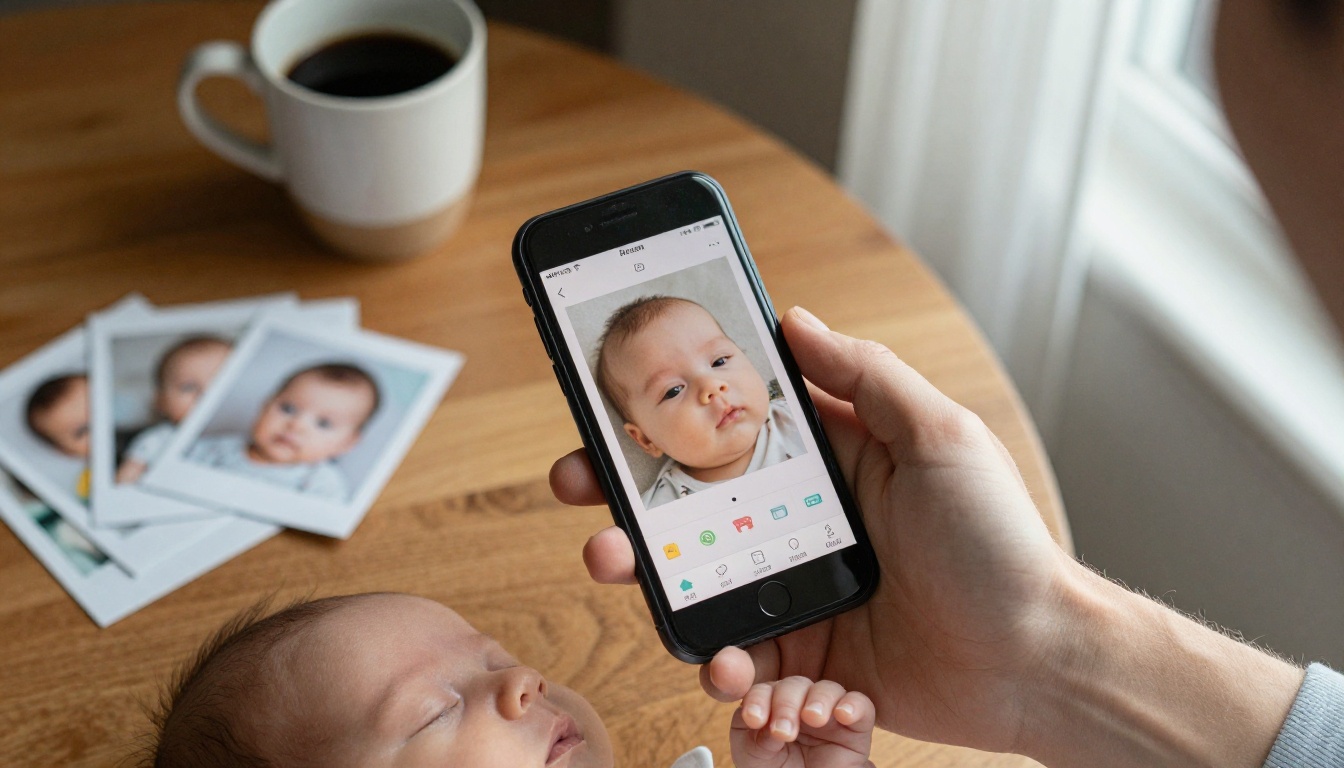
What a Baby Book App Does
A baby book app replaces the classic hardcover journal with something that lives on your phone. Most of them do three jobs: collect photos and videos, record milestones and short notes, and share the result with people you choose.
The differences show up in how much work they ask of you. Some apps email you a question each day and turn your replies into a book. Others act as a private feed for relatives. A few simply organize the photos you already take.
The Three Types
Almost every app falls into one of these groups:
- Journaling apps, which prompt you to write short entries (Qeepsake is the best known example).
- Private sharing apps, which focus on giving family a safe feed (Tinybeans, FamilyAlbum).
- General photo tools, which you adapt for babies (Google Photos, Apple Shared Albums).
Why Not Just Use the Camera Roll?
Your camera roll holds thousands of pictures, but it holds no context. A photo of a smiling baby is lovely. A photo with a note saying "first real laugh, 4 months, at the dog sneezing" is a memory. Apps add dates, ages, captions and structure, and that structure is what makes a collection feel like a book later.
💡 Pro tip: Add a caption the same day. Even five words will save you from guessing which month a photo was taken once you have 2,000 of them.
The Apps Side by Side
Before the detailed reviews, here is a quick overview. Prices change often, so treat the figures as a starting point and confirm them in each app store before you commit.
| App | Best For | Main Style | Free Version | Printing |
|---|
| Qeepsake | Busy parents who want a book with little effort | Daily email prompts | Yes, with limits | Yes, printed books |
| Tinybeans | Sharing with grandparents and relatives | Private family feed | Yes | Yes, via add-ons |
| FamilyAlbum | Automatic photo sharing | Shared albums | Yes | Yes, photo books |
| Google Photos | Free storage and search | General library | Yes, storage limits apply | Yes, prints and books |
| Apple Shared Albums | iPhone households | Shared iCloud albums | Yes, uses iCloud storage | Limited |
| Baby tracker apps | Feeding and sleep logs | Data tracking | Yes | Rarely |

Qeepsake in Detail
Qeepsake is built around a simple idea: you should not need to remember to journal. The app sends a short email or notification prompt, and you reply with a sentence or a photo. Over time those replies are arranged into a book.
What Parents Like
The big advantage is low effort. You answer from your phone in a few seconds, often while standing in the kitchen. The prompts nudge you to record things you would otherwise forget, such as what your baby does when you sing, or a funny thing a sibling said.
The result reads more like a story than a photo dump. That is the part many parents say they treasure when they look back.
Where It Falls Short
Qeepsake is not designed as a social feed. If you want grandparents to comment and react in real time, you will probably want a second tool. Premium features and printed books also come at a cost, so check the current plan before assuming everything is free.
⚠️ Heads up: Printed books take time to produce and ship. Order a few weeks before a birthday or holiday if you want it to arrive as a gift.

Tinybeans in Detail
Tinybeans leans the other way. It is a private family space where you post photos and videos, and invited relatives view, like and comment. There are no ads in the main feed, and you control exactly who gets an invitation.
Strengths
- Privacy first. Only invited people can see your posts.
- Milestone tracking. You can mark firsts and keep them in order.
- Easy for relatives. Grandparents who dislike complicated apps usually manage fine.
- Timeline view. Photos are grouped by age and date.
Weaknesses
Tinybeans is better at sharing than at writing. If you want long journal entries, the app can feel light. Some extras, like extended storage and printed products, sit behind a paid plan.
Who Should Pick It
If your biggest problem is "my parents live far away and keep asking for photos," Tinybeans solves that directly. If your biggest problem is "I never write anything down," Qeepsake is the closer match.
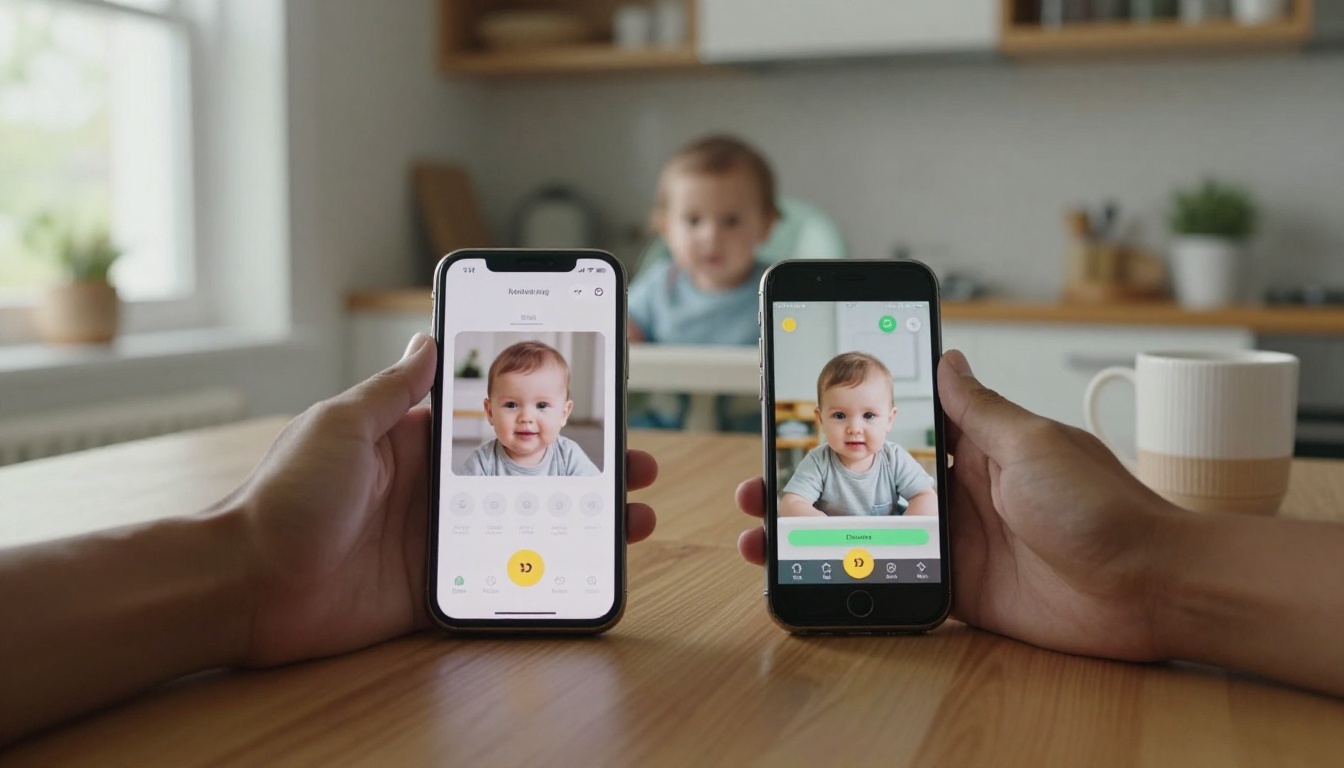
Other Options Worth a Look
You do not have to choose from only two names. Several alternatives work well, especially if you already use them.
FamilyAlbum
FamilyAlbum can detect photos of your child on your phone and offer to add them to a shared album. It saves the manual uploading that wears parents down by month three.
Google Photos
Google Photos is strong at search. Type "baby birthday" or your child's name, and it finds the right pictures. Shared albums let relatives add their own photos too. It is not a baby book by design, but it works if you add your own captions.
Apple Shared Albums
For households where everyone owns an iPhone, Shared Albums in the Photos app is the simplest option. Family members get notifications, can comment, and can add pictures. There is no milestone structure, so you create it yourself with album names such as "Month 1" and "Month 2."
Baby Tracker Apps
Apps like Huckleberry or Baby Connect log feeding, diapers and sleep. They are useful for the first sleepless months, but they are not memory keepers. Treat them as a companion, not a replacement.

How They Compare on What Matters
Here is a second comparison, focused on the questions parents ask most often.
| Question | Qeepsake | Tinybeans | FamilyAlbum | Google Photos | Apple Shared Albums |
|---|
| Easy daily use | Very easy | Easy | Easy | Medium | Easy |
| Private by default | Yes | Yes | Yes | Depends on settings | Yes |
| Written entries | Strong | Basic | Basic | Captions only | Comments only |
| Relative comments | Limited | Strong | Strong | Medium | Medium |
| Printed book option | Yes | Yes | Yes | Yes | Limited |
| Works on Android and iPhone | Yes | Yes | Yes | Yes | iPhone focused |
Privacy Checklist
Your baby's photos deserve care. Before you upload anything, run through this list:
- Read the privacy settings and turn off public sharing.
- Invite relatives by email, never by public link.
- Check whether the app lets you export or delete everything.
- Turn off location tagging on photos you share.
- Review who has access every few months.
✅ Best practice: Keep a second copy of your favorite photos somewhere you control, such as an external drive. Apps change plans, prices and policies over time.
Cost Over Time
A free plan is perfect for the first few months. By the time your child is one, you may have thousands of photos and want more storage or printed books. Budget for a modest yearly spend and compare it with the price of a handful of printed photo albums, which is often similar.

Real Parent Scenarios
Abstract comparisons only go so far. These examples show how families really choose.
- The exhausted new parents. They want the lowest effort possible. Qeepsake prompts plus one shared photo album cover the basics.
- The long distance grandparents. Tinybeans gives them a daily window into the baby's life without any group chat noise.
- The iPhone family. Apple Shared Albums costs nothing extra, and every relative already has the Photos app.
- The organized planner. Google Photos with a naming system, plus a yearly printed book, gives full control.
The Hybrid Approach
Plenty of families use two tools. One handles writing (Qeepsake), and one handles sharing (Tinybeans or a shared album). It is more setup, but each app does what it does best.
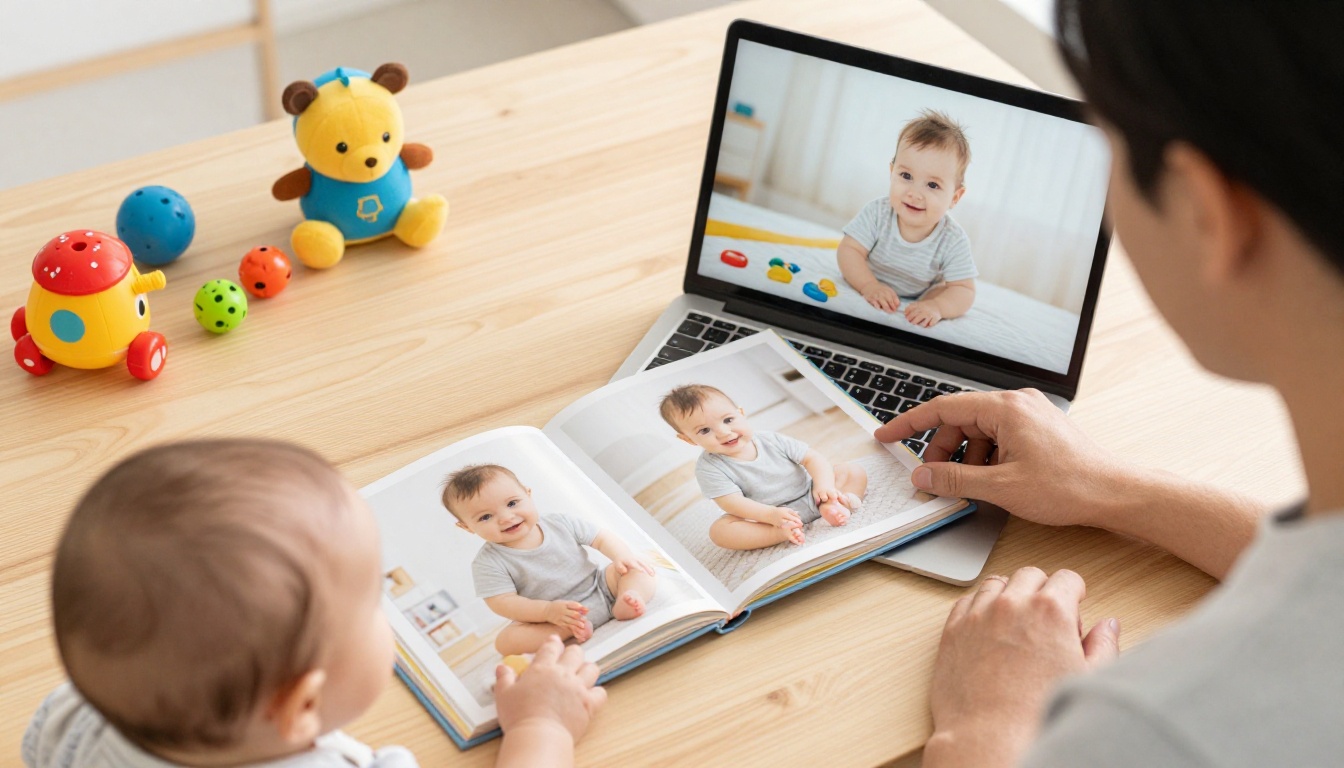
Turn Your Photos Into a Flipbook
Apps are great for collecting. They are less great for presenting. A printed book can take weeks, costs money for each copy, and cannot be sent in a text message. A digital flipbook fills that gap: it looks like a real book, turns pages with a smooth animation, and opens from a single link on any phone.
You can build one from the photos you gather in any app above. Export your favorite pictures and captions into a PDF, then follow these steps.
How to Create a Baby Flipbook with Flipbooks AI
- Get started. Create a free account on Flipbooks AI.
- Prepare your PDF. Use any photo book layout tool, or a simple document with one photo and caption per page.
- Upload. Use the PDF to Flipbook Converter to turn the file into a page-turning book.
- Customize. Pick colors, a background and page effects. Add a short audio clip of your baby's laugh or a video from the birthday party.
- Share. Copy the direct link, send it to relatives, or embed the flipbook on a family page.
- Protect it. Turn on password protection so only invited people can open it.
💡 Pro tip: Make one flipbook per year. A "Year One" book, then a "Year Two" book, keeps each file small and makes gifting simple.
What You Get
| Feature | Why It Helps Parents |
|---|
| No watermarks | The book looks clean and personal |
| Password protection | Baby photos stay private |
| Mobile-responsive design | Grandparents can read on any phone |
| Embedded video and audio | Add first words and giggles |
| Offline downloads | Read without a signal |
| Custom branding | Add your family name or nursery colors |
If you want to see how the creative tools work, look at the Digital Portfolio Creator or the Wedding Album Flipbook, because a baby book follows the same page-by-page logic. You can also browse all flipbook tools.
Our Ranking and Final Pick
Rankings depend on what you value, so here is how each app places in four common situations.
| Situation | First Choice | Runner Up |
|---|
| Lowest effort journaling | Qeepsake | Google Photos with captions |
| Sharing with relatives | Tinybeans | FamilyAlbum |
| Zero cost | Apple Shared Albums | Google Photos |
| Long term keepsake | Qeepsake plus a flipbook | Tinybeans plus a printed book |
Common Mistakes to Avoid
- Waiting until you have time. You will not have time. Start with one photo a day.
- Using five apps at once. Pick one for writing and one for sharing, then stop.
- Skipping backups. Export your memories at least once a year.
- Sharing too widely. Review invitations whenever the guest list grows.
- Forgetting the story. Photos without captions lose meaning quickly.
A Simple Plan to Start Today
- Choose one app from the table above.
- Invite two relatives.
- Post or write one entry before bed tonight.
- Set a reminder every three months to review and export.
- At the first birthday, assemble the best pages into a flipbook.
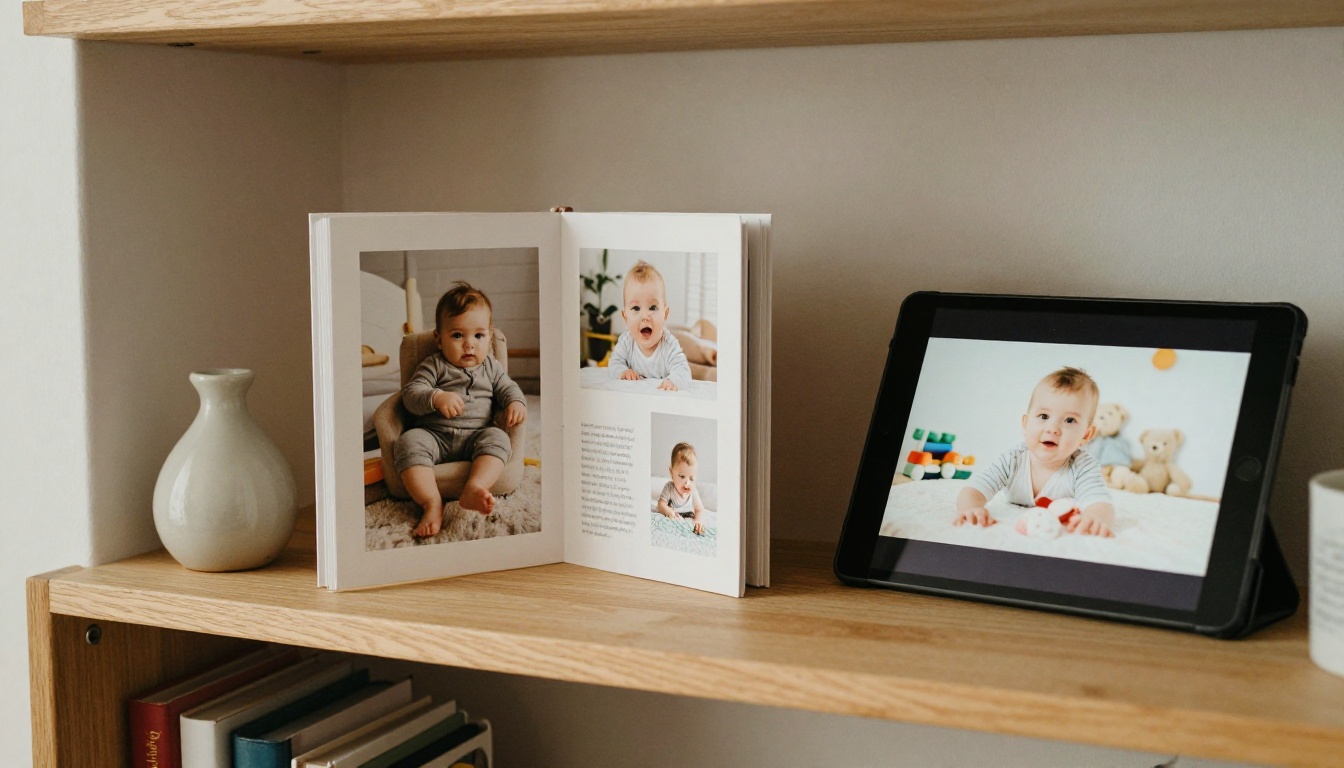
Ready to Build Your Baby Book?
The best baby book app is the one you will still open in month nine. Pick Qeepsake if writing is the hard part, Tinybeans if sharing is the hard part, or a free shared album if budget matters most. Then give the memories a home that lasts.
Ready to create your first flipbook? Get started for free on Flipbooks AI, browse all available tools and templates, or compare pricing plans to see which one fits your family. When you are ready for unlimited books, upgrade your plan in a minute.



