A new model arrives on Tuesday, the manufacturer's PDF lands in your inbox on Wednesday, and by Thursday a customer is standing in your showroom asking for "something to take home." What you hand them decides whether the car stays in their head or gets lost in a pile of tabs. The right brochure tool turns that spec sheet into a page-turning experience that works on a tablet in the showroom and on a phone at the kitchen table. Platforms like Flipbooks AI make this a ten-minute job, but they are not the only option, so this ranking compares every realistic choice for a dealership.
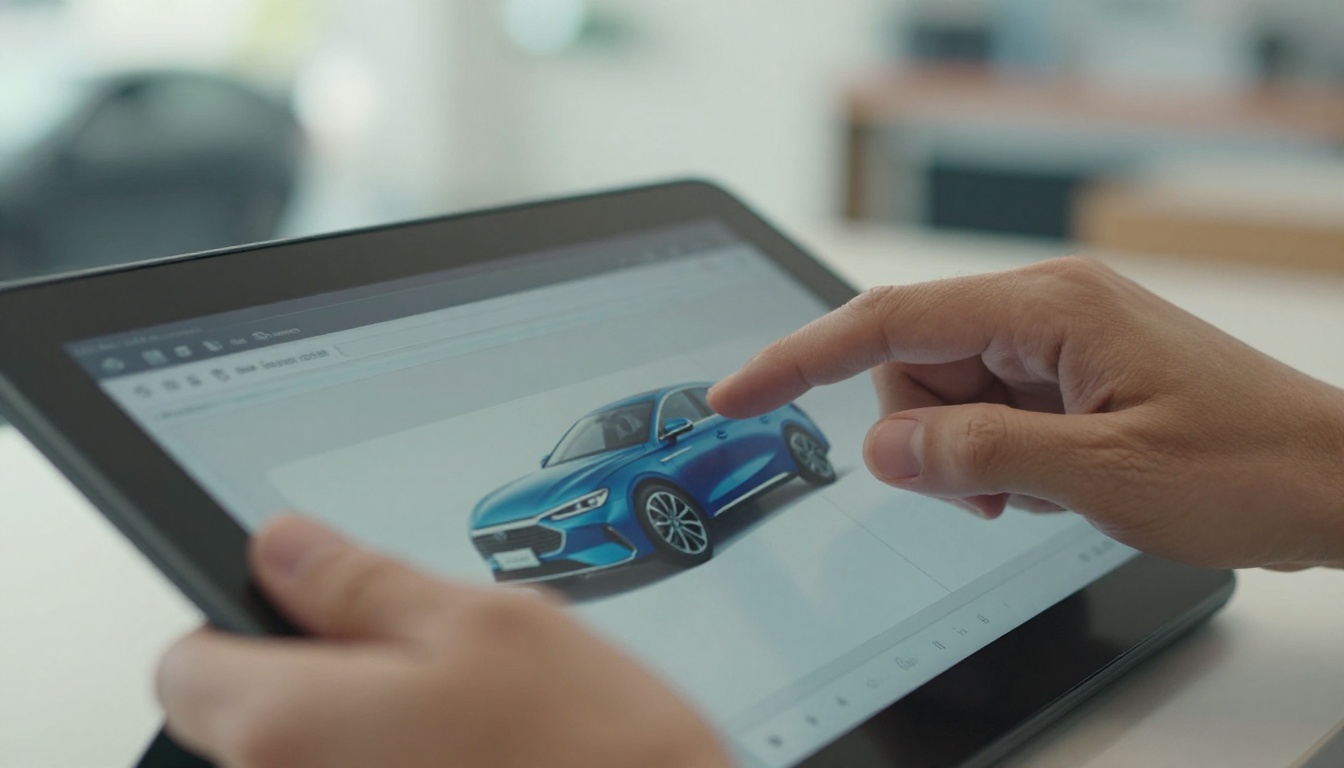
Why Dealer Brochures Still Matter
Buyers research online, yet they still ask for brochures. The difference is the format. A printed leaflet gets left on the passenger seat, while a link gets forwarded to a spouse, a parent or a friend who has opinions about cargo space.
Three things make a brochure worth your time:
- It answers the first question fast. Trim, price range, engine options and colors should sit within two swipes.
- It travels. A shareable link beats a stack of paper when the decision involves more than one person.
- It can be measured. Knowing which model pages were opened tells your sales team where to focus the follow-up call.
💡 Pro tip: Sales staff rarely read the manufacturer's 80-page PDF. A trimmed 8 to 12 page dealer version with your pricing, your financing offers and your contact details gets used far more often.
Before comparing names, decide what the tool has to do on your lot. A showroom has different needs than an online store, and a used-car lot differs from a franchise dealer launching a new generation.
Speed from file to link
New model information arrives in bursts. If publishing takes an afternoon, the brochure will be outdated before anyone sees it. Look for tools that accept a PDF and return a shareable link in minutes.
Mobile viewing
Most links are opened on phones. Pinch-and-zoom PDFs frustrate people, while responsive page-turning layouts feel natural. Test every candidate on a real phone, not a desktop preview.
Branding and watermarks
A free plan that stamps another company's logo on your brochure defeats the purpose. Check for watermarks before you build anything.
Lead capture and tracking
If a customer opens a brochure at 9 pm, you want to know. Look for view counts, time on page, and optional forms that collect an email before the last pages.
Media support
Walkaround videos, engine sound clips and 360 interior links make a new model feel real. Tools that embed video and audio inside pages beat static files.
Here is how the main options stack up for a dealership that launches several models a year.
| Rank | Tool Type | Best For | Page Turn Effect | Watermark-Free | Lead Capture |
|---|
| 1 | Flipbook platform (Flipbooks AI) | Showroom and online sharing | Yes | Yes | Yes (Professional) |
| 2 | Dedicated catalog software | Large inventory catalogs | Partial | Varies | Partial |
| 3 | Design suite with export | Custom-designed brochures | No | Yes | No |
| 4 | Slide presentation link | Quick internal decks | No | Yes | No |
| 5 | Plain PDF download | Email attachments | No | Yes | No |
| 6 | Printed leaflets | Walk-in handouts | Physical | Yes | No |
1. Flipbook platforms
A flipbook converts your PDF into a realistic page-turning publication with a single link. It works on tablets in the showroom, on phones when shared, and as an embedded block on your website. The Automotive Brochure generator is built for exactly this case, and the PDF to Flipbook Converter handles the manufacturer files you already have.
Strengths: fast publishing, no watermarks, embedded video and audio, password protection for dealer-only pricing sheets, analytics on higher plans.
Weakness: the output is only as good as the source PDF, so low-resolution images will show.
2. Dedicated catalog software
Inventory-focused products shine when you need hundreds of vehicles with filters. They are heavier than a brochure needs to be, and setup takes longer. Use them for used-car inventory, not for a single model launch.
3. Design suites with export
Graphic design tools give you total control over layout. The trade-off is that every new model means a design session, and the exported file is still a static PDF unless you add another tool on top.
4. Slide presentation links
A shared slide deck works for internal training. Customers find it awkward, because the format looks like a meeting, not a brochure.
5. Plain PDF downloads
Easy to make, easy to attach, easy to ignore. PDFs are fine as a backup, but they offer no tracking and a clumsy phone experience.
6. Printed leaflets
Still useful for walk-in traffic, event tables and the glove box. Print costs rise with every revision, and a price change makes the whole stack obsolete.
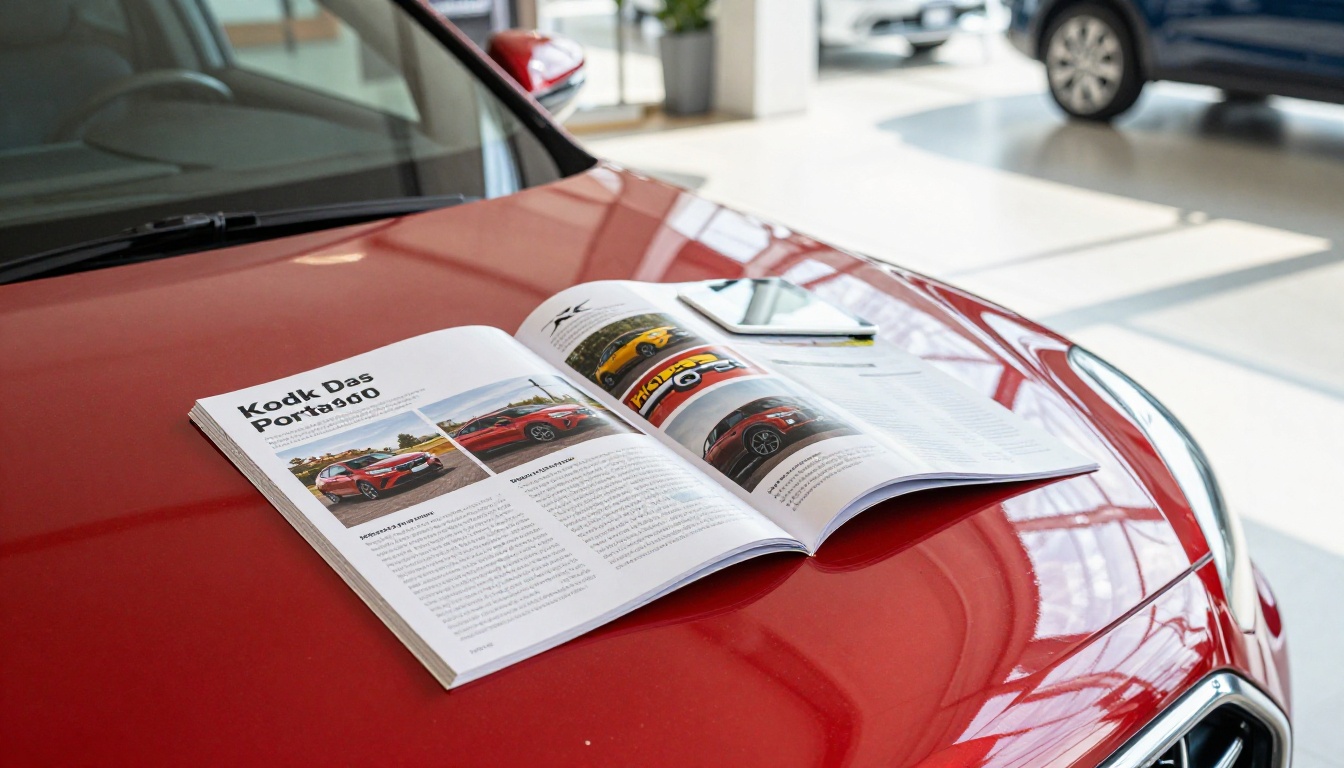
Digital vs Print: A Fair Comparison
Print is not dead, and nobody should delete the leaflet rack tomorrow. The question is where each format earns its place.
| Factor | Printed Brochure | Digital Flipbook |
|---|
| Cost per revision | High (reprint) | Near zero (re-upload) |
| Time to update | Days | Minutes |
| Shareable by link | No | Yes |
| Video and audio | No | Yes |
| Tracking views | No | Yes (higher plans) |
| Works in the showroom | Yes | Yes |
| Works offline | Yes | Yes (offline downloads) |
A practical split many dealers use: keep a small stock of printed leaflets for walk-ins and send the flipbook link to everyone who leaves a phone number or email.
How to Create a Dealer Flipbook Step by Step
Here is a simple workflow that a sales manager can run without a designer.
- Collect the source files. Download the manufacturer brochure and add your own page with local pricing, financing offers and sales contact details.
- Export as a single PDF. Keep images at print quality so zoomed pages stay sharp.
- Create your account. Sign up on Flipbooks AI and open the upload screen.
- Upload and convert. Drop the PDF in and wait for the page-turning version to render.
- Apply your branding. Add the dealership logo, brand colors and a background that matches your showroom style.
- Add media. Embed a walkaround video on the exterior page and an audio clip of the engine on the performance page.
- Pick sharing options. Copy the direct link, grab the embed code for your website, or set a password for internal pricing sheets.
- Test on three devices. Open it on a phone, a tablet and a laptop before anyone else sees it.
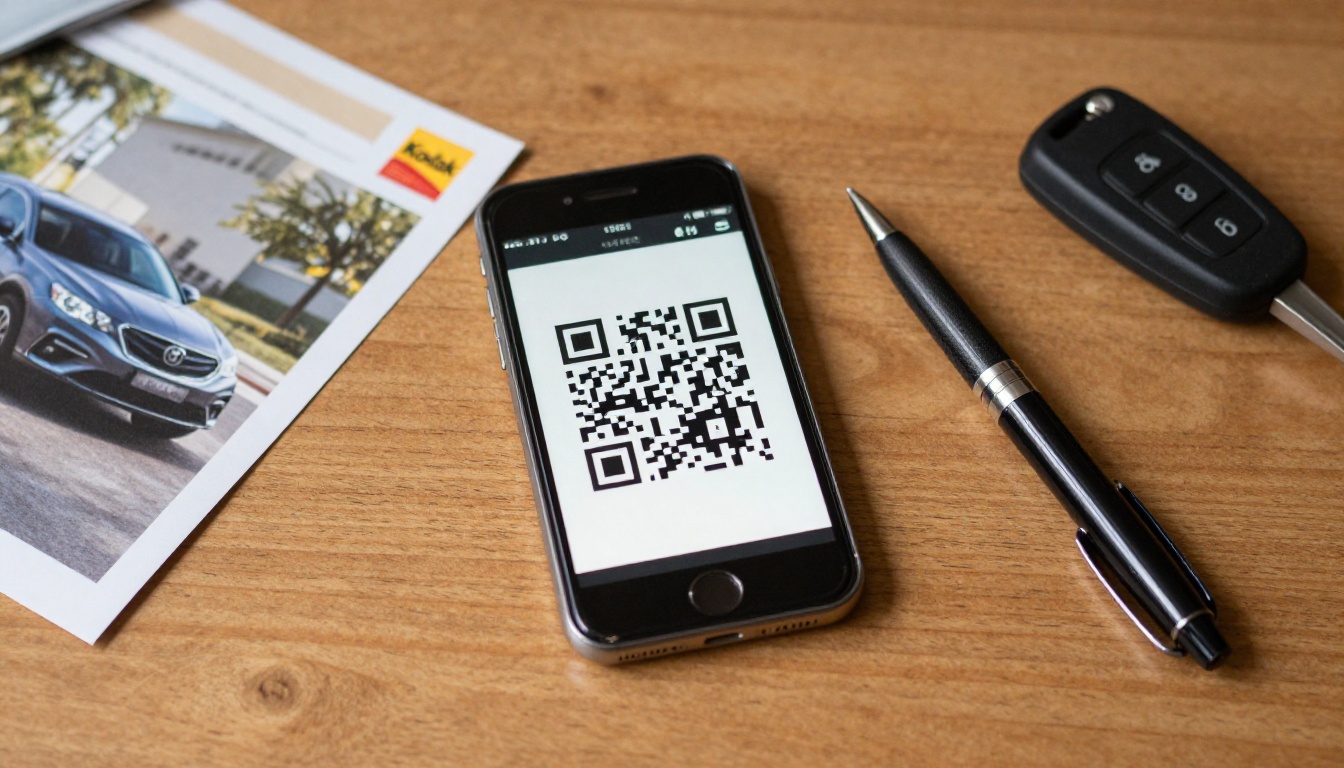
✅ Best practice: Put a QR code linking to the flipbook on the window sticker or showroom floor card. Customers scan it standing beside the car, which is when interest is highest.
Showing New Models in the Showroom
The showroom is where brochure tools get tested hardest. Staff are busy, customers are impatient and Wi-Fi is not always perfect.
Tablets on the floor
Place a charged tablet near each new model with its flipbook already open. A customer can browse trims while the salesperson finishes another conversation. Offline downloads help when the signal drops.
Walkarounds during the pitch
A salesperson holding a tablet can flip straight to the page that matches the customer's question, whether that is towing capacity or rear-seat space. That beats scrolling through a PDF hunting for the right spec table.
Follow-up after the visit
Send the link by text before the customer reaches the parking lot. The brochure then lives on their phone, not in a bag that gets forgotten.

Real-World Use Cases
A family dealership launching a crossover. The sales manager converts the manufacturer PDF, adds a local financing page and publishes a link in under an hour. Salespeople text it to every lead from the past month.
A truck specialist. Towing charts and payload tables are the main selling points. A flipbook with a password protects fleet pricing while the public pages show configurations.
A luxury brand showroom. Large interior photography and a short walkaround video give the page a premium feel. Pair the flipbook with an event invitation for a launch evening.
A multi-location group. Each store publishes its own version with local contacts, yet all share the same manufacturer pages. Updates take minutes instead of a reprint run.

Pricing and Plan Fit
Cost matters, but so does what you get at each level. Check current details on the pricing page before deciding.
| Need | Suitable Plan Level | Why |
|---|
| One or two models, occasional use | Entry plan | Low cost, no watermark |
| Several launches per year | Standard plan | Unlimited flipbooks |
| Lead tracking and view data | Professional plan | Analytics and lead generation |
⚠️ Warning: Free tools that add a watermark or an advertisement to your brochure can send customers to a competitor's page. Always inspect the final output.
Content Ideas That Sell the Car
The tool matters less than what goes inside. A good dealer brochure follows a clear order:
- Page 1: Hero image and the model name, no clutter.
- Page 2 and 3: Trim comparison table with prices.
- Page 4: Safety and driver-assist features in plain words.
- Page 5: Interior photos and cargo space.
- Page 6: Financing and lease examples from your store.
- Page 7: Service plan and warranty summary.
- Last page: Contact details, a booking link for a test drive and a QR code.
Keep sentences short, avoid jargon that only engineers use, and let photos do the heavy lifting. If you sell electric models, add a page about charging times and range in everyday terms.
Tracking What Works
Once the brochure is live, treat it like any other sales asset. Check which pages are opened most and which are skipped. If customers stop at the pricing page, add a monthly payment example. If few reach the last page, shorten the document.

Useful signals to watch:
- Total views per model to see which launches attract attention.
- Average time on page to find the sections that hold interest.
- Link source to compare texts, emails and QR scans.
- Form submissions to count real leads from the brochure.
Pair those numbers with showroom visits and test drive bookings. Over a quarter, patterns show which model pages deserve better photos or clearer pricing.
Ready to Publish Your Next Model Page?
You do not need a design team to put a polished brochure in front of buyers. Convert your manufacturer PDF, add your local offers and share one link everywhere.
The next model is already on its way to your lot. Have the brochure ready before the first customer walks in.



