Picking the wrong tool for a product catalog costs you weeks. You either fight a layout engine that was never built for 200 SKUs, or you hit a wall when the print shop asks for a bleed and a CMYK profile. This ranking puts InDesign, Affinity, Canva and Marq side by side so you can choose fast, and it shows how to publish the finished file as an interactive flipbook with Flipbooks AI.
I have weighed each tool on the things catalog teams actually argue about: layout control, data-driven pages, price, collaboration, and how well the exported PDF behaves online and in print.
The Short Answer
If you want a verdict before the details, here it is.
- InDesign wins for large, complex, print-first catalogs.
- Affinity Publisher wins for freelancers who want pro layout without a subscription mindset.
- Canva wins for speed, small catalogs and non-designers.
- Marq (formerly Lucidpress) wins for brand-controlled teams and franchise networks.

Quick Comparison Table
| Feature | InDesign | Affinity Publisher | Canva | Marq |
|---|
| Best for | Large print catalogs | Freelancers, small studios | Fast small catalogs | Brand-locked team catalogs |
| Learning curve | Steep | Moderate | Very low | Low |
| Master pages | Excellent | Good | Limited | Template-based |
| Data merge | Yes, built in | Yes | Bulk create (limited) | Strong, database-driven |
| CMYK and bleed | Full control | Full control | Print PDF export | Print-ready export |
| Pricing model | Subscription | One-time or subscription | Free plus paid tiers | Paid team plans |
| Real-time collaboration | Via cloud, limited | Limited | Excellent | Excellent |
Pricing and plan names change often, so check each vendor's page before you buy.
What Makes Catalog Software Different
A flyer is one page. A catalog is a system. That is the whole difference, and it explains why a tool that feels brilliant for social posts can fall apart at page 40.
The Features That Actually Matter
Before comparing brands, check the capabilities a catalog depends on:
- Master pages so headers, footers and page numbers update everywhere at once.
- Styles for text and objects, so changing a price format takes one click.
- Data merge to pull SKUs, prices and images from a spreadsheet.
- Tables of contents and indexes that build themselves.
- Print controls such as bleed, CMYK, and preflight.
- Clean PDF export with live links and small file size.
💡 Pro tip: Count your products first. Under 30 items, almost any tool works. Past 100, data merge and master pages stop being luxuries and become the deciding factor.
Print First or Screen First?
Ask where most readers will open the catalog. A printed trade-show brochure needs bleed marks and exact color. An online catalog sent by email needs light files, tappable links and a layout that reads well on a phone. Many teams need both, and that is where picking a design tool and a publishing tool separately makes sense.
Adobe InDesign
InDesign is the long-standing industry standard for catalogs, and it earns that reputation. If a publisher prints 300-page catalogs twice a year, this is probably what the design team already uses.

Where InDesign Wins
- Data Merge and plug-ins connect spreadsheets or databases to page layouts.
- Master pages, paragraph styles and object styles keep huge documents consistent.
- Automatic tables of contents, cross-references and indexes.
- Preflight catches missing fonts, low-resolution images and color problems before print.
- Creative Cloud Libraries share logos, colors and assets with other Adobe apps.
Where It Falls Short
- The learning curve is real. Expect a few weeks before a beginner feels fast.
- The subscription adds up for a freelancer who builds one catalog a year.
- Collaboration is weaker than in browser-first tools. Two people cannot edit one page at the same time the way they can in Canva.
⚠️ Warning: Linked images are the classic InDesign trap. Package the file (File, Package) before sending it to anyone, or half your photos will show as missing links.
Who Should Pick It
Publishers, agencies, and in-house design teams with print volume and large SKU counts. If your catalog has a spreadsheet behind it and a printer waiting on the other end, InDesign is the safest choice.
Affinity Publisher
Affinity Publisher is the challenger that made many freelancers cancel their Adobe subscription. It handles master pages, styles, bleed and CMYK, and it offers a different pricing story than a monthly plan. Affinity's pricing has shifted over the years, so confirm the current model on their site.

Where Affinity Wins
- Studio-style workflow: switch between layout, vector and photo editing inside one ecosystem without leaving the app.
- Fast performance on modest hardware.
- Solid print setup: bleed, CMYK, PDF/X export and spread-based layouts.
- Data merge for repeating product pages.
Where It Falls Short
- Fewer third-party plug-ins and templates than InDesign.
- Some print shops and agencies still ask for native InDesign files.
- Team collaboration and asset libraries are lighter.
A Practical Example
A freelance designer builds a 48-page furniture catalog for a regional dealer. They set up three master pages (cover, product grid, feature spread), link a spreadsheet through data merge, and export a print PDF with bleed. Total software cost stays predictable, and the dealer never needs the source file.
✅ Best practice: Build your color swatches and text styles before placing a single product. Retrofitting styles into a finished catalog is slow in every tool, Affinity included.
Canva
Canva is the fastest route from idea to finished pages, and for many small businesses that speed beats any feature list. Drag, drop, export. A boutique owner can build a lookbook on a Tuesday afternoon and send it Wednesday morning.

Where Canva Wins
- Templates for catalogs, lookbooks, price lists and line sheets.
- Real-time collaboration and comments, ideal for marketing teams.
- Brand kits to keep colors, fonts and logos consistent.
- Built-in stock library, mockups and simple image editing.
- A near-zero learning curve.
Where It Falls Short
- Limited typographic and grid control. Fine-tuning a 12-column product grid is awkward.
- Weak master-page logic. Updating a footer across 80 pages can mean manual work or workarounds.
- Bulk creation exists, but it is not a full database-driven publishing engine.
- Print color management is basic compared with InDesign or Affinity.
💡 Pro tip: Design in Canva, then export a PDF for online use. For web readers, a flipbook with page-turning effects and tracked links feels far more polished than a raw PDF attachment.
Who Should Pick It
Teams without a dedicated designer, catalogs under roughly 40 pages, seasonal promotions, and anyone who needs to publish today rather than next week.
Marq takes a different angle. Instead of giving everyone full creative freedom, it locks the brand and lets people customize only what you allow. That makes it a strong match for companies where dozens of branches or dealers each need their own version of a catalog.

Where Marq Wins
- Brand templates with locked and editable zones.
- Data-driven publishing that merges database records into templates.
- Approval workflows and permissions for large teams.
- Version control so local offices cannot drift off-brand.
Where It Falls Short
- Less creative freedom for designers who like building from scratch.
- Pricing targets teams and organizations, not solo creators.
- A heavy setup effort at the start, since templates must be designed carefully.
A Practical Example
A franchise network with 60 locations needs a seasonal catalog that includes each location's address and local offers. A designer builds the locked template once. Each location manager fills in a few fields and exports a branded PDF, with no designer involved and no logo stretched out of proportion.
Head to Head by Use Case
Features matter less than fit. This table maps common situations to the best pick.
| Situation | Best pick | Why |
|---|
| 200+ page print catalog | InDesign | Styles, indexing, preflight |
| Freelancer, mixed projects | Affinity Publisher | Pro layout, predictable cost |
| 20-page lookbook this week | Canva | Speed and templates |
| Franchise or dealer network | Marq | Brand control at scale |
| Spreadsheet-driven price list | InDesign or Marq | Strong data merge |
| Team with no designer | Canva or Marq | Easy editing, approvals |

Cost Thinking, Not Just Price
The sticker price misleads. A cheap tool that eats ten extra hours per catalog is not cheap. Use this quick estimate:
- Count catalogs per year.
- Estimate hours per catalog in each tool.
- Multiply by your hourly rate or your designer's.
- Add the software cost.
For a team shipping four catalogs a year, saving a day on each can outweigh a full year of subscription fees.
Color and Print Prep That Saves Reprints
Software choice does not fix bad color. Whatever you use, follow the same discipline.
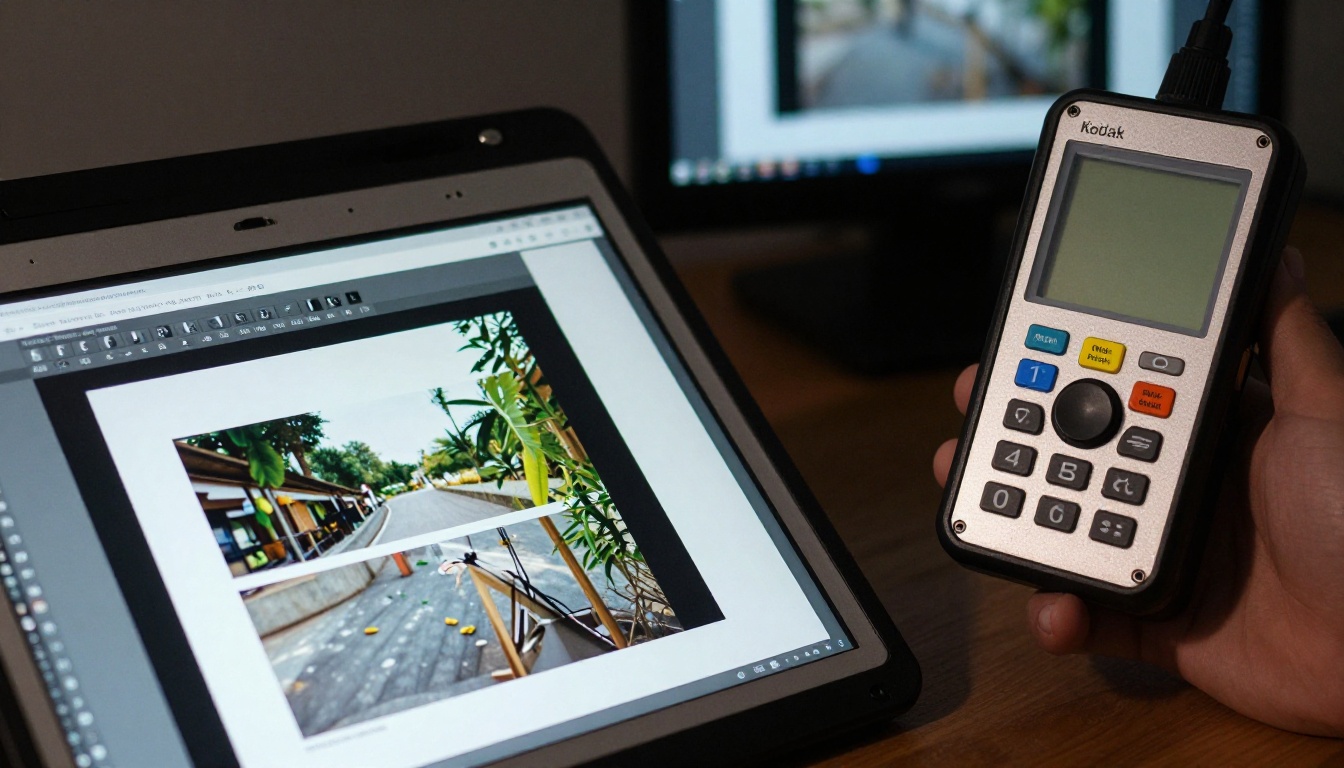
Pre-Press Checklist
- Set bleed to the printer's requirement, usually 3 mm to 5 mm.
- Keep important text inside the safe margin.
- Convert images to CMYK if the printer needs it, and check the result.
- Use images at 300 dpi at final size.
- Embed fonts or convert them to outlines.
- Request a physical proof for any large run.
⚠️ Warning: Bright screen colors, especially saturated blues and greens, often print duller. Judge from a proof, not from the monitor.
Publishing Online Beats Emailing a PDF
A catalog PDF is a static file. Readers have to download it, and you learn nothing about whether anyone opened it. This is where a flipbook changes the outcome.

Whichever design tool you choose, you can export a PDF and convert it into a page-turning online catalog. Flipbooks AI works with the output from all four tools, so you are never locked into one design app.
How to Publish Your Catalog with Flipbooks AI
- Create an account. Sign up on Flipbooks AI and open your dashboard.
- Upload your PDF. Drop the file exported from InDesign, Affinity, Canva or Marq into the PDF to Flipbook Converter. Conversion takes moments.
- Customize the look. Add your logo, pick background colors, choose page effects, and embed video or audio where it helps sell the product.
- Share it. Copy a direct link, or use the Embed Flipbook on Website tool to place it on your site. Add password protection for dealer-only catalogs.
- Measure results. On the Professional plan, analytics and lead generation show who reads what. See the pricing page for plan details.
No watermarks appear on your catalog, and flipbooks stay mobile-responsive. You can also allow offline downloads for buyers who travel.
Tools Matched to Catalog Types
Common Mistakes to Avoid
- Choosing by brand name. The most famous tool is not always the right one.
- Skipping master pages. Manual page numbers are a guaranteed typo source.
- Ignoring file size. A 200 MB PDF frustrates mobile readers. Compress images before export.
- Starting without a data source. Clean your spreadsheet first, then design.
- Forgetting links. Add tappable product links and a contact button on every spread.

Which One Should You Choose?
Run through three questions:
- Is print your main output, with 100+ products? Pick InDesign.
- Do you want pro layout and a calmer cost structure? Pick Affinity Publisher.
- Do you need something live this week, built by non-designers? Pick Canva.
- Do you manage many branches that must stay on brand? Pick Marq.
Many teams mix tools. A designer builds the master template in InDesign or Affinity, then marketing handles updates in Canva or Marq. The glue is the exported PDF, and that is exactly what an online flipbook needs.
Turn Your Catalog Into a Flipbook
Ready to put your finished catalog in front of buyers? Get started for free on Flipbooks AI, browse all flipbook tools to find the right template, or compare pricing plans to choose the level that fits your catalog volume.



