A manufacturer with 40 SKUs can get away with a PDF and a spreadsheet. A manufacturer with 12,000 SKUs cannot. Every price change, new variant and discontinued part turns into a small emergency, and your distributors keep quoting from last year's catalog. If that sounds familiar, you are shopping for the best catalog software for manufacturers with thousands of products, and this ranking will help you choose without wasting a quarter on the wrong tool. We also show where a publishing layer like Flipbooks AI fits into the stack.
Why Big Catalogs Break Easily
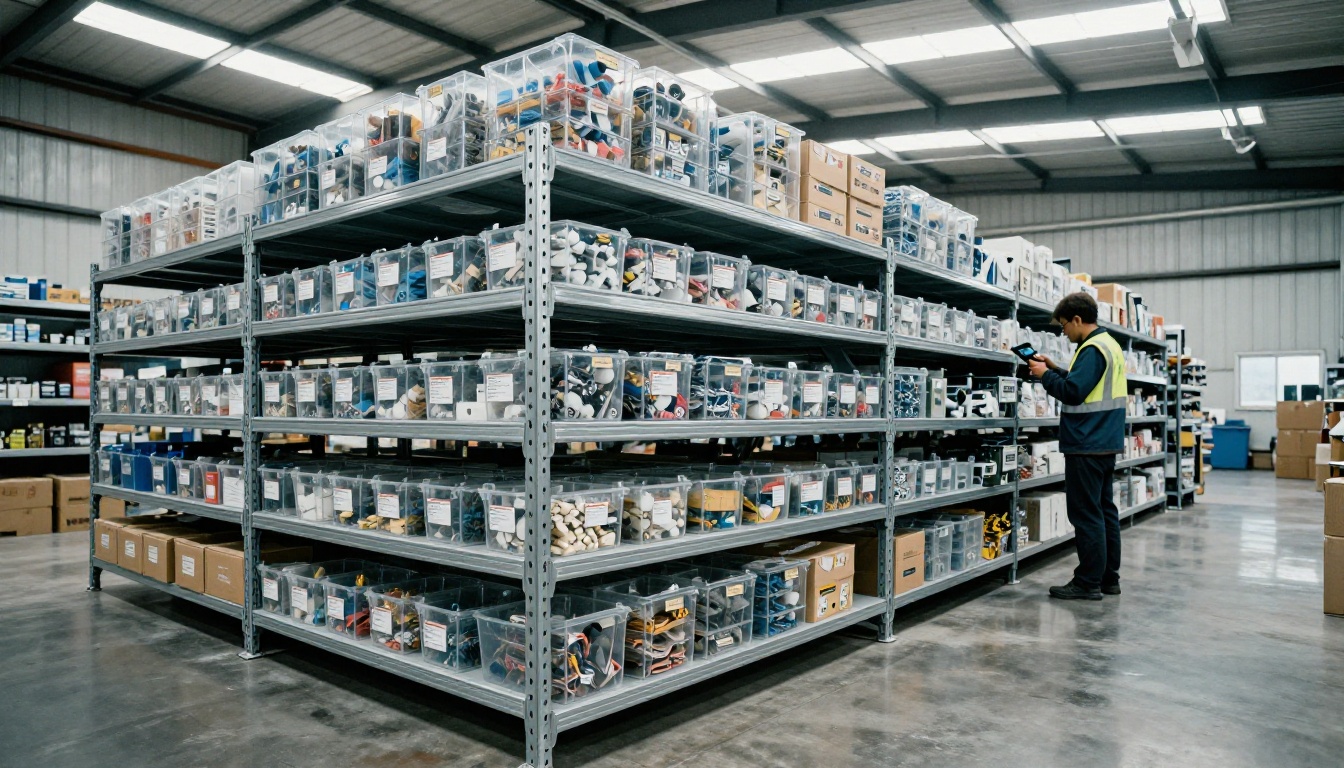
Small catalogs fail quietly. Large ones fail loudly. When you manage thousands of products, four problems show up fast:
- Data lives in too many places. Specs sit in ERP, images in a shared drive, prices in spreadsheets, and nobody knows which copy is right.
- Updates take weeks. A single dimension change has to be fixed in the PDF, the website, the distributor portal and the sales deck.
- Variants multiply. One valve in five sizes, three materials and four connection types is 60 SKUs, not one product.
- Buyers cannot find anything. A 900 page catalog with no search is a doorstop.
💡 Pro tip: Before comparing tools, count your real SKUs including variants. Most teams underestimate by 30 to 50 percent, and that changes which tier of software you need.
Data Problems Versus Publishing Problems
Here is the distinction that saves the most money. Catalog software does two separate jobs:
- Managing product data: storing, cleaning, enriching and syncing attributes, images and prices.
- Publishing the catalog: turning that data into something a buyer can browse, search and share.
Few tools do both well. The best setups pair a data system with a publishing system, and that choice drives everything below.
What Thousands of SKUs Demand
Skip the generic feature lists. For a large product line, these are the criteria that decide success.
| Requirement | Why It Matters at Scale | Red Flag |
|---|
| Bulk import and export | You cannot edit 8,000 rows by hand | Only manual entry |
| Variant handling | Size, material and finish combinations explode | One row per variant with no parent |
| Fast page generation | Rebuilding should take minutes, not days | Manual layout for each page |
| Search and filtering | Buyers need to find a part number quickly | Static pages only |
| Version control | Distributors must see current data | No history of changes |
| Multi channel output | Web, PDF, print and mobile from one source | Separate files per channel |
| Access control | Dealer only pricing and private lines | One public link for everyone |
The Main Software Categories
Most tools fall into five groups. Knowing the category matters more than knowing a brand name.
1. Product Information Management (PIM)
A PIM is the source of truth for product data. It stores attributes, images, documents and translations, then pushes them to every channel. PIM platforms handle millions of records, but they are not designed to make a beautiful catalog on their own. Expect real setup time and a budget to match.
Best for: manufacturers with complex data, many languages and several sales channels.
2. Catalog Publishing and Data Driven Layout Tools
These tools take data from a spreadsheet, ERP or PIM and generate print and PDF catalogs automatically. They are strong when your catalog is a large, structured parts book.
Best for: industrial suppliers who still print big annual catalogs.
3. ERP and Ecommerce Modules
Your ERP or ecommerce platform may already include a product module. It is convenient and cheap to start, but layout control and buyer experience are usually limited.
Best for: teams that sell mostly through an online store and need basic catalog pages.
4. Digital Flipbook Platforms
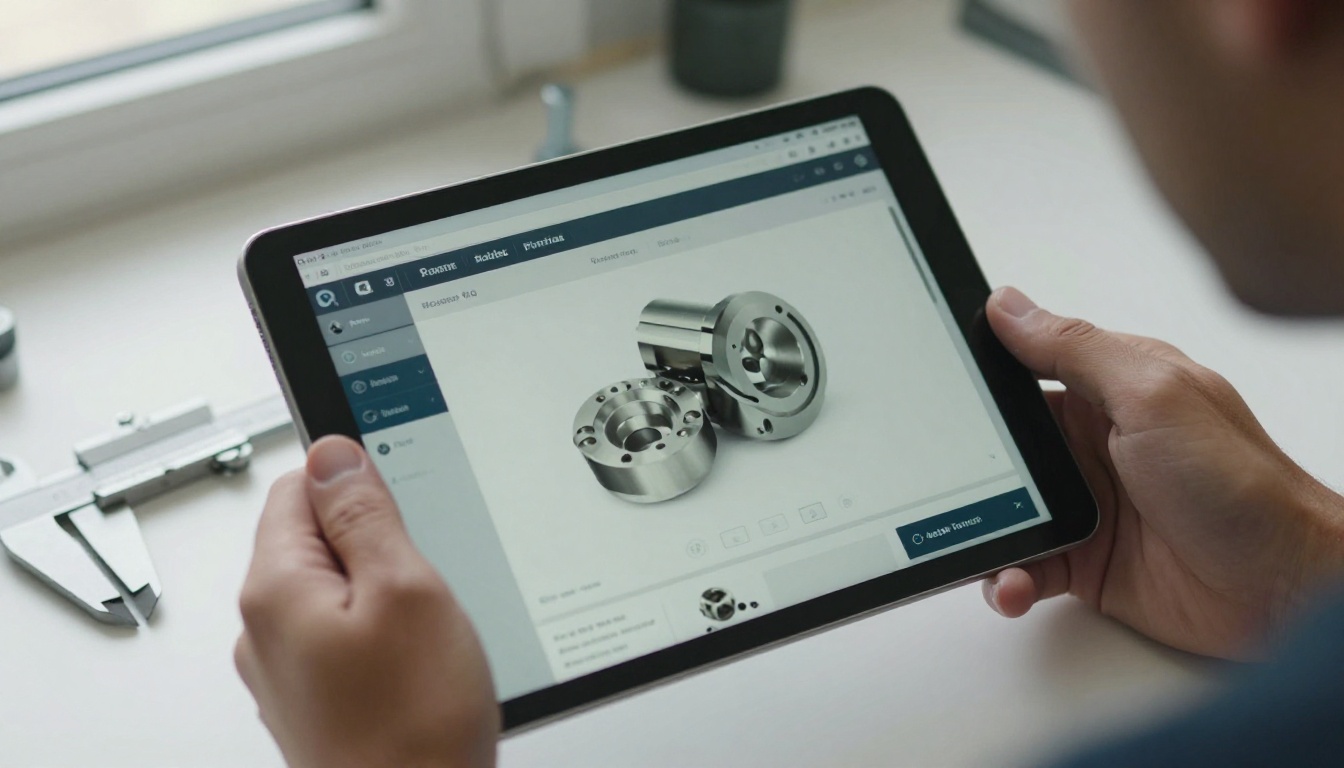
Flipbook software turns a PDF catalog into an interactive, page turning experience with links, search and sharing. It does not store your product database. It publishes the catalog you already produce, and does it fast. A tool like the PDF to Flipbook Converter is a good example.
Best for: sharing catalogs with distributors, sales reps and trade show leads.
5. Spreadsheets and Shared Drives
Still the most common setup in the industry. It works until it does not. Treat it as a starting point, not a plan.

Ranking: Best Options by Situation
No single tool wins for everyone. This ranking scores each category on what matters when your catalog is large. Scores are out of 5 and reflect typical results, not guarantees.
| Rank | Category | Scale | Setup Speed | Buyer Experience | Typical Cost |
|---|
| 1 | PIM plus flipbook publishing | 5 | 3 | 5 | Medium to high |
| 2 | PIM platform alone | 5 | 2 | 3 | High |
| 3 | Data driven catalog publishing | 4 | 3 | 4 | Medium to high |
| 4 | Flipbook platform alone | 3 | 5 | 5 | Low |
| 5 | ERP or ecommerce module | 4 | 4 | 2 | Low to medium |
| 6 | Spreadsheets and PDFs | 1 | 5 | 1 | Very low |
The winner is a pairing, not a product. A PIM keeps data clean, and a flipbook layer gives buyers something pleasant to open. If your budget is tight, the flipbook platform alone is the fastest improvement per dollar, because it fixes the part buyers actually see.
✅ Best practice: Keep your PDF export automated from the data source. A flipbook is only as current as the PDF behind it.
Software Features That Matter Most
When you demo any tool, test these things with your own data, not the vendor sample.
- Import 5,000 rows. Time it. Note every error.
- Add a variant. Does one change update all related pages?
- Search for a part number. Can a buyer find it in under 10 seconds?
- Change a price. How many steps until the live catalog updates?
- Share with a dealer. Can you control who sees pricing?
The Hidden Cost of Manual Layout
Manual layout is where large catalogs quietly eat budgets. A designer who spends two days adjusting each product family produces a beautiful catalog that is already out of date at launch. If your tool needs a person to place every item, it will not survive a 10,000 product line.

How to Create a Catalog with Flipbooks AI
Once your data is exported to a PDF, publishing is the quick part. Here is the process on Flipbooks AI, which suits large manufacturer catalogs that need to reach distributors quickly.
- Create an account. Sign up here and open your dashboard.
- Upload your PDF. Drag in your catalog file. Conversion turns each page into an interactive flipbook page, even for long documents.
- Customize the look. Add your logo, brand colors and page turning effects. You can also embed product videos and audio where they help, such as an installation demo for a specific part.
- Add links and media. Link part numbers to spec sheets or your ordering page.
- Set sharing options. Copy a direct link, grab an embed code for your website, or turn on password protection for dealer only catalogs. The Embed Flipbook on Website tool explains the embed step.
- Track results. On the Professional plan, analytics and lead generation show which pages buyers read and who asked for a quote. See the pricing plans for details.
- Offer downloads. Enable offline downloads so field reps can browse in a warehouse with no signal.
Flipbooks AI never adds watermarks, and the Standard plan and above allows unlimited flipbooks, which helps when you publish a separate catalog for each product line or region. For manufacturers, the Product Catalog Generator and Digital Catalog Maker are the best starting points.
💡 Pro tip: Split a 2,000 page catalog into several flipbooks by product family. Buyers load them faster and find items sooner.

Real Scenarios That Show the Difference
A Fastener Supplier With 18,000 SKUs
This supplier kept everything in a spreadsheet and sent a 700 page PDF by email. Distributors complained the file was too heavy to open on phones. Moving to an automated PDF export plus a hosted flipbook cut support emails sharply, because buyers could open the catalog from a link on any device.
A Pump Manufacturer With Heavy Variants
Each pump model had dozens of configurations. A PIM now stores the variants once, and the PDF export generates a clean page per family. The flipbook layer carries the result to dealers, each with a password protected link to their own price list.
A Machinery Maker Selling at Trade Shows
At events, a printed catalog was too heavy and ran out by noon. A tablet at the booth now shows the flipbook, and a lead form captures contact details. The team follows up within a day instead of weeks.

Cost and Effort Compared
Budget surprises usually come from setup and maintenance, not the subscription. Here is a realistic comparison.
| Approach | Setup Time | Ongoing Effort | Best When |
|---|
| PIM platform | Months | Medium, needs a data owner | Many channels and languages |
| Data driven publishing | Weeks | Medium | Large printed parts books |
| ERP module | Days to weeks | Low | Online sales first |
| Flipbook platform | Minutes to hours | Very low | Fast sharing and lead capture |
| Spreadsheet and PDF | None | Very high over time | Under 100 products |
For many mid sized manufacturers, the sweet spot is a light data layer plus a flipbook tool. You get speed now and room to add a PIM later.

Mistakes That Cost Months
- Buying a PIM before cleaning data. A PIM full of messy data is just an expensive mess.
- Ignoring the buyer's device. Most distributor reps open catalogs on phones. Test there first.
- One giant file. A single catalog for every product line is slow and hard to search.
- No owner. Someone must be responsible for data quality, or the catalog decays within a year.
- Skipping print. Some industrial buyers still want paper. Keep a print option, but make digital the default.
⚠️ Warning: Do not sign a multi year contract before a pilot. Run a real 500 product test with your data first.
Print Versus Digital in Industrial Sales
Print still has a place, but it should not drive your workflow. Produce the digital catalog first, then export print only for the buyers who ask for it. Updating a flipbook takes minutes, while reprinting takes weeks and costs thousands.

A Simple Checklist Before You Buy
- List every channel where buyers see your products.
- Count SKUs and variants honestly.
- Name one person who owns product data.
- Decide what must be searchable.
- Pilot with 500 real products.
- Measure update time from change to live catalog.
- Confirm sharing controls for dealers.
Pick a Stack and Start Small
The best catalog software for a manufacturer with thousands of products is rarely one tool. Clean data in a PIM or well kept spreadsheet, automated PDF export, and a publishing layer that buyers enjoy using will outperform any single all in one promise.
Ready to see your catalog the way buyers will? Get started for free on Flipbooks AI, browse all flipbook tools to find your fit, or compare pricing plans to choose what works for your team.



