Every Saturday night, somewhere, a church secretary is nudging a text box three pixels to the left so the sermon title stops wrapping onto a second line. If that sounds familiar, you already know why the best church bulletin software for weekly programs matters. A good tool turns a four-hour scramble into a thirty-minute routine, and platforms like Flipbooks AI now let you publish the same bulletin as a page-turning digital edition people can open from a phone.
This ranking looks at what actually happens in a church office: volunteers with mixed skills, a tight budget, a printer that jams at the worst moment, and a congregation that includes both teenagers with smartphones and members who want paper in hand. We compare the main software categories, show real costs and time savings, and finish with a tutorial you can follow this week.

Why Bulletins Still Matter
Streaming, apps and group texts have not killed the weekly program. A bulletin is the one document nearly every attendee touches, so it carries announcements, the order of worship, prayer requests, giving details and volunteer schedules in a single place.
The trouble is the production process. Most churches still build bulletins in a word processor, export a PDF, print 150 copies, and then email the same file to people who cannot read tiny text on a phone screen.
💡 Pro tip: Treat the bulletin as a product with two outputs: a printed sheet and a mobile-friendly digital edition. Software that handles both from one source file saves the most time.
What Weekly Programs Need
Before comparing tools, list what your bulletin must do every week:
- Recurring structure: order of worship, announcements, birthdays, upcoming events
- Fast edits: a pastor changing a hymn number on Saturday at 9 p.m.
- Print quality: clean margins, folded layouts, readable fonts
- Digital delivery: a link, QR code or embed that works on any phone
- Easy hand-off: a volunteer who never used the tool can finish it
The Hidden Cost of Manual Layouts
A typical office spends two to four hours per week on layout alone. Over a year that is 100 to 200 hours, or roughly three to five full work weeks. Software that cuts that in half pays for itself even at a modest subscription price.
We scored each category on six criteria, using a 1 to 5 scale, based on how real church offices work rather than on marketing pages.
| Criteria | What We Checked | Weight |
|---|
| Ease of use | Can a first-time volunteer finish a bulletin in under an hour? | 25% |
| Template quality | Are there church-specific layouts for worship orders and events? | 20% |
| Digital delivery | Does it publish a mobile-friendly link, QR code or embed? | 20% |
| Cost | Is pricing realistic for a congregation under 200 members? | 15% |
| Editing speed | How fast can you reuse last week's file? | 10% |
| Support | Is help available before Sunday, not after? | 10% |

The Five Software Types, Ranked
Rather than pretending one product fits every church, we ranked the five approaches you will actually meet. Prices below are typical ranges, so confirm current numbers on each vendor's site before you commit.
1. Flipbook Publishers (Best for Digital Reach)
Flipbook tools convert a finished PDF into an interactive, page-turning edition. You keep the layout you already designed, and gain a shareable link, a QR code for the lobby and an embed for your website. Flipbooks AI is the example we use in this article because it keeps weekly publishing simple: upload, brand, share.
Strengths: no watermarks, mobile-responsive reading, password protection for member-only editions, and analytics on the Professional plan so you can see how many people opened this week's program.
Limits: it is a publisher, not a layout designer, so you still need a design source for the PDF itself.
2. Dedicated Church Bulletin Platforms
These services are built around church workflows. They offer weekly templates, announcement fields and sometimes a link to your member database. They are the fastest route for a church that wants a finished layout without any design work.
Strengths: templates tuned to worship orders, seasonal artwork, quick reuse.
Limits: monthly fees can climb with congregation size, and some lock exports to their own viewer.
3. Church Management Systems With Bulletin Modules
Large church management suites bundle bulletins with attendance, giving and scheduling. If you already pay for one, check the bulletin module before buying anything else.
Strengths: pulls event data and volunteer rosters automatically.
Limits: layout control is often rigid, and the learning curve is steep for part-time staff.
4. General Design Tools
Canva-style editors and desktop publishing apps give you full creative control. They work well when someone on the team has design taste.
Strengths: total flexibility, huge template libraries, free tiers.
Limits: no church logic, so the order of worship is rebuilt by hand each week, and sharing a PDF to phones is awkward.
5. Word Processors and Shared Docs
The default for many small churches. It is free and familiar, but quality depends entirely on the person typing.
Strengths: zero cost, everyone knows how to open it.
Limits: layout breaks across devices, version chaos when three people edit, and no analytics.
| Rank | Software Type | Typical Monthly Cost | Best For | Mobile Delivery |
|---|
| 1 | Flipbook publisher | Low to mid | Churches wanting digital plus print | Excellent |
| 2 | Dedicated bulletin platform | Mid | Offices wanting finished templates | Good |
| 3 | Church management module | Mid to high | Large congregations | Varies |
| 4 | General design tool | Free to low | Teams with a designer | Manual |
| 5 | Word processor | Free | Very small budgets | Poor |

Matching Software to Church Size
The right pick changes with headcount, staff and budget. Here is how we would decide.
Under 75 Members
You likely have one volunteer doing everything. Use a design tool or word processor for the layout and a flipbook publisher for delivery. Total cost stays minimal, and the bulletin still looks professional on phones.
75 to 300 Members
This is where a dedicated bulletin platform or a flipbook workflow pays off. You have several contributors, a communications volunteer and enough weekly traffic to justify analytics.
Over 300 Members
Check the church management suite first. If its bulletin module feels restrictive, export a PDF and publish it through a flipbook tool so layout freedom and data integration coexist.
| Church Size | Suggested Setup | Weekly Time Goal |
|---|
| Under 75 | Word processor or design tool plus flipbook link | 60 minutes |
| 75 to 300 | Bulletin platform or design tool plus flipbook | 45 minutes |
| Over 300 | Management suite plus flipbook for web and apps | 30 minutes |
⚠️ Warning: Do not choose software based on a feature list alone. Ask the volunteer who will use it every Saturday to build a sample bulletin during the trial period.
How to Create a Weekly Bulletin With Flipbooks AI
If you want a digital edition that people open from a text message or QR code, this tutorial takes about ten minutes once your PDF is ready. Flipbooks AI includes a dedicated Newsletter Flipbook Publisher and an Event Program Maker that suit weekly church programs well.

Step 1: Create Your Account
Open Flipbooks AI and sign in. Check the pricing plans to see which tier supports unlimited flipbooks, since weekly publishing adds up to 52 editions a year.
Step 2: Upload the PDF
Export your finished bulletin as a PDF from your layout tool. Drag it into the upload area. The PDF to Flipbook Converter turns each page into a turnable spread. Screenshot description: a large preview of the first page with a progress bar finishing in a few seconds.
Step 3: Customize the Look
Add your church logo, pick a background color that matches your sanctuary banners, and choose a page-turn effect. Keep it subtle. Reading comfort beats animation. You can also embed a short sermon audio clip or a welcome video from your pastor.
Step 4: Choose Sharing Options
- Direct link: paste it into your weekly email or text list
- QR code: print it on the foyer sign and the back of the paper bulletin
- Embed code: place it on your website using the Embed Flipbook on Website tool
- Password protection: keep prayer lists or staff notes private
Step 5: Turn On Professional Extras
On the Professional plan, analytics show how many people opened the bulletin and which pages they read. Lead generation can collect visitor emails, and offline downloads let members save the program for areas with weak signal. See pricing for plan details.
✅ Best practice: Reuse the same flipbook title each week, such as "Sunday Program", and update the content. Members bookmark one familiar link.
A Real Weekly Workflow
Here is a sample timeline for a church of 150 members that combines the tools above.
| Day | Task | Owner | Time |
|---|
| Tuesday | Collect announcements by email form | Office volunteer | 10 min |
| Thursday | Pastor confirms order of worship | Pastor | 10 min |
| Friday | Build layout from last week's file | Communications lead | 25 min |
| Friday | Export PDF and publish flipbook | Communications lead | 10 min |
| Saturday | Print copies, add QR code to foyer sign | Office volunteer | 15 min |
| Sunday | Share link in text and email | Greeter team | 5 min |
Total: about 75 minutes spread across the week, with no Saturday-night panic.

Features That Separate Good From Great
Once the basics are in place, these details decide whether a tool earns a long-term spot.
Readability on Small Screens
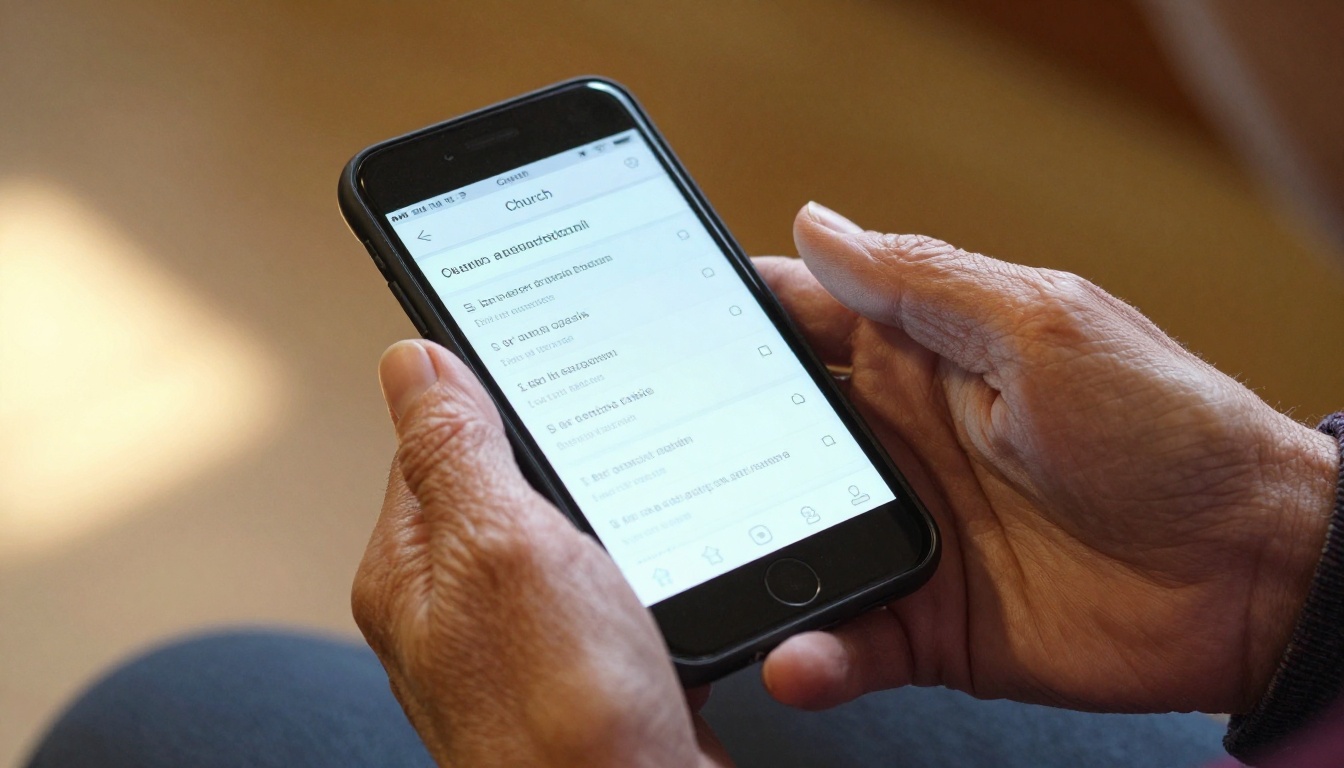
Older members often read bulletins on their phones. Choose software that lets readers zoom, or offers a responsive view with larger text. A tiny PDF pinched open on a lock screen is the number one complaint we hear.
Recurring Templates
The ability to duplicate last week's file and replace only what changed is worth more than a hundred decorative templates.
Seasonal Flexibility
Advent, Easter, Lent, harvest festivals and youth camps all need special layouts. Look for tools that let you adjust page counts without breaking the design.
Accessibility
Check contrast, font size and screen reader support. A bulletin should welcome every member, including those with low vision.
Analytics You Will Actually Read
You do not need a dashboard full of charts. You need three numbers: how many people opened the bulletin, which day they opened it, and which page held their attention longest. That tells you whether announcements on page two are being missed.
Common Mistakes to Avoid
- Buying for the pastor, not the volunteer. The person building the bulletin each week should pick the tool.
- Skipping the print version. Many members still want paper in the pew. Keep both.
- Cramming every announcement in. Cap announcements at five and link to a longer page online.
- Ignoring file size. Heavy photos slow loading on mobile data. Compress images before exporting.
- No backup plan. Keep last week's PDF accessible in case the editor is sick on Saturday.

Budget Breakdown for Small Churches
Cost worries stop many congregations from improving their bulletins. Here is a realistic annual view for a church printing 120 copies weekly.
| Setup | Software Cost | Printing Cost (est.) | Notes |
|---|
| Word processor only | $0 | High | Heavy paper use, no digital reach |
| Design tool plus flipbook link | Low | Medium | Fewer printed copies as members go digital |
| Bulletin platform plus flipbook | Mid | Lower | Fast production, strong mobile reach |
| Management suite module | Included or high | Medium | Best if you already pay for the suite |
A flipbook link can reduce printed copies by 20 to 40 percent in congregations that actively promote the QR code. For a church printing 120 sheets a week, that is 1,200 to 2,500 fewer pages every year.
💡 Pro tip: Many nonprofits and churches qualify for discounts or donated software programs. Ask vendors directly before paying list price.
Where Flipbooks Also Help
The same publishing workflow works for annual reports, mission trip photo books and youth camp programs. The Non-Profit Annual Report tool, for example, lets a church present its yearly giving summary in a polished digital format.

Quick Buyer Checklist
Before you pay for anything, run through this list during the free trial:
- Can a new volunteer build a bulletin without help?
- Does it publish a link and QR code?
- Does the digital version look right on an older phone?
- Can you reuse last week's layout in under five minutes?
- Is there a way to protect private pages?
- Does the vendor offer weekend support or a clear help center?
- Can you export your files if you leave?
If a tool fails more than two of these checks, keep looking.
Pick One and Publish This Week
The best church bulletin software for weekly programs is the one your volunteers will open every Saturday without dread. For most small and mid-size congregations, that means pairing a simple layout tool with a flipbook publisher so the printed copy and the phone version come from the same file.
Ready to try it? Create your free account on Flipbooks AI and publish your first Sunday program in minutes. Browse all flipbook tools to find templates for newsletters and events, or compare pricing plans to choose the one that fits your congregation.



