You have a story in your head, a few characters bouncing around, and zero idea which software will get them onto the page. Good news: the best comic maker apps and AI tools for beginners have never been easier to pick up, and most of them cost nothing to try. This ranking sorts them by how fast a first-timer can produce a finished page, then shows you how to publish the result as a polished flipbook with Flipbooks AI.
What Beginners Actually Need
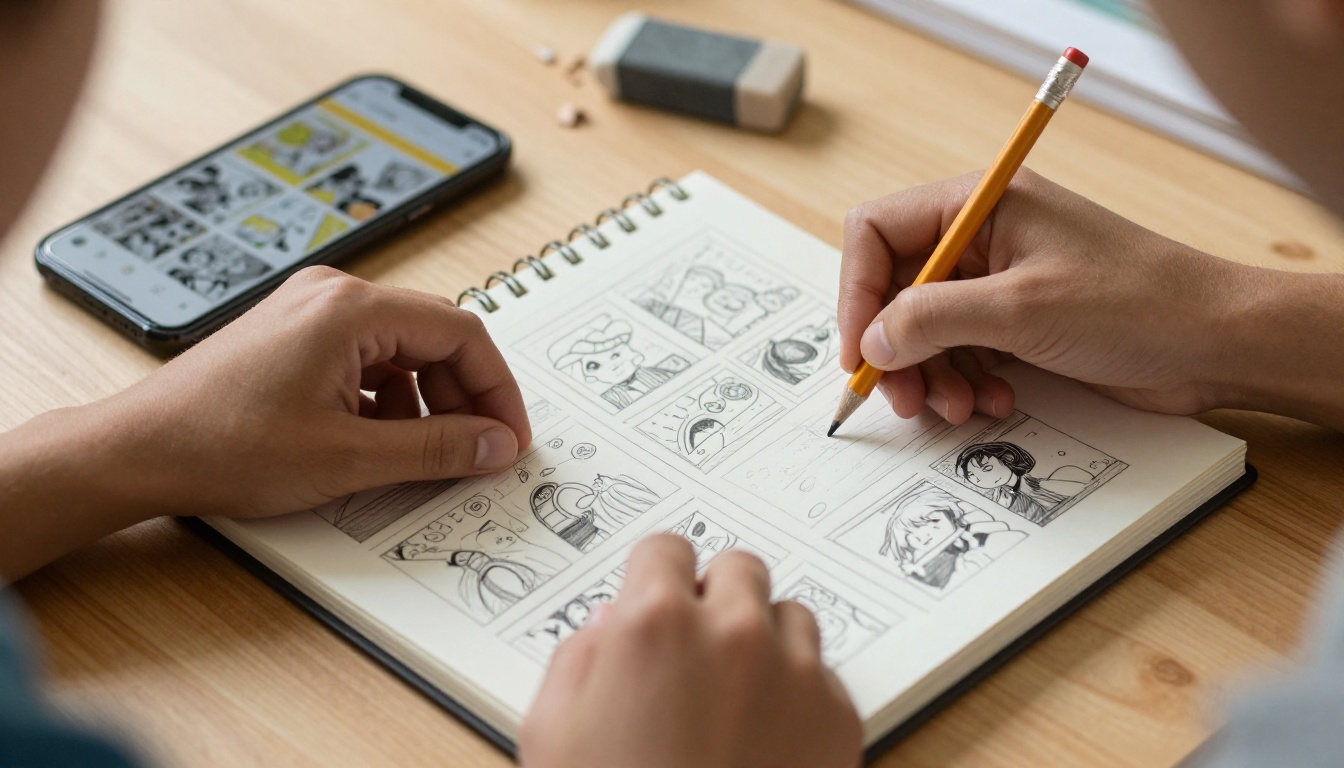
Most "top 10" lists treat every tool as equal. They are not. A beginner has three real problems: no drawing confidence, no layout knowledge, and no clear way to share the finished work.
So I judged every tool on five points:
- Time to first page: how long until you have something worth showing someone.
- Drawing skill required: none, some, or a lot.
- Cost: free tier, one-time purchase, or subscription.
- Layout help: panels, speech bubbles and lettering built in.
- Export quality: clean PDF or high-resolution images for print and web.
💡 Pro tip: Decide whether you want to draw or assemble. Drawing apps give freedom but demand skill. Template and AI tools give speed but less originality. Your answer narrows the list to three or four options immediately.
Three Types of Comic Tools
Comic software falls into three groups:
- Drawing apps: you create every line yourself on a tablet or computer.
- Template builders: you drag ready-made characters, backgrounds and bubbles into panels.
- AI generators: you describe a scene in words and the tool produces the artwork.
Each group suits a different beginner. Many people end up mixing two of them, for example generating a background with AI and lettering it in a drawing app.
Quick Comparison Table
| Tool | Type | Drawing Skill | Free Option | Best For |
|---|
| Canva | Template builder | None | Yes | Fast, simple strips |
| Pixton | Template builder | None | Limited trial | Classrooms and kids |
| Storyboard That | Template builder | None | Limited | Storyboards and lessons |
| MediBang Paint | Drawing app | Some | Yes | Free manga style pages |
| Clip Studio Paint | Drawing app | Some to a lot | Trial | Serious long term comics |
| Procreate | Drawing app | Some | No (one-time fee) | iPad sketching |
| AI image generators | AI | None | Often | Backgrounds and concept art |
| Comic Life | Layout app | None | Trial | Photo comics |
Prices and free tiers change often, so check each site before you commit.
The Ranked List

1. Canva: Fastest Start
Canva earns the top spot for pure speed. You open a blank design, drop in a panel grid, add illustrations or photos from its library, and type your dialogue into text boxes. Nobody needs to draw anything.
Strengths
- Drag and drop layouts you can finish in under an hour.
- Huge library of characters, icons and backgrounds.
- Works in a browser, so there is nothing to install.
Weaknesses
- Your comic may look similar to others built from the same assets.
- Fine control over line art is limited.
2. Pixton: Best for Classrooms
Pixton is built around posable characters. You pick a character, choose an expression and a pose, and place it in a scene. It is popular with teachers because students can build a story without any art background.
Best use case: a history teacher asking students to retell an event as a four panel strip.
3. Storyboard That: Best for Planning
Storyboard That works like a visual outline. Pick a scene, add characters and write captions underneath. It is excellent for planning a longer story before you commit to drawing it, and also fine for finished short comics.
4. MediBang Paint: Best Free Drawing App
If you want to draw, MediBang Paint is a friendly entry point. It includes panel tools, screen tones and speech bubble helpers aimed at manga and webcomics, and it runs on phones, tablets and computers.
⚠️ Warning: Free drawing apps are generous, but they still expect you to practice. Expect your first ten pages to look rough. That is normal and it is how everyone improves.
5. Clip Studio Paint: Best to Grow Into
Clip Studio Paint is a favorite among working comic artists. Panel cutting, perspective rulers, 3D poseable models and stable inking brushes make it a long term home. The price and the number of menus make it heavier for a first week, but it rewards patience.
6. Procreate: Best on iPad
Procreate is beautiful for sketching and inking on an iPad with an Apple Pencil. It is not a dedicated comic tool, so you handle panels and lettering manually, but many webcomic creators build whole pages in it.
7. Comic Life: Best for Photo Comics
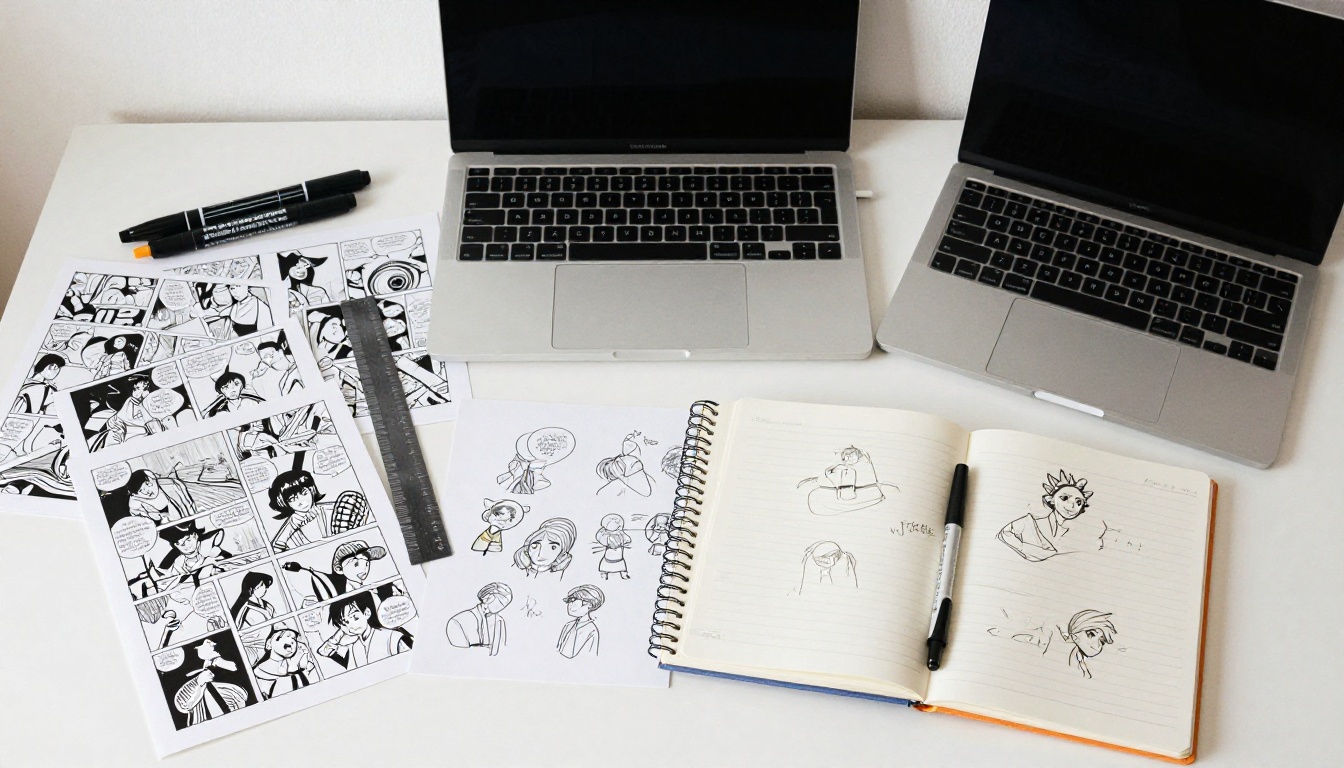
Comic Life takes your own photographs and turns them into comic panels with bubbles, captions and lettering styles. Great for family stories, travel diaries and school projects where the pictures are already taken.
AI has changed the beginner experience more than any template library. You can type a scene such as "a detective in a rainy alley at night" and get a usable panel image in seconds.
What AI Does Well
- Creates backgrounds and settings quickly.
- Produces concept art to help you decide a look.
- Helps with story brainstorming: plot twists, character names and dialogue drafts.
Where AI Struggles
- Character consistency: the same character often looks different from panel to panel.
- Text inside images: letters can come out garbled, so add dialogue yourself in a layout tool.
- Hands and props: small details sometimes break.
| Task | AI Handles It? | Better Approach |
|---|
| Background scenery | Yes, very well | Generate then crop to panel |
| Consistent main character | Not reliably | Draw or use a character builder |
| Speech bubbles and lettering | No | Add in Canva or a drawing app |
| Story ideas and dialogue | Yes | Edit the draft in your own voice |
| Cover art | Yes | Generate several, pick the best |
✅ Best practice: Write down a short character sheet (hair, clothes, colors, one distinct feature) and paste it into every prompt. It will not fix consistency completely, but it helps a lot.

A Simple Workflow for Your First Comic
You do not need a complicated process. This one works for a four to eight page story.
- Write a one paragraph summary. Beginning, problem, ending.
- Break it into pages, then each page into three to five panels.
- Draw thumbnails on paper, tiny rough boxes with stick figures.
- Pick one tool from the ranking above and stick with it for the whole project.
- Build pages at the same size and resolution.
- Add lettering last, so the artwork never fights with the text.
- Export as PDF at print quality.
Worked Example
Say you want a short comic about a cat who runs a bakery. A realistic path:
- Brainstorm gags with an AI writing assistant.
- Build the strip in Canva with a cat illustration and a bakery background.
- Rewrite the AI dialogue so it sounds like you.
- Export the finished pages as a single PDF.
Total time for a beginner: roughly one afternoon.

Common Mistakes to Avoid
- Starting too big. A 100 page graphic novel is a trap. Finish a four page story first.
- Switching tools constantly. Every new app resets your progress.
- Cramming text into panels. If bubbles cover the artwork, cut words.
- Ignoring reading order. Panels should flow left to right, top to bottom, unless your style clearly says otherwise.
- Skipping the export check. Open your PDF on a phone before you share it.
💡 Read your dialogue out loud. If it sounds stiff, shorten it.
Free vs Paid: What Is Worth Paying For?
| Budget | Sensible Choice | What You Get |
|---|
| $0 | Canva free plan, MediBang Paint | Layouts, basic drawing, PDF export |
| Low | One-time app purchase such as Procreate | Powerful sketching on a tablet |
| Medium | Clip Studio Paint | Professional comic tools |
| Variable | AI generator credits | Backgrounds and cover art |
Start free. Spend money only when a specific limitation is slowing you down, not because a feature list looks impressive.
How to Publish Your Comic with Flipbooks AI
Finished pages sitting in a folder help nobody. A comic reads best when pages actually turn, and that is exactly what a flipbook does. Here is the process using Flipbooks AI.
Step 1: Create an Account
Head to Flipbooks AI and sign up. You can look at pricing plans any time to see what each tier includes.
Step 2: Upload Your PDF
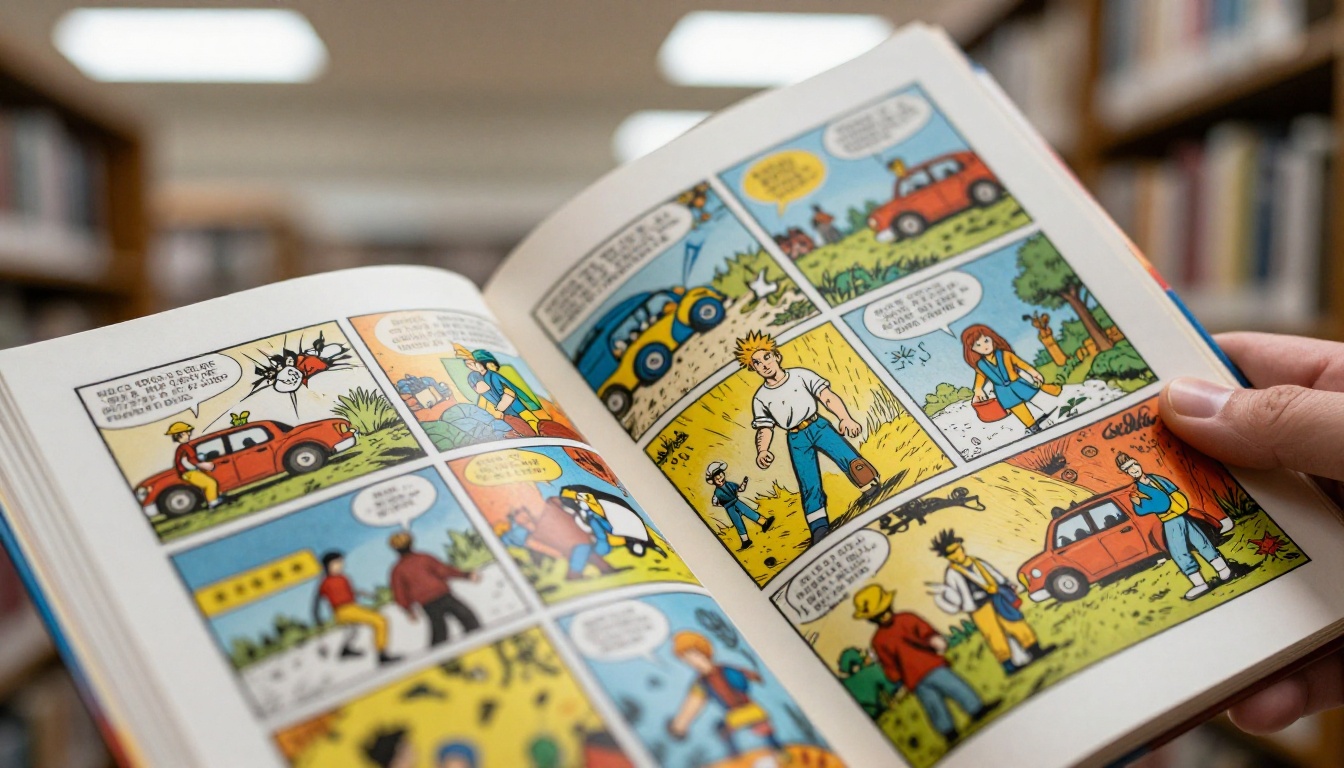
Export your comic from Canva, MediBang, Clip Studio or any other tool as a PDF. Upload it with the PDF to Flipbook Converter. Each page becomes a flippable spread within moments.
Step 3: Customize the Look
- Set a custom background color that suits your art.
- Add your branding or logo if you publish under a studio name.
- Choose a page turning effect that feels like a real book.
- Embed video or audio, for example a soundtrack or a creator commentary.
Step 4: Share It
- Direct link for social posts and messages.
- Embed code for your own site, using the Embed Flipbook on Website tool.
- Password protection for early drafts or paid subscribers.
Step 5: Track and Grow
On the Professional plan you get analytics, lead generation and offline downloads, which is handy if you sell a series and want to know which chapter readers reach. Flipbooks never carry a watermark, and they are mobile responsive, so your comic looks right on a phone.
✅ If you plan to publish a longer story, the Digital Portfolio Creator and Interactive E-Book Publisher are good fits for collections and chapters.
| Publishing Option | Best For | Needs Paid Plan? |
|---|
| Direct link | Quick sharing | No |
| Embed on website | Webcomic hubs | No |
| Password protection | Drafts, subscribers | Check pricing |
| Analytics and leads | Selling a series | Professional |
Who Should Pick What

Teachers and Students
Pixton or Storyboard That. Characters are ready, so the lesson stays about the story instead of the drawing.
Hobbyists with No Art Background
Canva. It gets you a presentable comic fastest. Add an AI generator for backgrounds if you want more visual variety.
Aspiring Webcomic Artists
MediBang Paint first, then Clip Studio Paint when you outgrow it. Both are built around real comic production.
Families and Travelers
Comic Life. Your own photos become the story with almost no effort.
Your Next Page Starts Today
The tool you pick matters less than the pages you finish. Choose one app from this list, set a small goal of four panels, and ship it. Then turn that PDF into a flipbook and send the link to a friend.

Ready to see your comic with turning pages? Get started for free on Flipbooks AI, browse all flipbook tools to find the right template, and compare pricing plans when you are ready to add analytics and lead capture.



