You have 200 recipes scattered across sticky notes, phone screenshots, and a stained notebook from your grandmother. You want them in one beautiful cookbook, but every tool you try either feels like a spreadsheet or a design degree. This ranking sorts the best cookbook software for home cooks and self-published chefs by what you actually need to do: store recipes, lay out pages, and publish something people open, read, and cook from. We also show where Flipbooks AI fits, because a finished PDF is only half the job if nobody can flip through it on a phone.
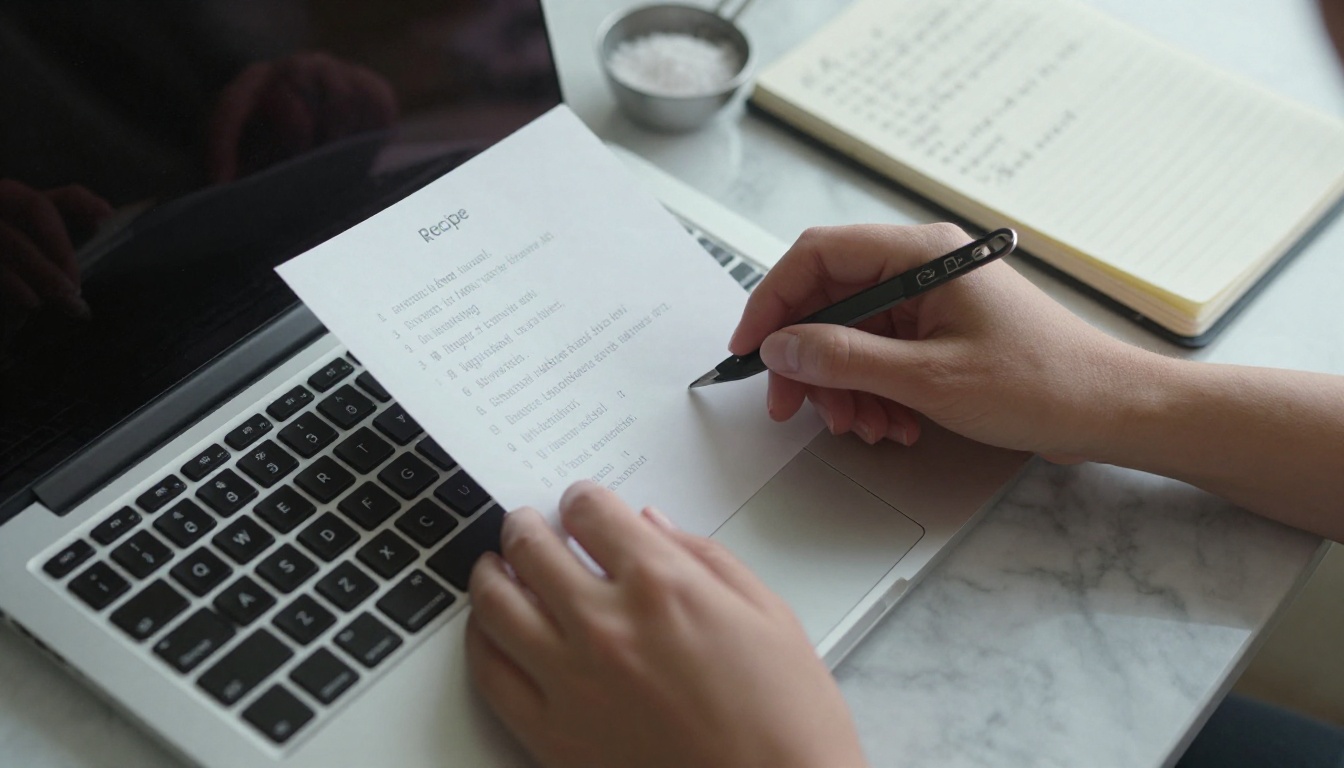
What Cookbook Software Actually Does
"Cookbook software" is an umbrella term. Three different jobs hide inside it, and most disappointment comes from buying a tool built for the wrong one.
- Recipe organizers store, scale, and tag recipes. Think meal planning, shopping lists, and nutrition notes.
- Layout and design tools turn recipes into print-ready pages with photos, typography, and an index.
- Publishing and distribution tools put the finished book in front of readers: ebook stores, print-on-demand, or interactive web flipbooks.
A home cook preserving family recipes mostly needs the first and a simple version of the second. A self-published chef selling a book needs all three, and the third is where sales happen.
💡 Pro tip: Decide your end format before you pick software. A printed gift book, a sellable ebook, and a shareable web cookbook each push you toward a different tool chain.
The Search Intent Behind This Choice
People searching for cookbook software usually fall into two groups. The first wants to finally organize and share recipes with family. The second wants to produce a product: a book to sell at events, to readers, or to clients. Both groups benefit from the same ranking criteria, listed below.
We scored each category of tool on six practical criteria rather than feature counts.
- Recipe handling: structured ingredients, steps, timers, and scaling.
- Layout control: how easily you get a page that looks professional.
- Photo support: image quality, cropping, and placement.
- Output formats: print PDF, ebook, and web.
- Learning curve: hours until your first good page.
- Cost: subscription versus one-time purchase.
Prices and plans change often, so the table below uses relative levels instead of exact figures. Check each vendor before you commit.
| Tool type | Best for | Layout control | Web sharing | Effort level |
|---|
| Recipe organizer apps | Home cooks | Low | Basic | Low |
| Template design apps | Quick printable books | Medium | Limited | Low to medium |
| Professional layout software | Chefs who want total control | Very high | None built in | High |
| Book formatting software | Ebook sellers | Medium | Limited | Medium |
| Flipbook publishers | Sharing and selling online | Medium | Excellent | Low |
The Ranking: Best Picks by Use Case
1. Best for Organizing: Recipe Manager Apps
Apps such as Paprika, Recipe Keeper, and Mela are built for the home kitchen. You paste in a URL, the app pulls out ingredients and steps, and you tag the recipe by cuisine or diet. They scale servings, build grocery lists, and sync across devices.
Their weakness is output. Most export to a plain PDF or a basic printed list, which looks like a recipe card, not a book. Treat them as your recipe vault, then move finished recipes into a layout tool.
Best for: home cooks with hundreds of saved recipes.
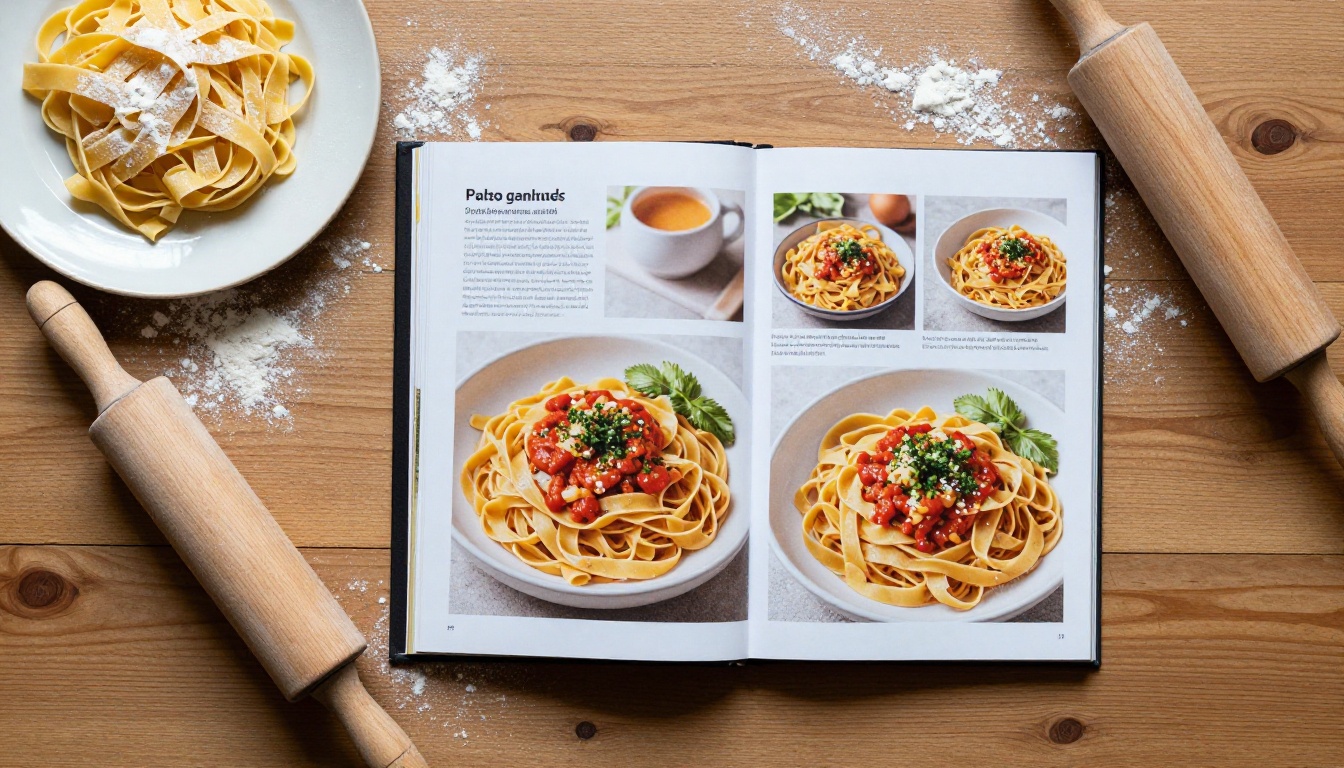
2. Best for Speed: Template Design Apps
Canva and similar template apps let you build a 40-page cookbook in an afternoon. You choose a template, drop in photos, and export a PDF. For a family gift book or a small fundraiser cookbook, this is often enough.
The trade-offs show up at scale. Long books get hard to manage, consistent recipe formatting depends on you, and there is no automatic index or table of contents. If you plan more than about 60 recipes, expect to fight the tool.
Best for: gift books, school fundraisers, and short collections.
3. Best for Total Control: Professional Layout Software
Adobe InDesign and Affinity Publisher give you master pages, paragraph styles, and precise grids. You define a recipe layout once, then flow 150 recipes through it with consistent spacing. This is how traditional publishers produce cookbooks.
The cost is time. Expect a real investment before pages look polished, and a subscription or purchase on top. If you value pixel-level control and plan to print, nothing beats it.
⚠️ Warning: Do not start in a pro layout tool before your recipes are tested and edited. Reflowing text in a 200-page file because you changed an ingredient is painful.
Best for: chefs producing print books for retail.
4. Best for Ebook Sellers: Book Formatting Software
Reedsy's free editor, Vellum, and Atticus focus on clean, consistent interior formatting for ebooks and print. They are designed for text-heavy books, so a photo-rich cookbook needs more care. Fixed-layout ebook support varies, and recipes with side-by-side images can reflow awkwardly on small screens.
Use these when your cookbook is more narrative than visual, such as a memoir with recipes, a diet plan, or a meal-prep handbook.
Best for: authors writing story-driven cookbooks.
5. Best for Sharing: Flipbook Publishers
A flipbook turns a PDF into a page-turning web experience that opens in a browser on any device. For recipes that is a strong fit: readers get a familiar book feel, large photos, and zoom, without downloading a file.
Flipbooks AI is built for this. Upload your PDF from InDesign, Canva, or Word, and it converts to a mobile-responsive flipbook with no watermarks. The dedicated Recipe Book Flipbook tool is made for exactly this use, and the PDF to Flipbook Converter handles any file you already have.
Best for: anyone who wants readers to open the book instantly from a link, a QR code, or a website.
| Your situation | Recipe tool | Layout tool | Publishing tool |
|---|
| Preserving family recipes | Recipe manager app | Template design app | Flipbook for relatives |
| Selling a small ebook | Recipe manager app | Template or formatting software | Flipbook plus ebook store |
| Print book for retail | Spreadsheet or app | Professional layout software | Print-on-demand plus flipbook preview |
| Restaurant chef promoting a brand | Internal notes | Professional layout software | Flipbook on website |
| Food blogger monetizing | Recipe manager app | Template design app | Flipbook with lead capture |
A Real-World Workflow That Works
Here is a stack that works for most self-published chefs, and it only needs tools you may already own.
- Collect every recipe in a recipe manager app and tag it by chapter.
- Test each recipe twice and fix quantities in one place.
- Photograph the finished dishes (more on this below).
- Lay out the book in your preferred design tool using one repeatable recipe template.
- Export a high-quality PDF.
- Publish the PDF as a flipbook and link it everywhere.
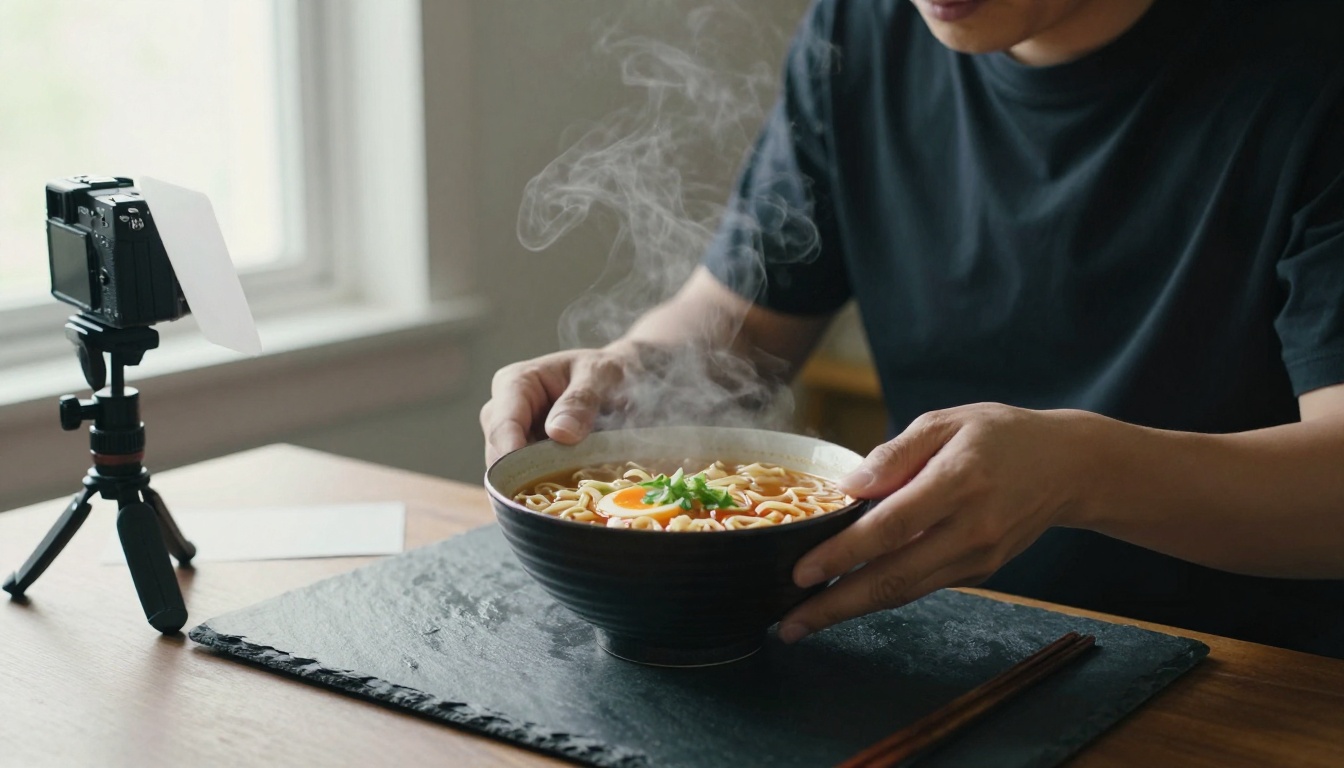
Why Photography Decides Sales
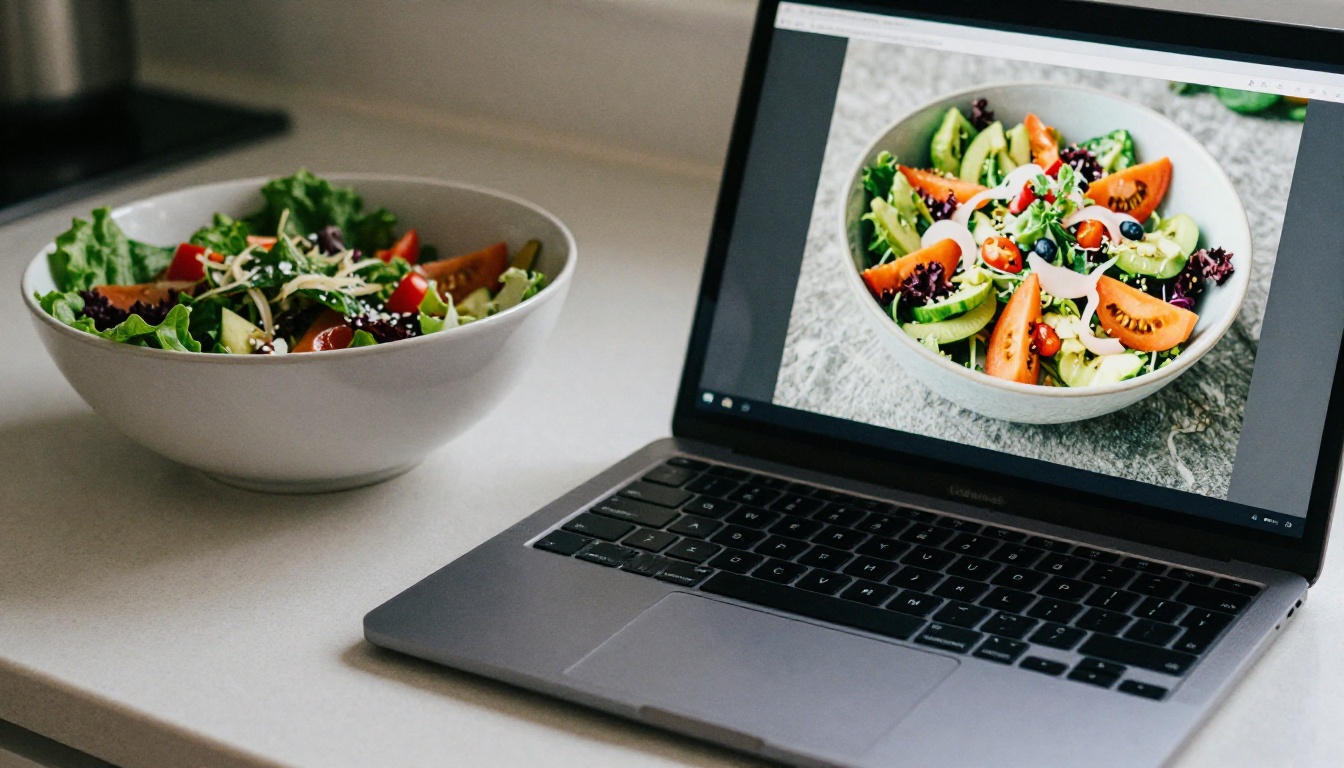
Readers buy cookbooks with their eyes first. A bright, honest photo beats a pile of garnish every time. You do not need a studio: a window, a white card to bounce light, and a plain surface are enough.
- Shoot near a window with soft side light.
- Use one consistent background across the book.
- Shoot from above for flat dishes and from low angles for stacked ones.
- Keep steam and texture visible, because they signal freshness.
✅ Best practice: Shoot your cover dish last. By then you know the book's look and can match it.
Writing Recipes People Can Follow
Software cannot fix a vague recipe. Give exact weights and volumes, list ingredients in order of use, and write steps that start with a verb. State oven temperature in both Celsius and Fahrenheit if you sell internationally. Add a short headnote that says why the dish matters to you, because that voice is what separates your book from a database.
How to Create a Cookbook Flipbook with Flipbooks AI
Once your PDF is ready, publishing takes minutes. Follow these steps.
- Create an account. Go to Flipbooks AI and sign up.
- Upload your PDF. Drag the file into the uploader. The page-turning flipbook is generated automatically, with pages kept sharp for photos.
- Customize the look. Set your brand colors, add your logo, and choose page-turn effects. You can also embed videos and audio, such as a short clip showing how to fold dumplings.
- Set access rules. Make the book public, or use password protection for a paid or members-only cookbook.
- Share it. Copy the direct link, print a QR code for market stalls, or use the Embed Flipbook on Website option to place it on your blog.
- Track results. On the Professional plan you get analytics and lead generation, so you can see which chapters get read and collect emails from readers. See the pricing plans for details.
Offline downloads are also available, which helps cooks who prefer a copy on the kitchen tablet when Wi-Fi is spotty. Standard plans and above include unlimited flipbooks, so you can publish a seasonal series without counting.
💡 Pro tip: Put a free sample chapter online as a flipbook and link the full book beneath it. Readers who finish a sample are far more likely to buy.
Print Versus Digital: A Quick Comparison
Many chefs ask whether to go print, digital, or both. The honest answer is both, with different roles.
| Factor | Printed book | Ebook (PDF or EPUB) | Web flipbook |
|---|
| Upfront cost | Highest | Low | Low |
| Page-turn feel | Physical | Basic | Strong |
| Photo quality | Excellent | Depends on device | Excellent, zoomable |
| Sharing speed | Slow | Medium | Instant by link |
| Reader analytics | None | Limited | Available on Professional plan |
| Best use | Gifts, retail, events | Sales on stores | Marketing and previews |
A printed book works as a gift and a table piece at events. A flipbook works as your always-open storefront.
Practical Examples
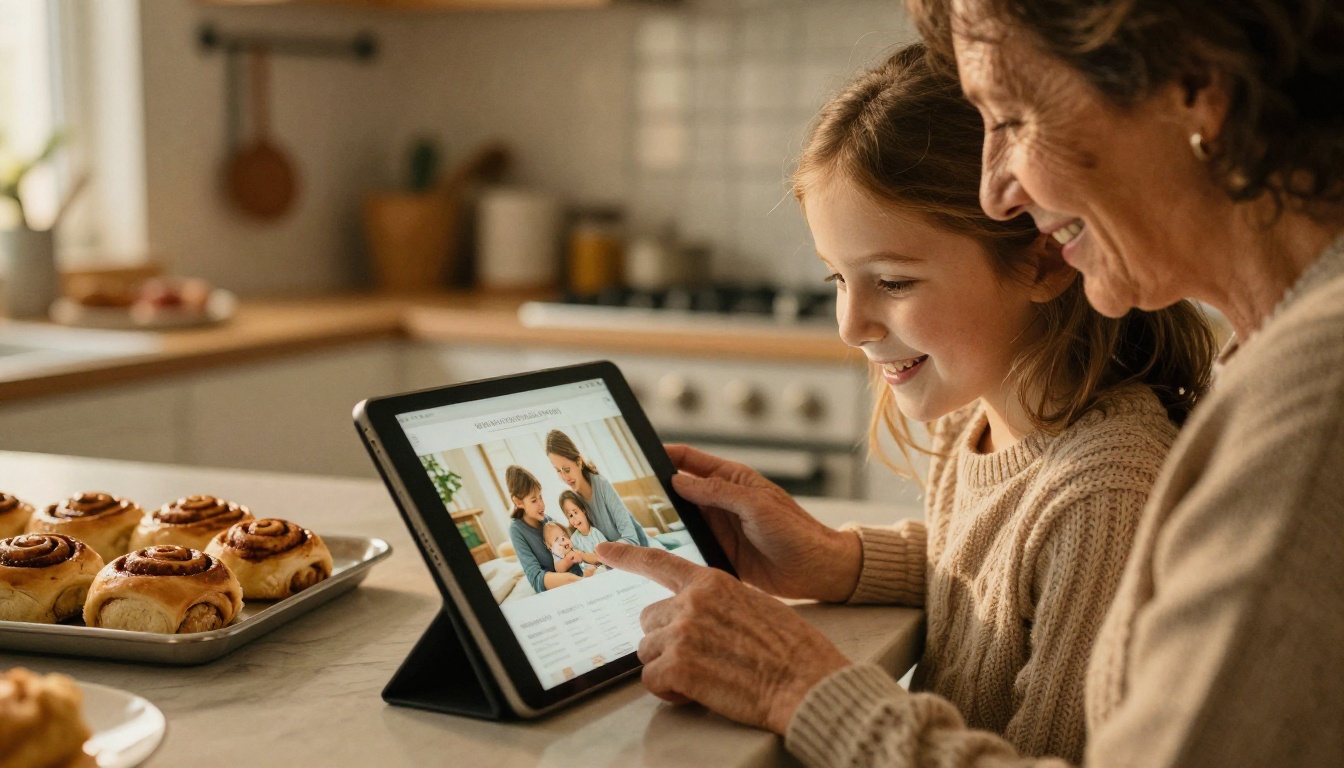
The family archivist. A home cook gathers 80 recipes from three generations, builds the book in a template app, and shares it with relatives as a password-protected flipbook. Cousins open it on their phones, and nobody has to mail anything.
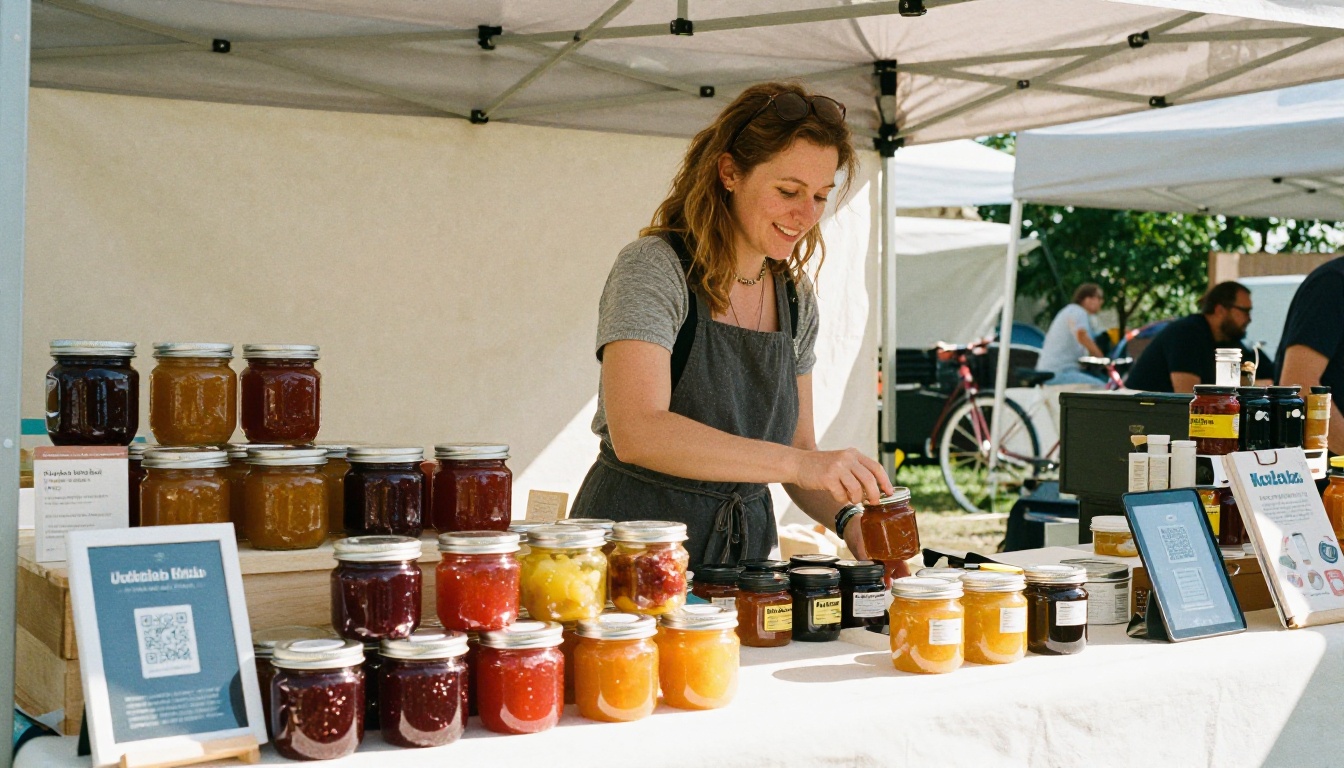
The pop-up chef. A chef who sells at weekend markets prints a QR code on a small card. Customers scan it, flip through a sample chapter, and buy the full book. The chef sees which recipes get the most attention and cooks those at the next market.
The food blogger. A blogger bundles the 30 most visited recipes into an ebook, publishes a flipbook preview on the site, and uses lead capture to grow the email list. The list then funds the next book.
Common Mistakes to Avoid
- Starting with design before recipes are final. Edit first, lay out second.
- Using phone photos in poor light. Grainy images make food look unappetizing.
- Skipping the index. Cooks search by ingredient. An index is a selling point.
- Inconsistent units. Mixing cups and grams in one recipe loses readers.
- Ignoring mobile. Most readers will open your link on a phone, so test that every page is readable at small sizes.
- Publishing without a preview. Always read the finished flipbook from page one before you share it.
A Short Pre-Launch Checklist
| Task | Done when |
|---|
| Recipe testing | Every recipe cooked at least twice |
| Proofreading | A second person has read each page |
| Image check | All photos are sharp and consistent |
| Table of contents and index | Links and page numbers verified |
| Mobile test | Book opens and reads well on a phone |
| Sharing setup | Link, QR code, and password rules ready |

Adding Video and Audio to Recipes
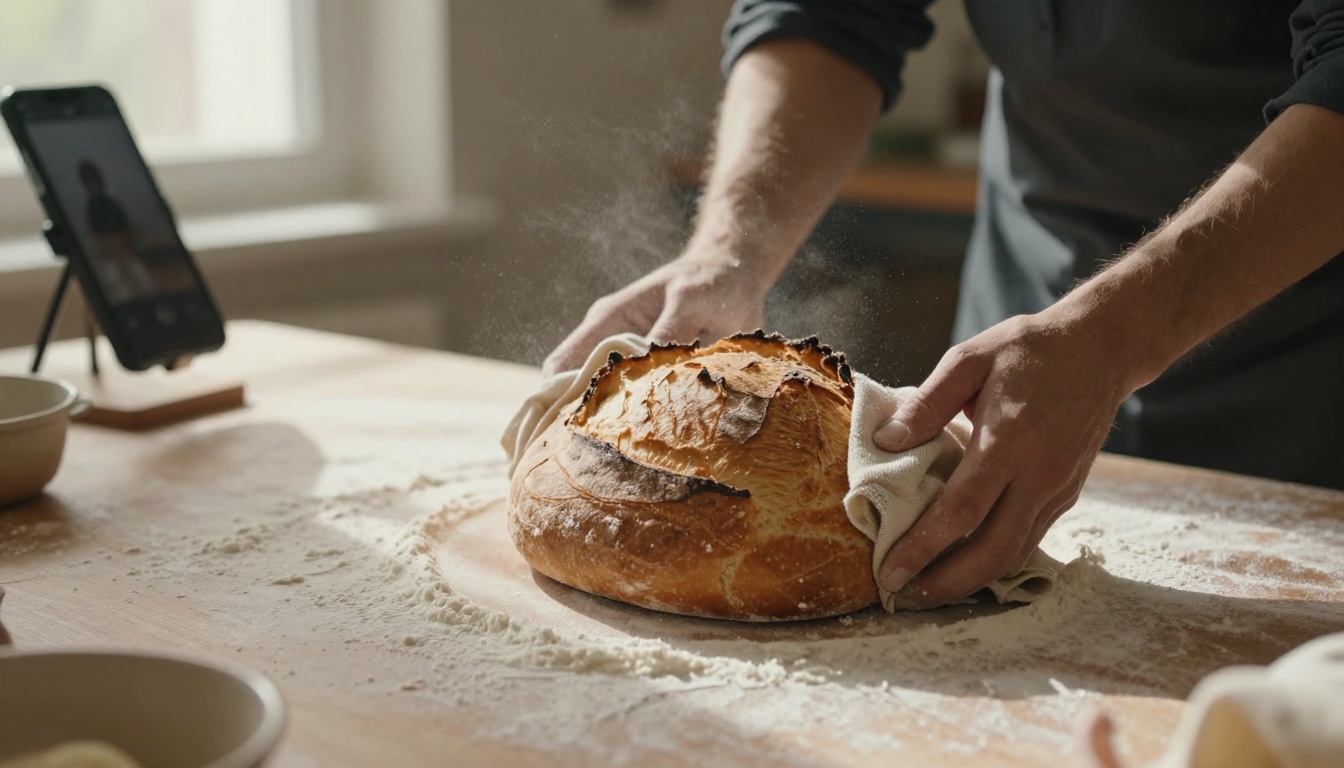
Static pages are good, but a ten-second clip of dough being folded can beat three paragraphs of text. Flipbooks let you embed video and audio right on the page, so a reader sees the step while holding the same book. Keep clips short, shoot from above, and add a title card so the page still looks good before the video plays.
If you want to branch into other formats, the Interactive E-Book Publisher and E-Book Flipbook Generator work with the same PDF. Chefs who also run a restaurant can turn the dining room menu into a flipbook with the Restaurant Menu Creator, so one brand carries across the book and the table.
Which One Should You Pick?
Use this short decision list.
- Under 40 recipes, for family: a template design app plus a flipbook.
- 40 to 100 recipes, to sell: a template or formatting tool, an ebook store listing, and a flipbook preview.
- 100+ recipes, for retail: professional layout software, print-on-demand, and a flipbook for your website.
- Blogger or brand: keep recipes in a manager app, export a bundle, and capture leads through a flipbook.
No single app does everything well. The strongest setups chain a recipe manager, one layout tool, and a flipbook publisher, so each does the job it is best at.
Ready to Publish Your Cookbook?
Your recipes deserve more than a folder of files. Finish your layout, export the PDF, and get started for free on Flipbooks AI to see your book turn pages in a browser within minutes. Browse all flipbook tools to find the right template, or compare pricing plans to pick the level that matches your plans for analytics, branding, and sharing. Then put the link on your website, your cards, and your market stall, and let people start cooking from your pages.



