Every hotel has the binder. It sits on the desk, the pages are curling, the Wi-Fi password is wrong, and the spa hours changed two seasons ago. Guests rarely open it, and when they do, they leave more confused than before. The best digital hotel compendium tools replace that binder with something guests actually use on their own phone. This ranking compares the main options, shows what each one costs in time and money, and walks through a setup built on Flipbooks AI, so you can publish a page-turning guest directory in an afternoon.
What a Digital Hotel Compendium Is
A hotel compendium is the single collection of everything a guest might ask the front desk. Check-out times, breakfast hours, room service, pool rules, parking, nearby restaurants, emergency numbers, and the Wi-Fi network. The digital version keeps all of it in one place that guests open by scanning a code or tapping a link.
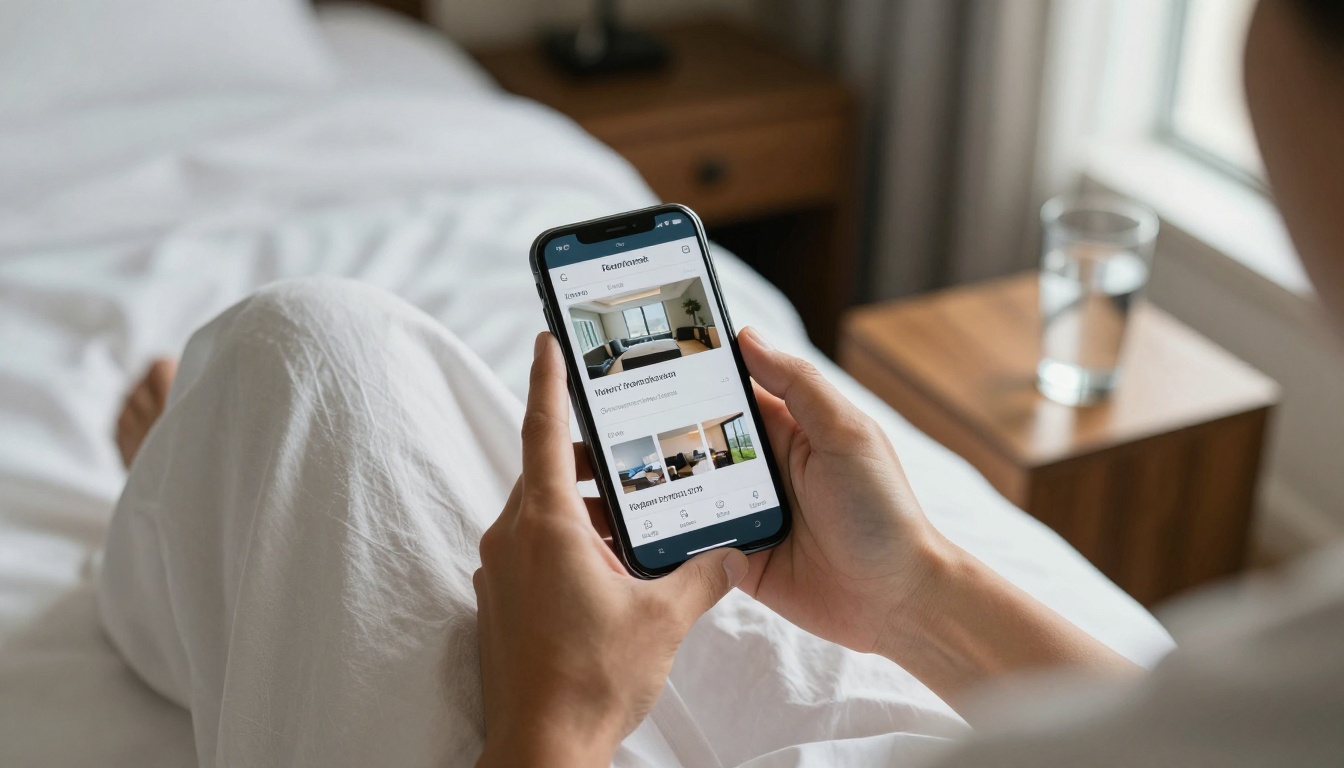
The goal is simple: answer the question before the guest picks up the phone. Hotels that do this well see fewer calls to reception, fewer complaints about missing information, and more upsells for spa and dining.
Why Printed Binders Fail
Printed directories break in three predictable ways:
- They go stale. One price change means reprinting every copy.
- They go missing. Pages get torn, binders get taken home.
- They speak one language. Translating into five languages means five thick binders.
What Guests Expect Now
Travelers compare your hotel with the apps on their phone. They want search, large text, images and instant loading, without downloading anything. A tool that demands an app install loses most of them at the door.
💡 Pro tip: Test your directory on a mid-range phone with weak hotel Wi-Fi. If it loads in under three seconds, you are in good shape.
Here is how the main categories stack up for guest information. Scores reflect setup effort, guest experience, update speed and cost for a typical 40 to 120 room property.
| Rank | Tool Type | Best For | Update Speed | Typical Cost | Guest App Needed |
|---|
| 1 | Flipbook directory (Flipbooks AI) | Branded, visual guest booklets | Minutes | Low monthly plan | No |
| 2 | QR menu and info platforms | Restaurant and room service | Minutes | Low to medium | No |
| 3 | In-room tablets | Luxury properties, smart rooms | Minutes | High hardware cost | No |
| 4 | Branded hotel app | Large chains with loyalty programs | Days to weeks | Very high | Yes |
| 5 | Static PDF on website | Budget stopgap | Hours | Free | No |
| 6 | Printed binder | Nothing, really | Days | Recurring print costs | No |
1. Flipbook Directories
A flipbook turns your existing PDF into an interactive booklet with page-turn effects, embedded images, video and clickable links. It feels like the printed binder guests already know, but it lives on a link and updates instantly. This is where Flipbooks AI fits best, because the same file can serve the room QR code, the website, the confirmation email and the lobby tablet.
2. QR Menu and Info Platforms
These tools shine for one narrow job: menus and ordering. They are fast and cheap, but they usually handle only a few pages of structured content. A full compendium with maps, policies and photo galleries gets cramped inside them.
3. In-Room Tablets
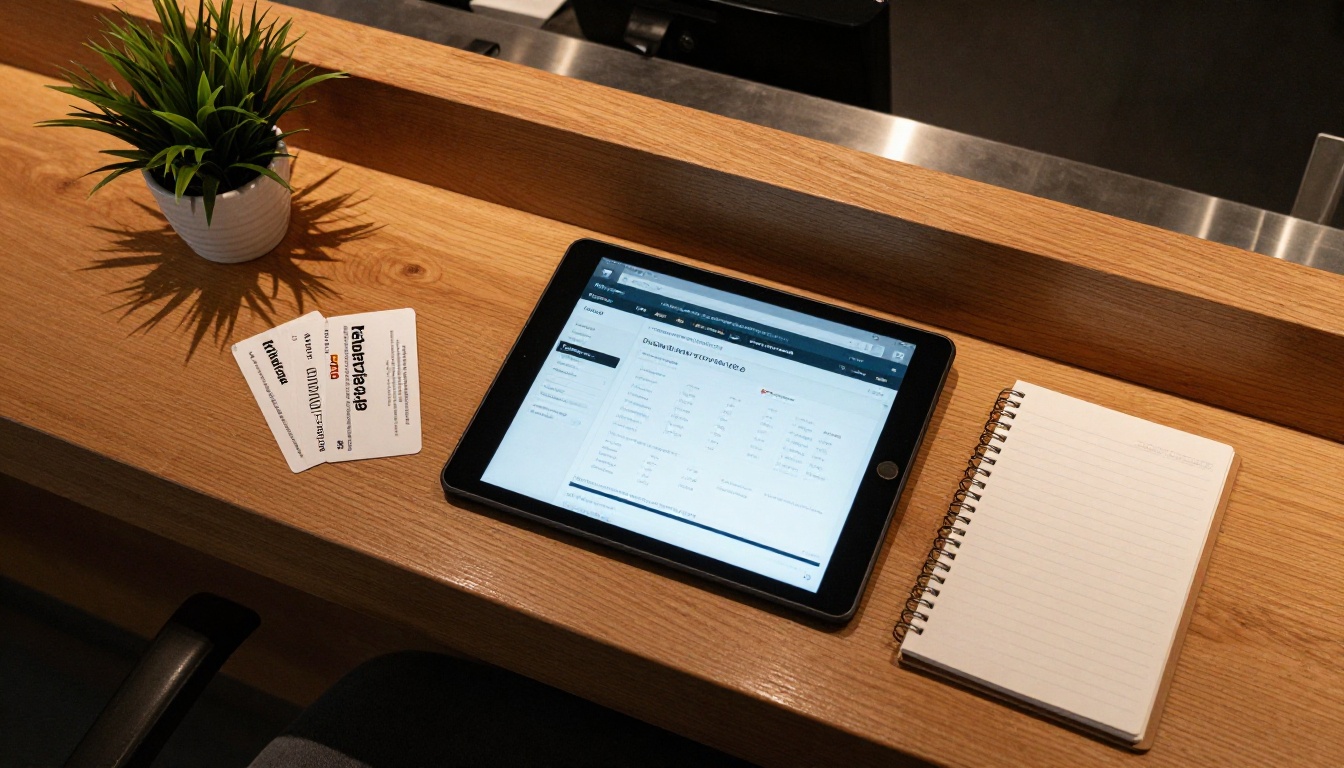
Tablets feel premium and can control lights and curtains. They also break, disappear, need charging and cost far more than a code on a card. Many hotels now keep the tablet for control and use a flipbook link for information.
4. Branded Hotel Apps
An app makes sense when you run a loyalty program with thousands of repeat members. For a single property, the download barrier kills usage. Surveys of hotel guests regularly show that most would rather scan than install.
5. Static PDFs
A PDF on your site is better than nothing. It still loads slowly on phones, cannot be tracked, and offers no page effects, video or smart links.
What to Include in Your Guest Compendium
The best directories are short in the right places and deep in the right places. Start with the questions your front desk answers every day.
The Essentials Checklist
- Wi-Fi network name and password, on the first page
- Check-in and check-out times, late check-out policy
- Breakfast, restaurant and bar hours
- Room service menu and how to order
- Pool, gym and spa hours with rules
- Parking, shuttle and transport options
- Emergency numbers and safety instructions
- Front desk contact by phone and message
- Local recommendations with a simple map
- Housekeeping and sustainability notes
Pages That Earn Extra Revenue
Add pages that sell without feeling like selling. A spa menu with photos, a wine list, a late check-out offer, an excursion partner page. Each one is a quiet upsell sitting where guests already look.
✅ Best practice: Put the Wi-Fi password on page one. It is the most searched item in any hotel directory, and putting it first sets a helpful tone for everything after.
Multilingual Versions
Create one flipbook per language and link them from a language switcher page. International guests notice the effort immediately, and review scores for hotels with native-language information tend to improve.
How to Create a Hotel Compendium with Flipbooks AI
This tutorial assumes you already have your directory in a PDF, or can export one from a document or design tool. If you want a designed starting point, the Hotel Brochure Designer is built for exactly this layout.

Step 1: Create Your Account
Open Flipbooks AI and register. Pick a plan on the pricing page that matches how many properties you manage. Every plan is watermark free.
Step 2: Upload and Convert the PDF
Drag your PDF into the dashboard. The PDF to Flipbook Converter turns each page into a flippable spread within seconds. Check that fonts and images look sharp on a phone screen.
Step 3: Customize the Look
Apply your hotel colors, add your logo and choose the page effect. Keep the background neutral so photos stand out. Add short videos of the pool or lobby, and embed audio for a welcome message from the manager.
Step 4: Set Sharing and Access
You have several options, and most hotels use more than one:
- Direct link for emails and booking confirmations
- Embed code for your website, using the Embed Flipbook on Website tool
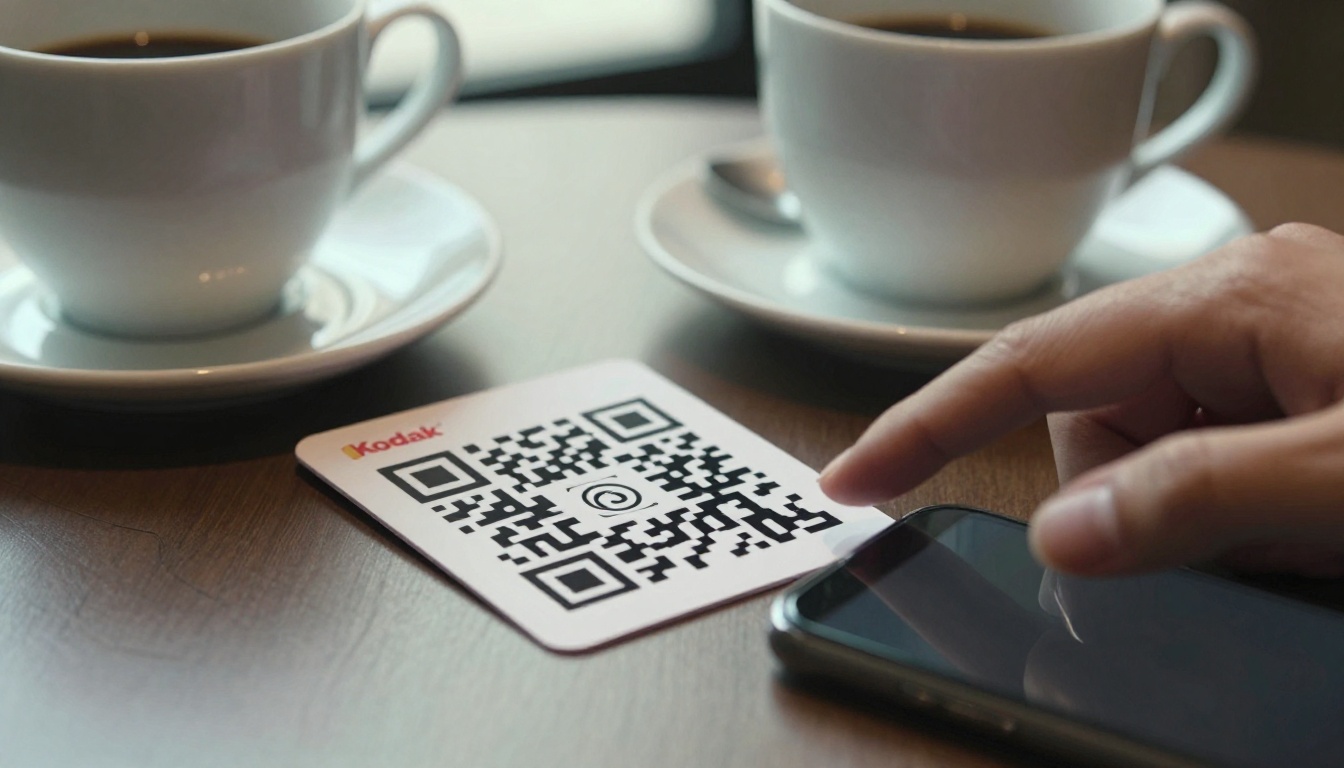
- QR code printed on room cards, elevators and the lobby
- Password protection for staff-only pages such as internal procedures
Step 5: Track and Improve
On the Professional plan, analytics show which pages guests open and how long they stay. If the spa page gets heavy traffic but few bookings, rewrite it. If nobody reads page nine, remove it. Lead generation forms can also collect email addresses for returning guest offers.
⚠️ Warning: Never share a compendium link that contains staff-only phone numbers or access codes without password protection.
Feature Comparison for Real Decisions
Different properties need different things. Use this table to match your situation with a tool.
| Feature | Flipbooks AI | QR Menu Platform | In-Room Tablet | Branded App |
|---|
| No download required | Yes | Yes | Yes | No |
| Page-turn booklet feel | Yes | No | Partial | No |
| Embedded video and audio | Yes | Limited | Yes | Yes |
| Password protection | Yes | Rare | Yes | Yes |
| Page-level analytics | Professional plan | Basic | Limited | Yes |
| Offline download | Yes | No | Depends | Depends |
| Update time | Minutes | Minutes | Minutes | Days |
| Setup cost | Low | Low | High | Very high |
Where Each Option Wins
Choose a flipbook when the content is rich and visual. Choose a QR menu platform when you only need food ordering. Choose tablets when the room itself is the product. Choose an app when loyalty drives revenue.
The Hybrid Approach
Many hotels combine tools. A flipbook holds the full compendium, a QR menu handles live ordering, and a tablet controls room settings. The flipbook link goes into all three, so there is one source of truth to update.
Real Hotel Scenarios
Seeing how different properties use these tools makes the choice easier.
A Seaside Resort
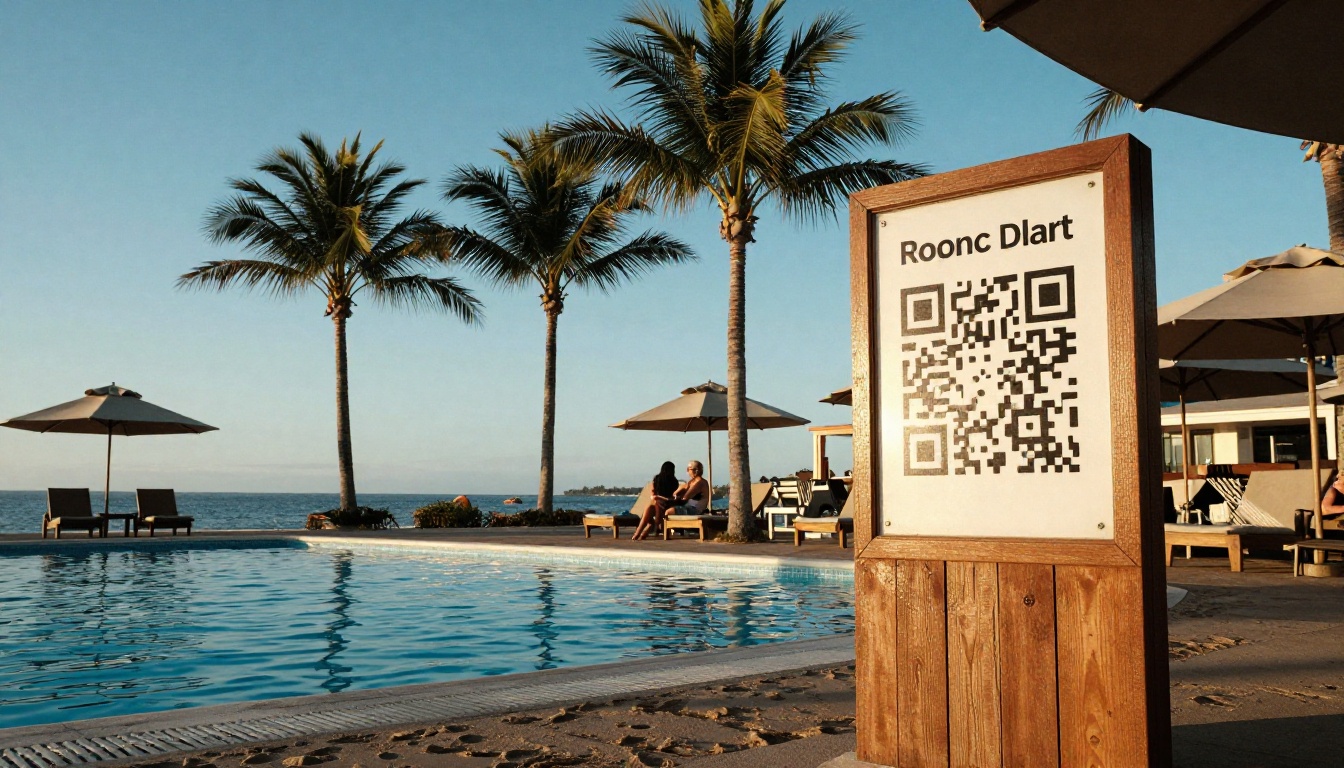
A resort can place QR signs at the pool, beach entrance and activity desk. Each one opens the same flipbook at a different page, such as water sports schedules or sunset dinner reservations. Guests get what they need without leaving their lounge chair.
A City Boutique Hotel
A boutique hotel can build a neighborhood section with hand-picked cafes, galleries and late-night spots. This is also where the Travel Guide Flipbook format helps, because maps and photos sit beside the hotel's own advice.
A Business Hotel
A business property needs speed. Meeting room layouts, printer access, airport shuttle times and nearby restaurants for client dinners all belong on the first three pages. Short sections beat long descriptions here.
A Wellness Retreat
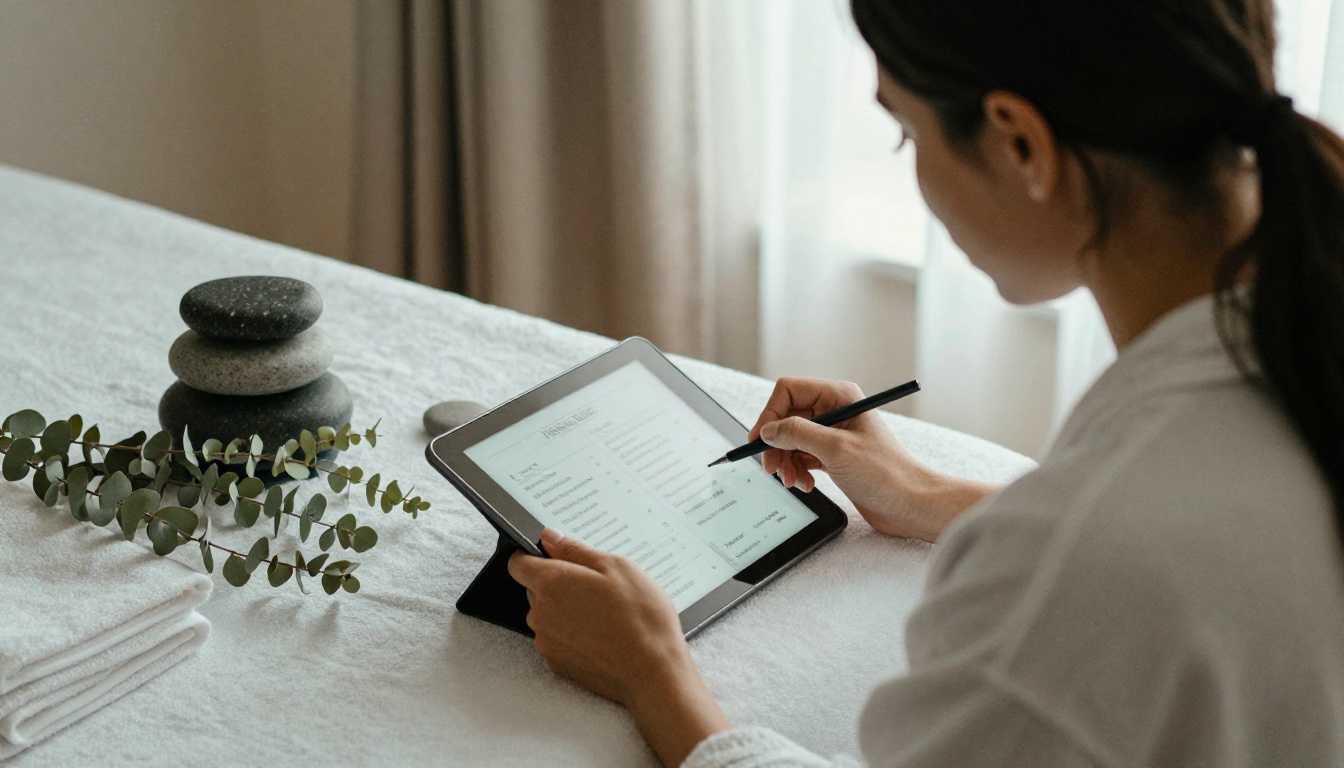
Retreats rely on schedules and treatments. Use the Spa and Wellness Menu tool to produce a treatment catalog with photos and durations, then link it from the main directory.
Dining and Menus Inside the Compendium
Food and drink pages get opened more than any other section after Wi-Fi. They deserve real care.
Restaurant and Bar Pages
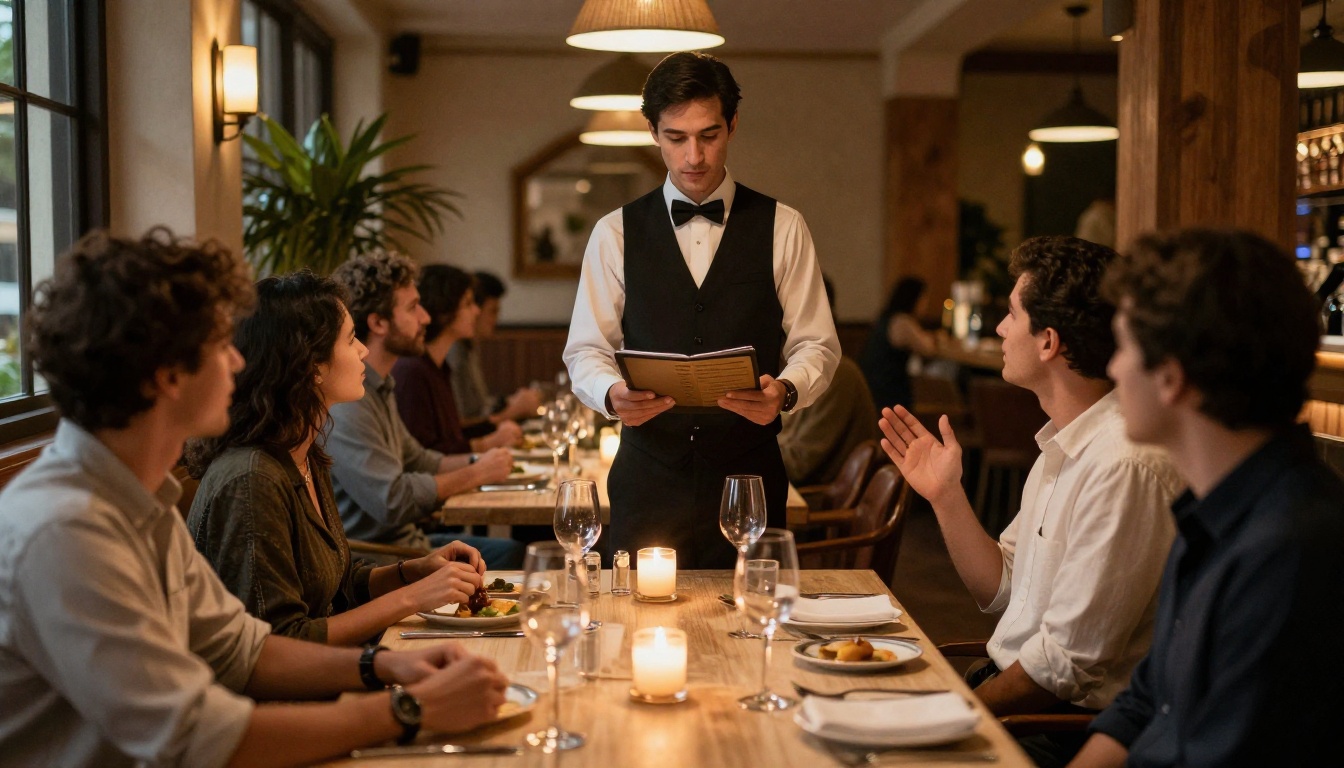
Show appetizing photos, clear prices and allergen notes. The Restaurant Menu Creator produces layouts that hold up on small screens. If you serve breakfast in different areas on weekends, say so plainly.
Room Service Details
List delivery times, minimum orders and how to place them. Keep the phone extension in large type. A guest hungry at midnight should not have to hunt.
Seasonal Updates
Menus change. With a flipbook, you replace the file once and every QR code in every room shows the new version. No reprint, no stale prices, no awkward conversations at the table.
| Menu Type | Update Frequency | Printed Cost per Change | Digital Cost per Change |
|---|
| Breakfast | Seasonal | High | Near zero |
| Dinner | Monthly | High | Near zero |
| Bar and wine | Weekly | Very high | Near zero |
| Room service | Quarterly | Medium | Near zero |
Measuring What Works
A compendium is not finished when it is published. The best ones improve every month.

Numbers Worth Watching
- Scans per room per stay: a healthy figure is above one
- Most opened pages: shows what guests truly care about
- Drop-off page: where readers stop, so you can shorten it
- Front desk call volume: should fall within two months
- Upsell clicks: spa, tours and dining links
A Simple Monthly Routine
- Check page statistics on the first of the month
- Remove or merge the two weakest pages
- Refresh seasonal offers and photos
- Ask the front desk what guests still ask in person
- Add answers to those questions on page two
💡 Pro tip: Ask housekeeping and reception for the five most common guest questions each quarter. Their answers are your best content roadmap.
Mistakes Hotels Make
Even good tools fail when the setup is careless.
Hiding the QR Code
A code on the back of a drawer helps no one. Put it on the key card sleeve, the bedside table, the desk and the lobby counter. Add a short line such as "Scan for hours and Wi-Fi."
Writing Too Much
Guests skim. Use short paragraphs, bold the important line and keep each topic to one page. A forty-page directory is a binder in disguise.
Forgetting Mobile Testing
Always preview on a phone before printing codes. Text that looks fine on a laptop can be tiny on a small screen.
Skipping Accessibility
Use high contrast, large type and clear headings. Some guests have low vision, and others are simply reading in dim light after a long flight.
Cost Comparison Over Three Years
Money drives most decisions, so here is a rough picture for a 60 room hotel. Figures are illustrative and vary by region and supplier.
| Option | Year One | Year Two | Year Three | Notes |
|---|
| Printed binders | Medium | Medium | Medium | Reprints for every change |
| In-room tablets | Very high | Medium | Medium | Repairs and replacements |
| Branded app | Very high | High | High | Development and upkeep |
| Flipbook directory | Low | Low | Low | Subscription only |
A flipbook plan stays flat because there is nothing to reprint, charge or repair. That is why it ranks first for most small and mid-sized properties.
The best digital hotel compendium tool is the one your guests open and your team can update in five minutes. For most hotels, that means a flipbook directory backed by a QR code in every room. It keeps the familiar booklet feel, loads without an app, supports video, and gives you analytics to improve each month.
Ready to build yours? Get started for free on Flipbooks AI, browse all flipbook tools and templates to find the right layout, and compare pricing plans to choose what fits your property.



