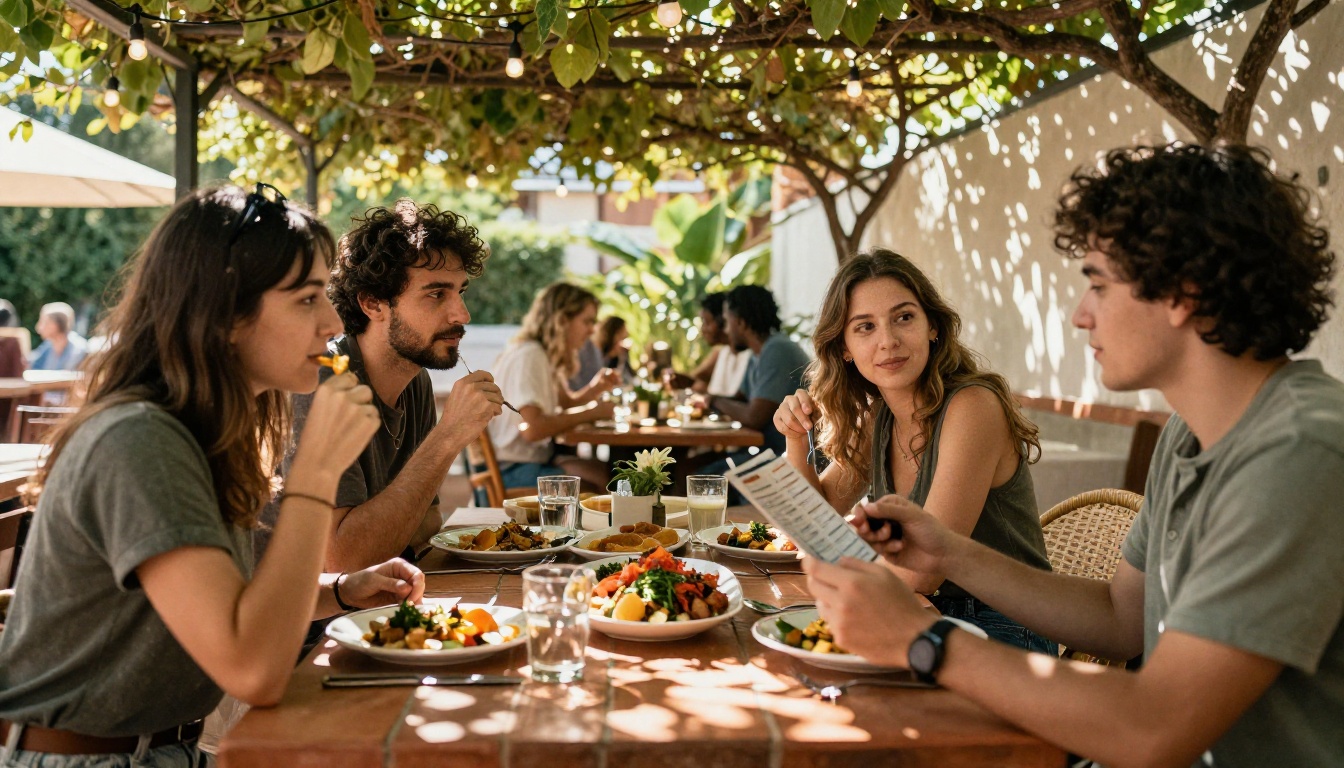
Paper menus cost money, go out of date the moment a supplier raises a price, and nobody wants to touch a sticky laminated card. That is why almost every restaurant now has some kind of digital menu. The hard part is choosing the right app, because the options range from full point of sale systems to simple tools like Flipbooks AI that turn a PDF into a page-turning menu.
This ranking looks at six popular choices and judges them on what actually matters to an owner: how fast you can go live, what it costs, how good the menu looks on a phone, and whether you need ordering or only a beautiful menu to show.
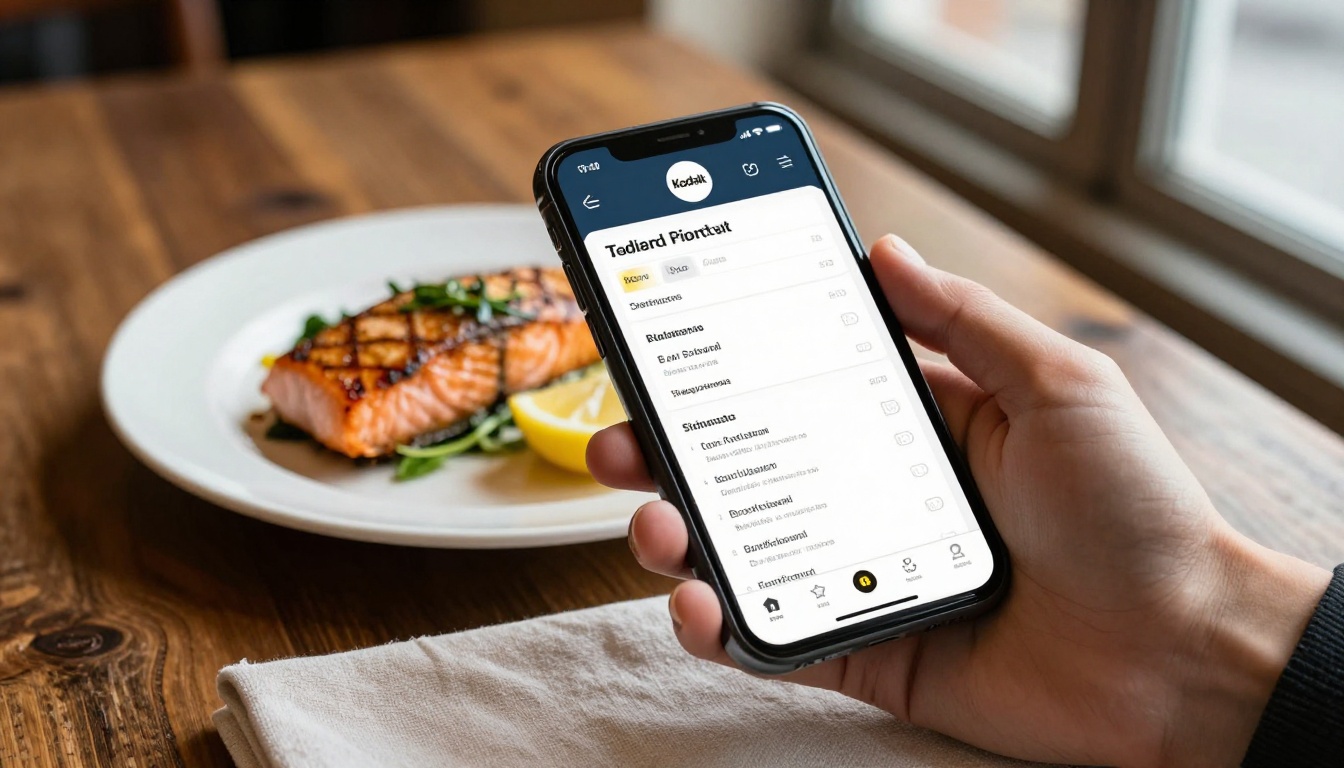
Quick Answer: The Ranked List
Here is the short version before the details.
| Rank | App | Best For | Ordering Built In | Setup Speed |
|---|
| 1 | Flipbooks AI | Beautiful, fast menus from a PDF | No (display focus) | Minutes |
| 2 | Toast | Full restaurant operations | Yes | Days to weeks |
| 3 | Square for Restaurants | Small shops that want simple payments | Yes | Hours to days |
| 4 | Lightspeed Restaurant | Multi-location groups | Yes | Days to weeks |
| 5 | Popmenu | Marketing and website focus | Partial | Days |
| 6 | Canva plus QR code | Free, DIY visual menus | No | Hours |
💡 Pro tip: Decide first whether you need a menu to show or a system to sell. Most owners overpay because they buy the second when they only need the first.
How We Ranked Them
Every app was scored on five things. The weights below reflect what small and mid-size restaurants told us they care about most.
- Speed to launch (25%): can a busy owner finish in an afternoon?
- Mobile experience (25%): does it load fast and read well on a small screen?
- Design control (20%): can you match your brand without hiring a designer?
- Total cost (20%): subscription, hardware and payment fees together.
- Update ease (10%): how painful is it to change a price at 5 p.m. on a Friday?
Pricing changes often, so treat any cost notes here as directional and check each vendor's current page before you commit.
1. Flipbooks AI
If your priority is a menu that looks like a real printed publication but lives on a phone, this is the strongest pick. You upload the PDF you already have, and the PDF to Flipbook Converter turns it into a page-turning menu with realistic page effects. There are no watermarks, and the menu is mobile responsive out of the box.
What It Does Well
- Works with the design you already paid for, so no rebuild is needed.
- Custom branding, colors and page effects.
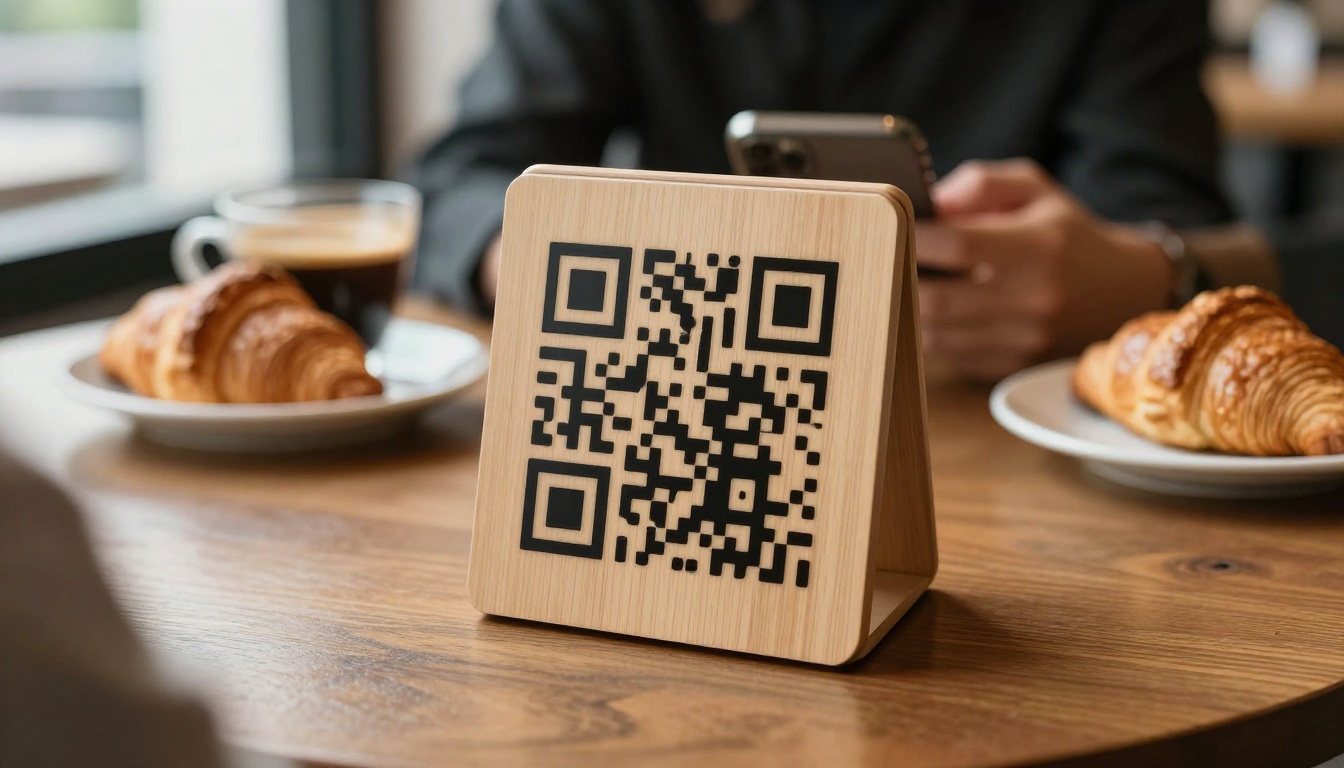
- Embed on your website or share a direct link, and print the link as a QR code for tables.
- Password protection for private menus such as catering or event pricing.
- Analytics and lead generation on the Professional plan, useful for catering inquiries.
- Embed videos and audio, so a chef's story can sit next to the dessert page.
Where It Falls Short
It is a display tool. It does not take orders or process payments, so pair it with your existing point of sale if you want ordering. For many restaurants that is a feature, not a flaw, because there are no per-order fees.
Best for: cafes, fine dining rooms, hotels, spas and caterers who care about presentation. Spas can use the Spa & Wellness Menu tool, and everyone else can start with the Restaurant Menu Creator.
2. Toast
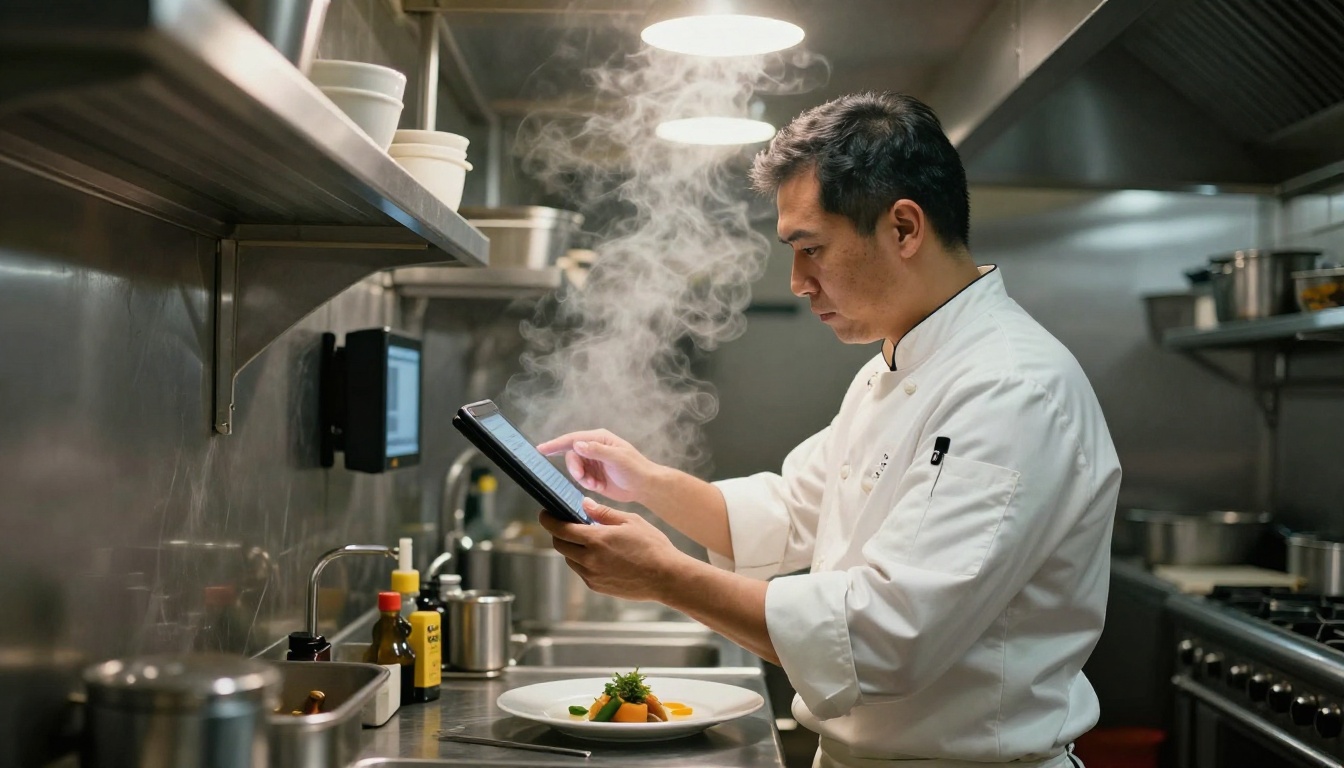
Toast is a full restaurant platform. The digital menu is one piece of a larger system that includes point of sale, kitchen displays, online ordering, payroll and reporting.
Strengths
- Orders flow straight to the kitchen screen, which cuts errors.
- Strong reporting on best sellers and labor cost.
- Built for restaurants, so features like modifiers and course firing feel natural.
Weaknesses
- Proprietary hardware and a longer onboarding process.
- The menu design is functional, not beautiful. You work inside templates.
- Costs add up once hardware, software and processing fees are combined.
Best for: busy full-service restaurants that want one system for everything and can accept a longer setup.
3. Square for Restaurants
Square is the easy entry point. Many small owners already use it for card payments, so adding menus and online ordering feels like a small step instead of a project.
Strengths
- Quick to set up, often in a single day.
- Free entry level tier for simple needs, with paid tiers for more features.
- Works on standard tablets and phones.
Weaknesses
- Fewer restaurant specific tools than Toast at high volume.
- Menu pages look clean but generic.
- Customization of the customer facing layout is limited.
Best for: food trucks, coffee shops and small counter service spots.
4. Lightspeed Restaurant
Lightspeed targets groups with several locations. It handles inventory, floor plans and central menu management, so one price change can reach every site.
- Strength: central control over many venues.
- Strength: deep inventory tracking, handy for cost control.
- Weakness: more setup than a small owner needs.
- Weakness: the guest facing menu is practical, not showy.
Best for: restaurant groups and hospitality brands with a head office.
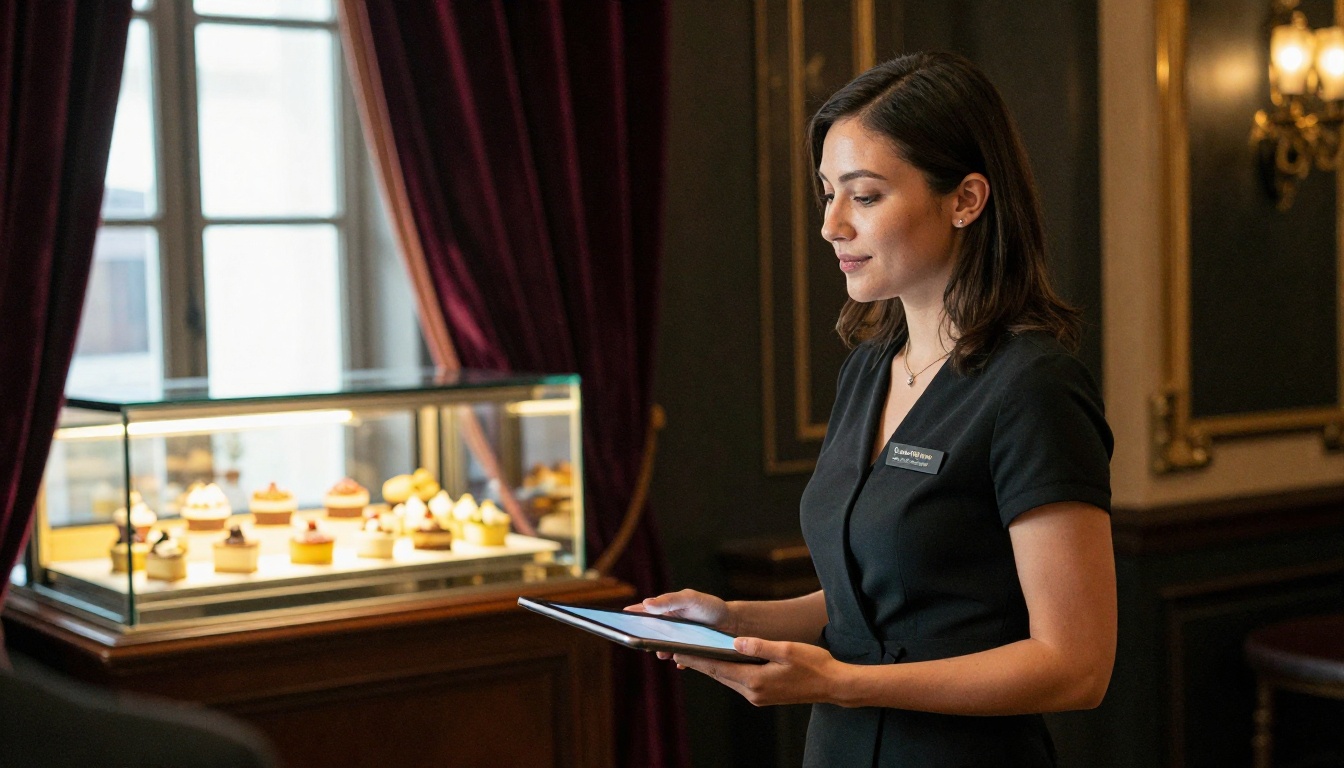
Popmenu leans toward marketing. It ties your menu to a website, social posts and guest loyalty tools, so the menu works as a discovery channel on Google.
- Strength: menu items become searchable pages that can rank in search.
- Strength: built in tools for email and text campaigns.
- Weakness: the price suits bigger budgets.
- Weakness: more marketing than operations, so you still need a point of sale.
Best for: restaurants that want to grow local search traffic and repeat visits.
6. Canva Plus a QR Code
The free route. You design a menu in Canva, export it as a PDF or image, and generate a QR code that points to it.
Strengths
- Costs almost nothing.
- Huge template library.
- Familiar to most staff.
Weaknesses
- A static PDF on a phone means pinch and zoom. It feels like a scanned paper menu.
- No analytics, and updates require re-exporting and re-uploading.
- No page effects, no password control, no embedded media.
⚠️ Warning: A large PDF opened on a weak mobile connection can take several seconds to appear. Guests who wait too long simply ask the server for a paper menu, which defeats the point.
A smart upgrade is to keep designing in Canva but publish the exported PDF through Flipbooks AI, which gives you the mobile reading experience without redoing the design.
Side by Side: Cost and Control
Costs below are described in general terms so the table stays accurate as vendors change plans.
| App | Upfront Hardware | Ongoing Cost Level | Design Freedom | Per-Order Fees |
|---|
| Flipbooks AI | None | Low, with plans on the pricing page | High | None |
| Toast | Yes | High | Medium | Payment processing |
| Square for Restaurants | Optional | Low to medium | Medium | Payment processing |
| Lightspeed Restaurant | Yes | Medium to high | Medium | Payment processing |
| Popmenu | None | Medium to high | Medium | Varies |
| Canva plus QR | None | Free to low | High (design only) | None |
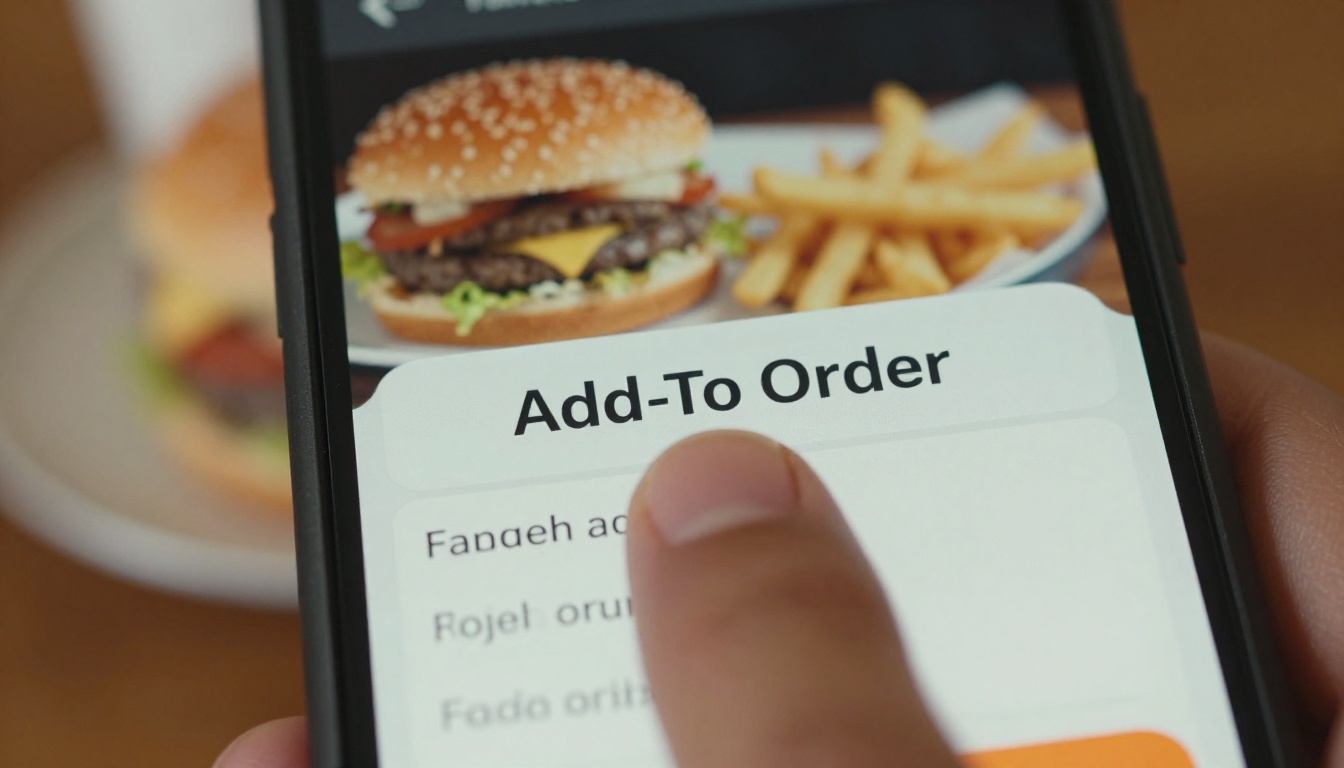
Whatever app you pick, the guest experience follows the same rules. Most of the complaints we see trace back to breaking one of these.
- Load in under three seconds. Compress photos and avoid heavy files.
- Thumb friendly layout. Big tap targets, no tiny text.
- Photos of the top sellers only. Too many images slow the page and hide the prices.
- Allergen and dietary icons. Guests check these first, and they protect you legally.
- Clear prices and sections. Starters, mains, desserts, drinks, in that order.
- A fallback. Keep a few printed menus for guests who prefer them.
Real Examples
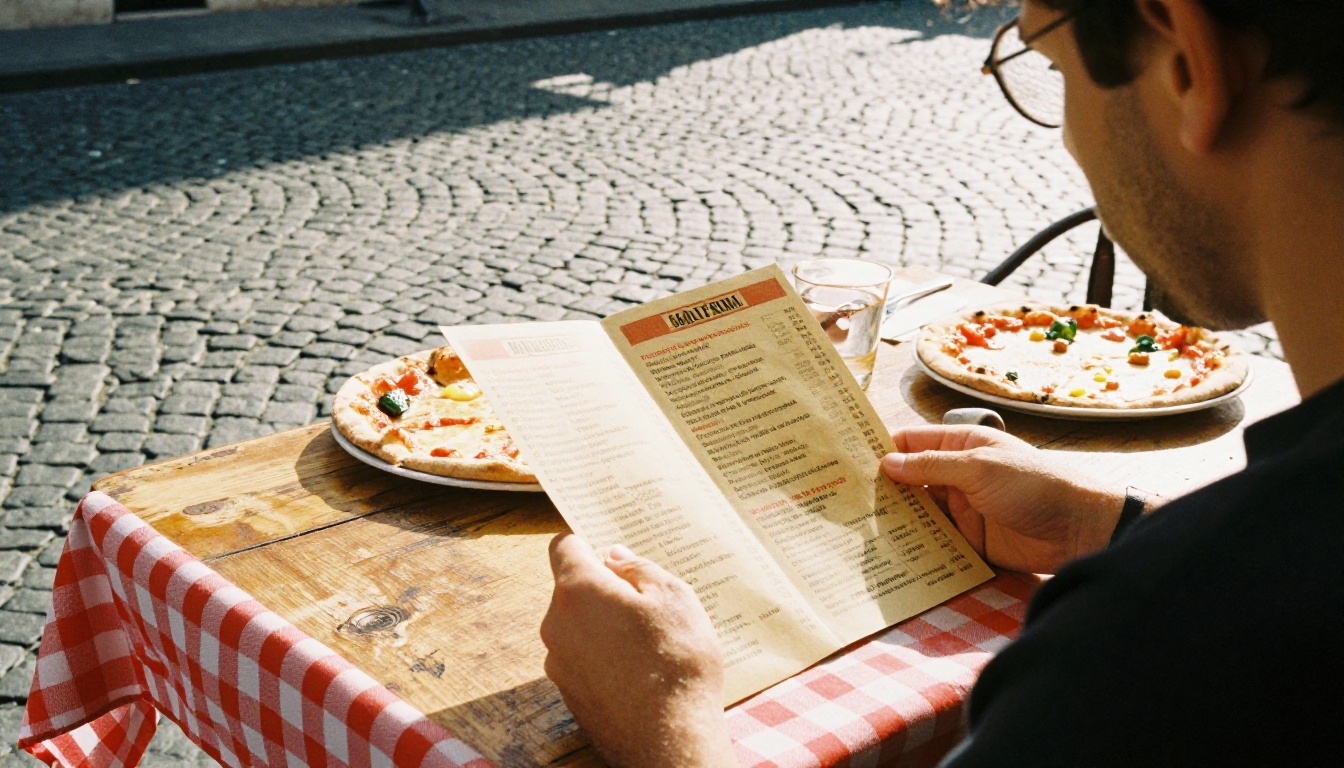
- A family trattoria uploads its existing PDF, prints a QR code on each table, and updates the pasta prices in ten minutes when flour costs change.
- A boutique hotel keeps a room service menu behind a password so only guests can open it.
- A catering company shares a private link with each client and uses analytics to see who actually opened the proposal.
If a display menu fits your needs, this takes about fifteen minutes. The Menu Flipbook Designer page shows what the finished result looks like.
Step 1: Create Your Account
Head to Flipbooks AI and sign up. You can start without a long setup process.
Step 2: Upload Your PDF
Export your current menu as a PDF from Canva, Word, InDesign or Google Docs. Upload it and the platform converts each page into a flip page. Keep the file under a reasonable size so it loads quickly on mobile data.
Step 3: Customize the Look
- Add your logo and brand colors.
- Choose a page turn effect and background.
- Drop in a short video of the kitchen or an audio clip if you like.
Step 4: Pick Sharing Options
- Direct link: paste it in your Instagram bio and Google Business profile.
- Embed code: place the menu on your website with the Embed Flipbook on Website tool.
- Password protection: use it for private events and staff only price lists.
Step 5: Turn On Extras
On the Professional plan you get analytics and lead generation, plus offline downloads for guests who want to browse without signal. See the pricing plans for what each tier includes.
Step 6: Print the QR Code
Generate a QR code from your flipbook link, print it on table stands, and test it with two different phones before service.
✅ Best practice: Put the QR code at eye level on the table and add a short line such as "Scan for today's menu". Guests need a reason to pick up their phone.
Which App Should You Pick?
Use this quick decision table.
| Your Situation | Best Choice |
|---|
| I have a PDF and want it to look great on phones today | Flipbooks AI |
| I need ordering, kitchen screens and payroll in one place | Toast |
| I run a small counter shop and want cheap, simple payments | Square for Restaurants |
| I manage several locations from one office | Lightspeed Restaurant |
| I want my menu to bring in search traffic | Popmenu |
| I have no budget and a lot of patience | Canva plus QR code |
Many restaurants end up combining two tools: a point of sale for orders and a display tool for the menu people actually read. That pairing often costs less than one large system and looks better to guests.
Mistakes to Avoid
- Buying ordering features you will never use. Per-order fees quietly eat margin.
- Forgetting to test on a bad connection. Your dining room Wi-Fi is not your guests' signal.
- Letting the menu go stale. An outdated price on a digital menu erodes trust faster than on paper.
- Hiding allergen information. Put it where guests will see it.
Ready to Go Digital?
The best digital menu app is the one your staff will actually keep updated and your guests will actually enjoy reading. If you want a polished menu live today, create your free account on Flipbooks AI and upload your PDF. Browse all flipbook tools to find the format that fits your venue, or compare pricing plans to see what the Professional features add. If you also run a recipe blog or cookbook, the Recipe Book Flipbook tool uses the same simple process.
Ready to upgrade your menu? Pick a plan and start today.