Every family has a drawer. It is stuffed with stained index cards, magazine clippings, and a grandmother's handwriting that only one cousin can read. The best digital recipe book apps for families solve that mess without erasing the charm. They put every dish on a phone or tablet, build shopping lists for you, and let the whole household cook from the same collection. This ranking compares the apps that actually work in a busy kitchen, then shows how to pair them with a shareable flipbook made in Flipbooks AI so your heirloom recipes outlive any single app.
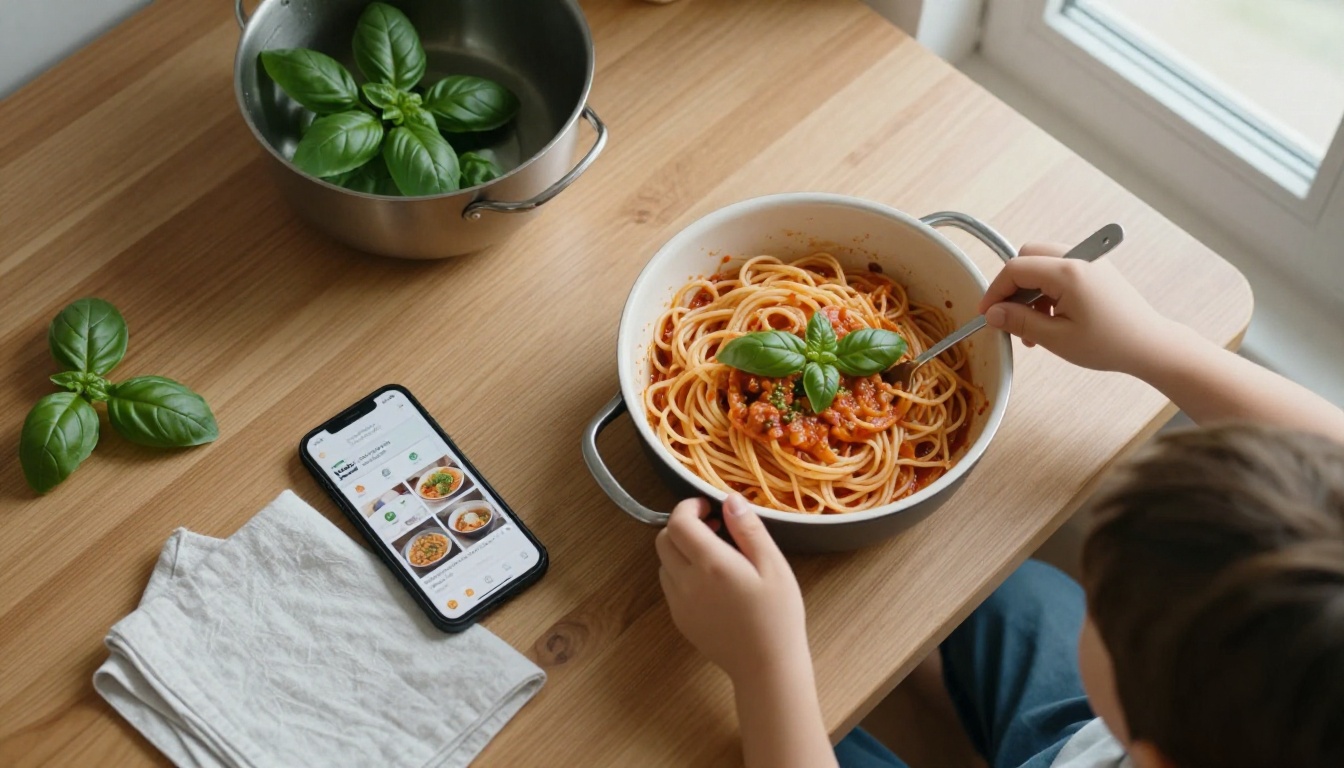
What Families Actually Need
A solo cook can get by with almost any app. A family needs more. Several people with different tastes, schedules, and devices all touch the same recipes, so the right app has to handle crowds, not just one person.
Shared Access Across Devices
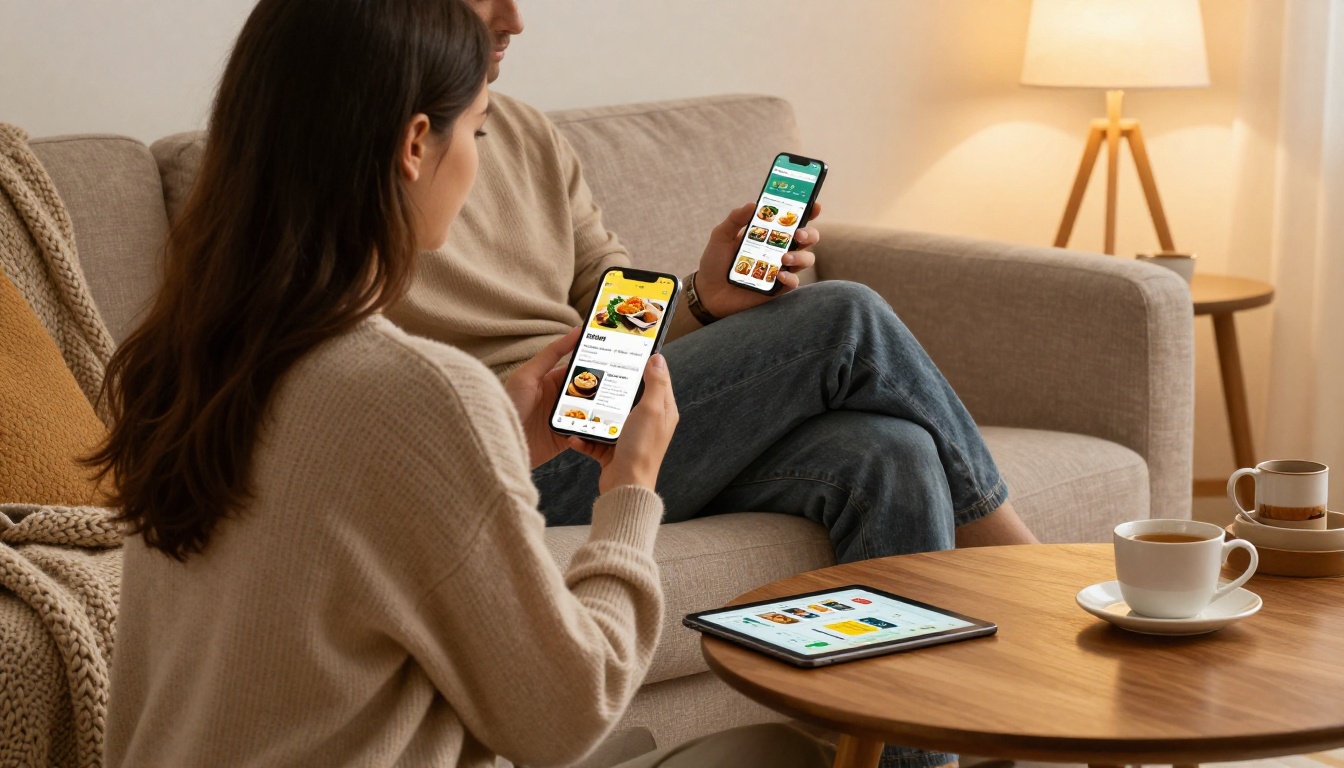
Dad cooks on the tablet, Mom checks the shopping list on her phone, and the teenager wants the pancake recipe at midnight. If the collection lives on one device, someone loses. Look for cloud sync and household sharing so everyone sees the same recipes, edits, and notes.
Grocery Lists That Build Themselves
The best feature in any recipe app is the one that turns a week of dinners into a sorted shopping list. It saves time, cuts forgotten items, and reduces the "we have no butter" panic at 6 p.m. Good apps merge duplicate ingredients and group them by aisle.
Room for Handwritten Heirlooms
Grandma's card has a coffee ring and a note that says "bake until it smells right." A strong app lets you photograph it, type it, and keep the original image attached. Without that, you lose the story along with the instructions.
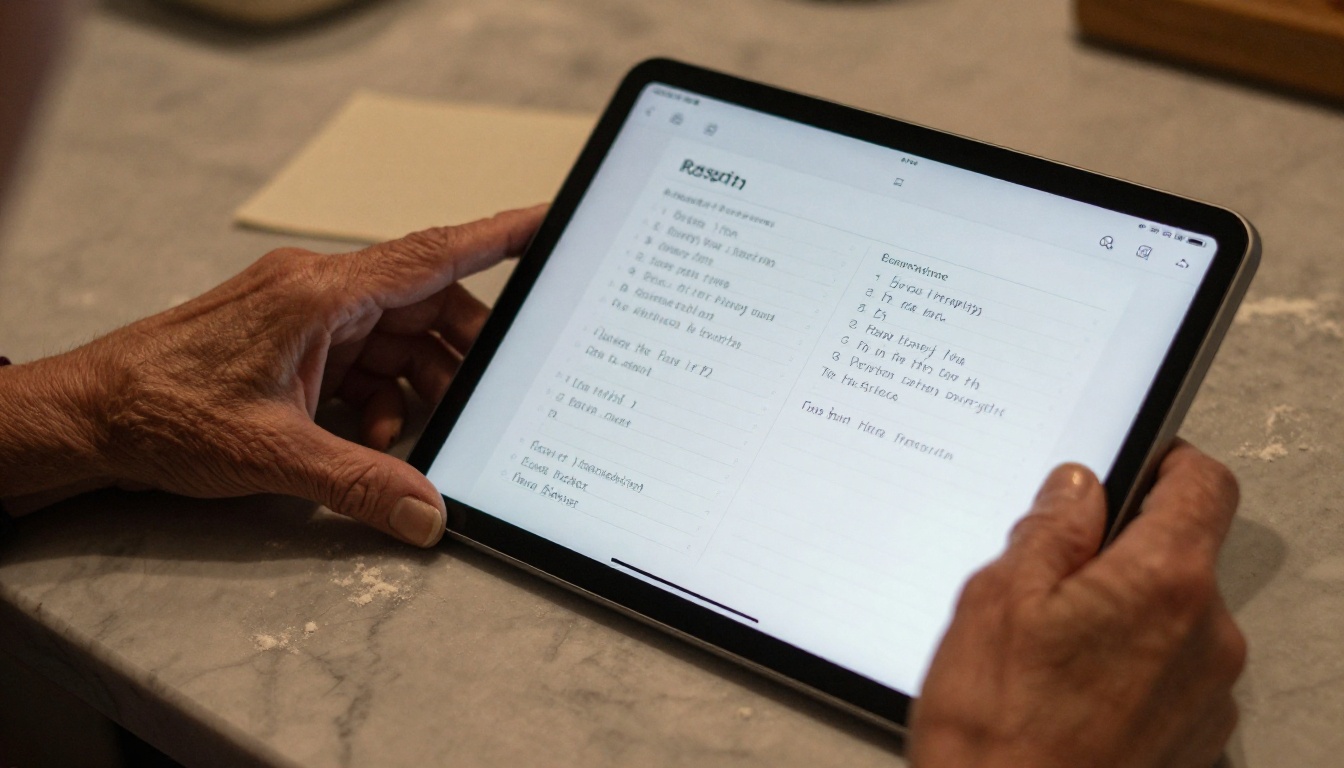
💡 Pro tip: Photograph every handwritten card before you type it. The scan is the family record, and the typed version is the one you cook from.
The Best Apps, Ranked
These picks reflect how real households cook: messy counters, kids underfoot, and plans that change by Wednesday. Prices and features shift often, so check each app's store page for current details.
Paprika: Best for Collectors
Paprika is the favorite of people who clip recipes from everywhere. Its built-in browser grabs a recipe from almost any website, strips the ads, and files it in your library. You get scaling, timers, pantry tracking, and a meal planner. The trade-off is that you typically buy it per platform, so a mixed iPhone and Android family should check what sharing costs before committing.
Plan to Eat: Best for Meal Planning
If your pain point is "what is for dinner this week," this one shines. You drag recipes onto a calendar, and the shopping list assembles itself from the plan. It suits families with set routines, such as taco Tuesday and pizza Friday. It is subscription based, which suits households that cook from it every single week.
Mealime: Best for Busy Weeknights
Mealime leans on short, uncomplicated dinners. You set dietary preferences, pick meals, and get a grocery list plus step by step instructions. It works well when both parents are tired and nobody wants to think. It is less suited to preserving old family recipes, because it focuses on its own library.
AnyList: Best for Shared Lists
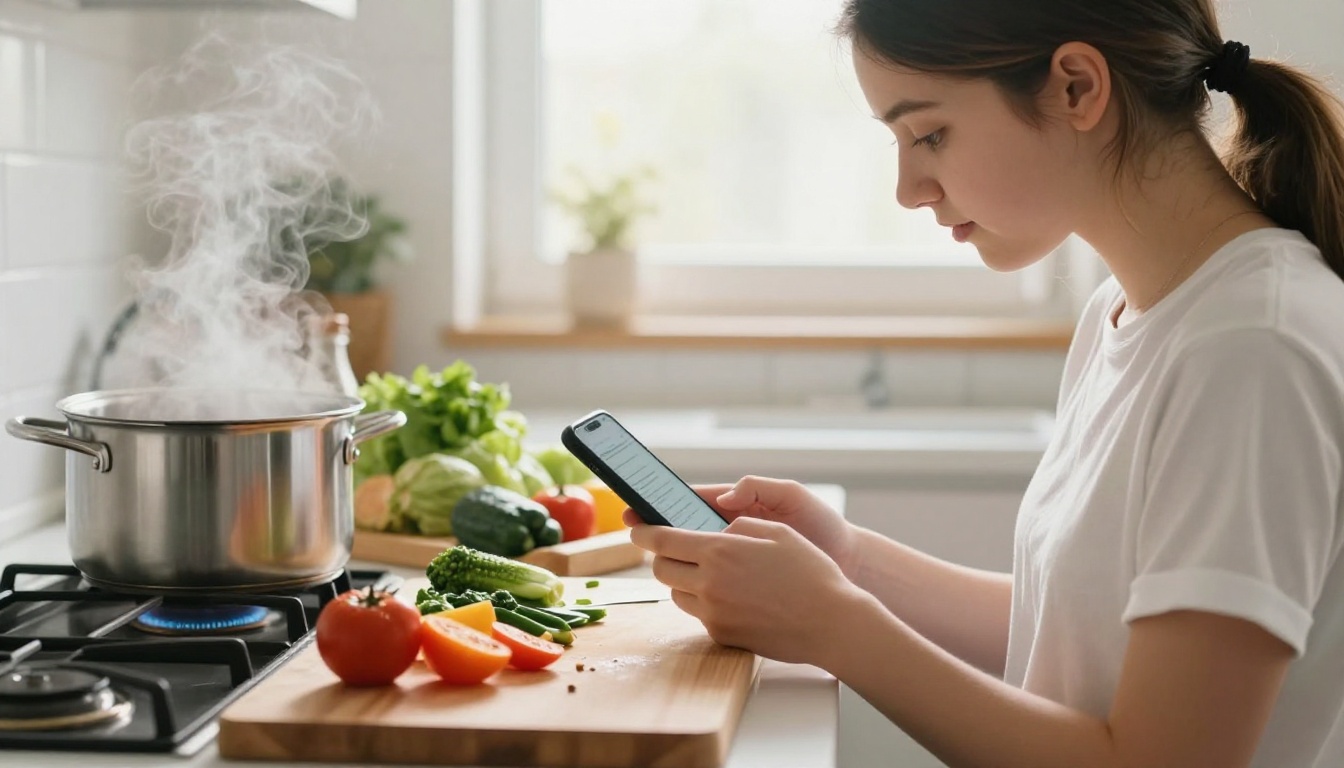
AnyList began as a shared grocery list and grew into a recipe manager. Two people can add items at the same time, and the list updates live while one person is already standing in the store. For couples and parents who split shopping duty, that real-time sync solves a daily argument.
Samsung Food: Best for Finding New Dishes
Formerly known as Whisk, this app mixes recipe saving, meal planning, and community recipes. It is a good pick when your family is stuck in a rut and wants fresh ideas along with storage. It is free to start, though the experience varies by region and device.
Recipe Keeper: Best for Family Archives
Recipe Keeper is built for people who want to type in or scan their own collection. You can attach photos, organize by course or cook, and print or export a copy. For families digitizing a shoebox of cards, this is one of the friendliest places to start.
Side by Side Comparison
Here is how the six apps stack up on the features families ask about most. Treat it as a starting point, then confirm details in each store listing.
| App | Best For | Grocery List | Meal Planner | Imports Web Recipes | Sharing Style |
|---|
| Paprika | Collectors | Yes | Yes | Yes | Sync between devices |
| Plan to Eat | Weekly planning | Yes | Yes | Yes | Shared account |
| Mealime | Quick dinners | Yes | Yes | Limited | Own library |
| AnyList | Shared shopping | Yes | Yes | Yes | Live shared lists |
| Samsung Food | New ideas | Yes | Yes | Yes | Community plus sharing |
| Recipe Keeper | Family archives | Yes | Basic | Yes | Export and print |
And here is a quick match by household type:
| Household | Pick This | Why |
|---|
| New parents with little time | Mealime | Short recipes, instant lists |
| Large family on a schedule | Plan to Eat | Calendar based planning |
| Two parents splitting errands | AnyList | Live list sync |
| Grandparent digitizing cards | Recipe Keeper | Photos and typed entries |
| Recipe hoarders | Paprika | Web clipper and scaling |
Where Apps Fall Short
Apps are excellent at daily cooking. They are weaker at the thing families care about most: keeping a collection for decades.
Apps Lock Your Recipes In
Every app stores your recipes in its own format. If a company changes pricing, drops a platform, or shuts down, you scramble to export. Some apps offer exports, and some do not. A recipe that took your grandmother fifty years to perfect should never depend on a subscription.
Apps Do Not Feel Like Cookbooks
Nobody passes an app down at a wedding. A printed or digital cookbook, with photos and stories, carries emotional weight that a list view cannot. That is where a flipbook fills the gap.
⚠️ Warning: Never keep your only copy of a family recipe inside a single app. Export regularly and store a PDF in at least two places.
How to Build a Family Recipe Flipbook
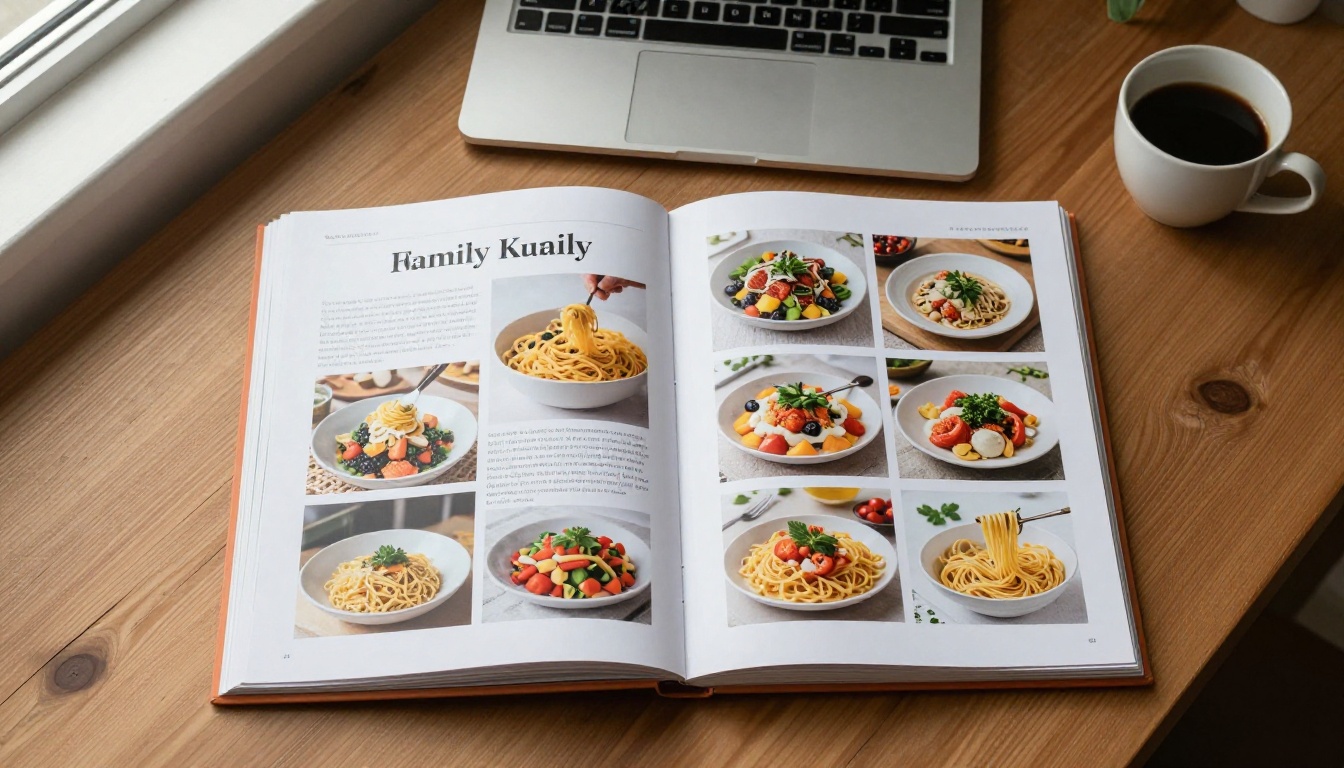
Pairing an app with a flipbook gives you the best of both worlds. The app handles Tuesday night. The flipbook preserves the heirlooms. The Recipe Book Flipbook tool turns a PDF cookbook into a page-turning digital book you can share with relatives anywhere.
Step by Step Setup
- Gather your recipes. Export from your app, or collect photos of handwritten cards.
- Lay out a PDF. Use any design or word tool. Put one recipe per page, add a photo, and include a short story about who made it.
- Open the converter. Go to the PDF to Flipbook Converter or create an account and upload your file.
- Customize the look. Choose colors, add your family name as branding, pick page-turn effects, and embed a video of Grandpa explaining his sauce if you have one. Audio and video embeds are supported.
- Publish and share. Copy the direct link, or use the embed option to place the cookbook on a family website.
- Keep a copy. Offline downloads let you save the book for kitchens with poor Wi-Fi.
Sharing and Privacy Options
Family recipes are personal, so privacy matters. Flipbooks AI supports password protection, so only relatives with the code can open the book. There are no watermarks, and the book is mobile responsive, so it reads cleanly on a phone propped against the flour jar. If you want to see who opens it, analytics are part of the Professional plan, listed on the pricing page.
| Feature | Why Families Like It |
|---|
| Password protection | Keeps private recipes within the family |
| No watermarks | Looks like a real keepsake |
| Mobile responsive | Cooks can read it at the stove |
| Embed videos and audio | Add voices and demonstrations |
| Offline downloads | Works without a connection |
✅ Best practice: Update the flipbook once a year, right after the holidays. New recipes and fresh photos keep the book alive instead of frozen in time.
Real Family Scenarios
Theory is nice. Here is how households actually combine these tools.
The Busy Weeknight Household
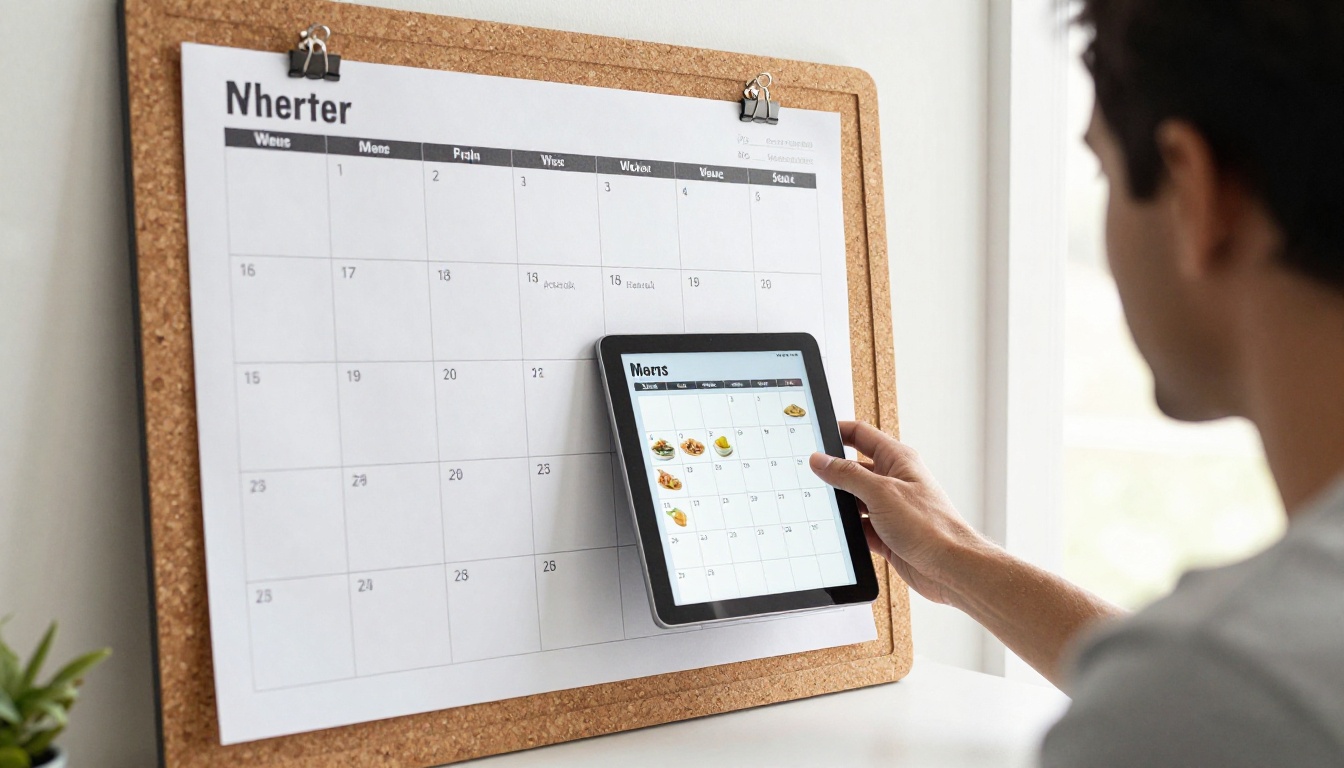
A family with two working parents and three kids uses Plan to Eat for the weekly menu and AnyList for the store run. On Sunday they plan five dinners in ten minutes. The app builds the list, one parent shops, and nobody asks "what is for dinner" anymore.
The Grandparent Project
A retiree spends a winter scanning two hundred recipe cards into Recipe Keeper. Her daughter then exports the best sixty into a PDF, adds photos from holiday dinners, and publishes a flipbook. Every cousin receives the link at the next reunion, and the book becomes the thing everyone asks about.
The Kids Who Cook
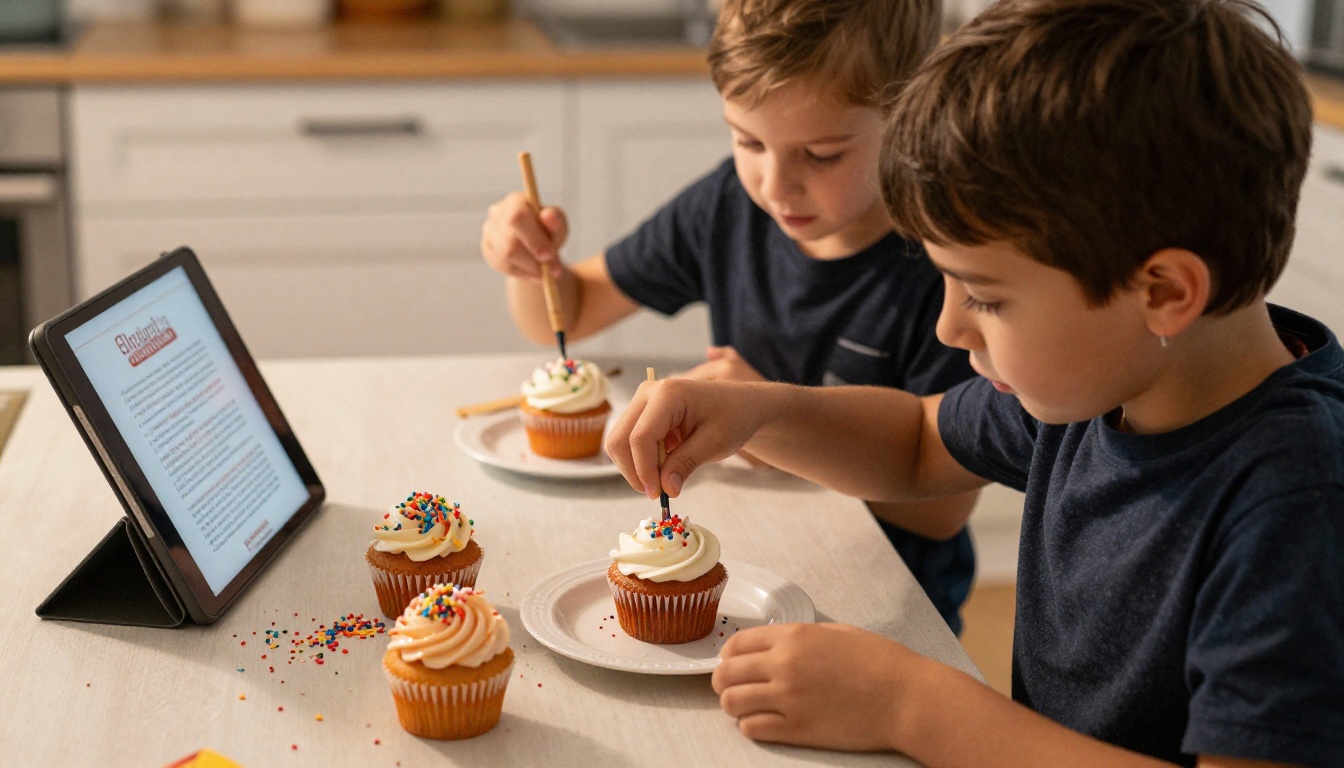
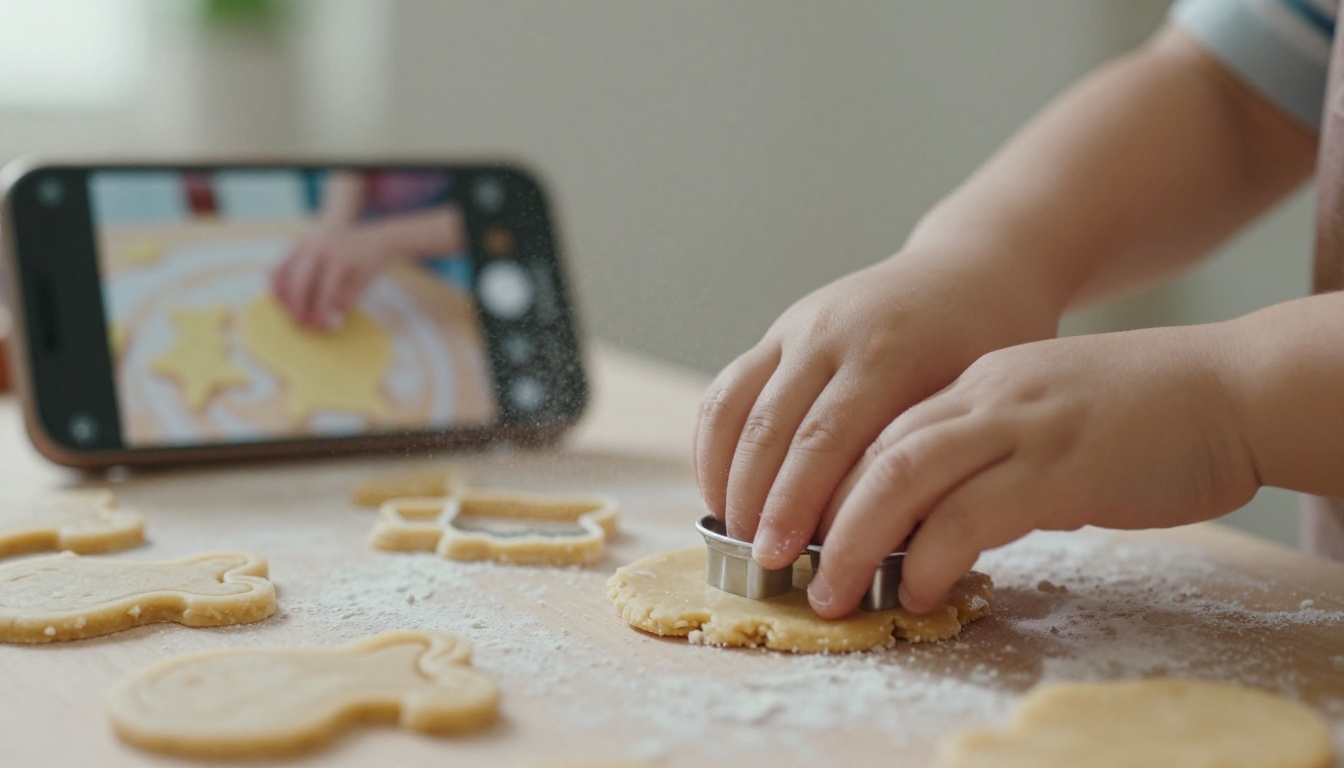
Children learn faster when the recipe is visible and simple. Put a tablet on a stand, pick short recipes with big photos, and let them tap through the steps. A flipbook with a "Kids Can Make This" chapter turns baking day into a tradition.
Choosing What Fits Your Kitchen
Start by naming your biggest problem. If it is weeknight chaos, pick a planner like Plan to Eat or Mealime. If it is shared shopping, choose AnyList. If you are rescuing old cards, start with Recipe Keeper or Paprika. Most apps offer a trial or free tier, so test two before paying for either.
Then protect what matters. An app is a tool, and a cookbook is a legacy. Spend an evening exporting your favorite recipes and building a flipbook your family can open for years.
Ready to turn your recipes into a keepsake? Get started for free on Flipbooks AI, browse all flipbook tools for other projects, and compare pricing plans when you want analytics or unlimited flipbooks. Your family's best dishes deserve more than a drawer.



