Nobody reads a 48-page printed program standing in a queue for coffee. They pull out a phone, hunt for the next session, and give up if the schedule takes more than ten seconds to load. That is the real test of the best event program apps for conferences and festivals: can an attendee find what they need, fast, on a weak signal? This ranking looks at the main options, from full attendee platforms to lightweight digital programs you can publish in an afternoon with Flipbooks AI.
What an Event Program App Does
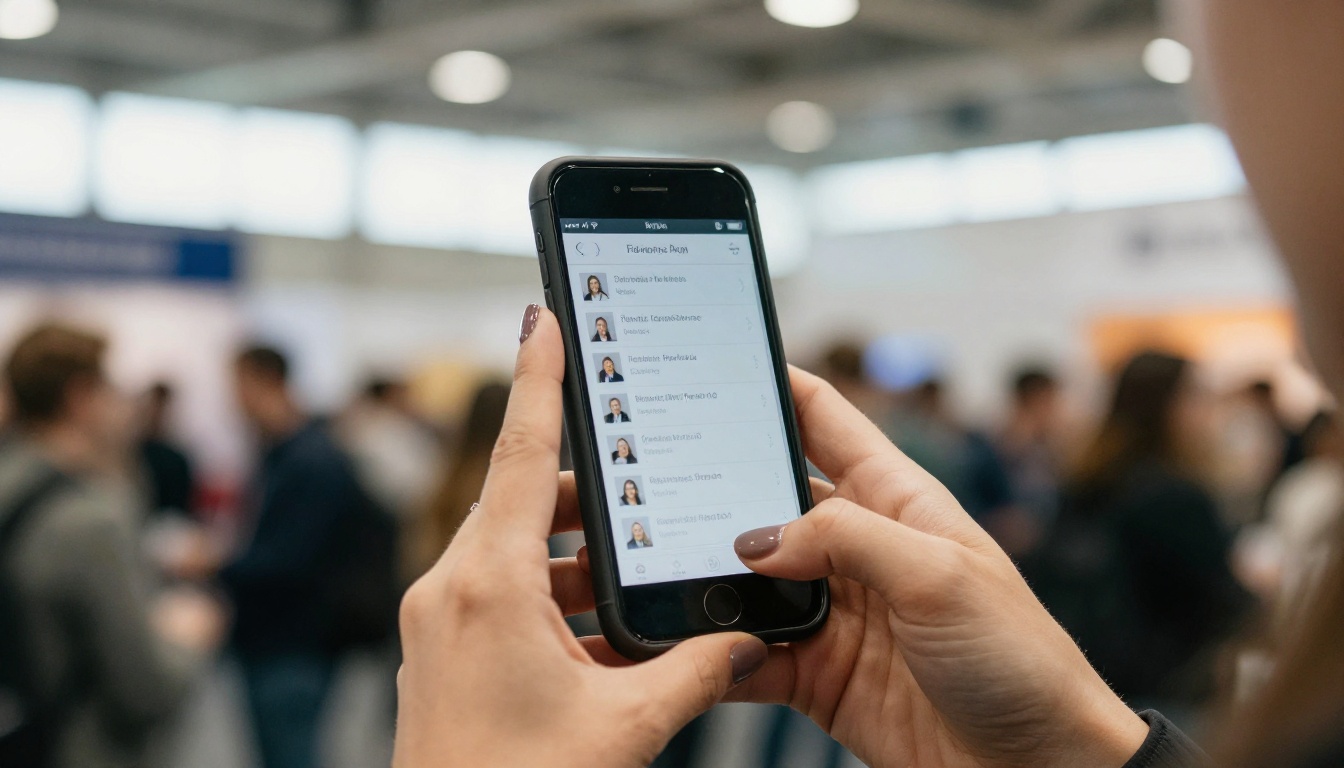
An event program app puts your schedule, speaker list, venue map and announcements in attendees' pockets. The good ones also handle personal agendas, session reminders, and live updates when a room changes at the last minute.
Not every event needs the same thing. A 300-person workshop needs a clean schedule and a map. A 40,000-person festival needs stage times, wristband links, and food vendor lists that work offline. Picking the wrong category is the most common mistake organizers make.
The Three Main Categories
- Full attendee platforms: native apps with networking, polls, check-in and sponsor tools.
- Schedule builders: lighter apps focused on sessions, speakers and personal agendas.
- Digital program documents: a mobile-friendly flipbook or web program with no download required.
Why Downloads Are the Real Barrier
Native apps need a store download, an account, and often a login code. Many attendees skip that step. Industry surveys of event organizers regularly show that app adoption is the biggest worry, so a no-download option is worth a serious look as a fallback or even a primary choice.
💡 Pro tip: Count how many taps it takes a first-time visitor to reach "what is on at 2 PM." If it is more than three, rework the home screen.
How We Ranked Them
We scored each option on the things attendees and organizers actually feel on event day. Pricing changes often, so check each vendor directly before you commit.
| Criterion | What we looked at |
|---|
| Setup time | How long from signup to a shareable program |
| Attendee friction | Download, login, or open-and-go |
| Offline access | Works with poor venue Wi-Fi |
| Live updates | Can you fix a room change quickly |
| Fit by event size | Small meetup up to multi-day festival |
| Branding control | Your colors, logo and layout |
The Ranked List
1. Flipbooks AI for Fast Digital Programs
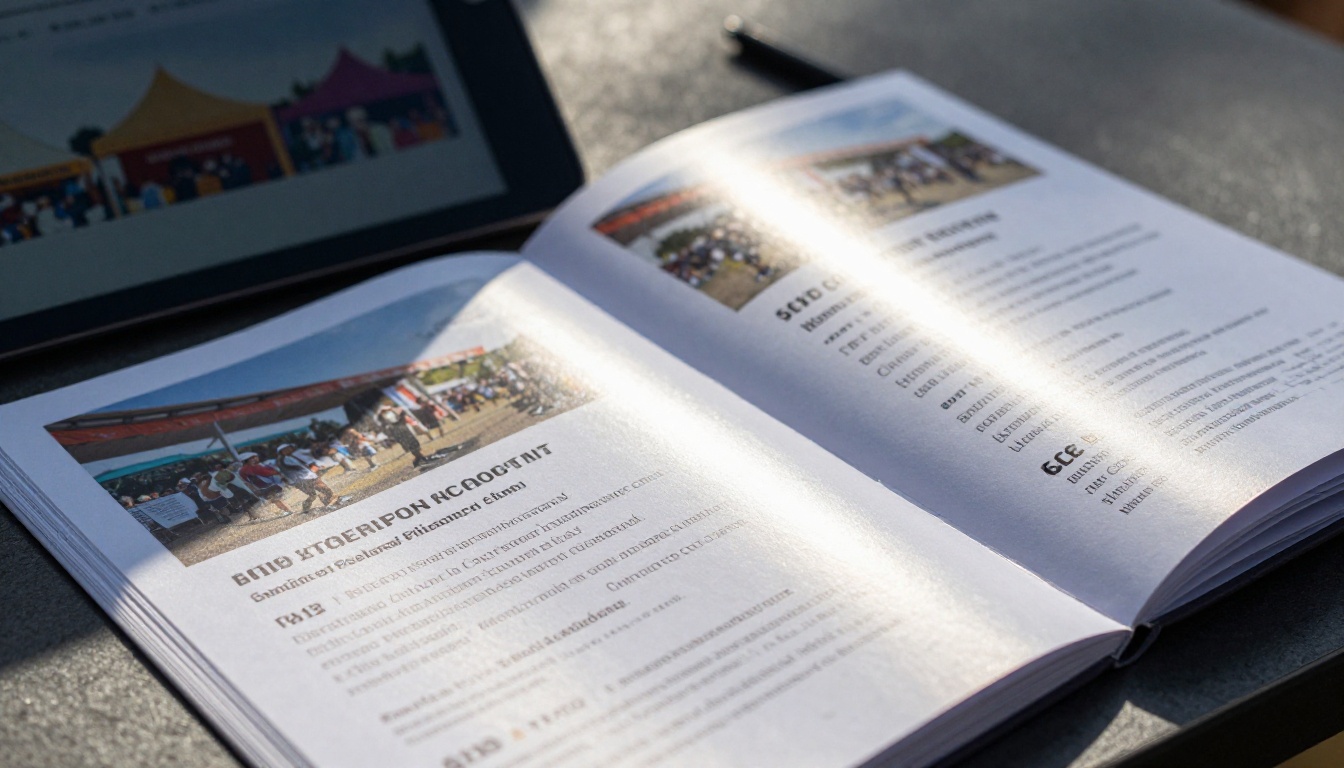
Best for organizers who already have a program as a PDF or design file. You upload it, and it becomes a page-turning, mobile-friendly flipbook with a shareable link or QR code. There is nothing for attendees to download.
It will not replace a full networking platform. What it does well is speed, polish and cost control. You can add embedded video and audio, protect private sessions with a password, and keep your own branding with no watermarks. Analytics and lead capture on the Professional plan show which pages get opened most. See the pricing plans for details.
The dedicated Event Program Maker is the natural starting point for conferences, festivals and trade shows.
2. Whova for Networking-Heavy Conferences
Whova is a popular choice for conferences where attendee connections matter. It combines agenda, community boards, and messaging. Expect more setup work and an app download for attendees, but the networking tools are the draw.
3. Cvent for Large Corporate Events
Cvent is built for big organizations that need registration, travel, and onsite tools in one system. It is powerful and often priced for enterprise buyers. Smaller teams may find it more than they need.
4. Sched for Session-Based Programs
Sched focuses on the schedule itself. Attendees build a personal agenda, and organizers update sessions in one place. It is a sensible middle ground when you want a clear timetable without a heavy platform.
5. Swapcard for Hybrid and Matchmaking
Swapcard leans into meeting scheduling and matchmaking between attendees and exhibitors, which suits trade shows and hybrid conferences.
6. Guidebook for Branded Native Apps
Guidebook lets you build a branded app listing for your event, with schedules, maps and notifications. It suits organizers who want an app-store presence without custom development.
Side-by-Side Comparison
| Option | Best for | Attendee download | Setup effort | Offline use |
|---|
| Flipbooks AI | Fast, polished programs | No | Low | Offline downloads available |
| Whova | Networking conferences | Yes | Medium | Partial |
| Cvent | Enterprise events | Yes | High | Partial |
| Sched | Session timetables | Optional | Low to medium | Partial |
| Swapcard | Matchmaking, hybrid | Yes | Medium to high | Partial |
| Guidebook | Branded event apps | Yes | Medium | Yes |
⚠️ Warning: Feature lists change often. Confirm offline behavior and update speed with a trial event before you promise attendees anything.
Picking by Event Type
Small Conferences Under 500 People
Keep it simple. A clean digital program with the schedule, speaker bios and a floor plan beats a half-used app. Attendees open a link, read, and move on. Add a QR code to badges and signage.
Multi-Track Industry Conferences
Here, personal agendas and session search start to matter. A schedule builder or full platform makes sense. Pair it with a flipbook program as the "official" document for sponsors and printing, so everyone sees the same branded layout.
Music and Food Festivals
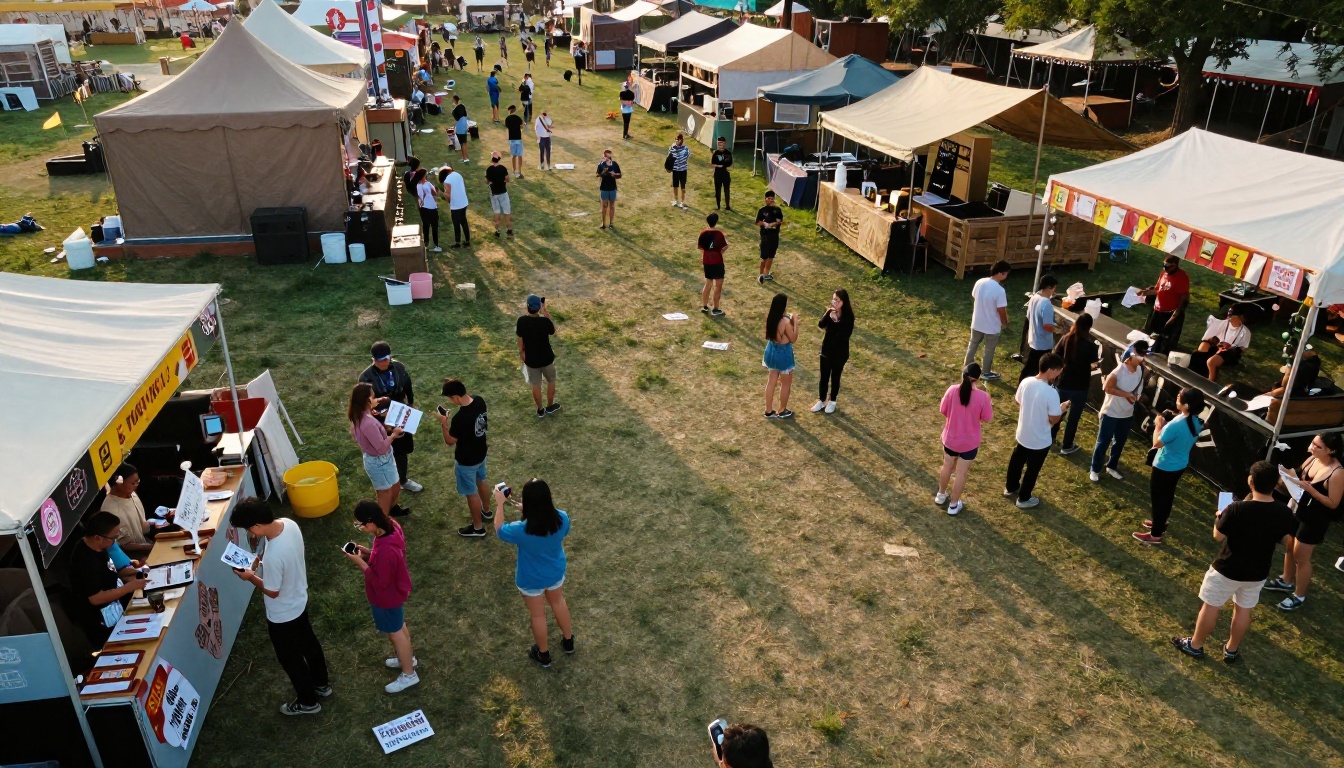
Festival crowds have poor signal and short attention spans. They want stage times, a map, and the nearest water point. A lightweight program they can save for offline reading often works better than a heavy app.
Trade Shows and Expos
Exhibitor lists, booth maps and lead tools are the priority. Matchmaking platforms shine here, while a digital exhibitor directory makes a strong companion piece.
Real-World Examples
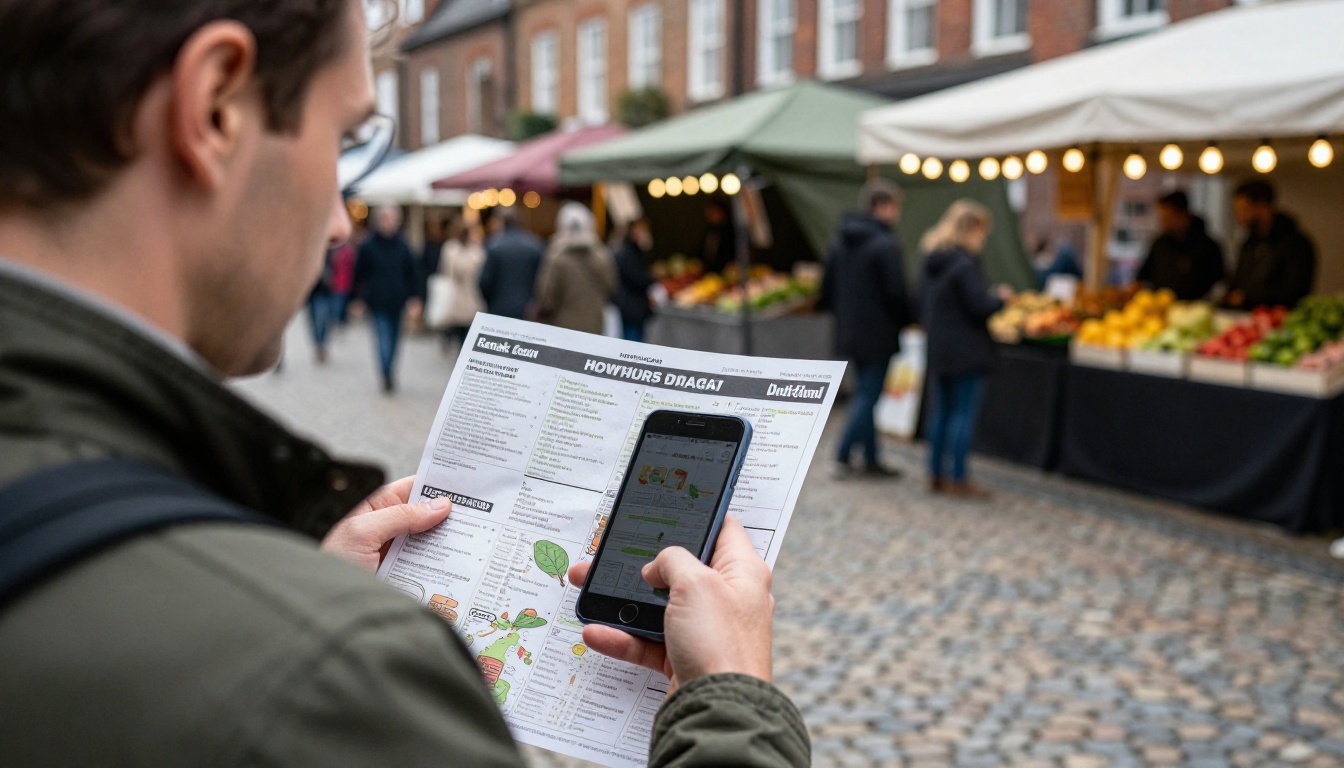
A regional marketing summit with 400 attendees skipped the app. The team exported their program from a design file, turned it into a flipbook, and put one QR code on every badge. Updates went live within minutes, and nobody needed a login.
A weekend food festival published a map and vendor list as a mobile-friendly program. Visitors saved it on their phones before arriving, so spotty cell service did not matter.
A multi-day medical congress used a full attendee platform for sessions and messaging, and a flipbook for the printable abstract book and sponsor prospectus.
How to Build an Event Program Fast
If your program already exists as a PDF, this is the quickest route to a mobile version. Here is how to create one with Flipbooks AI.
- Sign up. Create an account and open the dashboard.
- Upload your PDF. Drag in the schedule, speaker pages and venue map. The PDF to Flipbook Converter turns each page into a flipbook page with smooth page effects.
- Customize the look. Add your logo, set brand colors, and pick page effects. Keep fonts large for small screens.
- Add media. Embed a welcome video from the organizer, or an audio clip for a keynote teaser.
- Set sharing options. Copy the direct link, grab the embed code for your event site (see Embed Flipbook on Website), or password-protect a speaker-only edition.
- Turn on offline downloads so attendees can read without Wi-Fi.
- Track results. On the Professional plan, analytics and lead generation show which pages attendees open and who is interested in sponsors.
✅ Best practice: Print the QR code at least 8 cm wide on badges and entrance signs, and test it from three meters away.
Mistakes That Sink Event Apps
Launching Too Late
Attendees need the program a week early, not at the door. Publish the first version early and mark updates clearly.
Burying the Schedule
If the home screen leads with sponsor logos, people leave. Lead with "Now" and "Next."
Ignoring Offline Needs
Convention centers and festival fields are famous for weak signal. Test in the actual venue.
Skipping Staff Training
Volunteers will be asked "where is room B?" a hundred times. Give them the same program on their own phones.
Forgetting Print
Some attendees still want paper. Keep a short printed schedule and let the digital version carry the detail.
Cost and Effort Compared
| Approach | Typical upfront effort | Ongoing updates | Risk |
|---|
| Full platform | Days to weeks | Dashboard edits | Low adoption if download required |
| Schedule builder | A day or two | Dashboard edits | Moderate |
| Flipbook program | Hours | Re-upload file | Lower interactivity |
| Print only | Design and print time | Reprint | Cannot fix errors |
The cheapest option is not always the right one. A small team with a tight deadline gains more from a program that ships on time than from a feature-rich app that is half configured.
Check-In and Entry Matter Too
Programs and tickets often live side by side. Many organizers send a ticket QR code and the program link in the same confirmation email. At the door, staff scan a phone and attendees open the program while they wait.
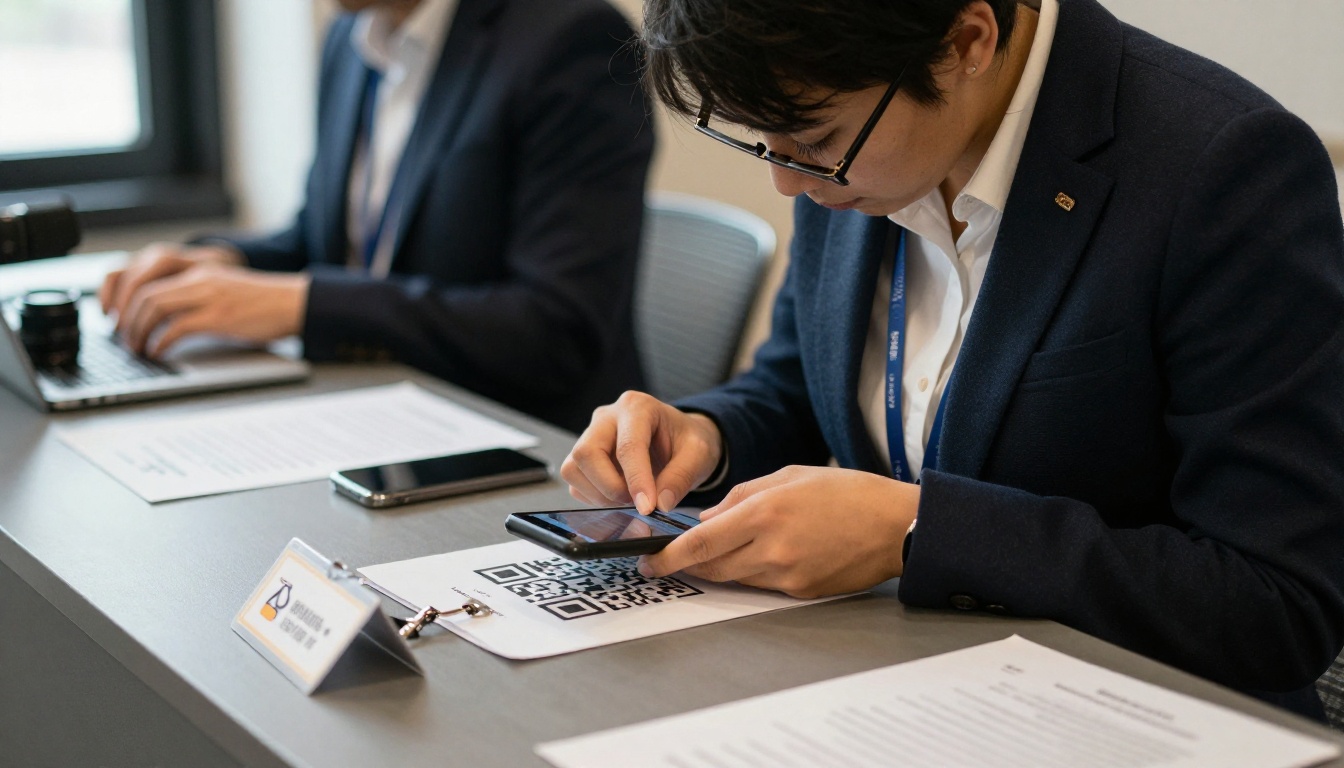
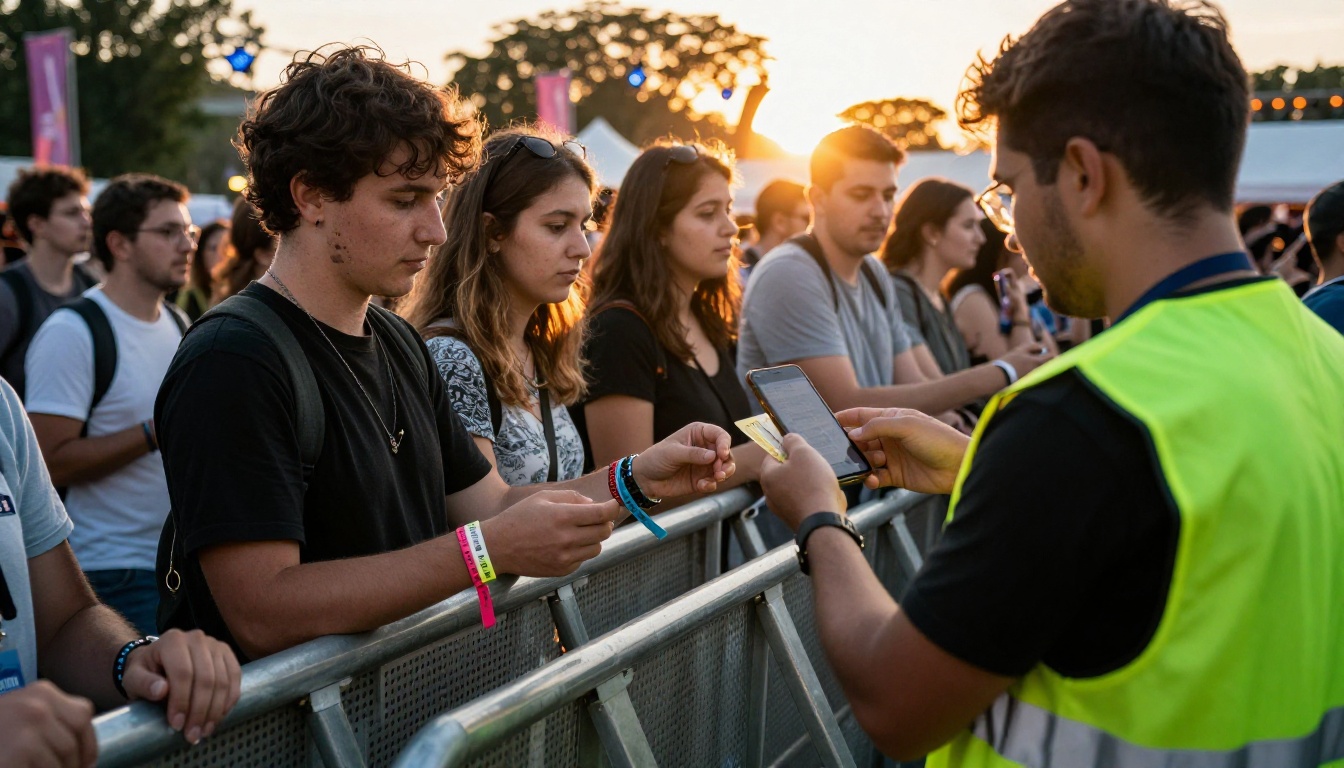
💡 Pro tip: Put the program link in the ticket confirmation email, the reminder email, and on the day-of text message. Three touchpoints beat one.
Networking Without a Heavy App
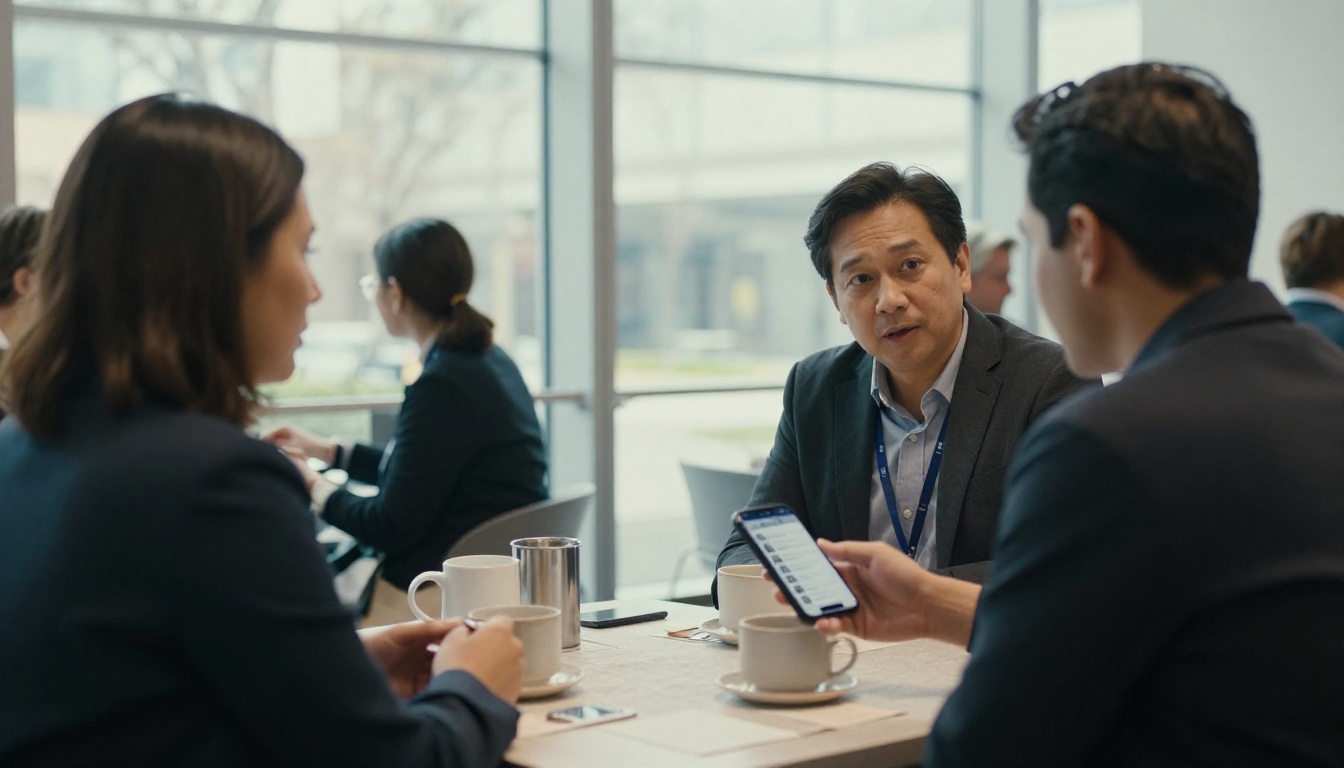
Not every event needs a messaging platform. A simple attendee list page, a shared hashtag, and designated meeting spots deliver most of the benefit. Coffee breaks do the real networking, so highlight them in the program.
Quick Picks Checklist
- Under 500 attendees and a deadline: flipbook program.
- Networking is the main goal: Whova or Swapcard.
- Enterprise registration and travel: Cvent.
- Clean timetable with personal agendas: Sched.
- Branded app store presence: Guidebook.
- Printable abstract book or sponsor deck: flipbook, always.
Pick Your Program and Publish
The right choice depends on how much friction your attendees will tolerate and how much time your team has. Most organizers end up combining tools: a platform for registration or messaging, and a polished digital program everyone can open instantly.
Ready to build yours? Get started for free on Flipbooks AI, browse all flipbook tools for conference, festival and trade show formats, or compare pricing plans to see what fits your event.



