You have the boxes of photos, the handwritten letters and a family tree that took years to build. Now you need a place to put it all so your relatives can actually enjoy it. Choosing the best family history book software for printing or sharing online decides whether your research becomes a treasured book or a folder nobody opens. Tools like Flipbooks AI turn a finished layout into a page-turning book that anyone can read from a link, while print-first tools give you a physical keepsake.
This ranking compares the main options on price, ease of use, print quality and sharing, so you can pick one and get moving this weekend.
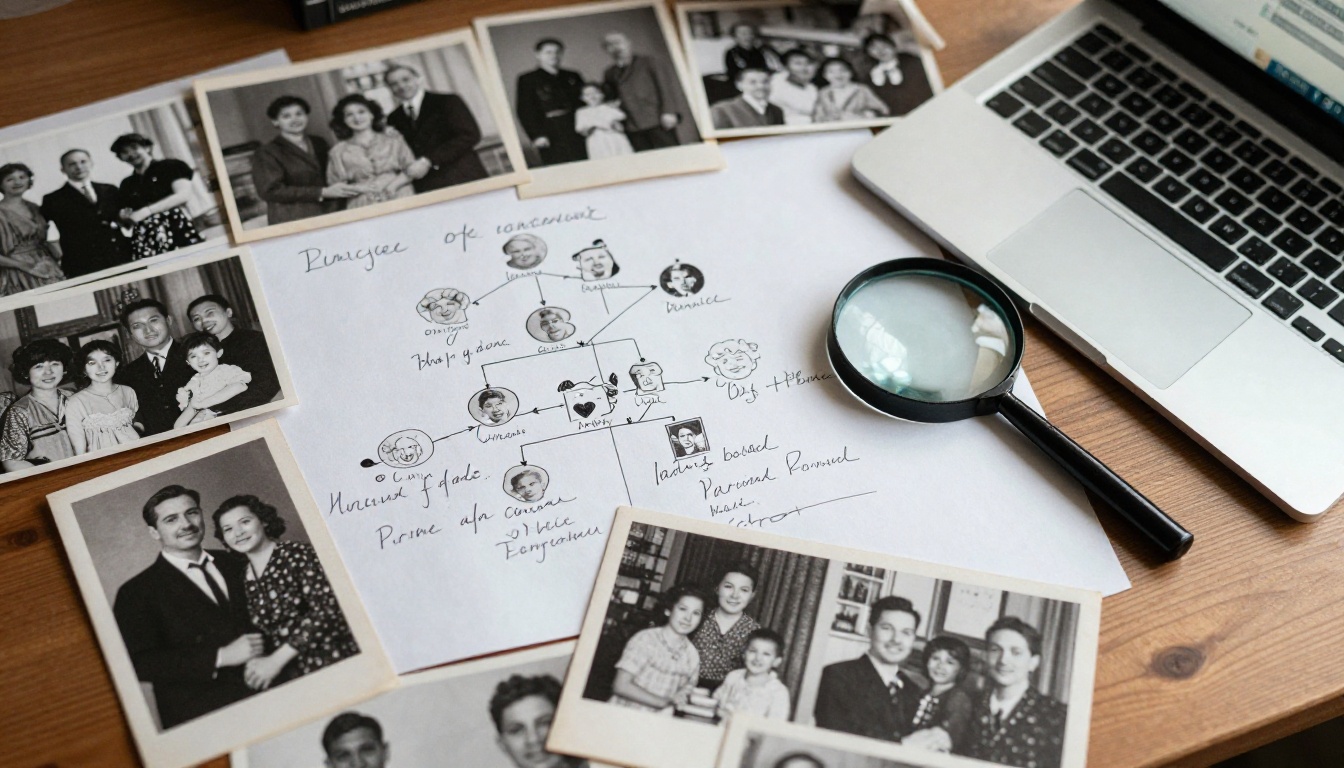
Why a Family Book Beats a Folder
Genealogy sites are great for research, but they are built for researchers. Your cousin who just wants to see great-grandpa's wedding photo will not log in to a tree viewer. A book is different. It has a beginning, a story and a clear order.
Here is what a well-made family history book gives you:
- A narrative instead of a pile of names and dates
- Context for each photo, with names, places and short stories
- Something to hand over, whether printed or as a link
- A backup that survives account changes and expired subscriptions
💡 Pro tip: Write for the relative who knows nothing about genealogy. If a stranger can follow the story, everyone can.
Print, Online, or Both
The first decision is the format. Printing feels special, but it costs money and is hard to update. Online sharing is free to copy and easy to fix, but it lacks the weight of paper. Most families do best with both: a small print run for close relatives and an online version for everyone else.
| Format | Best For | Main Drawback |
|---|
| Printed hardback | Gifts, reunions, heirlooms | Cost and no easy edits |
| Softback booklet | Large families on a budget | Less durable |
| PDF download | Quick sharing by email | Plain reading experience |
| Online flipbook | Link sharing, mobile reading, updates | Needs an internet connection unless downloaded |
What to Look for in the Software
Before comparing names, decide what you actually need. A genealogy program that exports a book is not the same as a layout tool, and neither is the same as a publishing platform.
- Photo handling: Can it place, crop and caption hundreds of scans without slowing down?
- Tree and chart support: Does it import GEDCOM files or draw descendant charts?
- Print readiness: Does it export a PDF with bleed and the right resolution?
- Sharing: Can you send a link, embed it, or protect it with a password?
- Price over time: Is it a one-off payment or a subscription?
The Ranking: Best Options Compared
No single product wins on every point, so the list below is grouped by what each tool does best. Prices change often, so check each site before buying.
1. Flipbooks AI for Online Sharing
If your goal is to share the finished book, Flipbooks AI is the strongest choice here. You upload a PDF from any layout tool and it becomes a realistic page-turning book with no watermarks. Readers open it on a phone, tablet or laptop with nothing to install.
What stands out for family projects:
- Password protection, so private photos stay with relatives
- Embed codes and direct links for family websites and group chats
- Offline downloads for the relative with poor internet
- Audio and video embeds, handy for a grandparent's recorded story
- Mobile-responsive design that keeps text readable on small screens
The dedicated E-Book Flipbook Generator and the PDF to Flipbook Converter are the two pages most family projects need.
2. Blurb BookWright for Printing
Blurb offers free desktop layout software connected to its own print service. It is a good choice if you want a bookstore-quality photo book and do not mind designing pages manually. Its templates are tidy and the printed result is consistent.
3. Canva for Easy Layouts
Canva has thousands of templates, and its drag-and-drop editor suits beginners. You can export a print-ready PDF, then upload that PDF to a flipbook platform for sharing. The free tier is generous, though some assets need a paid plan.
4. Affinity Publisher or Adobe InDesign for Full Control
These are professional layout programs. They handle long documents, master pages and precise typography better than anything else on this list. They also take time to pick up, so they suit people who already design or who plan a large, multi-volume project.
5. Genealogy Program Exporters
Programs such as RootsMagic, Legacy Family Tree and Family Historian can produce narrative reports and charts from your tree. Their output is functional but plain. Use them to generate chapters and charts, then place those inside a nicer layout.
6. Word Processors for Simple Books
Microsoft Word and Google Docs are fine for text-heavy books with a handful of photos. They are weak at image-heavy layouts but they are familiar, and a PDF export is one click away.

Side-by-Side Comparison
| Tool | Best At | Price Style | Print Ready | Online Sharing |
|---|
| Flipbooks AI | Sharing and embedding | Free start, paid plans | Via PDF | Excellent |
| Blurb BookWright | Photo book printing | Free software, pay per book | Yes | Basic preview |
| Canva | Beginner layouts | Free and paid tiers | Yes | Link view only |
| Affinity Publisher | Pro layout | One-off purchase | Yes | None built in |
| Adobe InDesign | Pro layout | Subscription | Yes | Limited |
| Genealogy exporters | Charts and reports | Program license | Basic | Limited |
| Word / Google Docs | Text-heavy books | Free or bundled | Basic | Link view only |
✅ Best practice: Separate the jobs. Use one tool to design, another to print and another to share. Locking yourself into one program is how projects stall.
A Workflow That Works
Most families end up with the same three-step pipeline. It keeps each tool doing what it does best.
Step 1: Gather and Scan
Scan photos at 600 dpi for small prints and 300 dpi for larger ones. Name each file with the year and the people in it. A tidy folder saves hours later.
Step 2: Design the Pages
Open Canva, Blurb or your layout tool of choice. Build a simple structure:
- A title page and a short dedication
- One chapter per family branch
- A family tree spread near the start
- Photo pages with captions
- An index of names at the back
Export the result as a high-quality PDF.
Step 3: Print, Share, or Both
Send the PDF to a printer for the physical copies. Upload the same PDF to a flipbook platform for the online copy. Everyone gets the same book in the format they prefer.
How to Share Your Book with Flipbooks AI
Here is the full process for turning a finished PDF into a shareable family book. It takes about ten minutes.
- Create an account. Go to Flipbooks AI and sign up. You can try the platform before choosing a plan.
- Upload your PDF. Drag the file into the upload area. The platform converts each page into a flipbook spread automatically, which is the same job done by the PDF to Flipbook Converter.
- Customize the look. Choose a background color that suits the era of your photos, such as warm cream or deep brown. Adjust page-turn effects and add your family name as branding.
- Add media. Embed a recorded interview or an old home video on the page where it belongs.
- Set privacy. Turn on password protection if the book contains living relatives' photos or personal details.
- Share. Copy the direct link for a group chat, or use the embed code to place it on a family website. The Embed Flipbook on Website tool shows how.
- Offer a download. Enable offline downloads so relatives without reliable internet can keep a copy.
Plans with extra reach include analytics, so you can see how many relatives opened the book, and lead generation, which is useful if you publish a local history for a society. See the pricing plans for the details.
💡 Pro tip: Send the link with a one-line message such as "Page 14 has the photo of Grandma at 18." A specific hook gets people to open it.
Real-World Examples
The Reunion Book
A family of forty plans a summer reunion. One organizer designs a 30-page book in Canva, prints ten copies for the oldest relatives and shares an online flipbook link with everyone else. Cousins add stories to a shared folder, and the organizer releases an updated edition after the event.
The Memorial Keepsake
After losing a grandparent, a granddaughter gathers letters and photos into a slim book. She prints three copies for her parents and aunt, then makes a password-protected online version for friends who could not attend. Our E-Book Flipbook Generator page explains the format options.
The Local History Society
A volunteer group publishes a village history with maps and oral recordings. Audio is embedded on each page, and the society uses analytics to see which chapters get read most.
The Real Cost of Each Path
Budget is usually the deciding factor, so here is a realistic view of what you will spend.
| Path | Software Cost | Printing Cost | Ongoing Cost |
|---|
| Canva + online flipbook | Free to low | None | Optional plan |
| Blurb BookWright | Free | Per book, rises with page count | None |
| Affinity + print shop | One-off fee | Per run | None |
| InDesign + print shop | Monthly | Per run | Monthly |
| Word + PDF only | Free | None | None |
Printing prices rise sharply with page count and with color pages, so a 100-page full-color hardback can cost many times more than a 40-page softback. Online sharing has almost no marginal cost, which is why most families print a few copies and share the rest digitally.
⚠️ Warning: Do not wait for the perfect book. Publish version one, then release a revised edition when new photos turn up. A shareable book beats a perfect draft that never leaves your hard drive.

Common Mistakes to Avoid
Most failed family books go wrong in the same few ways:
- Low-resolution scans: Photos that look fine on screen turn blurry on paper.
- No captions: In twenty years, nobody will know who is standing at the left.
- Too many names, too little story: Add anecdotes, not just dates.
- Skipping a proofread: Misspelled surnames are painful in print.
- Ignoring privacy: Living relatives may not want their details public, so use a password.
- Forgetting backups: Keep the original layout file and the PDF in two places.
Picking a Tool in 30 Seconds
- Want the simplest route? Canva plus a flipbook link.
- Want a gift-quality printed photo book? Blurb BookWright.
- Want total design control? Affinity Publisher.
- Want to share with a big, scattered family? A flipbook platform with password protection.

Make It Last Across Generations
A family book is only valuable if people can still open it decades from now. Keep an archival PDF alongside your layout files, store copies in cloud storage and on a drive, and give printed copies to at least three branches of the family. Online versions work best as a living edition, so add new chapters as births, marriages and discoveries arrive.
If you want to extend the project, similar tools on the platform fit family needs well. The Wedding Album Flipbook is a natural companion for wedding photos, and the Recipe Book Flipbook is perfect for grandma's handwritten recipes.

Ready to Share Your Family Story?
Pick a layout tool, build your pages, print what you need and put the rest online. That combination gives you the physical keepsake and the easy link in one project.
Ready to publish? Get started for free on Flipbooks AI, browse all the flipbook tools for more ideas, or compare pricing plans to choose what works for your family. When you are ready to commit, the upgrade path is a single click away.



