If you've ever tried to share a PDF on your phone and watched the recipient squint at tiny, unzoomable text, you already know why flipbook apps matter. A well-designed flipbook app turns flat documents into interactive, page-turning publications that feel alive on any screen. Whether you're a business owner sharing a product catalog, a teacher distributing course materials, or a photographer showing off a portfolio, the right app makes all the difference. Flipbooks AI has become one of the most talked-about platforms for this, and for good reason, but the mobile landscape is crowded with options worth knowing.
This breakdown covers the best flipbook apps for iPhone and Android, what separates the good from the average, real use cases by industry, and a full tutorial for getting your first flipbook live from a mobile device.

What Makes a Flipbook App Worth Using
Not every app that promises "page flip" effects delivers on that promise. Three things separate a genuinely useful flipbook app from a gimmick:
Realistic Page-Turn Animation
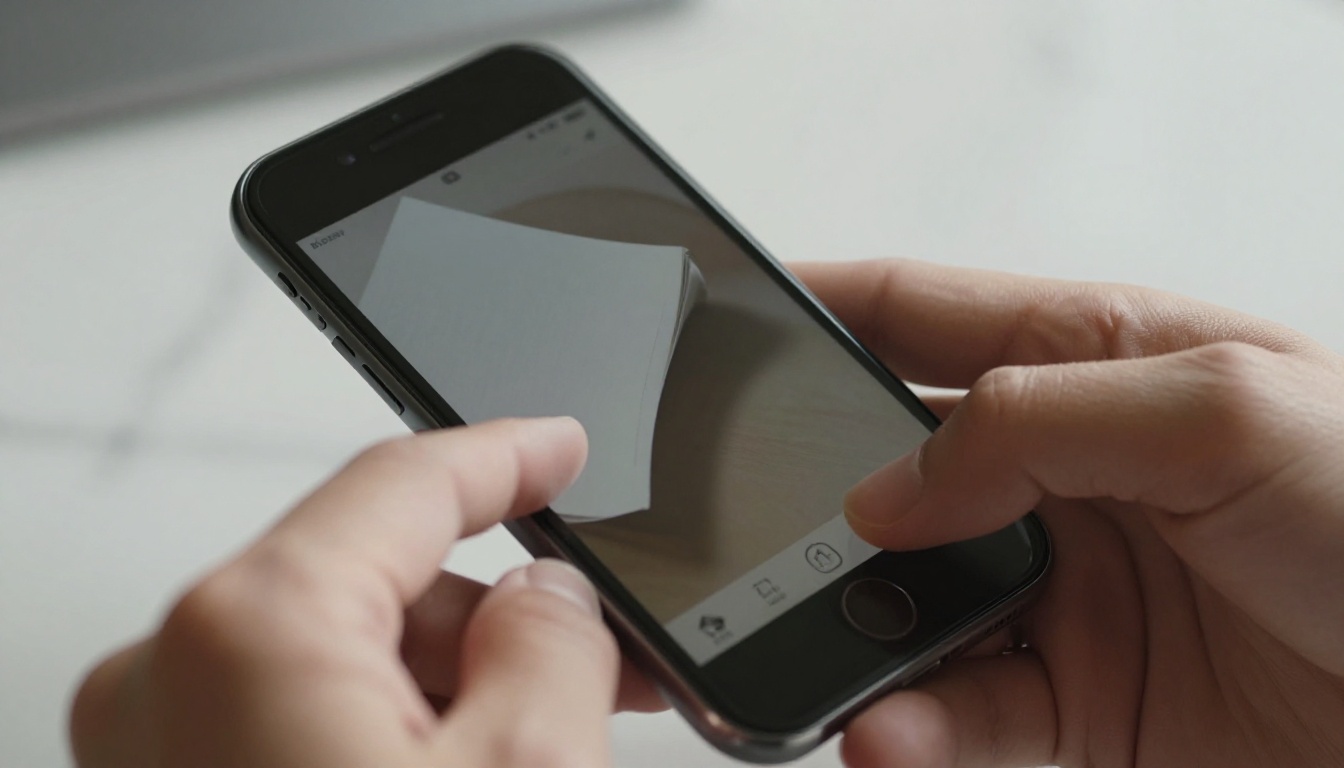
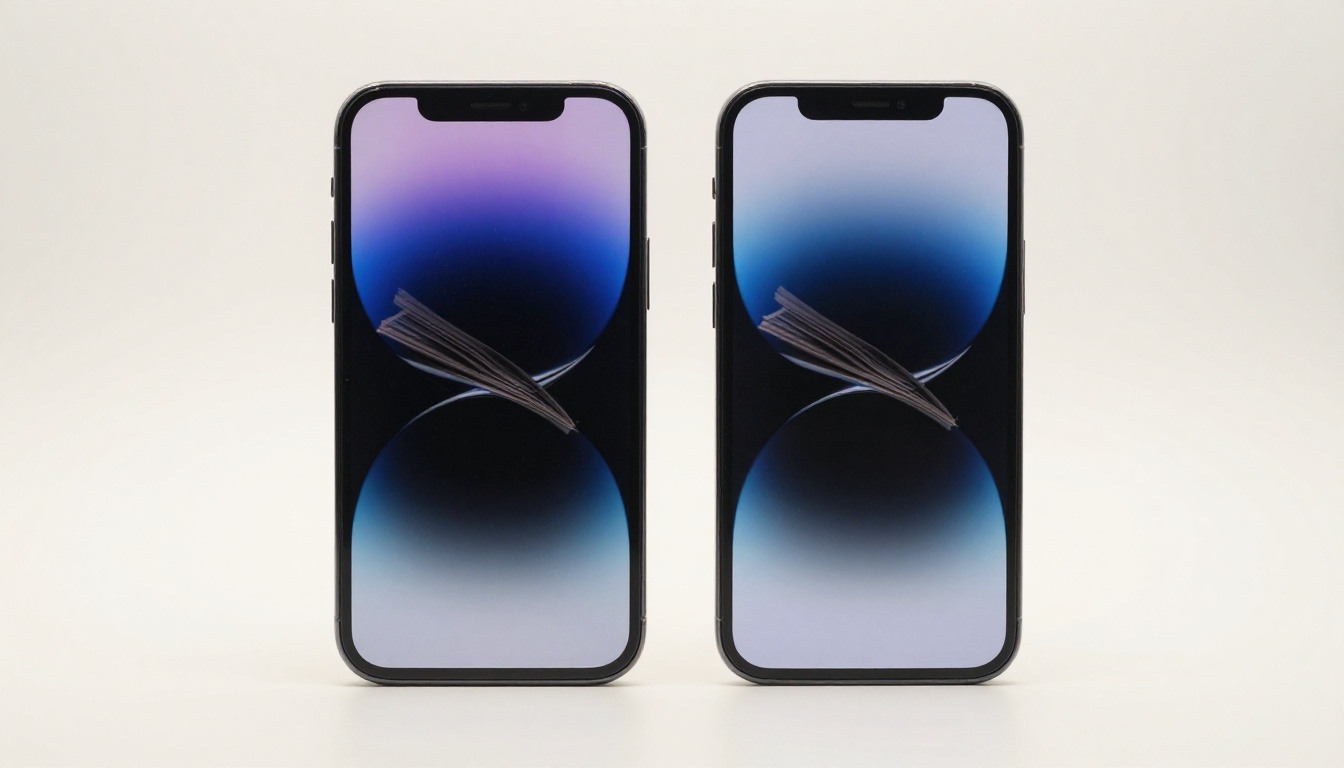
The core experience of a flipbook lives in the animation. Cheap apps offer a flat swipe. Great apps render a curved page lift with shadow, giving the sensation of physically turning a real page. This isn't cosmetic: interactive documents with realistic animations hold reader attention significantly longer than static PDFs.
Cross-Platform Accessibility
Your flipbook doesn't live in a vacuum. If you create something on your iPhone, your client viewing it on a Samsung Galaxy Tab needs the same quality experience. The best flipbook apps are either browser-based (no app install required for viewers) or have robust native apps on both iOS and Android.
Mobile-Responsive Design
A flipbook that looks great on a 27-inch monitor but breaks on a 6-inch phone screen is useless in a mobile-first world. The apps worth your time auto-reflow layouts and scale typography correctly across device sizes without you manually adjusting anything.
The Best Flipbook Apps for iPhone
Flipbooks AI (Browser-Based, iOS Safari)
Flipbooks AI is not a native iOS app in the App Store sense, but that's actually its biggest advantage. Because it's a web application, there is zero install friction for your readers. You upload a PDF, customize branding, and share a link. Anyone on iPhone opens it in Safari and gets a full page-flip experience instantly, no download required.
From a creator standpoint on iPhone, the mobile-optimized dashboard lets you upload PDFs directly from your Files app, apply color themes, add your logo, and hit publish in under five minutes. The result is a publication-quality flipbook hosted on Flipbooks AI's infrastructure, not buried in someone's phone storage.
What makes it stand out on iPhone:
- Direct PDF upload from iOS Files and iCloud Drive
- Password protection for private client presentations
- Real-time sharing via link, QR code, or embed code
- No watermarks on any paid plan
- Offline download option for readers (Professional plan)
FlipHTML5 (iOS Native App Available)
FlipHTML5 has an iOS app with solid page-flip rendering. The free tier adds a watermark to all publications, which limits professional use. The interface on mobile is functional but feels designed primarily for desktop. Creating flipbooks from the phone app requires a learning curve that Flipbooks AI avoids entirely.
Issuu (iOS App)
Issuu is well-known in the digital publishing world. Its iPhone app is polished, and it handles long-form publications like magazines and reports well. The downside: Issuu's branding appears on free publications, and the pricing for removing it is steeper than most alternatives. It works best for editorial content rather than business catalogs or marketing materials.
Canva (iOS, Flipbook-Adjacent)
Canva allows you to create interactive presentations that simulate flipbooks, but it's not a true flipbook platform. There's no realistic page-curl animation, and the "flipbook" experience is closer to a slide deck. Worth mentioning because many users search for flipbooks and land on Canva, but the two serve different purposes.

The Best Flipbook Apps for Android
Flipbooks AI (Browser-Based, Android Chrome)
The same advantages apply on Android. Flipbooks AI runs perfectly in Chrome on any Android device. The browser-based approach means no compatibility issues across Samsung, Pixel, OnePlus, or Xiaomi devices. Upload from Google Drive, Dropbox, or your device storage without worrying about format compatibility.
Android users specifically benefit from the platform's mobile-responsive viewer: publications automatically adjust to both portrait and landscape orientations, and touch-based page swiping is smooth and reliable.
FlipBuilder (Android-Compatible)
FlipBuilder is a desktop-first software that exports flipbooks viewable on Android. Creating flipbooks requires a Windows or Mac computer, but the output plays well on Android browsers. Not ideal for on-the-go creation, but the viewer quality is high.
Publuu (Android-Compatible)
Publuu is a strong competitor in the flipbook space. Its Android-compatible web viewer is smooth, and the platform focuses on analytics and lead capture, features that overlap with Flipbooks AI's Professional plan. Pricing is competitive, though Flipbooks AI edges it out on the unlimited flipbooks policy.
Yumpu (Android-Compatible)
Yumpu is popular in Europe for magazine-style publications. The viewer works on Android, but the free plan is very limited and the interface feels dated compared to newer platforms. Best used for large-format magazine content rather than business documents.
Feature-by-Feature Comparison
| Feature | Flipbooks AI | FlipHTML5 | Issuu | Publuu |
|---|
| No Watermark (Free) | No | No | No | No |
| No Watermark (Paid) | Yes | Yes | Yes | Yes |
| Unlimited Flipbooks | Yes (Standard+) | Limited | Limited | Limited |
| Password Protection | Yes | Yes | Yes | Yes |
| Analytics | Yes (Pro) | Yes (Pro) | Yes (Pro) | Yes |
| Offline Downloads | Yes (Pro) | No | No | No |
| Video/Audio Embed | Yes | Yes | Yes | Yes |
| Custom Domain | Yes | Yes | Yes | Yes |
| Mobile-Responsive Viewer | Yes | Yes | Yes | Yes |
| iOS Native App | Browser-based | Yes | Yes | Browser-based |
| Android Native App | Browser-based | Yes | Yes | Browser-based |
| Lead Generation | Yes (Pro) | No | No | Yes |
💡 Browser-based platforms like Flipbooks AI often outperform native apps for viewer experience because readers never need to download anything. One link works everywhere.

How to Create a Flipbook on Your Phone with Flipbooks AI
Flipbooks AI is directly relevant here: the platform's PDF-to-flipbook workflow is one of the fastest in the industry, and the entire process works from a smartphone browser. Here's exactly how to do it.
1. Set Up Your Account
Go to flipbooksai.com/account in your mobile browser and sign up. The process takes about 60 seconds. No credit card required for the free tier.
2. Upload Your PDF
Tap the upload button and select your PDF from your phone's storage, iCloud Drive (iPhone), Google Drive (Android), or Dropbox. Files up to 500MB are supported depending on your plan. The platform converts your PDF automatically, maintaining all fonts, images, and layout fidelity.
3. Customize and Brand
Once uploaded, you'll see the customization panel:
- Colors: Set your brand primary and secondary colors
- Logo: Upload your logo to appear on the flipbook viewer
- Page Effects: Choose from several page-turn animation styles
- Background: Select solid colors or subtle textures
- Multimedia: Embed YouTube videos or audio files directly into pages
✅ For business use, adding your logo and brand colors takes under two minutes and completely removes the platform's default branding from the viewer.
4. Share and Embed
When you're ready to share:
- Copy the direct link and paste it anywhere (email, WhatsApp, social media)
- Download a QR code for print materials
- Grab the embed code for your website using the Embed Flipbook on Website tool
- Set a password if the content is confidential
⚠️ Password protection is available on all paid plans. Do not share sensitive business documents or client proposals without enabling this feature.
5. Analytics and Lead Capture
On the Professional plan, you get page-by-page analytics showing exactly which pages readers spent the most time on, where they dropped off, and lead capture forms you can embed directly into the flipbook. This is particularly valuable for sales teams tracking prospect interest in real time.
Real-World Use Cases by Industry
The best flipbook apps are only as good as what you create with them. Here's how different professionals use mobile flipbook tools day-to-day.
Restaurants and Hospitality
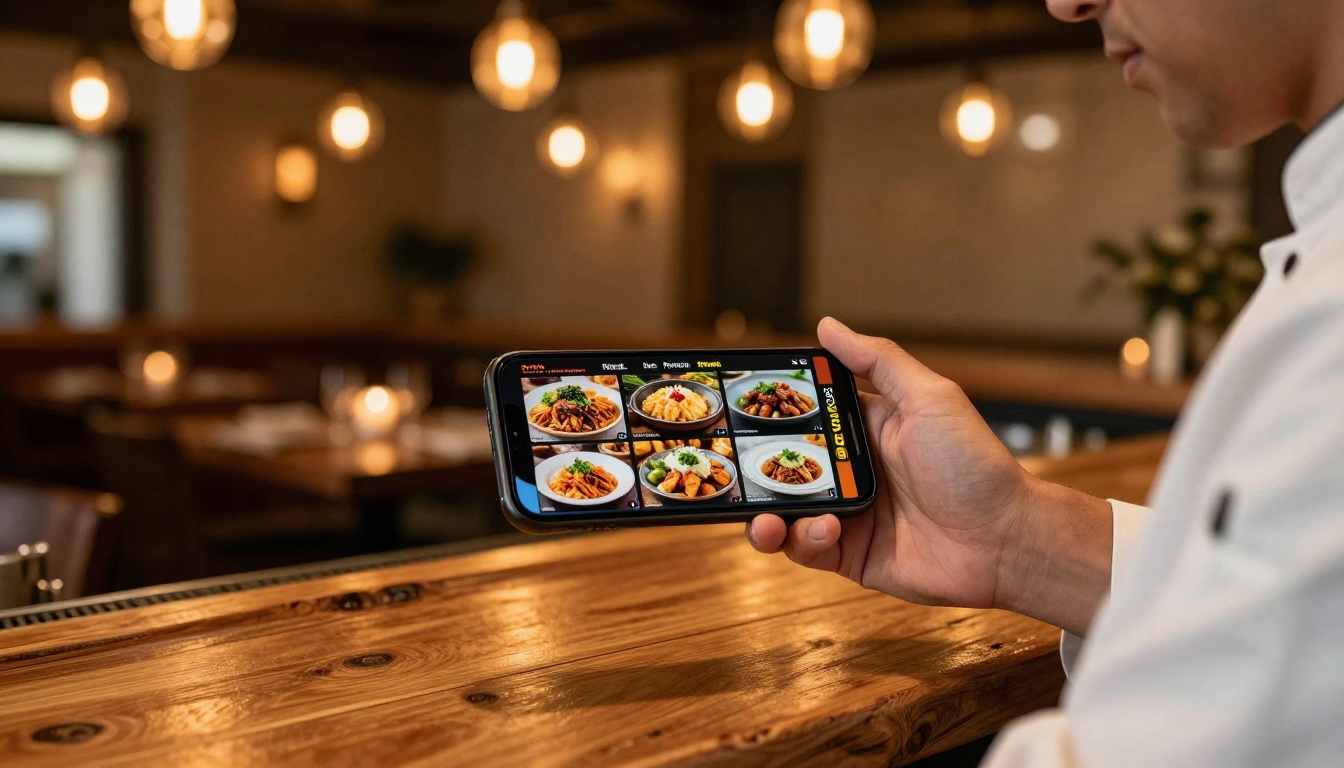
A restaurant owner creates a PDF menu in Canva or Adobe, uploads it to Flipbooks AI's Restaurant Menu Creator, and shares the link via QR code on every table. Guests scan and scroll through a beautifully animated menu on their own phone. No printing costs, no outdated menus, and seasonal updates happen in minutes.
Spa and wellness businesses use a similar workflow with the Spa and Wellness Menu Creator for service menus and pricing guides.
Real Estate Professionals
An agent creates a property brochure PDF, converts it using Flipbooks AI, and texts the link to prospective buyers before a showing. The buyer opens a full-color, page-turning property brochure on their phone in seconds. The Real Estate Brochure Creator tool streamlines this workflow further for agents who want pre-designed templates.
Business and Sales Teams
Sales reps on the road use flipbook apps to share product catalogs, proposals, and pitch decks without hauling printed materials. The Product Catalog Generator and Sales Presentation Flipbook tools are specifically built for this workflow.
💡 With lead generation enabled on the Professional plan, you can require a reader to enter their email before viewing the catalog. This turns every catalog share into a potential lead capture opportunity.
Education and Training
Teachers and trainers convert course materials into flipbooks using the Course Material Publisher or Training Manual Flipbook tools. Students access materials on any device without needing to download a specific app, which removes the biggest friction point in digital learning distribution.

Pricing is where the differences between platforms become very clear. Browser-based platforms typically offer better value because they don't need to maintain separate iOS and Android development teams.
| Platform | Free Plan | Starter | Standard | Professional |
|---|
| Flipbooks AI | Yes (watermark) | ~$9/mo | ~$19/mo | ~$39/mo |
| FlipHTML5 | Yes (watermark) | $14/mo | $28/mo | $99/mo |
| Issuu | Yes (limited) | $19/mo | $39/mo | $99/mo |
| Publuu | Yes (very limited) | $19/mo | $39/mo | $79/mo |
| Yumpu | Yes (ads) | $16/mo | $33/mo | $83/mo |
⚠️ Always verify current pricing directly on each platform's website as rates change frequently. The table above reflects approximate pricing as of early 2026.
Flipbooks AI's pricing page details exactly what's included at each tier. The Standard plan offers unlimited flipbooks with no watermarks, which alone makes it competitive against platforms that charge per-publication.
Choosing the Right App for Your Situation
Not every user has the same needs. Here's a practical decision breakdown:
| Your Situation | Best Pick | Why |
|---|
| Quick one-off sharing, no budget | Flipbooks AI Free | Fast, browser-based, no install required |
| Regular business publications | Flipbooks AI Standard | Unlimited flipbooks, no watermarks |
| Sales team with lead capture needs | Flipbooks AI Professional | Analytics and lead generation built in |
| Long-form magazine publishing | Issuu Standard | Strong editorial publishing tools |
| Desktop-first with Android viewing | FlipBuilder | High-quality export, solid Android viewer |
| European market focus | Yumpu | Local infrastructure, GDPR-friendly |
💡 For most small businesses and creators, Flipbooks AI hits the best balance of price, features, and ease of use on both iPhone and Android without requiring a native app install for either creators or readers.

Beyond the core PDF to Flipbook Converter, Flipbooks AI offers a suite of specialized tools that handle specific use cases better than a generic upload flow. A few worth knowing:
All of these tools start with your existing PDF and add the interactive layer automatically. No design software required after the initial document creation.
The Browser vs. Native App Debate
One question that comes up often: is a browser-based flipbook app actually better than a native iOS or Android app?
For creators, the answer depends on how often you build flipbooks. If you're creating multiple publications per week, a native app with offline drafting capability has advantages. But for most users, a well-optimized browser app like Flipbooks AI removes friction that native apps add, specifically the requirement to update the app, manage storage, and deal with platform-specific bugs.
For readers, browser-based wins almost every time. Sending someone a link they can open in Safari or Chrome is dramatically lower friction than asking them to install an app just to view your catalog or brochure.
✅ The best flipbook apps for iPhone and Android in 2027 prioritize the reader experience above everything else. A viewer who doesn't need to install anything is a viewer who actually sees your content.

What's Worth Your Time
After comparing features, pricing, and real-world workflows, Flipbooks AI stands out as the strongest all-around option for both iPhone and Android users. It offers the fastest path from PDF to published flipbook, works without native app installs for creators or readers, and scales from a free single publication to a full analytics-powered professional publishing platform.
For pure editorial publishing at scale (digital magazines, news publications), Issuu remains a solid choice. For users locked into Windows desktop workflows with occasional mobile viewing, FlipBuilder handles output quality well.
But if you want to create a flipbook from your phone in the next ten minutes and share it with someone who will see it perfectly on any device they own, get started for free on Flipbooks AI. Upload your PDF, add your branding, and you'll have a shareable link before your coffee gets cold.
Browse all flipbook tools and templates to find the right fit for your content type, or compare pricing plans to pick the tier that matches how often you publish.



