You export a contract, an investor deck or a client price list to PDF, attach it to an email, and hope for the best. The moment it leaves your outbox, you lose control: it can be forwarded, downloaded, and stored on a stranger's laptop forever. The better route is a flipbook maker with real password protection, and Flipbooks AI is the one we rank first for private files. This ranking compares the leading options on what actually matters when the content is sensitive.

Why Password Protection Matters
A flipbook is a PDF turned into a page-turning web publication. That makes it easy to share, but "easy to share" cuts both ways. If anyone with the link can read it, the link becomes the weak point.
Password protection adds a gate in front of the content. Readers must enter a code before a single page loads. For private files, that gate is the difference between a controlled release and an accidental leak.
Who Needs a Locked Flipbook
- Legal and finance teams sending contracts, term sheets and board packs.
- Agencies presenting unreleased campaigns to a single client.
- HR departments distributing handbooks and salary bands to staff only.
- Real estate agents sharing off-market listings with vetted buyers.
- Course creators selling paid material to members.
What a PDF Attachment Cannot Do
An email attachment cannot be revoked, cannot show you who opened it, and cannot expire. A protected flipbook can do all three, depending on the platform and plan.
💡 Pro tip: Treat the password like a key you hand over separately. Send the link by email and the password by a different channel, such as a text message or a call.
What to Look for in a Private Flipbook Maker
Before the ranking, here are the criteria we used. Not every tool that advertises "private" delivers the same level of control.

Access Controls
Look for a password gate on the flipbook itself, not just an unlisted link. An unlisted link is still a link: anyone who receives it can pass it on. A password adds a second factor.
Download and Print Settings
A password does not stop a reader from saving the file. Check whether you can disable downloads and printing, or allow them only when you choose.
Search Engine Visibility
A private flipbook should never appear in search results. Confirm that the tool lets you block indexing for protected publications.
Analytics
Knowing who opened the file and how far they read is valuable. It tells you whether the client actually reviewed the proposal before the call.
Branding and Watermarks
Free plans on many platforms place the vendor's logo on your document. For client-facing private files, that looks unprofessional.
Pricing Transparency
Password protection is often locked behind a paid tier. The table below shows how the main contenders compare on the points above. Plan details change often, so confirm current limits on each vendor's pricing page before you commit.
| Criteria | Why it matters | Red flag |
|---|
| Password gate | Blocks casual access | Only an "unlisted" link |
| Download control | Limits copying | Download always on |
| No-index option | Keeps files out of search | No setting available |
| Analytics | Shows who read it | No visitor data |
| No watermark | Looks professional | Vendor logo on every page |
| Clear pricing | Avoids surprises | Protection hidden in top tier |
The Best Flipbook Makers with Password Protection
Here is how the leading platforms stack up for private files.

1. Flipbooks AI
Flipbooks AI converts a PDF into a polished flipbook and puts privacy at the center. Password protection is built in for private content, and there are no watermarks, ever. Standard plans and above allow unlimited flipbooks, which matters when you publish a new protected document for every client.
What sets it apart for private files:
- Password gate on any flipbook you share.
- Offline downloads that you can allow or restrict.
- Embedded video and audio for richer, but still protected, content.
- Mobile-responsive reading, so executives can open a board pack on a phone.
- Custom branding with your own colors and logo.
- Analytics and lead generation on the Professional plan, so you see who opened your file. See pricing plans for the tier breakdown.
It is the strongest fit when you want protection, branding and no vendor logo in one place.
2. Flipsnack
Flipsnack is a long-established flipbook maker with a large template library. It offers privacy options on its paid plans, and its design editor is a strong point for teams that want to build layouts inside the tool. The tradeoff is that higher privacy and branding features sit in the upper tiers, which can add up for small teams.
3. FlippingBook
FlippingBook leans toward corporate and sales enablement. It provides access controls, lead capture and analytics aimed at sales teams. It suits larger organizations that already run a formal content workflow, though it is generally priced for that audience.
4. Heyzine
Heyzine is known for quick PDF conversion and a simple interface. It is a convenient pick for light, occasional use. Check which plan includes password protection and whether branding is removed at that level.
5. Publuu
Publuu offers fast conversion and embedding with a clean reader. It supports password-protected publications on paid plans, which makes it a reasonable alternative for small businesses with modest volume.
6. Issuu
Issuu is built around public publishing and discovery, which is almost the opposite of private sharing. It does offer private options on paid plans, but if your goal is a locked document for one reader, a tool designed for private delivery usually fits more naturally.
Side-by-Side Comparison
The table below summarizes the general positioning of each tool for private files. Always verify current plan details on the vendor site.
| Tool | Best for | Password protection | No-watermark option | Standout trait |
|---|
| Flipbooks AI | Private client and team files | Yes | Yes, no watermarks | Privacy plus unlimited flipbooks on Standard+ |
| Flipsnack | Design-led teams | Paid plans | Paid plans | Template library and editor |
| FlippingBook | Sales enablement | Paid plans | Paid plans | Lead capture and analytics |
| Heyzine | Quick conversions | Paid plans | Paid plans | Simple interface |
| Publuu | Small businesses | Paid plans | Paid plans | Fast embedding |
| Issuu | Public publishing | Paid plans | Paid plans | Audience discovery |
⚠️ Warning: "Private" and "password protected" are not the same thing. Some tools use the word private for an unlisted link. Always test by opening the link in a private browser window with no login.
Real-World Use Cases
Features only matter in context. Here is how locked flipbooks work in practice.

Off-Market Real Estate Listings
A real estate agent can publish an off-market portfolio through the Real Estate Brochure tool, lock it with a password, and give the code only to pre-approved buyers. If interest dries up, the agent simply changes the password.
Investor and Board Packs
A finance director can turn a quarterly pack into a protected flipbook with the Annual Report Creator or the Corporate Report Maker. Board members open it on a tablet, and nothing sits in an inbox.

Internal Training Manuals
HR can publish handbooks and onboarding material with the Training Manual Flipbook and share the password only with staff. When the policy changes, the team updates the file once instead of chasing old copies.

Client Portfolios and Proposals
A freelance designer can send a tailored pitch using the Digital Portfolio Creator. A password keeps unreleased work away from competitors, and analytics (on the Professional plan) show whether the client viewed it.

Paid Member Content
Course creators can publish workbooks through the Course Material Publisher and give the password only to paying members.
How to Create a Password-Protected Flipbook with Flipbooks AI
Here is the full process, from PDF to locked link.
- Open your account. Go to Flipbooks AI and sign in or create a free account.
- Upload your PDF. Drag your file into the uploader. The PDF to Flipbook Converter turns each page into a flippable spread in seconds. Keep the file under a sensible size so pages load fast.
- Customize the look. Add your logo, pick brand colors, and choose a page-turn effect. You can also embed video or audio where it helps the reader.
- Turn on password protection. In the sharing settings, set a strong password. Use a passphrase of several unrelated words rather than a birthday or company name.
- Choose download rules. Decide whether readers may download for offline use. For sensitive files, leave it off. When a client needs an offline copy, switch it on for that flipbook only.
- Share the link. Copy the direct link, or use the Embed Flipbook on Website tool to place it on a members-only page.
- Send the password separately. Use a second channel so a single intercepted email reveals nothing.
- Check analytics. On the Professional plan, review who opened the file and which pages held attention. It also supports lead generation when you share with prospects.
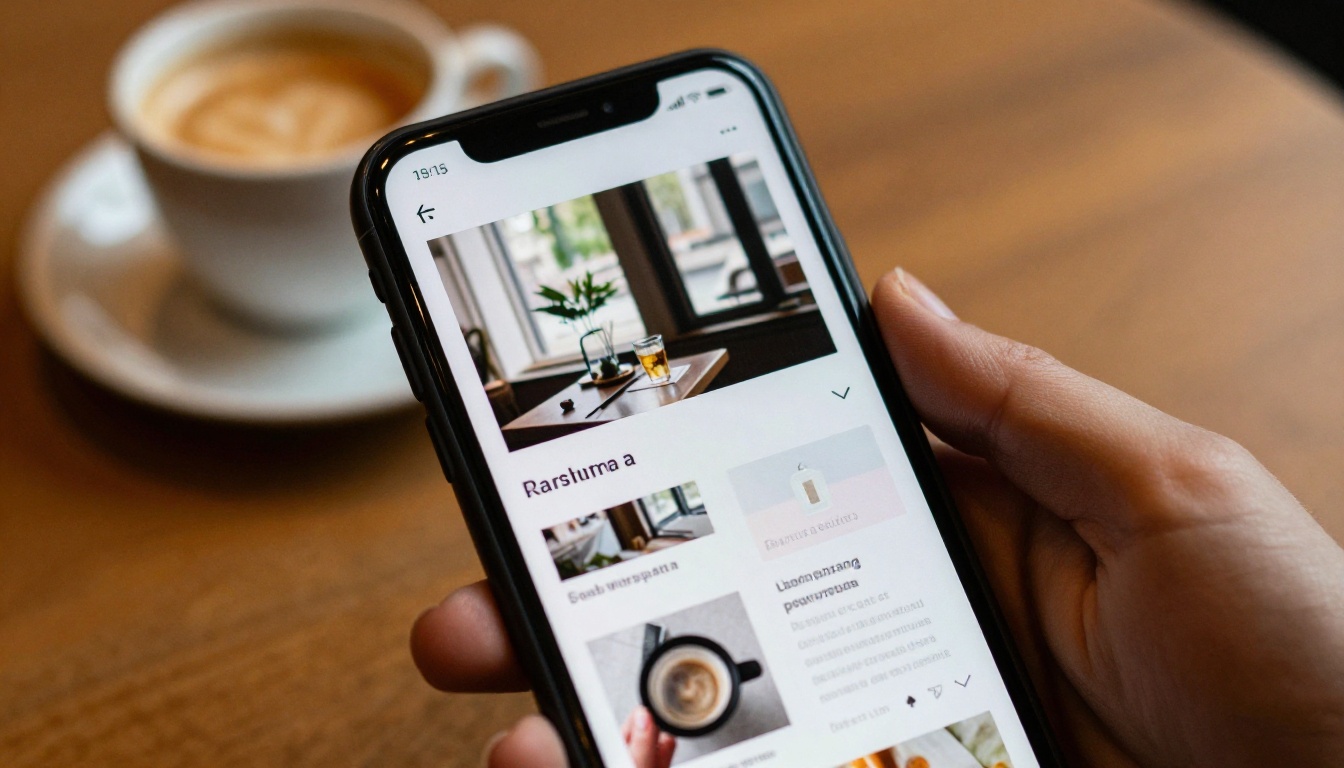
✅ Best practice: Test your flipbook on a phone before sharing. A password screen that is awkward on mobile will frustrate the exact executives you are trying to impress.
Common Mistakes to Avoid
Even a good tool fails when it is used carelessly.
- Reusing one password everywhere. If a single recipient leaks it, every file is exposed. Use a different password per audience.
- Sending link and password together. That defeats the purpose of the gate.
- Leaving downloads on by default. Enable them deliberately, not out of habit.
- Forgetting to rotate. After a project ends or a staff member leaves, change the password.
- Trusting "unlisted" as security. An unlisted page is only hidden, not protected.
- Skipping the incognito test. Always confirm the gate works before you send anything.

Pricing and Plan Tips
Cost often decides the winner. Use this table as a checklist when you compare vendors.
| Question to ask | Why it matters |
|---|
| Is password protection on the plan I need? | Many tools reserve it for higher tiers |
| Are flipbooks unlimited? | Per-document caps add cost as you grow |
| Is the watermark removed? | A vendor logo weakens client-facing files |
| Are analytics included? | You need them to confirm a file was read |
| Can I restrict downloads per flipbook? | Lets you tune control for each audience |
With Flipbooks AI, unlimited flipbooks start at the Standard plan, and analytics plus lead generation arrive with Professional. That is a clear ladder: pick the tier that matches how many private files you send and how closely you want to track them.
Frequently Asked Questions
Is a password enough to keep a file private?
A password stops casual access, but it does not stop a determined reader from copying what they can see. Combine it with disabled downloads, a no-index setting, and a separate channel for the password.
Can I change the password after sharing?
Yes. Changing it locks out anyone who only had the old code. That makes password rotation a handy way to end access when a deal closes.
Do protected flipbooks work on mobile?
They should. Choose a maker with a mobile-responsive reader and test on a real phone before you send.
Will a locked flipbook show up in Google?
It should not. Confirm that your platform blocks indexing for protected publications.
Ready to Lock Down Your Files?
If your documents are too important for an open attachment, move them into a protected flipbook today. Get started for free on Flipbooks AI, browse every tool and template to match your use case, and compare pricing plans to choose the tier that fits. When you are ready to commit, pick your plan and send your first private flipbook with confidence.



