Marketing teams move fast, and the tools they use need to keep up. Static PDFs have had their day, and today's buyers expect content that feels alive, responds to their clicks, and holds their attention past the first scroll. That's where interactive flipbook software steps in, and the market has grown substantially in 2027, with platforms offering everything from simple PDF conversion to full-featured digital publishing suites. Whether your team is building product catalogs, sales decks, campaign brochures, or event programs, picking the right flipbook tool can be the difference between content that converts and content that gets ignored. Flipbooks AI is one of the leading options built specifically with marketing teams in mind, but there are several platforms worth knowing before you commit.
Why Marketing Teams Actually Need Flipbooks

Static documents are a dead end in digital marketing. A PDF attached to an email gets downloaded, sits in a folder, and provides zero data about how it was consumed. Interactive flipbooks solve three real problems at once:
- Interactivity: Page-turn animations, embedded video, and clickable links keep readers inside the content longer.
- Tracking: Built-in analytics show which pages get read, where readers drop off, and how long they spend on each section.
- Distribution: A single shareable link, an embed code, or a QR code replaces the messy dance of attachment sizes and version control.
Marketing teams in retail, real estate, hospitality, education, and B2B SaaS are all using flipbooks to replace brochures, catalogs, newsletters, and training materials. The ROI case is straightforward: better content performance data means smarter budget decisions.
💡 Interactive content generates 2x more conversions than passive content according to content marketing benchmarks. Flipbooks sit squarely in that interactive category.

Not all flipbook tools are built for teams. Some are designed for solo creators or academic use. When evaluating platforms for a marketing team, these are the criteria that actually matter:
Speed of Creation
Your team shouldn't spend hours per flipbook. The best tools accept PDF uploads and convert them in under two minutes, with smart defaults for branding applied automatically.
Branding Control
White-label options, custom domain support, brand color palettes, and logo placement are non-negotiable for any marketing output that represents your company.
Collaboration Features
Can multiple team members access and edit flipbooks? Are there approval workflows or shared asset libraries? Teams need more than a single-user account.
Analytics and Lead Capture
Knowing that someone opened your catalog is useful. Knowing they spent 4 minutes on page 7 and clicked the pricing section is actionable intelligence.
Sharing Flexibility
Embed on a website, share via direct link, protect with a password, or gate with a lead form. The best platforms offer all of these without extra complexity.
Pricing Scalability
A freelancer might need one flipbook per month. A marketing department might need 50. Pricing structures that scale without punishing growth matter for teams.

Here is a direct comparison of the leading flipbook platforms available in 2027. Each has been evaluated on the criteria above with marketing team use cases in mind.
| Tool | Best For | Starting Price | Unlimited Flipbooks | Analytics | White Label |
|---|
| Flipbooks AI | Full-featured marketing teams | Free tier available | ✅ Standard+ | ✅ Professional | ✅ Professional |
| Flipsnack | Design-heavy teams | $14/mo | ❌ Limited | ✅ Paid plans | ✅ Enterprise |
| Issuu | Editorial and publishing | $19/mo | ✅ | ✅ | ❌ |
| Publitas | Retail and e-commerce | $25/mo | ✅ | ✅ | ✅ |
| FlippingBook | B2B sales teams | $25/mo | ❌ Limited | ✅ | ✅ |
| Yumpu | Budget-conscious teams | Free / $9.90/mo | ✅ | ✅ Paid | ❌ |
⚠️ Pricing tiers change frequently. Always confirm current pricing directly on each platform before making a purchasing decision.
Flipbooks AI
Flipbooks AI is purpose-built for teams that need speed, quality, and flexibility without wrestling with complex software. The platform takes a PDF and converts it into a fully interactive digital publication with realistic page-turn animation, and does it faster than most competitors. What sets it apart for marketing teams specifically is the breadth of specialized tools that handle every content type a marketing function produces.
The PDF to Flipbook Converter is the foundation, but the platform extends into purpose-specific creators for product catalogs, brochures, menus, lookbooks, annual reports, and sales presentations. Marketing teams can use one platform for everything rather than stitching together multiple subscriptions.
Standout features for marketing teams:
- ✅ No watermarks on any plan
- ✅ Unlimited flipbooks on Standard plan and above
- ✅ Password protection for confidential campaigns
- ✅ Analytics and lead generation on Professional plan
- ✅ Offline download capability
- ✅ Embed video and audio directly into pages
- ✅ Full mobile-responsive design
- ✅ Custom branding and colors
Flipsnack
Flipsnack is a strong choice for design-heavy teams that prioritize visual customization. It has a built-in design editor similar to Canva that lets teams build flipbooks from scratch rather than only converting PDFs. The tradeoff is complexity: the interface takes longer to learn, and pricing for multiple users scales up quickly.
Issuu
Issuu built its reputation in editorial publishing, and it shows. The platform excels for magazines, newsletters, and content-heavy publications. For traditional marketing collateral like product catalogs or sales decks, it feels slightly mismatched. The analytics are solid, but white-label options are absent on standard plans.
Publitas
Publitas is the go-to for retail marketing teams managing shoppable catalogs. It integrates with product feeds and supports clickable product tags that link directly to e-commerce product pages. If your team produces retail catalogs, Publitas is worth a close look. For other content types, it is overkill.
FlippingBook
FlippingBook positions itself squarely at B2B sales enablement. The interface is clean, the output is polished, and it integrates with CRM tools like HubSpot and Salesforce. The limitation is that flipbook counts are capped on mid-tier plans, which frustrates teams with high content volumes.
Yumpu
Yumpu is the budget pick. The free tier is genuinely functional, and paid plans are among the lowest-priced in the market. The tradeoff is that the interface feels dated, the output is less polished than competitors, and white-label options are absent. For small teams or solo marketers testing the format, it is a reasonable starting point.
How to Create Marketing Flipbooks with Flipbooks AI

Flipbooks AI is directly relevant to every use case in this article, so here is a practical walkthrough for getting your first marketing flipbook live.
1. Create Your Account
Go to Flipbooks AI and sign up. No credit card required to start. The onboarding takes under two minutes.
2. Choose the Right Tool
Rather than starting from the generic flipbook creator, pick the specialized tool that matches your content type:
3. Upload Your PDF
Drag and drop your PDF into the upload area. The platform processes it automatically, applying the page-turn animation and preparing the viewer. For a 20-page brochure, processing typically takes 30 to 90 seconds.
4. Apply Your Branding
In the customization panel:
- Upload your logo and set its position (top-left, top-right, or centered)
- Set your brand primary and secondary colors
- Choose a background color or gradient for the reader interface
- Add a custom domain if you are on a plan that supports it
5. Add Interactive Elements
This is where flipbooks genuinely pull ahead of static PDFs:
- Embed video: Click any page and add a video overlay from YouTube, Vimeo, or an uploaded file
- Add audio: Background music or narration can be added per page or globally
- Clickable links: Select any region and add a URL, email, or phone link overlay
- Lead form: Add a lead capture gate before or after specific pages (Professional plan)
6. Set Sharing Options
- Direct link: Copy the unique URL and share via email, Slack, or social media
- Embed code: Paste the provided iframe code into any webpage or landing page using the Embed Flipbook on Website tool
- Password protection: Set a password for confidential pricing sheets or proposals
- QR code: Download a QR code for print materials, event signage, or packaging
7. Monitor Performance
On the Professional plan, the analytics dashboard shows:
- Total views and unique visitors
- Average time spent per page
- Drop-off points (where readers leave)
- Lead capture form submissions
- Geographic distribution of viewers
✅ Share the analytics dashboard link with your sales team so they can see which prospects read a proposal and how long before following up.
Best Use Cases by Marketing Team Type

Different marketing functions have different content needs. Here is how flipbook tools map to specific team types:
| Team Type | Primary Content Need | Recommended Tool | Primary Feature Used |
|---|
| E-commerce | Product catalogs, lookbooks | Digital Catalog Maker | Shoppable links, mobile responsive |
| B2B Sales | Proposals, presentations, case studies | Sales Presentation | Lead capture, analytics |
| Real Estate | Property brochures, listing magazines | Real Estate Brochure | Password protection, direct link |
| Hospitality | Hotel brochures, restaurant menus | Hotel Brochure | Embed video, QR codes |
| Fashion | Lookbooks, seasonal catalogs | Interactive Lookbook Designer | Custom branding, embed |
| Corporate | Annual reports, press kits | Corporate Report Maker | Offline downloads, analytics |
| Education | Course materials, training manuals | Training Manual Flipbook | Password protection, lead gen |
Real-World Scenarios
Retail brand: A fashion retailer uses the Fashion Catalog Creator to produce seasonal lookbooks. Each lookbook is embedded on product category pages and shared via email campaigns. Analytics show which products receive the most page time, directly informing restock decisions.
B2B SaaS company: A software company creates tailored proposals using the Sales Presentation tool. Each proposal is password-protected and sent to prospects with a personalized cover page. Sales reps monitor which sections prospects spend time on before discovery calls.
Restaurant group: A hospitality chain uses the Restaurant Menu Creator to produce seasonal menus as flipbooks. Each location's menu has a QR code on table cards. Menu updates happen in the platform dashboard and go live instantly without reprinting.
Real estate agency: Agents use the Real Estate Brochure tool to build property listings with embedded walkthrough video, floor plan overlays, and clickable inquiry links. Each listing flipbook is shared via a single URL in WhatsApp and email campaigns.
Page-Turn Content That Actually Performs

The most common mistake marketing teams make with flipbooks is treating them like PDFs with an animation. The format rewards a different approach to content design.
Design for Mobile First
Over 60% of marketing email opens happen on mobile devices, and a significant portion of flipbook views follow the same pattern. Design your source PDF with mobile viewing in mind, use large fonts (minimum 14pt for body copy), and avoid dense text columns that are hard to read on small screens.
Use Video on High-Value Pages
Embedding a product demo video on the relevant catalog page, or a CEO message on the annual report cover, increases average time-on-page by a measurable margin. Most flipbook platforms support YouTube and Vimeo embeds with no file size concerns.
Gate Strategically
Lead capture forms are powerful but should be used carefully. Gating the entire document from page one creates friction that kills reads. A better approach: let readers access the first 5 to 8 pages freely, then gate the pricing or case study section. This filters for genuine interest and improves lead quality.
💡 Conversion tip: Name your lead capture field "Send to my email" instead of "Submit". This phrasing change consistently improves form completion rates in content marketing experiments.
Update Without Redistributing
One of the underappreciated advantages of digital flipbooks over PDFs: you can update the source document and the live link automatically reflects the change. No re-sending, no broken links, no version control headaches. This matters for price lists, menus, and any time-sensitive marketing material.
Repurpose Across Channels
A single flipbook can be embedded on a product page, shared in a LinkedIn post, printed as a QR code on a trade show banner, and sent as a direct link in an email sequence. The same asset does the work of four distribution formats simultaneously.
Pricing Comparison: What Each Plan Includes
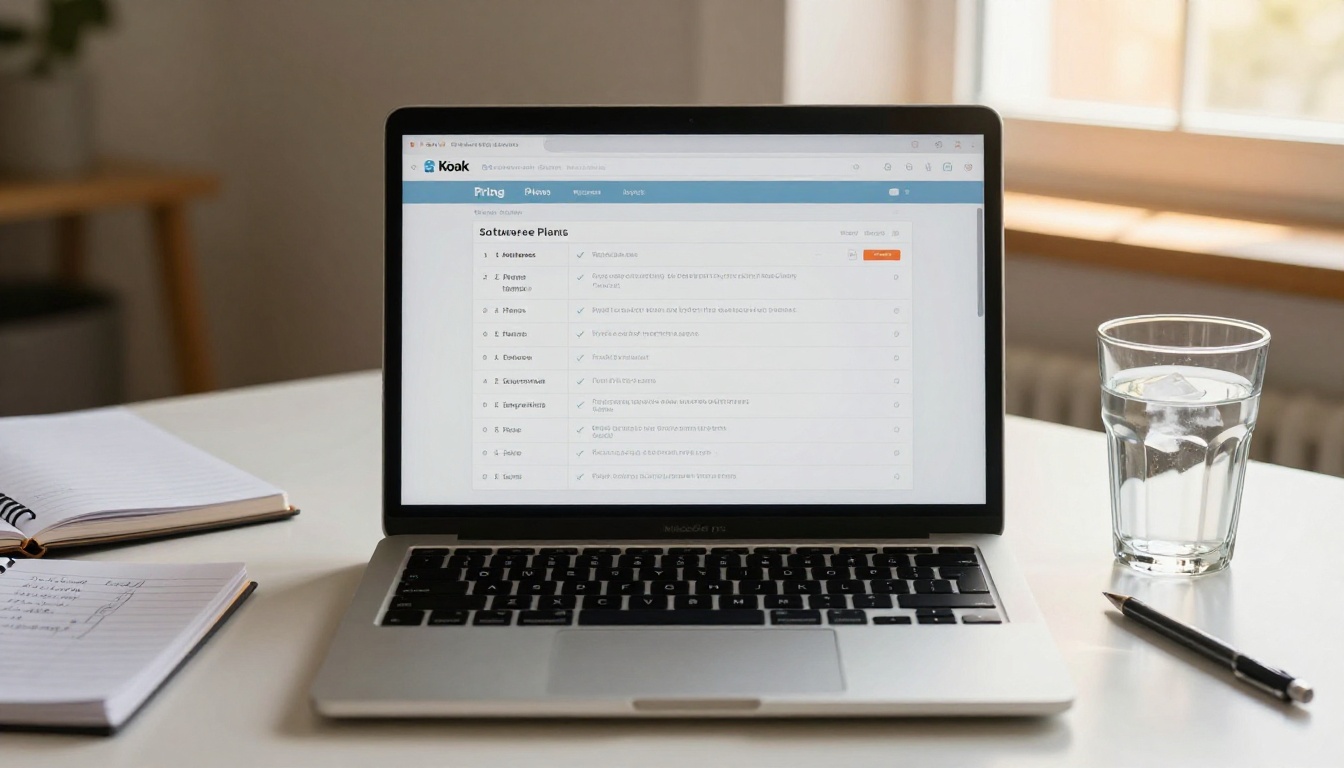
Before committing to a platform, understanding what each pricing tier actually includes is critical. Below is a feature breakdown for Flipbooks AI specifically, since it offers the most relevant feature set for marketing teams.
| Feature | Free | Standard | Professional |
|---|
| Flipbooks | Limited | Unlimited | Unlimited |
| Watermarks | None | None | None |
| Custom branding | Basic | Full | Full |
| Password protection | ❌ | ✅ | ✅ |
| Analytics | ❌ | Basic | Full |
| Lead generation | ❌ | ❌ | ✅ |
| Offline downloads | ❌ | ✅ | ✅ |
| Embed video/audio | ❌ | ✅ | ✅ |
| Custom domain | ❌ | ❌ | ✅ |
| Priority support | ❌ | ❌ | ✅ |
✅ No watermarks on any plan is a standout differentiator for Flipbooks AI. Most competitors add watermarks to free and entry-level plans, which creates problems for any public-facing marketing content.
For teams serious about analytics and lead generation, the Professional plan includes the features that make flipbooks a true marketing channel rather than a distribution format. Compare all pricing plans to see the full breakdown.

The choice comes down to three variables: content volume, required features, and budget.
If your team produces more than 20 pieces of content per month, you need unlimited flipbooks without per-unit pricing. Flipbooks AI Standard plan or above handles this without friction.
If analytics and lead generation are priorities, you need Professional-tier access on any platform. On Flipbooks AI, this tier includes per-page analytics, viewer time tracking, and lead capture forms that feed directly into your CRM.
If you work across multiple content categories (catalogs, brochures, presentations, menus), Flipbooks AI's specialized tools directory addresses every use case from a single platform, which avoids the cost and complexity of multiple subscriptions.
If you are testing the format for the first time, start free on Flipbooks AI or Yumpu, produce a handful of flipbooks, and measure reader interaction before committing to a paid plan.
Questions to Ask Before You Commit
- Does this platform support the file types your team already works with (PDF, PowerPoint, InDesign export)?
- Can you embed flipbooks on your existing website or landing pages?
- Does the analytics data integrate with your existing marketing stack (GA4, HubSpot, Salesforce)?
- What happens to your flipbooks if you downgrade or cancel your plan?
- Is there a multi-user team plan, or is each account individual?
- Does the platform impose limits on monthly views or bandwidth on any plan?
⚠️ Watch out for platforms that charge per-view or cap monthly flipbook views at low thresholds on entry plans. High-traffic marketing content can quickly push you into expensive overages.
Interactive Content Is the Standard, Not the Exception

Marketing teams that still rely on static PDFs are leaving measurable reader interaction data, lead capture opportunity, and conversion potential on the table. The barrier to switching has dropped dramatically. A PDF your team already has can be live as an interactive flipbook in under five minutes, with no design work required.
The tools in this article address every segment of the market, from free entry points to full-featured digital publishing platforms. For most marketing teams, Flipbooks AI hits the right balance of features, ease of use, breadth of specialized tools, and pricing transparency.
The next campaign brief your team receives, try converting the deliverable into a flipbook before attaching it to an email. The data you collect from that single experiment will speak for itself.
Ready to create your first flipbook? Get started for free on Flipbooks AI and have your first piece of interactive content live today. Browse all flipbook tools to find the right starting point for your content type, or compare pricing plans to choose the tier that fits your team's output volume and feature needs.



