Every print shop already owns the hardest part of a digital edition: the finished PDF. Customers hand you a catalog, a magazine, a menu or a lookbook, you print it beautifully, and then the file sits on a server doing nothing. The best flipbook tools for print shops selling digital editions turn that dormant file into a second product, one that ships instantly, costs nothing to store on a shelf and can be billed again every time a client updates their content. In this ranking you will see what to look for, how the main tool types compare, and how a platform like Flipbooks AI fits a shop that sells to many clients at once.
Why Print Shops Add Digital Editions
Paper volumes are flat or shrinking for many commercial printers, while clients keep asking for something they can email, embed and track. A flipbook answers that request without replacing the print job. It sits beside it.

The Margin Argument
A printed run has material costs, machine time and freight. A digital edition has almost none of those. If you charge even a modest setup fee plus a monthly hosting fee, the margin on that line is far higher than on the paper job it accompanies.
The Retention Argument
A client with a hosted flipbook has a reason to come back. Next quarter's catalog, the updated price list, the seasonal menu: all of them land on your desk first because you already manage the link, the branding and the embed code.
The Speed Argument
A rush job used to mean overnight freight. A digital edition can be live within minutes of final approval, which lets you win projects where timing is the deciding factor.
💡 Pro tip: Pitch the digital edition at the proof stage, not after delivery. Clients say yes far more often when they can click through the proof as a flipbook before the press starts.
What a Print Shop Actually Needs
Consumer-grade flipbook makers are built for one person uploading one document. A shop handles dozens of clients, each with their own colors, domains and privacy needs. That changes the checklist.
Must-Have Features
Here is what separates a tool you can resell from one you can only use yourself:
- No watermarks. A third-party logo on a client's catalog is a deal breaker. Your customer paid for their brand, not someone else's.
- Unlimited flipbooks. Per-flipbook caps punish you for growing. Look for plans where volume does not raise the bill.
- Password protection. Price lists, internal reports and wholesale catalogs are often private.
- Custom branding. Colors, logos and page effects should be adjustable per client.
- Embed and direct links. Clients want the flipbook on their own website and in their email signatures.
- Analytics. Page views and reading time give you proof of value for renewals.
- Fast PDF conversion. Print-ready PDFs are heavy. The tool has to handle large files without losing image sharpness.
- Mobile-responsive reading. More than half of readers will open the link on a phone.
Nice-to-Have Features
- Video and audio embedded inside pages
- Offline downloads for field teams
- Lead capture forms before the reader enters
- Team accounts with separate roles
⚠️ Watch out: Some tools quietly limit exports, add branding on free tiers or lock analytics behind enterprise pricing. Read the plan page before you promise anything to a client.
Not every product in this space is built for the same buyer. Sorting them by type makes the choice clearer than comparing dozens of names one by one.
| Tool type | Best for | Typical limitation | Fit for print shops |
|---|
| Free online converters | One-off personal documents | Watermarks, ads, short-lived links | Poor |
| Design suites with flipbook export | Teams already designing inside one app | Export locked to that ecosystem | Moderate |
| Enterprise publishing platforms | Large publishers with IT staff | High price, long onboarding | Moderate for big shops |
| Dedicated PDF-to-flipbook platforms | Agencies and printers serving many clients | Fewer design tools, since you bring your own PDF | Strong |
Print shops almost always start with a PDF that came from the client's designer or from your own prepress team. That makes the dedicated PDF-to-flipbook platform the natural match: you upload, brand, publish and move on.
Ranking the Best Options for Print Shops
The comparison below weighs each tool type against what a shop needs, using a simple 1 to 5 score. These scores reflect the capabilities each category generally offers rather than any single competitor's exact product.
| Criterion | Free converters | Design suites | Enterprise platforms | Dedicated platform |
|---|
| No watermark on client work | 1 | 4 | 5 | 5 |
| Unlimited flipbooks | 2 | 3 | 4 | 5 |
| Password protection | 1 | 3 | 5 | 5 |
| Per-client branding | 1 | 4 | 5 | 5 |
| Speed from PDF to live link | 4 | 2 | 2 | 5 |
| Analytics for renewals | 1 | 2 | 5 | 4 |
| Predictable price | 5 | 3 | 1 | 4 |
| Total (max 35) | 15 | 21 | 27 | 33 |
1. Dedicated PDF-to-Flipbook Platforms
Winner for most shops. Flipbooks AI is built around exactly this workflow: upload a PDF, apply branding, publish a flipbook, share it. Plans from Standard upward include unlimited flipbooks and there are no watermarks, ever. Password protection, mobile-responsive reading, embedded video and audio, offline downloads and custom branding are part of the toolkit, while analytics and lead generation arrive on the Professional plan. You can compare tiers on the pricing page.
2. Enterprise Publishing Platforms
These shine when a single client, such as a publishing house, needs deep integrations, subscriptions and rights management. For a general commercial printer, that depth is usually more than the job calls for, and the price reflects it.
3. Design Suites With Export
If your team lives inside a layout application, its built-in flipbook export is convenient. The catch is that your clients often send finished PDFs from elsewhere, and you end up with two workflows.
4. Free Online Converters
Fine for a quick test or an internal draft. Not for a paying client, because watermarks and expiring links reflect directly on your shop.
✅ Best practice: Keep one free converter in your toolbox for quick internal checks, and move every paid client job to a platform without watermarks.
The same tool does not serve every job. Matching the format to a ready-made template speeds up delivery and makes your quote more specific.
A Real Scenario: The Furniture Catalog
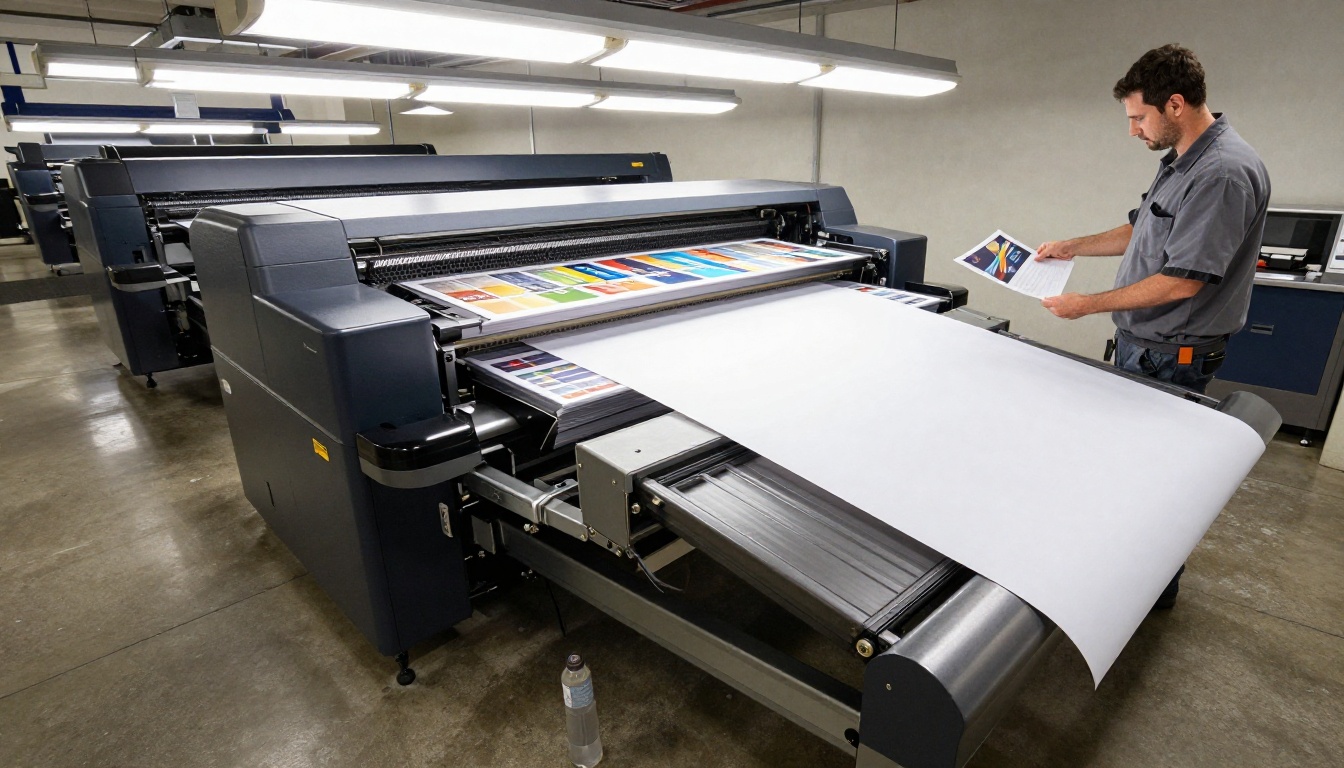
A regional furniture dealer orders 2,000 printed catalogs twice a year. Their sales team also wants a version for email campaigns. The print shop delivers the same PDF as a flipbook, embedded on the dealer's website, with a password-protected variant for trade customers. The dealer pays a one-time setup fee and a monthly hosting fee, and the shop gains a recurring line item without touching the press.
A Real Scenario: The Weekly Menu
A hotel restaurant prints seasonal menus but changes a few dishes every week. The shop supplies a digital menu flipbook. When dishes change, the hotel sends the updated PDF and the shop replaces the file. The printed menu stays for the dining room, while the QR code on the table opens the current version.
How to Create a Client Flipbook
Here is the exact workflow a shop can follow for each job. It takes about ten minutes once you have done it twice.

Step-by-Step Setup
- Start your account. Go to Flipbooks AI and create an account. Pick a plan that fits your client volume.
- Export a clean PDF. Use the same print-ready file, or a web-optimized export if the file is very large. Check that fonts are embedded and pages are in reading order.
- Upload and convert. Drop the file into the PDF to Flipbook Converter. Conversion runs automatically and produces a page-turn preview.
- Apply branding. Set the client's colors, logo and background. Choose the page effect that matches the brand tone: subtle for corporate, livelier for retail.
- Add multimedia. Embed a short product video or a background audio track where it makes sense. Keep it light so pages load quickly on mobile.
- Set privacy. For private lists, add a password. For public pieces, leave it open and keep the direct link.
- Share. Copy the direct link for email or use the embed code. The Embed Flipbook on Website tool shows how to place it on any page.
- Review analytics. On the Professional plan, check views and reading time, then include the numbers in your next client check-in.
💡 Pro tip: Send the client the link before invoicing the digital edition. Seeing their own catalog flip on their own phone closes the sale faster than any description.
How to Price a Digital Edition
Pricing is where shops often leave money behind. A flipbook feels intangible, so many printers give it away. Avoid that.
Three Pricing Models
| Model | How it works | Best when |
|---|
| Bundled add-on | Flat fee added to every print order | You want fast adoption with simple quotes |
| Setup plus hosting | One-time fee plus a monthly or yearly hosting charge | Clients update content often |
| Per-edition fee | Charge per published flipbook | Clients publish rarely but want high polish |
What to Include in the Quote
- Conversion and branding work
- Hosting for a defined period
- Number of updates included
- Password protection and embed setup
- A short analytics summary at the end of each quarter
Because a platform with unlimited flipbooks has a flat cost to you, every extra client adds margin rather than expense. That is the main reason to favor unlimited plans over per-flipbook caps.

Common Pricing Mistakes
- Giving it away free to win a job, then struggling to charge later.
- Quoting by page count when the real effort is branding and setup.
- Skipping a hosting fee, which leaves you carrying an open-ended cost.
- Ignoring updates, which clients will request more often than expected.
Using Analytics to Keep Clients
Print has always been hard to measure. A flipbook is not. When a client asks whether their catalog is working, you can answer with numbers instead of guesses.

Metrics Worth Reporting
- Total views per flipbook
- Pages with the longest reading time
- Device split between phone and desktop
- Lead form submissions, where lead generation is enabled
A short monthly summary shows the client what they are paying for. It also reveals which pages deserve better layout in the next print run, which is a natural reason to book the next job with you. Analytics and lead generation are part of the Professional plan, so check the plan comparison when deciding which tier your busiest clients need.
Connecting Print and Digital Delivery
The strongest offers blend both worlds instead of treating them as rivals.

Ideas That Work
- QR codes on printed pieces that open the matching flipbook, so readers can share the content.
- Digital proofing where clients approve a flipbook before the press run.
- Archive access so clients can open last year's catalog without searching their inbox.
- Offline downloads for sales teams working without a stable connection.
Who Reads the Digital Edition
Readers do not choose between formats. They pick whichever is closest at the moment. A buyer might flip through the printed copy at a desk and open the digital edition on a train.

That is why a dual offer tends to land well: it matches how people read.
Quick Checklist Before You Choose
Run any candidate tool through these questions. If you answer no to more than two, keep looking.
- Can I publish client flipbooks without any third-party watermark?
- Does the plan allow unlimited flipbooks, or will growth raise my cost?
- Can I protect private documents with a password?
- Does it handle my largest print-ready PDFs?
- Can I brand each flipbook separately?
- Will clients be able to embed the flipbook on their own website?
- Do I get analytics I can show at renewal time?
- Is the price predictable month to month?
Start Selling Digital Editions This Week
You do not need new equipment or a new team to add this service. You need a PDF you already have, a platform without watermarks and a clear price. Create your first client sample on Flipbooks AI, browse all available flipbook tools to find templates for catalogs, menus and brochures, and compare pricing plans to pick the tier that fits your client list. When you are ready to roll it out, get started for free and send your next proof as a flipbook.



