You have a program to hand out in two days, a manual that customers keep emailing you about, or a stack of handouts that currently live in six different files. The fastest fix is a booklet, and you do not need to pay for one. The best free booklet makers for programs, manuals and handouts handle page order, folding layout and export so you can focus on the content. This article ranks the realistic options, shows where each one breaks down, and finishes with a way to turn any finished booklet into a digital version using Flipbooks AI.
What a Booklet Maker Must Do
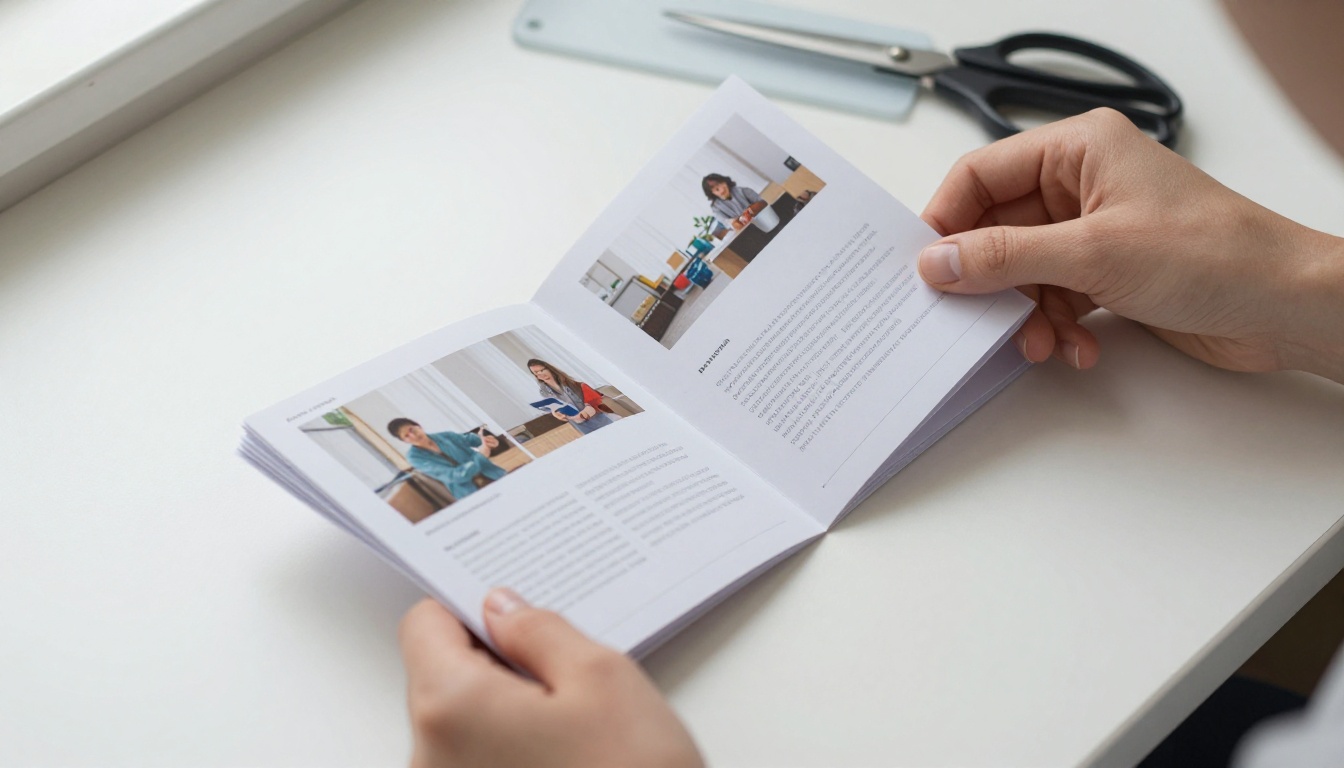
A booklet is not just a short document. Pages are printed in a specific order so that when sheets are folded and stapled, page 1 sits next to page 2 and the last page lands on the back. Software that ignores this forces you to rearrange pages by hand, which is where most mistakes happen.
Before picking a tool, check that it does these five things:
- Handles page count in multiples of four. Folded sheets give you four pages each.
- Exports a clean PDF. Fonts and images stay sharp when sent to a printer.
- Supports your page size. A5 and half letter are the most common choices.
- Allows margins and bleed. Text near the fold or edge gets cut off otherwise.
- Keeps a reusable template. Programs and manuals get updated often.
💡 Pro tip: Decide the final page size before you write a single paragraph. Resizing a finished booklet shifts every image and table.
Rankings are only useful when the criteria are visible. Each option below was judged on the same questions: cost for real use, ease for a first-time user, layout control, print readiness and how well it suits programs, manuals or handouts.
| Criterion | Why it matters |
|---|
| Real cost | "Free" sometimes means a watermark or locked export |
| Learning time | Most people build a booklet once or twice a year |
| Layout control | Manuals need tables and numbered steps |
| Print readiness | Wrong page order wastes paper and money |
| Sharing | Digital copies reach people who skip paper |
Features and limits change between releases, so check each tool's current free plan before committing a large project.
The Best Free Booklet Makers Ranked
1. Flipbooks AI for Digital Booklets
Flipbooks AI is the strongest pick when your booklet will be read on a screen as well as on paper. You build the layout wherever you like, export a PDF, and upload it. The platform converts it into a page-turning flipbook with a shareable link, an embed code and optional password protection. It advertises no watermarks, which matters when a program carries your organization's name. See pricing plans for what each tier includes.
Best for: programs and manuals that people open on phones.
2. Canva
Canva offers booklet and program templates with drag and drop editing. Beginners finish a good looking program quickly. The tradeoff is that some templates and elements sit behind a paid plan, so scan each element before you build around it. Long manuals with many tables can feel cramped.
Best for: short event programs and visual handouts.
3. Google Docs
Google Docs is the underrated option. It is free, collaborative and familiar. A booklet page setup takes a few clicks in the page settings, and multiple people can edit the same program at once. It lacks fine layout control, so keep designs simple.
Best for: text heavy manuals with several authors.
4. LibreOffice Writer
LibreOffice Writer is a free desktop word processor with a built in brochure printing mode that arranges pages for folding. It handles long documents with tables of contents and numbered headings, which makes it a solid manual builder.
Best for: longer manuals and technical handouts.
5. Scribus
Scribus is open source desktop publishing software. You get real print controls such as bleed and color management. The interface demands patience, so it suits people who already know layout software.
Best for: print shops and design savvy volunteers.
6. Microsoft Word Templates
If you already own Word, its booklet page setting and built in templates work well. This is not free for everyone, but many people have access through work or school.
Best for: teams already living in Office.
Side by Side Comparison
| Tool | Skill level | Layout control | Digital sharing | Best use |
|---|
| Flipbooks AI | Beginner | Uses your PDF | Link, embed, password | Screen reading |
| Canva | Beginner | Medium | Link or PDF | Programs |
| Google Docs | Beginner | Low | Link or PDF | Team manuals |
| LibreOffice Writer | Intermediate | High | PDF | Long manuals |
| Scribus | Advanced users | Very high | PDF | Print jobs |
| Word | Beginner | Medium | PDF | Office teams |
⚠️ Warning: Free plans change. Always export a test PDF and look for watermarks before you design the full booklet.
Best Choice for Event Programs
An event program has a short shelf life and a long list of changes. Speakers swap sessions, rooms change and sponsors send logos at the last minute. That makes editing speed more important than fine typography.

A Simple Program Structure
- Cover page with the event name, date and venue.
- Welcome note in three or four sentences.
- Schedule table with times, sessions and rooms.
- Speaker or performer pages with one photo each.
- Venue map and contacts.
- Sponsor thanks on the back page.
A church, a school concert or a conference can all use this skeleton. Use Canva or Google Docs to build it, then publish the final PDF with the Event Program Maker so latecomers can pull up the schedule on their phones.
Print and Digital Together
Print a smaller run for people who want paper, and share a link for everyone else. Updates to a digital copy reach attendees instantly, while a printed schedule cannot be corrected once it leaves the printer.
✅ Best practice: Put a short link or QR code on the printed cover that points to the live digital version.
Best Choice for Manuals
Manuals reward structure. Readers scan for one answer, so numbered steps, tables and clear headings matter more than decoration.

What a Good Manual Includes
- Short numbered steps, one action per step.
- Warning boxes placed before the risky step, not after.
- Photos or diagrams next to the text they explain.
- A contents page with page numbers.
- A troubleshooting table with problem, cause and fix.
| Problem | Likely cause | Fix |
|---|
| Device will not start | Loose cable | Reseat the cable |
| Settings reset | Battery low | Replace the battery |
| Noise during use | Worn part | Contact support |
For long manuals, LibreOffice Writer or Google Docs keep headings and contents tables consistent. Then publish the PDF through the Training Manual Flipbook tool so staff and customers always open the newest version instead of an old attachment.
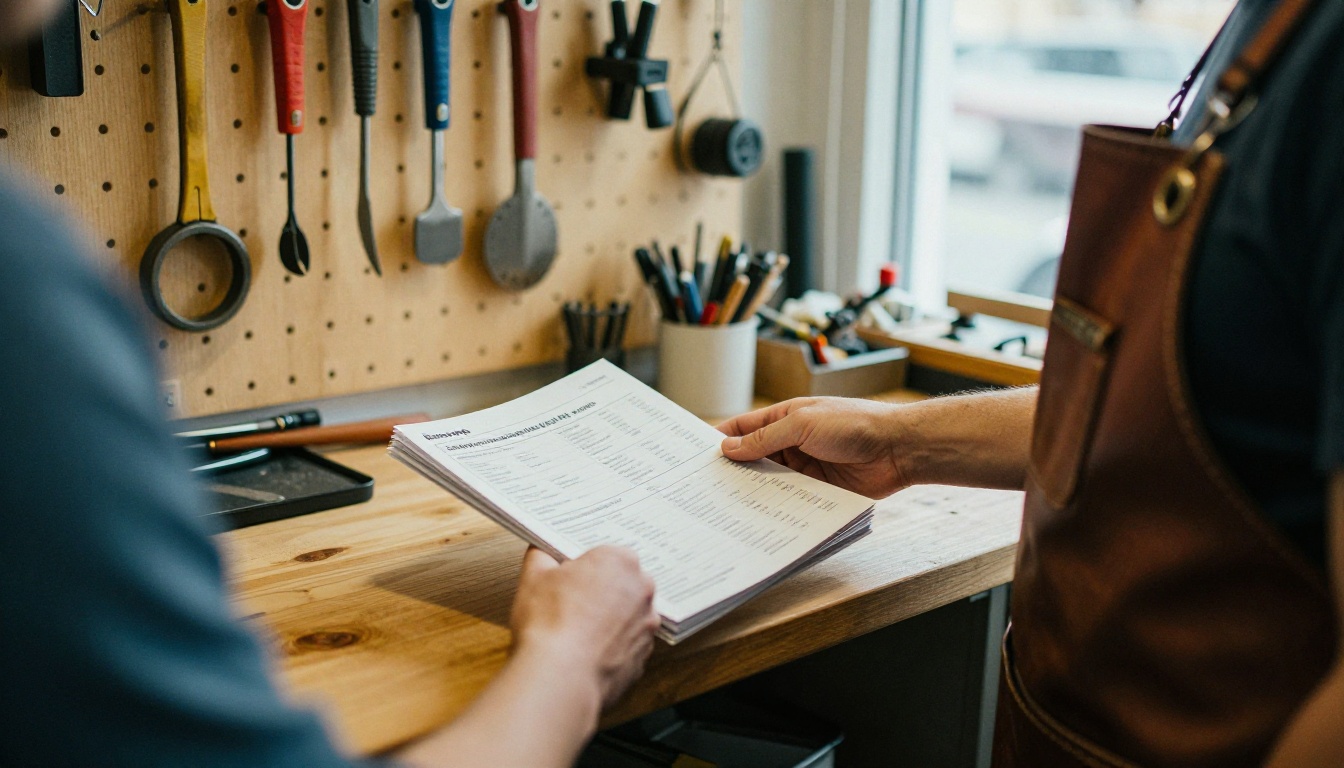
A small workshop, for example, can print a short quick start booklet for each sale and link the full manual digitally. The paper copy handles the first five minutes, and the digital copy handles everything else.
Best Choice for Handouts
Handouts are the shortest of the three formats, often four to eight pages, and the goal is quick reading. Teachers, trainers and community groups use them constantly.

Three Handout Rules
- One idea per page. Crowded pages go unread.
- Large type. Aim for body text that stays readable at arm's length.
- A clear next step on the final page, such as a date, a link or a task.
Canva is the most comfortable pick here because layouts are quick and photos drop in easily. When a class or workshop wants the handout stored somewhere permanent, a link is easier to maintain than a folder of PDFs. The Course Material Publisher is built for that.
Print Setup That Saves Money
Even the best free tool cannot fix a poor print setup. Check these before you send anything to a printer.
| Setting | Recommended | Mistake to avoid |
|---|
| Page count | Multiple of 4 | Blank filler pages |
| Margins | At least 0.5 inch | Text near the fold |
| Images | Sharp, high resolution | Stretched small photos |
| Binding | Saddle stitch for up to about 40 pages | Staples on thick booklets |
| Proof | One test print | Printing 200 copies first |
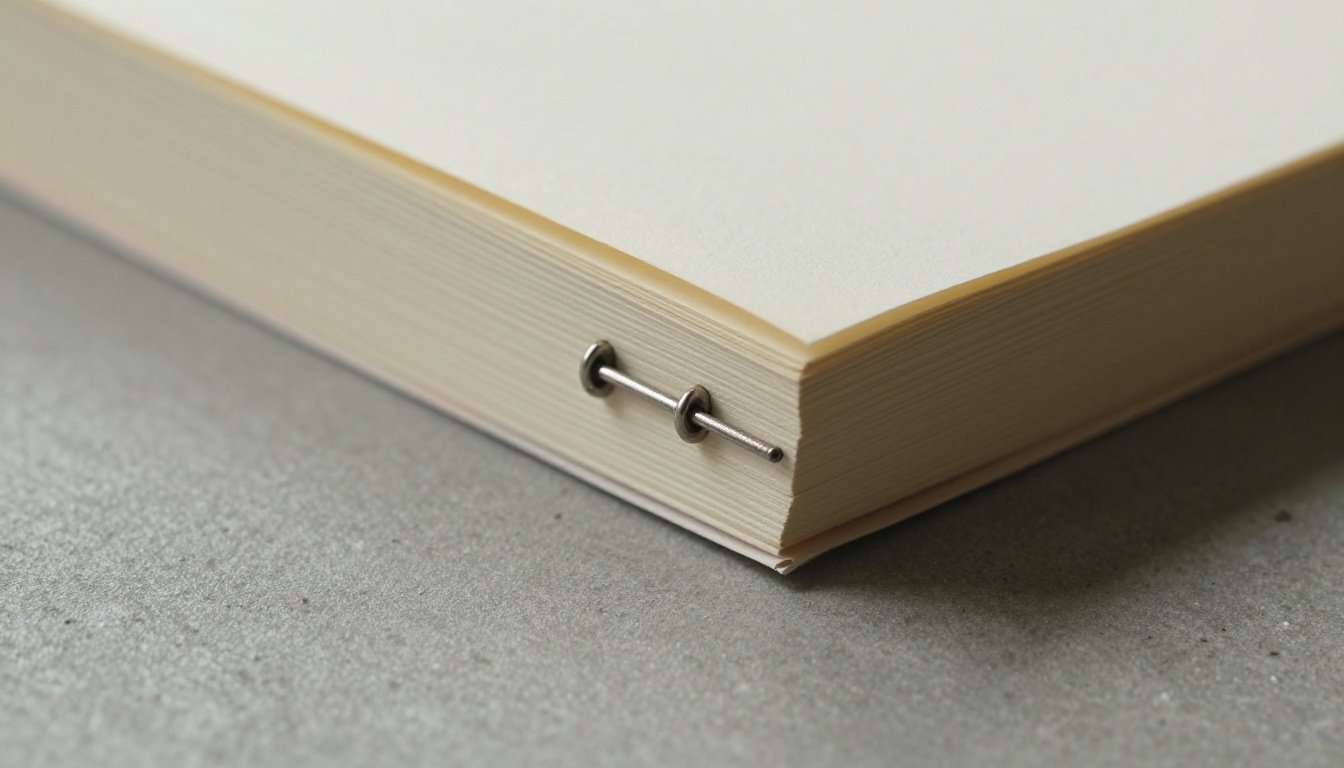
💡 Pro tip: Print one copy, fold it, and flip through it before ordering the full run. Page order mistakes show up immediately in your hands.
How to Make a Digital Booklet with Flipbooks AI
A PDF is easy to create but awkward to read on a phone. Turning it into a flipbook solves that. Here is the process:
- Open the platform. Go to Flipbooks AI or create an account.
- Upload your PDF. Drop in the booklet you exported from Canva, Docs or Writer. The PDF to Flipbook Converter turns the pages into a flipbook.
- Customize the look. Add your colors, logo and page turning effect. You can also embed video or audio where it helps, such as a welcome message in a program.
- Share it. Copy the direct link, or use the embed code to place the booklet on your website. Add password protection for internal manuals.
- Track results. On the Professional plan, analytics and lead generation show who opened the booklet. Details are on the pricing page.
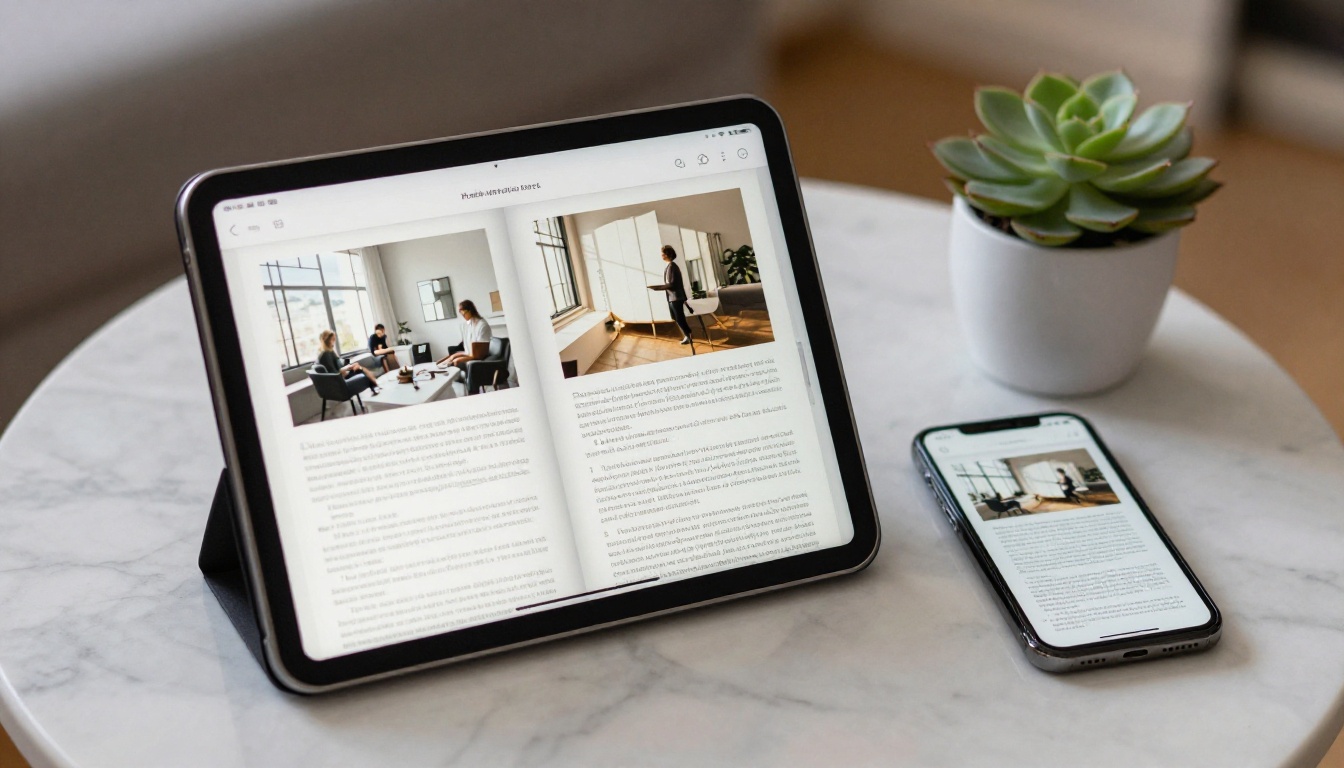
Offline downloads are also available, which helps when attendees have weak signal inside a large venue. Unlimited flipbooks arrive with the Standard plan and above, so a team that publishes a new program every month will want to check which tier fits.
✅ Best practice: Keep the same link for every edition of a recurring manual. Replace the PDF and readers always land on the current version.
Common Mistakes to Avoid
- Designing before choosing page size. Everything moves when you resize.
- Skipping the proof. One wrong fold ruins a whole print run.
- Too much text. Handouts with dense paragraphs get ignored.
- Low resolution logos. Sponsors notice blurry branding.
- No digital copy. Paper alone leaves out people who prefer screens.
Use this short decision list:
| If you need | Choose |
|---|
| A fast, good looking program | Canva |
| A manual several people edit | Google Docs |
| A long, structured manual | LibreOffice Writer |
| Precise print control | Scribus |
| A shareable, page turning copy | Flipbooks AI |
Most teams end up combining two: one tool to write the booklet and a flipbook platform to distribute it.
Ready to Publish Your Booklet
Pick the writing tool that matches your skills, export a clean PDF, and give readers a version they can open anywhere. When your booklet is ready, get started for free on Flipbooks AI, browse all flipbook tools, or compare pricing plans to find the one that fits your next program, manual or handout.



