You spend an hour polishing a brochure, hit download, and find a big logo stamped across the bottom of every page. It is the most common frustration with free design software, and it is why so many small teams end up paying for a tool they only needed once. This ranking sorts out which free brochure makers really export clean files, which ones hide the watermark behind a paywall, and where a platform like Flipbooks AI fits when you want a digital brochure that readers can flip through on any screen.
⚠️ Free plans change often. Treat every limit in this article as a snapshot and check the tool's current terms before you commit a big project to it.
What "No Watermark" Really Means
A watermark is not always a diagonal stamp. Some tools place a small badge in the corner, some add a "Made with" footer page, and some only remove branding on paid exports. Before you rank a tool, check four places.
- The preview. Many editors look clean on screen and add branding only on export.
- The download. PDF, PNG and print-ready files can follow different rules.
- The shared link. A hosted brochure may carry a badge even when the PDF does not.
- The template. Some premium template elements show a watermark until you pay, even on a free plan.
Three Types of Free Plans
Not every free plan is built the same way, and knowing the type saves you time.
- Truly free tools. The core editor and export are free, and the company earns money elsewhere.
- Free tier with limits. Clean export, but capped storage, pages or number of projects.
- Trial in disguise. Looks free, then adds a watermark or locks downloads until you upgrade.
Why Free Brochure Makers Add Branding
It is a business model, not malice. A watermark is free advertising for the tool and a nudge toward the paid plan. Once you see it that way, you can plan around it: pick tools where the limit is on features, not on the quality of the file you hand to a customer.
Each tool was judged on the things that matter when you need a brochure by Friday.
| Criterion | What we checked | Why it matters |
|---|
| Clean export | PDF and image without stamps | The whole point of this list |
| Template quality | Layouts that look modern, not dated | Saves design time |
| Editing control | Fonts, colors, spacing, image replace | Keeps the brand consistent |
| Output formats | Print PDF, web link, embed | Different channels need different files |
| Free plan limits | Storage, pages, projects | Avoids surprises mid-project |
| Ease of use | Time to first finished draft | Small teams have no spare hours |
💡 Test with a throwaway design first. Export it, open the file on a phone and on a laptop, and zoom into every corner before you build the real brochure.
The Best Free Brochure Makers
The list below mixes classic design editors, document tools and a digital publishing platform. The right pick depends on whether your brochure ends up printed, emailed or shared as a link.
1. Flipbooks AI for Digital Brochures
If your brochure is read on screens, a flipping page experience beats a flat PDF attachment. Flipbooks AI converts a PDF into an interactive flipbook with no watermarks, ever. You design the layout in any editor you like, upload the file, and publish a link or an embed code. The Brochure Flipbook Maker and the Online Brochure Designer pages show how this works for different industries.
- No watermark on the finished flipbook
- Mobile-responsive pages that look right on a phone
- Custom branding, colors and page effects
- Password protection for private brochures
- Embed videos and audio in the pages
- Analytics and lead capture on the Professional plan, see pricing
2. Canva for Template Variety
Canva is the usual first stop because of its huge template library. You can build a brochure from scratch or start from a layout, and download a PDF or image. The catch is that some premium stock elements carry a watermark in the preview until they are replaced or paid for. Stick to free elements and your export stays clean. It is a strong choice for the design step, and you can then upload the PDF to a flipbook tool to share it.
3. Adobe Express for Brand Consistency
Adobe Express offers a free tier with brochure templates and straightforward exports. Its strength is clean typography and quick resizing. As with other editors, premium assets may be marked until licensed, so check any element with a crown or lock icon.
4. Google Docs and Slides for Zero Cost
This is the least glamorous option and the most dependable on watermarks, because there are none. Google Docs gives you a three-column layout in minutes, and Slides lets you set a custom page size. You will not get designer templates, but you will get a clean PDF every time.
5. Microsoft Word Templates for Print Jobs
Word still ships with brochure templates, and a PDF export is clean. It works well for a plain trifold you plan to print at the office or at a local shop. Spacing and image handling take patience, but the file is yours with no branding attached.
6. Visme and Venngage for Infographic Style
Both tools lean toward charts and visual storytelling, which suits a brochure heavy on data. Free tiers tend to be tighter on downloads, and a clean PDF or PNG export may sit behind a paid plan. They are worth testing, but confirm the export rules before you design a full brochure there.
Side by Side Comparison
This table summarizes what to expect. Limits are approximate and can change, so use it as a starting point for your own tests.
| Tool | Best for | Clean free export | Interactive web version | Main catch |
|---|
| Flipbooks AI | Digital, flippable brochures | Yes, no watermarks | Yes | Needs a finished PDF first |
| Canva | Template variety | Yes, with free elements | Limited | Premium assets are marked |
| Adobe Express | Quick branded layouts | Yes, with free assets | Limited | Premium assets are marked |
| Google Docs and Slides | Plain, fast brochures | Yes | No | Few design templates |
| Microsoft Word | Office printing | Yes | No | Fiddly layout control |
| Visme and Venngage | Data-rich brochures | Check the plan | Some | Downloads may be gated |
Which One Fits Your Situation
- Printing a few copies: Word or Google Docs, then a local print shop.
- Sending to customers by link: design in Canva or Adobe Express, publish with Flipbooks AI.
- Tight budget and no design skills: start with a free template and keep the layout simple.
- Lots of data and charts: try an infographic tool, but test the export first.
Real Examples for Small Businesses
Seeing the workflow in action makes the choice easier. These scenarios show how different teams use free tools without paying for a watermark removal.
A Cafe Menu and Offers Brochure
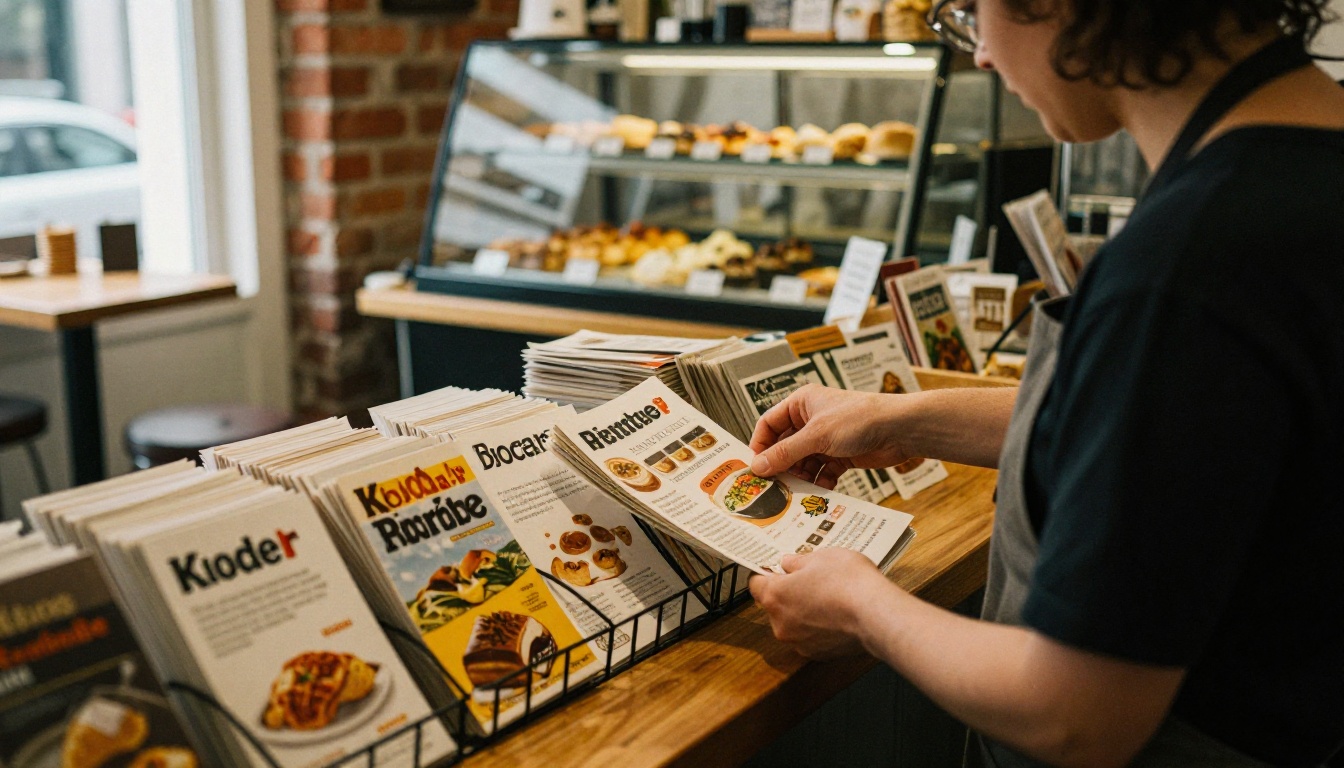
A cafe owner designs a one-page trifold in Canva using only free fonts and photos, exports a PDF and prints thirty copies. The same PDF goes into a flipbook so customers scan a QR code and flip through the seasonal offers. The Restaurant Menu Creator is a natural fit for this case.
A Real Estate Property Brochure
A real estate agent builds a brochure per listing. Printed copies go to open houses, while a flipbook link goes into email follow-ups. The Real Estate Brochure Creator shows how a digital version keeps photos large and readable on mobile.

A Freelancer Portfolio Leaflet
A freelance photographer needs a short brochure for pitching clients. A Google Slides layout with a custom page size produces a clean PDF, and a flipbook turns it into a polished link that can sit inside a proposal. See the Photography Portfolio tool for ideas.

How to Create a Brochure Flipbook
Here is the full process for turning any clean PDF into a shareable brochure on Flipbooks AI.
- Design the brochure. Use any tool from the list above and export a PDF with no watermark. Keep pages in the same size and orientation.
- Create an account. Sign up on Flipbooks AI to open your dashboard.
- Upload the PDF. Drag the file in. The platform converts each page into a flippable spread within moments.
- Customize the look. Set your brand colors, background, logo and page-turn effect. Add video or audio on pages where it helps.
- Choose sharing options. Copy a direct link, grab an embed code for your site (see embed a flipbook on your website), or add password protection for private brochures.
- Turn on pro features. The Professional plan adds analytics, lead generation and offline downloads. Check pricing plans to see what fits.
✅ Best practice: export your PDF at the final trim size, with images at a resolution that stays sharp when readers zoom in on a phone.

Print and Digital Together
You do not have to choose. Print a small batch for events and counters, and publish the flipbook for everyone else. A short URL or QR code on the printed copy links straight to the digital version, which also lets you update the brochure later without reprinting every page.
Mistakes That Cost You Time
Even with a clean export, small errors can sink a brochure. Watch for these.
- Using premium assets by accident. Icons with a lock or crown usually trigger a watermark.
- Wrong page size. A custom size set after layout can shift every element.
- Low-resolution images. A photo that looks fine on a laptop can look soft in print.
- Tiny fonts. Body text under 9 pt is hard to read on a printed trifold and worse on a phone.
- Skipping the export test. Always open the final file before you share or print.
Checklist Before You Publish
| Check | Question to ask | Done |
|---|
| Watermark | Is every page clean at full zoom? | ☐ |
| Fonts | Are they embedded and readable? | ☐ |
| Links | Do the buttons and URLs work? | ☐ |
| Images | Are they sharp and licensed? | ☐ |
| Mobile | Does it read well on a phone? | ☐ |
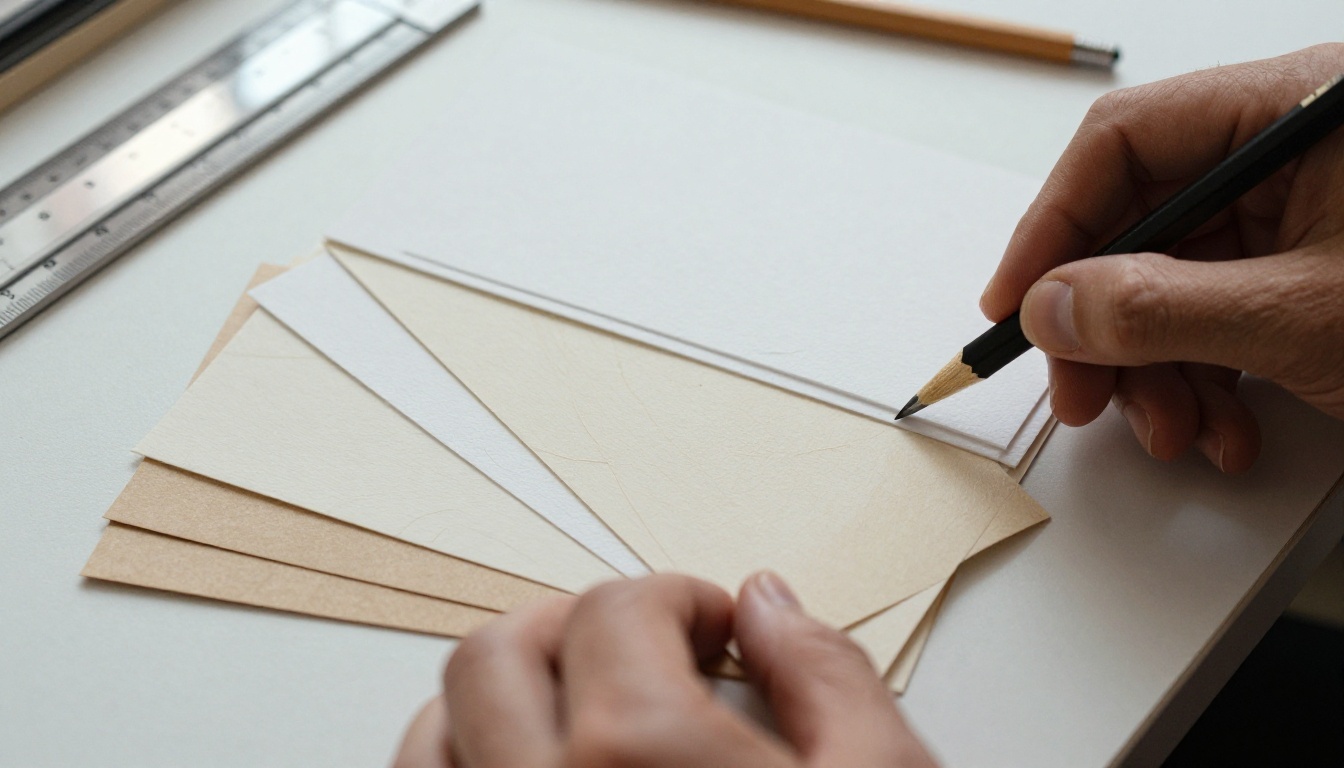
Choosing Paper for Printed Copies
If you do print, paper changes how the brochure feels. A matte stock around 150 to 170 gsm suits most trifolds, while a lighter sheet works for flyers. A local shop can show samples, and many offer small runs so you can test before ordering a stack.
Final Pick and Next Steps
If you only need a printed leaflet, Google Docs or Word will give you a clean file for nothing. If you want template variety, Canva and Adobe Express work well as long as you avoid premium assets. And if you want your brochure to look professional online, with no watermark, a flippable layout, branding control and sharing options, a flipbook is the cleanest way to deliver it.

Ready to publish yours? Get started for free on Flipbooks AI, browse all tools and templates to find your use case, or compare pricing plans to see which tier matches your needs.



