A teacher at 9 p.m. with a stack of worksheets and a Monday deadline does not need a publishing degree. They need a tool that turns a document into a clean, shareable ebook without a bill. The same goes for a student building a class project. This ranking looks at the best free ebook creators for teachers and students, what each one does well, and where the free plan runs out. If your starting point is a PDF, Flipbooks AI is the fastest route to a page-turning result, and you will see exactly why below.
What Teachers and Students Really Need
Classroom ebooks are not novels. They are lesson packs, reading anthologies, science journals, portfolios, yearbooks and class newsletters. That changes what "good" means.
Before comparing tools, here is the checklist used for this ranking:
- Price: a genuinely usable free tier, not a 7 day trial in disguise.
- Speed: can a busy teacher publish in under 30 minutes?
- Sharing: one link or embed that works on a school LMS, phone or Chromebook.
- Student safety: password protection and no ads inside the book.
- Media: support for images, audio and video for lessons.
- Export: PDF, EPUB or web link, depending on the audience.

💡 Pro tip: decide the output format first. A link that opens on any device beats a file students must download and install.
Quick Ranking at a Glance
| Rank | Tool | Best For | Free Plan Highlights | Main Limit |
|---|
| 1 | Flipbooks AI | PDF to page-turning ebook | Fast conversion, clean sharing links | Some features sit on paid plans |
| 2 | Book Creator | Younger students | Simple drag and drop pages | Limited number of free books |
| 3 | Canva | Designed layouts | Huge template library | Export options vary by plan |
| 4 | Google Docs | Quick text ebooks | Fully free, real time collaboration | Plain reading experience |
| 5 | Pressbooks | Textbooks | Structured chapters, open education focus | Heavier setup |
| 6 | Calibre and Sigil | EPUB editing | Free desktop software | Steeper curve |
Prices and limits change often, so check each site before you commit a whole semester to a tool.
1. Flipbooks AI: Best Overall
Most teachers already have the content. It lives in a PDF exported from Word, Google Docs or PowerPoint. Flipbooks AI takes that file and turns it into a realistic flipbook with page turns, a shareable link and an embed code. No design skills, no templates to wrestle with.
Why it ranks first
- Zero reformatting: upload the PDF and the layout you built stays intact.
- No watermarks, ever: student work looks like student work, not an advert.
- Password protection: keep a class reader private to enrolled students.
- Mobile friendly: books reflow nicely on phones, tablets and school laptops.
- Embeds: drop the flipbook straight into a class website or LMS page.
- Audio and video: add narration or a short clip to a page.
Where it fits best
You can check current plan details on the pricing page to see what the free option includes today.
How to Create an Ebook with Flipbooks AI
This is the exact workflow for turning a worksheet pack or student project into a flipbook.
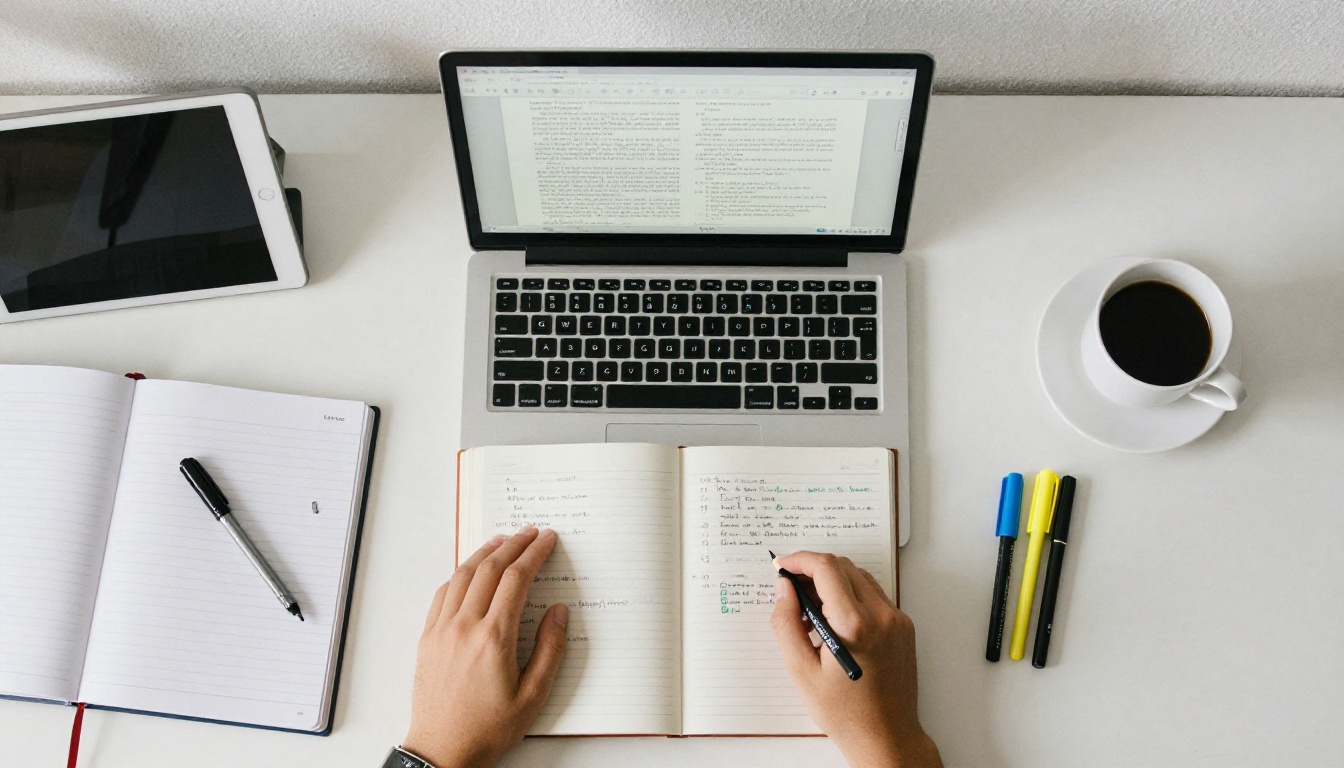
- Open the platform. Go to Flipbooks AI and create an account. Sign up with a school or personal email.
- Prepare your PDF. Export your Google Doc or Word file as PDF. Keep images at a reasonable size so pages load quickly on older devices.
- Upload and convert. Drag the file in. The PDF to Flipbook Converter builds the page-turning version in moments.
- Customize. Pick a background color that matches your school, add a logo, and choose the page effect. Add audio or video to pages where it helps, such as a pronunciation clip on a language worksheet.
- Share. Copy the direct link, or use the embed option to place the book on a class page. Turn on a password if the content is for enrolled students only.
- Review analytics. On the Professional plan, analytics show how many people opened the book, which helps when you want proof that families viewed a newsletter. Offline downloads are available for classrooms with weak internet.
✅ Best practice: open your finished flipbook on a phone before sharing. If it reads well there, it will read well everywhere.
2. Book Creator: Best for Younger Students
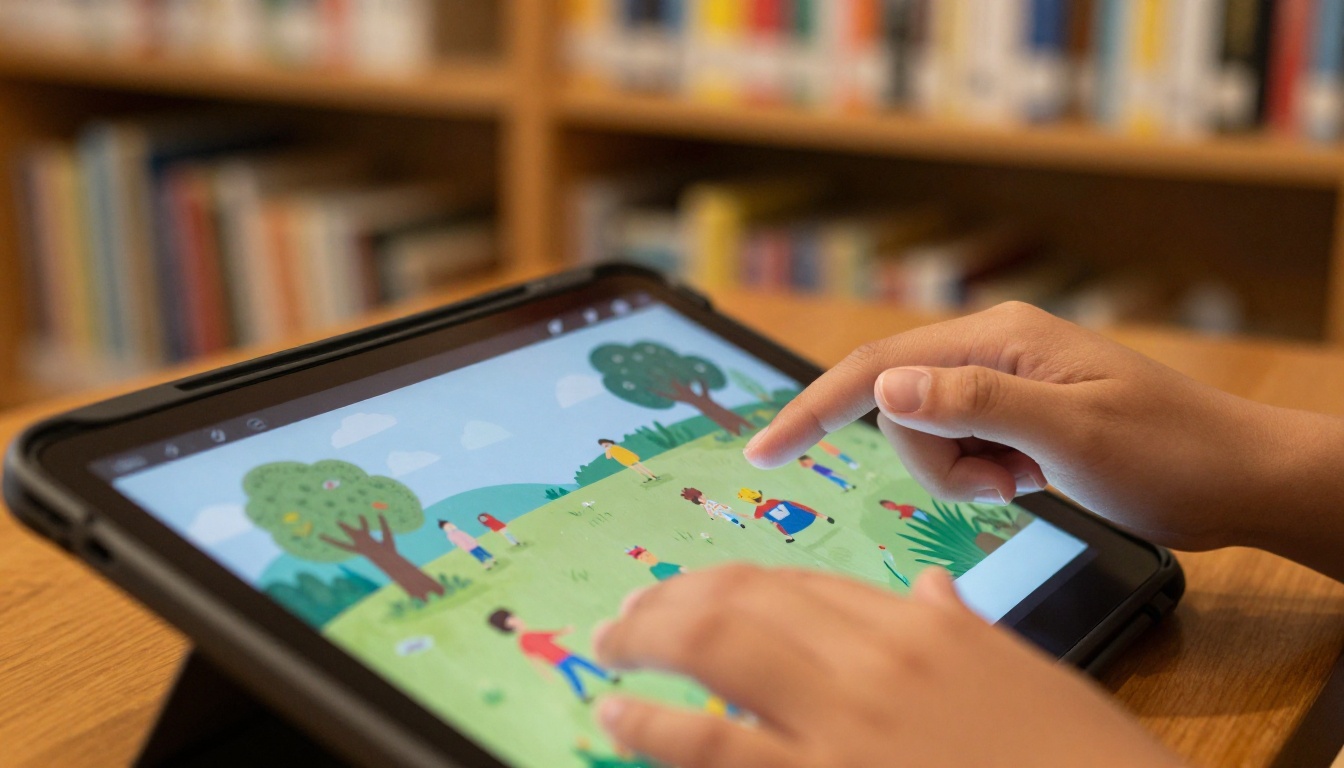
Book Creator is built around a simple idea: kids make a page, add a picture, record their voice, and move on. Primary school teachers like it because the interface is friendly and there is almost nothing to configure.
Strengths
- Very easy drag and drop pages
- Voice recording and drawing tools
- Great for story writing and show-and-tell projects
Weaknesses
- The free plan limits how many books you can create
- Less suited to long, text-heavy documents
- Sharing beyond the class often requires a paid upgrade
⚠️ Watch out: if you plan a year-long project, count your books first. Hitting the free limit in March is a bad surprise.
3. Canva: Best for Designed Layouts
Canva shines when presentation matters. Teachers building an eye-catching class magazine or a science fair booklet can start from a template and replace the text.
| Feature | Canva Free |
|---|
| Templates | Large selection, some locked |
| Collaboration | Share and edit together |
| Export to PDF | Yes |
| Page-turning view | Needs a separate tool |
| Education access | Often free for verified teachers |
Canva makes pages, not true ebooks. A smart workflow is to design in Canva, export a PDF, then convert it with Flipbooks AI so readers get a real page-turning experience and a single link.
4. Google Docs: Best for Zero Setup
Every school with Google Workspace already has this. Write the content, add headings, insert images, and download as PDF or EPUB.
Where Google Docs wins
- Real time group editing, ideal for student teams
- Version history to see who wrote what
- Nothing new to install or approve with the IT office
Where it falls short
- No page-turning effect
- Limited design control
- The reading experience feels like a document, not a book
Pair it with a converter and the weaknesses mostly disappear. Write in Docs, publish as a flipbook.
5. Pressbooks: Best for Textbooks
Pressbooks is popular in higher education and open textbook projects. It organizes content into chapters, front matter and back matter, and exports to several formats.
- Great for: a full course textbook or a department open resource.
- Not great for: a quick weekend handout.
It asks more of you up front. If you are writing a 200 page text with citations and chapters, that structure pays off. For anything shorter, it can feel like using a truck to carry groceries.
6. Calibre and Sigil: Best for EPUB Control
These are free desktop programs. Calibre manages and converts ebook libraries, while Sigil edits EPUB files directly.
| Task | Calibre | Sigil |
|---|
| Convert formats | Excellent | Limited |
| Edit EPUB code | Basic | Strong |
| Manage a library | Excellent | No |
| Ease for beginners | Moderate | Harder |
A computer science teacher might enjoy teaching EPUB structure with Sigil. Everyone else will probably prefer a web-based tool.

Picking by task saves hours. Use this table as a shortcut.
| Your Goal | Best Choice | Why |
|---|
| Share a worksheet pack as one link | Flipbooks AI | Upload PDF, get link |
| Kindergarten story project | Book Creator | Voice and drawing built in |
| Magazine style class project | Canva plus Flipbooks AI | Design then publish |
| Group essay anthology | Google Docs plus Flipbooks AI | Collaborate then convert |
| Full open textbook | Pressbooks | Chapter structure |
| Custom EPUB for e-readers | Calibre or Sigil | Format control |
Real Classroom Examples
A middle school science teacher
She keeps lab instructions in one Google Doc, exports to PDF every term, and publishes it as a password protected flipbook. Students open the same link on any device, and she updates the file without reprinting 120 pages.
A high school English class
Each student writes a short story. The teacher merges the files into one PDF and converts it with the Interactive E-Book Publisher. Families receive a single link instead of 30 attachments.
A university study group
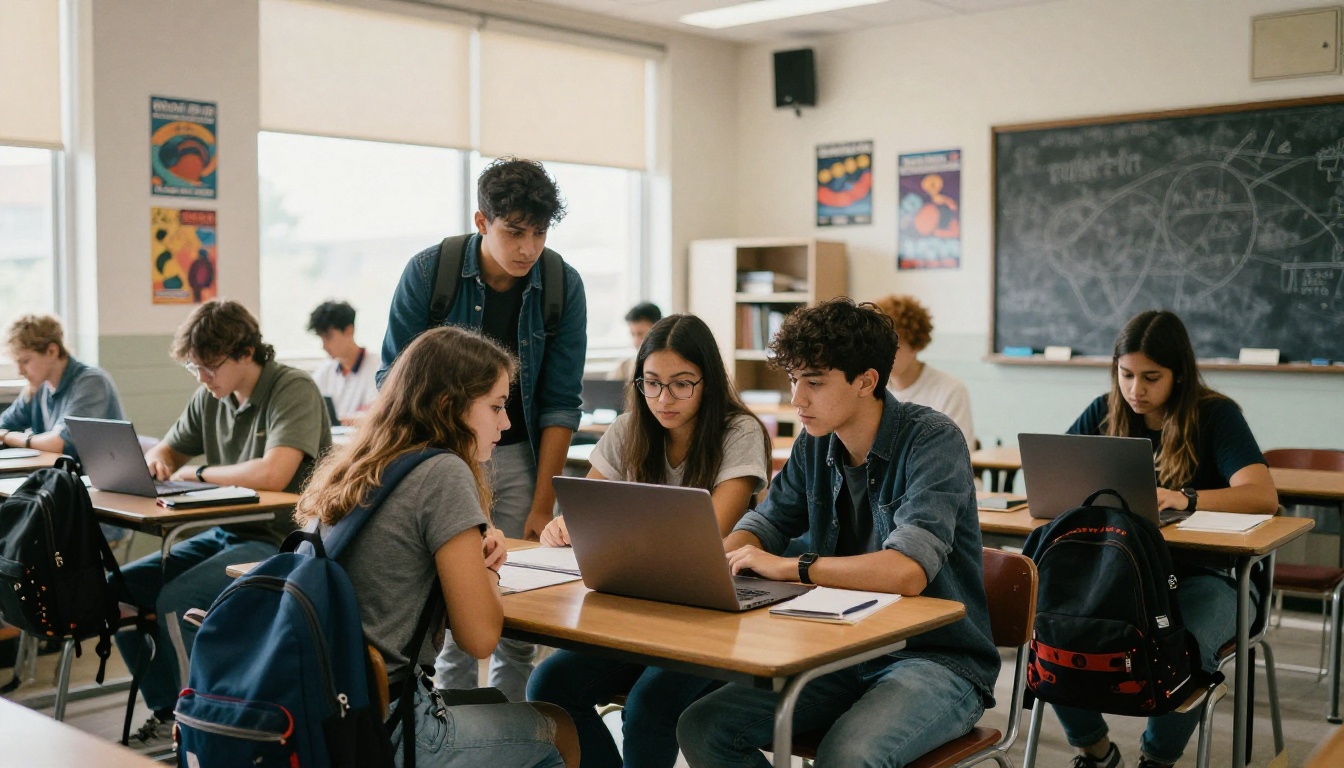
Four students combine notes into a shared revision book. They design the cover in Canva, finalize the text in Google Docs, and publish on Flipbooks AI so everyone can read it on the train.
Mistakes That Waste Time
Most frustration comes from a few repeat errors.
- Starting in the wrong tool. Writing a long text inside a design app makes edits painful.
- Giant image files. A 40 MB PDF loads slowly on a school Wi-Fi network.
- Skipping a mobile test. Many students read on phones.
- No privacy settings. Student names and photos deserve a password.
- Forgetting accessibility. Use readable fonts, strong contrast and alt text where the tool allows it.
⚠️ Privacy note: check your school or district policy before publishing photos of students. A password protected link is a good default.
Free Does Not Mean Limitless
Free plans exist to let you try a tool, so each one has a ceiling. Common limits include:
- A cap on the number of books or pages
- Locked premium templates
- Restricted export formats
- Branding added to shared pages
Watch for the last one. A watermark on student work can feel cheap, which is why a watermark-free option matters in a classroom. If you outgrow the free tier, compare plans on the pricing page and pick the smallest one that removes your blocker.
Tips for Students Building Ebooks
Students have different needs from teachers. They want speed, a good grade and a result they can show off.
- Outline first. Five headings and a rough page count beat a blank screen.
- Use one font family. Two fonts at most keeps the book tidy.
- Pick images with intent. One strong photo per spread is better than six small ones.
- Proofread aloud. Reading out loud catches typos fast.
- Publish a portfolio. A flipbook of your best work makes a handy link for applications. The Digital Portfolio Creator is made for exactly this.

Tips for Teachers Running a Class Library
A shared digital shelf saves printing costs and keeps materials current.
- Create one flipbook per unit rather than one giant file.
- Name files consistently, such as "Grade7_Science_Unit3".
- Keep a single index page that links to every book.
- Update the source PDF and re-upload when content changes.
- Collect quick feedback from students after the first week.
| Habit | Time Saved | Benefit |
|---|
| One book per unit | Hours per term | Easier updates |
| Consistent naming | Minutes per week | Fast searching |
| Index page | Minutes per class | Fewer "where is it?" emails |
| Password on sensitive books | One time setup | Peace of mind |
Ready to Publish Your First Ebook?
The best free ebook creator is the one that gets your content in front of readers with the least friction. For most classrooms that means writing wherever you are comfortable, exporting a PDF, and publishing it as a flipbook.