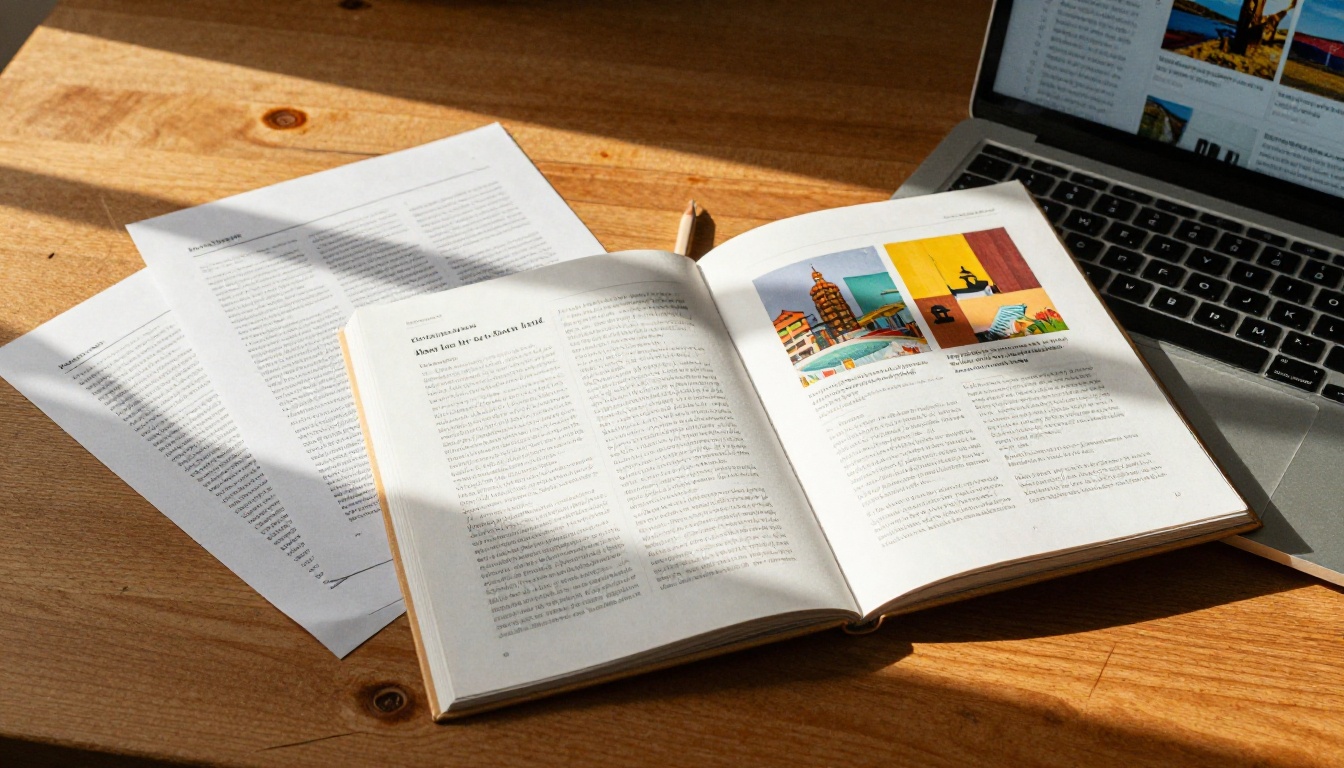
Bloggers have a problem most won't admit out loud: readers skim, bounce, and forget. The average blog post holds attention for less than 52 seconds. Interactive flipbooks change that equation completely, turning static content into immersive, page-turning digital publications that readers actually spend time with. Flipbooks AI is one of the most capable free flipbook makers available right now, built specifically for content creators who want results without a steep learning curve or a hefty price tag.
Why Your Blog Needs Interactive Content Now
The content landscape has shifted. A wall of text used to be enough. Now, readers arrive with shorter attention spans and higher expectations, comparing your blog against polished magazine sites, video channels, and interactive brand experiences. Keeping up doesn't require a developer budget or a design degree.
Static Posts Are Losing Readers
Look at your analytics. Pages with high bounce rates and low time-on-page share one thing in common: they're flat. No interactivity, no visual rewards for scrolling. Static blog posts, no matter how well written, compete against social media feeds and video platforms. You're fighting for attention with words alone.
Flipbooks introduce a tactile, visual layer. The page-turn animation is a small thing, but it changes behavior. Readers treat flipbook content more like a magazine than a blog post. They slow down. They page through. They share.
The Numbers Behind Interactive Publishing
Interactive content generates two times more conversions than passive content, according to multiple content marketing studies. For bloggers, that translates directly to:
- Higher average session duration
- More email opt-ins when you gate flipbook content behind a form
- Better social sharing rates because people share interesting formats
- Increased perceived authority within your niche
💡 A free flipbook creator online lets you test this with zero risk. Publish one interactive post and compare your metrics to static equivalents over 30 days.
Not every free flipbook maker is worth your time. Some slap watermarks across your work. Others crash on mobile. Here's the feature checklist that separates genuinely useful tools from marketing traps.
No Watermarks, Period
This is the first filter. A watermark destroys your brand credibility instantly. If a tool puts its logo across your carefully designed content, it's essentially free advertising for them at your expense. Flipbooks AI operates with a strict no-watermark policy across all plans, including free access. Your content looks like yours.

Embed Options Are Non-Negotiable
What good is a flipbook that lives exclusively on someone else's platform? You need embed codes that drop directly into WordPress, Webflow, Ghost, or any CMS you use. The best free flipbook builders provide an <iframe> or JavaScript snippet you paste in seconds, making the flipbook feel native to your blog.
Mobile Rendering First
Over 60% of blog traffic is mobile. A flipbook that looks gorgeous on desktop and breaks on iPhone is useless. HTML5 flipbook makers worth using render perfectly across devices, with touch-swipe navigation that feels native to the operating system.
PDF Import Without Friction
The fastest workflow: design in Canva, Figma, or Google Slides, export as PDF, and convert to flipbook in under a minute. Tools that require proprietary file formats or complex reformatting add time with no benefit.
Top Free Flipbook Makers Compared
Here's an honest side-by-side comparison of the main options bloggers will encounter:
| Tool | Watermarks | Embed on Blog | Mobile-Ready | Free Flipbooks | PDF Import |
|---|
| Flipbooks AI | None | Yes | Yes | Unlimited (Standard+) | Yes |
| Issuu | Yes (free tier) | Limited | Yes | 1 | Yes |
| FlipHTML5 | Yes (free tier) | Yes | Yes | 5 | Yes |
| Yumpu | Yes (free tier) | Yes | Yes | Unlimited | Yes |
| Calameo | Yes (free tier) | Yes | Yes | 1 | Yes |
⚠️ Most free-tier competitors lock you to 1-5 flipbooks total. If you run a content-heavy blog, that cap kills your publishing workflow within weeks.
The no-watermark advantage alone puts Flipbooks AI in a different category. When readers see a polished flipbook with no external branding, they associate the quality with your blog, not a third-party platform.
Pricing Tier Breakdown
| Feature | Free Trial | Standard | Professional |
|---|
| Flipbooks | Limited | Unlimited | Unlimited |
| Watermarks | None | None | None |
| Password Protection | No | Yes | Yes |
| Custom Branding | No | Yes | Yes |
| Embed on Website | Yes | Yes | Yes |
| Analytics | No | No | Yes |
| Lead Generation | No | No | Yes |
| Offline Downloads | No | No | Yes |
| Video and Audio | No | Yes | Yes |
💡 Start free, test your workflow with real content, then upgrade only when you're ready to add analytics or lead capture to your publications.
How to Build a Blog Flipbook with Flipbooks AI
This is where theory becomes practice. The entire process from PDF to published flipbook takes under five minutes, even on your first attempt.
Step 1: Create Your Account
Head to Flipbooks AI and sign up. No credit card required for the free tier. Once inside, you'll see a clean dashboard with a prominent button to start your first flipbook.

Step 2: Upload Your PDF
Click "Create Flipbook" and drag your PDF into the upload zone. The PDF to Flipbook Converter processes your file and generates the page-turn version in seconds. Most PDFs under 50MB convert in under 30 seconds.
Your PDF can be anything: an e-book chapter, a recipe collection, a travel itinerary, a media kit, or a styled newsletter. If it's designed visually and exported as PDF, it works.
Step 3: Customize for Your Brand
Once converted, the editor lets you control:
- Background color and texture behind the flipbook
- Page flip animation style and speed
- Thumbnail image for sharing previews
- Table of contents auto-generation
- Logo placement for branded publications
This is where your blog's identity shows through. Match your colors and tone so the flipbook feels like a natural extension of your site, not a third-party tool.
Step 4: Generate Your Embed Code
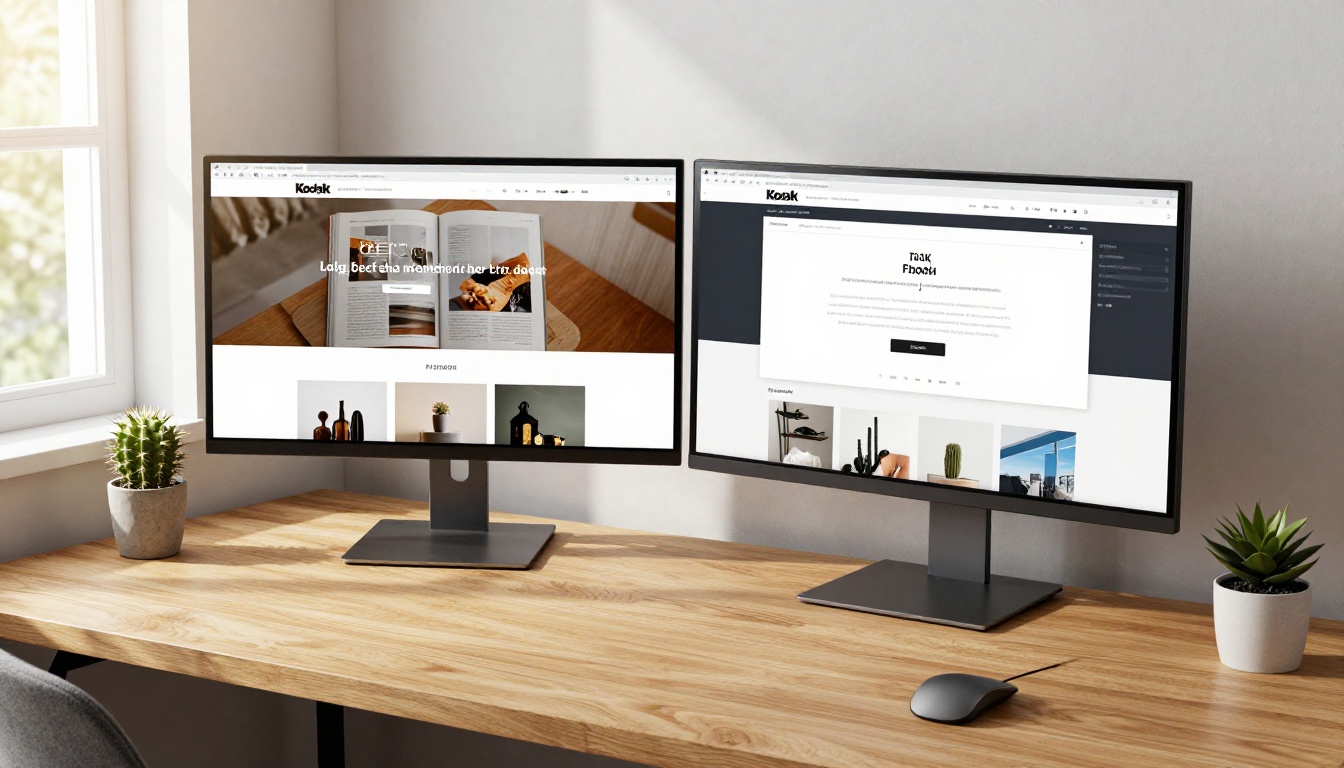
When ready, hit "Share" and select "Embed on Website." The platform generates an <iframe> snippet you paste directly into your post HTML. The Embed Flipbook on Website tool also gives options for:
- Responsive sizing that adapts to any screen width
- Autoplay page flip on load
- Starting page selection for deep-link sharing
Step 5: Publish and Watch the Data
Drop the embed code into your blog post, preview on mobile, and publish. For Professional plan users, the analytics dashboard shows page-level interaction data, how far readers get through your flipbook, and which pages hold attention longest.
Real Use Cases That Work
Knowing what to build as a flipbook matters as much as the how. These formats consistently outperform static alternatives for blog audiences.
E-books and Lead Magnets
This is the highest-ROI use case for bloggers. Take your best-performing content, repurpose it into a 10-20 page visual PDF in Canva, convert it to flipbook, and gate it behind an email opt-in. Readers get an experience that feels premium. You get subscribers who already trust your content quality.
The Interactive E-Book Publisher and E-Book Flipbook Generator are purpose-built for this exact workflow.
Recipe Books for Food Bloggers
A recipe PDF becomes significantly more engaging as a flipbook. Readers page through recipes like a real cookbook, full-bleed food photography filling each spread. Share links perform well on Pinterest and Instagram Stories, sending traffic directly back to your blog.
Use the Recipe Book Flipbook tool to format recipe content specifically for page-flip presentation.

Travel Content That Converts
Travel bloggers sitting on years of destination content can repurpose it into embeddable, shareable digital publications. A "3 Days in Lisbon" post becomes a 15-page interactive spread with maps, photos, and recommendations organized by day. Readers spend far more time with that format than a plain scrollable post.
The Travel Guide Flipbook tool handles layout specifics for destination content automatically.

Portfolios and Visual Lookbooks
Bloggers in fashion, photography, and design can build stunning visual portfolios that page through like a high-end magazine. This format beats any standard gallery plugin when showcasing work to potential brand partners or clients. The Digital Portfolio Creator and Interactive Lookbook Designer handle visual-heavy formats specifically.
Monthly Newsletter Archives
A monthly "best of" roundup becomes genuinely shareable content when formatted as a flipbook. Readers page through curated picks rather than scrolling a plain email archive. The Newsletter Flipbook Publisher makes this format fast to produce each month.
Free vs. Paid: The Real Difference
The free tier is genuinely useful for testing the entire workflow. Here's the honest breakdown of what actually changes when you upgrade.
When Free Does the Job
Free access covers the core use case: converting PDFs to embeddable flipbooks with no watermarks, sharing via direct link, and embedding on your blog. For bloggers publishing occasional interactive content, this covers everything needed to get started.
What's Worth Paying For
The Standard plan unlocks:
- Unlimited flipbooks with no cap on your publishing volume
- Custom branding so your logo appears, not platform defaults
- Password protection for member-only or premium content
- Video and audio embedding for full multimedia publications
The Professional plan adds analytics and lead generation, which changes how you use flipbooks strategically. When you can see that readers spend three minutes on page seven of your e-book, you know exactly what content resonates.

💡 Analytics alone can justify the Professional tier. You'll know which flipbooks drive the most email captures, which pages readers skip, and where to focus your content production next.
See the full breakdown on the pricing page to pick what fits your publishing volume.
Mobile Experience Matters More Than You Think
The HTML5 flipbook format matters beyond just compatibility. Flash-based flipbook tools from years past broke on every mobile browser. HTML5 flipbooks built on modern standards work on everything, from iPhone to Android tablet, embedded in blog posts or opened from direct share links.

Flipbooks AI renders with touch-swipe gestures that feel native. Pinch to zoom works on images. The table of contents slides in from the side. Double-tap enters full-screen mode. These micro-interactions make readers feel like they're using a polished app, not a browser workaround.
✅ Before publishing any flipbook, preview it on your own phone. Check touch navigation, image quality, and load speed. Mobile readers are less forgiving than desktop users, and first impressions stick.
Which Tool Fits Your Blog
For bloggers serious about interactive content, the choice comes down to two factors: watermarks and embed quality. Most free tools compromise on at least one of these.
Flipbooks AI is the strongest option for bloggers who want professional-quality output without a professional budget. No watermarks, clean embed codes, mobile-responsive rendering, and a free tier that's actually functional, not just a demo shell.
If you're publishing a recipe collection, try the Recipe Book Flipbook tool. Building an e-book lead magnet? Use the Interactive E-Book Publisher. For visual portfolios, the Digital Portfolio Creator is the right starting point. Browse the full tools directory for every niche-specific option available.
The blogs that build loyal audiences are the ones making content worth staying for. A well-built flipbook does that better than any plugin or widget you can install.
Ready to create your first interactive publication? Get started free and have your first embeddable flipbook live before your next post goes out. When you're ready to add analytics and lead capture, check the pricing options to pick the right tier for where your blog is going.



