Students today operate in a world where how you present your work matters almost as much as the work itself. A research paper handed in as a flat PDF competes against submissions that arrive as polished, interactive digital publications with realistic page-turn effects, embedded visuals, and shareable links that open in any browser. Finding the best free flipbook maker for students is no longer a nice-to-have; it's a practical competitive edge. Flipbooks AI sits at the top of this category for good reason, though the landscape includes several alternatives worth knowing.
This article breaks down exactly what separates a tool worth using from one that wastes your time, compares the top options side by side, and shows you step by step how to create your first flipbook without spending a dollar.
Ease of Use Without a Learning Curve
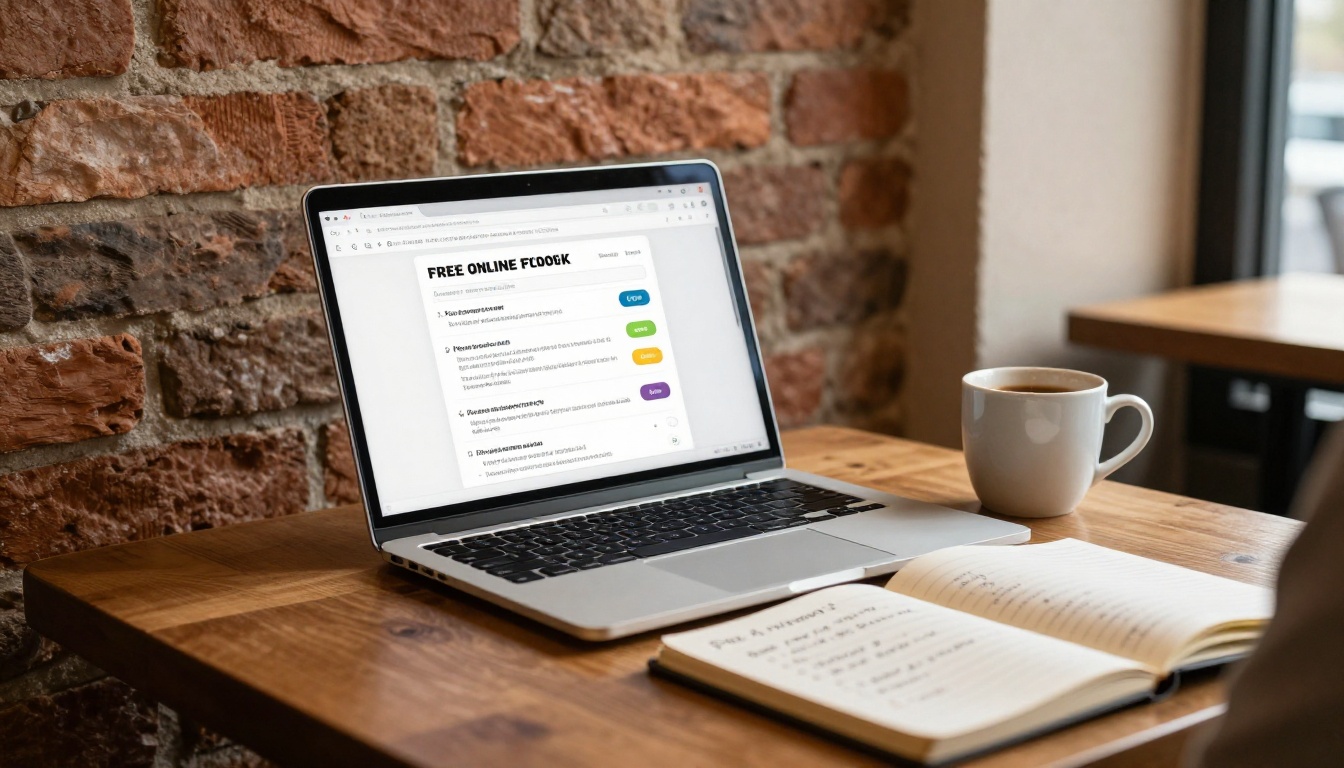
Time is the one resource students never have enough of. A flipbook maker that demands hours of tutorials before producing anything useful is a non-starter, especially during exam season or the week a major project is due. The best tools get you from a finished PDF to a shareable link in under five minutes, with no design experience required.
Most students aren't trying to become professional publishers. They need something functional fast, something that looks polished without spending hours inside a settings menu. A clean drag-and-drop interface, browser-based access with no software to install, and one-click sharing are the baseline requirements that every serious tool on this list meets.
Free Tier Limitations to Watch
Not all "free" tools are actually free where it counts. Some platforms advertise a free tier and then add visible watermarks to every page. Others cap you at one or two flipbooks, restrict sharing to an expiring preview link, or make the reading experience feel noticeably lower quality than the paid version.
Before committing to any tool for academic work, verify these five things:
- Watermark policy: A watermark on a class project or internship portfolio is immediately unprofessional
- Number of publications: Will you hit a limit halfway through the semester?
- Sharing mechanics: Can anyone with the link open it, or do viewers need an account?
- PDF file size cap: Most academic PDFs with images run 5-30MB; some platforms block larger files on free plans
- Mobile experience: If the tool doesn't render correctly on phones, a significant portion of your audience has a bad experience by default
⚠️ A tool that forces you to upgrade just to share your flipbook via a public link is not free for practical student use.
Why Interactive Format Beats a Static PDF
There's a concrete reason professors notice flipbooks: the format changes how readers engage with content. A static PDF gets scrolled through passively. A flipbook with realistic page-turn animation invites people to interact with it, which means they spend more time with the material. For research presentations, portfolio reviews, and academic publications, this difference is measurable.
Flipbooks also solve the attachment problem. Sharing a 40MB PDF over email or through a learning management system creates friction. Sharing a link that opens in a browser in under two seconds, works on any device, and requires no downloads is a meaningfully better experience for everyone involved.
Top Free Flipbook Makers Compared

Flipbooks AI: Best Overall for Students
Flipbooks AI is the strongest all-around option for students who need something that works immediately and grows with their needs. The no-watermark policy applies across all plans, which is the single feature that separates it most clearly from the competition. When you submit a portfolio or present a project, the last thing you want is another company's logo stamped on your work.
The PDF-to-flipbook conversion is fast and accurate, preserving fonts, images, charts, and layout detail from your original document. The result works on desktop and mobile without any adjustments needed. Password protection is available for submissions meant only for specific reviewers, and the embed tool lets you drop your flipbook directly into a personal website or blog.
Specific tools built for academic use include the Course Material Publisher, School Newsletter Creator, Yearbook Flipbook Maker, and Digital Portfolio Creator, each designed around the specific format requirements of those document types.
FlipHTML5
FlipHTML5 has been a staple of digital publishing for years and handles complex multi-page documents well, giving experienced users a high degree of control over the final output. The trade-off for students is a steeper learning curve and a free tier that adds visible watermarks to all publications. If watermark-free output matters for academic submissions (and it typically does), you'll need to pay. The interface also feels dated compared to newer tools.
Canva (Presentation Mode)
Canva is not a true flipbook tool, but its presentation mode and PDF export produce something that looks similar. The free tier is genuinely generous, with hundreds of templates and a polished design interface. What it lacks is the actual page-turn experience. Canva output doesn't open as an interactive publication with a flip animation; it opens as a static PDF or a presentation slide deck. For students who prioritize design over interactivity, it's a strong option. For a true flipbook experience, it falls short.
Issuu
Issuu converts PDFs into digital publications with a clean, realistic page-flip effect and a good reading experience. The limitations surface on the free plan: you're capped at a small number of publications, and Issuu branding appears prominently on free content. For students who create one or two major projects per year, it's workable. For those producing content regularly throughout the semester, the caps become a constant friction point.
Yumpu
Yumpu lets you create unlimited free digital publications, which sounds ideal until you notice that the free version displays advertising alongside your content. The interface hasn't been modernized in several years, and the reading experience on mobile is less reliable than the alternatives. It works in a pinch for public documents where advertising doesn't undermine credibility.
| Feature | Flipbooks AI | FlipHTML5 | Canva | Issuu | Yumpu |
|---|
| No Watermarks | ✅ All plans | ❌ Free tier | ✅ | ❌ Free tier | ❌ Free tier |
| Unlimited Publications | ✅ Standard+ | ❌ Limited | ✅ | ❌ 3 on free | ✅ |
| Real Page-Flip Animation | ✅ | ✅ | ❌ | ✅ | ✅ |
| Mobile Responsive | ✅ | ✅ | ✅ | ✅ | ⚠️ Partial |
| Password Protection | ✅ | ✅ Paid | ❌ | ✅ Paid | ✅ Paid |
| Custom Branding | ✅ | ✅ Paid | ✅ | ✅ Paid | ❌ |
| Embed Code | ✅ | ✅ | ✅ | ✅ Paid | ✅ |
| Analytics | ✅ Pro plan | ✅ Paid | ❌ | ✅ Paid | ❌ |
| Offline Download | ✅ Pro plan | ✅ Paid | ✅ | ❌ | ❌ |
| No Ads on Content | ✅ | ✅ | ✅ | ✅ | ❌ Free |
💡 Flipbooks AI is the only tool in this comparison that delivers zero watermarks and zero ads across all plans, which is non-negotiable for professional academic submissions.
How to Create a Student Flipbook with Flipbooks AI

The full process from account creation to a shared link takes less time than formatting a bibliography. Here it is, step by step.
Step 1: Create Your Free Account
Visit flipbooksai.com/account to sign up. No credit card required. The account creation form takes about 60 seconds, and you'll be inside the dashboard immediately after.
Step 2: Upload Your PDF
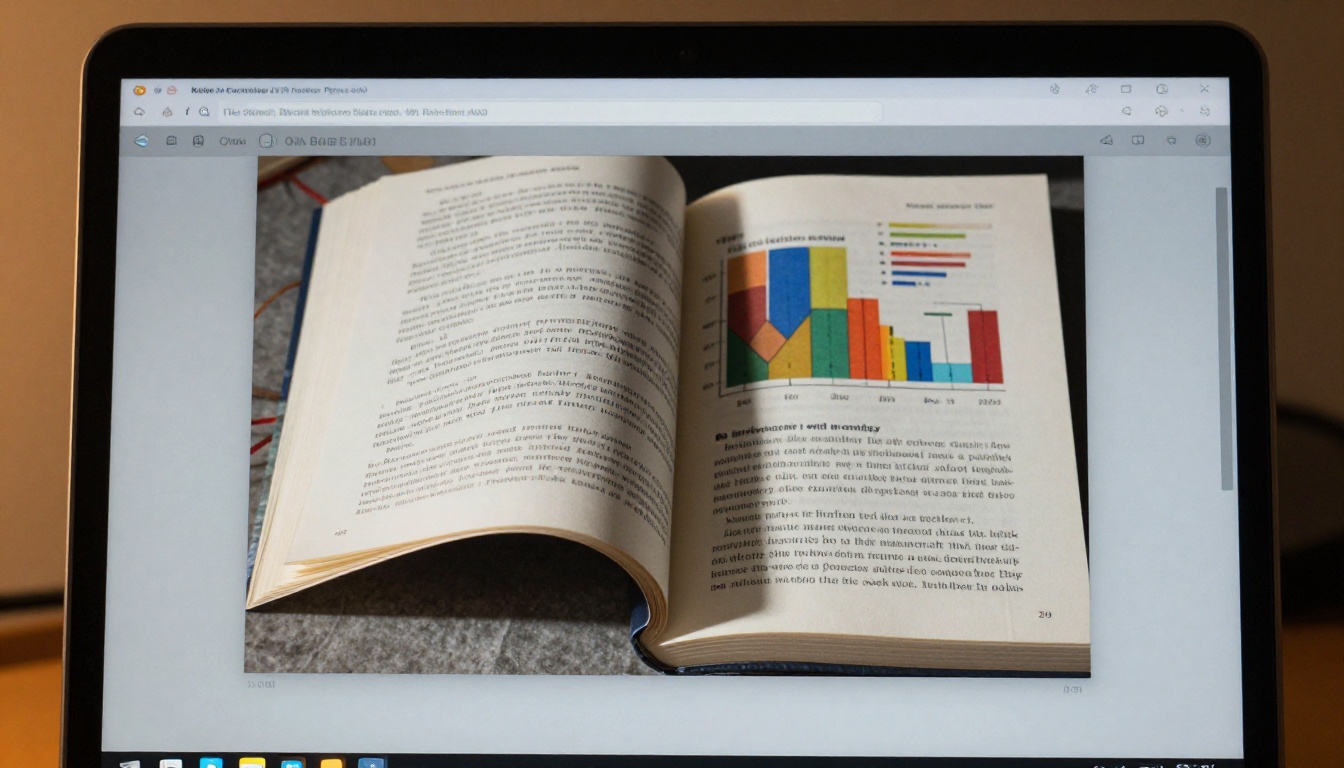
Click New Flipbook in the dashboard and drag your PDF file into the upload zone, or click to browse your files. The PDF to Flipbook Converter processes most academic documents in under 30 seconds. Multi-page documents with complex layouts, images, charts, and formatted text all convert cleanly. Your fonts, colors, and page structure carry over exactly as designed.
Step 3: Customize the Appearance
Once converted, you can personalize the reading experience before sharing:
- Page effects: Realistic page-curl animation or smooth slide transition
- Background: Solid colors, textures, or a custom image behind the reader frame
- Branding elements: Your name, course name, or university affiliation
- Color accents: Match your institution's official colors for a polished, cohesive look
Students building portfolios should check out the Portfolio Flipbook Builder template, which structures the layout for showcasing work samples, an about section, and contact information in a format that reads naturally as a professional digital publication.
Step 4: Set Sharing Options
Before sending your link, configure who can view it:
- Public link: Anyone with the URL can view, no account needed
- Password protected: Set a password for private submissions or confidential portfolios
- Embed: Copy the embed code to place your flipbook inside a webpage using the Embed Flipbook on Website tool
For class submissions, paste the public link directly into your LMS post or email. For internship applications, a portfolio link in your email signature gives hiring managers instant access to your work without any friction.
✅ Always open your link in an incognito browser window before sharing. This simulates exactly what your recipient sees and catches any permission or loading issues before they matter.
Best Use Cases for Students

Class Presentations That Get Remembered
Converting a presentation to a flipbook changes the experience of reviewing it entirely. Professors scrolling through 20 student submissions in sequence remember the ones that didn't arrive as attachments. A clean browser link, a realistic page-turn animation, and a properly formatted layout create a different impression than even a well-designed PDF.
For group projects, a shared flipbook link means all team members access the same version simultaneously. No version-control headaches, no "which file did you send me" back-and-forth the morning of the presentation.
Research Reports With Depth
A 12-page research report formatted as a flipbook becomes a publication rather than a document. The format encourages front-to-back reading rather than random page jumping. Charts and images render at full quality. The Course Material Publisher is specifically built for structured academic content, handling section headers, footnotes, and multi-column layouts with purpose-built templates.
Internship and Career Portfolios
For students applying to internships, co-ops, or part-time roles in creative fields, a digital portfolio flipbook is a significant differentiator. The Digital Portfolio Creator and Photography Portfolio tools provide templates that showcase work samples in an interactive format that a PDF attachment cannot replicate.
Campus Publications and Student Organizations
Student newspapers, academic journals, club newsletters, and event programs all benefit from the flipbook format. The School Newsletter Creator and Yearbook Flipbook Maker offer templates scaled for exactly these publication types. These are also strong portfolio pieces for students interested in publishing, journalism, or communications careers.
💡 Student organization flipbooks double as portfolio samples for internship and job applications in media, communications, and design roles.
Free vs. Paid: When Upgrading Makes Sense

Most students get everything they need without spending anything. The upgrade question only becomes relevant in specific situations:
| Student Situation | Free Plan Sufficient? | Worth Upgrading? |
|---|
| One-time semester project | ✅ Yes | ❌ No |
| Regular course portfolio | ✅ Yes | ⚠️ Depends on volume |
| Internship application portfolio | ✅ Yes | ⚠️ If custom domain matters |
| Campus publication team | ⚠️ Possibly not | ✅ Yes |
| Tracking if a professor viewed submission | ❌ No | ✅ Analytics needed |
| Offline access for venue presentations | ❌ No | ✅ Pro plan needed |
The Professional plan on Flipbooks AI adds viewer analytics so you can see who opened your flipbook and when, along with lead generation tools and offline download capabilities. For most undergraduate academic work, the Standard plan handles everything. Check pricing plans to see what fits your semester.
💡 If your student organization or project group splits a Standard plan between four or five members, the per-person cost becomes negligible compared to the value of having a proper publication platform all semester.
Using a Low-Resolution Source PDF
A flipbook inherits the quality of its source file. A compressed or low-resolution PDF produces pixelated images and blurry text in the final flipbook, regardless of how capable the platform is. Before uploading, always export from your original software at the highest resolution available. For documents with photographs or diagrams, this makes a visible and immediate difference.
Skipping the Mobile Preview
Professors, classmates, and hiring managers often open shared links on their phones. Always check the mobile view before sending anything important. Flipbooks AI renders mobile-responsive by default, but taking 30 seconds to verify on an actual device catches layout edge cases before they become your problem.
Not Testing the Shared Link First
Students regularly send flipbook links without clicking them from a logged-out perspective. Open the link in an incognito browser window before submitting. Confirm the flipbook loads, all pages display correctly, and no account login is required from the viewer's side. If you set a password, verify you've included it in your message.
⚠️ A broken submission link discovered after a deadline has passed is one of the most avoidable academic problems. It takes 30 seconds to prevent.
The Right Choice for Student Work
Flipbook tools have become accessible enough that there's no reason a student project should arrive as a static attachment when it could arrive as an interactive, professionally formatted publication instead. The question isn't whether to use one; it's which one fits your workflow and budget.
For students who want the cleanest experience with no watermarks, no ads, and reliable sharing across all devices, Flipbooks AI is the clearest recommendation. Start with the free account, run your first project through the PDF to Flipbook Converter, and judge the output for yourself. Most students who try it once stop looking at alternatives.
When you're ready to do more, browse all available tools and templates to find the right format for every type of academic or professional content you create. From research reports and course portfolios to campus newsletters and career portfolios, there's a purpose-built template for each of them.
Ready to create your first flipbook? Get started for free and see what your work looks like as a polished interactive publication. For those considering the full feature set, compare pricing plans to find what fits your semester.



