Running a small business in 2027 means competing with brands that have marketing budgets you probably don't. The good news? The gap closes fast when you stop sending static PDFs and start sharing interactive flipbooks instead. Whether you run a restaurant, a boutique, or a solo creative practice, there is now a range of free flipbook software built specifically for businesses that need professional results without professional prices. This article cuts through the noise and shows you exactly which tools are worth your time, what they actually offer for free, and how to start creating polished digital documents today with Flipbooks AI.
Why Static PDFs Are Costing You Customers
The Attention Problem With Flat Files
Sending a PDF to a potential client or customer feels professional, but the reality is most people don't open them. Email clients warn about attachments. Mobile devices struggle to display multi-page documents correctly. A 12-page PDF that downloads slowly on someone's phone is often abandoned before the second page loads.
The problem is not your content. It is the delivery format. Static PDFs were designed in 1993 for printing, not for the scroll-happy, mobile-first audience you are trying to reach right now.
What a Flipbook Does Differently
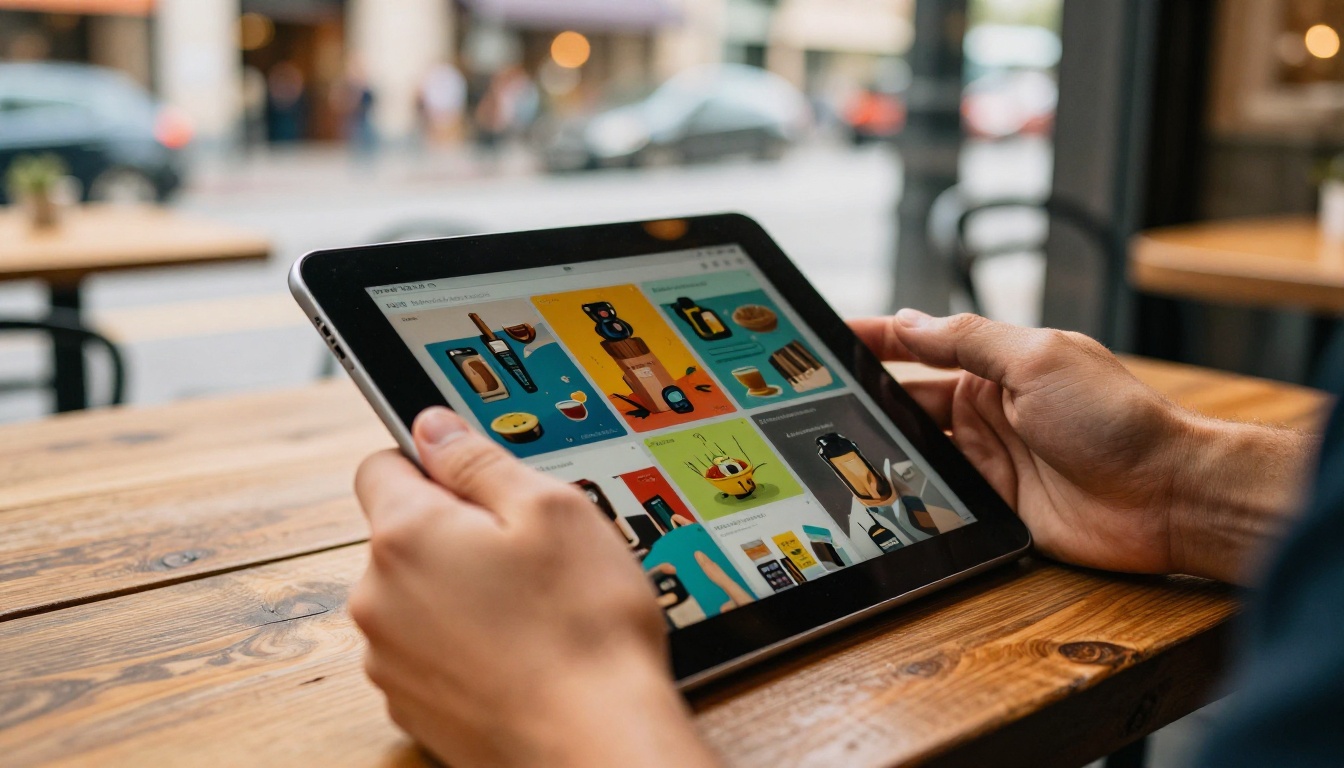
A flipbook is an interactive, browser-based publication that mimics the page-turning experience of a physical document. Instead of downloading a file, your audience clicks a link and the document opens instantly in their browser, complete with smooth page transitions, embedded media, and mobile-responsive layouts.
For small businesses, the practical benefits are significant:
- No downloads required: readers access content instantly via link or embed code
- Works on any device: smartphones, tablets, and desktops all render correctly
- Trackable: paid plans include analytics on who views, clicks, and spends time on each page
- Shareable: a single URL can be sent via email, social media, or messaging apps
💡 A flipbook shared as a link in an email outperforms a PDF attachment on open rates. Readers are more likely to click a link than download a file they did not ask for.
What to Look for in Free Flipbook Software
Not all free tiers are equal. Some tools bury their best features behind aggressive paywalls while others offer genuinely useful free plans. Here is what actually matters when evaluating free flipbook software.
PDF Upload and Conversion Speed
The core function of any flipbook tool is converting your PDF into an interactive publication. The best free tools handle this in under 60 seconds, even for multi-page documents. Look for:
- Support for high-resolution PDFs
- Preservation of fonts, images, and formatting
- No file size limits, or at least generous limits on free plans
Customization and Branding
Free plans often come with the platform's own branding watermarked across your document. That is fine for testing, but for client-facing materials it creates a credibility problem. When evaluating tools, check whether you can add your own logo on a free plan, whether custom colors are available, and whether the platform's branding is removable without paying.
Sharing, Embedding, and Access Control
The value of a flipbook depends on how easily you can get it in front of the right people. Key features to look for include a direct link, an embed code for your website, password protection for confidential documents, and social sharing buttons.
Top Free Flipbook Software for Small Businesses in 2027
The market has several solid options, but they differ significantly in what they offer for free versus what sits behind a paywall.
Flipbooks AI
Flipbooks AI is one of the strongest options available for small businesses specifically because its free and entry-level tiers are genuinely functional, not just teaser features. The platform converts PDFs into HTML5 flipbooks with smooth page-turn animation, and the results are consistently polished.
What sets it apart from the competition:
- No watermarks, ever: unlike most competitors, Flipbooks AI does not stamp its branding on your documents at any plan level
- Unlimited flipbooks on Standard plans and above, meaning you are not capped on how much content you can publish
- 30+ specialized tools: beyond basic PDF conversion, the platform offers dedicated creators for product catalogs, restaurant menus, real estate brochures, and digital portfolios
- Embed-ready: every flipbook comes with an embed code for your website through the Embed Flipbook on Website tool
- Mobile-responsive: flipbooks render correctly on every screen size without any configuration
Other Notable Options
Several other platforms are worth knowing, though most have more restrictive free tiers.
Issuu is a well-established publishing platform with a large community. The free plan allows limited publications but includes Issuu branding on all documents. Good for editorial content, but weaker for business-specific use cases.
FlipHTML5 offers a free plan with basic functionality. Watermarks appear on free documents and storage is limited. Advanced features like analytics and offline publishing require paid plans.
Canva (flipbook export) can export flipbook-style content from its presentation and document tools. It is not a dedicated flipbook platform, but useful if you already design in Canva and need basic page-turn functionality.
Yumpu has a free plan with limited publications per month and Yumpu branding visible on all documents. Better suited for magazine-style content than small business marketing materials.
⚠️ Several free flipbook platforms inject their own advertising into your publications on free tiers. Always preview your document as a viewer before sending it to customers.
Feature Comparison at a Glance
| Feature | Flipbooks AI | Issuu (Free) | FlipHTML5 (Free) | Yumpu (Free) |
|---|
| No watermarks | ✅ Always | ❌ Paid only | ❌ Paid only | ❌ Paid only |
| PDF upload | ✅ | ✅ | ✅ | ✅ |
| Custom branding | ✅ | ❌ | ❌ | ❌ |
| Embed code | ✅ | ✅ | ✅ | ✅ |
| Password protection | ✅ | ❌ Paid | ❌ Paid | ❌ Paid |
| Analytics | ✅ Professional | ❌ Paid | ❌ Paid | ❌ Paid |
| Specialized tools | ✅ 30+ tools | ❌ | ❌ | ❌ |
| Mobile responsive | ✅ | ✅ | ✅ | ✅ |
| Offline download | ✅ Professional | ❌ | ❌ | ❌ |
| Unlimited flipbooks | ✅ Standard+ | ❌ | ❌ | ❌ |
How to Create a Flipbook for Your Business
Flipbooks AI is the recommended starting point for most small businesses. Here is how to create your first flipbook from scratch.
Step 1: Create Your Account
Head to Flipbooks AI and sign up with your email. The process takes under two minutes. No credit card is required to get started, and you will have immediate access to the dashboard and all available tools.
✅ Use your business email address to keep your professional flipbooks organized under a single account.
Step 2: Upload Your PDF
From your dashboard, select PDF to Flipbook Converter or choose a specialized tool that matches your content type. Drag and drop your PDF file or browse to upload it. The platform processes your document and generates a page-turn preview within seconds, even for documents with 50 or more pages.

Supported formats include PDFs with embedded fonts, vector graphics, and high-resolution photography. The converter preserves your original layout exactly as designed.
Step 3: Customize Your Flipbook
Once uploaded, you can personalize the flipbook to match your brand:
- Logo: upload your business logo to appear above or alongside the flipbook viewer
- Colors: set the background color, toolbar color, and page shadow tone
- Page effects: choose from various page-turn animations and shadow styles
- Multimedia: on Standard plans and above, embed video clips and audio directly into specific pages
- Cover style: choose how the cover page renders when the flipbook first opens
For specific business types, the dedicated tools offer more relevant layout options. A restaurant owner gets better results through the Restaurant Menu Creator than through a generic PDF converter. A retailer benefits from the Digital Catalog Maker, while a freelancer presenting their work finds the Digital Portfolio Creator tailored precisely to their needs.
Step 4: Share and Embed
After customization, you have several ways to distribute your flipbook:
- Direct link: copy a clean URL to share via email, WhatsApp, or social media
- Embed code: paste an iframe snippet into any website or landing page using the Embed Flipbook on Website tool
- Password protection: set a password so only authorized viewers can access the document
- Social sharing: built-in buttons for major social platforms

On the Professional plan, you also get access to lead generation forms that collect emails directly from within the flipbook, and detailed analytics showing page views, time spent per page, and geographic data on your audience.
Real-World Use Cases by Business Type
Flipbook software is not one-size-fits-all. Here is how different types of small businesses put it to practical work.
Restaurants and Cafes
A printed menu costs money every time prices change. A digital menu costs nothing to update. Restaurants are increasingly using QR codes on tables that link directly to a flipbook menu. The Restaurant Menu Creator lets food businesses build attractive, page-turning menus that update instantly whenever ingredients, prices, or specials change.
Practical example: A cafe creates a seasonal brunch menu as a PDF in Canva, uploads it to Flipbooks AI, and links the QR code cards on each table. When the autumn menu replaces the summer one, a new PDF is uploaded and the same QR code link updates automatically for every diner.
Retail and E-Commerce
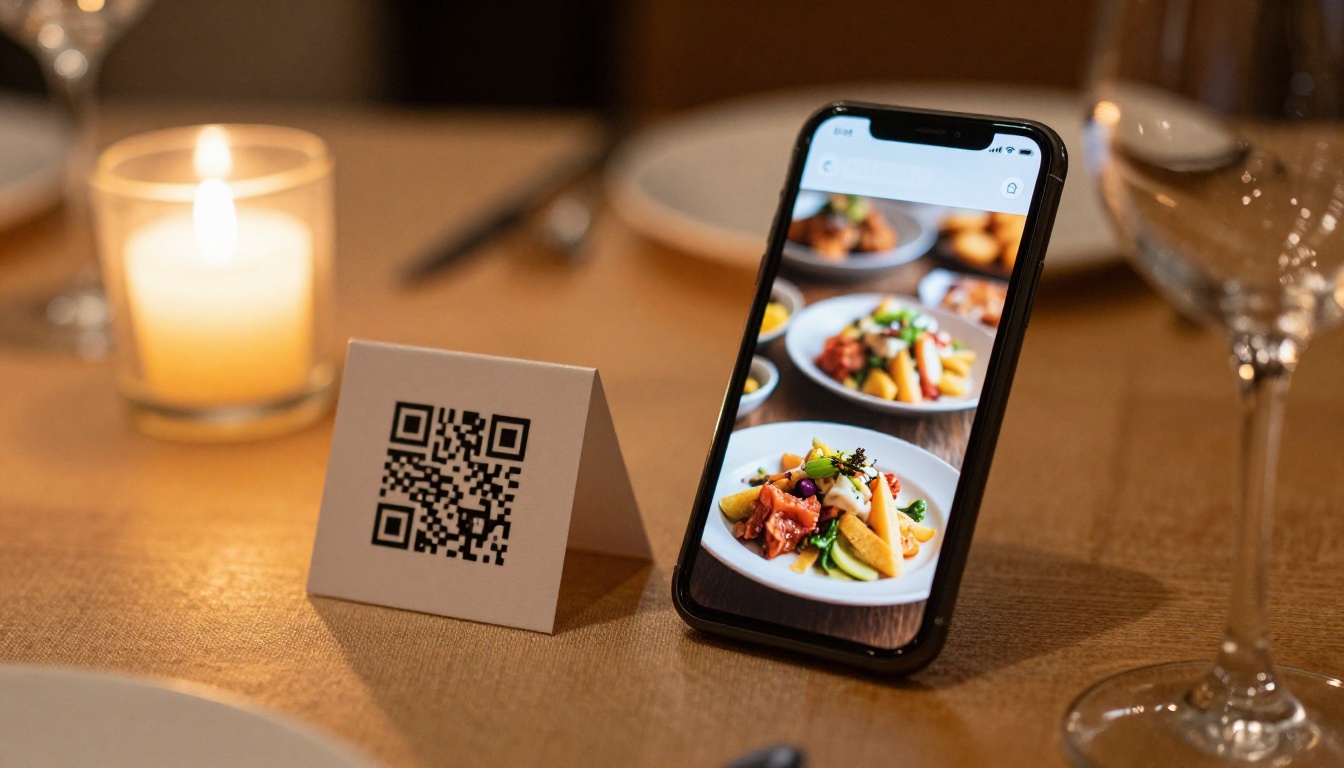
Product catalogs sent as email attachments get lost. A flipbook catalog sent as a link gets bookmarked, shared, and returned to. Retailers use the Product Catalog Generator to create seasonal lookbooks that customers flip through on their phones.
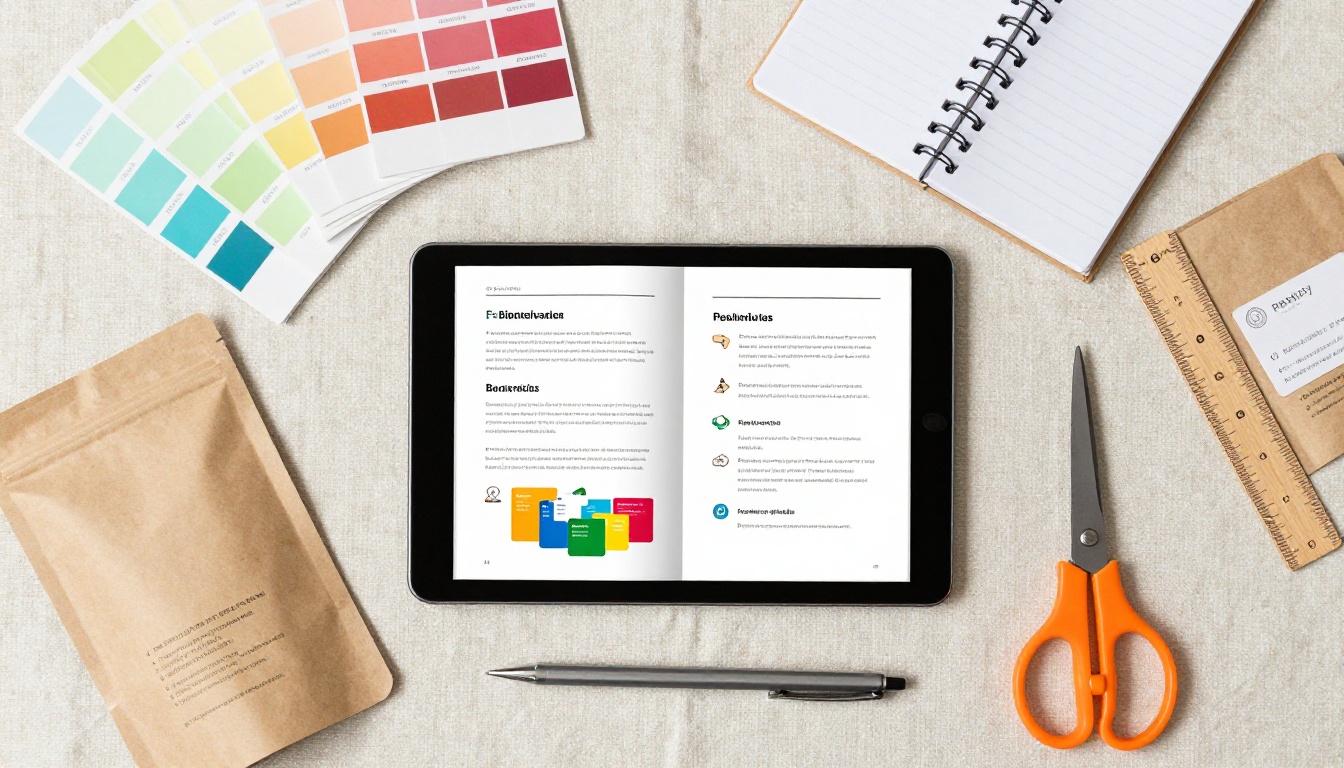
The Fashion Catalog Creator and Lookbook Flipbook Builder serve boutiques looking to present new collections with the visual quality of a printed magazine, at a fraction of the cost.
Real Estate
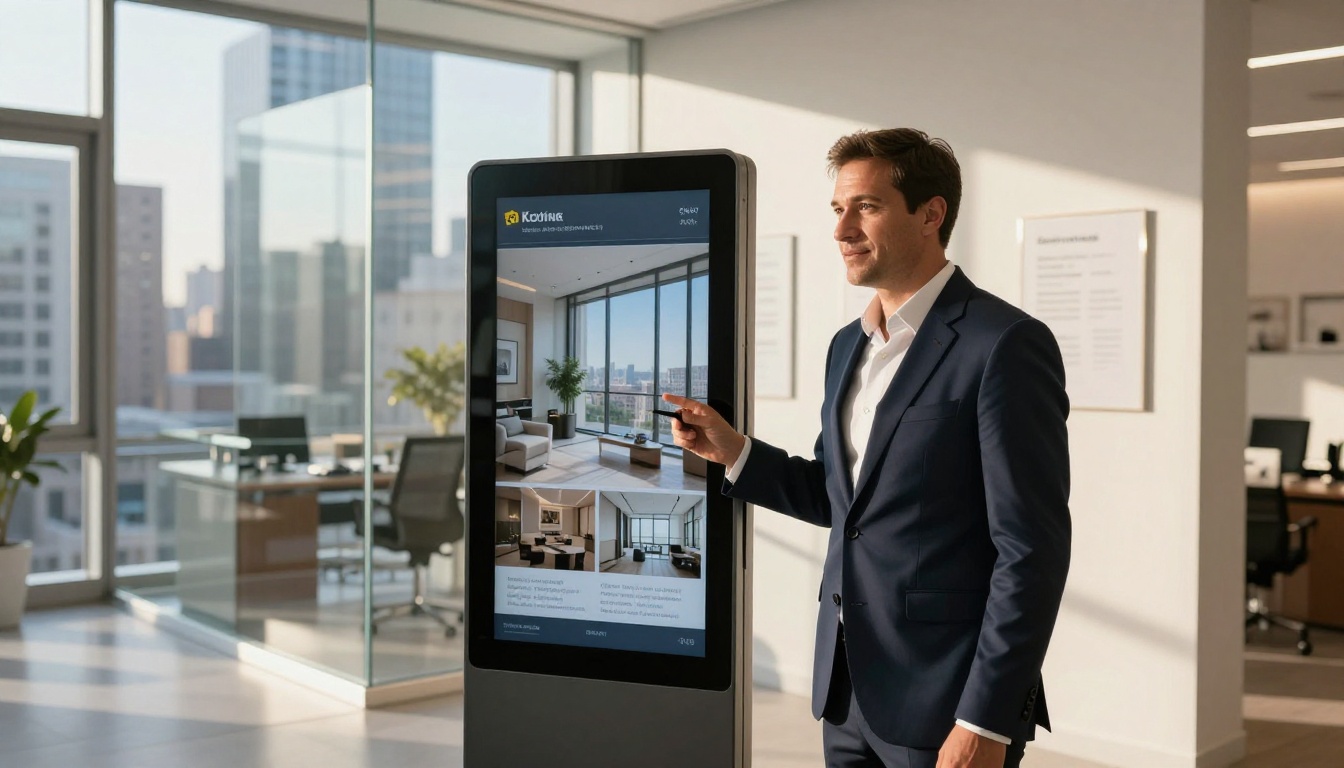
Property brochures need to impress immediately. A well-presented digital brochure with full-bleed photography, floor plans, and neighborhood information makes a stronger impression than a PDF emailed to a prospective buyer. The Real Estate Brochure Creator is designed specifically for this use case, with layouts that showcase property photography effectively.
Real estate agents also use password-protected flipbooks to share exclusive pre-market listings with qualified buyers without making the document publicly accessible or searchable.
Freelancers and Creatives
A portfolio that lives in a Google Drive folder looks unprofessional. A portfolio that opens as a beautiful, page-turning publication makes a different impression entirely. The Digital Portfolio Creator and Photography Portfolio tools let creatives present their work in a format that reflects the quality of the work itself.
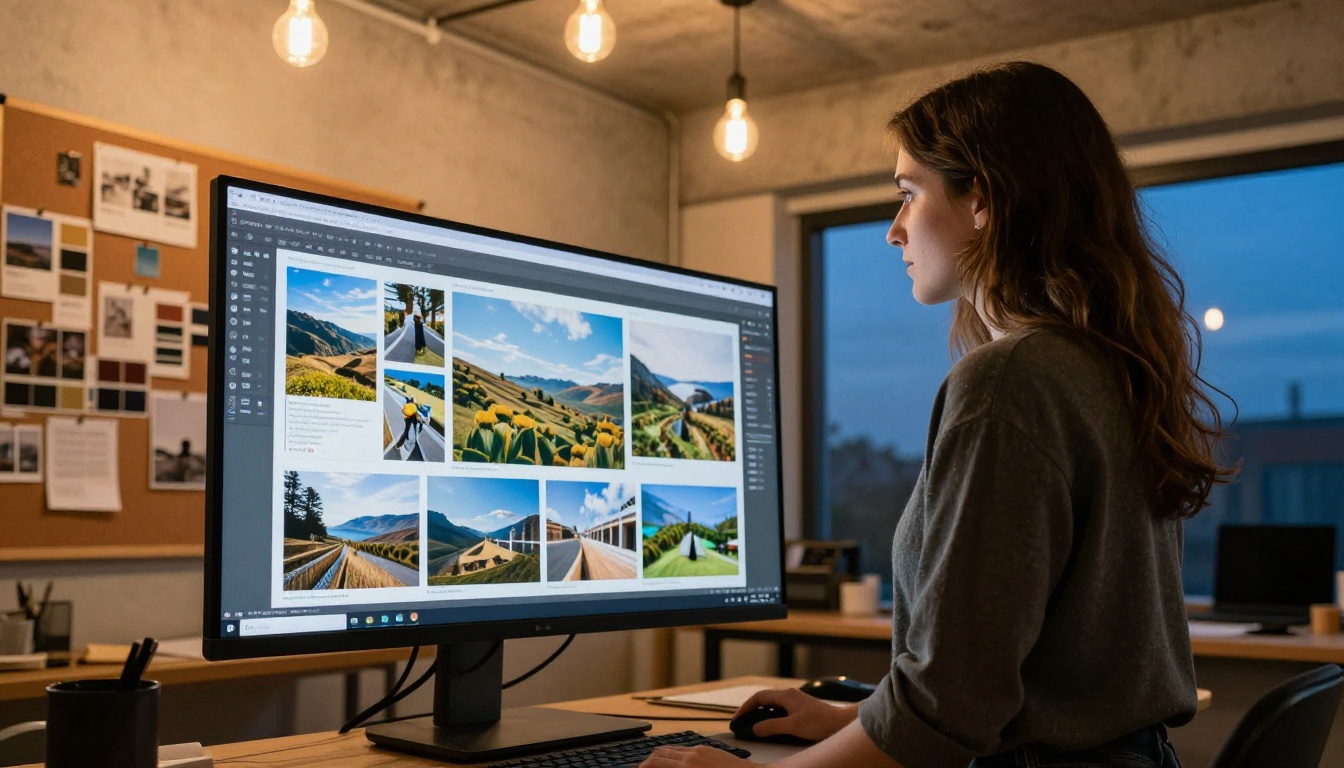
Photographers, designers, architects, and illustrators all benefit from a flipbook format that puts the imagery first and lets clients flip through a body of work at their own pace, from any device.
Free vs. Paid: When the Free Tier Is Not Enough
What Free Plans Typically Limit
Free and entry-level plans across most flipbook platforms share a set of common restrictions. Understanding them helps you decide when an upgrade actually makes sense for your business.
| Limitation | Typical Free Tier | Flipbooks AI Standard |
|---|
| Number of flipbooks | 1 to 5 publications | Unlimited |
| Watermarks | Platform branding shown | None |
| Custom domain | Not available | Available |
| Basic analytics | Not available | Included |
| Advanced analytics | Not available | Professional plan |
| Password protection | Not available | Included |
| Offline download | Not available | Professional plan |
| Lead generation forms | Not available | Professional plan |
| Embedded video and audio | Not available | Included |
Signs You Need to Upgrade
You are ready for a paid plan when:
- You send flipbooks to clients and the platform's branding undermines your professional image
- You need to know how many people viewed your catalog and which pages held their attention longest
- You want to collect leads directly from within the document without external forms
- You are publishing more flipbooks than the free tier allows per month
- Offline access matters because your clients are in environments without reliable internet
💡 Start on a free or entry-level plan to test the workflow. Upgrade only when a specific missing feature is actively costing you business. Explore pricing plans to find the right tier for your current stage.
Getting the most out of free flipbook software comes down to how you set things up before you hit any plan limits.
Design your PDF well before uploading. The flipbook tool converts what you give it. A well-designed PDF with strong imagery, clear typography, and balanced layouts will produce a professional flipbook. A hastily assembled document will still look rushed after conversion, regardless of the software used.
Use the specialized tools. Browse all flipbook tools available on the platform. Using the Brochure Flipbook Maker instead of the generic PDF converter gives you layouts and defaults optimized for brochure-style content, saving time on customization.
Keep flipbooks up to date. One of the main advantages of digital publishing is the ability to update content without reprinting. Replace the PDF source whenever prices, products, or information changes. The sharing link stays the same, so everyone who bookmarked it automatically sees the latest version.
Use password protection strategically. Password protection on Flipbooks AI is available on accessible plans, not locked behind expensive tiers. Use it for client proposals, internal price lists, or sensitive presentations that should not be publicly searchable.
✅ Create a separate flipbook for each distinct audience segment. A version for retail clients, one for wholesale partners, and one for your website works better than a single document trying to speak to everyone at once.
Link your flipbook from everywhere. Add the flipbook link to your email signature, your Instagram bio, your Google Business profile, and your website's contact page. The more entry points you create, the more views the document gets without any ongoing effort or additional cost.
For most small businesses, Flipbooks AI offers the most practical starting point. The combination of no-watermark publishing, specialized tools for specific industries, and a genuine free-to-start model means you can test the format with real client-facing materials before committing to a paid plan.
The best free flipbook software for small businesses is not necessarily the one with the longest feature list. It is the one you will actually use, with a workflow that fits how you already create documents, and a sharing experience that makes your business look more polished than the competition.
Ready to create your first flipbook? Get started for free on Flipbooks AI. Browse all available tools and templates to find the right fit for your business type, and check the pricing plans whenever you are ready to add advanced features.



