Weddings have a way of quietly eating a budget, and the wedding program is one of those line items that surprises people. A stationer can quote hundreds of dollars for a stack of folded cards that guests glance at for ten minutes. The good news: you can build a lovely, professional program for close to nothing. This ranking of the best free wedding program makers shows what each tool does well, where it falls short, and how to pick one. We also look at a paper-free option built with Flipbooks AI that guests can open on their phones.
Why Free Program Makers Work
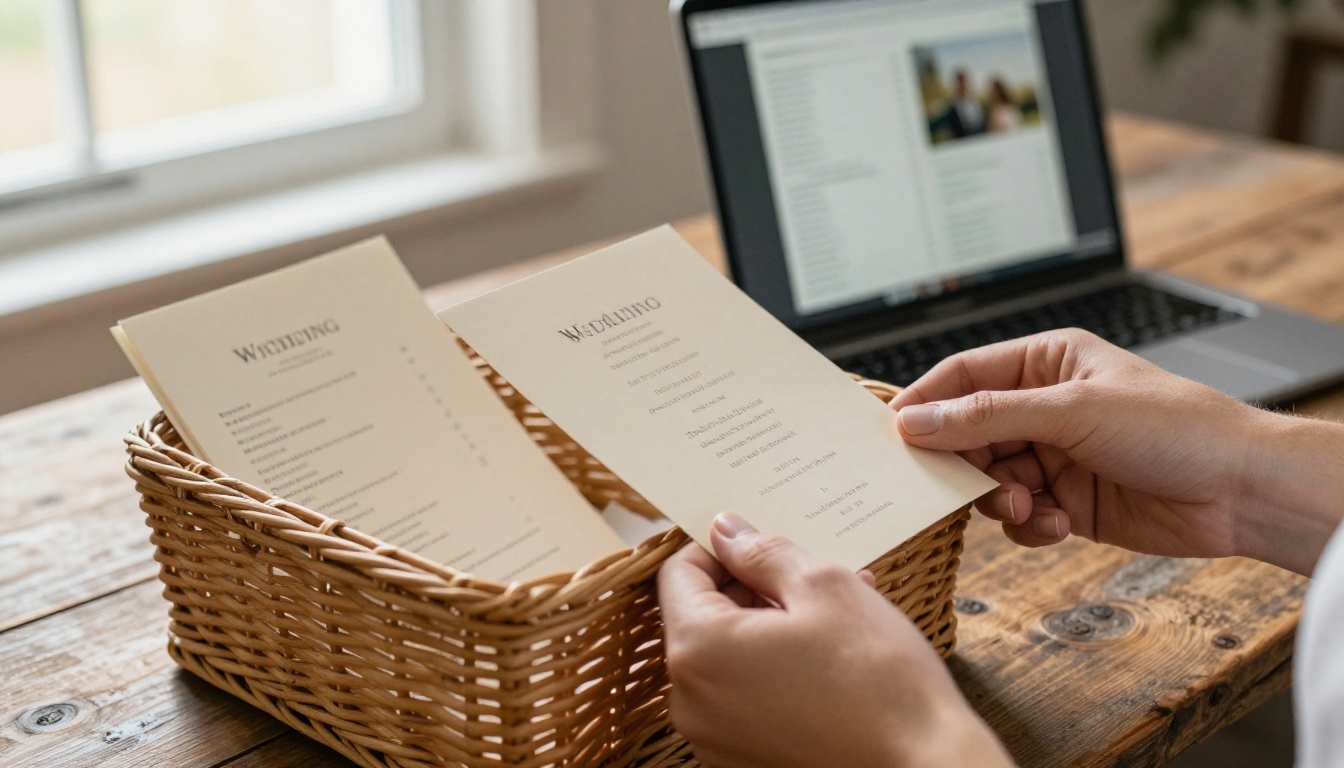
A wedding program has one job: tell guests what happens, who is involved, and when to stand up. That is a layout problem, not a design miracle. Free tools now ship with polished templates, so a couple with a laptop and an evening can match what a paid stationer produces.
What a Program Actually Needs
Before opening any tool, list the content. Most programs hold the same core items:
- Names and date, with the venue
- Order of ceremony, from processional to recessional
- Wedding party names and their roles
- Readings, songs, or special traditions
- A short thank you note to guests
- Reception details, if guests need directions
Keep it to that and you will fit everything on one folded sheet or a single digital page.
The Real Cost of Paid Programs
Paid programs are not just expensive, they add steps. You order proofs, wait for shipping, and pay again for corrections. A free tool keeps edits instant. If the officiant changes a reading the night before, you fix it in minutes.
💡 Pro tip: Write your ceremony order in a plain text note first. Pasting finished text into a template is faster than writing inside the design tool.
Ranking the Best Free Wedding Program Makers
Here is how the main options compare. Free plans change over time, so check each tool's current limits before you commit.
| Rank | Tool | Best For | Free Plan Strength | Main Limit |
|---|
| 1 | Canva | Print designs | Huge template library | Some elements are premium only |
| 2 | Google Docs or Slides | Zero learning curve | Fully free, easy to share | Basic design polish |
| 3 | Microsoft Word templates | Offline editing | Familiar, flexible layouts | Needs the software installed |
| 4 | Adobe Express | Quick brand looks | Clean modern templates | Premium assets are locked |
| 5 | Flipbooks AI | Digital, shareable programs | Page-turn flipbook from a PDF | Best for screens, not printing |
1. Canva: The Template Powerhouse
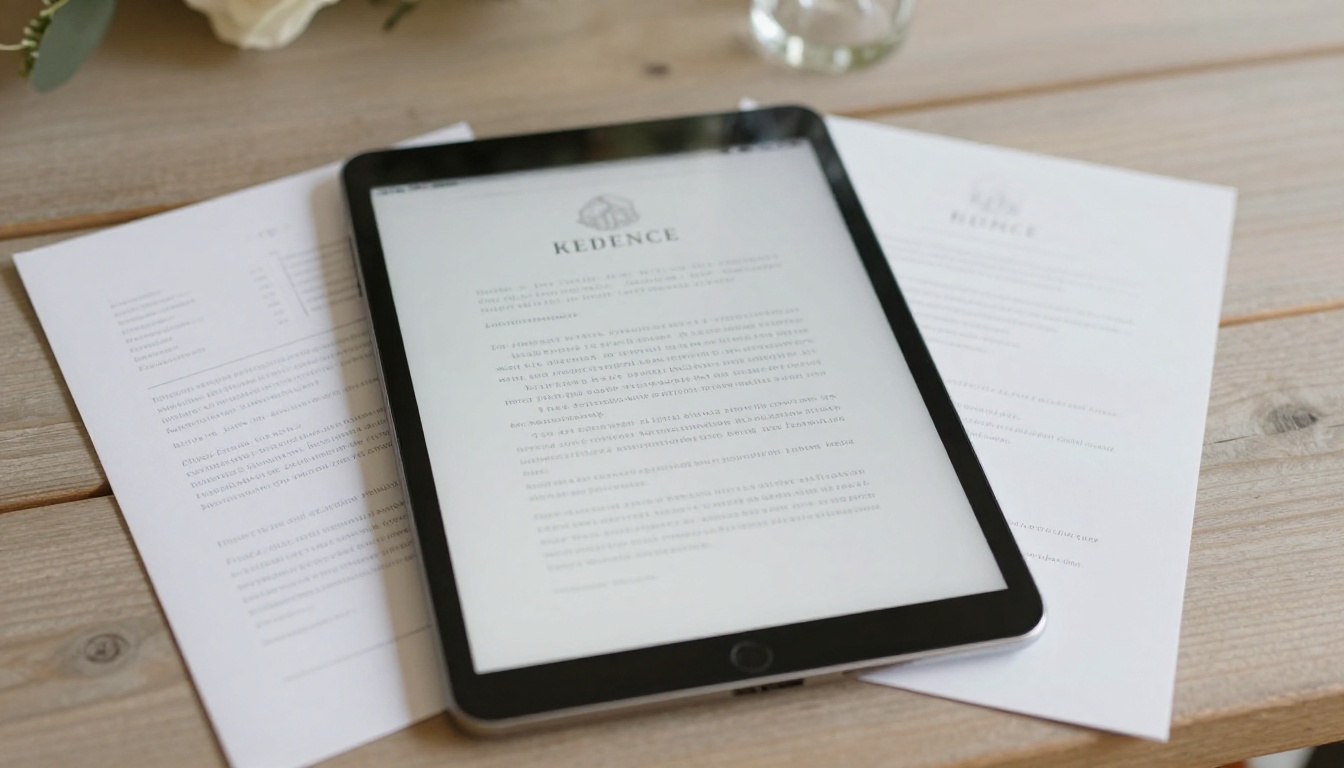
Canva earns the top spot because of sheer choice. Search "wedding program" and you get hundreds of layouts: folded, single page, fan style, and tri-fold. You drag in your text, swap fonts, change colors to match your palette, and download a print-ready PDF.
Strengths:
- Large free template selection
- Easy font and color changes
- Print-ready PDF export with bleed options
- Works in a browser and on a phone
Watch out for: some stock photos and decorative elements carry a premium tag. Filter for free items, or use your own engagement shoot photo, and the final cost stays at zero.
2. Google Docs and Slides: Simple and Shareable
Not glamorous, but dependable. Google Slides in particular works well for a half-letter program because you can set a custom page size and drop in text boxes. Your partner, parents, and officiant can all edit the same file at once.
✅ Best practice: Use Slides, not Docs, if you want precise placement. Set the page to 5.5 by 8.5 inches and you can print two programs on one letter sheet.
3. Microsoft Word Templates: The Offline Option
If you do not trust a venue's Wi-Fi or you prefer working on a plane or train, Word's built-in templates are a solid backup. Layouts feel a little dated, but a clean serif font and a thin border fix that quickly.
4. Adobe Express: Modern and Fast
Adobe Express suits couples who want a contemporary look with minimal fuss. Templates lean minimalist, with plenty of white space. The free tier is generous for a single project, though some premium fonts and effects are paywalled.
5. Flipbooks AI: For a Paper-Free Program
Here is where the approach changes. Instead of printing 100 cards, you turn your program into a digital flipbook that guests open from a QR code on a small sign. Flipbooks AI converts a PDF into a page-turning experience that works on every phone. There are no watermarks, and you can add photos, music, or a short video message.
Paper vs Digital: What It Costs
Printing is where "free" programs quietly stop being free. Ink, paper, and cutting add up. Compare three typical routes for a 100 guest wedding.
| Approach | Estimated Cost | Time Needed | Guest Experience |
|---|
| Professional stationer | High (hundreds of dollars) | Weeks | Premium feel, fixed content |
| DIY print at home | Low (paper and ink) | A few evenings | Personal, handmade look |
| Digital flipbook with QR code | Near zero | One evening | Instant, editable, easy to save |
DIY Printing Without the Headaches
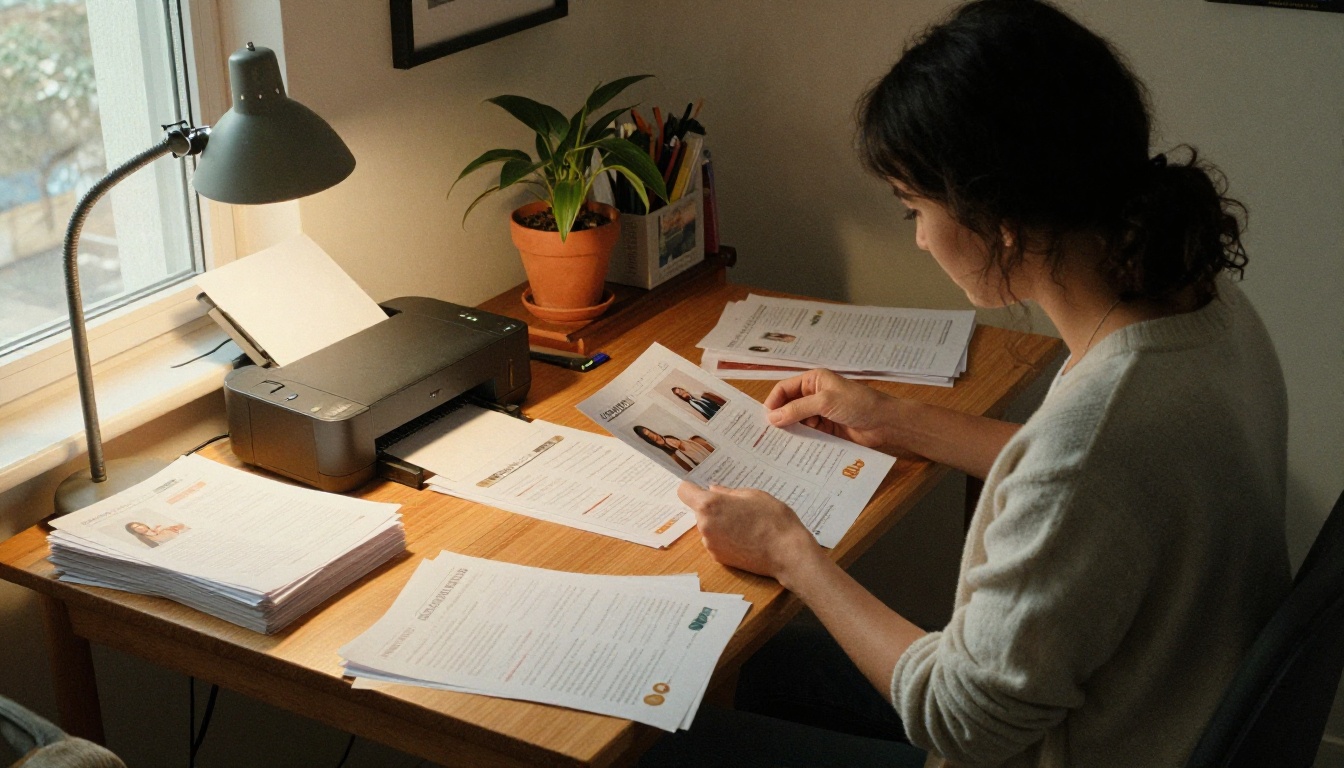
If you choose paper, a few habits save money and frustration:
- Print a single test copy before you run the whole batch.
- Use matte cardstock around 80 to 100 lb weight, which feels sturdy without being stiff.
- Fit two programs per letter sheet by designing at half-letter size.
- Cut with a paper trimmer rather than scissors for straight edges.
- Order extra copies, about 10 percent more than your guest count, for keepsakes and mistakes.
If your home printer struggles, many office stores print single sheets for a small fee. That is still far cheaper than a custom order.
When Digital Makes More Sense
Digital programs shine for outdoor weddings, destination ceremonies, and any couple who cares about waste. Guests keep the link, so the program doubles as a memory. And if your wedding is small, a single QR code on a framed sign replaces every printed copy.
⚠️ Warning: Some older guests prefer paper. Print a handful of copies for grandparents and keep the QR code for everyone else.
How to Create a Wedding Program with Flipbooks AI
Want the digital route? The steps below take under an hour once your text is ready. It works well alongside the Wedding Album Flipbook and the Event Program Maker tools.
Step 1: Build Your Pages in Any Free Tool
Design the program in Canva, Google Slides, or Word, then export it as a PDF. Keep it to 2 to 6 pages: a cover, ceremony order, wedding party, and a thank you page. Use large, readable text since many guests will read on small screens.
Step 2: Create Your Account
Head to Flipbooks AI and sign up. You can start without paying and check the pricing plans later if you need more.
Step 3: Upload and Convert the PDF
Use the PDF to Flipbook Converter. Drop your PDF in and the platform turns each page into a flipbook spread with a realistic page-turn effect. Check the order of pages before moving on.
Step 4: Customize the Look
Match the flipbook to your wedding style:
- Branding and colors: choose a background that complements your palette
- Page effects: keep the page-turn soft and quiet
- Multimedia: embed a short video message or add a song that played during your first dance
Step 5: Share With Guests
You have several options:
- Direct link: place it on your wedding website or in a group chat
- Embed code: use the Embed Flipbook on Website tool to place the program on your wedding page
- Password protection: limit access to invited guests only
- Offline download: let guests save a copy for later
Step 6: Make a QR Code Sign
Generate a QR code from your flipbook link, print it large on a small sign, and set it on each table or at the entrance. A single framed sign costs far less than 100 printed programs.
💡 Pro tip: On the Professional plan, analytics show how many guests opened your program, which is a fun number to share at the reception.
Design Choices That Look Expensive
A free tool does not have to look free. A few choices separate a thoughtful program from a template that screams default settings.
Pick Two Fonts, Not Five
Use one serif font for headings and one clean sans serif for body text. More than two fonts makes a page feel messy. A matching typeface across your invitation, program, and signage ties everything together.
Let White Space Do the Work
Crowded pages feel cheap. Leave generous margins and let each section breathe. A short line like "Thank you for being here" in a gentle script looks far better than three paragraphs of small print.
Choose Paper Over Effects
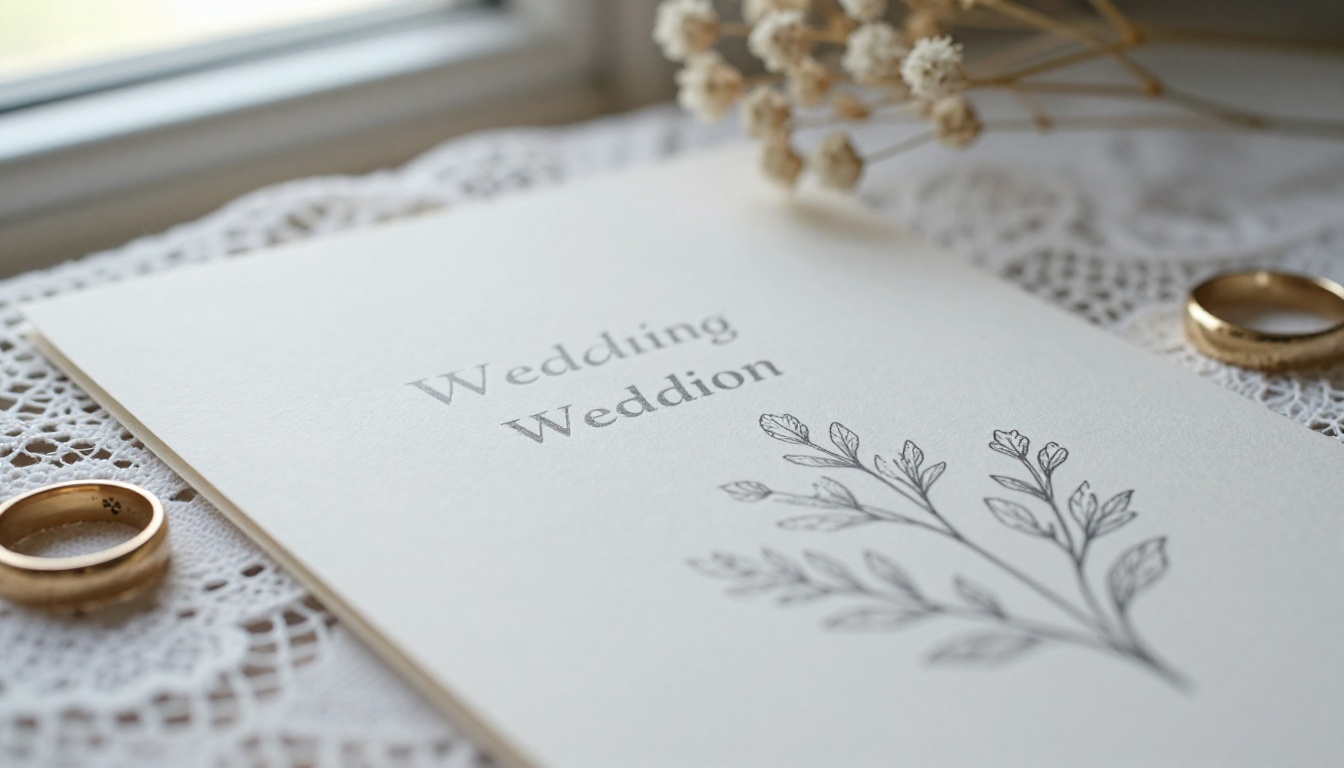
If you print, the paper matters more than graphics. Textured or cotton-style paper elevates simple black text instantly. You can buy a small pack of speciality paper for the price of one stationer's sample set.
Real Examples From Real Budgets
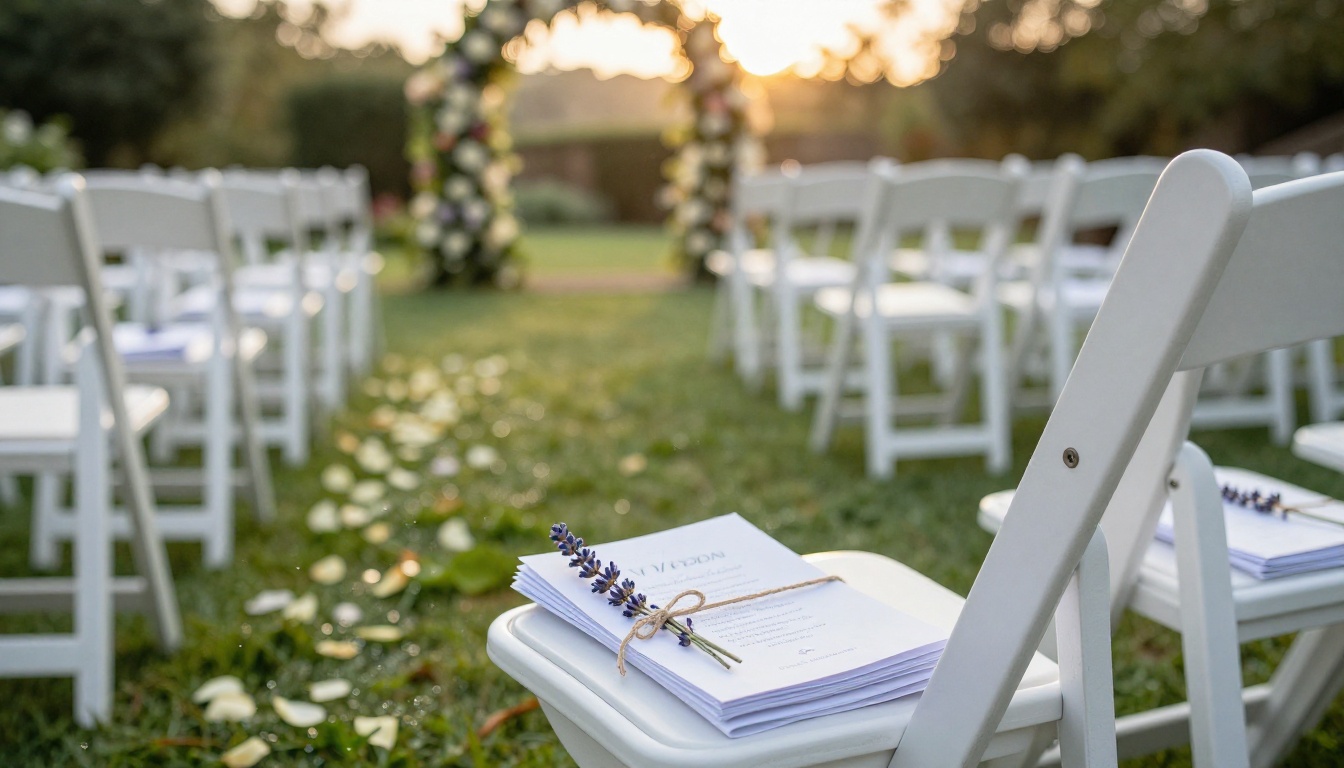
- The backyard wedding: A couple of 60 guests used a Google Slides half-letter layout, printed at home on cream cardstock, and tied each with twine. Total spend: the price of a paper pack and a spool of twine.
- The destination ceremony: A couple marrying abroad built a three page PDF in Canva, converted it to a flipbook, and sent the link in their travel group chat. No printing, no luggage weight.
- The courthouse celebration: A small guest list of 20 got a single digital page with the vows and a dinner menu, shared as a QR code at the restaurant table.
The best choice depends on your guest list, your comfort with software, and how you want the program to feel.
| Your Situation | Best Pick | Why |
|---|
| Want a polished print piece | Canva | Biggest template selection |
| Collaborating with family | Google Slides | Real-time editing |
| Working offline | Word | No internet required |
| Eco-friendly or destination wedding | Flipbooks AI | Digital, shareable, no printing |
| Want both print and digital | Canva + Flipbooks AI | Design once, use twice |

Combine Tools for the Best Result
You are not locked into one tool. A strong budget workflow looks like this:
- Design the layout in Canva or Google Slides.
- Export a PDF.
- Print a small run for family and elders.
- Convert the same PDF to a flipbook with Flipbooks AI for everyone else.
You get a printed keepsake and a shareable digital version from a single design session.
Common Mistakes to Avoid
- Waiting too long: finalize the ceremony order at least two weeks before the date.
- Skipping a proofread: have two people check every name spelling.
- Tiny text: keep body text at 11 points or larger, and bigger for digital.
- Forgetting accessibility: use high-contrast colors so every guest can read the page.
- Printing without a test: one wrong margin ruins a whole batch.
✅ Best practice: Ask your officiant to read the final draft aloud. Awkward phrasing shows up immediately.
Wedding Program Wording Ideas
Even the best tool cannot write for you. A few simple structures help.
A Simple Ceremony Order
- Processional
- Welcome from the officiant
- Reading or poem
- Exchange of vows
- Exchange of rings
- Pronouncement and first kiss
- Recessional
A Short Thank You Note
Keep it warm and brief: "Thank you for sharing this day with us. Your love brought us here." Two lines are plenty.
Ready to Build Your Program?
Free tools have closed the gap between homemade and professional. For print, start with Canva or Google Slides. For a paper-free option guests can keep, create your flipbook on Flipbooks AI and share it with a QR code. Browse the full list of flipbook tools to find templates for your reception menu and photo album too, and compare pricing plans if you want analytics or unlimited flipbooks. When you are ready to commit, sign in and pick a plan.
Your guests will remember the vows, not the paper stock. Spend your energy there, and let a free tool handle the layout.



