When someone you love dies, the last thing you want is to fight with a design tool at midnight. Yet the service is in a few days, the printer needs a file, and relatives want to see the order of service. The right funeral program maker turns that pile of photos, hymns and names into a dignified booklet in an afternoon. This ranking compares the options families actually use, and shows how a digital version built with Flipbooks AI can sit next to the printed copy so distant relatives can follow along too.
What a Funeral Program Needs
A funeral program, also called an order of service or memorial program, is a small booklet handed to guests. Most families keep it for years, so it deserves care. Before comparing tools, decide what must go inside.
The Essential Pages
Most programs follow a simple structure:
- Front page: full name, dates, a portrait and sometimes a short verse.
- Order of service: readings, hymns, eulogies, music and the committal.
- Obituary or life story: a half page that captures who they were.
- Photo spread: four to eight images from different decades.
- Thank you and details: pallbearers, reception address, donation information.
Choose a Size Early
The format changes which tool fits best. A single sheet folded once gives you four pages. A saddle stitched booklet gives you eight or more. Pick the page count before you start, because most templates are locked to one size.
| Format | Pages | Best for | Typical print cost per copy |
|---|
| Single fold | 4 | Short services, small gatherings | $0.40 to $1.00 |
| Bi-fold booklet | 8 | Church or chapel services | $1.00 to $2.50 |
| Tri-fold | 6 panels | Graveside or memorial walk | $0.50 to $1.20 |
| Photo booklet | 12 to 24 | Celebrations of life | $3.00 to $7.00 |
💡 Count your guests, then add 20 percent. Extra copies get taken home, and people who could not attend will ask for one.
How We Ranked the Options
Grieving families do not have time to test ten products. We judged each funeral program maker on what matters under pressure.
- Speed: can a first draft exist within an hour?
- Template quality: do the designs feel respectful rather than cheerful or corporate?
- Editing freedom: can you change fonts, move photos and fix a name spelling?
- Output: print ready PDF, home printing, and digital sharing.
- Real cost: including watermarks, export fees and printing.
Keep in mind that you will often need more than one tool. A design app for the layout, a print shop for the physical copies, and a sharing method for relatives overseas.
The Best Funeral Program Makers Ranked
1. Flipbooks AI for Digital Programs
Upload your finished PDF and Flipbooks AI converts it into a page turning online booklet with a shareable link. There are no watermarks, so the result looks as dignified as the printed version. It works well alongside any layout tool below, because the PDF is the only input it needs. You can add a short audio clip of a favorite song, embed a tribute video, and protect the link with a password so only invited family can open it. Try the PDF to Flipbook Converter or the Event Program Maker.
Best for: relatives who cannot travel, livestream audiences, and keepsake sharing.
2. Canva for Fast Template Editing
Canva offers a large library of memorial program templates. Drag and drop editing makes it friendly for people who have never designed anything. The free plan covers most needs, though some photos and elements require a paid subscription. Export as a print ready PDF, then send it to a printer or convert it to a flipbook.
Best for: families who want many design choices quickly.
3. Microsoft Word and Google Docs
Do not underestimate a plain word processor. Word has booklet printing built in, and Google Docs has free memorial templates you can share with siblings and edit together. The layout is less polished, but the cost is zero and everyone already knows how to use it.
Best for: tight budgets and collaborative editing across a family.
4. Adobe Express
Adobe Express sits between Canva and professional software. It has solid typography, good photo cleanup and a free tier. The templates lean modern, so choose the quieter ones for a traditional service.
Best for: families comfortable with a slightly steeper tool.
5. Funeral Home Software and Print Partners
Many funeral homes include a basic program in their service package. They will take your text and photos, set the layout and print it. You lose some control, and revisions can take a day, but the work is handled for you.
Best for: families who want zero design work.
6. Online Print Shops With Templates
Print companies such as Vistaprint and similar services offer funeral program templates tied directly to ordering. The upside is that you see the final product before paying. The downside is that you are tied to their print prices and turnaround.
Best for: families who want design and printing in one place.
Side by Side Comparison
| Tool | Cost | Template quality | Print ready PDF | Digital sharing |
|---|
| Flipbooks AI | Free to start, paid plans for more | Uses your own PDF | Not applicable | Excellent, link and embed |
| Canva | Free, Pro optional | Very good | Yes | Basic link |
| Word / Google Docs | Free | Basic | Yes | Share file only |
| Adobe Express | Free, Premium optional | Good | Yes | Basic link |
| Funeral home service | Often bundled | Varies | Handled for you | Rare |
| Online print shop | Per order | Good | Yes | No |
✅ The strongest combination for most families is simple: design in Canva or Word, print locally, then publish the same PDF as a flipbook for everyone who cannot attend.
Printed or Digital? Do Both
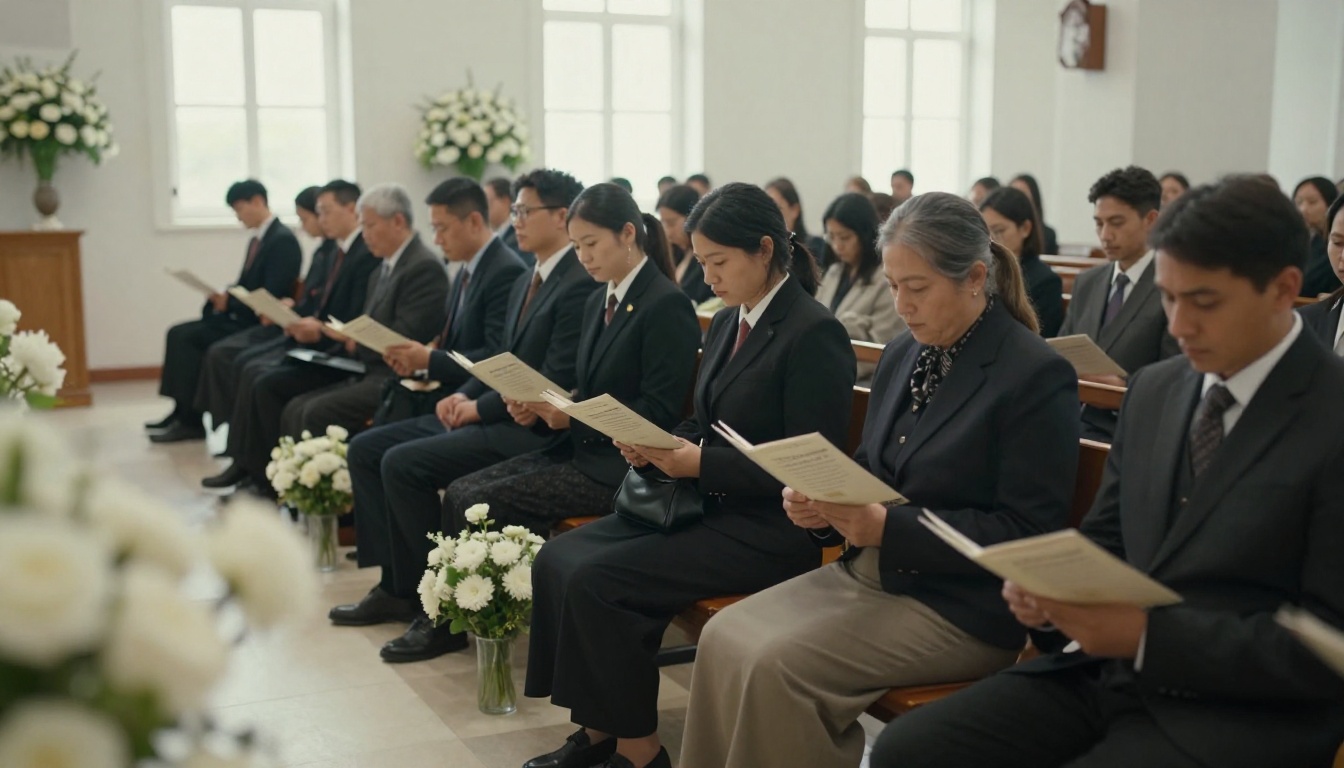
Printed programs are tactile. People fold them, write on them and tuck them into a Bible or a wallet. Digital versions solve a different problem: the cousin in another country, the elderly aunt who cannot travel, the coworker who wants to pay respects later.
A Real World Scenario
A family of five siblings is spread across three time zones. They draft the program in a shared Google Doc, export one PDF, and order 80 printed copies for the chapel. The same PDF becomes a flipbook, and the link goes into the family group chat and the online obituary. Nobody needs to email attachments, and the page turning view works on a phone.
| Situation | Printed only | Digital only | Both |
|---|
| Local service, older guests | Good | Poor | Best |
| Guests abroad | Poor | Good | Best |
| Livestreamed service | Fair | Good | Best |
| Keepsake for relatives | Good | Fair | Best |
| Lowest cost | Good | Best | Good |
How to Create a Funeral Program Flipbook
Once your PDF is ready, publishing it takes a few minutes. Here is the process with Flipbooks AI.
- Open the platform. Go to Flipbooks AI and create an account.
- Upload the PDF. Drag your exported program in. Conversion keeps your fonts, photos and page order, and pages become a flipping booklet.
- Customize the look. Choose a soft background color that matches the printed cover, add a page turn sound if you like, and keep the branding minimal.
- Add personal media. Embed a favorite song or a short tribute video on the photo page.
- Set privacy. Turn on password protection if the service is private, and share the password by phone or message.
- Share the link. Copy the direct link, or use the embed code to place it on a memorial page.
- Offer a download. Enable offline download so relatives can keep a copy.
On paid plans you also get view analytics, which can tell you how many people opened the program, and lead capture forms, useful if the family is collecting memories or donations afterward.
💡 Test the link on your phone before sharing. Most guests will open it there.

Choosing Photos and Words
Software only matters if the content is right. Spend your time here.
Pick Photos That Feel Like Them
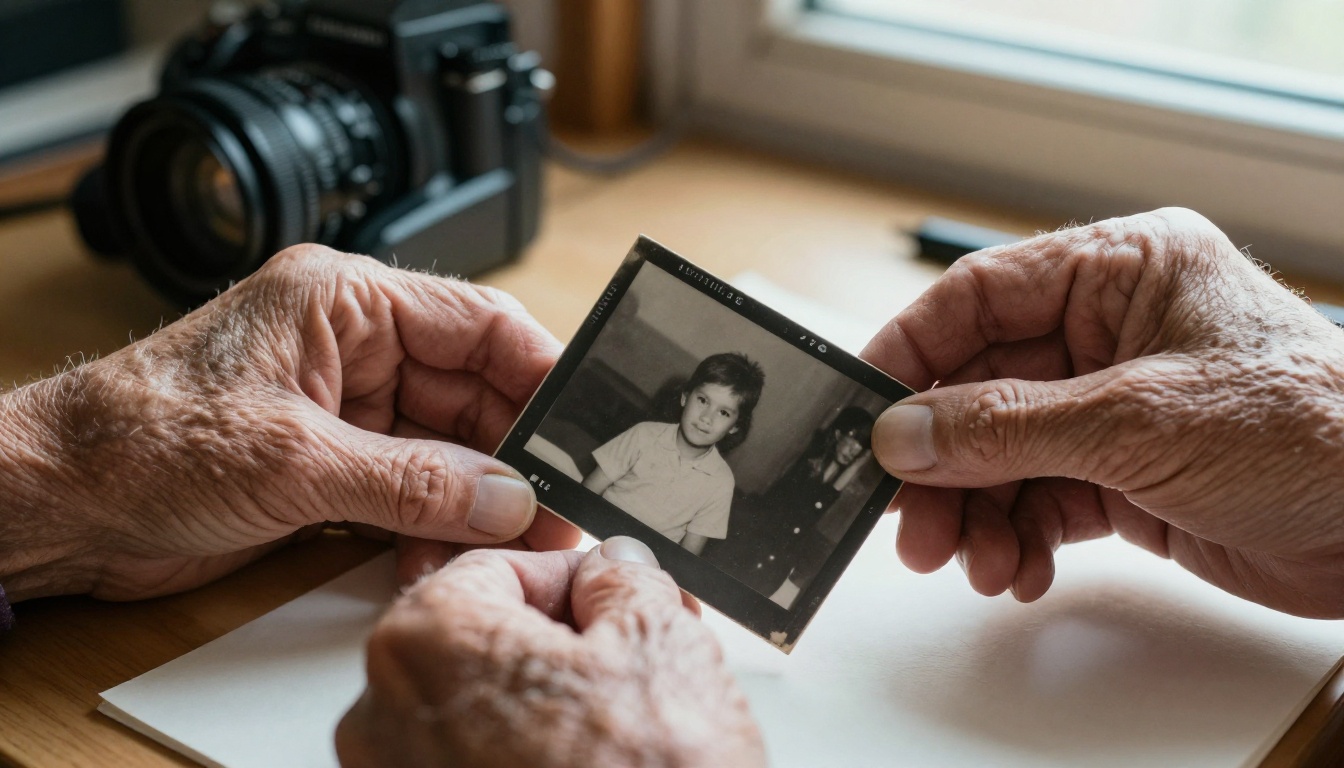
Choose images where the person is doing something typical: laughing at a barbecue, holding a grandchild, standing in a garden. One formal portrait is enough for the front. Scan old prints at 300 DPI or higher so they stay sharp on paper.
Write a Short Life Story
Aim for 150 to 250 words. Include where they were born, what they did for work, what they loved, and who they leave behind. Read it aloud once. If it sounds like them, it is ready.
Select Readings and Music
List each item with the name of the person delivering it. Guests like to know who is speaking, and it saves the officiant from awkward announcements.
Typography Rules That Work
- Use one serif font for body text and one for headings.
- Keep body text at 11 to 12 points so older guests can read it.
- Leave generous margins, at least half an inch.
- Avoid ornate script fonts for names and dates.
⚠️ Proofread names, dates and venue addresses twice, then ask another family member to check. A misspelled name is the mistake families regret most.
Printing Without Stress
Decide where to print before you finalize the design, because margins and paper sizes differ.
| Option | Turnaround | Cost | Quality |
|---|
| Home printer | Same day | Low | Fair |
| Office supply store | 1 to 2 days | Medium | Good |
| Local print shop | 1 to 3 days | Medium | Very good |
| Online printer | 3 to 7 days | Medium | Very good |
| Funeral home | Included | Bundled | Good |
Paper Choices
A matte 100 lb text weight paper feels substantial without being stiff. A slightly thicker card stock works for a front page. Glossy finishes reflect light in a chapel, so most families choose matte or satin.
Timeline
Work backward from the service date. Two days before, final proofing is complete. Three days before, files go to the printer. Five days before, the first draft is circulated among close family. If time is shorter, a same day office store can still produce a respectable booklet.
Budget Breakdown
Costs vary, but a typical plan for 80 guests looks like this:
| Item | Free route | Mid range route |
|---|
| Design | $0 (Word or Canva free) | $0 to $15 (Canva Pro month) |
| Printing 80 copies | $40 to $80 | $100 to $180 |
| Digital flipbook | $0 to start | Paid plan if you need analytics |
| Paper and folding | Included | $10 to $25 |
| Total | About $40 to $80 | About $110 to $220 |
Families often find that digital sharing lowers the number of printed copies they need, which offsets its cost.
Mistakes to Avoid
- Starting too late. Begin the day the date is confirmed.
- Too many photos. Eight strong images beat twenty small ones.
- Tiny text. Elderly guests will struggle to read it.
- Low resolution files. Screenshots from social media look blurry in print.
- Skipping the proof. Always print a single test copy.
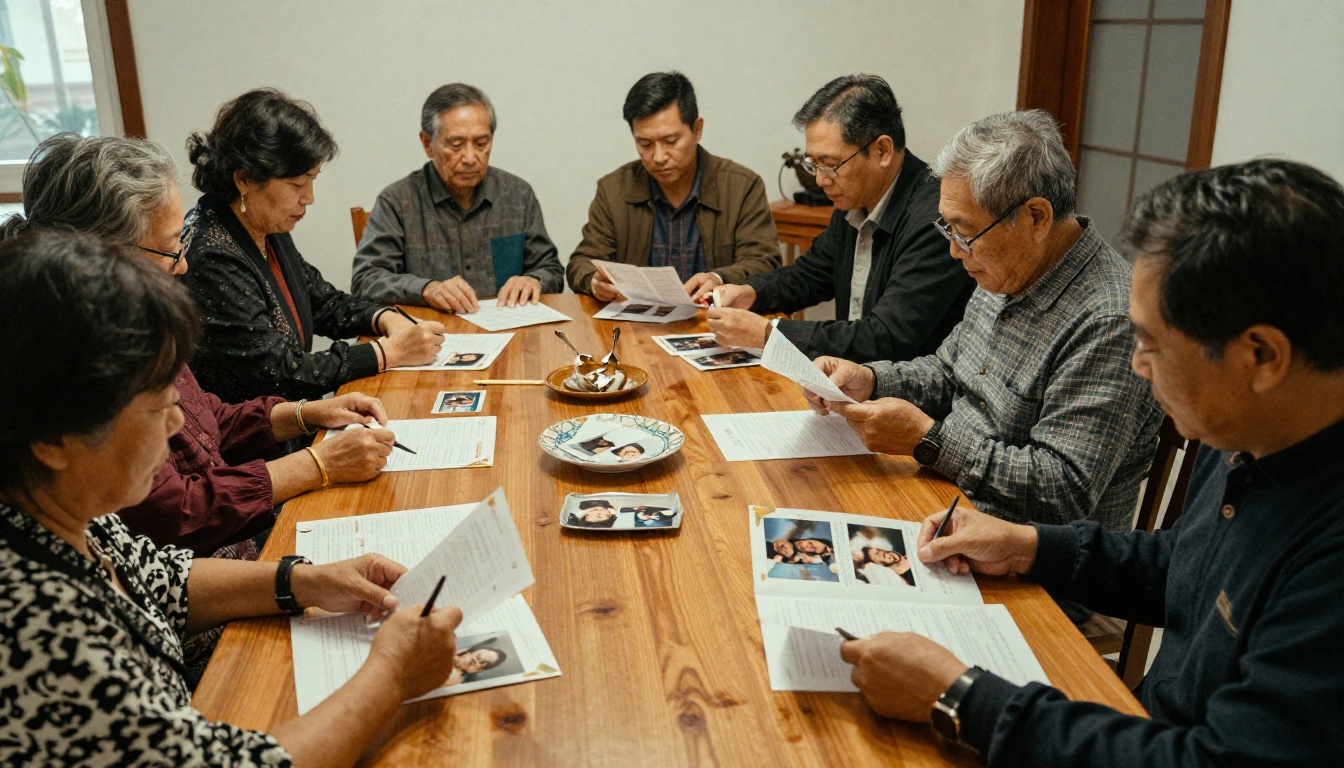
- Doing it alone. Ask one sibling to write, another to gather photos, another to proof.
Add a QR Code to the Printed Copy
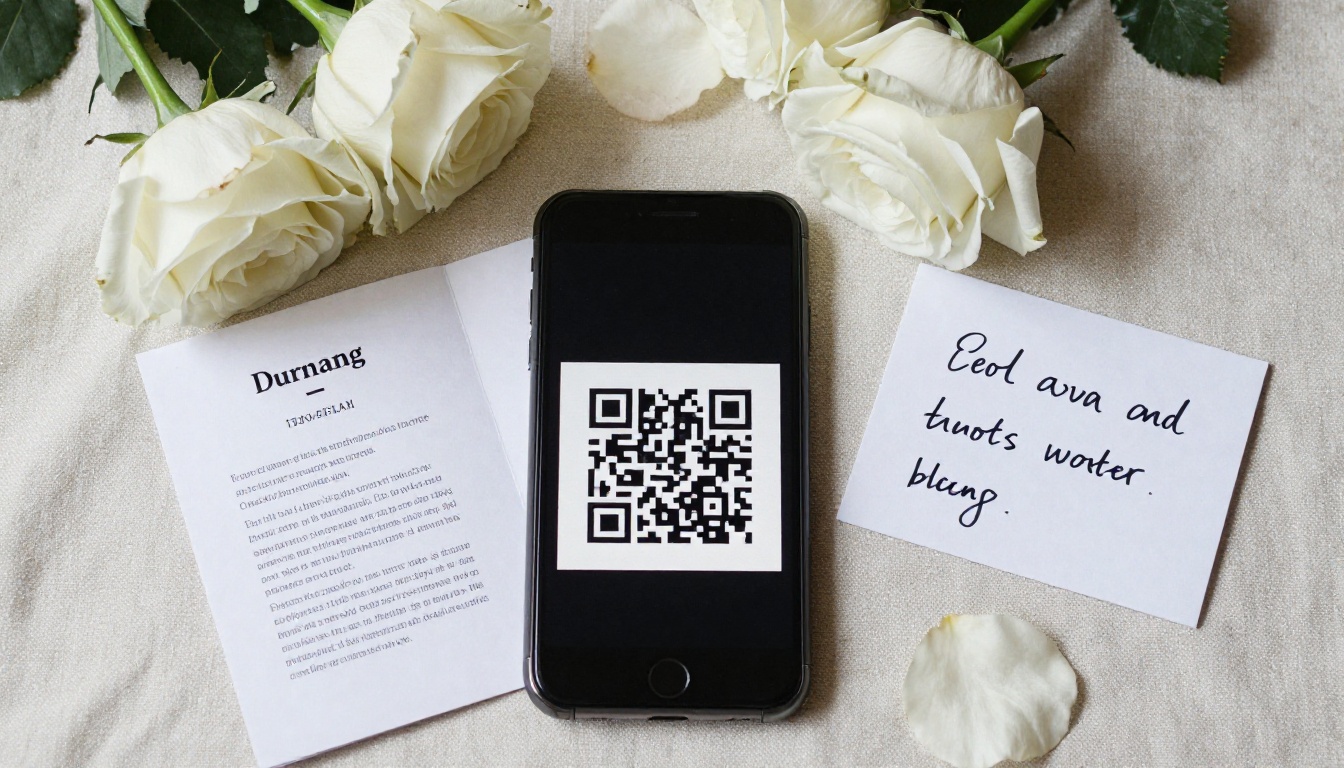
A small QR code on the back page that points to your flipbook link is a simple bridge between formats. Guests scan it with a phone and see extra photos, a longer tribute or a recorded song. Place it in the bottom corner, around one inch square, with the words "More memories" beside it. It also gives people a way to return to the program months later.
✅ Use a short, stable link. If you change the flipbook, update it in place so the printed QR code keeps working.
Final Recommendation
If you want the fastest path, use Canva or a Word template for the layout, print locally, and publish the PDF as a flipbook. If you want no design work at all, let the funeral home produce the printed copy and still ask for the PDF so you can share it online. Whatever you choose, keep the tone simple and personal, and let the photos and words carry the weight.
Ready to Share the Program?
When your PDF is ready, get started for free on Flipbooks AI and turn it into a flipbook your whole family can open. Browse all flipbook tools for other event needs, or compare pricing plans if you want analytics and lead capture. For planning related events, the Wedding Album Flipbook and Event Program Maker follow the same simple process.



