Every Tuesday, a retail marketer somewhere exports a PDF, uploads it to a publishing tool, fixes a broken link, and sends the flyer out before the Wednesday sale begins. If that tool is slow, expensive or locked behind a sales call, the whole routine drags. That is why so many retailers are hunting for an iPaper alternative that handles weekly ads without the enterprise baggage. Platforms like Flipbooks AI turn a plain PDF into a page-flipping flyer in minutes, and they are only one of several options worth comparing.
This article walks through what retail teams actually need from a flyer platform, how the main alternatives stack up, and how to set up a repeatable weekly workflow that does not eat your Monday.
Why Retailers Look Beyond iPaper
iPaper is a respectable product, and it serves large retail chains well. But a growing number of grocery stores, hardware shops, boutiques and regional chains find that it does not fit how they work. The usual complaints are predictable.
- Pricing that is hard to predict. Quotes often arrive only after a sales conversation, which is a poor fit for a store that publishes one flyer a week.
- Setup overhead. Enterprise onboarding makes sense for a national chain, but a five-store retailer wants to upload a file and go.
- Features you never open. Heavy integrations and product-feed tooling add cost for teams that only need a clean digital flyer.
- Slow turnaround. When a price correction lands at 4 p.m. on a Tuesday, you want to republish in minutes.

💡 Pro tip: Before you compare vendors, write down how many flyers you publish per month, how many people edit them, and how fast you need corrections live. Those three numbers eliminate half the field.
A weekly ad is not a brochure. It has a short shelf life, a heavy mobile audience and a clear goal: get shoppers into the store before the sale ends. The right tool reflects that.
Fast PDF Conversion
Most retailers already design flyers in InDesign, Canva or Illustrator and export a PDF. Your platform should accept that file as is and convert it without reformatting. Anything that forces you to rebuild pages inside a proprietary editor adds hours to a weekly job.
Mobile First Reading
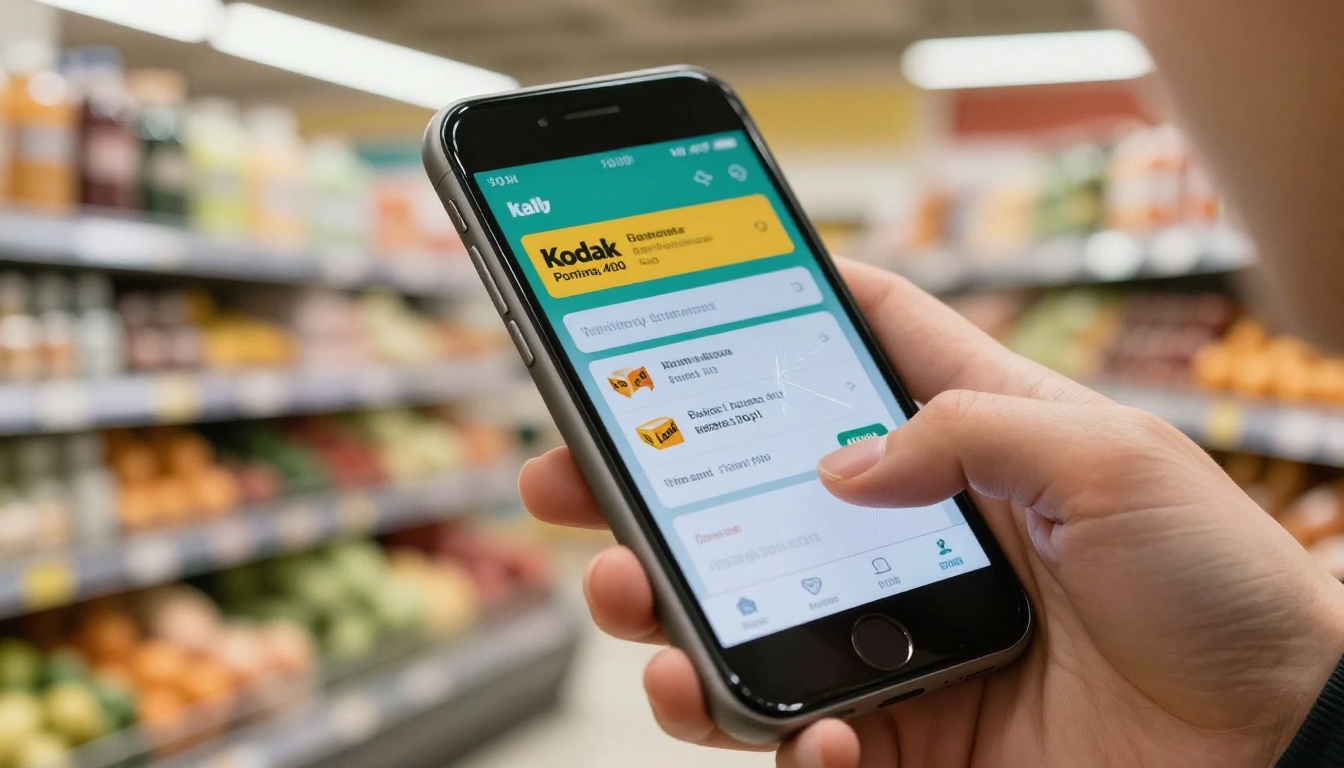
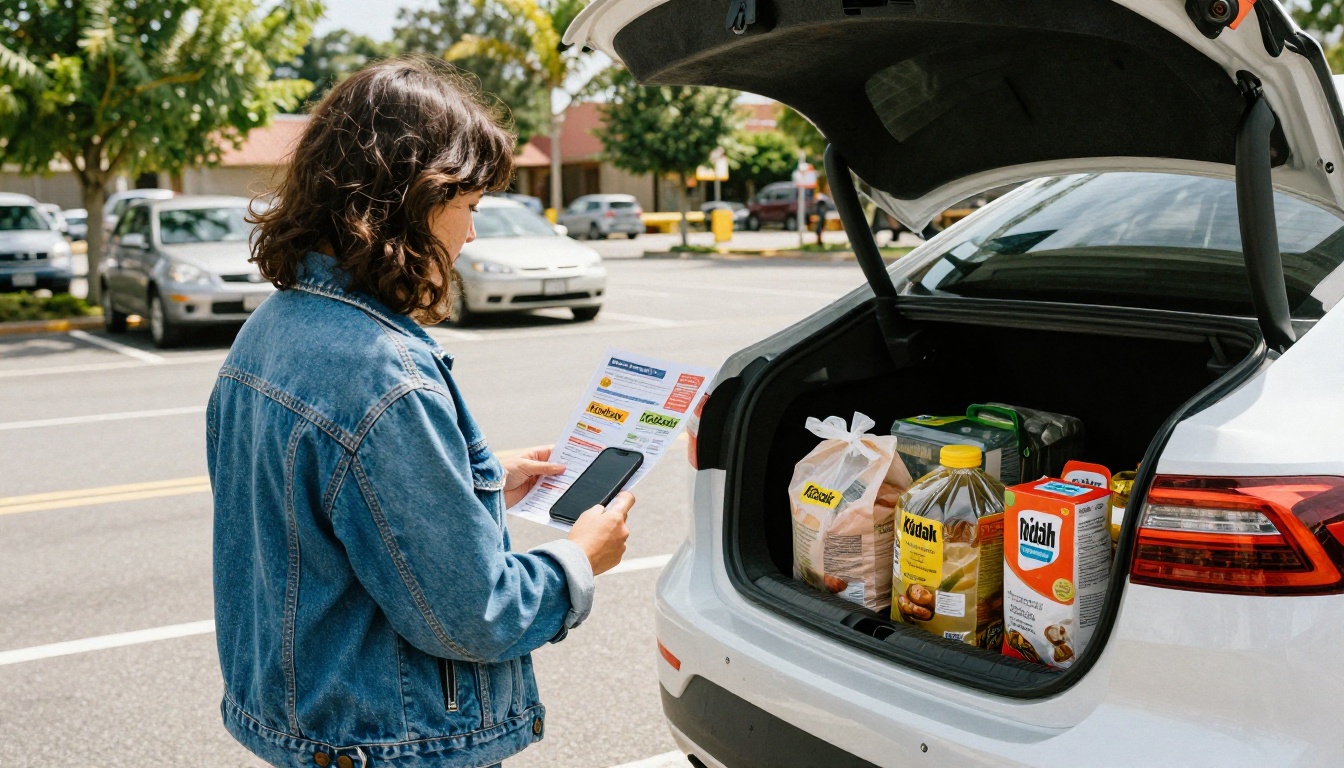
Shoppers check circulars on their phones in the parking lot and on the couch. The flipbook must load quickly, zoom cleanly on small screens and keep text legible. Test every candidate on a mid-range Android phone, not just your office laptop.
Clickable Products and Links
A flyer that only looks nice leaves money on the table. Look for clickable hotspots that send shoppers to product pages, store locators or coupon codes.
Simple Republishing
Prices change. Stock runs out. Typos slip through. You need to swap the file and keep the same link and embed code, so printed QR codes and email campaigns keep working.
Analytics You Can Read
Page views, time on page and click counts tell you which deals pull attention. If a vendor hides analytics on the top tier only, factor that into the price.
Alternatives Compared Side by Side
The table below summarizes how the main categories of alternatives compare for retail flyer use. Pricing and features change often, so treat it as a framework and confirm current details with each vendor.
| Option | Best For | Setup Speed | Pricing Style | Watermark on Entry Plan |
|---|
| Flipbooks AI | Small and mid-size retailers, weekly ads | Minutes | Public tiered pricing | No watermarks |
| iPaper | Large chains with product feeds | Days to weeks | Quote based | Not applicable |
| Issuu | Publishers and magazines | Fast | Subscription tiers | Varies by plan |
| Heyzine | Light flipbook needs | Fast | Subscription tiers | Varies by plan |
| FlippingBook | Business catalogs and reports | Fast | Subscription tiers | Varies by plan |
| Canva or PDF links | Zero budget flyers | Instant | Free or low cost | No flip effect |
The picture is clear. Enterprise tools suit enterprise needs, while the lighter platforms win on speed and price. The real decision is how much functionality you will actually use each week.
Feature Scorecard for Retail Teams
Use this scorecard to rate any platform you test. Give each row a score from 1 to 5, then multiply by the weight that matches your priorities.
| Feature | Why It Matters for Weekly Ads | Suggested Weight |
|---|
| PDF upload without reformatting | Saves hours every week | High |
| Same link after republishing | Protects QR codes and emails | High |
| Mobile loading speed | Most shoppers read on phones | High |
| Password protection | Useful for staff or wholesale flyers | Medium |
| Analytics | Shows which deals perform | Medium |
| Embed on website | Keeps traffic on your domain | Medium |
| Offline download | Helps shoppers with weak signal | Low |
| Team seats | Matters for multi-store brands | Medium |
⚠️ Watch out: A cheap entry plan that adds a vendor watermark or limits you to a handful of flipbooks can cost more once you publish weekly. Do the math across a full year of flyers.
Where Flipbooks AI Fits
Flipbooks AI is built for the retailer who wants a polished flyer without an implementation project. The platform accepts your PDF, converts it into a flipbook with realistic page effects, and gives you a shareable link and an embed code. There are no watermarks, ever, and the Standard plan and above offer unlimited flipbooks, which suits a weekly publishing rhythm.
Several built-in tools map directly to retail work:
Professional plan users also get analytics and lead generation, which is handy when a flyer doubles as a signup funnel. You can see the full list on the tools directory.

How to Publish a Weekly Flyer
Here is a repeatable process you can finish in about fifteen minutes once your design is exported. This tutorial uses Flipbooks AI, but the same steps apply to most tools.
Step by Step Setup
- Create an account. Head to Flipbooks AI and sign up. Pick a plan that fits your publishing volume on the pricing page.
- Export your flyer as a PDF. Use the original resolution but compress images sensibly so the file loads quickly on mobile. Aim for a file under 20 MB when possible.
- Upload the PDF. Drop the file into the converter. The platform splits it into pages and builds the page-turn effect automatically.
- Add your branding. Set your logo, background color and toolbar colors so the flyer feels like part of your store.
- Add links and media. Connect product images to product pages, add a store locator link on the last page, and embed a short audio or video message if you have one.
- Choose sharing options. Copy the direct link for email and social posts, or grab the embed code for your website. Add password protection if the flyer is meant for staff or a partner group.
- Generate a QR code. Print it on in-store signage so shoppers can open the digital version on their phone.
- Republish when prices change. Replace the PDF instead of creating a new flipbook so every existing link keeps working.

✅ Best practice: Keep one flipbook per recurring flyer, such as "Weekly Ad" or "Monthly Deals," and swap the PDF each cycle. Your link, QR code and search history stay stable.
Customization Details Worth Setting Once
- Branding: Match your store colors and logo in the viewer.
- Page effects: Keep the flip animation on for desktop, since it feels familiar and tactile.
- Multimedia: Embed a short product demo or a recipe clip on the relevant page.
- Sharing: Save the embed snippet in your content system so any page editor can reuse it.
Real World Retail Examples
Abstract comparisons only go so far, so here are a few scenarios that show how different retailers might choose.
A neighborhood grocer publishes a twelve-page weekly ad every Tuesday. The marketer wants the same QR code on shelf talkers all month. A platform with stable links and fast republishing fits, and the budget rules out quote-based enterprise tools.
A regional hardware chain runs seasonal circulars for spring planting and winter tools. They need an embed on their site and basic analytics to see which pages draw clicks. A mid-tier plan with analytics covers it.
A boutique clothing shop wants a lookbook that feels like a magazine. The flip effect and image quality matter more than product feeds, so a creative tool such as the Lookbook Flipbook Builder is a better match than a feed-driven retail platform.
A multi-location franchise needs different flyers per region and approval from head office. Here a tool with team seats and password protection earns its cost, and an enterprise option such as iPaper may still be the right call.

The Real Cost of Switching
Switching tools is not free, so count the hidden costs before you commit.
| Cost Area | What to Check | Typical Impact |
|---|
| Subscription | Monthly versus annual billing | Direct and predictable |
| Time to rebuild | Do you need to redesign flyers? | Hours per week |
| Link changes | Will old links and QR codes break? | Lost traffic |
| Training | How many people need onboarding? | One to two sessions |
| Add-ons | Analytics, seats, custom domain | Can double the base price |
A good rule: run the new platform in parallel with your current one for two weeks. Publish the same flyer in both and compare load times, mobile behavior and the effort it took to make corrections. The numbers will settle the argument faster than any feature list.
💡 Pro tip: Ask every vendor the same five questions: Is there a watermark? Can I keep the same link after republishing? What happens to my flipbooks if I cancel? Is analytics included on my plan? How many flipbooks can I publish per month?
Print and Digital Together
Digital flyers do not replace print for every shopper. Many retailers see the best results when the two work as a pair. The printed circular lands in the mailbox, and a QR code on it opens the interactive version with clickable products and updated prices.
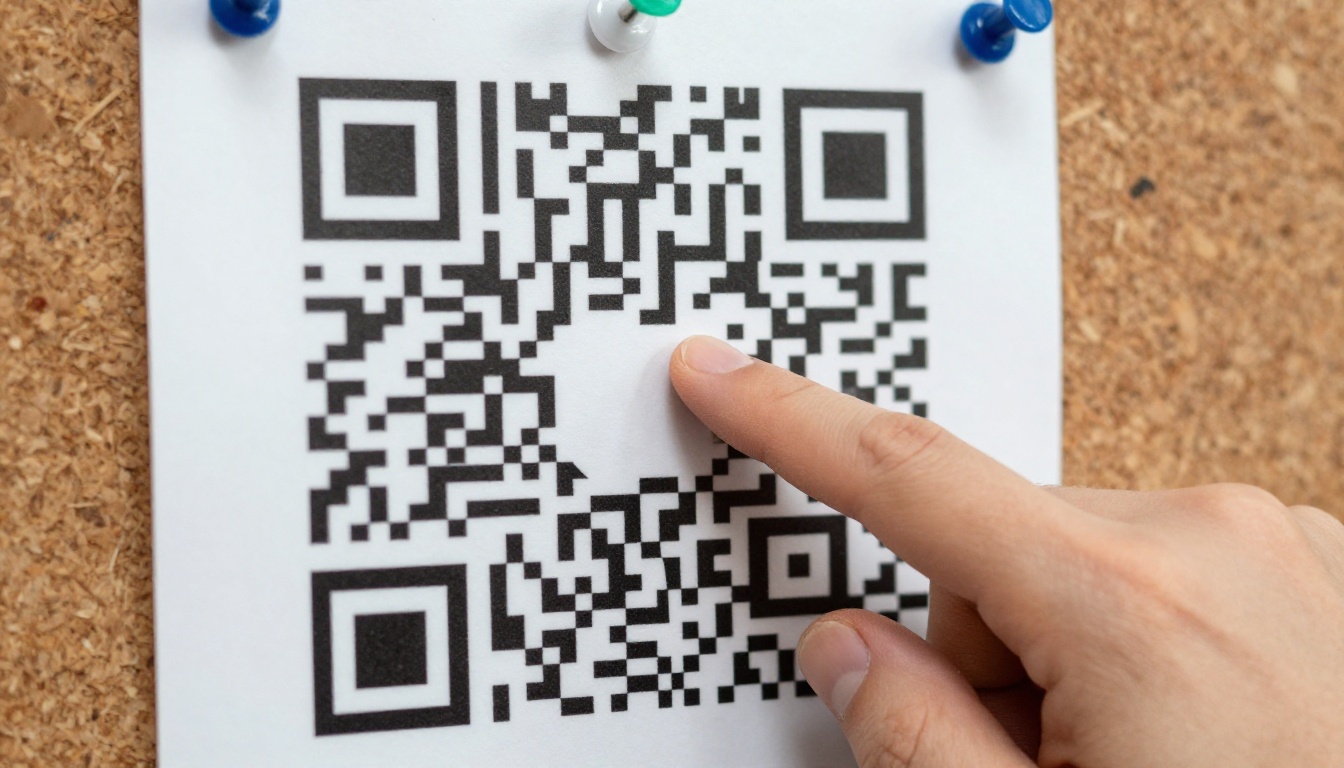
This hybrid approach gives you three advantages:
- Fresher information. Print is frozen the moment it ships, while the digital version can reflect last minute changes.
- Trackable response. Scans and page views show how many recipients took the next step.
- Lower printing costs over time. Some retailers trim print runs for audiences that already prefer the digital copy.
You can embed the flyer on your website so visitors read it without leaving your domain, which also helps keep them close to your product pages.
Distribution Channels to Use
- Email newsletter with a thumbnail of page one linking to the flipbook
- SMS message with the short link on sale launch day
- Social posts using page screenshots that point to the full flyer
- In-store tablets running the flyer for shoppers who ask
- Website banner linking to the latest weekly ad
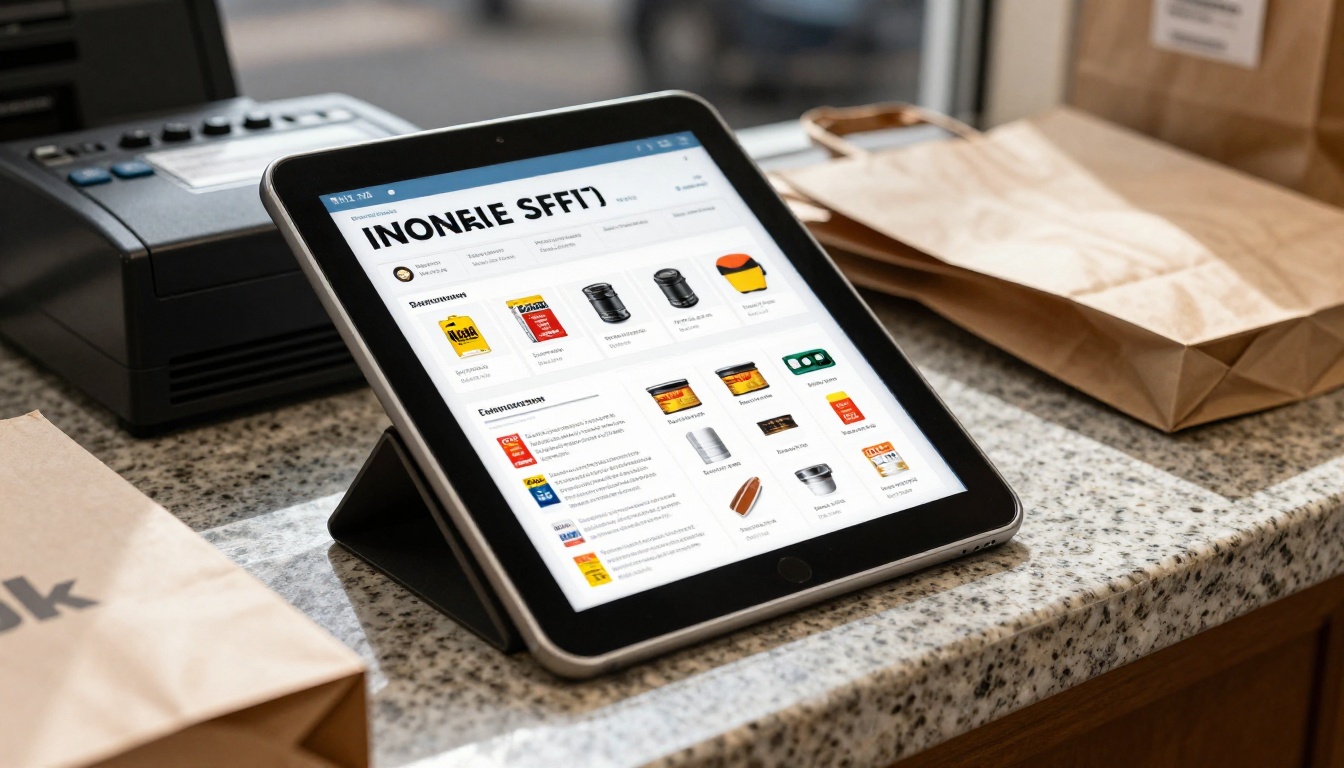
Once the flyer is live, track a few simple numbers each week. You do not need a data team, only consistency.
- Total views. Compare week over week to spot trends around holidays and promotions.
- Average time on flyer. Longer reads usually signal that layout and offers are working.
- Top pages. Move your best offers to the pages that get the most attention.
- Link clicks. Check which products draw interest, then feature them again.
- Traffic source. See whether email, social or QR scans bring the most readers.
These figures are available through analytics on the Professional tier, which you can review on the pricing page.

Common Mistakes to Avoid
- Uploading oversized PDFs. Large files load slowly on mobile and lose readers early.
- Creating a new flipbook every week. Old links die and QR codes point to expired deals.
- Ignoring the first page. Shoppers decide in seconds, so lead with your strongest offer.
- Skipping mobile tests. What looks sharp on a monitor can be unreadable on a phone.
- Forgetting an expiry note. State the sale dates clearly on the cover and the last page.
If you run a large chain with product feeds and a dedicated implementation team, iPaper may still be the right fit. If you are a small or mid-size retailer who wants a clean weekly ad, public pricing and a fast workflow, a lighter tool will usually serve you better.
Here is a short decision path:
- Need feed-driven catalogs across hundreds of stores? Evaluate enterprise platforms.
- Publishing weekly flyers with a small team? Choose a lightweight flipbook tool with stable links.
- Need a magazine feel for a lookbook? Pick a creative tool with strong image rendering.
- Working with no budget? Start with a shared PDF link, then upgrade once volume grows.
Ready to Publish Your Next Flyer?
Skip the sales call and test the workflow yourself. Create a free account on Flipbooks AI, upload this week's PDF and see how it looks on your phone before you commit to anything. Browse the full list of flipbook tools to find the template that matches your store, and compare plans when you are ready to publish every week without limits.



