A buyer opens your email, sees a 40 MB PDF attachment, and closes it. That single moment costs small brands more wholesale orders than any pricing mistake. The right line sheet software fixes it by turning your products into a fast, clean, shareable document that buyers actually open. This ranking of the best line sheet software for small fashion and gift brands compares the main options, shows what each one costs you in time, and includes a short tutorial for building a digital line sheet with Flipbooks AI.
What a Line Sheet Really Does
A line sheet is a short, product-focused sales document that you send to retailers. It lists each item with a photo, SKU, wholesale price, suggested retail price, sizes or variants, and minimum order details. Think of it as a menu for buyers who need to decide quickly.

Unlike a lookbook, which sells a mood, a line sheet sells orderability. Buyers at boutiques, concept stores and gift shops scan dozens of these every week. They want clarity, not poetry.
Line Sheet vs Lookbook vs Catalog
| Document | Main Purpose | Contains Prices | Best For |
|---|
| Line sheet | Help buyers place an order | Yes, wholesale and retail | Boutiques, gift shops, department stores |
| Lookbook | Show style and seasonal mood | Usually no | Press, stylists, brand storytelling |
| Full catalog | Present a large range | Sometimes | Brands with hundreds of SKUs |
Many small brands blend all three into one messy PDF. Splitting them makes each document sharper, and the right software makes the split painless.
What Buyers Expect to See
- One product per row or tile, with a clear photo on a clean background
- Wholesale price and MSRP shown side by side
- Case packs, minimums and lead times stated up front
- Material, size and color details without hunting
- Contact info and ordering instructions on every page
💡 Pro tip: Put your order minimum and delivery window on the first page. Buyers who see a dealbreaker late in the document simply leave.
What to Look For in Line Sheet Software
Not every tool suits a brand with 30 products and a team of one. Before comparing names, decide which of these matter most to you.
Seven Features That Decide the Winner
- Fast setup. You should build a first version in an afternoon, not a week.
- Product grid layouts that handle photos, SKUs and price columns cleanly.
- Easy updates. Price changes and sold-out items should not mean rebuilding everything.
- Shareable links, not only attachments, so buyers open it instantly on a phone.
- Access control, such as a password, so wholesale prices stay private.
- Branding control over fonts, colors and logo placement.
- Honest pricing that fits a small brand's cash flow.

Photos matter just as much as software. A flat, well lit product shot on a neutral background will beat a clever layout every time, so budget time for photography before you pick a template.
The Best Options, Ranked
The tools below fall into three groups: design tools, wholesale platforms and flipbook publishers. Pricing changes often, so check each vendor's current plans before you commit.
1. Flipbooks AI for Shareable Digital Line Sheets
Flipbooks AI turns a PDF into an interactive page flip document that opens in any browser. You design the sheet in the tool you like, export a PDF, and upload it. Buyers get a clean link instead of a heavy attachment.
Where it shines:
- No watermarks on any plan
- Password protection, so wholesale prices stay with approved buyers
- Mobile responsive viewing, ideal for buyers who browse on a phone
- Custom branding, embeds on your own site, and offline downloads
- Analytics and lead capture on the Professional plan, see pricing
The Digital Price List Generator and the Fashion Catalog Creator fit this use case especially well.
2. Canva for Fast Design
Canva is a popular starting point because its templates are friendly and the free tier is generous. You can drag product photos into a grid, add a price column, and export a PDF within an hour.
The limitation is maintenance. Every price change means editing the file again, and there is no built in way to protect pricing or see who opened it. Pair it with a publisher for sharing.
3. Joor and NuORDER for Larger Wholesale Operations
Joor and NuORDER are full wholesale platforms. They handle line sheets, order forms, buyer accounts and sometimes payments. They suit brands with many retailers and a sales team.
For a small studio, they can feel heavy. Setup takes longer, and pricing structures are aimed at growing brands. They make sense when order volume justifies the overhead.
4. Faire for Marketplace Reach
Faire works as a wholesale marketplace. Instead of sending a line sheet, you list products where retailers already shop. It is strong for gift and home brands that want new accounts without cold outreach.
The tradeoff is control. Your catalog lives inside someone else's platform, and you follow their commission and policy structure. Many small brands use Faire to find buyers and a separate line sheet to nurture them.
5. Shopify Wholesale Apps
If your retail store runs on Shopify, wholesale apps can generate price lists and order pages directly from your product data. This keeps inventory in sync, which is a big win once you have many variants.
The learning curve is steeper, and app quality varies. Test with a few products before rolling out your whole range.
6. Google Sheets or Excel as a Budget Baseline
Plenty of founders start with a spreadsheet. It is free, flexible and good for pricing math. The downside is presentation. A raw spreadsheet rarely impresses a boutique owner, so export it to a designed layout.
Side by Side Comparison

| Tool | Best For | Setup Time | Link Sharing | Price Privacy | Fit for Tiny Brands |
|---|
| Flipbooks AI | Shareable, branded line sheets | Under an hour | Yes | Password protection | Excellent |
| Canva | Designing the layout | Under an hour | Basic | Limited | Excellent |
| Joor / NuORDER | Multi retailer ordering | Days | Yes, in platform | Buyer accounts | Moderate |
| Faire | Finding new retailers | Hours | Marketplace | Platform controlled | Good |
| Shopify apps | Stores with live inventory | Hours to days | Yes | Customer tags | Good |
| Spreadsheet | Pricing math | Minutes | Poor | Poor | Good as a base |
✅ Best practice: Combine tools. Build the layout in a design tool, calculate prices in a spreadsheet, and publish the final sheet as an interactive link.
The right choice depends on your size, product type and how you find buyers.
| Brand Profile | Suggested Setup |
|---|
| Solo designer, 20 to 50 products | Canva layout plus a flipbook link |
| Gift brand with many small SKUs | Spreadsheet for data, designed PDF, flipbook publishing |
| Brand wanting new stockists | Faire listing plus a private line sheet for warm leads |
| Growing brand with 30+ retailers | Wholesale platform such as Joor or NuORDER |
| Shopify first brand | Wholesale app plus a seasonal line sheet |
A Real World Example
Picture a ceramics and candle brand with 35 products. The founder builds a six page layout in Canva, sets wholesale at half of retail, and exports a PDF. She uploads it to a flipbook, adds a password, and emails a single link to ten boutiques. Two buyers ask for a sample order the same week, because opening the link on a phone took one tap.
Now compare that with a founder who attaches a heavy PDF. Same products, same prices, far fewer replies.
How to Create a Line Sheet With Flipbooks AI
If your line sheet is already a PDF, you can publish it in a few minutes. Here is the exact flow.

Step 1: Create Your Account
Head to Flipbooks AI and sign up. You can compare plans later when you need unlimited flipbooks or analytics.
Step 2: Prepare and Upload the PDF
Export your line sheet as a PDF with one page per product group. Keep photos compressed but sharp. Then use the PDF to Flipbook Converter to upload it. The tool converts each page into a flip page document automatically.
Step 3: Customize the Look
- Add your logo and brand colors
- Choose a background that matches your studio style
- Pick a page turn effect, or keep it subtle for a professional feel
- Add links from product photos to your online store
Step 4: Protect Wholesale Prices
Turn on password protection. Share the password only with approved buyers, and change it each season.
Step 5: Share the Link
You can send a direct link, or use the Embed Flipbook on Website option to place it on a hidden wholesale page. Allow offline downloads for buyers who travel to trade shows.
Step 6: Track Interest
On the Professional plan, analytics show which pages get attention and lead capture collects buyer details. Follow up with the retailers who opened it more than once.
💡 Pro tip: Create a fresh link for every season instead of overwriting the old one. Buyers can then compare collections without confusion.
Common Mistakes to Avoid

1. Burying the Prices
If buyers cannot find wholesale and retail prices in seconds, they move on. Use a consistent table or column.
2. Mixing Lookbook and Line Sheet
Mood images are great, but keep them to one opening page. The rest should be product rows.
3. Sending Heavy Attachments
Large files get blocked or ignored. A link opens faster and looks more professional.
4. Forgetting Mobile Viewing
Many boutique owners read email on a phone. Test your link on a small screen before sending it.
5. Leaving Outdated Items In
Nothing damages trust like ordering a product that is no longer made. Review your sheet before every send.
⚠️ Warning: Never publish wholesale prices on a public page. Retail customers will compare, and stockists will notice.
Pricing Your Line Sheet Correctly
Software cannot fix weak numbers. Most fashion and gift brands use a keystone markup, meaning the retail price is double the wholesale price. Some categories need more room for the retailer.
| Item | Cost to Make | Wholesale | Retail |
|---|
| Linen scarf | 12 | 30 | 60 |
| Soy candle | 6 | 14 | 28 |
| Leather card holder | 9 | 24 | 48 |
| Enamel pin set | 3 | 8 | 16 |
Use these as a template, not a rule. Your own margins depend on materials, labor and shipping. Check that wholesale still leaves you a healthy profit after packaging and fees.

Terms Worth Printing
- Opening order minimum, for example a fixed dollar amount
- Reorder minimum, usually lower
- Payment terms such as prepay or net 30
- Lead time and shipping method
- Return and damage policy
Making It Work on Phones and at Shows
Buyers meet brands in many places: at a trade show, in a showroom, or over coffee. A digital line sheet works in all of them.
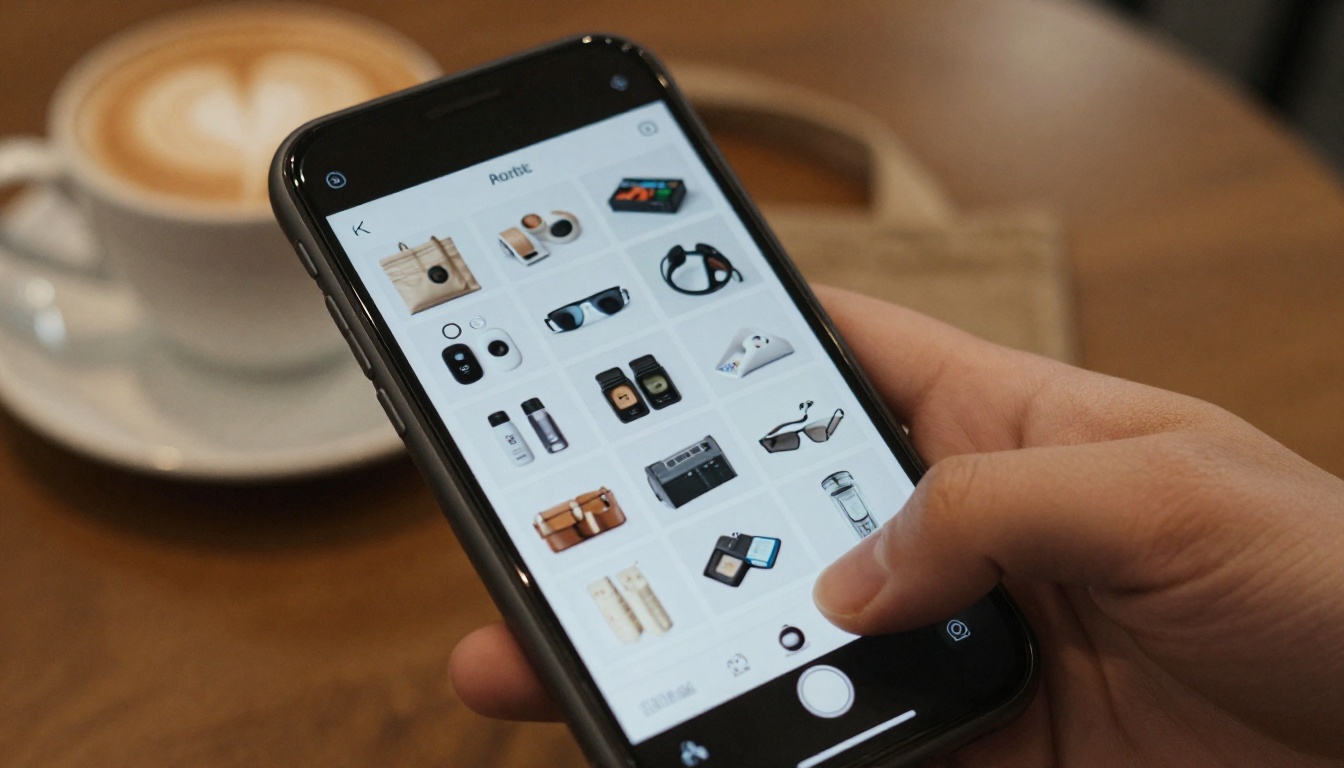
At a show, keep a QR code on your table that opens the link. In a meeting, hand the buyer a tablet. After a call, send the link with a short note naming two products you discussed. This is far more effective than a generic email blast.
Handling Orders After the Sheet
Once a buyer is interested, you still need an order form. Many brands add a simple form link on the last page, or reply with an invoice. Keep the process short: product, quantity, ship date.

Fulfillment is where small brands win loyalty. Pack carefully, ship when you promised, and send tracking. A buyer who receives a tidy box on time reorders.
Seasonal Update Checklist
Use this list every season so your sheet never goes stale.
Pick a Setup and Send It This Week
The best line sheet software is the one you will actually use this week. For most small fashion and gift brands, that means a simple design tool, a spreadsheet for numbers, and a publisher that gives buyers a fast, private link.

Ready to share yours? Get started for free on Flipbooks AI, browse all flipbook tools to find the best fit for your catalog, or compare pricing plans to add analytics and lead capture. If you also need a seasonal showcase, the Interactive Lookbook Designer pairs nicely with your line sheet.



