A lookbook is the one sales tool a small clothing label cannot skip, and the wrong app can make a gorgeous collection look like a messy photo dump. If you want a page-turning experience that buyers, stylists and customers actually finish, a platform like Flipbooks AI turns your PDF into a polished digital lookbook in minutes. But it is not the only option, and it is not always the right one.
This ranking compares the best lookbook apps and websites for small clothing labels, with honest notes on who each one suits, what it costs in time and money, and where it falls short.

Why Lookbooks Still Matter
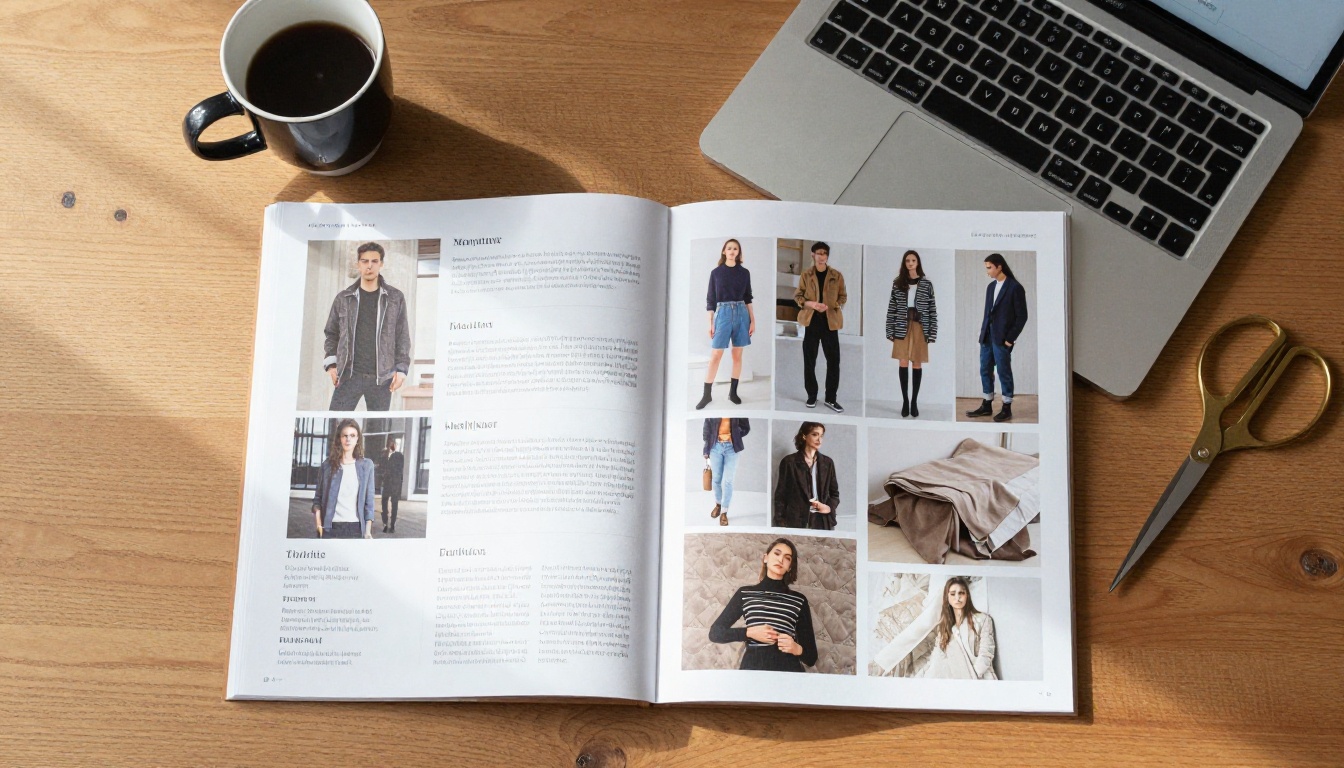
Product pages sell single items. A lookbook sells a world: the mood, the styling, the way a linen shirt sits with a wide-leg trouser. For a small label, that story is often the difference between a one-time buyer and a loyal customer.
Wholesale buyers also expect one. Boutique owners rarely have time to read through a full line sheet, so a clear lookbook is usually their first filter.
What a good lookbook does for a small label:
- Shows the collection as a cohesive story, not a list of SKUs
- Gives wholesale buyers a fast visual summary
- Works as a shareable link in emails, DMs and press pitches
- Keeps your brand consistent across seasons
- Costs far less than printing and shipping physical copies
💡 Pro tip: Treat your lookbook as a sales document first and an art project second. Every page should make it easier to say yes.
What Small Labels Actually Need
Big fashion houses can afford custom microsites. You probably cannot, and you probably do not have a developer on call. So the right tool for a small label comes down to a handful of practical needs.
Speed and Simplicity
If building the lookbook takes longer than the photoshoot, the tool is wrong. Look for drag-and-drop or PDF upload workflows.
Mobile-First Viewing
Most buyers and customers will open your link on a phone. Pinch-zoom, fast loading and a clean page-turn matter more than fancy animation.
Brand Control
Colors, fonts, logos and the absence of third-party watermarks all affect how professional you look.
Sharing and Tracking
A link, an embed code and ideally some view data. Knowing which buyer opened the lookbook and how long they stayed is a real sales advantage.
Cost That Scales Down
Many label owners release only two to four collections a year. A tool with a heavy monthly fee and no flexibility eats into thin margins.
The Best Options, Ranked
Here is the full ranking. Tool plans and prices change often, so check each provider's current page before you commit.
| Rank | Tool | Type | Best For | Watermark-Free Option |
|---|
| 1 | Flipbooks AI | Flipbook app | Turning PDFs into shareable lookbooks | Yes, no watermarks |
| 2 | Shopify (lookbook sections and apps) | Store builder | Labels already selling on Shopify | Yes |
| 3 | Canva | Design app | Designing the pages themselves | Yes, on paid plans |
| 4 | Pinterest and Instagram | Social platforms | Free inspiration and reach | Not applicable |
| 5 | Squarespace and Wix | Website builders | Standalone brand sites with gallery pages | Yes, on paid plans |
| 6 | Adobe InDesign plus PDF | Desktop publishing | Print-quality layout control | Yes |
1. Flipbooks AI: Best Overall for Digital Lookbooks
Flipbooks AI is built for exactly this job: you bring a PDF, it returns a realistic page-turning flipbook with your branding. The Interactive Lookbook Designer and the Lookbook Flipbook Builder are the two pages most relevant to clothing labels.
Why it ranks first for small labels:
- No watermarks, ever
- Unlimited flipbooks on the Standard plan and above
- Mobile-responsive reading experience
- Password protection, handy for wholesale-only collections
- Analytics and lead generation on the Professional plan
- Embed videos and audio for runway clips or mood tracks
- Offline downloads for buyers at trade shows with weak signal
Where it falls short: it does not design the pages for you. You still need a layout tool (Canva, InDesign or similar) to create the PDF first.
2. Shopify: Best for Labels Already Selling Online
If your store runs on Shopify, lookbook sections and shoppable-image apps let customers click a styled outfit and add items to a cart. It is great for conversion, because the lookbook lives where the checkout is.
The trade-off is that it is tied to your storefront. Sending a private, standalone lookbook to a wholesale buyer is awkward, and some apps carry their own monthly fees.
3. Canva: Best for Designing the Pages
Canva has a huge library of fashion layouts and is friendly to beginners. Many small labels build the entire lookbook there, then export a PDF.
It can publish simple web pages and share links, but the page-turn experience and tracking options are limited compared with a dedicated flipbook tool. Pair it with a flipbook platform for a stronger result.
4. Pinterest and Instagram: Best Free Reach
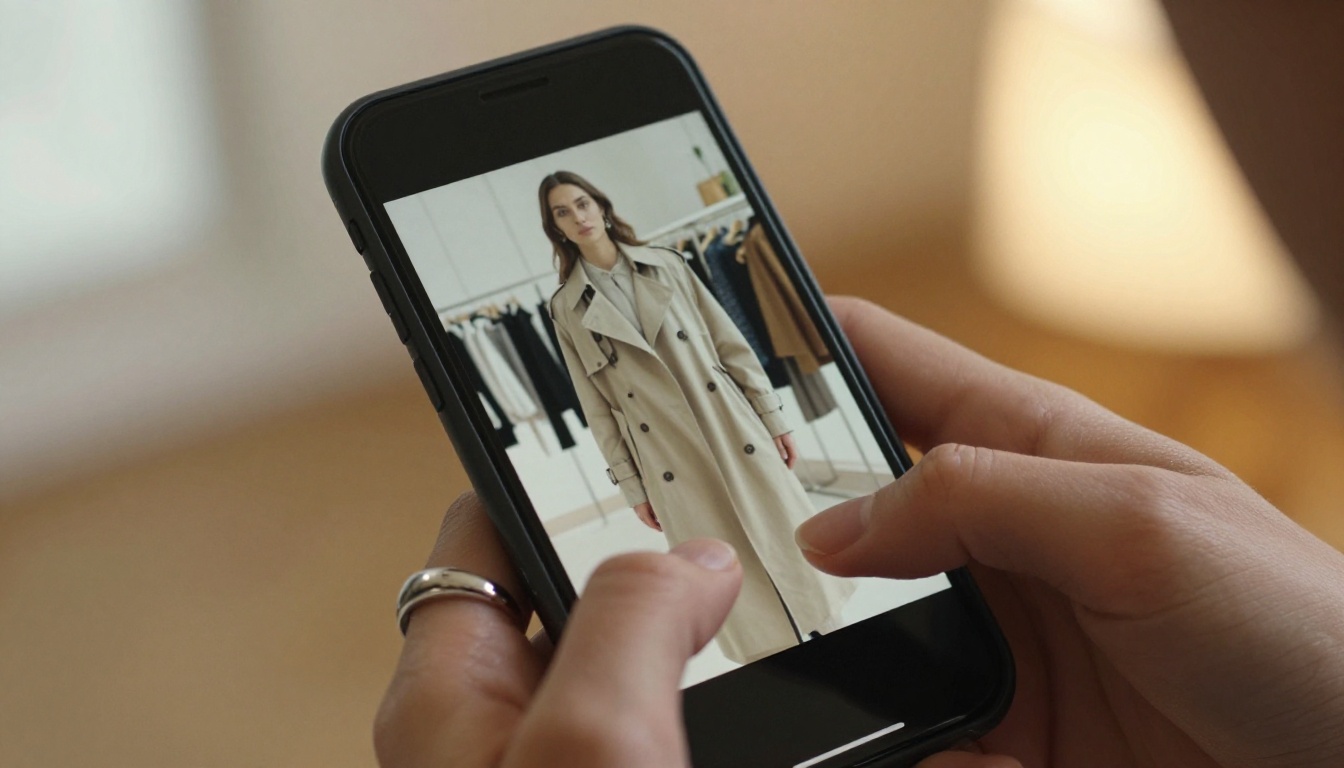
Social boards act as informal lookbooks. A Pinterest board per collection or an Instagram carousel can drive discovery at no cost.
But you do not own the audience, you cannot control the layout, and wholesale buyers rarely treat a carousel as a serious line presentation. Use these as top-of-funnel, not as your main lookbook.
5. Squarespace and Wix: Best for Standalone Brand Sites
Both offer gallery and portfolio templates that suit lookbook pages. They look clean and are quick to launch for a label with no online store yet.
The downside is that updating a seasonal lookbook means rebuilding or re-editing pages, and there is no native page-turn feel.
6. Adobe InDesign: Best for Layout Control
InDesign gives professional typography and grid control. If you or your designer already knows it, you can produce a very refined PDF.
The learning curve is steep and the subscription adds up, so it is rarely the right starting point for a solo founder.
Side-by-Side Feature Comparison
| Feature | Flipbooks AI | Shopify | Canva | Squarespace / Wix |
|---|
| Page-turn effect | Yes | No | Limited | No |
| PDF upload | Yes | No | Yes (import) | Embed only |
| Password protection | Yes | Store-level | Limited | Yes, on some plans |
| View analytics | Yes (Professional) | Store analytics | Basic | Site analytics |
| Embed on website | Yes | Native | Yes | Native |
| Shoppable products | No | Yes | No | Via store add-ons |
| Learning curve | Low | Medium | Low | Medium |
✅ Best practice: Use two tools, not one. Design in Canva or InDesign, publish in a flipbook platform, and link to your store for checkout.

How to Build a Lookbook in Flipbooks AI
If you decide a flipbook fits your label, here is a practical walkthrough. It takes most people under fifteen minutes once the PDF is ready.
Step 1: Prepare Your PDF
Export your lookbook from Canva or InDesign. Aim for one outfit per spread, high-resolution photos and a consistent margin. Keep the file size reasonable so pages load quickly on mobile.
Step 2: Create an Account
Head to Flipbooks AI and sign in. You can compare pricing plans at any time if you need analytics or unlimited flipbooks.
Step 3: Upload and Convert
Use the PDF to Flipbook Converter. Drop in your file and wait a few moments while pages are processed into a realistic page-turning flipbook.
Step 4: Customize the Look
- Add your logo and brand colors
- Pick a background that suits the collection, such as warm neutral for linen pieces or deep charcoal for evening wear
- Choose the page-turn effect and sound
- Add multimedia: a short runway clip or a soft ambient track
Step 5: Control Who Sees It
For wholesale-only drops, add a password. For public campaigns, publish an open link and share it across email and social.
Step 6: Share and Embed
Copy the direct link, or use the Embed Flipbook on Website option to place the lookbook on your own site. Download an offline copy for trade shows.
Step 7: Track the Results
On the Professional plan, review who opened it and which pages held attention. Use that data to decide which pieces to feature in your next campaign. If your catalog is part of the same pitch, the Fashion Catalog Creator pairs well with a lookbook.

Real-World Examples
Seeing how other labels might use these tools makes the choice easier.
The Linen Label With Wholesale Buyers
A three-person label selling linen basics to boutiques builds a spring lookbook in Canva, converts it to a password-protected flipbook, and emails the link to twenty stockists. Analytics show which stockists opened it, so the founder follows up with the most engaged ones first.
The Streetwear Brand With Pop-Up Events
A streetwear label prints a QR code on its pop-up signage. Scanning opens a mobile-friendly flipbook lookbook, with an embedded video of the drop. Visitors who like a piece can order from the store link on the last page.
The Shopify-Only Label
A small knitwear brand adds shoppable lookbook sections to its Shopify store. Each outfit photo links to the exact sweater, scarf and trouser. A separate flipbook is still used for press, because journalists want a single link they can open anywhere.
What It Really Costs
Costs vary, and plans change, so treat this as a framework instead of a price list.
| Cost Factor | Free Route | Paid Route |
|---|
| Design tool | Free Canva tier | Paid design or InDesign subscription |
| Lookbook hosting | Social boards | Flipbook platform plan |
| Photography | Phone and natural light | Hired photographer and model |
| Time per collection | Many hours of manual layout | A few hours with templates |
| Tracking | None | Analytics on a paid plan |
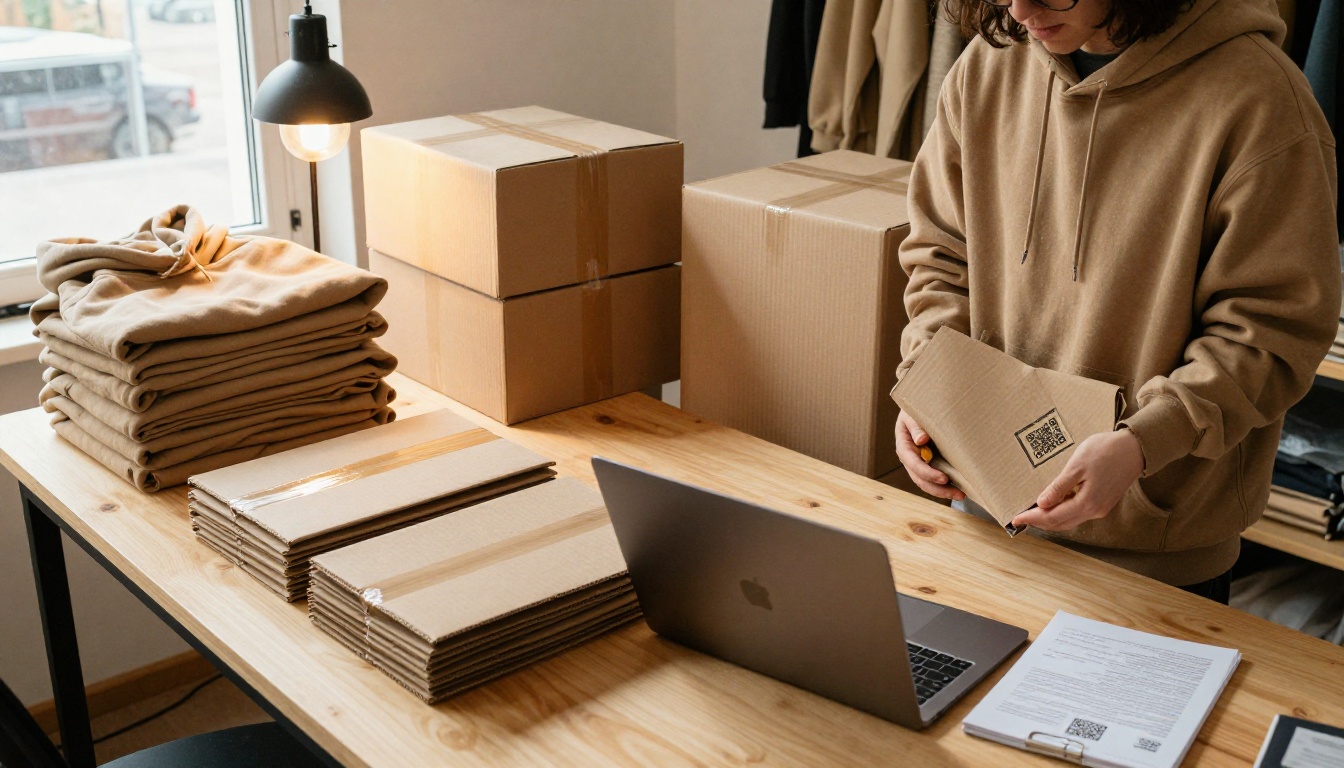
The largest hidden cost is time. A tool that saves two hours per collection pays for itself quickly if you release several drops a year.
⚠️ Warning: Free tools often add watermarks or limit exports. A watermark on a buyer-facing lookbook can undercut an otherwise premium brand.
Common Mistakes to Avoid
- Too many images per outfit. One strong hero shot beats five similar ones.
- Heavy PDF files. Slow loading loses buyers on mobile.
- No call to action. End every lookbook with a link to your store or order form.
- Inconsistent styling. Mixed lighting and backgrounds make a collection feel unfinished.
- Skipping tracking. Without data, you are guessing which buyers are interested.
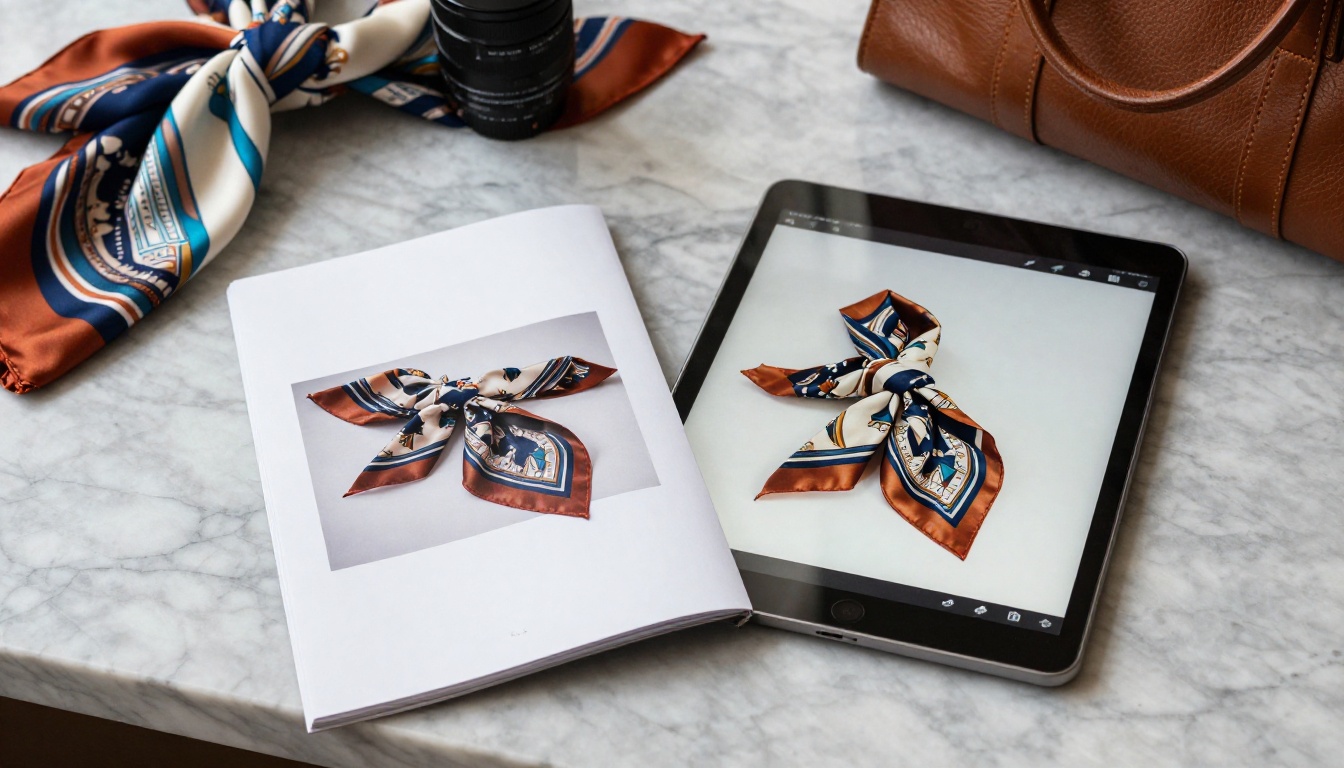
Match the tool to your situation:
- Selling wholesale to boutiques? A password-protected flipbook with analytics is the strongest fit.
- Selling direct on Shopify? Add shoppable lookbook sections and a flipbook for press.
- No budget yet? Design in a free tier, share a PDF, and build social boards while you grow.
- Hosting events or pop-ups? Use a QR code that opens a mobile flipbook.
- Heavy on design skill? Use InDesign for layout and publish through a flipbook platform.
For a quick refresher on the style of tool involved, the Digital Portfolio Creator shows how a similar page-turn format works for creative work.
Ready to Publish Your Lookbook?
Your next collection deserves more than a folder of JPEGs. Pick the tools that match your workflow, keep the design simple and make the sharing link effortless.
When you are ready, create your account on Flipbooks AI, browse the full set of flipbook tools, and compare pricing plans to see which one suits a growing label. If you want to go straight to a plan, use the account and pricing shortcut.

An image-led story, a clean link and a few minutes of setup are often all a small clothing label needs to look like a much bigger brand.



