Your supporters open fewer emails than they did five years ago, and your budget did not grow to match. Picking the best newsletter platforms for nonprofits and small charities now means balancing price, volunteer-friendliness, and how well a tool helps you tell a story that makes people give. This ranking walks through the options that actually work for small teams, shows what they cost in real scenarios, and finishes with a way to turn your newsletter into an interactive page-turning edition using Flipbooks AI.
Pricing and discounts change often, so treat the numbers below as ranges and confirm them on each vendor's site before you commit.

A corporate marketing team and a three-person charity do not shop the same way. Before you compare tools, write down what your organization truly needs.
Low cost at small scale
Most small charities have lists between 500 and 5,000 contacts. A platform with a generous free tier or a nonprofit discount can save you hundreds of dollars a year, money that belongs in programs.
Volunteer-proof editing
Your newsletter might be built by a different person every quarter. A drag-and-drop editor with reusable templates beats a powerful tool that only one staff member understands.
Donor-friendly features
Look for these in order of importance:
- Segmentation so donors, volunteers, and event guests get different messages
- Automated welcome and thank-you emails
- Donation buttons or links that work well on phones
- Simple reporting on opens, clicks, and unsubscribes
- List import from your donor database or spreadsheet
💡 Pro tip: Ask every vendor one question before you sign up: "What happens to my price when my list doubles?" Some tools stay cheap, others jump sharply.
Here is the shortlist, ordered by how well each fits a typical small charity with limited staff time.
1. Brevo: best for tight budgets
Brevo prices mainly by emails sent rather than by list size. That suits charities with a large list who only write once or twice a month. The free plan has a daily sending cap, which is workable for small lists, and the paid tiers stay modest. The editor is solid, and automation is included even at lower levels.
Best for: organizations with big lists and infrequent sends.
2. MailerLite: best for simplicity
MailerLite is the tool most volunteers pick up fastest. The interface is clean, the templates look modern, and landing pages and simple automations come built in. It has offered nonprofit discounts in the past, so ask support before paying full price.
Best for: one-person communications teams.
3. Mailchimp: best for familiarity
Many board members have heard of it, and plenty of volunteers have already used it. It has a huge template library and a large pool of tutorials. The tradeoff is that costs rise quickly as your list grows, and some features sit behind higher tiers.
Best for: teams that value a big ecosystem of integrations.
4. Constant Contact: best for hands-on support
Constant Contact is known for phone and chat support and event tools such as registration and RSVP pages. It tends to cost more than the tools above, but it has run discounts for nonprofits, and for a team that fears technology, live help can be worth the price.
Best for: charities that host frequent events and want a person on the phone.
5. Kit (formerly ConvertKit): best for storytellers
Kit is built for creators who write regularly. If your executive director writes a personal monthly letter, Kit's clean text-first approach and tagging system work nicely. Visual templates are limited, so it is a weaker pick if you want magazine-style layouts.
Best for: letter-style newsletters with a strong personal voice.
6. Donor CRM built-ins
Tools like Bloomerang, Little Green Light, and Neon CRM include email features that connect directly to donor records. Sending is sometimes less polished than a dedicated email tool, but the gift history sitting next to each contact is hard to beat.
Best for: teams that already pay for a donor database.

Side-by-Side Comparison
The table below summarizes how the platforms compare on the factors small charities care about most. Ratings are general impressions, not lab measurements.
| Platform | Free tier | Ease for volunteers | Nonprofit discount | Best feature |
|---|
| Brevo | Yes, daily send cap | Good | Ask sales | Pricing based on sends |
| MailerLite | Yes, limited subscribers | Excellent | Often available | Clean editor |
| Mailchimp | Yes, limited | Good | Varies, ask | Template library |
| Constant Contact | Trial only | Good | Often available | Live support, events |
| Kit | Yes, limited | Good | Rare | Tagging and letters |
| Donor CRM email | No | Fair | Not applicable | Gift history inside |
How the cost scales
This second table shows the pattern you can expect as your list grows. It illustrates the general shape of pricing, not exact quotes.
| List size | Cost pattern | What to watch |
|---|
| Under 1,000 | Free or very low | Daily send caps |
| 1,000 to 5,000 | Low to moderate | Branding removal fees |
| 5,000 to 25,000 | Moderate to high | Tools that charge per contact |
| 25,000 and up | Negotiate | Ask for a nonprofit contract |
⚠️ Warning: Platforms that charge per contact count unsubscribed and inactive addresses in some plans. Clean your list every six months so you stop paying for people who never read you.

Real Scenarios and Picks
Theory only goes so far. Here is how the choice plays out for three typical organizations.
The neighborhood pet shelter
A shelter with 1,800 contacts sends one monthly update with adoption stories and a wish list. Staff time is thin, and photos matter more than copy. MailerLite fits well: fast photo-heavy templates, a free or low cost, and automations that welcome new adopters.
The regional food bank
A food bank with 12,000 contacts sends a monthly newsletter plus urgent appeals during holiday drives. Emails go out rarely, but the list is big. Brevo wins on price here because billing follows sends instead of subscribers.
The arts charity with events
A small arts charity runs six ticketed events a year and needs RSVP pages and reminders. Constant Contact earns its higher price through event tools and support, especially when a new volunteer has to build a campaign the night before a launch.

How to Get a Nonprofit Discount
Many vendors will not advertise their charity pricing prominently. A little persistence pays off.
- Check the pricing page for a "nonprofit" or "charity" link first.
- Prepare proof of status, such as a 501(c)(3) letter or your national charity registration number.
- Contact sales or support and ask directly what discounts exist.
- Ask about annual billing, which often stacks with a charity discount.
- Check marketplaces like TechSoup, which list donated or discounted software for eligible organizations.
- Set a calendar reminder to renegotiate before renewal.
✅ Best practice: Keep your charity registration document in a shared folder. Every vendor, grant portal, and software donor program will ask for it eventually.
Writing Newsletters Donors Read
The platform is only half the job. Here is what moves results for small charities regardless of tool.
Lead with one story
Open with a single person or animal, one specific moment, and one clear outcome. Statistics belong lower down.
Keep one call to action
A newsletter with five different asks gets zero. Pick one, whether it is a donation, a sign-up, or an event, and repeat it twice.
Send on a rhythm
Monthly is realistic for most volunteer teams. A consistent schedule beats an ambitious plan that stops after two issues.
A simple monthly template
| Section | Purpose | Length |
|---|
| Opening story | Emotional hook | 120 to 180 words |
| Impact numbers | Show results | 3 bullet points |
| Single ask | Drive one action | 40 to 60 words |
| Upcoming dates | Help people plan | Short list |
| Thank-you note | Reinforce giving | 1 to 2 sentences |

Turn Your Newsletter Into a Flipbook
Email platforms are excellent at sending, but a long annual newsletter or impact report can feel flat in an inbox. Many charities solve this by publishing the full edition as an interactive page-turning flipbook and linking to it from the email. The email stays short and the flipbook carries the richer story.
The Newsletter Flipbook Publisher is built for exactly this, and the Non-Profit Annual Report tool suits year-end impact summaries.
How to create one with Flipbooks AI
- Create your account. Go to Flipbooks AI and sign up.
- Design your edition as a PDF. Use any design tool you already have, such as Canva, Word, or Google Docs, and export it.
- Upload the PDF. The PDF to Flipbook Converter turns it into a realistic page-turning publication in moments.
- Customize the look. Add your logo, set brand colors, choose page effects, and embed a short video message or audio clip from your director.
- Choose how to share. Copy a direct link for your email, use an embed code to place it on your site (see how to embed a flipbook on your website), or add password protection for board-only reports.
- Measure results. Higher plans include analytics and lead capture so you can see which pages supporters read. Compare the options on the pricing page.
Flipbooks carry no watermarks, work on phones, and allow offline downloads, which matters for volunteers with patchy connections.
💡 Pro tip: Put the flipbook link behind a single button in your email with the words "Read the full story." Fewer links means more clicks.
Print and digital together
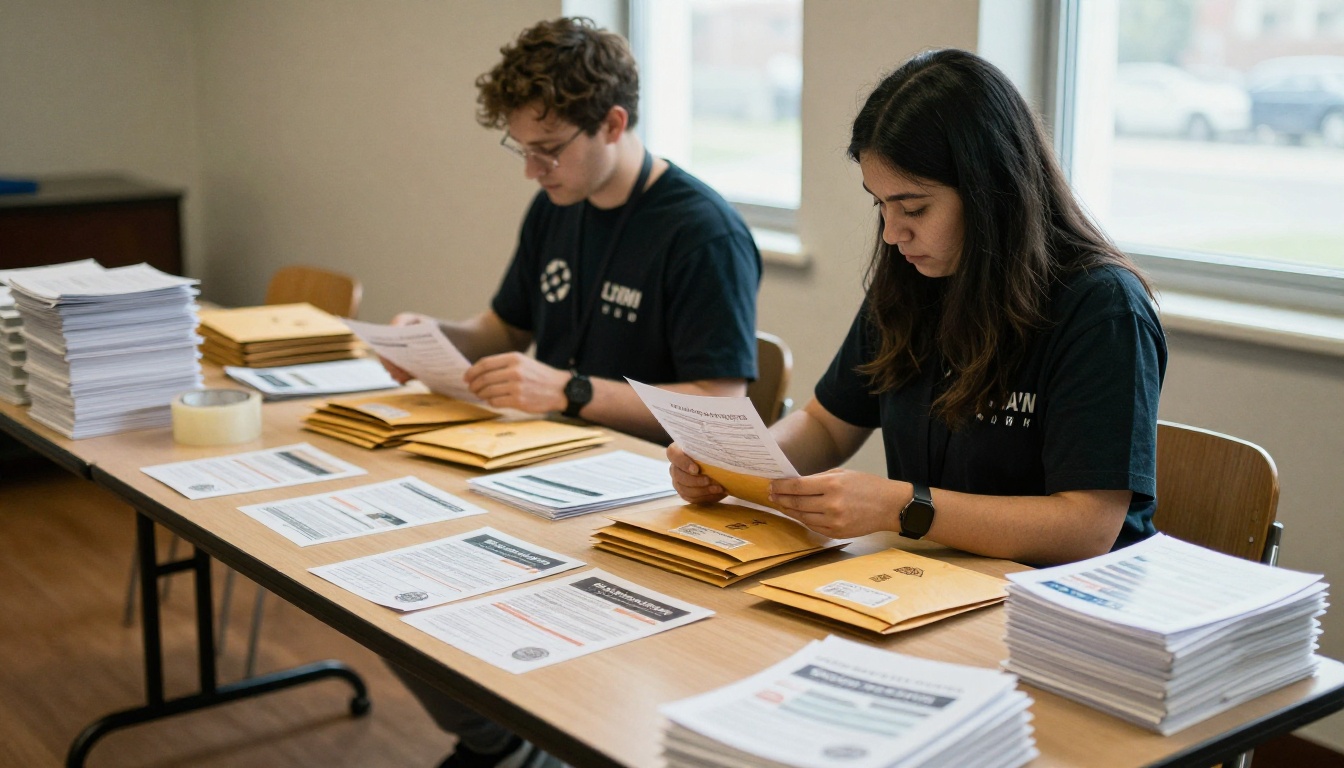
Plenty of supporters, especially older donors, still prefer paper. Send the same PDF to your print shop and share the flipbook link by email. One design, two formats, no extra writing.

Common Mistakes to Avoid
Small charities repeat the same errors again and again. Skip these and you are ahead of most.
- Buying features you will not use. A simple tool you actually use beats a powerful one you avoid.
- Ignoring list hygiene. Remove bounced and long-silent addresses.
- Skipping the welcome email. New subscribers are most attentive in the first week.
- Forgetting mobile. Most opens happen on phones, so preview every send.
- Letting one person hold the login. Store credentials in a shared password manager so the tool survives volunteer turnover.
- Never testing subject lines. Try two versions on a small slice of your list.

How to Choose in One Afternoon
Use this short checklist to decide without weeks of debate.
- Count your list and estimate how often you will send.
- Set a monthly budget with a firm ceiling.
- Shortlist two tools from the ranking above.
- Build the same test email in both and ask a volunteer to edit it.
- Ask for the nonprofit discount from both vendors.
- Pick the one your volunteer finished fastest.
| If you are... | Start with |
|---|
| A solo communicator on a free budget | MailerLite |
| Running a large list with rare sends | Brevo |
| Hosting many events | Constant Contact |
| Writing personal letters | Kit |
| Already using a donor CRM | Its built-in email |
| Wanting familiar tools and templates | Mailchimp |

Ready to Send Something Great?
The right platform is the one your team will open every month. Pick a tool from this ranking, claim your nonprofit discount, and build a simple template you can reuse.
Then give your best stories room to breathe. Create a free account on Flipbooks AI, publish your next edition as an interactive flipbook, and share the link in your email. Browse all flipbook tools to find a format that fits your annual report, event program, or impact summary, and compare pricing plans when you are ready to track how supporters read.



