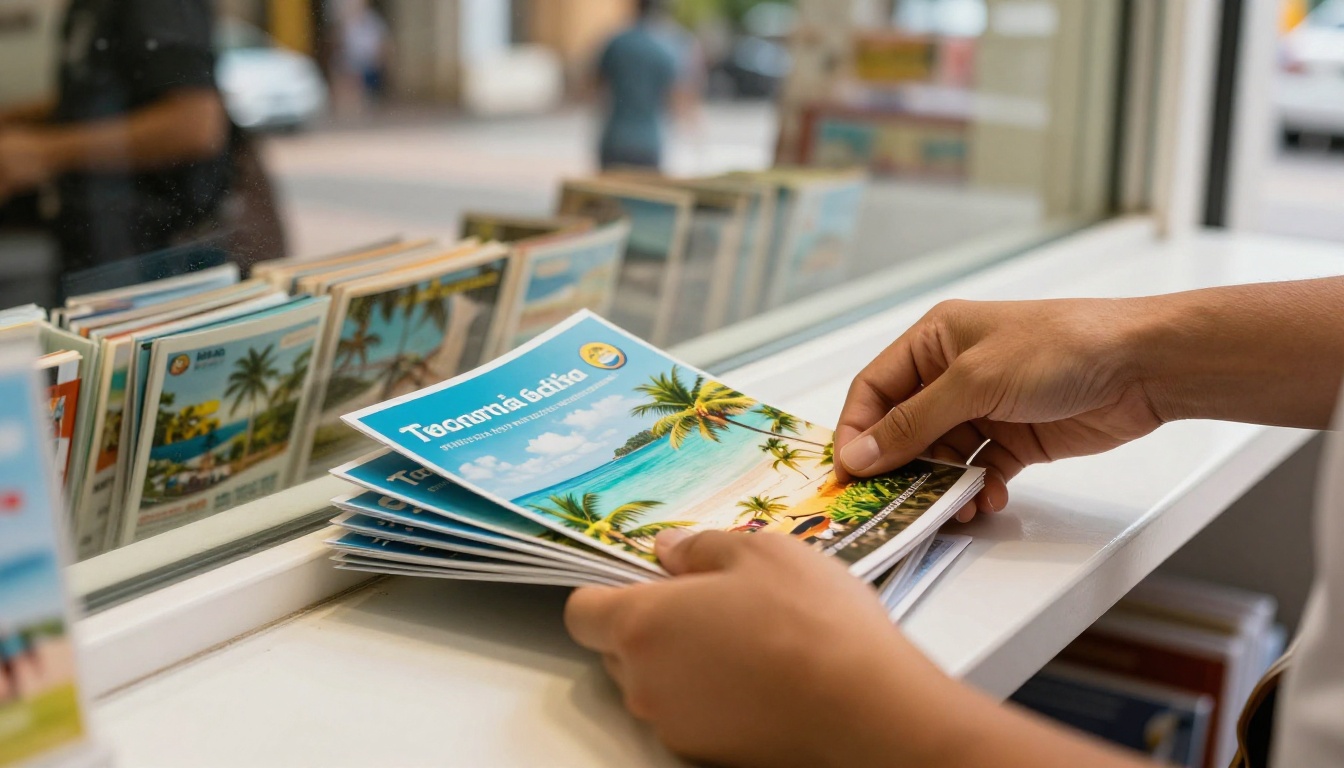
A brochure is often the first thing a traveler sees before they pick up the phone, and in 2027 that brochure is just as likely to live on a phone screen as on a rack. If you run a travel agency, the right online brochure maker decides how fast you publish a new itinerary, how good your packages look, and whether a customer can open your offer in two taps. Below is a ranked list of the tools worth your time, starting with Flipbooks AI, followed by honest comparisons, real agency scenarios, and a short tutorial you can follow today.
What Travel Agencies Actually Need
Most brochure software is built for general marketing teams. Travel is different. You sell dreams, dates, and prices that change often, and your customers compare you with five other agencies in the same hour.
Before looking at any tool, write down what your agency needs from it. Here is the short list we see again and again:
- Photo-heavy layouts that keep destination images sharp, not compressed into blur.
- Fast updates when a hotel changes its rate or a departure date sells out.
- Mobile viewing that feels natural, since most travelers browse on a phone.
- Easy sharing by link, email, QR code, and website embed.
- Brand control so every package carries your logo, colors, and contact details.
- Zero watermarks, because a third-party logo on your brochure looks unprofessional.
💡 Pro tip: Make a "must have" and "nice to have" list before you trial any tool. Agencies that skip this step often pay for features they never touch.
Print Versus Online Brochures
Printed brochures still work in a shop window or at a travel fair. But they cost money to reprint each time a price changes, and they cannot be forwarded to a client in another city. Online brochures can be updated in minutes and tracked, and they reach people who never walk past your door.
The best approach for most agencies is a hybrid: one design source, exported as a PDF for print and as an interactive page-turning flipbook for the web.
Who Benefits Most
A boutique honeymoon planner, a corporate travel desk, a tour operator with fixed departures, and a destination management company all use brochures differently. A honeymoon planner wants emotional, image-led pages. A corporate desk wants clean policy and fare tables. Keep your own model in mind as you read the rankings.
We looked at six practical criteria rather than marketing claims:
- Output quality for large photography.
- Ease of updating an existing brochure.
- Sharing and embedding options.
- Branding control and watermark policy.
- Tracking and lead tools for follow-up.
- Value for a small or mid-size agency.
Scores below are our editorial judgment, based on typical agency workflows, not lab benchmarks. Features and plans change, so always check each vendor's current pricing page before you commit.
The Best Online Brochure Makers Ranked
1. Flipbooks AI
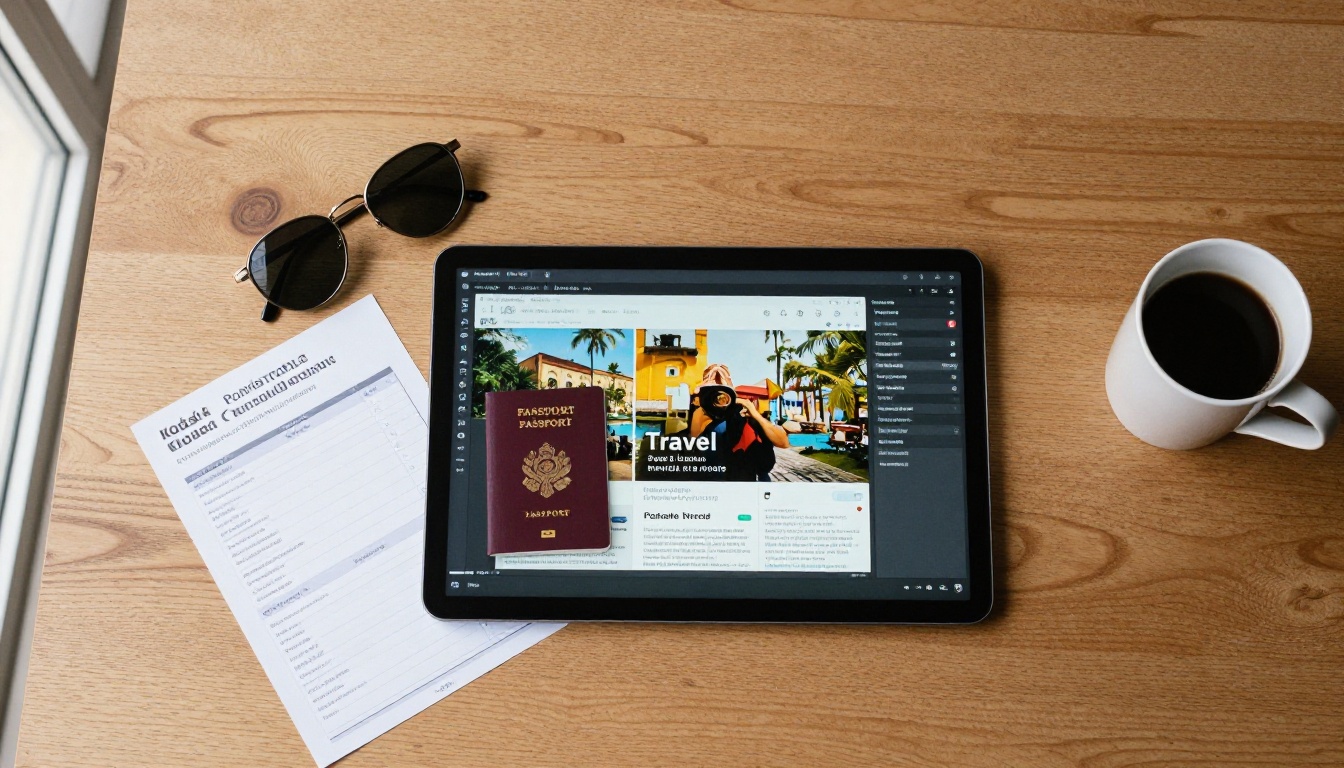
Flipbooks AI turns a PDF into a page-turning digital brochure with no watermark. That one workflow suits travel agencies well: design your package in any tool you already like, upload the PDF, and publish a flipbook that feels like a real brochure on any device.
What stands out for agencies:
- No watermarks, ever, so your brand stays front and center.
- Embeds for video and audio, handy for destination clips or a welcome message from your lead consultant.
- Password protection for private corporate or group-travel offers.
- Mobile-responsive reading, so a client on a train sees the same polish as one on a desktop.
- Custom branding with your colors and logo.
- Analytics and lead generation on the Professional plan, so you can see which brochures get opened. Check the pricing plans for details.
It also has purpose-built pages such as the Online Brochure Designer, the Brochure Flipbook Maker, and the Hotel Brochure tool, which is useful if you also package accommodation partners.
Best for: agencies that already design in another tool and want a polished, shareable result without a watermark.
2. Canva
Canva is the most familiar design tool, with a huge library of travel-themed templates. It is excellent for building the layout itself: flyers, itineraries, social posts, and print-ready brochures. Sharing is simpler than designing, so many agencies design in Canva and publish elsewhere.
Best for: teams that want fast, template-led design and already live inside Canva.
3. Flipsnack
Flipsnack focuses on turning designs into digital flipbooks and includes a built-in editor. It has collaboration features that help when several consultants contribute to one catalog. Branding options such as removing the vendor logo usually depend on the plan, so check that before you buy.
Best for: larger teams who value in-app collaboration.
4. Issuu
Issuu is a publishing platform with a built-in audience, which makes it good for magazines and long-form destination content. It is less suited to a tightly branded sales brochure because the platform itself is part of the experience.
Best for: content-led agencies publishing travel magazines or lookbooks.
5. Adobe Express
Adobe Express offers approachable templates and links well with the wider Adobe ecosystem. If your designer already uses Adobe tools, the handoff is smooth. It is not a dedicated flipbook publisher, so you may still want a second tool for interactive sharing.
Best for: agencies with Adobe-trained designers who want quick brand-consistent output.
6. Visme
Visme blends brochures with charts, infographics, and presentations. Its data visualization is handy if you want to show price comparisons or seasonal weather charts inside a brochure.
Best for: agencies that put a lot of data in their materials.
Side-by-Side Comparison
Use this table as a quick filter. "Design-first" means the tool is stronger at creating layouts; "Publish-first" means it is stronger at sharing the finished brochure.
| Tool | Main Strength | Flipbook Style Viewing | Watermark Concern | Best Fit |
|---|
| Flipbooks AI | Publish-first, PDF to flipbook | Yes | None | Boutique to mid-size agencies |
| Canva | Design-first, templates | Limited | Varies by export | Fast design and social content |
| Flipsnack | Both, with collaboration | Yes | Plan dependent | Larger teams |
| Issuu | Publishing audience | Yes | Platform branding | Magazine-style content |
| Adobe Express | Design-first, Adobe link | Limited | Varies by plan | Adobe-based teams |
| Visme | Data and infographics | Yes | Plan dependent | Data-rich brochures |
⚠️ Watch out: Plan names and limits change often. Confirm the watermark policy and export options on the vendor's current pricing page before building your whole workflow around it.
Features That Matter Most for Travel
A feature list can feel endless, so here is where each capability pays off in a travel business.
| Feature | Why Travel Agencies Care | Example Use |
|---|
| Page-turning view | Feels like a real brochure, builds trust | Honeymoon package catalog |
| Embedded video | Shows the destination in motion | Resort walkthrough clip |
| Password protection | Keeps negotiated rates private | Corporate group fares |
| Link and QR sharing | Works offline and online | QR code in a shop window |
| Website embed | Keeps visitors on your site | Packages page on your website |
| Analytics | Shows which offers get opened | Follow up on hot leads |
Photography Quality
Travel sells through images. Upload source PDFs at high quality and check how each tool handles compression. A blurry beach shot kills the mood instantly.
Update Speed
A fare change should take minutes, not days. Tools that let you replace a PDF and keep the same link are especially useful, because every earlier email and QR code keeps working.
Lead Capture
If a traveler opens your brochure and you never find out, you lose a warm lead. Look for lead forms or at least view tracking. The Professional plan on Flipbooks AI includes analytics and lead generation for this purpose.

How to Create a Travel Brochure with Flipbooks AI
Here is the full workflow, from blank page to shared link. It takes less time than a coffee break once your PDF is ready.
Step 1: Prepare Your PDF
Design your brochure in any tool you like. Canva, Adobe, and Word all export good PDFs. Use landscape or portrait pages, keep text at a readable size, and place the strongest destination photo on the first page.
Step 2: Create Your Account
Go to Flipbooks AI and sign in. You can browse the tools directory to pick the best starting point, for example the PDF to Flipbook Converter.
Step 3: Upload and Convert
- Click the upload button and select your PDF.
- Wait a moment while the file converts into a page-turning flipbook.
- Preview each page and check that photos are sharp and links work.
Step 4: Customize the Look
Add your agency logo and pick colors that match your branding. Choose a page-turning effect that suits your tone: a soft turn for luxury trips, a quicker one for adventure packages. You can also embed video and audio, such as a short clip of a beach or a greeting from your travel advisor.
Step 5: Share the Brochure
Pick the sharing method that fits each channel:
- Direct link for emails and messaging apps.
- QR code for shop windows, flyers, and travel fairs.
- Embed code for your website via the Embed Flipbook on Website tool.
- Password protection for private fares or corporate offers.
Step 6: Track and Follow Up
On the Professional plan you get analytics and lead generation. Check which brochures get opened most, then call those travelers while the interest is fresh. You can also allow offline downloads for clients who will be abroad without a stable connection.
✅ Best practice: Keep one master flipbook link per destination. When prices change, replace the PDF behind it so every old link stays current.
Real Agency Scenarios
Theory is easy. Here is how different agencies might put these tools to work.
The Honeymoon Specialist
A small agency sells romantic escapes in the Maldives, Santorini, and Bali. The owner designs three image-led brochures, converts each to a flipbook, and embeds them on a "Packages" page. A short ocean video plays inside the first page. Couples browsing late at night on their phones can flip through the pages and tap a contact button.
The Corporate Travel Desk
A business travel team keeps fare rules, hotel partners, and policy details in one brochure. They publish it with a password and share the link only with client companies. When a rate changes, they swap the PDF and the same link stays valid.
The Group Tour Operator
An operator running guided coach tours in Europe needs one brochure per departure. They use a QR code on a poster in local shops that opens the live flipbook, so the poster never goes out of date. For themed trips, they link out to a Travel Guide Flipbook style publication for deeper itinerary details.
The Destination Specialist Online
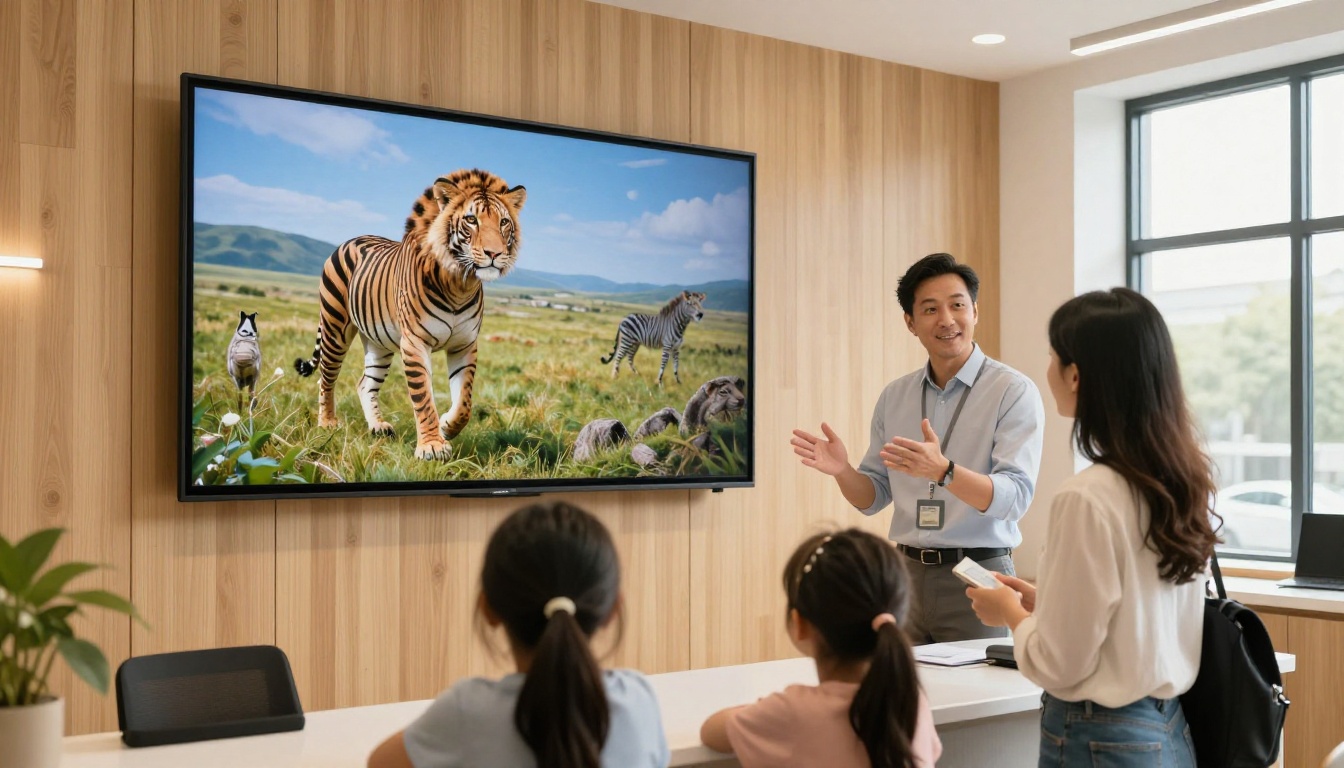
An agency that sells only African safaris adds a large wall screen in the shop. Families flip through the safari brochure together, ask questions, and book on the spot.
Cost and Value: What to Expect
Pricing for brochure tools ranges from free tiers with limits to monthly plans that grow with your team. Rather than quote numbers that may change, here is a framework for judging value.
| Question | Why It Matters |
|---|
| Is there a watermark on the free plan? | A visible vendor logo can hurt trust with clients |
| How many publications can you create? | Agencies often need a brochure per destination |
| Can you replace a PDF and keep the link? | Saves time and avoids broken links |
| Is analytics included, and on which plan? | Shows whether the upgrade is worth it |
| Can you embed on your own site? | Keeps traffic and bookings with you |
For a small agency, the unlimited publications on the Standard plan and above at Flipbooks AI are useful because every destination can have its own brochure without worrying about a cap.

Common Mistakes to Avoid
Even the best tool cannot fix a weak brochure. Watch out for these frequent errors.
Too Much Text
Travelers skim. Use short paragraphs, bold prices, and big images. Save long details for a linked itinerary page.
Outdated Prices
Nothing erodes trust faster than a fare that no longer exists. Set a monthly reminder to review every brochure.
No Clear Next Step
End every brochure with a phone number, an email, and a booking link. A pretty brochure without a call to action is just a gallery.
Ignoring Mobile
Open every brochure on your own phone before you send it. Tiny fonts and cramped tables are easy to miss on a large monitor.
Skipping Tracking
If you never look at views or leads, you cannot tell which destinations deserve more marketing money.

Quick Picks by Agency Type
| Agency Type | Suggested Setup |
|---|
| Solo consultant | Design in Canva, publish with Flipbooks AI |
| Boutique luxury planner | Image-led PDF, flipbook with embedded video |
| Corporate travel desk | Password-protected flipbook with fare tables |
| Large multi-branch agency | Team tool such as Flipsnack, shared brand kit |
| Content-led travel publisher | Issuu for audience reach, plus a branded flipbook |
Your Next Brochure Starts Here
The best tool is the one your team will actually use every week. If you want a watermark-free, mobile-friendly way to publish travel brochures, create your first flipbook on Flipbooks AI and test it with one destination. Browse the full set of flipbook tools to find the template that fits your trips, and compare pricing plans when you are ready to add analytics and lead capture. For a direct route to a plan, use the account to pricing link.