A mechanic is standing next to a stalled machine, a customer is waiting on the phone, and the parts book is a 600 page PDF that nobody can search properly. That scene plays out daily at equipment makers and dealerships, and it costs real money in wrong orders, return freight and idle machines. The right parts catalog software fixes it. In this ranking, we compare the main options, from heavy ERP modules to lightweight tools like Flipbooks AI, so you can pick what fits your team and budget.
Whether you build the machines or sell and service them, the goal is the same: the right part number in front of the right person in under a minute.
Why Parts Catalogs Break Down
Most parts catalogs start as a technical manual. Engineers export drawings, add a bill of materials, and publish a PDF. Then reality hits. Machines get revised, serial number ranges overlap, and superseded parts pile up. The PDF in the dealer's inbox is already outdated.

Here are the failures we see most often:
- Wrong part ordered because the exploded view did not match the serial range.
- Slow lookups since a static PDF has no real search across models.
- Version chaos with three different manual revisions floating around the network.
- No offline access for technicians working in a field with no signal.
- No data on usage, so nobody knows which pages cause the most support calls.
💡 Pro tip: Track your "wrong part" returns for one month before you shop for software. That number becomes your business case.
What Good Parts Catalog Software Needs
Not every team needs every feature. A manufacturer with 40 machine models has different needs than a three location dealer. Still, these capabilities separate useful tools from expensive shelfware.
Searchable Part Numbers
Technicians search by part number, description, machine model or even a half remembered name. Full text search across every page is the baseline.
Interactive Exploded Views
Clickable diagrams that link a numbered callout to a part record save the most time. They also reduce errors, because the technician sees the part in context.
Serial Number Filtering
Fitment by serial range prevents the classic mistake of ordering a part for the wrong production run.
Offline and Mobile Access
Field service happens in barns, quarries and construction sites. If the catalog needs a connection, it will fail at the worst moment.
Ordering Integration
Ideally, the catalog connects to a cart, a quote or your dealer management system. Without it, someone retypes part numbers, and errors creep back in.
Access Control and Analytics
Dealers should see dealer pricing. Retail customers should not. And you should know which pages get opened most.
Ranking the Main Software Types
Instead of naming one vendor and pretending it fits everyone, it helps to rank the categories first. Each category has a clear sweet spot.
| Rank | Software Type | Best For | Typical Cost | Setup Time |
|---|
| 1 | Dedicated parts catalog platform | Manufacturers with many models | $$$ to $$$$ | 2 to 6 months |
| 2 | Dealer management system module | Dealers with existing DMS | $$ to $$$ | 1 to 3 months |
| 3 | Flipbook style digital catalog | Small makers, dealers, price lists | $ | Same day |
| 4 | ERP parts module | Large multi plant makers | $$$$ | 6 to 12 months |
| 5 | Shared PDF and spreadsheet | Emergency stopgap only | Free | Minutes |
The ranking reflects how quickly a team sees value, not how impressive the feature list looks. A tool that takes eight months to deploy loses to one that your counter staff use tomorrow.
1. Dedicated Parts Catalog Platforms
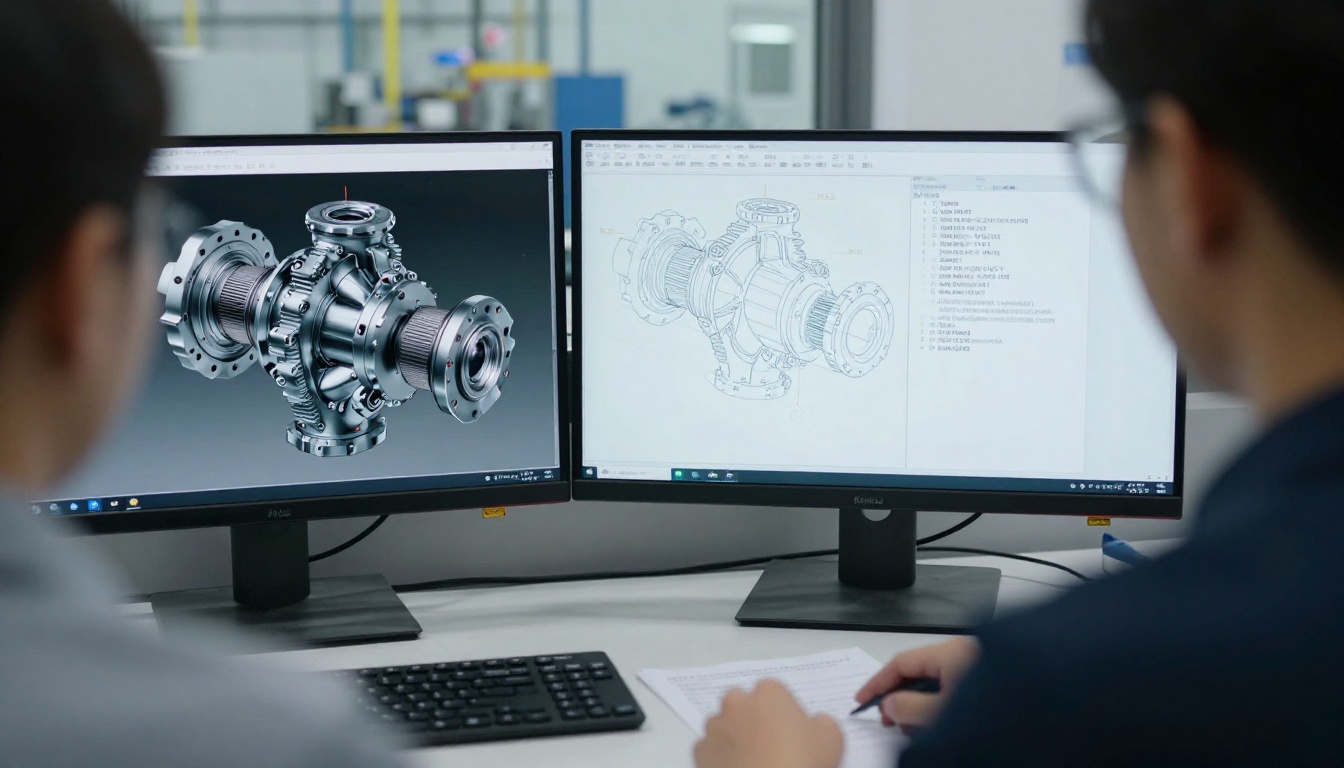
These platforms import CAD or engineering data and build interactive illustrated parts books. They handle revision control, serial filtering and multilingual output. Large manufacturers use them to publish catalogs to a whole dealer network.
Strengths: deep fitment logic, authoring workflows, connected ordering.
Weaknesses: price, implementation effort, and a dependence on clean engineering data.
2. Dealer Management System Modules
If your dealership already runs a DMS, its parts module may include a catalog viewer linked to inventory and pricing. The big plus is that stock levels appear next to the part. The downside is that catalog content still comes from the manufacturer, and quality varies by brand.
3. Flipbook Style Digital Catalogs
This is the fastest route for teams that already have a PDF parts book, a price list or a brochure. You upload the file, and it becomes a page turning, searchable, shareable catalog. No engineering integration, no consultants.
It will not replace a full fitment engine. But for many small and mid sized businesses, it solves 80 percent of the problem for a fraction of the cost. It is also a smart complement to a larger system: use the platform for engineering data, and use flipbooks for dealer flyers, seasonal service kits and promotional parts lists.

4. ERP Parts Modules
ERP suites can manage bills of materials and parts lists in one place. They suit large manufacturers, but the catalog front end is often clunky for dealers and customers. Many companies pair the ERP with a separate viewer.
5. Shared PDFs and Spreadsheets
It works until it does not. Use this only as a short term bridge.
Feature Comparison at a Glance
Here is how the top three options stack up on the features that matter at the counter and in the field.
| Feature | Parts Platform | DMS Module | Flipbook Catalog |
|---|
| Full text search | ✅ | ✅ | ✅ |
| Interactive exploded views | ✅ | Partial | Via hotspots and links |
| Serial number fitment | ✅ | Partial | Manual, by page |
| Live inventory | Via integration | ✅ | ❌ |
| Offline access | Varies | Rare | ✅ |
| Password protection | ✅ | ✅ | ✅ |
| Page level analytics | Partial | Rare | ✅ |
| Launch in a day | ❌ | ❌ | ✅ |
⚠️ Warning: Never assume "interactive" means the same thing across vendors. Ask for a live demo using your own machine data, not the sales sample.
The Real Cost of Choosing Wrong
Software price is only one line. The bigger numbers hide elsewhere.
| Cost Factor | What It Looks Like | Rough Impact |
|---|
| Wrong part shipped | Freight both ways plus restocking | $80 to $400 per incident |
| Machine downtime | Customer waits an extra day or two | Lost trust, sometimes lost accounts |
| Technician time | Searching instead of repairing | 10 to 20 minutes per lookup |
| Data cleanup | Fixing part records before import | Weeks of staff effort |
| Training | Teaching counter and field staff | Low for simple tools, high for complex ones |
A dealership that handles 30 parts orders per day and cuts errors by even two percent saves several thousand dollars a year, before counting the goodwill.
Real World Examples
A regional tractor dealer converted three brand manuals and their own accessory price list into digital catalogs. The parts counter now opens them on a tablet, and technicians use the same links on their phones.
A small attachment manufacturer with eleven products published one searchable catalog for each product family. Distributors get a password protected link, and end customers get a public version without dealer pricing.
A rental fleet operator keeps a service kit catalog for each machine type, so mechanics order filters, belts and fluids in one pass.

How to Build a Digital Parts Catalog with Flipbooks AI
If you already have a parts book as a PDF, you can have a working digital version in an afternoon. Here is the process on Flipbooks AI.
- Create your account. Sign up at flipbooksai.com/account. Check the pricing plans to pick the tier that matches your catalog volume.
- Upload the PDF. Use the PDF to Flipbook Converter. Each page becomes a searchable, page turning view. Large files work, so a 400 page parts book is fine.
- Start from the right tool. The Product Catalog generator and the Digital Catalog Maker suit parts books well. For dealer price sheets, try the Digital Price List Generator.
- Brand it. Add your logo, colors and a cover page, and choose the page effects. The output carries no watermark.
- Add links and media. Link a part callout to an installation video or a service bulletin. You can embed videos and audio for repair walkthroughs.
- Set access. Use password protection for dealer only pages. Publish a separate public edition for retail customers.
- Share it. Send a direct link, or use the Embed Flipbook on Website tool to place the catalog on your parts page.
- Measure. On the Professional plan, analytics show which pages get opened and lead generation captures contact details from visitors.
- Enable offline use. Offline downloads let field technicians carry the catalog into places with no signal.
✅ Best practice: Version your files. Name each upload with the revision date and retire old links, so dealers never open an outdated edition.
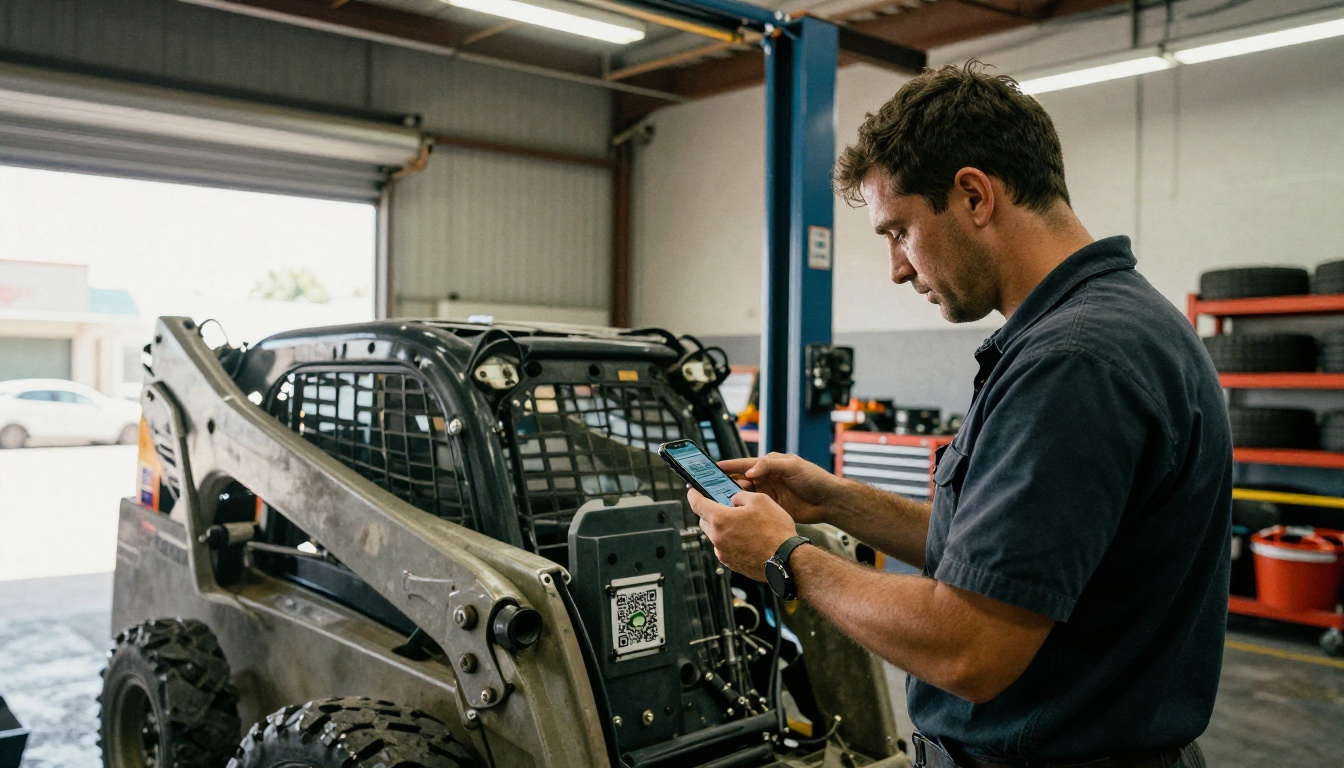
A neat trick: print a QR code on each machine's data plate that points to the right catalog. The technician scans, and the correct parts book opens at once.
Pairing Flipbooks with a Bigger System
You do not have to pick only one tool. Many equipment businesses run a layered setup.
| Layer | Tool Type | Job |
|---|
| Engineering data | Parts platform or ERP | Source of truth for part records |
| Sales and inventory | DMS | Stock, pricing, orders |
| Distribution and marketing | Flipbook catalogs | Dealer packs, kits, promotions, quick references |
Export a PDF from the main system, convert it, and send dealers a link instead of an attachment. The big system stays authoritative while the flipbook handles delivery. For accessory and merchandise lines, a Catalog Flipbook Creator page works nicely, and for machine spec sheets, the Automotive Brochure generator is a good starting point.

A Practical Selection Checklist
Before signing anything, run through these questions with your team.
- How many machine models and revisions do we support?
- Do we have clean engineering data, or only PDFs?
- Who needs the catalog: counter staff, field techs, distributors, end customers?
- Do we need live inventory inside the catalog?
- What is our budget for software and for implementation?
- How fast do we need something live?
- Can the tool work offline?
- Will dealers get different content from retail customers?
Score each option from 1 to 5 against your answers. The highest total usually points clearly to one category.
Common Mistakes to Avoid
- Buying a full platform when your data is not ready.
- Skipping a pilot with real technicians.
- Ignoring mobile use in the shop and field.
- Forgetting a plan for superseded parts.
- Letting every dealer keep their own copy of the manual.
Rolling It Out Without Chaos
A smooth launch is mostly about people, not software.

Week one: pick two product lines and publish them. Ask counter staff to use the digital version for every lookup.
Week two: gather feedback from technicians. Fix missing pages, broken links and unclear callouts.
Week three: announce the new catalog to dealers with a short email and one link.
Week four: review analytics, retire old PDFs and add the next product lines.
💡 Pro tip: Ask your most skeptical technician to test it first. If they like it, everyone else follows.
Final Verdict and Next Steps
For large manufacturers with deep engineering data, a dedicated parts platform ranks first. For dealers tied to a DMS, that module is the logical base. But for the many teams who simply need a fast, searchable, shareable catalog this week, a flipbook approach wins on speed and cost, and it pairs well with any larger system.
Ready to put your parts book online? Get started for free on Flipbooks AI, browse all flipbook tools to find the right template, and compare pricing plans to choose what works for you.



