Your phone holds thousands of photos, and almost nobody ever looks at them. A printed photo book fixes that, and three names dominate the search results: Mixbook, Shutterfly and Chatbooks. This comparison puts them side by side on design freedom, paper quality, pricing habits and speed, so you can pick one in ten minutes instead of ten evenings. We also show how a digital flipbook from Flipbooks AI can sit next to the printed copy, so relatives far away can page through the same album on a screen.
💡 Quick answer: Mixbook wins for design control, Shutterfly wins for sales and product variety, and Chatbooks wins for effortless, low-cost, regular books. Details below.
The Short Verdict
Most people want one sentence before they read anything else. Here it is.
- Pick Mixbook if you care about layouts, themes and a book that feels designed rather than assembled.
- Pick Shutterfly if you want a huge catalog, frequent discounts and gifts that go beyond books.
- Pick Chatbooks if you hate editing and want small, affordable books made from a phone in minutes.
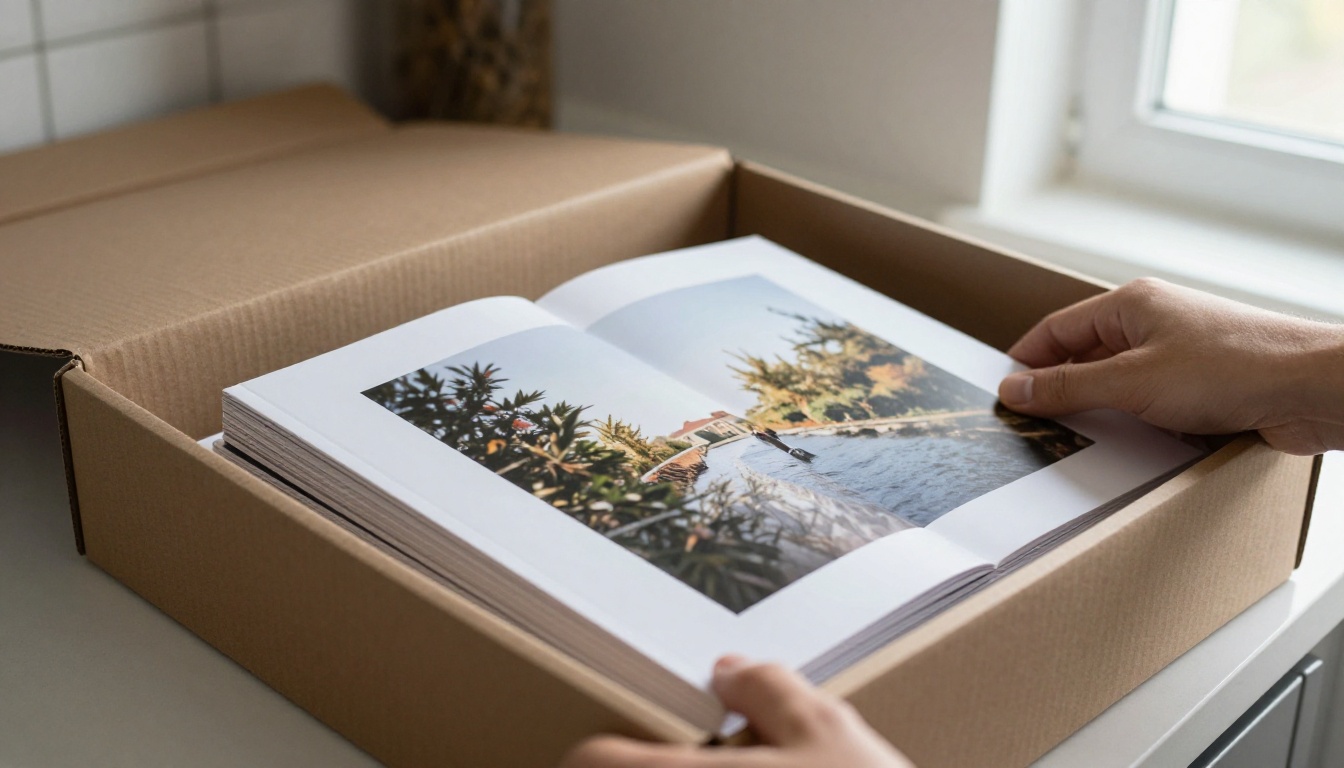
Who This Comparison Is For
This is written for families, couples and travelers making a personal book, not for professional photographers ordering press runs. If you are building a portfolio, a photography portfolio flipbook is usually a better fit.
How We Compared Them
Each service was judged on six things: editor ease, creative control, print and paper quality, price behavior, delivery speed and gift value. Prices change constantly with promotions, so treat every figure as a ballpark and check the live checkout before you commit.
Meet the Three Contenders
Mixbook: The Designer's Pick
Mixbook is built around a flexible canvas editor. You can drag photos anywhere, layer stickers and text, resize frames and pick from a wide range of themed layouts. It also offers lay-flat pages, which matter more than you would think for panoramic spreads. The tradeoff is time: more freedom means more decisions.
Shutterfly: The Everything Store
Shutterfly started as a photo sharing site and grew into a giant print shop. Books are only one product among cards, calendars, mugs and blankets. Its editor is approachable, its autofill tools are fast, and its constant coupon cycle means almost nobody pays the sticker price.
Chatbooks: The Habit Builder
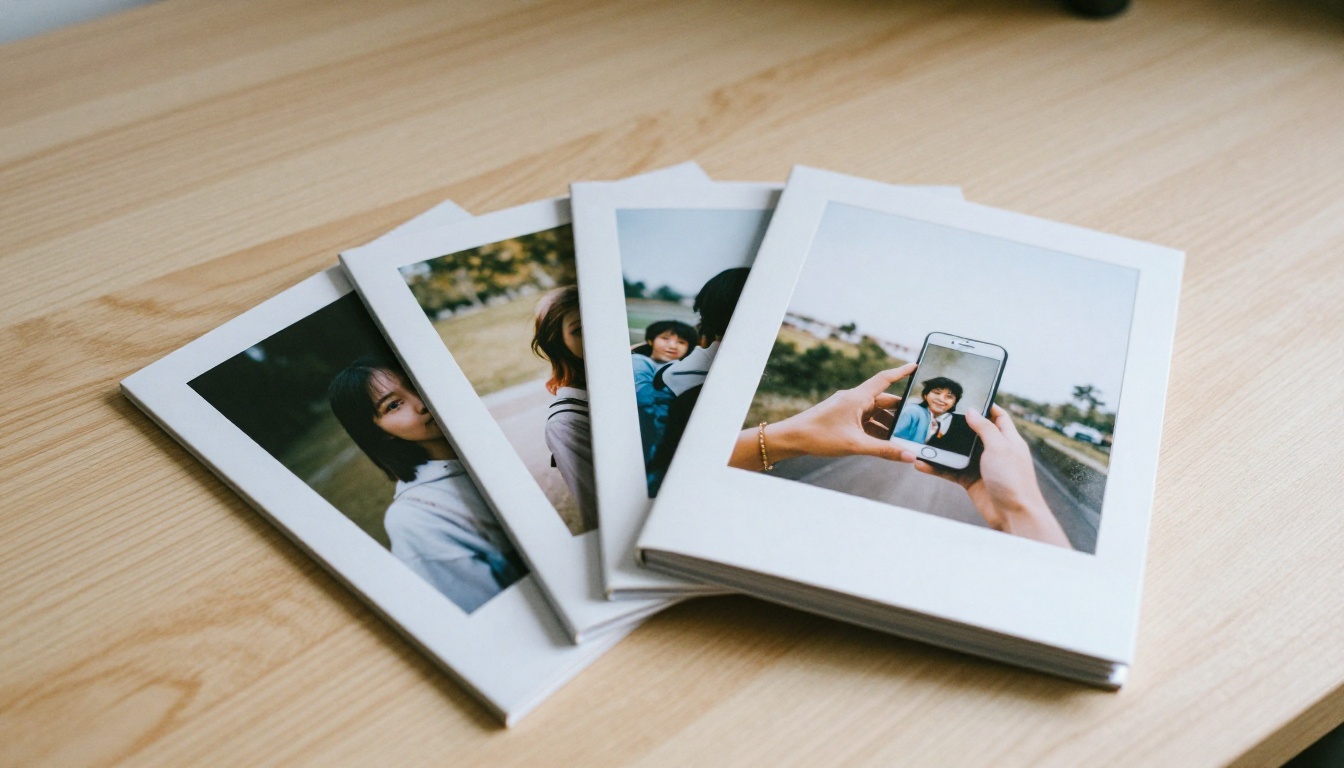
Chatbooks is the odd one out. It is designed around small, uniform softback books, and its core idea is automation. Connect your phone or social accounts, and it gathers photos into ready-made books you approve with a few taps. You trade custom design for speed and a low price per book.
Side by Side Feature Table
| Feature | Mixbook | Shutterfly | Chatbooks |
|---|
| Best for | Custom design | Variety and deals | Fast, regular books |
| Editor style | Free canvas, drag and drop | Guided with autofill | Automated, minimal edits |
| Layout freedom | Very high | Medium to high | Low |
| Lay-flat pages | Offered | Offered on select books | Limited by format |
| Typical book style | Hardback and softback, many sizes | Hardback and softback, many sizes | Small softback, standard sizes |
| Ease of use | Moderate | Easy | Very easy |
| Gift extras | Cards, calendars, prints | Huge product range | Mostly books |
⚠️ Product lines, page limits and finishes are updated often. Confirm the exact paper and binding options on the checkout page before ordering.
Mixbook Editor Experience
The Mixbook editor feels closer to a light design app than a form. You can build a spread from scratch, copy a layout across pages, and change backgrounds in two clicks. Expect to spend one to three hours on a 40-page book if you start from a blank layout, less if you use a theme.
Shutterfly Autofill Workflow
Shutterfly's strength is getting you to a decent draft quickly. Upload a folder, let autofill place photos, then swap the ones you dislike. It is the editor most beginners finish without frustration.
Chatbooks Automation
With Chatbooks, the work happens before you open the app. It builds books from your recent photos and asks you to confirm. If you want to hand-place a single picture on a precise corner of a page, you will feel boxed in.

A Real Scenario
Picture a mother with 600 photos from a first year of parenting. With Chatbooks she gets monthly books nearly automatically. With Shutterfly she builds one yearbook over a weekend. With Mixbook she spends the same weekend crafting spreads with captions, milestones and a themed layout. Same photos, three very different experiences.
Print Quality and Paper Choices
Print quality is where a photo book either earns a place on the shelf or ends up in a drawer. Differences between these brands are real but not dramatic, so focus on format and finish.
Why Lay-Flat Pages Matter
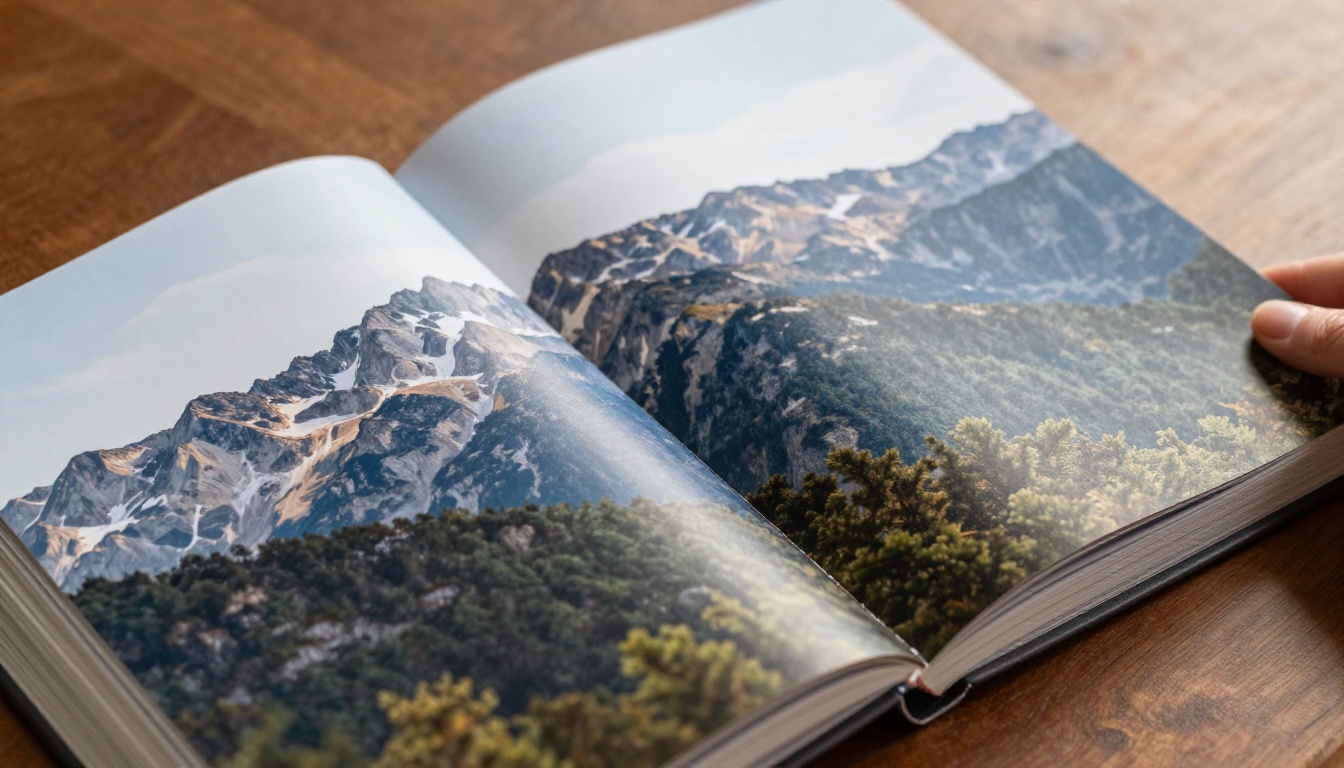
A standard binding swallows part of the image at the center. A lay-flat binding opens fully, which is the right choice for wide landscapes, group shots and any photo that crosses the middle of the spread. If you shoot panoramas, this one feature can decide the winner.
Paper Finish Basics
- Matte: low glare, softer contrast, great for portraits and handwritten captions.
- Glossy: punchy color, good for travel and landscapes, shows fingerprints.
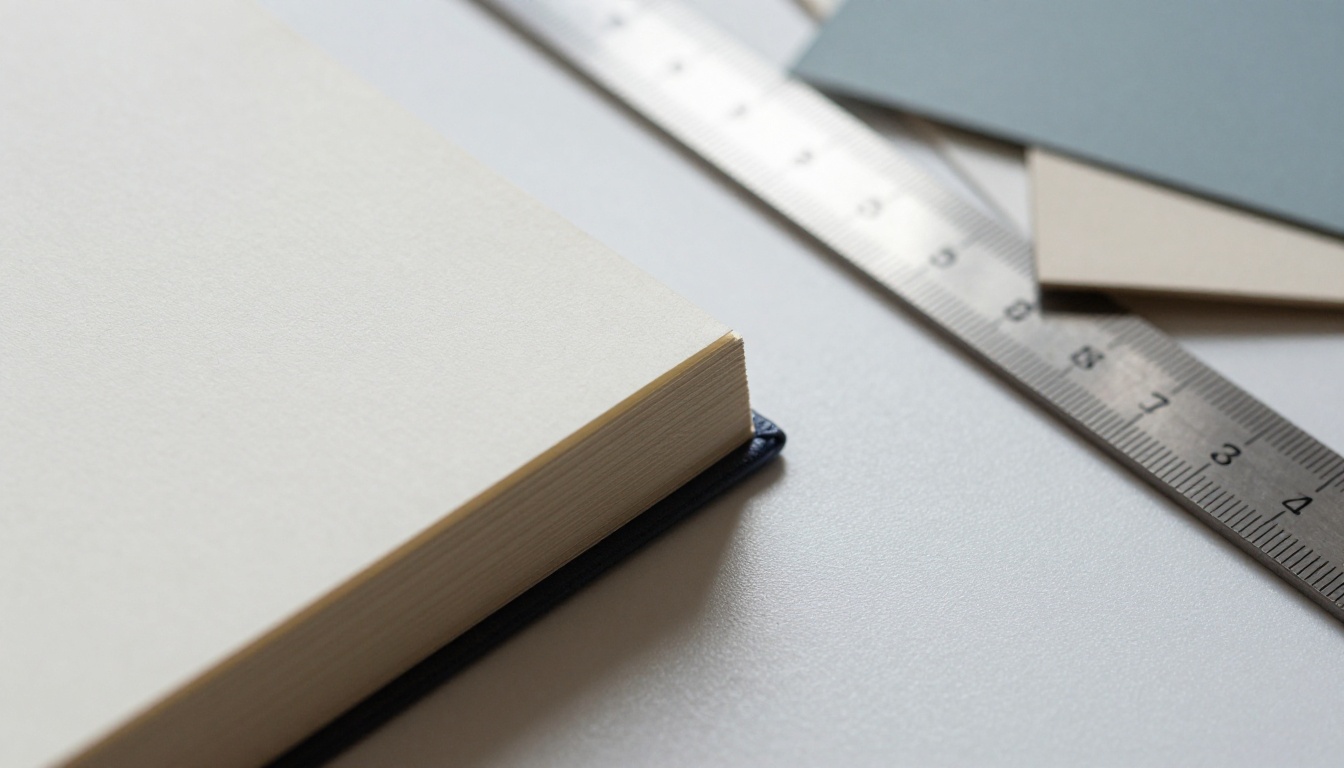
- Premium or heavier paper: feels more like a magazine than a brochure and resists curling.
Resolution Rules That Apply Everywhere
All three services warn you when a photo is too low resolution for its frame. Take that warning seriously. A sharp photo at a smaller size beats a blurry one stretched across a full page.
✅ Best practice: Upload original files from your phone or camera, not images saved from messaging apps. Compression from chat apps visibly softens prints.
Pricing Behavior and Hidden Costs
Sticker prices mean very little here. What matters is how each company behaves around promotions, shipping and extra pages.
| Cost factor | Mixbook | Shutterfly | Chatbooks |
|---|
| Base price pattern | Mid range, frequent sales | Higher list price, constant coupons | Low, predictable per book |
| Extra pages | Charged per added page | Charged per added page | Fixed page count per book |
| Shipping | Added at checkout, often discounted in promos | Added at checkout, free shipping promos common | Usually included in subscription style plans |
| Upgrade costs | Paper, size, lay-flat | Paper, size, finish | Few upgrades |
| Best moment to buy | During a sitewide sale | Almost any week with a code | Anytime |
The Real Cost of Extras
The base book is rarely the final bill. Added pages, upgraded paper, a bigger size and a gift box can double the price. Build your book first, then compare the final total in the cart.
Cheapest Option for Many Books
If you make a dozen small books a year, Chatbooks usually costs the least per book. If you make one beautiful book a year, Mixbook or Shutterfly on a sale day will likely give you better value per page.
Best Choice for Every Situation
Wedding and Anniversary Albums
Choose Mixbook. The layout control, lay-flat spreads and thicker paper options suit a once-in-a-lifetime album. For a more interactive keepsake to share online, try a wedding album flipbook.

Baby's First Year
Chatbooks for monthly books, Shutterfly for a single yearbook with captions and growth milestones. Mixbook if you want a themed nursery-style design.
Gifts for Grandparents
Shutterfly is hard to beat for gift variety, since you can pair a book with a mug or blanket in one order. A simple, large-print book with few photos per page is the safest choice for older readers.

Travel Journals
Mixbook for maps, captions and panoramas. Chatbooks if you just want your trip photos on paper before you forget the details.
Final Ranking Table
| Rank | Service | Best reason to choose it |
|---|
| 1 | Mixbook | Most creative control and lay-flat spreads |
| 2 | Shutterfly | Best sales, variety and beginner editor |
| 3 | Chatbooks | Fastest and cheapest regular books |
💡 Rank order depends on your priorities. If speed outweighs design, flip the list.
How to Make a Digital Photo Flipbook
A printed book stays on one shelf. A digital flipbook can go anywhere in one link. Many families now order a print for home and share a flipbook with everyone else. Flipbooks AI turns a PDF of your album into a page-turning online book, with no watermarks.
Step by Step Tutorial
- Export your layout. Save your finished photo book pages as a PDF from your design tool, or build a simple PDF from your photo folder.
- Create an account. Head to Flipbooks AI account and sign up.
- Upload the PDF. Use the PDF to Flipbook Converter. Conversion takes moments and keeps page order intact.
- Customize the look. Pick background colors, page-turn effects and a custom brand or title. You can also add audio or video to bring pages to life.
- Choose sharing options. Copy a direct link, or use the embed flipbook on website tool. Turn on password protection for private family albums.
- Go further. On the Professional plan you get analytics, lead generation and offline downloads. See pricing plans for details.

Print vs Flipbook Table
| Need | Printed book | Digital flipbook |
|---|
| Hold and gift in person | Excellent | Not applicable |
| Share with distant family | Slow and costly | Instant link |
| Update or fix a typo | Reprint required | Re-upload |
| Cost per extra viewer | Another book | Free |
| Longevity | Decades if stored well | As long as you keep the link |
💡 Pro tip: Use a printed book for the milestone moment and a flipbook for everyone who cannot be in the room.
Mistakes to Avoid
Starting With Too Many Photos
Pick the best 100 to 150 photos before you open any editor. Fewer, better pictures make a book people actually finish.
Ignoring Page Count Limits
Every service has a minimum and maximum page count. Check it first so you do not have to cut your story at the last minute.
Skipping the Preview
Always flip through the full preview. Look for cut-off faces near the page edge, misspelled captions and photos that cross the middle of a regular binding.
Buying Without a Code
Search for a promo before checkout. Shutterfly and Mixbook especially run frequent sales, and waiting a few days can save a noticeable amount.
Frequently Asked Questions
Which is easiest for beginners?
Chatbooks, because the app builds the book for you. Shutterfly is a close second.
Which has the best layouts?
Mixbook, thanks to its free canvas and large theme library.
Can I reorder the same book later?
All three let you reorder saved projects, though you should confirm that your project stays stored in your account.
Is a digital copy included?
Not always. Exporting your layout as a PDF and creating a flipbook is the simplest way to keep a shareable digital copy.
Pick One and Start Today
Do not wait for the perfect album. Choose the service that matches your priority: Mixbook for design, Shutterfly for deals and variety, Chatbooks for speed. Then give your photos a second life online.
Ready to share your album with the whole family? Get started for free on Flipbooks AI, browse all flipbook tools, or compare pricing plans to see what fits.



