Your phone holds thousands of photos you will probably never look at again. A printed photo book fixes that, and the best photo book services in the UK, Canada and Australia make it easy to turn a messy camera roll into something you can hold, gift and keep for decades. If you also want a version that friends and relatives can flip through on any screen, a digital option like Flipbooks AI pairs nicely with the printed copy. This ranking looks at the services people in all three countries actually use, and tells you which one fits which job.
💡 Quick answer: For most people in the UK, Photobox and Bobbie lead on convenience and print quality. In Canada, Mixbook and Costco-style local options win on value. In Australia, Momento and Blurb are strong picks. Details and trade-offs are below.
What Makes a Photo Book Good
Before the rankings, it helps to know what separates a book you treasure from one that ends up in a drawer. Four things matter most.
- Print quality: colour accuracy, sharpness and whether skin tones look natural.
- Binding: can the book open flat, or do your best panoramic photos vanish into the gutter?
- Paper and finish: matte, satin or glossy, and how thick the pages feel.
- Delivery and support: shipping time to your country, packaging and what happens if a page prints wrong.
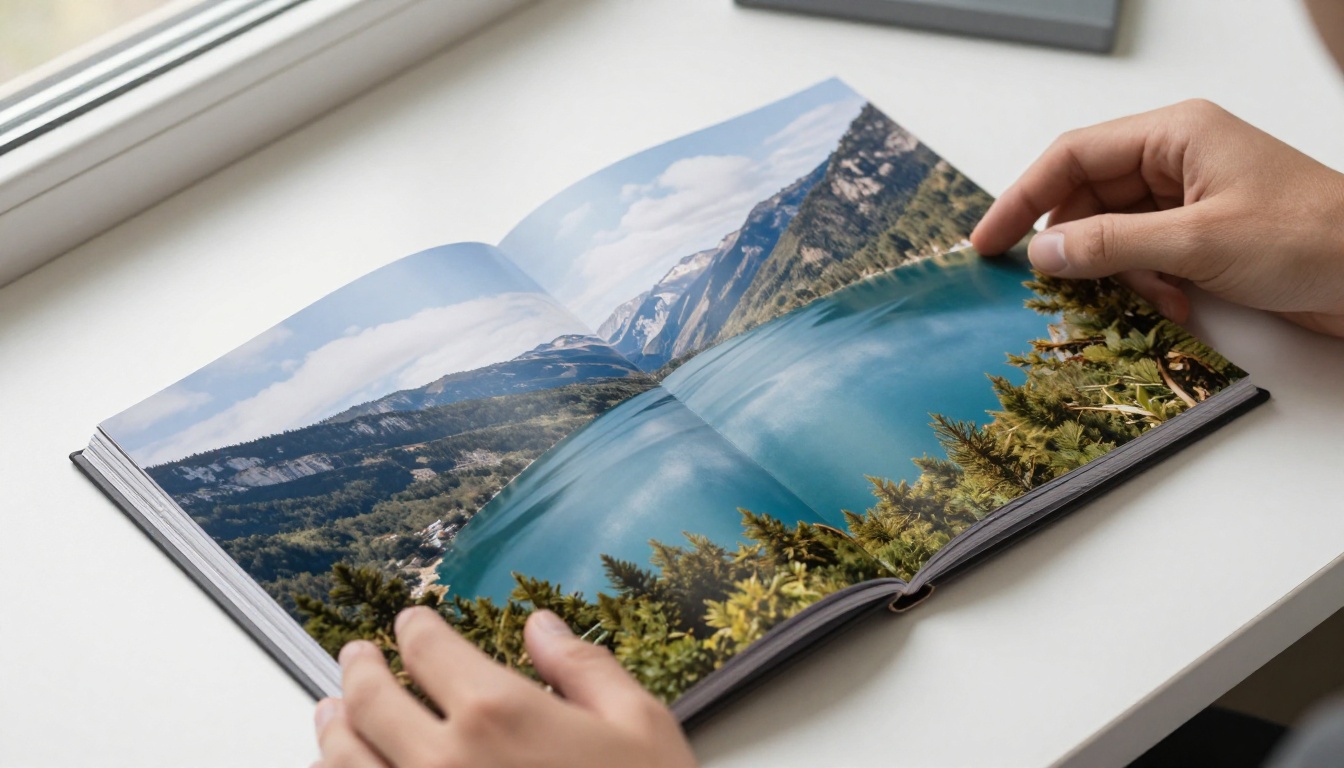
Lay-flat versus standard binding
Lay-flat binding lets two pages sit as one seamless spread. It costs more, but it is worth it for landscapes, weddings and any photo that runs across the middle. Standard binding is fine for snapshots, recipes and kids' albums where nothing important sits near the centre.
Paper finishes explained
Matte paper hides fingerprints and looks calm and editorial. Satin sits in the middle and suits most people. Glossy gives punchy colour but shows glare under bright lights. If you are unsure, satin is the safe pick.
Software matters as much as print
A beautiful print can be ruined by clumsy editing software. Good services offer auto-layout, drag and drop, and a clear warning when a photo is too low resolution. Bad ones hide those warnings until after you pay.
Ranking the Top Services
This ranking is based on a mix of print reputation, software ease, range of formats and how well each service serves its home market. Prices change often and vary by size and page count, so treat the cost bands as a guide to relative value and check the live price in the editor before you order.
| Rank | Service | Best for | Strongest market | Binding options |
|---|
| 1 | Photobox | All-round quality and variety | UK | Lay-flat, standard, softcover |
| 2 | Mixbook | Design tools and templates | Canada | Lay-flat, hardcover, softcover |
| 3 | Bobbie | Fast, simple, good-looking books | UK | Standard, softcover, lay-flat |
| 4 | Blurb | Premium, large-format projects | All three | Hardcover, softcover, trade formats |
| 5 | Momento | Local Australian printing | Australia | Standard, lay-flat, hardcover |
| 6 | Saal Digital | Pro-grade photo paper prints | UK, Canada | Lay-flat on real photo paper |
| 7 | Snapfish | Budget and frequent sales | All three | Standard, softcover |
1. Photobox: the safe UK choice
Photobox is the name most British shoppers think of first, and for good reason. It offers a wide range of sizes, a solid editor and print quality that is consistently good. Lay-flat options exist for those who want a more premium feel, and regular promotions make the price friendlier than the list price suggests.
Pros: wide choice, dependable colour, strong UK delivery.
Cons: list prices look high until you apply a discount code.
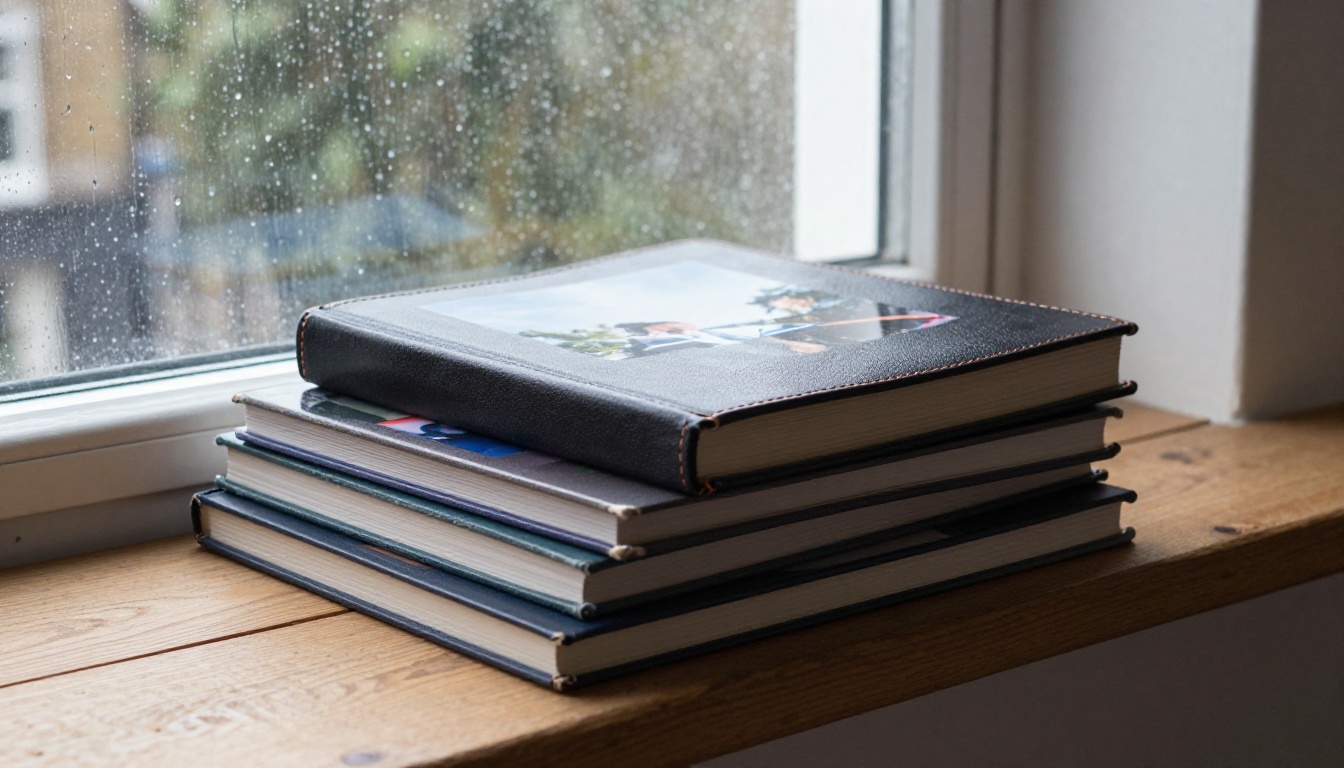
2. Mixbook: the design favourite in Canada
Mixbook is known for polished templates and a smooth editor, which makes it a favourite for people who want a book that looks designed rather than just assembled. Canadian customers benefit from local shipping options and frequent seasonal deals. It is a strong pick for family albums and wedding books.
Pros: beautiful templates, flexible layouts, good promotions.
Cons: the sheer number of options can slow down decisive buyers.
3. Bobbie: simple and stylish
Bobbie focuses on a clean, quick experience. You pick photos, the layout is generated, and a few tweaks later the order is in. The books feel modern and the packaging is neat. It suits people who find big editors tiring.
Pros: fast process, tasteful designs, good for gifts.
Cons: fewer deep customisation tools than the bigger names.
4. Blurb: for serious projects
Blurb is a favourite with photographers and self-publishers. Large formats, premium paper and the option to sell your book make it more than a family-album tool. It costs more per copy, but the result looks like a bookshop product.
Pros: premium paper, large formats, worldwide printing network.
Cons: the editor takes more time to learn, and cost rises quickly with page count.
5. Momento: Australia's local option
Momento prints locally for Australian customers, which usually means faster delivery and fewer customs worries. The product range covers albums, yearbooks and travel books, and the quality is dependable.
Pros: local production, fast delivery, friendly range.
Cons: smaller template library than some international rivals.
6. Saal Digital: photo-paper prints
Saal Digital prints pages on real photographic paper, which gives deep blacks and rich colour. It appeals to hobbyists and professionals who care about tonal accuracy. Prices are higher, and the software is more technical.
7. Snapfish: budget with caveats
Snapfish is the usual bargain pick, with frequent sales that bring the price down sharply. Quality is acceptable for casual books. For milestone events like weddings, spend more elsewhere.
Which Country, Which Service
Where you live changes the answer, mostly because of shipping and local pricing.
| Country | Top pick | Runner-up | Budget pick |
|---|
| United Kingdom | Photobox | Bobbie | Snapfish |
| Canada | Mixbook | Blurb | Snapfish |
| Australia | Momento | Blurb | Snapfish |

The United Kingdom
British buyers have the most choice, and competition keeps promotions flowing. Photobox is the standard, Bobbie is the stylish challenger, and Blurb fills the premium gap.
Canada
Canada gets strong value from Mixbook, plus options like Blurb for premium projects. Cross-border shipping can add days, so order early for holiday gifts.
Australia
Local printing is a real advantage. Momento keeps delivery times short, and Blurb serves higher-end work. Check shipping costs carefully before ordering from overseas services.
Matching Services to Real Projects
The right service depends on what you are making. Here are some common scenarios.
- A year-in-review for the family: a 20 to 40 page softcover from Bobbie or Snapfish.
- A wedding album: a lay-flat hardcover from Photobox, Mixbook or Saal Digital.
- A gift for grandparents: a medium hardcover with big photos and short captions.
- A travel diary: a compact softcover from Mixbook or Momento.
- A portfolio piece: large-format Blurb with premium paper.
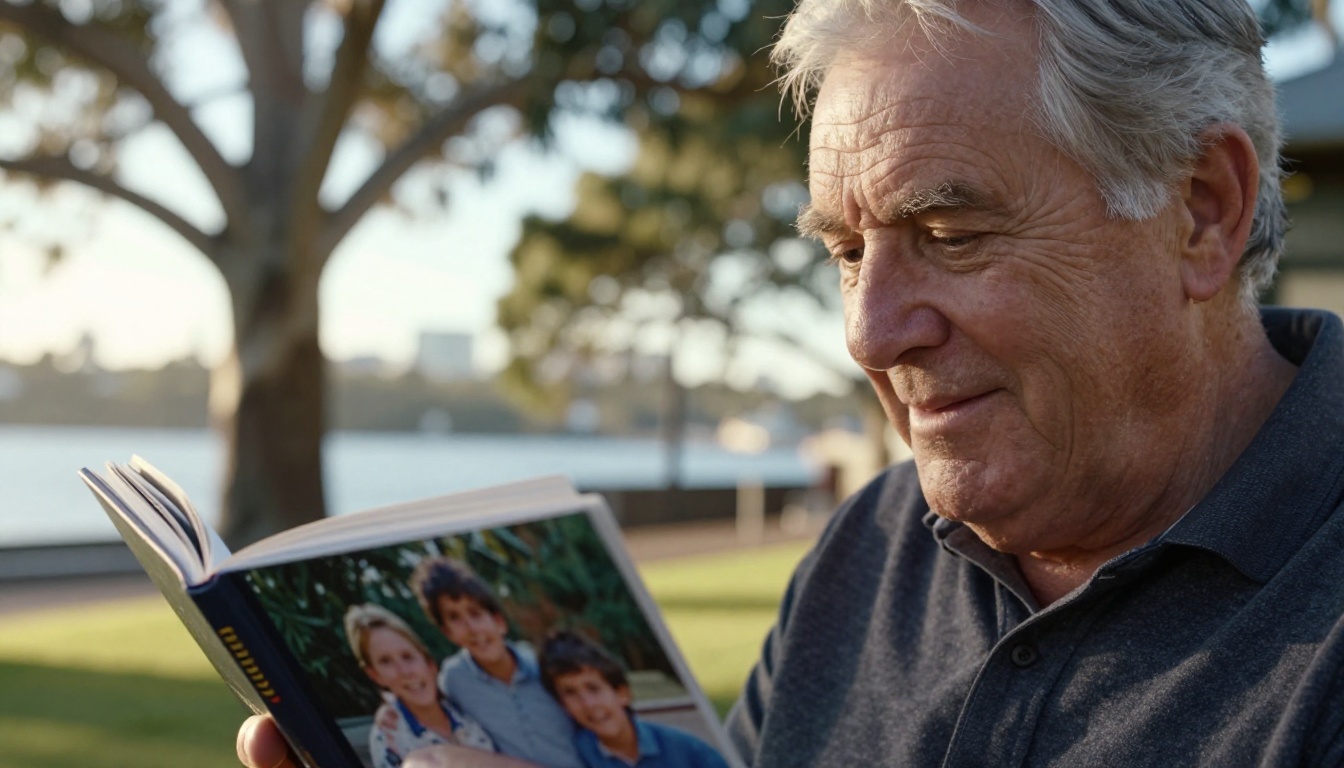
Gift books that land well
The best gift books have fewer photos per page, readable captions and a personal dedication on the first page. A grandparent does not need 300 images. They need 40 great ones with names and dates.
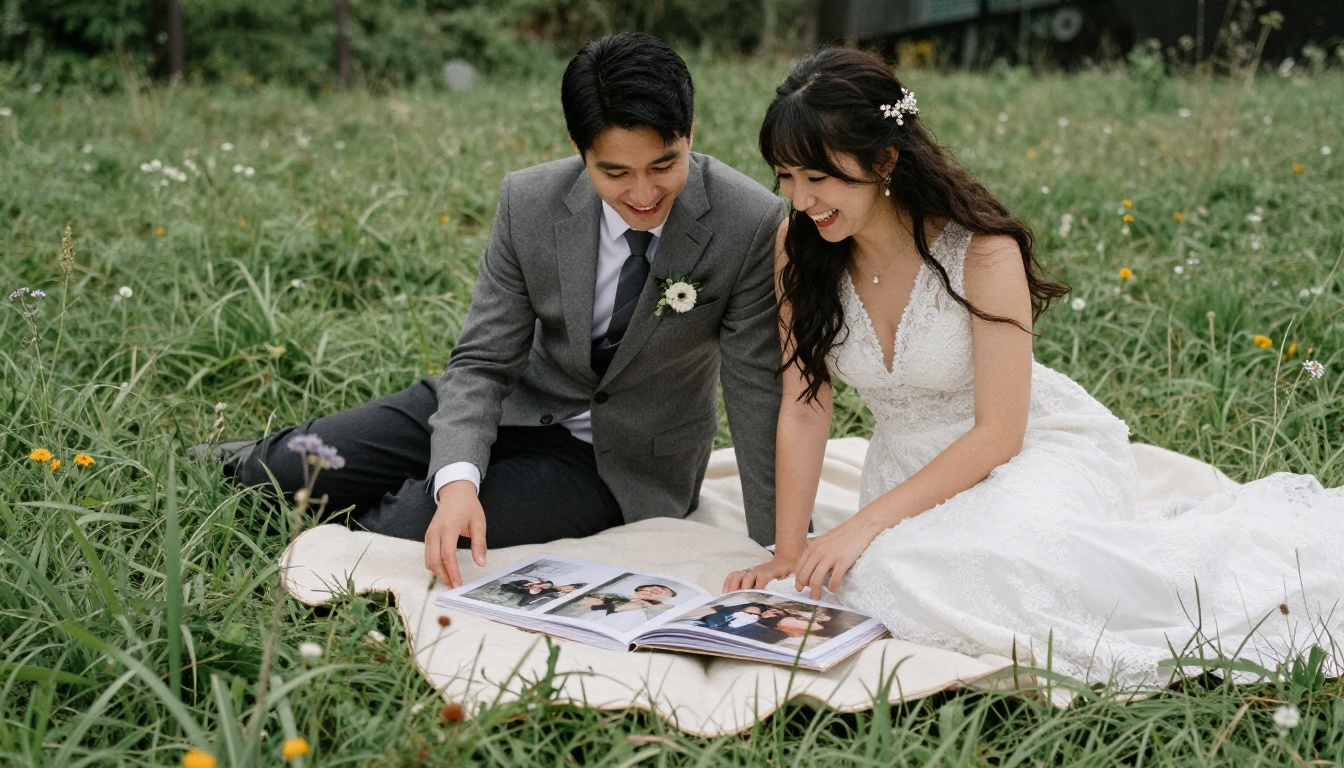
Wedding albums deserve lay-flat
A wedding includes sweeping venue shots and group portraits that stretch across both pages. Standard binding will cut people in half at the gutter. Pay for lay-flat.
How to Order Without Regret
Follow this process and you will avoid the usual mistakes.
- Pick your best 40 to 80 photos. Delete blurry shots and near-duplicates first.
- Group them by story. Chronological, by place, or by person all work. Choose one.
- Check resolution. Any photo flagged with a warning should be replaced or shrunk.
- Use the preview. Look for text close to the page edge, faces near the gutter and awkward crops.
- Order one sample first if the book is a gift or large print run.
- Wait for a promotion. Most services run sales regularly, so avoid paying list price.
⚠️ Warning: Phone screens are small and forgiving. A photo that looks sharp on a handset can look soft at A4 size. Always trust the resolution warning in the editor.
Colour and brightness
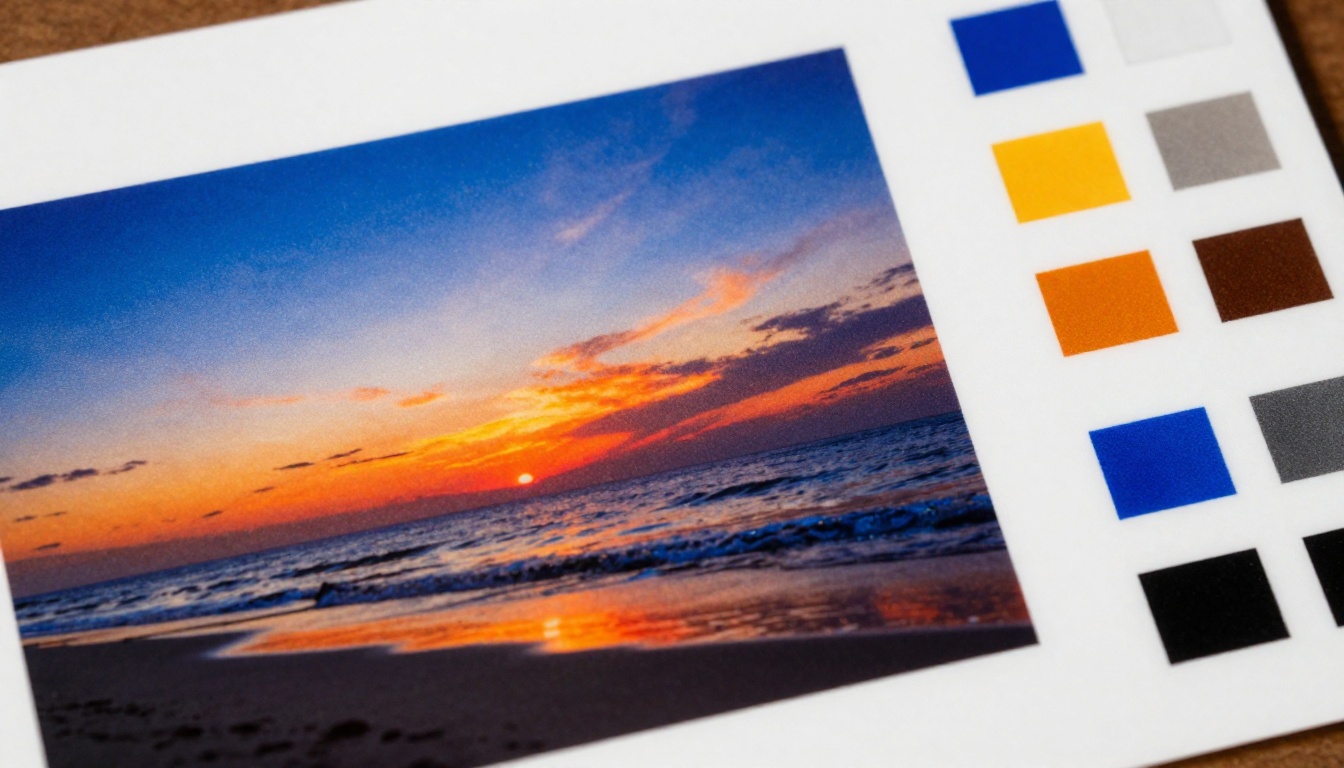
Screens glow, paper does not. Photos often print slightly darker than they look on a laptop, so brighten shadows a touch before uploading. Services with colour-managed workflows reduce the surprise, but they cannot remove it.
Captions and text
Short captions beat long paragraphs. Use a readable font size, keep a good margin and avoid fancy scripts that become hard to read at small sizes.
Cost Factors Worth Knowing
Price differences between services can look confusing, so here is what drives the final bill.
| Factor | Effect on cost | Tip |
|---|
| Page count | Rises with each extra page | Edit down to the best shots |
| Binding | Lay-flat costs more | Use it only where it counts |
| Paper type | Premium paper adds cost | Satin is a good middle path |
| Size | Larger formats cost more | Medium suits most books |
| Shipping | Varies by country and speed | Order early, pick standard shipping |
| Promotions | Can cut price heavily | Wait for seasonal sales |
✅ Best practice: Build your book in the editor, save it, and come back when a discount appears. Most services keep your project for weeks.
Delivery times
UK services often deliver within a week, Canadian orders typically take longer in remote areas, and Australian local printing helps cut waiting. Always add a buffer for holidays.
Packaging and damage
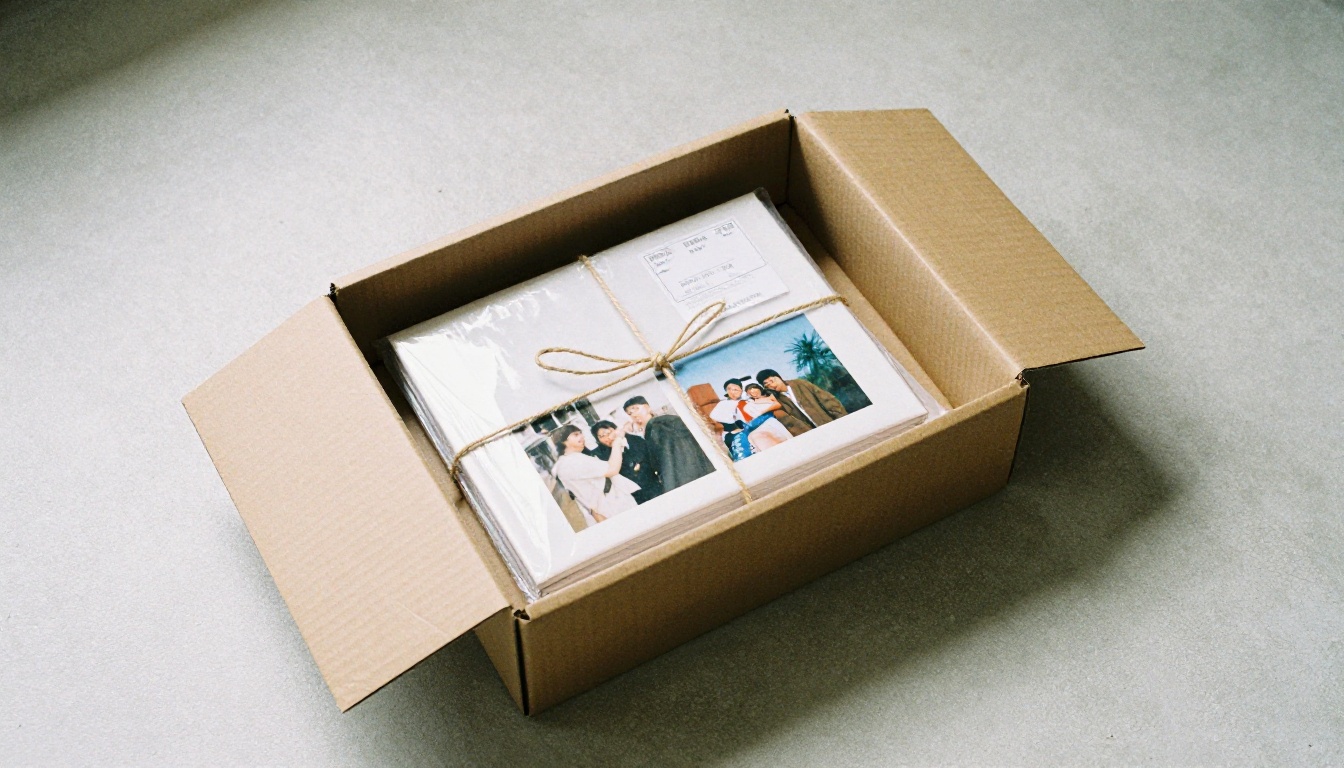
Good services wrap books in protective sleeves and rigid boxes. Check reviews for complaints about bent corners, and photograph any damage immediately so you can claim a reprint.
Share Your Photos Digitally Too
A printed book is a single copy. Cousins overseas, friends and extended family may never see it. That is where a digital flipbook comes in: it turns your photo collection into a page-turning online version you can share with a link.
With Flipbooks AI, you can turn a PDF of your photo book layout into an interactive page-turning flipbook. Many printing services let you export or save a PDF preview, and that is all you need as a starting point.
How to make a digital version
- Export or save your finished layout as a PDF.
- Sign up or log in at Flipbooks AI.
- Upload the PDF using the PDF to Flipbook Converter.
- Customise the look, with your own colours, background and page-turn effects.
- Add music or short clips if you want, since Flipbooks AI lets you embed audio and video.
- Share a direct link, or use the embed option to place it on a family website.
- Turn on password protection if the photos are private.
Why pair print with digital
| Feature | Printed photo book | Digital flipbook |
|---|
| Hold and gift in person | Yes | No |
| Share instantly worldwide | No | Yes |
| Works on phone and desktop | No | Yes, mobile-responsive |
| Password protection | No | Yes |
| Risk of damage or loss | Yes | No |
| Cost per extra copy | Full price | Free to share |
For weddings, the Wedding Album Flipbook tool gives guests a link they can open on any device. Photographers can use the Photography Portfolio option to show work online alongside printed samples. Flipbooks AI has no watermarks, and you can compare pricing plans to see which fits your needs.

Common Mistakes to Avoid
Even good services cannot fix poor choices. These errors come up again and again.
- Too many photos per page: crowded layouts feel cheap. Give your best images room.
- Ignoring the gutter: keep faces and text away from the centre fold in standard binding.
- Using low-resolution images: screenshots and heavily compressed chat photos print badly.
- Skipping the proofread: a typo in a title is far more visible in print.
- Ordering at list price: discounts are nearly constant, so wait a few days.
- Forgetting a backup: keep the project file and a PDF, so you can reorder or share later.
💡 Pro tip: Put the strongest photo first and the second strongest last. Readers remember beginnings and endings.
Quick Decision Table
If you want a fast answer, use this table.
| If you want... | Choose |
|---|
| The safest UK option | Photobox |
| The nicest templates | Mixbook |
| A fast, tidy gift | Bobbie |
| Premium large format | Blurb |
| Local Australian printing | Momento |
| Best photo paper | Saal Digital |
| The lowest price | Snapfish |
Pick One and Start Today
The best photo book is the one you actually finish. Choose a service from the ranking above, select your top photos and build a draft this week. Then share it widely: create a free flipbook on Flipbooks AI so everyone you love can see it, browse the full list of flipbook tools, or compare plans and pricing to find the right fit.



