A surgeon asks for the spec sheet on your new stapler, and you hand over a PDF that was replaced three months ago. That one moment can stall a hospital value analysis committee for weeks. The best product sheet makers for medical device sales teams solve this problem: they keep every sheet current, compliant, trackable, and easy to open on a phone in a hospital corridor. This ranking compares the leading options, starting with Flipbooks AI, and shows you how to pick the one that fits your catalog, your reps, and your regulatory process.
Why Sheets Matter in Device Sales
Medical device buyers rarely decide alone. A clinical champion, a supply chain lead, a biomedical engineer, and a finance reviewer all look at the same product sheet, often at different times and on different devices. If the sheet is slow, outdated, or hard to read, the deal slips.

What Buyers Actually Check
Hospital reviewers scan for the same few things on every sheet:
- Indications for use and intended patient population
- Technical specifications, dimensions, materials, and sterility status
- Clinical evidence summaries with citations
- Regulatory status such as FDA clearance or CE marking
- Ordering information, SKUs, and pack sizes
The Cost of Stale Sheets
Outdated sheets create real risk. A wrong dimension can disqualify a device from a case. An expired claim can trigger a compliance review. Reps who email old PDFs also lose all visibility into who opened what.
⚠️ Promotional claims that no longer match your current labeling can create regulatory exposure. Always route sheet changes through your regulatory team before publishing.
What to Look for in a Sheet Maker
Not every design tool suits a regulated industry. Before comparing products, set your must-haves.

Core Requirements
- Single source of truth. One live link that updates everywhere when a sheet changes.
- Mobile-first reading. Reps and clinicians open sheets on phones between cases.
- Access control. Password protection for pricing sheets and unreleased products.
- Analytics. Know which pages a buyer read and for how long.
- No watermarks. Branded, professional output only.
- Fast conversion. Turn existing PDFs without redesigning from scratch.
Nice-to-Have Features
- Embedded video of device setup or procedure walkthroughs
- Offline downloads for hospitals with weak Wi-Fi
- Lead capture forms before a gated sheet opens
- Team templates for consistent branding across product lines
Ranked: Best Sheet Makers for Device Teams
Here is how the main categories of tools compare for a regulated sales team.
| Rank | Tool Type | Best For | Live Updates | Analytics | Mobile Reading |
|---|
| 1 | Flipbooks AI | Teams with existing PDFs | Yes | Yes (Professional) | Excellent |
| 2 | Presentation software exports | Design-heavy launches | No | No | Fair |
| 3 | Generic PDF editors | Quick one-off edits | No | Limited | Fair |
| 4 | Enterprise content platforms | Large global teams | Yes | Yes | Good |
| 5 | Word or desktop publishing files | Internal drafts | No | No | Poor |
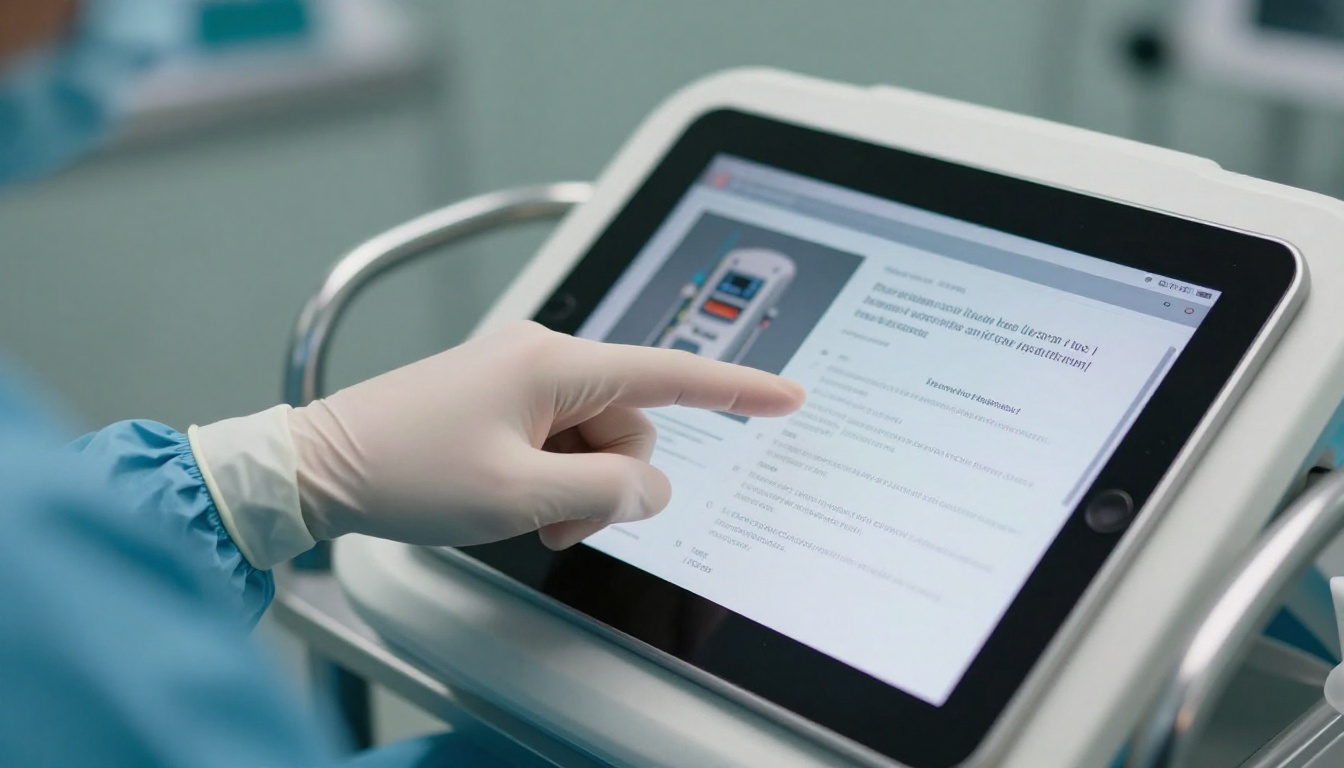
1. Flipbooks AI
Flipbooks AI turns a PDF into a mobile-responsive flipbook with a shareable link. Reps keep the same URL while marketing swaps in the latest file, so nobody carries a stale copy. There are no watermarks, plans with unlimited flipbooks, password protection, offline downloads, embedded video and audio, and custom branding. Analytics and lead generation arrive with the Professional plan. See the pricing plans for details.
It fits teams that already produce polished PDFs in a design tool and want distribution, tracking, and control without a long software rollout.
2. Presentation Software Exports
Slide decks are a popular way to build sheets because everyone knows the tool. The weakness is distribution. Exports become static files, and version drift starts the day they are emailed.
3. Generic PDF Editors
Good for fixing a typo before a meeting. Poor for tracking, mobile reading, or keeping one authoritative link.
4. Enterprise Content Platforms
Large manufacturers with global regulatory workflows often run a full content platform. They offer strong approvals but usually cost more and take months to implement. Smaller and mid-size teams rarely need that weight.
5. Word and Desktop Publishing Files
Fine for drafting. Not built for hospital buyers reading on a phone.
Head-to-Head Feature Comparison
| Feature | Flipbooks AI | Slide Export | PDF Editor | Enterprise Platform |
|---|
| One live link for every update | ✅ | ❌ | ❌ | ✅ |
| Password protection | ✅ | ❌ | Limited | ✅ |
| Page-level analytics | ✅ (Professional) | ❌ | ❌ | ✅ |
| Embedded video | ✅ | Limited | ❌ | ✅ |
| Offline download | ✅ | ✅ | ✅ | Varies |
| Setup time | Minutes | Hours | Minutes | Months |
| Cost for a small team | Low | Low | Low | High |
💡 Price is rarely the deciding factor. Time to first live sheet and version control matter more once you have more than ten reps.
How to Build a Sheet With Flipbooks AI
If your marketing team already has a PDF, you can publish a device flipbook in a single afternoon. Use the PDF to Flipbook Converter for the fastest route, or the Product Catalog Generator when you manage many SKUs.

Step-by-Step Setup
- Create your account. Create a free account on Flipbooks AI and open your dashboard.
- Upload the PDF. Drag in the approved device sheet. Conversion keeps your layout, fonts, and images intact and produces a page-turning flipbook.
- Customize the look. Add your logo, set brand colors, and pick page effects. Keep the design quiet and clinical rather than flashy.
- Add media. Embed a short setup video or an audio walkthrough on the relevant page.
- Set access. Turn on password protection for pricing sheets, or leave public sheets open.
- Share it. Copy the direct link, send it by email, or use an embed code on your product page with the Embed Flipbook on Website tool.
- Track results. On the Professional plan, review analytics and capture leads from gated sheets.
- Update safely. When regulatory approves a new version, replace the file. The link stays the same.
Which Tool for Which Sheet
Real-World Use Cases
Concrete scenarios show where the right tool pays off.

The Trade Show Booth
A rep prints a small card with a QR code. Visitors scan it and open the live flipbook on their phones. No heavy brochure stack, no wasted paper, and marketing sees which pages visitors read most.
The Value Analysis Committee
A hospital committee requests documentation for a new implant. The rep sends a single password-protected link containing the spec sheet, clinical summary, and ordering details. Members open it on any device, and the rep sees who reviewed it before the meeting.
The Distributor Network
Regional distributors sell several product lines. A shared digital catalog replaces scattered email attachments, so every distributor quotes the same specs and the same SKUs.
The Field Rep in the Car
Between hospital visits, a rep needs a sheet for a surgeon who just asked about sizing. Opening the flipbook from a phone takes seconds, and the rep sends the link before leaving the parking lot.

Compliance Without the Headaches
Digital sheets do not remove regulatory responsibility. They make it easier to manage.

Build a Review Workflow
- Marketing drafts the sheet.
- Regulatory and legal approve claims and labeling language.
- The approved PDF is uploaded and published.
- Older files are retired so only one live link exists.
Compliance Checklist
- Every claim matches current cleared or approved labeling
- Regulatory status is stated accurately for each market
- Contact and complaint details are current
- Internal-only sheets are password protected
- A named person owns each sheet's refresh date
✅ Keep a simple log of who approved each version and when. When an auditor asks, you can answer in minutes.
Public vs Private Sheets
| Sheet Type | Access Setting | Audience |
|---|
| Product spec sheet | Public link | Clinicians, buyers |
| Clinical evidence summary | Public or gated | Clinicians, committees |
| Pricing and contract terms | Password protected | Procurement, distributors |
| Unreleased product preview | Password protected | Select accounts |
| Rep training manual | Password protected | Internal team |
Mobile Reading Changes Everything
Hospital buyers live on their phones. Pinching and zooming a desktop PDF in an elevator is a poor experience. A responsive flipbook reflows to fit the screen and loads quickly, which keeps attention on your device rather than on the file format.

Quick Mobile Tests
- Open the link on a mid-range Android phone
- Try it on hospital guest Wi-Fi and on cellular data
- Check that tables and spec charts remain readable
- Confirm the offline download works for low-signal areas
Rolling Out to Your Team
A great tool fails if reps ignore it. Keep adoption simple.

Three-Week Plan
| Week | Focus | Outcome |
|---|
| 1 | Convert the top five sheets | Live links ready |
| 2 | Train reps on sharing and tracking | Reps send links, not attachments |
| 3 | Review analytics and fix weak pages | Sheets improve with real data |
Common Mistakes
- Publishing without approval. Always route through regulatory first.
- Leaving old PDFs in circulation. Ask reps to delete saved copies.
- Ignoring analytics. Pages nobody reads need rewriting or removal.
- Too many sheets. One sheet per device beats five overlapping versions.
The right choice depends on size and process. A small or mid-size team with existing PDFs gets the fastest results from Flipbooks AI. A global manufacturer with a heavy approval chain may combine an enterprise platform with a simple distribution layer.

Ready to retire stale attachments? Get started for free on Flipbooks AI and publish your first device sheet today. Browse all flipbook tools to find the right template, then compare pricing plans to choose the level of analytics and lead capture your team needs. When you are ready to roll out, create an account and pick a plan in a few minutes.



