A menu is the only piece of marketing every single guest reads. Yet most owners still build theirs in a word processor at midnight, print it on office paper and hope for the best. The right app changes that: you pick a layout, drop in your dishes, export a print-ready file and, if you want, publish the same menu online through Flipbooks AI. This ranking compares seven restaurant menu design apps with printable templates so you can choose in one sitting.
💡 Quick answer: For fast printable layouts, Canva and Adobe Express lead. For a menu that prints and turns into a page-turning digital version with a link and QR code, Flipbooks AI pairs best with any of them.
Before the ranking, here is the scorecard used for every tool. A pretty template means nothing if the file prints blurry or the price change takes twenty minutes.
Print Readiness
Look for 300 DPI export, bleed and crop marks, CMYK support and standard sizes such as US Letter, A4, A5, tabloid and tri-fold. If an app only exports screen-resolution PNGs, your reds will look orange on paper.
Template Quality
Good templates have clear hierarchy: section headings, dish names, descriptions and prices that line up. You should be able to swap fonts and colors without breaking the layout.
Editing Speed
Menus change weekly. Seasonal specials, ingredient shortages and price updates are normal. The best apps let you duplicate a page, edit a line and re-export in minutes.
Digital Extras
Printed menus get dirty and outdated. A linked digital copy fixes both problems. Check whether the tool exports a PDF that you can convert into an online version.
The 7 Apps Ranked
| Rank | App | Best For | Print Export | Starting Cost |
|---|
| 1 | Canva | Beginners, huge template library | PDF Print, bleed, CMYK on paid plan | Free tier available |
| 2 | Adobe Express | Brand consistency, quick resizing | PDF, PNG | Free tier available |
| 3 | Flipbooks AI | Turning any menu into a flippable web version | PDF import, online and offline | See plans |
| 4 | MustHaveMenus | Restaurant specific layouts | PDF, JPG | Paid per plan |
| 5 | Visme | Menus inside larger brand kits | PDF, HTML | Free tier available |
| 6 | Venngage | Infographic style menus | PDF, PNG | Free tier available |
| 7 | Microsoft Word | Offline editing, zero learning curve | PDF, DOCX | Included with Office |
Pricing changes often, so check each vendor before you commit.
1. Canva
Canva earns the top spot because the template library is enormous. Search "restaurant menu" and you get hundreds of layouts for pizzerias, sushi bars, cafes, cocktail lists and kids menus. Editing is drag and drop, and the print export supports bleed.
Strengths
- Thousands of editable menu templates
- Brand kit for fonts and colors
- Easy team sharing and comments
- Built-in print ordering in some regions
Weaknesses
- Popular templates look alike across restaurants
- CMYK and some print options need a paid plan
⚠️ Pick a less popular template and change the fonts. Otherwise the cafe across town may end up with your exact layout.
2. Adobe Express
Adobe Express is the polished alternative. Its strength is resizing: build a table menu, then convert it to a poster, a social post and a takeaway flyer in a few clicks. Fonts are professional grade, which gives upscale restaurants a more refined look.
3. Flipbooks AI
Flipbooks AI is not a drawing tool, and that is the point. You design the printable menu in any app above, export a PDF and then use the Restaurant Menu Creator to turn it into an interactive page-turning menu. Guests scan a QR code at the table and flip through realistic pages on their phones.
Why this pairing works
- No watermarks, ever
- Mobile-responsive pages
- Custom branding and colors
- Password protection for staff-only or private event menus
- Offline downloads for restaurants in places with weak signal
4. MustHaveMenus
MustHaveMenus focuses on one job: restaurant menus. Templates are organized by cuisine and occasion, such as brunch, wine lists, catering and holiday menus. The editor is simpler than Canva, which makes it fast, though the library and design flexibility are smaller.
5. Visme
Visme suits owners who want menus, presentations and reports in the same brand system. Its templates look clean, and the HTML export is useful for simple online sharing. The interface has more options than a beginner needs.
6. Venngage
Venngage leans on icons and visual blocks. If your menu uses dietary symbols, spice levels or origin maps, it handles them well. Dense fine dining menus feel less natural here.
7. Microsoft Word
Do not laugh. Word has printable menu templates, works offline and every employee already knows it. The limits are weak typography controls and layout that shifts when you edit. It is a workable emergency tool, not a long-term system.
Side by Side Comparison
| Feature | Canva | Adobe Express | MustHaveMenus | Visme | Word |
|---|
| Template count | Very high | High | Medium | Medium | Low |
| Bleed and crop marks | Yes | Limited | Limited | Limited | No |
| Learning curve | Low | Low | Very low | Medium | Very low |
| Team collaboration | Yes | Yes | Limited | Yes | Limited |
| Best menu type | All | Upscale | Casual | Branded | Quick drafts |
💡 Whichever app wins, export a PDF. It keeps fonts intact and is the format both printers and Flipbooks AI accept.
How to Pick by Restaurant Type
Different venues need different tools. Here are practical examples.
- A small cafe with weekly specials: Canva for editing speed, plus a QR code that links to a flippable menu so you never reprint just for a typo.
- A fine dining room: Adobe Express or a designer's layout, exported as a high-resolution PDF and printed on heavy cream stock.
- A food truck: One-page Canva design, laminated, with a QR code on the window.
- A hotel restaurant: Several menus (breakfast, room service, bar) kept in one place using the Menu Flipbook Designer.
- A spa cafe: Elegant minimal layouts, shared through the Spa & Wellness Menu tool.
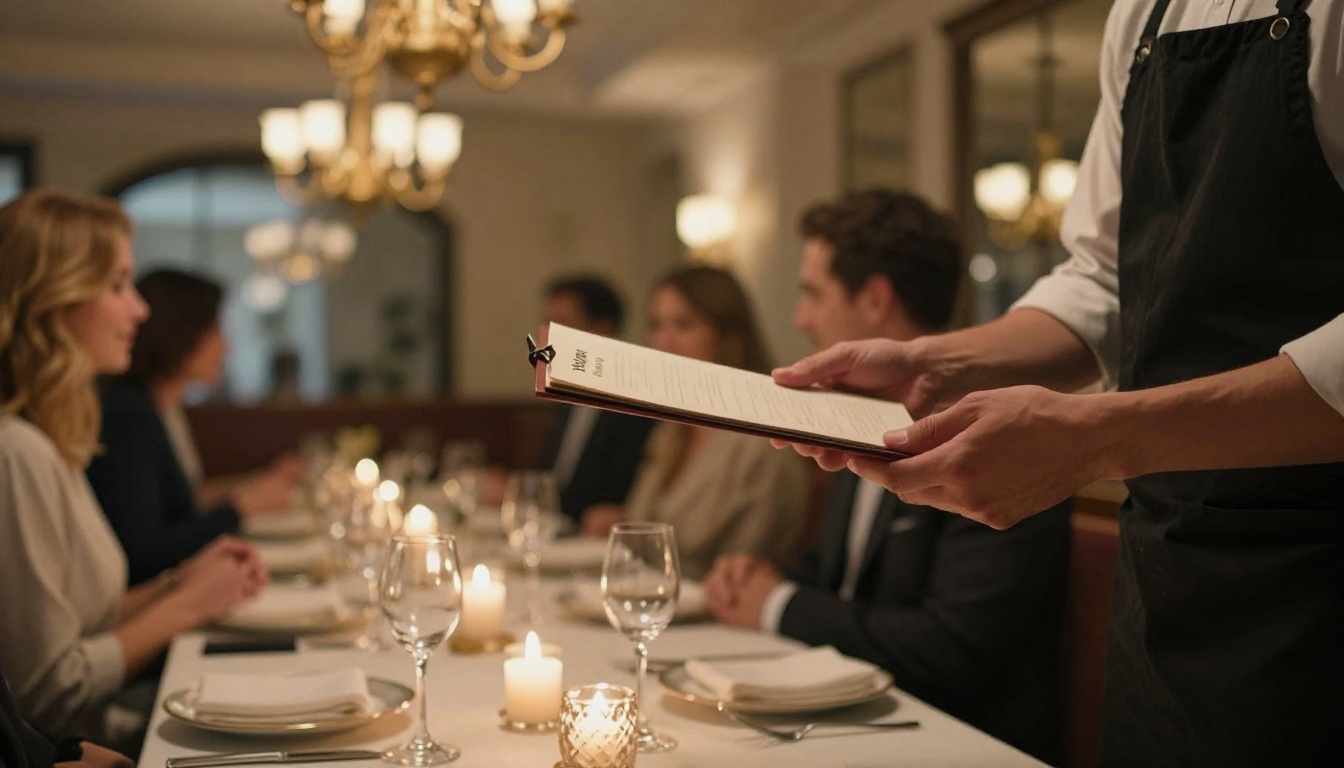
How to Make a Printable and Flippable Menu
This workflow takes about an hour the first time and ten minutes for later updates.
Step 1: Design the Printable Version
Open your chosen app, select a template that matches your size (A4, Letter or tri-fold) and replace the placeholder dishes. Keep no more than seven items per section. Research on menu layout consistently shows guests choose faster when lists are short.
Step 2: Check Print Settings
- Export at 300 DPI
- Add 3 mm (0.125 inch) bleed if the printer asks
- Convert text to outlines only if the printer requests it
- Proof one copy on a home printer first
Step 3: Upload to Flipbooks AI
Create an account, upload your PDF and let the PDF to Flipbook Converter build the page-turning version.
Step 4: Customize
Add your logo, set brand colors, choose page effects and add a short audio or video clip of the kitchen if you like. Multimedia embeds make the digital menu feel alive without adding clutter to the printed one.
Step 5: Share
- Copy the direct link for Instagram and Google Business Profile
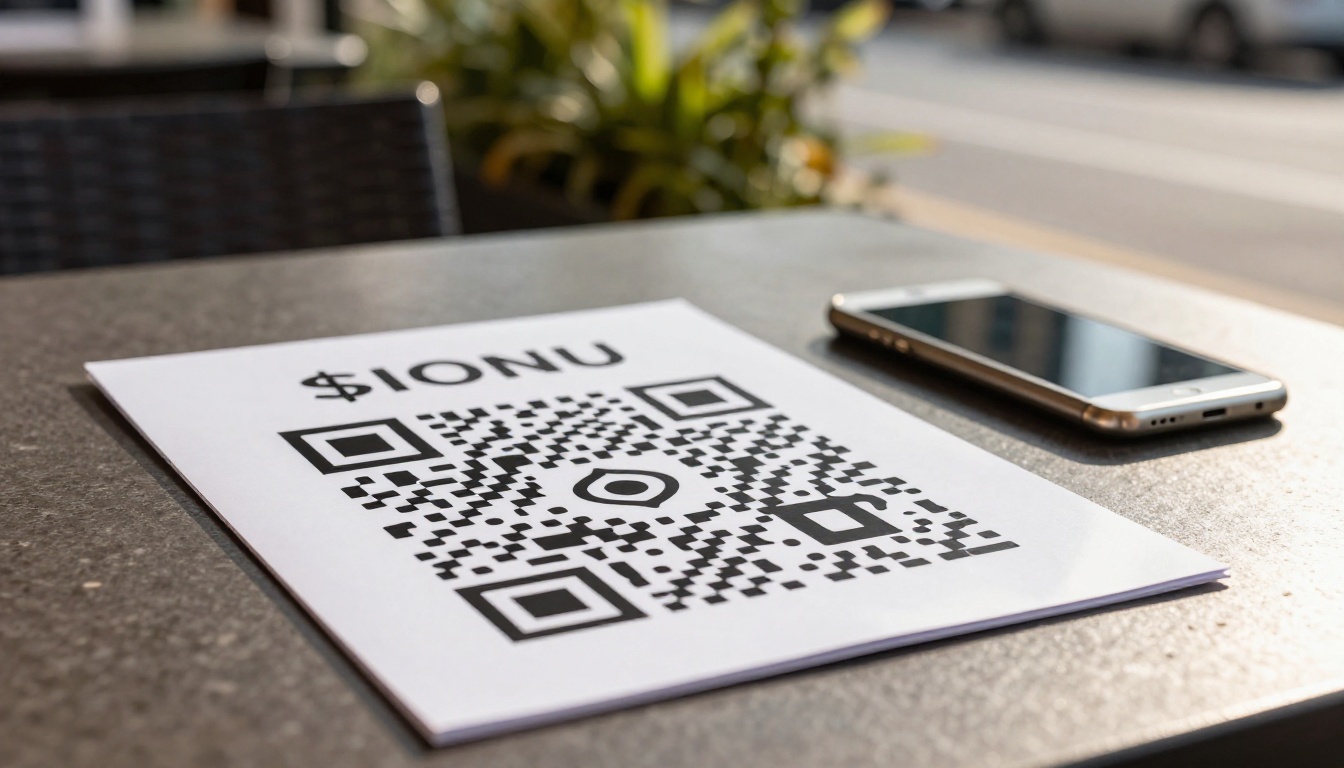
- Generate a QR code for tables and windows
- Use the embed code to place the menu on your site, as explained in Embed Flipbook on Website
- Turn on password protection for private events or staff menus
Step 6: Track Results
On the Professional plan, analytics show which pages guests view and for how long, and lead generation can collect emails for loyalty offers. Compare pricing plans to see what fits.
✅ Best practice: Print fewer copies, update the digital menu daily and keep a QR code on every table. Your printed menu stays attractive, and your online one stays accurate.
Design Rules That Sell More
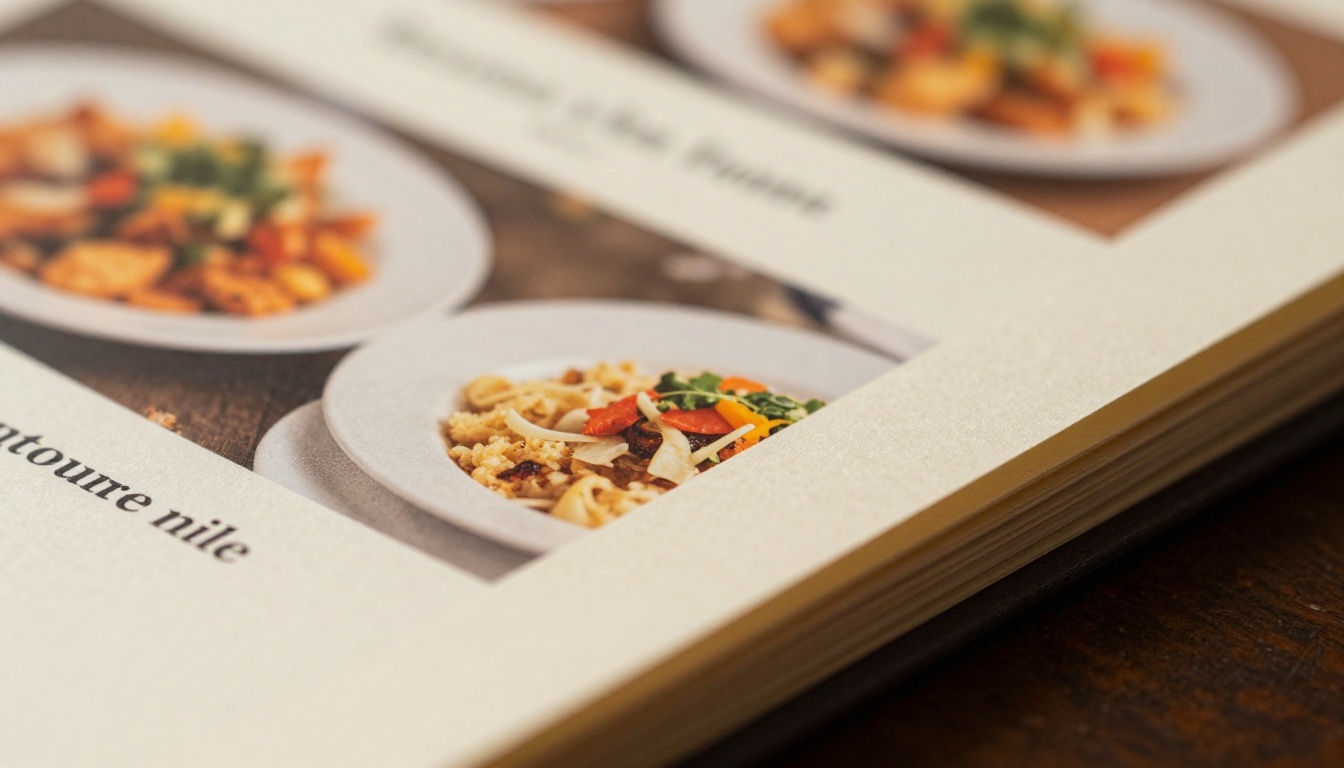
Software is only half the job. The same template can look cheap or expensive depending on a few choices.
Limit Fonts to Two
One font for headings, one for descriptions. A third font usually adds noise, not personality.
Drop the Currency Symbols
Writing "14" instead of "$14.00" removes the feeling of spending money. Many restaurants test this and keep it when it works.
Use Whitespace
Crowded menus feel discount. Leave margins and breathing room around the dishes you want to sell most.
Highlight One Dish per Section
A subtle box or small icon pulls the eye to a high-margin item. Do not highlight everything.
Write Short Descriptions
Ten to fifteen words per dish is enough. Mention ingredients, origin or method, not adjectives.
Common Mistakes to Avoid
- Low-resolution logos. Upload vector or high-resolution files, or they will look soft in print.
- Ignoring paper. Glossy stock suits casual venues, uncoated stock suits rustic or upscale ones.
- Forgetting allergen notes. Add clear symbols and a line telling guests to ask staff.
- Reprinting for every change. Use a digital menu for volatile items.
- Skipping a proof. One typo in a price multiplied by 500 copies is expensive.
The Real Cost of Each Option
| Approach | Setup Time | Ongoing Cost | Update Speed |
|---|
| Hire a designer | Days | High per revision | Slow |
| Canva or Adobe Express | 1 to 2 hours | Low | Fast |
| Template plus Flipbooks AI | 1 to 2 hours | Low | Very fast |
| Word only | 1 hour | Free | Medium |
A designer gives the most unique result, but every price change becomes an invoice. For most independent restaurants, an app plus a digital version is the practical middle ground.
Printing Tips That Save Money
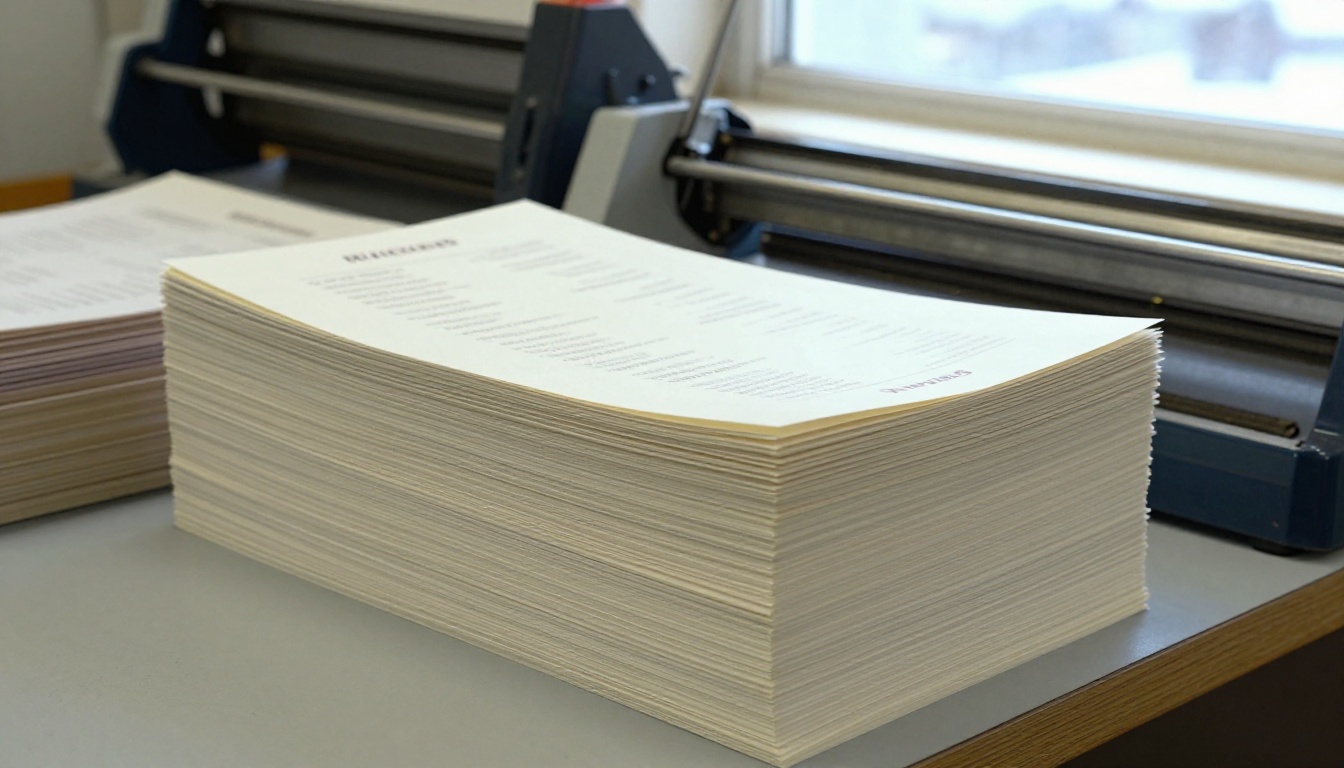
- Ask local printers for a small test run before ordering hundreds.
- Choose a size that fits standard paper to avoid custom cutting fees.
- Laminate only menus that face spills, such as breakfast diners and food trucks.
- Print a short insert for specials instead of redoing the entire menu.
Combine this with a QR menu at the table and you will rarely need large print runs.
Choose Your Setup Today
If you want a single recommendation: design in Canva or Adobe Express, print on quality stock and publish the same PDF as a flippable menu with Flipbooks AI. You get the tactile feel of paper and the speed of digital updates.
Ready to build yours? Get started for free on Flipbooks AI, browse all flipbook tools for menus, catalogs and price lists, or compare pricing plans to find the right tier for your restaurant.



