Most school newsletters die in the inbox. A teacher spends Thursday evening building a beautiful PDF, the office hits send, and by Friday morning barely a third of families have even seen it. The problem is rarely the content. It is the platform: a clunky attachment, a layout that breaks on a phone, or a link that looks like spam. If you want a clear ranking of the best school newsletter platforms parents will open, start here, and try Flipbooks AI if you want a page-turning format families actually tap.
This ranking is built around one test: does a busy parent, standing in a pickup line with one thumb free, open it and finish it? Features matter only when they help that moment happen.
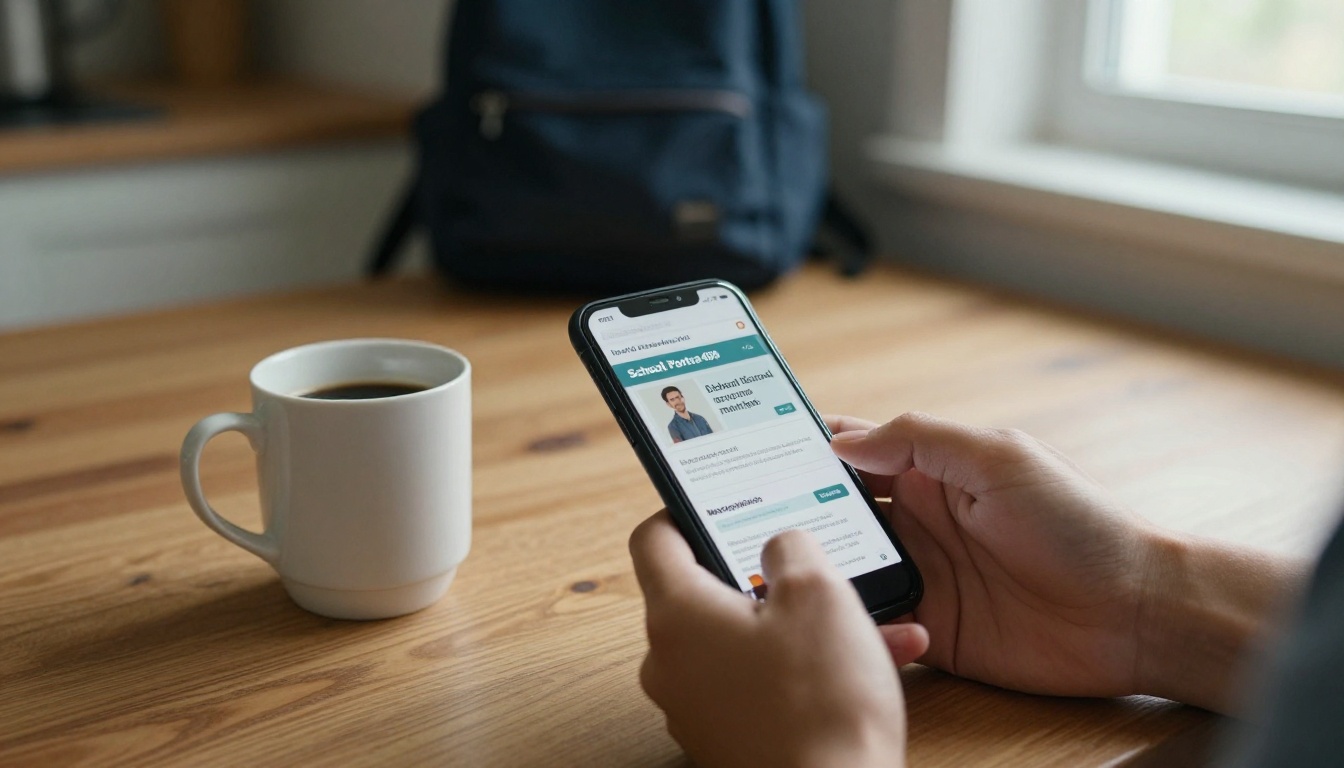
What Parents Actually Open
Before ranking anything, it helps to know what drives opens in a school setting. Schools are not marketers. Parents already know the sender, so the subject line is less of a battle than in commercial email. The real friction comes from three places.
- Format on mobile. Most parents read on a phone. A PDF that needs pinching and zooming gets abandoned within seconds.
- Load time and permissions. Attachments that must be downloaded, or links that ask for a login, lose people fast.
- Visual pull. A newsletter with photos of their own child's class gets opened. A wall of text does not.
💡 Pro tip: Ask ten parents how they read school updates. You will likely hear "on my phone, in a spare minute." Design for that answer, not for the staff room desktop.
Related terms you will see throughout this ranking include parent communication, school email newsletter, digital newsletter, mobile-friendly layout, translation, open rates, and teacher workload. Each one maps to a real decision when you pick a tool.
We scored each platform on six criteria that matter to schools, not to advertisers.
- Mobile reading experience for parents.
- Ease of building for a teacher with twenty minutes.
- Visual quality of the finished newsletter.
- Delivery and tracking, including whether you can see who opened it.
- Language support for multilingual families.
- Cost for a school with a tight budget.
Scores below are editorial judgments based on typical use, not lab benchmarks. Features and plans change, so check each vendor's current page before you commit.

The Ranking at a Glance
| Rank | Platform | Best For | Mobile Reading | Tracking | Effort to Build |
|---|
| 1 | Flipbooks AI | Visual, page-turning newsletters from a PDF | Excellent | Analytics on Professional plan | Low |
| 2 | Smore | Quick one-page designed newsletters | Very good | Basic view stats | Low |
| 3 | Canva | Custom designs and branding | Good (as link or PDF) | Limited | Medium |
| 4 | Mailchimp | Email-first sending to large lists | Good | Strong open and click data | Medium |
| 5 | ParentSquare | All-in-one school messaging | Very good | Delivery reports | Low |
| 6 | Constant Contact | Simple email campaigns | Good | Strong | Medium |
| 7 | Google Docs or Sites | Zero-budget starting point | Fair | Minimal | Low |
1. Flipbooks AI
A flipbook turns the PDF you already made into a mobile-friendly, page-turning experience. Parents tap a link and the newsletter opens instantly in the browser. No download, no pinch and zoom, no login.
Why it wins on the "will they open it" test:
- Opens from a simple link, so it works in email, text messages, and school apps.
- Pages flip naturally, which invites parents to keep going.
- Photos stay sharp, so class pictures look the way you intended.
- No watermarks, ever, so the newsletter looks like your school's own.
- Password protection keeps student photos away from the open web.
- Embedded video and audio let a principal say hello in their own voice.
The dedicated School Newsletter Creator is built for exactly this use, and the general Newsletter Flipbook Publisher works well for district-wide editions.
Where It Fits Best
A real-world case: an elementary school already builds its monthly newsletter in a word processor. The office exports a PDF, uploads it, and shares one link. The workflow barely changes, but families get a polished reader instead of an attachment.
Where It Falls Short
If your school needs two-way messaging, attendance alerts, or permission slips in the same app, a flipbook will not replace that. Pair it with your messaging system instead.
2. Smore
Smore is built for educators, and it shows. Templates are friendly, the editor is quick, and the output is a single scrolling page that works well on phones.
- Strengths: fast to build, education-focused templates, easy sharing by link.
- Trade-offs: the one-page scroll can feel long for a big monthly edition, and you have less control over a print-ready layout.
It suits teachers who want a weekly classroom update and do not need a polished multi-page edition.
3. Canva
Canva gives you the most design freedom on this list. Schools with a brand kit can produce a newsletter that looks agency-made.
- Strengths: huge template library, brand colors and fonts, easy collaboration between staff.
- Trade-offs: sharing options vary, and a PDF export still has the phone-reading problem unless you publish it in a reader format. Many schools design in Canva, then convert the export into a flipbook.
✅ Best practice: Design in Canva, export to PDF, then use a PDF to Flipbook Converter so the design survives intact on every screen.
4. Mailchimp
Mailchimp is the heavyweight of email marketing, and it remains a solid choice when your list is large and you want real open and click data.
- Strengths: reliable delivery, audience segments (for example by grade), automation, detailed reports.
- Trade-offs: building a clean layout takes practice, and email clients render designs differently. A long newsletter inside an email body can feel heavy on a small screen.
A smart pattern is to send a short Mailchimp email with one strong photo and a button that links to the full flipbook.

5. ParentSquare
ParentSquare is a communication hub rather than a pure newsletter builder. Posts, alerts, volunteer sign-ups and translations live in one place.
- Strengths: parents get everything in one app, automatic translation, a single contact point for staff.
- Trade-offs: newsletters look more like posts than designed publications, and families must install and check yet another app.
It is strongest as the delivery channel. Attach or link a flipbook inside a post, and you get the best of both.
Constant Contact offers a straightforward email builder and good reporting. It is a fair pick for schools that want a familiar, supported tool and do not mind a subscription.
- Strengths: guided setup, dependable support, solid reports.
- Trade-offs: templates feel corporate, and you will spend more time making them feel like a school.
7. Google Docs or Sites
Free, familiar, and already in many schools. A shared document link opens on most phones.
- Strengths: zero cost, no new login for staff.
- Trade-offs: layouts are basic, formatting shifts between devices, and there is little tracking. Photos of students sit in a general sharing setup that needs careful permission settings.
Use it as a stepping stone, not a destination.
Features That Raise Open Rates
Whichever tool you pick, a handful of features separate newsletters that get read from those that get ignored.
| Feature | Why Parents Care | Platforms That Do It Well |
|---|
| Opens in one tap, no download | Fits a spare minute | Flipbooks AI, Smore, ParentSquare |
| Phone-first layout | No pinching | Flipbooks AI, Smore |
| Built-in translation | Reaches every family | ParentSquare |
| Open and click tracking | Shows what works | Mailchimp, Constant Contact, Flipbooks AI (Professional) |
| Password protection | Protects student photos | Flipbooks AI |
| Brand control | Looks trustworthy | Canva, Flipbooks AI |
⚠️ Warning: Never publish identifiable student photos on an open public link without checking your school's media consent list first. Password protection exists for exactly this reason.
What a Good Newsletter Looks Like
Platform choice only gets you halfway. Content decides whether the second issue gets opened.
Lead With a Face
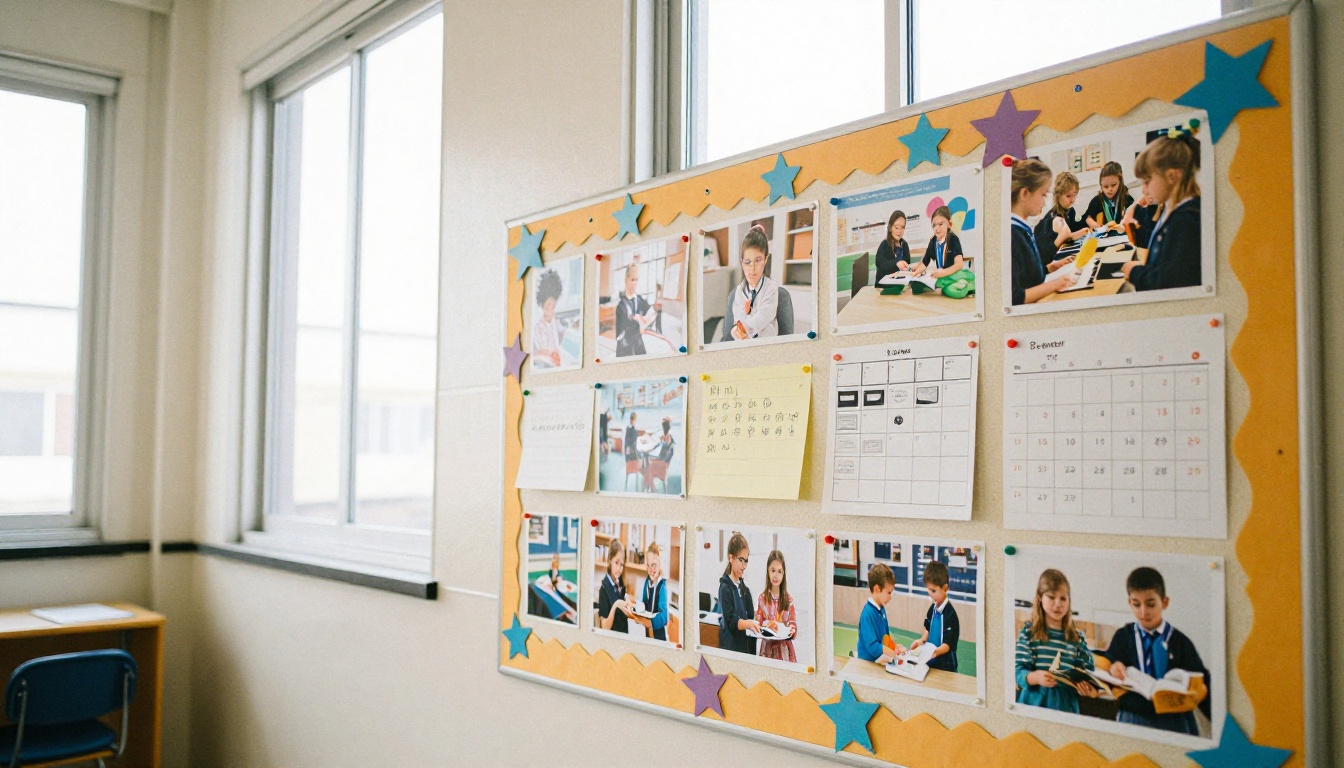
Open with a photo of real students or a staff member. Parents scan for their own child first, so make that easy.
Keep Sections Short
Use a clear order: this week's dates, one story, one reminder, one photo spread. Parents should find the date they need within five seconds.
Be Consistent
Send on the same day at the same time. A predictable Thursday evening newsletter becomes a habit.
Write Like a Person
Skip jargon. "Picture day is Tuesday, wear something you like" beats a formal notice every time.
How to Create a Flipbook Newsletter
If you want to try the page-turning approach, here is the full workflow with Flipbooks AI. It takes about ten minutes once your PDF is ready.
- Get started. Visit Flipbooks AI and create an account. You can begin with a free plan.
- Upload your PDF. Export your newsletter from Word, Canva, or any layout tool, then upload it. The platform converts each page into a flip page. Screenshot idea: the upload screen with the PDF progress bar.
- Customize the look. Add your school colors, upload the logo, choose the page-turn effect, and set the background. Add a video message or audio note on any page.
- Add links. Turn calendar dates, sign-up forms and lunch menus into tappable links.
- Set privacy. Turn on password protection for editions with student photos.
- Share. Copy the direct link for email and text, or use the Embed Flipbook on Website option to place it on your school site.
- Track results. On the Professional plan, check analytics to see how many people viewed it and how far they read. Compare pricing plans to see which tier fits your school.
💡 Pro tip: Offline downloads let you share a copy for families with spotty connections, and unlimited flipbooks on the Standard plan and above mean you can publish every edition without worrying about a cap.
Budget and Workload Compared
Cost and effort decide what actually survives past September. Here is a plain comparison for a typical school.
| Platform | Typical Cost Model | Teacher Time Per Issue | Needs Extra App for Parents |
|---|
| Flipbooks AI | Free start, paid tiers for more features | 10 to 15 minutes after the PDF | No |
| Smore | Free tier, school plans | 20 to 30 minutes | No |
| Canva | Free, education options | 30 to 60 minutes | No |
| Mailchimp | Free tier, then by list size | 30 to 45 minutes | No |
| ParentSquare | Usually district-funded | 10 to 20 minutes | Yes, app or email |
| Constant Contact | Monthly subscription | 30 to 45 minutes | No |
| Google Docs or Sites | Free | 20 to 40 minutes | No |
Costs vary by region and contract, so treat the table as a starting point for your own quote requests.
Real Examples That Work
A busy elementary school. The office sends a short text-friendly email every Thursday with one photo and a link to a flipbook. Parents who want more tap through, and the rest still see the headlines.
A middle school with many languages. The district uses ParentSquare for alerts and translation, and links a visual monthly flipbook for photos and events. Staff keep two tools, each doing what it does best.
A small private school. The head teacher designs in Canva, converts to a flipbook, and password protects it so only enrolled families can view it. No new app, no extra cost beyond the plan.
Three Common Mistakes
Sending Too Much
A newsletter that tries to say everything gets skimmed. Pick four items and let the rest live on the website.
Ignoring Data
If your tool shows opens and reading depth, use it. When the lunch menu page gets more views than the principal's letter, move the menu up.
Forgetting Print
Some families still prefer paper. Keep a print-ready PDF alongside the digital edition so nobody is left out.

Match the tool to your situation.
- Want parents to actually read it on a phone? Choose a flipbook from Flipbooks AI.
- Need a quick weekly classroom note? Smore is fast.
- Care most about design? Canva, then convert the export.
- Run a very large mailing list? Mailchimp or Constant Contact for sending, with a flipbook link inside.
- Need alerts, translation and messaging together? ParentSquare.
- No budget at all? Start with Google Docs, then move up.
The strongest setups combine two tools: one for delivery and one for the reading experience. That pairing keeps teachers productive and gives parents a format they enjoy.
Ready to Publish Yours
Parents open what is easy, familiar and worth their minute. Pick a tool that respects that, keep the content short and human, and send it on a steady schedule.
Ready to build your first edition? Get started for free on Flipbooks AI, browse all flipbook tools to find a template that fits your school, or compare pricing plans to choose what works for your budget.



