Smore got a lot of classrooms started with digital newsletters, but plenty of teachers and school offices now hit the same walls: branding on the free plan, limited layouts, and no clear way to see who actually read the update. If that sounds familiar, you are in the right place. Below you will find the strongest options for replacing it, from design tools to email platforms to page-turning publishers like Flipbooks AI, plus a practical way to pick one without losing a weekend to testing.
Why Teachers Leave Smore
Nobody switches tools for fun. Teachers move when the current workflow costs them time or hides results from them. The most common reasons look like this:
- Branding on free pages. Parents see another company's mark instead of the school's identity.
- Layout limits. Many templates feel alike, so every newsletter looks the same week after week.
- Weak reporting. It is hard to tell whether families opened the update or only received it.
- Sharing friction. Some families want a PDF, some want a link, some want email. One format rarely fits all.
- Budget pressure. Departments want one tool that serves a whole grade level or building, not one login per teacher.
💡 Before you compare anything, write down your top three pain points. A tool that fixes two of them and creates a new one is not an upgrade.
What a Good Replacement Needs
A school newsletter is not a marketing email. It has a different audience, a different tone and different constraints. Use this checklist when you evaluate any option.
- Looks right on a phone. Most parents read on mobile, often in a hallway or a parking lot.
- Easy for non-designers. If it takes an hour to format, teachers will stop sending it.
- Reusable templates. Last month's issue should become this month's starting point.
- Clean sharing. A link, an email-friendly format and an embed for the school website.
- Some form of feedback. Views, opens or clicks, even in basic form.
- Privacy control. Class photos and student names deserve a password or limited access.
- Reasonable cost. Free for a single teacher, affordable for a building.
The Main Options Side by Side
Here is a quick overview before we go through each tool. Features change as products update, so confirm details on each vendor's site before you commit.
| Tool | Best for | Format | Mobile reading | Reading stats | Learning curve |
|---|
| Flipbooks AI | Polished page-turning newsletters from a PDF | Flipbook link, embed | Responsive | Yes, on the Professional plan | Low |
| Canva | Visual design from scratch | Image, PDF, web page | Good | Basic | Low to medium |
| Mailchimp | Sending to large email lists | Email | Good | Open and click data | Medium |
| Google Docs or Slides | Simple, free and collaborative | Doc, PDF | Fair | None | Very low |
| Adobe Express | Quick branded layouts | PDF, image, link | Good | Limited | Low |
| Smore | Fast one-page pages | Web page | Good | Basic | Low |
No single row wins every column, which is why the right answer depends on how your school actually communicates.
Flipbooks AI for Page-Turning Newsletters
If your newsletter already exists as a PDF, or you design it in a tool like Canva or Word, Flipbooks AI turns it into a responsive, page-turning publication that families open with one link. There is no extra layout to rebuild, which saves hours across a school year.
Strengths worth noting:
- No watermarks, ever. The newsletter carries your school's identity, not a vendor's.
- Mobile-responsive design. Pages adapt to phones, tablets and desktops.
- Password protection. Useful for class photos, field trip rosters and anything with student names.
- Embeds for video and audio. A principal's welcome message can sit right inside the issue.
- Analytics and lead generation on the Professional plan, so the office can see whether the update is being read.
- Offline downloads for families with unreliable internet.
There is also a purpose-built School Newsletter Creator and a Newsletter Flipbook Publisher that fit this exact use case.
Who It Suits Best
Schools that value a finished, magazine-like feel. Think monthly principal letters, PTA updates, yearbook previews and annual reports. It is less suited to quick weekly notes you would rather type straight into an email.
Who Should Look Elsewhere
Teachers who want a drag-and-drop canvas inside the same tool. Flipbooks AI is a publisher, so you design first and publish second.
Canva for Design-First Teachers
Canva is the usual first stop for teachers who care about looks. It has a huge template library and a gentle editing experience.
- Pros: Thousands of layouts, easy photo placement, brand colors you can save, simple collaboration.
- Cons: Delivery is up to you. You export a PDF or image, then send it somewhere else. Reading data is limited.
A very effective pairing is to design in Canva and publish the PDF as a flipbook. You keep the creative control and gain a clean reading experience with a single shareable link.
✅ Save your school colors and logo as a brand kit once. Every teacher in the building starts from the same look.
Mailchimp for Big Email Lists
When your main goal is reaching inboxes at scale, an email platform makes sense. Mailchimp is the best-known name, with audience lists, scheduling and open and click reports.
- Pros: Real email delivery, list segmentation by grade or class, scheduling and reporting.
- Cons: Email layouts are tighter than a page design. Long newsletters with many photos can feel cramped, and setup takes longer than a one-page tool.
⚠️ Mind your list hygiene. Student contact data should be collected with consent and stored according to your district policy.
Google Docs and Slides for Zero Budget
Sometimes the best tool is the one every teacher already has. Google Docs works well for a weekly note, and Slides can produce a surprisingly attractive two-page issue.
- Pros: Free, familiar, real-time collaboration, easy version history.
- Cons: Designs look plain, there is no reading data, and sharing a doc link can raise permission questions.
Many schools start here and later convert the finished file to a flipbook when they want a more polished result.
Adobe Express for Quick Branded Pages
Adobe Express sits between Canva and a document editor. It produces clean flyers and simple multi-page layouts, and it is a good fit for schools that already use Adobe accounts.
- Pros: Polished templates, brand controls, fast exports.
- Cons: Smaller community of school templates and limited reading stats.
Feature Comparison for Schools
This table focuses on what school offices tend to ask about most.
| Need | Flipbooks AI | Canva | Mailchimp | Google Docs |
|---|
| No vendor watermark | Yes | Depends on export | Yes on email body | Yes |
| Page-turning reading experience | Yes | No | No | No |
| Password protection | Yes | Limited | No | Via sharing settings |
| Embed on school website | Yes | Yes | Limited | Yes |
| Reading statistics | Professional plan | Basic | Yes | No |
| Email delivery built in | No | No | Yes | No |
| Works from an existing PDF | Yes | Imports possible | No | Yes |
How to Build a Newsletter With Flipbooks AI
Here is a simple route that works for a teacher, a grade team or an office manager.
- Create your issue as a PDF. Use Canva, Word, Google Docs or your design tool of choice. Keep each page landscape or portrait consistently.
- Open your account. Go to Flipbooks AI and sign in or create an account.
- Upload the PDF. The PDF to Flipbook Converter turns it into a page-turning flipbook in moments.
- Customize the look. Add your school logo, pick brand colors, choose page effects and add multimedia such as a short welcome video.
- Set privacy. Turn on password protection if the issue includes student photos or names.
- Share it. Copy the direct link for email and messaging apps, or use the embed option to place the issue on your school website.
- Check results. On the Professional plan, review analytics to see how many families opened the issue, and download offline copies when needed.
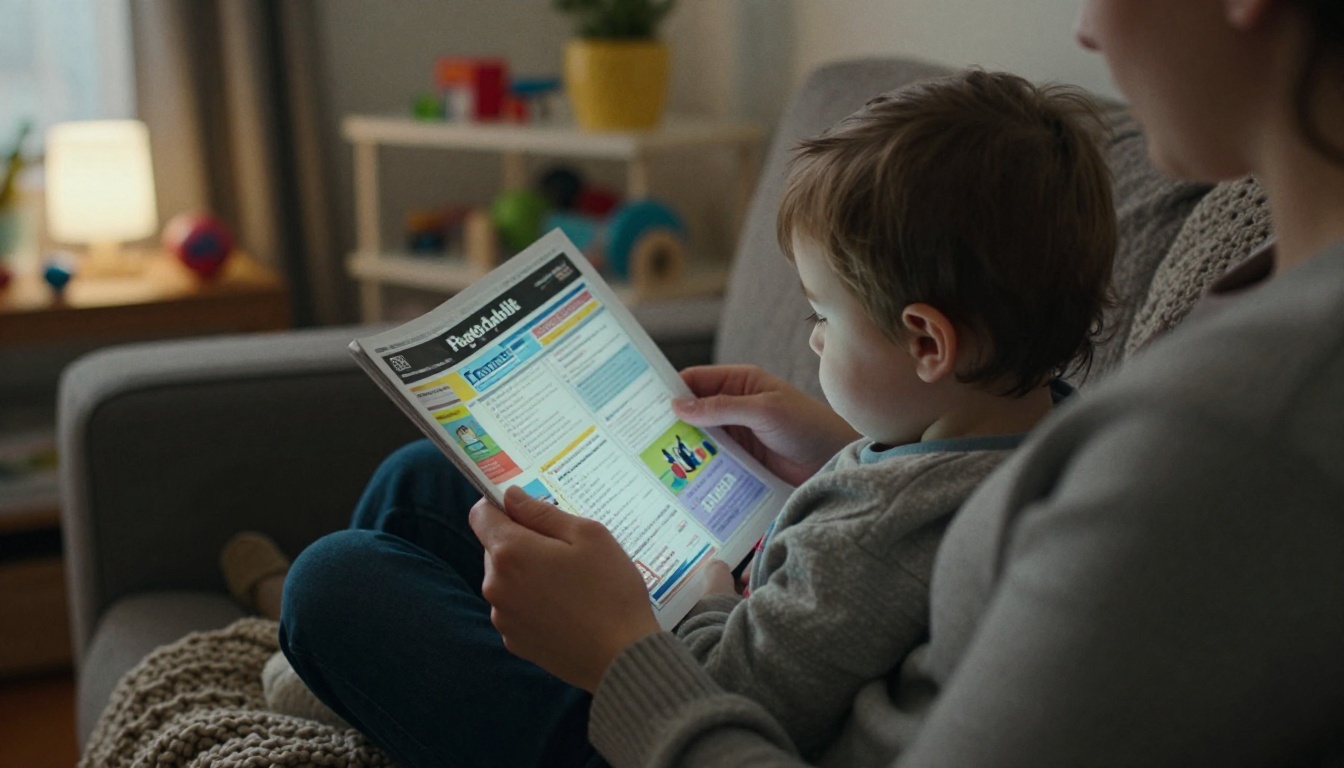
💡 Name each issue the same way every time, such as "Room 12 Newsletter, October". Families will find the right link faster in their messages.
Real Classroom Scenarios
Abstract features matter less than how a tool fits a real week. Here are four patterns we see often.
The Solo Elementary Teacher
One teacher, one weekly update, plenty of photos. A simple Canva template exported as a PDF, then published as a flipbook, gives a polished result in about thirty minutes. The same link goes into the class messaging app.
The Grade-Level Team
Four teachers share a monthly issue. A shared Google Doc collects each teacher's section. One person pastes the content into a template, exports a PDF and publishes it. Everyone sends the same link, so families get a consistent message.
The School Office
The office manager sends a monthly update to the entire building. Mailchimp handles the email, and the email contains a link to a flipbook with the full issue. Open data from email and reading data from the flipbook give a fuller picture.
The PTA Committee
Volunteers rotate every year, so the process must be simple. A reusable PDF template and a Newsletter Flipbook Publisher workflow mean a new volunteer can publish in an afternoon.

Cost and Time Compared
Prices shift often, so treat this as a framework rather than a quote. The real cost of a newsletter tool is a mix of subscription fees and teacher hours.
| Factor | Design tool only | Email platform | Design plus flipbook |
|---|
| Setup time | Short | Medium | Short |
| Time per issue | 30 to 60 minutes | 45 to 90 minutes | 30 to 60 minutes |
| Looks polished | High | Medium | High |
| Reading data | Low | High | Medium to high |
| Fits a small budget | Yes | Depends on list size | Yes, with free options to start |
You can compare flipbook pricing plans to see whether the free tier covers your first issues or whether unlimited flipbooks on a higher plan fit a whole building.
Common Mistakes to Avoid
- Overstuffing the issue. Three strong sections beat twelve weak ones. Families skim.
- Ignoring accessibility. Use readable font sizes, strong contrast and alt text where your tool allows it.
- Skipping a translation plan. If your community speaks several languages, plan for translated versions of the same issue.
- Publishing student photos without checking consent. Use password protection and follow district rules.
- Switching tools mid-year. Pilot a new tool with one issue, then roll out at a natural break such as the start of a term.

A Simple Way to Choose
Match your main goal to the tool type, then test with one real issue.
| If your main goal is | Start with |
|---|
| A polished, magazine-style issue families enjoy flipping through | Flipbooks AI |
| Total creative freedom on layout | Canva, then publish as a flipbook |
| Reaching every inbox on a schedule | Mailchimp, linking to a flipbook |
| Zero cost and fast collaboration | Google Docs or Slides |
| Fast branded one-pagers | Adobe Express |
✅ Run a two-issue trial. Publish one issue in the new tool, ask three parents what they thought, and only then decide.
Pick Your Next Step
Replacing Smore does not have to mean starting over. Keep your content, keep your tone and choose the tool that fits how your families actually read. If you want a polished, mobile-friendly result with no watermarks, get started for free on Flipbooks AI and turn your next PDF into a flipbook.
Browse all flipbook tools to find templates for newsletters, yearbooks and course materials, such as the Yearbook Flipbook Maker and the Course Material Publisher. When you are ready to compare plans, see the pricing page and choose what works for your classroom or your whole school.



