A client calls on Tuesday and wants 300 printed copies of their quarterly magazine. On Wednesday the same client asks for a link they can email to 5,000 subscribers. If your shop can only answer the first request, you are leaving half the order on the table. The tools below let a magazine printing business handle both, from layout and PDF prep to a shareable digital edition built with Flipbooks AI or a similar platform.
This article sorts the software by job: design, prepress, quoting, digital editions and free alternatives. Every section includes what to buy, what to skip and what each choice costs in time or money.
Why Print Shops Need Digital Editions
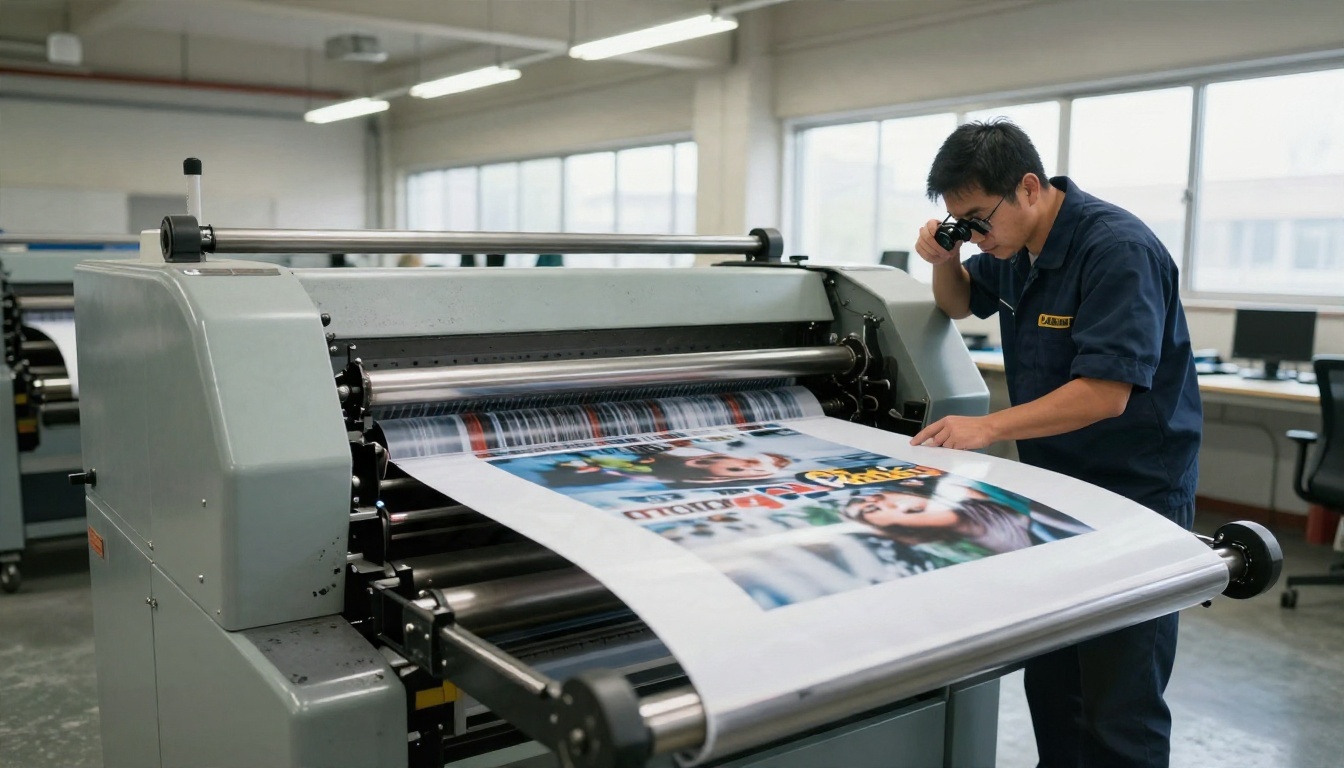
Printing is still a strong business, but the order pattern has changed. Clients ask for shorter runs, faster turnarounds and a digital copy of everything. A shop that offers a digital edition alongside the printed issue becomes a publishing partner, not just a supplier.
Print Runs Are Getting Smaller
Publishers who once ordered 5,000 copies now order 500 and send the rest as a link. Small runs mean tighter margins per job, so you need software that cuts setup time. Every minute spent fixing a broken PDF is money lost on a 500 copy order.
Digital Editions Open New Revenue
A digital edition is an upsell that costs you almost nothing to produce, because the PDF already exists. Typical add on services include:
- Hosted flipbook editions for each issue, billed per issue or as a monthly retainer
- Archive pages where a client's back issues live in one place
- Password protected previews for advertisers who want to see proofs before print
- Embedded editions on the client's own website
- Reader statistics that show which pages get attention
💡 Pro tip: Price the digital edition as a bundle with the print job. Clients accept a small add on much more easily than a separate invoice.

Core Software for Print Production
Before digital editions, the print workflow itself has to run cleanly. Most shops need four categories of software, and they overlap less than vendors suggest.
| Job | What it does | Typical choices | Priority |
|---|
| Layout design | Builds pages, text flow and image placement | Adobe InDesign, Affinity Publisher, Scribus | High |
| PDF editing and preflight | Fixes fonts, bleeds, colour spaces | Adobe Acrobat Pro, Enfocus PitStop | High |
| Quoting and job tracking | Estimates cost, tracks orders | Printavo, PrintSmith, spreadsheets | Medium |
| Digital edition publishing | Turns the PDF into a page turning web edition | Flipbooks AI, Issuu, Heyzine | Medium |
Layout and Prepress
Most magazine clients send finished PDFs, but a growing number send half built files from Canva or Word. A shop that can repair those files, or offer light layout work, wins repeat orders. InDesign remains the industry standard for multi page work, with master pages, styles and reliable export presets. Affinity Publisher offers a one time purchase model. Scribus is free and open source, with a steeper learning curve and fewer templates.

PDF Editors and Preflight
Preflight is where printing jobs fail. Typical problems include RGB images in a CMYK job, missing bleed, low resolution photos and unembedded fonts. A good PDF tool catches these before plates or digital press runs are set up.
Check for these features:
- Automatic preflight profiles for PDF/X standards
- Colour conversion from RGB to CMYK with a preview
- Page box editing to add bleed and trim marks
- Batch processing for repeat clients with the same template
- Page reordering for imposition mistakes
⚠️ Warning: Never convert a client's PDF to a flipbook without checking the print file first. Print PDFs often carry crop marks and bleed areas. Export a clean, single page, screen optimised version for the digital edition.
Quoting and Job Tracking
You do not need an expensive management information system on day one. A shared spreadsheet with columns for page count, paper stock, quantity, finishing and turnaround handles most small shops. When you pass about 40 jobs a month, move to dedicated software with customer approval links and status updates.
A flipbook platform converts a PDF into a web page where readers turn pages like a real magazine. For a printing business, the question is not only which tool looks best. It is which one lets you serve many clients without hitting limits or leaving someone else's logo on the work.
What to Compare First
Start with the limits that affect your margins. A branded watermark on a client's edition makes you look careless. A cap on the number of publications forces you to pass costs on.
| Feature | Why a print shop cares | Look for |
|---|
| Watermark policy | Clients expect clean branding | No watermarks on paid plans |
| Number of flipbooks | You serve many clients | Unlimited or a high cap |
| Password protection | Proofs and private issues | Per flipbook passwords |
| Embedding | Clients want the edition on their site | Simple embed code |
| Analytics | Shows value to the client | Page views, time on page |
| Lead capture | Helps advertisers and subscribers | Email gate option |
| Mobile display | Most readers use phones | Responsive viewer |
| Offline download | Readers keep a copy | Optional download button |
Where Flipbooks AI Fits
Flipbooks AI is built around the PDF you already have. You upload the file and the page turning edition is ready within minutes. It does not add watermarks, the Standard plan and above allows unlimited flipbooks, and the Professional plan adds analytics and lead generation. See the pricing page for the current plan details.
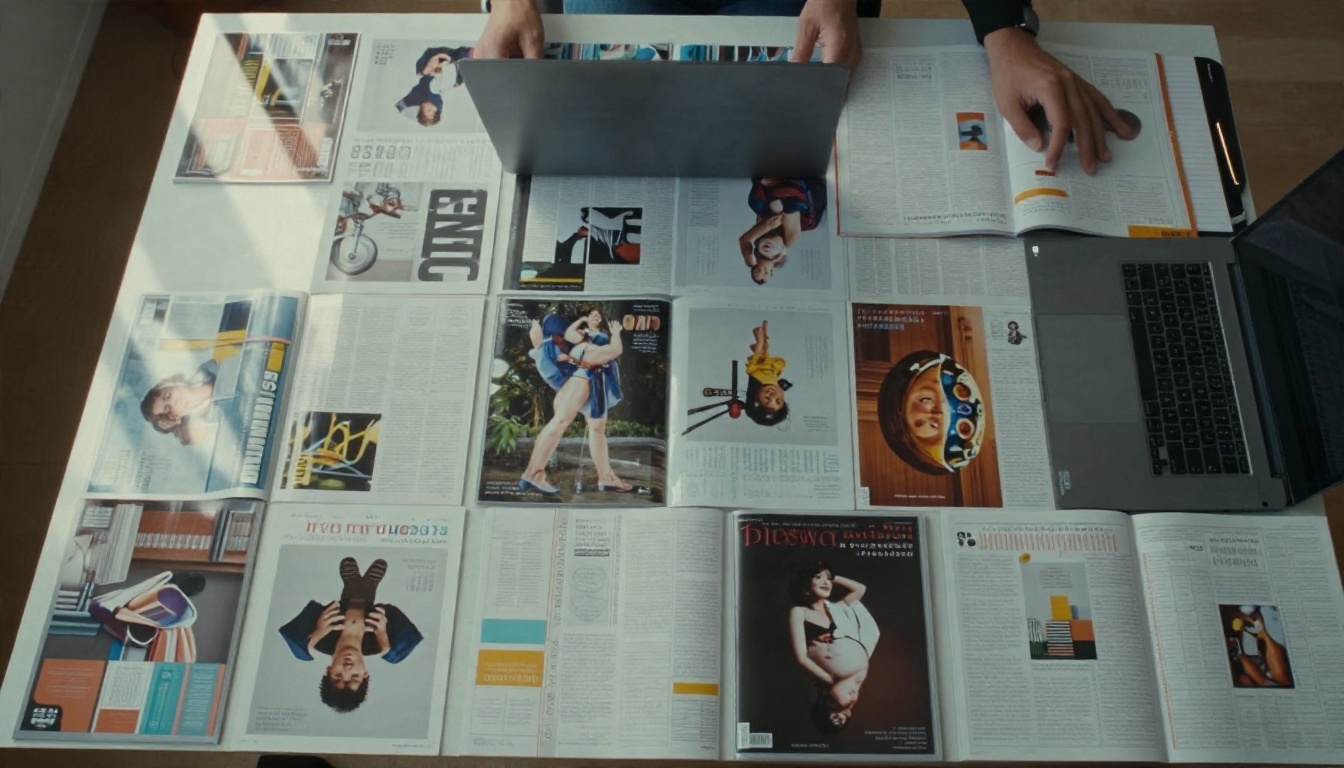
Purpose built tools can save time on specific formats:
✅ Best practice: Keep one flipbook per issue, never one per client. That way each issue has its own link, its own statistics and its own archive entry.
Free Options Worth Using
Free tools are useful when you are starting out, testing a service or serving a client with no budget. They also have limits that show up the moment you grow. Know them before you promise a client anything.
Free Layout and PDF Tools
| Tool | Good for | Limits to expect |
|---|
| Scribus | Full multi page layout with CMYK support | Slower workflow, fewer templates |
| Canva (free tier) | Quick client designs | RGB focus, limited print controls |
| LibreOffice Draw | Simple PDF edits | Not built for long magazines |
| PDFsam Basic | Splitting, merging, reordering PDFs | No preflight |
| GIMP | Photo correction and colour conversion | Single image workflow |
Features and free allowances change often, so verify them on each vendor's site before you build a service around them.
Free Flipbook Limits
Free flipbook plans usually come with trade offs: a watermark, a small page limit, ads, or a short expiry on the link. That works for an internal proof. It does not work for a paying client's published issue.
A practical approach is to test with a free account, then move paying clients to a paid plan where branding is removed. You can try Flipbooks AI with your own PDF to see the output before committing.
⚠️ Warning: Do not send a client a free plan link with a third party watermark and call it a finished product. It undermines the print quality you worked hard to deliver.
How to Create a Magazine Flipbook
This walkthrough uses Flipbooks AI. The same flow applies to most platforms, though menu names differ. Plan for about ten minutes per issue once you have done it twice.
Upload and Convert
- Export your final PDF as a screen optimised file, single pages, no crop marks.
- Go to Flipbooks AI and sign in or create an account.
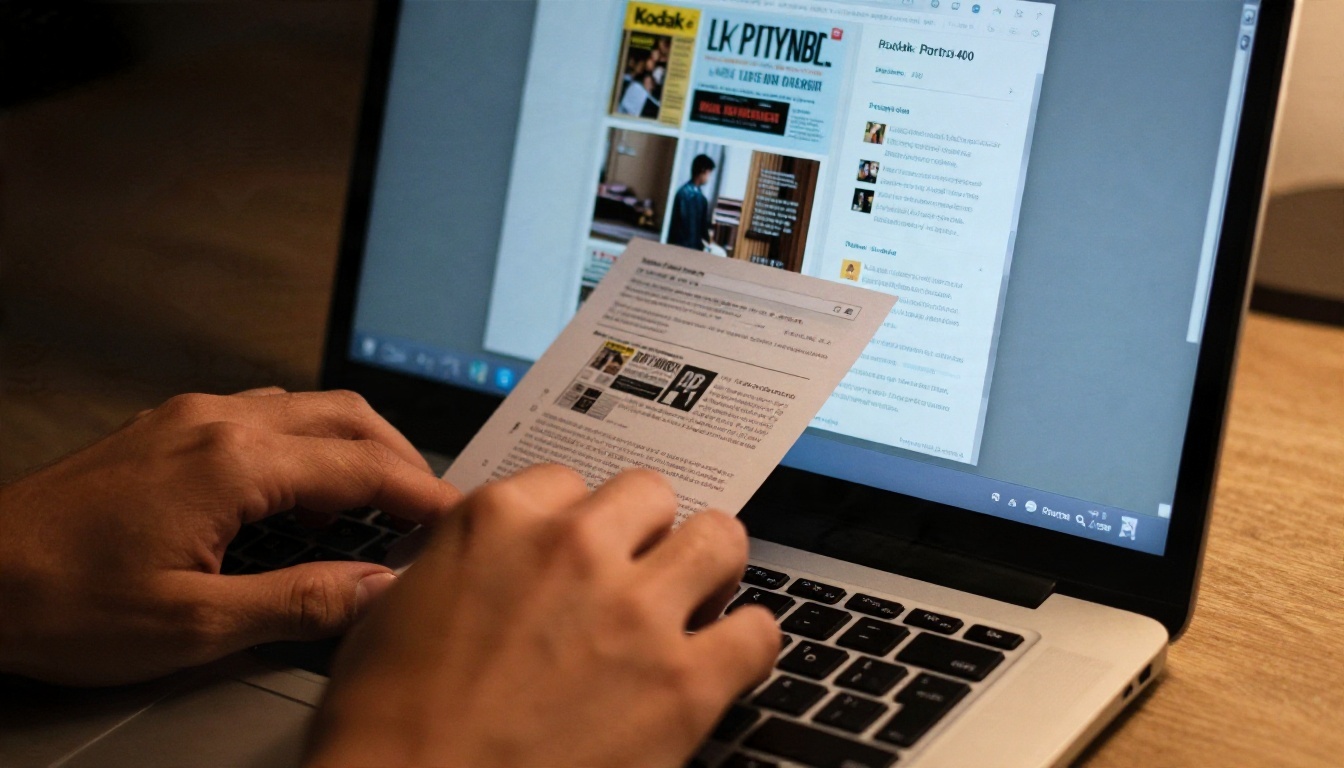
- Click to add a new flipbook and drag your PDF into the upload area. The PDF to Flipbook Converter turns each page into a turnable spread.
- Wait for processing. Longer issues take a little more time.
- Check that page order, images and text sharpness match the print proof.
Brand It
Open the customization panel and set the options your client expects:
- Logo and colours matching the magazine's identity
- Background style that suits the publication, such as a soft neutral for lifestyle titles
- Page effects like a flip animation and shadow depth
- Multimedia such as embedded video or audio on selected pages
- Table of contents links so readers can jump to sections
Share and Protect
Choose how the issue reaches readers:
- Direct link for emails and social posts
- Embed code to place the issue on the client's website, see the Embed Flipbook on Website tool
- Password protection for proofs, advertiser previews or members only issues
- Offline download for readers who want a copy on a plane or train
Track Readers and Leads
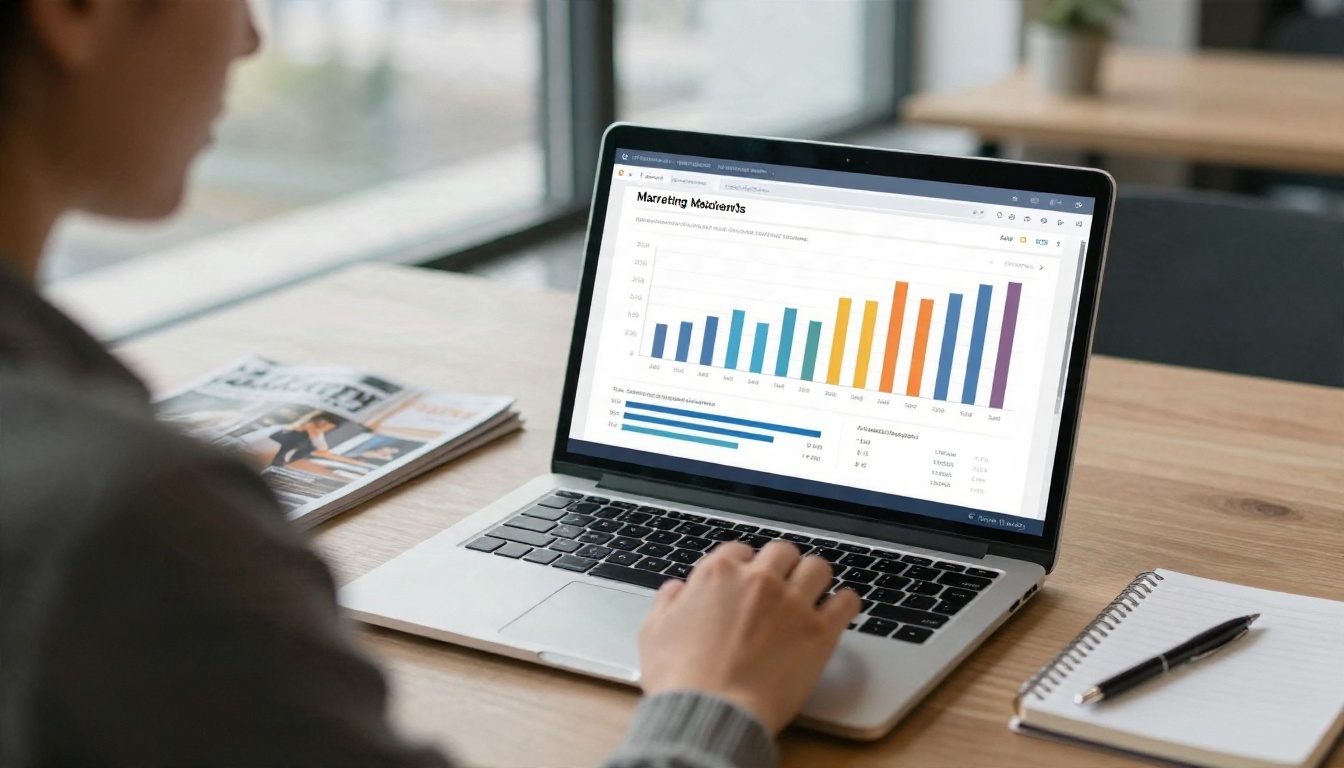
On the Professional plan, analytics show which pages readers visit and how long they stay. Lead generation can ask for an email address before the issue opens. For a printing business this is a strong selling point: you can show a client that 40 percent of readers reached the advertorial on page 18. Compare plans on the pricing page.
💡 Pro tip: Send the client a report after each issue. A short summary of page views and top pages turns a one off job into a long term contract.
What It Really Costs
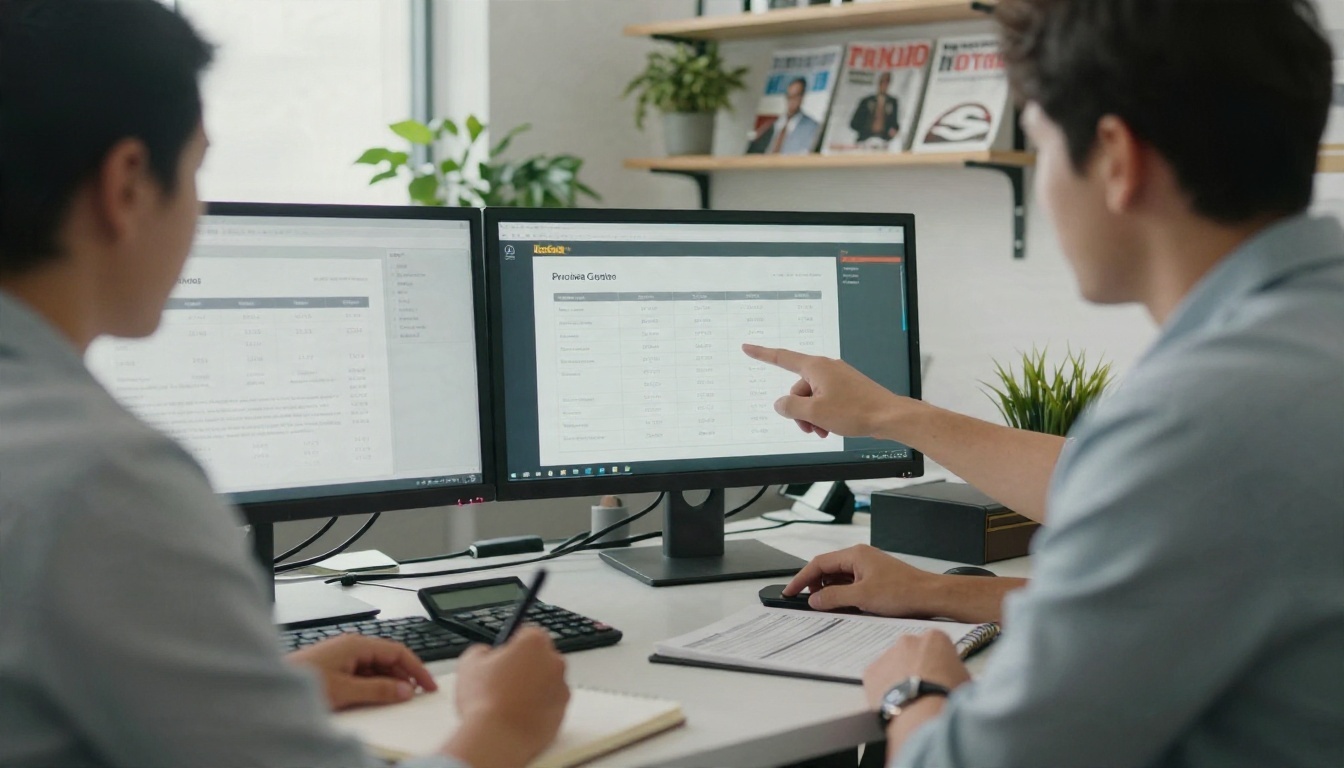
Costs vary by region and volume, so treat the figures below as planning ranges, not quotes. The point is the shape of the budget: most of the spend goes to layout and PDF software, and the digital edition layer is the smallest line.
Monthly Budget Examples
| Setup | Tools | Typical monthly cost | Best for |
|---|
| Lean starter | Scribus, PDFsam, free flipbook trial | Close to zero | Testing the idea |
| Small shop | Affinity or InDesign, Acrobat, spreadsheet, paid flipbook plan | Low double digits to low hundreds | 10 to 40 jobs a month |
| Growing shop | InDesign, PitStop, job tracking, Professional flipbook plan | Several hundred | Retainer clients and analytics |
Compare that to what a digital edition can bring in. If you charge a client a modest fee per issue and serve 15 clients on a monthly magazine, the add on can cover the platform cost several times over.
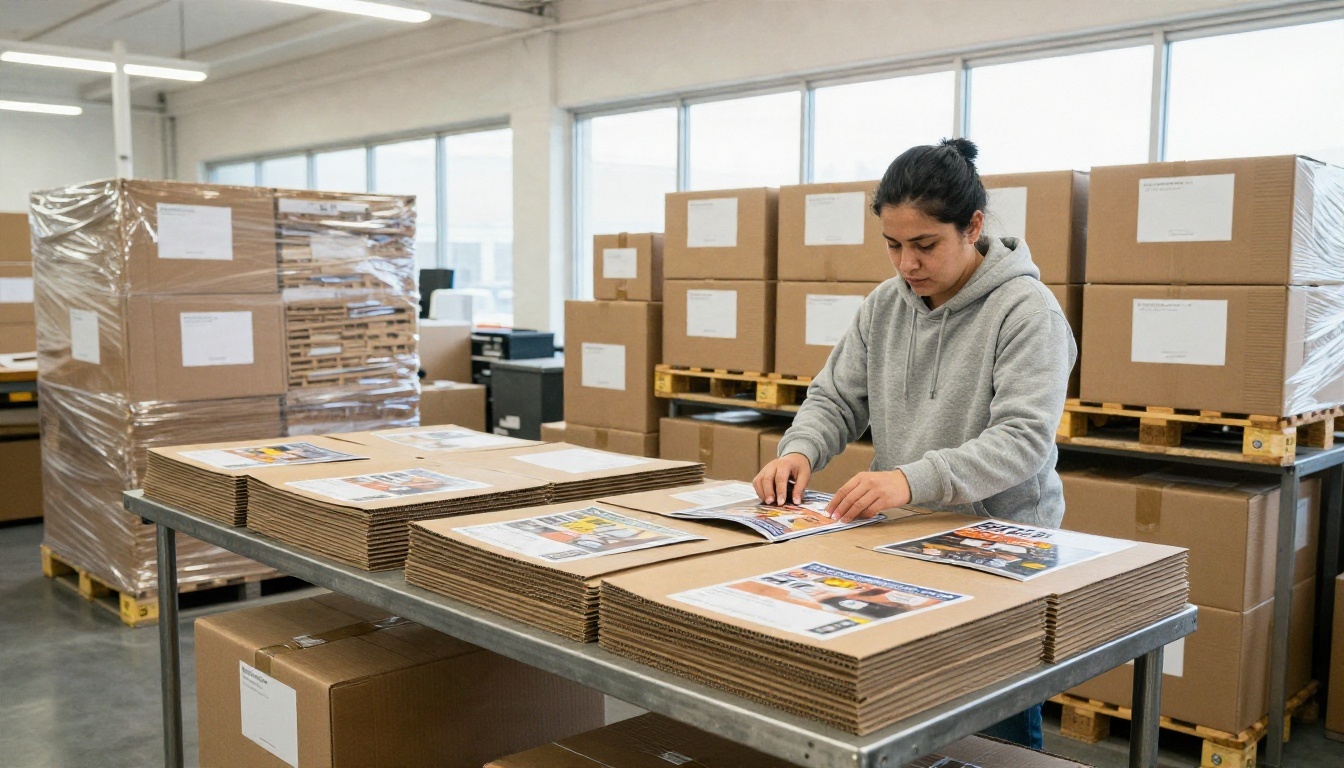
Real world example: a regional print shop prints a monthly city events magazine in a 2,000 copy run. The shop starts offering a hosted digital edition for a small monthly fee. The publisher embeds it on their website and sends the link in their newsletter. Within a few months, the publisher cuts the print run to 1,500 and orders a second title. The shop earns from both formats and keeps the client.
Mistakes That Waste Money
Most failures come from process, not software. Here are the ones that cost shops the most.
3 Common Mistakes
- Using the print PDF as the digital file. Crop marks, huge file sizes and CMYK profiles slow loading and look odd on screen. Export a separate web version.
- Choosing a tool by price alone. A cheap platform with a watermark or a hard flipbook cap costs more once clients complain.
- Skipping the client approval step. Send a password protected preview before print, and again before publishing the digital edition. It prevents expensive reprints.
Other habits worth building:
- Keep templates for each client so bleed, margins and export settings are repeatable
- Archive every issue in a consistent folder and link naming pattern
- Test on a phone before sending any digital link, since most readers will open it there
- Document your workflow so a new hire can run it in a day

Pick Your Stack and Start Now
You do not need every tool on this list. Begin with a dependable layout and PDF setup, add a digital flipbook layer, and grow from there. The shops that win are the ones that deliver a clean printed issue and a clean online edition from the same file.
Here is a simple plan for this week:
- Audit your current PDF workflow and note where files get fixed by hand.
- Pick one layout tool and one preflight tool and standardise export presets.
- Upload one real client issue to Flipbooks AI and send yourself the link.
- Offer the digital edition to your three best clients as a bundle.
- Review analytics after the first issue and share the numbers.
Ready to add digital editions to your print business? Create your account and publish your first magazine flipbook, then compare pricing plans once you know how many clients you will serve. You can also browse all flipbook tools to find the right format for catalogs, newsletters and reports.


