Sharing a resume the same way in 2026 as you did in 2019 is like showing up to an interview with a fax machine. The job market has fundamentally shifted, recruiters are overwhelmed with applications, and the candidates getting callbacks are not just the most qualified ones. They are the ones who make it easiest for a hiring manager to say yes. That starts with how you share your resume. Whether you are applying cold, networking at events, or responding to a referral, the format and method you choose to deliver your professional story matters more than most people realize. Flipbooks AI and other digital tools have made it possible to share your resume in ways that were unthinkable just a few years ago. This article breaks down every viable option, ranks them honestly, and gives you a repeatable workflow for standing out in any job search scenario.
Why the Old Resume Approach is Failing You
The traditional workflow has not changed much in decades: write a resume in Word, export to PDF, attach to an email, and send. Simple. Predictable. And increasingly ineffective.

What Recruiters Actually See
A typical recruiter at a mid-size company receives between 200 and 500 applications per open role. Of those, many come as email attachments with file names like "Resume_Final_v3.pdf" or "CV_Updated.docx". The candidate has no idea if their file was opened, how long it was viewed, or whether the formatting survived the journey through an applicant tracking system.
The problem is not just volume. It is the lack of signal. A plain PDF tells a recruiter almost nothing about how serious you are, how current your skills are, or whether you understand modern communication norms.
The Invisible ATS Wall
Applicant Tracking Systems (ATS) are software tools that companies use to filter resumes before a human ever sees them. While ATS optimization matters for keyword matching, even a perfectly optimized PDF can get lost if it is buried in a shared inbox with 400 other files.
The candidates bypassing this bottleneck are doing something different: they are making themselves findable, shareable, and memorable through multiple digital touchpoints.
💡 A recruiter who receives a personal resume website link or a shareable flipbook resume is significantly more likely to remember that candidate than one who sent a plain attachment with no context.
The 6 Best Ways to Share a Resume in 2027
There is no single right answer here. The best method depends on the situation, the industry, and how much you want to differentiate yourself. Here is a ranked breakdown of what actually works.
1. Interactive Digital Flipbooks
This is the highest-impact format available to job seekers in 2027. A flipbook resume converts your PDF into a page-turning, interactive document that can be viewed in any browser, embedded anywhere, and shared with a single link.
Unlike a static PDF, a flipbook resume:
- Looks stunning on any device, including mobile phones and tablets
- Tracks views and engagement with analytics-enabled plans
- Cannot be corrupted by formatting differences across operating systems or email clients
- Supports embedded media such as video introductions or project demos
- Stays current because you update the source document and the link remains the same
Flipbooks AI makes it straightforward to take any resume PDF and turn it into a polished, shareable flipbook in minutes. No coding, no design experience, and no waiting around.
2. Personal Resume Website
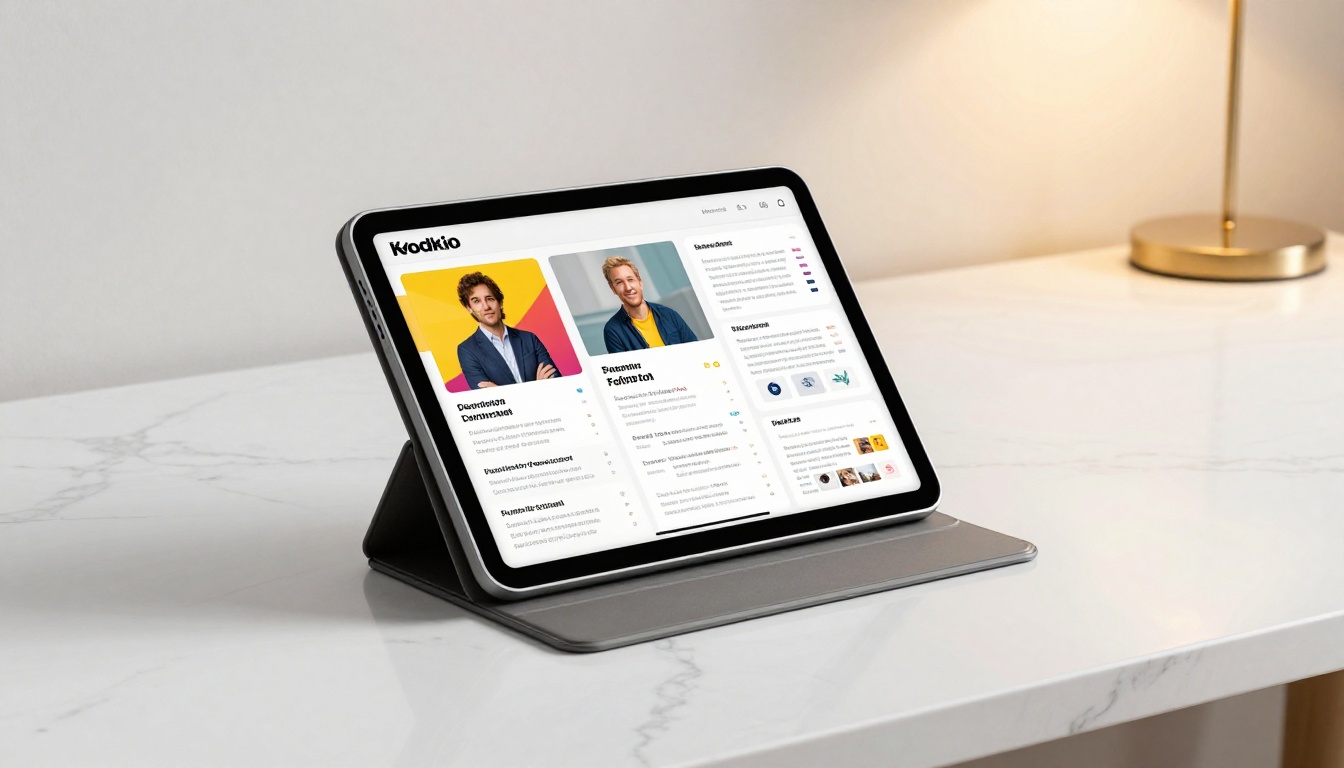
A personal domain with a dedicated resume or portfolio page signals professionalism and technical initiative. It is especially powerful in creative, tech, and marketing fields where showing your work matters as much as listing it.
A strong resume website should include:
- A clean hero section with your name and core value proposition
- A downloadable PDF version of your resume for those who prefer it
- A portfolio or project showcase section with real examples
- Contact form or direct email link
- Social proof in the form of testimonials, certifications, or featured press
The downside is the time investment. Building and maintaining a personal site takes hours or days of work. For most job seekers, it functions best as a supplement to a primary sharing method rather than a standalone solution.
3. LinkedIn Profile as a Living Resume
LinkedIn remains the most trusted professional network globally, and a well-optimized profile functions as a permanent, publicly searchable resume. In 2026, LinkedIn has added AI-enhanced recommendation features, skill assessments, and video introductions that make profiles significantly more dynamic.
Strong LinkedIn practices for job seekers:
- Custom URL: linkedin.com/in/yourname instead of the default string of random characters
- Featured section: Pin your flipbook resume link, portfolio project, or top piece of work
- Open to Work signal: Visible to recruiters without alerting your current employer
- Resume upload: LinkedIn allows you to store a PDF resume directly on your profile for one-click downloads
4. QR Code on Your Business Card
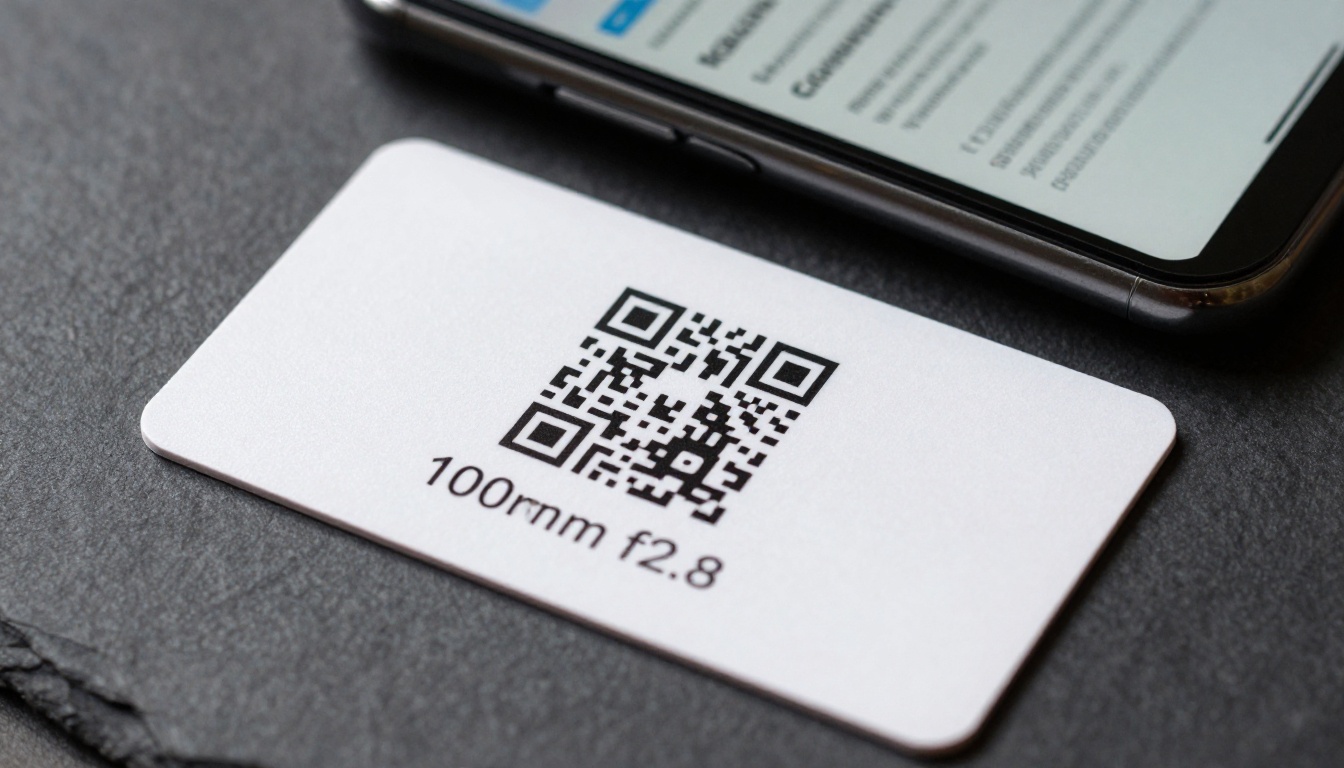
Physical networking has made a strong comeback. Business cards are back, but the smartest professionals are using them differently. Instead of cramming every detail onto a small card, they print a QR code linking directly to their interactive resume or LinkedIn profile.
Scan-to-resume QR codes work especially well at:
- Industry conferences and job fairs
- Networking dinners and professional meetups
- In-person interviews, handed over at the end of the conversation
- Trade shows and professional association events
5. Cloud-Hosted PDF Link
Google Drive, Dropbox, and OneDrive all allow you to generate shareable links to your resume PDF. This is faster and cleaner than email attachments, and it ensures the recipient always sees the most current version.
⚠️ If you update your resume after sending the link, the recipient gets the updated version automatically. Make sure any revisions are intentional before distributing your cloud link widely.
6. Email Signature Integration
Your email signature is a passive marketing channel that most job seekers ignore completely. Adding a "View My Resume" link or a "My Portfolio" button to your email signature means that every email you send, even casual ones, puts your credentials in front of potential contacts.
Tools like WiseStamp or even basic HTML in Gmail settings allow you to add styled buttons linking to your flipbook resume or personal portfolio site. Set it up once and it works every time you send a message.
Resume Sharing Methods Compared
| Method | Setup Time | Cost | Mobile-Friendly | Analytics | Best For |
|---|
| Interactive Flipbook | 5 minutes | Free to low | ✅ Yes | ✅ Yes (Pro) | All industries |
| Personal Website | 2 to 10 hours | Low to medium | ✅ Yes | ✅ Yes | Tech, creative, marketing |
| LinkedIn Profile | 1 to 2 hours | Free | ✅ Yes | Partial | Universal use |
| QR Code Card | 30 minutes | Low | ✅ Yes | Partial | Networking events |
| Cloud PDF Link | 5 minutes | Free | Partial | ❌ No | Quick informal sharing |
| Email Signature | 15 minutes | Free | ✅ Yes | ❌ No | Passive outreach |
How to Turn Your Resume into a Shareable Flipbook
This is one of the fastest upgrades you can make to your job search right now. Flipbooks AI converts your existing resume PDF into a beautiful, interactive flipbook that you can share anywhere with a single clean link.
Here is the complete process from start to finish:
Step 1: Create Your Free Account
Go to flipbooksai.com/account and sign up. No credit card is required for the free plan. The interface is clean and ready to use within 60 seconds of landing on the page.
Step 2: Upload Your Resume PDF
Click "New Flipbook" and select your resume PDF file. The PDF to Flipbook Converter handles all processing automatically, preserving your fonts, colors, and layout exactly as designed. Most resumes convert in under 30 seconds.
Step 3: Customize the Presentation
Once converted, you can:
- Add your name as the flipbook title for easy identification
- Choose a thumbnail cover to display in link previews
- Set a custom background color or gradient around the flipbook
- Enable page-flip animations for a more polished feel
- Add your personal branding colors to the viewer shell
Step 4: Set Your Sharing Preferences
This is where the real value appears. Sharing options include:
- Public link: Anyone with the URL can view it instantly
- Password protection: For sensitive applications where you control access
- Embed code: Paste directly into your personal website or LinkedIn posts
- Download option: Allow recipients to save a local PDF copy if needed
Step 5: Share and Track Performance
Copy your unique flipbook link and use it everywhere: email applications, LinkedIn direct messages, your email signature, printed QR codes, and your personal website. With the Professional plan, you get view counts, time-on-page analytics, and geographic data so you know exactly how your resume is performing across different channels.
✅ Keep your flipbook resume link saved in your phone's notes app so you can share it instantly during any conversation, online or in person.
What Hiring Managers Notice in the First 10 Seconds
Hiring managers are not reading every word of a resume in the first pass. Research consistently shows that initial resume reviews take between 6 and 10 seconds before a decision is made to read further or move on. In those seconds, three things register:
- Visual clarity: Is the layout clean and easy to scan at a glance?
- Professional presentation: Does this look like someone who takes their personal brand seriously?
- Relevance signals: Does the headline and top section immediately communicate fit for this specific role?
An interactive flipbook scores highly on all three criteria. The page-turn format signals intentionality and polish. The visual layout is preserved perfectly across every device and operating system. And because the link opens directly in a browser tab, there is no awkward download step that might cause a busy recruiter to click away.
💡 When sending your flipbook link via email, use anchor text like "View my resume here" rather than pasting the raw URL. It looks cleaner and signals attention to detail at every touchpoint.
Flipbooks AI Plans for Job Seekers
| Feature | Free Plan | Standard Plan | Professional Plan |
|---|
| Number of Flipbooks | Limited | Unlimited | Unlimited |
| Password Protection | ❌ | ✅ | ✅ |
| Custom Branding | ❌ | ✅ | ✅ |
| Resume Analytics | ❌ | ❌ | ✅ |
| Lead Generation Tools | ❌ | ❌ | ✅ |
| Offline Downloads | ❌ | ✅ | ✅ |
| No Watermarks | ❌ | ✅ | ✅ |
| Embed on Website | ❌ | ✅ | ✅ |
See the full feature breakdown at flipbooksai.com/pricing to choose the plan that fits your job search timeline and goals.
Mobile Matters More Than You Think
Over 60% of LinkedIn browsing and professional email checking now happens on mobile devices. If a recruiter opens your resume link during their commute and it requires downloading a PDF, zooming into small text, or waiting for a slow file to load, you have likely already lost that opportunity.
A mobile-first resume strategy means:
- Flipbook or website format that automatically reflows for smaller screens
- Short, memorable links rather than long Google Drive URLs with tracking strings
- Fast-loading format without large unoptimized images that slow page rendering
- Tap-to-contact buttons so a recruiter can email or call directly from your resume
Flipbooks AI renders beautifully on iPhone, Android, and tablet without any additional configuration. The responsive design is built directly into the platform.

4 Resume Sharing Mistakes That Cost You Interviews
Most job seekers do not lose opportunities because of their skills. They lose because of preventable presentation gaps that signal carelessness to a recruiter who is already overwhelmed.

Mistake 1: Using the Same Resume for Every Application
A generic resume sent to fifty companies is less effective than a tailored resume sent to five highly targeted ones. Always customize your headline, skills section, and work summary to mirror the specific language in the job description. Recruiters notice when a resume reads like it was written for someone else.
Mistake 2: No Version Control
Sending different versions of your resume without tracking which went where creates chaos. Use cloud links or a flipbook that you update in place so all links always point to the same current version of your document.
Mistake 3: Ignoring File Naming
"Resume.pdf" tells a recruiter absolutely nothing and is impossible to find later in a downloads folder. If sending a PDF, name it "FirstName_LastName_Role_2026.pdf" so it is instantly identifiable and searchable.
Mistake 4: Skipping the Follow-Up
A well-crafted, beautifully shared resume still loses its impact if you go silent after sending it. Follow up with a brief, personalized email or LinkedIn message 5 to 7 days after applying. Reference a specific detail from the role description to show genuine research and interest.
⚠️ Never send the same follow-up message to multiple contacts. Personalization at this stage separates the callbacks from the silence.
| Situation | Recommended Format | Why It Works |
|---|
| Cold email application | Flipbook link plus PDF attached | Covers every recruiter preference |
| LinkedIn outreach | Flipbook link in message body | Clean, zero attachment friction |
| In-person networking | QR code card linking to flipbook | Instant sharing, memorable experience |
| Job fair | QR code plus printed copy | Digital and physical covered |
| Portfolio-heavy creative role | Personal website | Shows depth of actual work |
| Senior executive role | Clean PDF via cloud link | Conservative industries still prefer it |
| Startup or tech role | Flipbook or personal site | Signals digital fluency and initiative |

Start Sharing Smarter Today
The best way to share a resume in 2027 is the one that is easiest for a recruiter to open, hardest to ignore, and most aligned with the role and industry you are targeting. For most job seekers, an interactive flipbook checks all three boxes, especially when you need something polished and ready in minutes rather than days.
Flipbooks AI lets you create your first shareable resume flipbook for free, with no design skills or technical background required. Upload your existing PDF, set your preferences, and walk away with a single professional link that works everywhere you need it.
Ready to stop sending attachments that nobody opens? Create your resume flipbook now and start sharing it everywhere from one clean, trackable link. Compare pricing plans to choose the tier that fits your job search, or browse all available tools to see how interactive flipbooks can power your entire personal brand.



